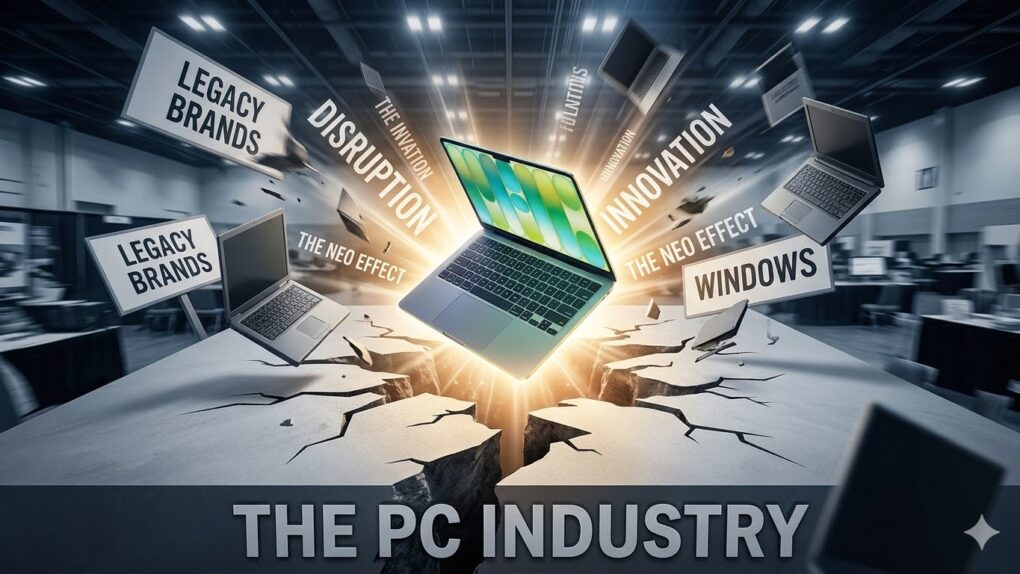
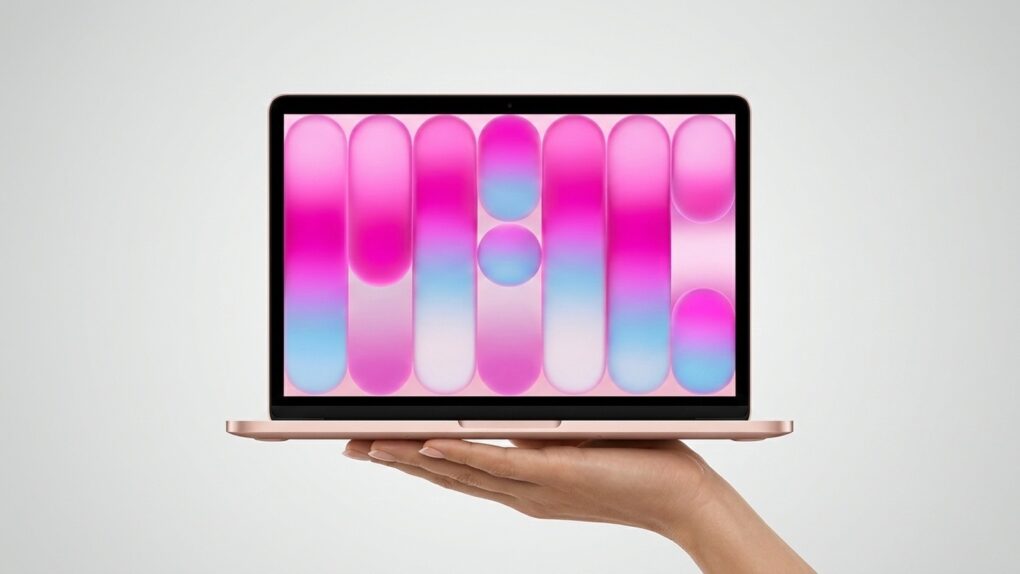
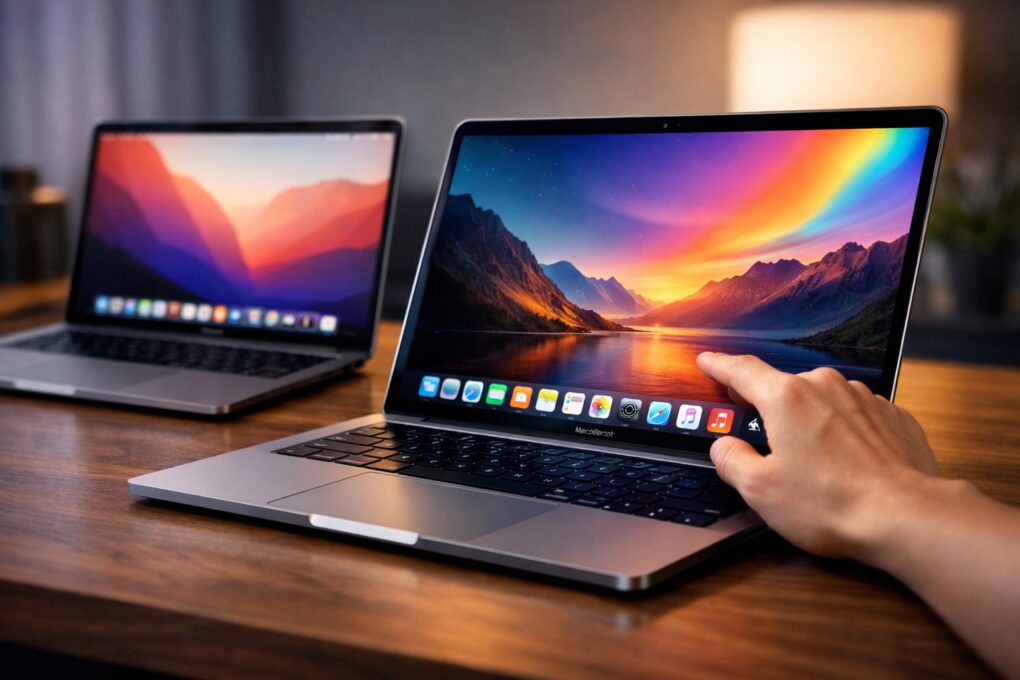
When we reported last week that the $599 MacBook Neo set off alarm bells across the PC industry, the hand-wringing was mostly coming from pundits and outside observers. Now PC makers are saying it out loud — on earnings calls, no less.
ASUS co-CEO S.Y. Hsu didn’t mince words on the company’s most recent quarterly call. Apple’s move into budget-friendly territory is “a shock to the entire industry,” he said, adding that across the entire PC ecosystem, “there have been a lot of discussions about how to compete with this product.”

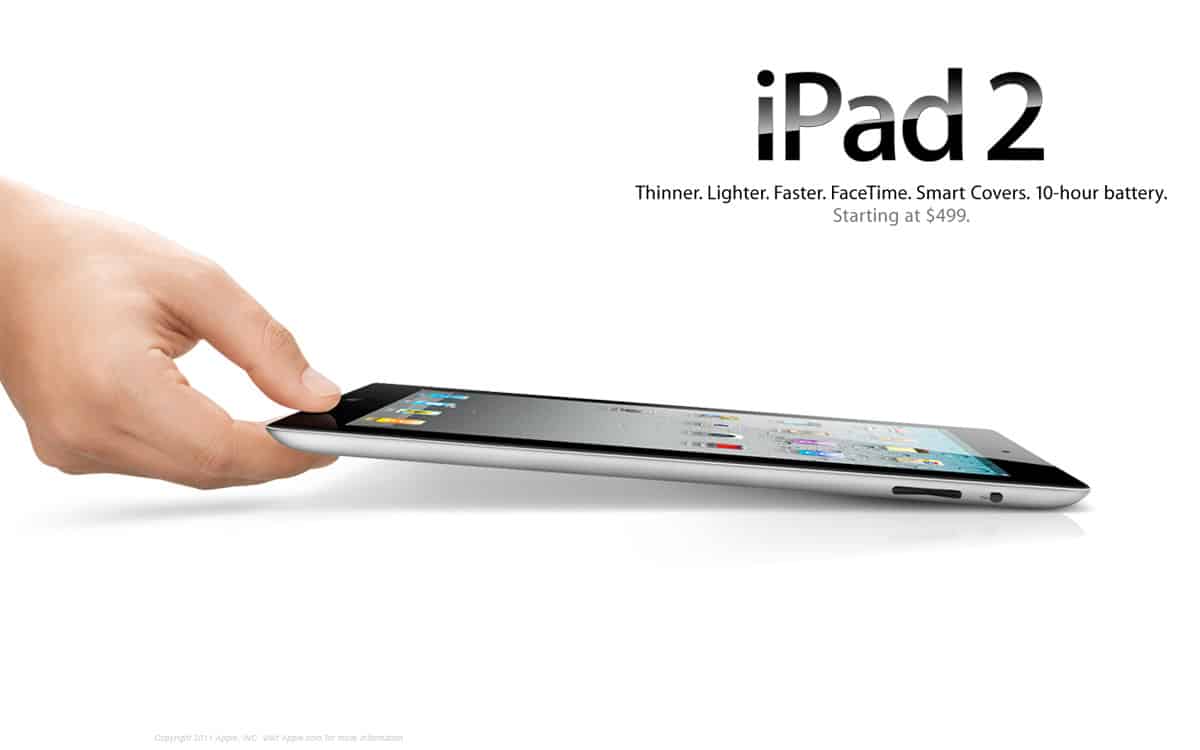
 March 11, 2011: How do you follow up your biggest product debut ever? That’s the question Apple needs to answer as the iPad 2 launch date arrives.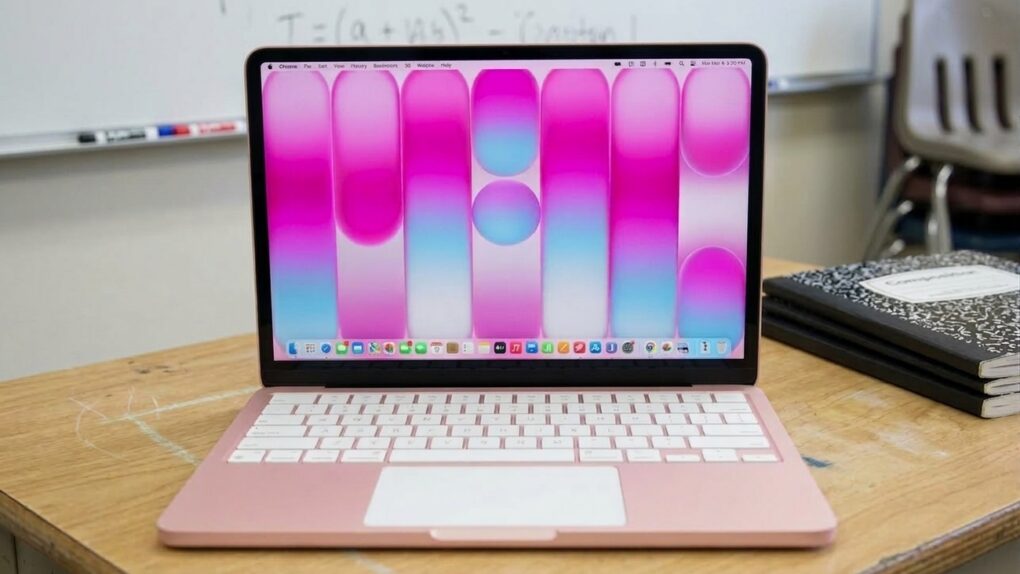

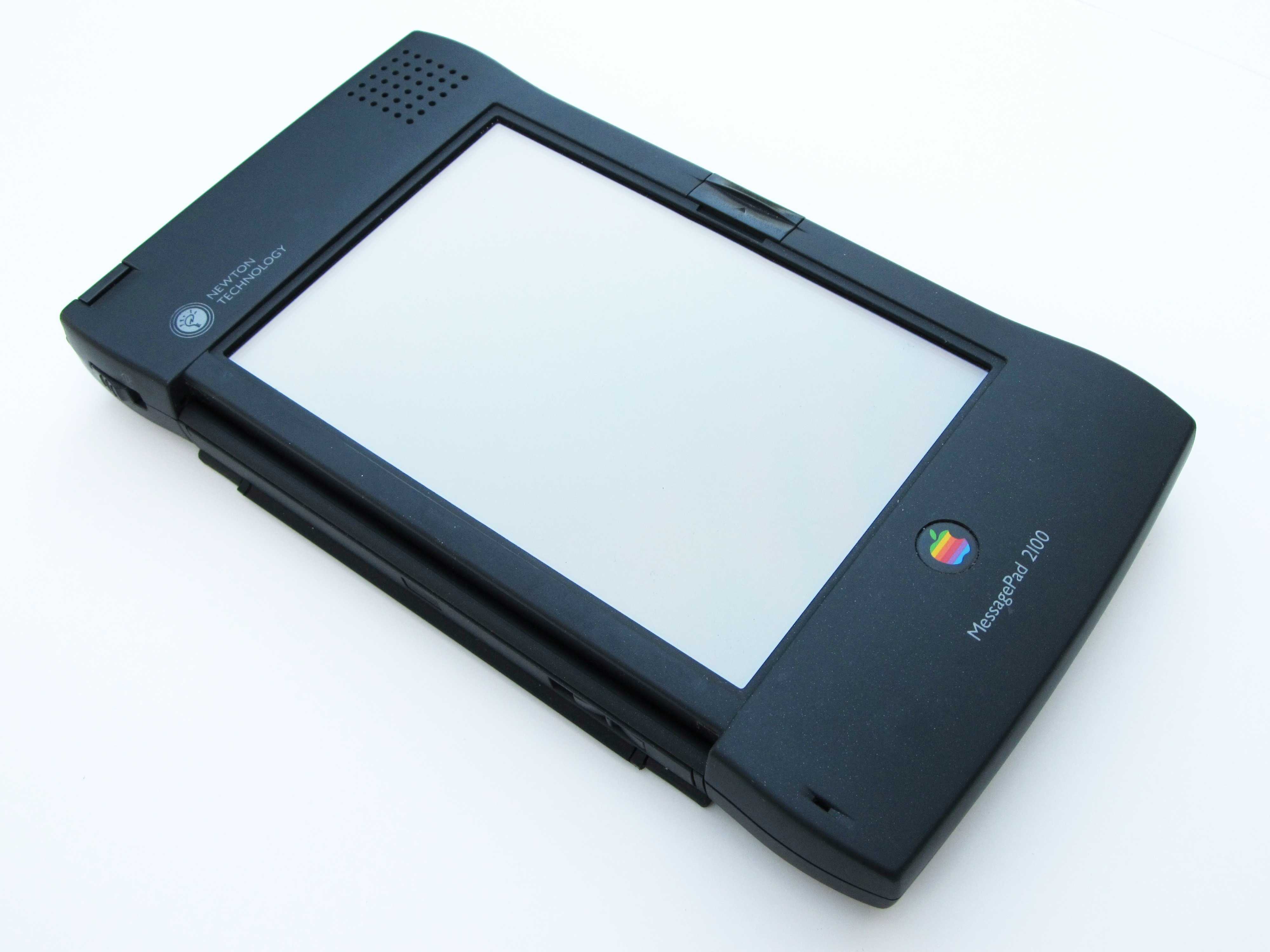
 March 10, 2004: Apple sends out a survey to select Apple customers, claiming that it is considering relaunching the Newton MessagePad.

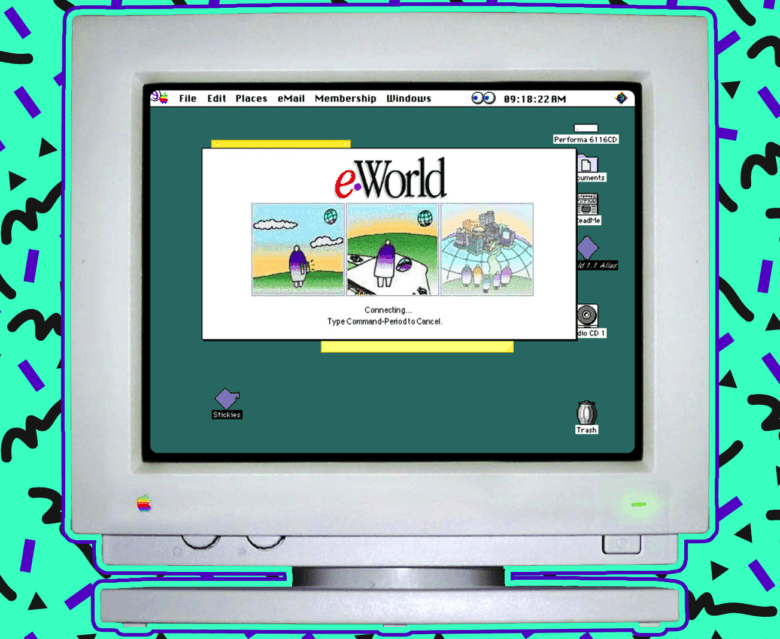
 March 9, 1996: Apple confirms that it will shut down its eWorld online service at the end of the month.


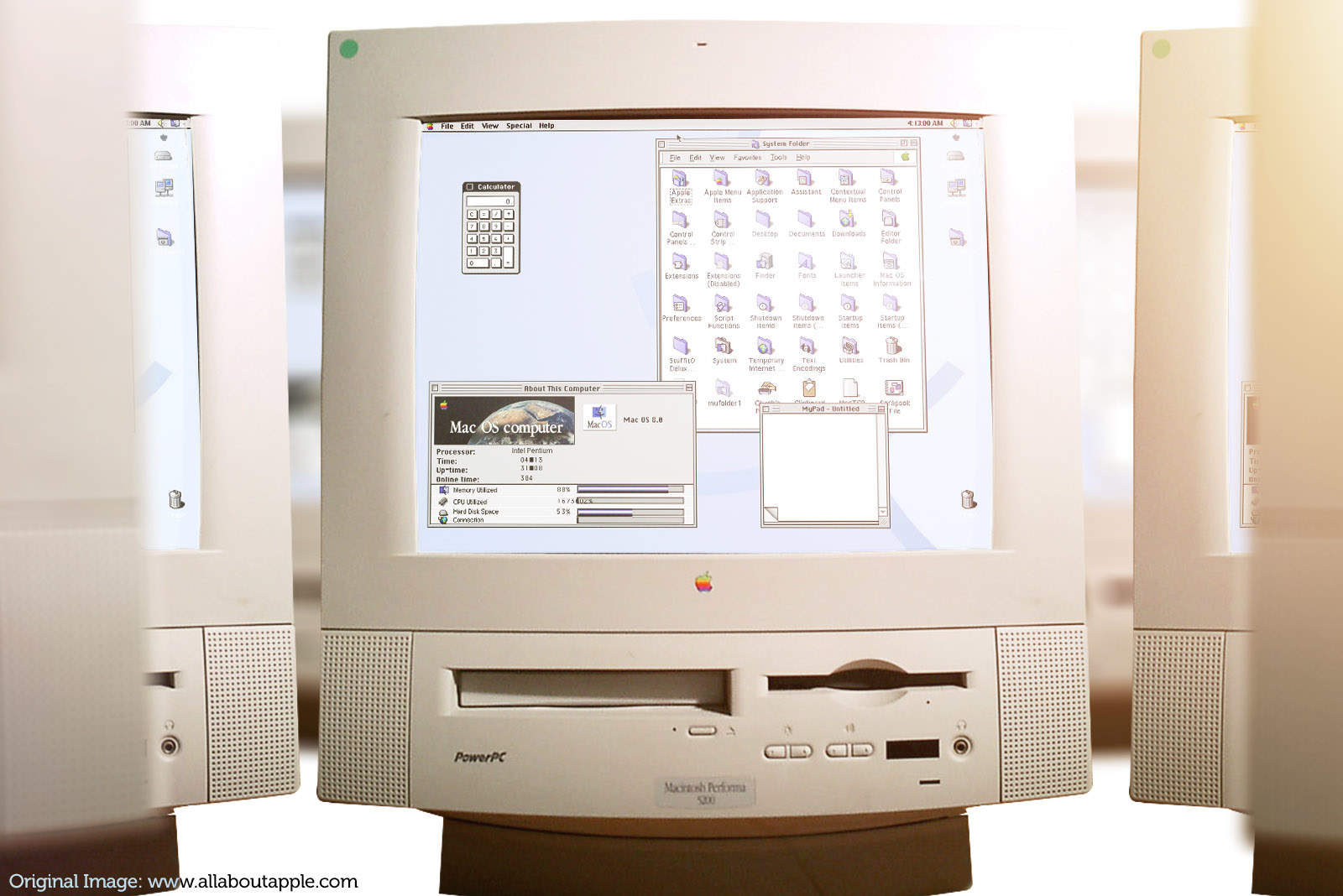
 March 8, 1997: Apple renames the forthcoming Mac OS 7.7 update, calling it “Mac OS 8.” It’s more than just a name change, though: It’s a sneaky sucker punch that ultimately knocks out Mac clones.