A kind of love that goes skin-deep. Photo: greezer.ch/Flickr CC
Steve Jobs had a way of getting under people’s skin. Still does, if you consider the growing number of Apple fans who have had his iconic face or some other Jobs tribute tattooed onto their skin.
Today we celebrate what would have been the Apple co-founder’s 61st birthday by looking at body art inspired by the pioneer of personal computing.
Since this privacy-versus-security debate isn’t going away anytime soon, here’s what you need to know about it so far — and why it’s a much, much bigger issue than just one legal case.
The dreaded "Error 53" can turn an iPhone into a shiny brick. Photo: Jim Merithew/Cult of Mac
Apple is in the midst of an all-new controversy, thanks to the mysterious “Error 53” message that is bricking iPhones without warning.
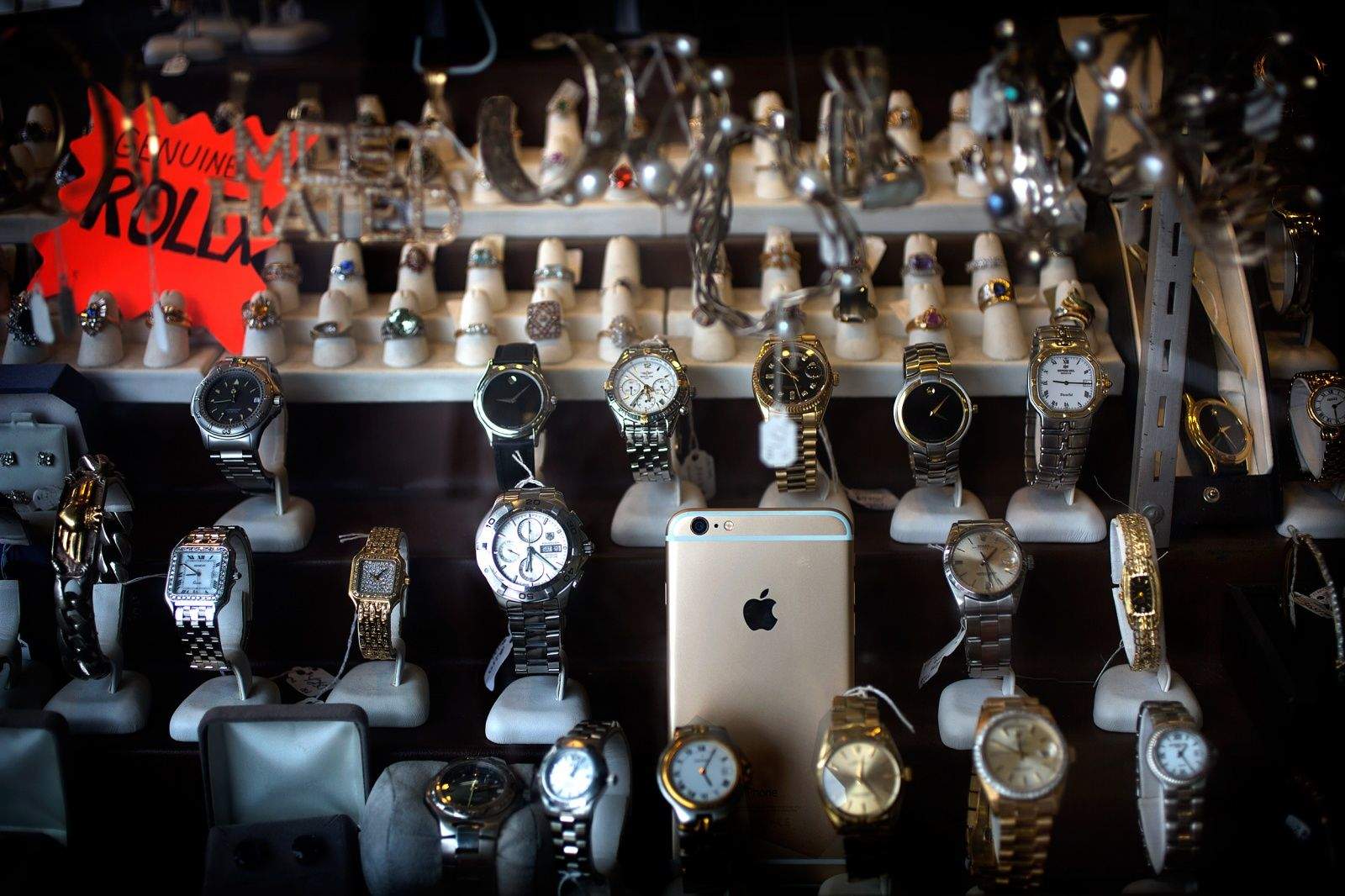
The problem can hit DIY types or anybody who has ever had a Touch ID sensor (or other iPhone hardware) replaced by a repair shop not authorized by Apple. When they update iOS, the device locks down, displaying the cryptic Error 53 message and rendering the iPhone virtually worthless.
Apple says Error 53 is actually a security feature of iOS 9 that keeps your personal information secure, but customers aren’t convinced. Cult of Mac talked to iPhone repair and and parts experts to find out what exactly is going on. The truth is that Error 53 has plagued many iPhone owners, not just those who have replaced Touch ID — and it’s not totally clear why.
iPad Air 3 will pick up some tricks from the iPad Pro. Photo: Apple
The grand unveiling of Apple’s newest iPad and iPhone is reportedly just over a month away.
Although the iPhone-maker usually waits until fall to reveal its latest and greatest iOS devices, a new report claims Apple has set its sights on March 15 as the date for its first big keynote of 2016.
iPad Air 3 will pick up some tricks from the iPad Pro. Photo: Apple
The upcoming iPad Air 3 might look a lot like the new iPad Pro, only a bit smaller, according to a purported new leak.
The update to the Air line could be coming down the pipeline as soon as March, and it appears that the refreshed tablet could come with four-speaker audio.
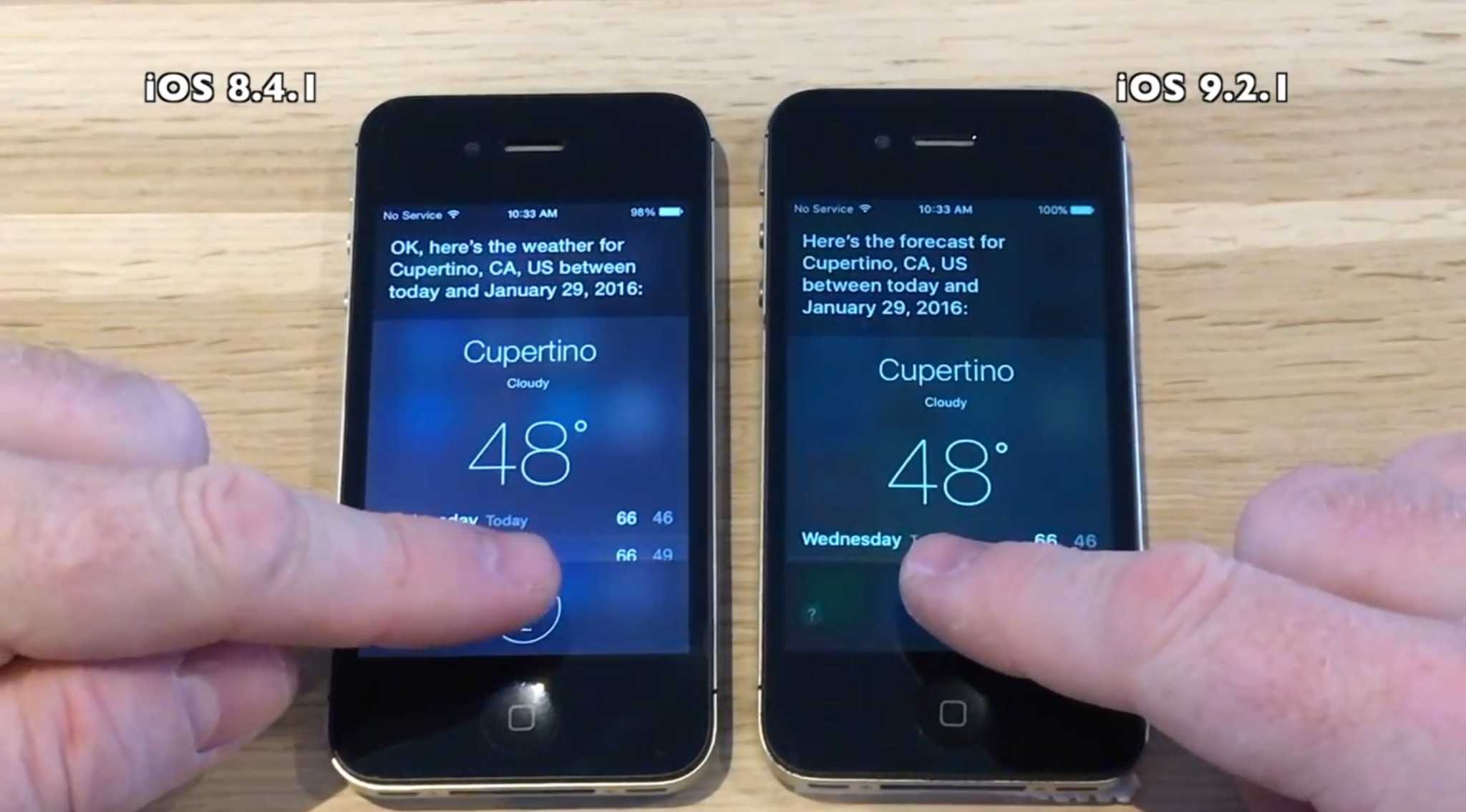
Some informal testing reveals that if you’re still rocking an old iPhone, you should probably upgrade to iOS 9.2.1.
iApple Bytes put three different models of older iPhones — the 4s, 5 and 5s — up against each other in a variety of tests designed to see which of them was faster starting up, using apps and running Siri, Apple’s digital assistant. Half were running the brand-new iOS 9.2.1, which arrived yesterday, and half were still on iOS 8.4.1, which has been around since August 2015.
You can see their results below in iApple Bytes’ series of videos.
This is a bigger update than anyone anticipated. Photo: Apple
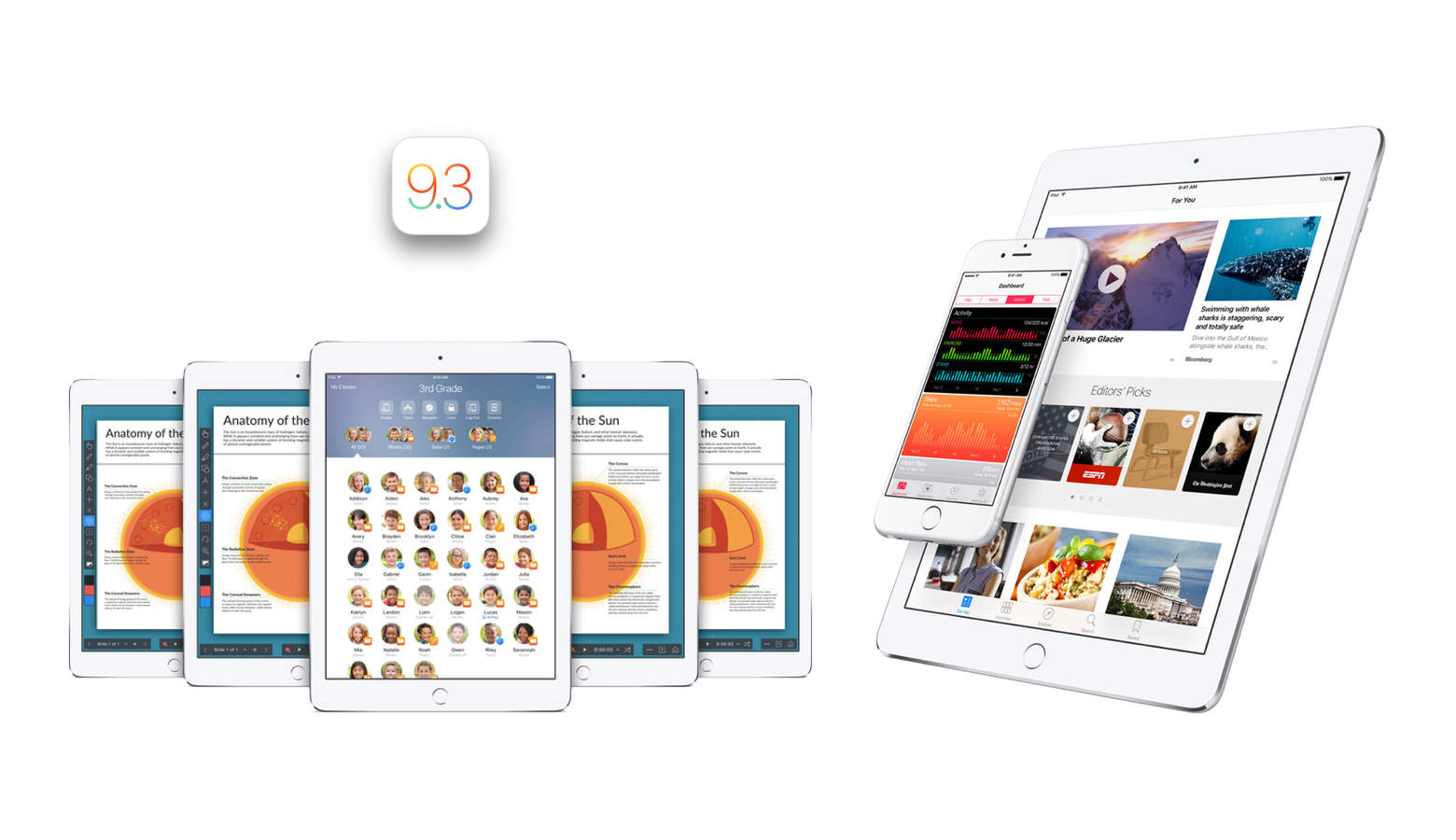
Apple released the developer beta for iOS 9.3 today. To the surprise of many, it actually includes quite a few brand new and useful features whether you’re in the classroom or trying to sleep — or both. There are so many new features that we can actually dedicate an entire post to explaining all of them. So here we are doing exactly that.
Note that since today marks iOS 9.3’s release only for developers, it might be a while before the rest of us see the final version show up in the Settings app. But without further ado, here is everything you can look forward to in iOS 9.3.
LAS VEGAS — Who says everything at CES is rubbish?
Well, yeah, there’s a lot crap, but that’s why we’re here — to rummage through the rubbish and find the best stuff.
And we found plenty: smart footballs and running shorts that improve your game and gait; a coffee mug that instantly cools coffee that’s too hot; and a speaker system that uses all the iPhones in a room to create a distributed, shared sound system that sounds better than you’d imagine.
2015 was a crucial year for Apple, and it looks like it's paying off. Photo: Jim Merithew/Cult of Mac
‘Tis the season to be jolly — or, if you’re a tech writer hoping to score enough clicks to help pay off the post-Christmas credit card, ’tis the season to label this the worst year for Apple since records began.
'Tis the season for giving. Photo: Ste Smith/Cult of Mac
If you’re anything like us, procrastination is one of the biggest hallmarks of the holidays. We’re here to help with our gift guide liveblog, which will be updated from now until Santa starts dropping through chimneys.
Whether you’re looking for something for a friend, spouse, significant other or just your dog, we’ve got a little something for everyone. Snap up these great gift ideas now — so you can get back to procrastinating.
These are our favorite iOS games of 2015. Image: Stephen Smith/Cult of Mac
It’s an age of abundance in the iOS gaming scene, with everyone from Apple to indie enthusiast blogs weighing in on what the best games are for our beloved iOS platform.
We’re here to focus on the best mobile games we have actually played and loved, rather than just the blockbusters everyone’s already heard of. If we kept a game on our iPhone for more than a few days and dug right in on a regular basis, it’s on the list.
Here are Cult of Mac staffers’ choices for the 10 best iOS games of 2015.
New titles and responsibilities in management could reshape Apple. Photo: Jim Merithew/Cult of Mac
Apple made some promotions and tweaked the responsibilities of some of its managers Thursday. Companies do it all the time without much notice or disruption to the goods and services they create.
But this is Apple. Any change in the way it does business could ultimately change our experiences with its product. That is the point behind CEO Tim Cook shifting and shoring up duties for some of his closet managers.
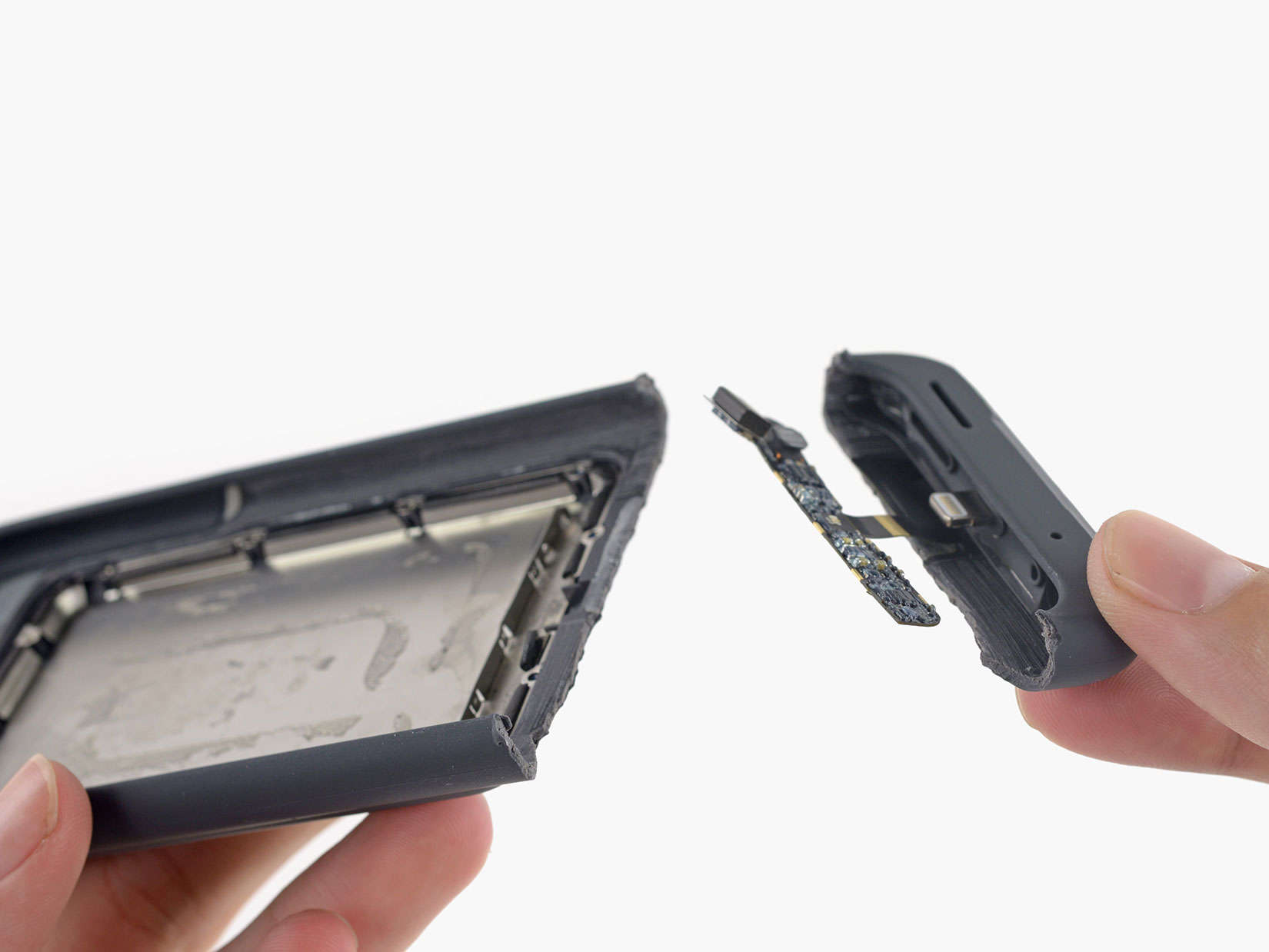
For the Apple fans disappointed in the Quasimodo look of the new Smart Battery Case, there is probably great satisfaction in seeing it all busted up. Yes, the staff at iFixit wasted no time prying one open to behold the guts of the beast.
iFixit did not defend the case from the “ugly” tag so many people gave it in its’ first 24 hours of public life. The technicians were impressed with the ducting on the case, which turned a downward-facing speaker into one that faces forward. The microphone also faces forward and iFixit wonders if this a preview on future designs.
Gone and almost forgotten. Photo: Rob LeFebvre/Cult of Mac
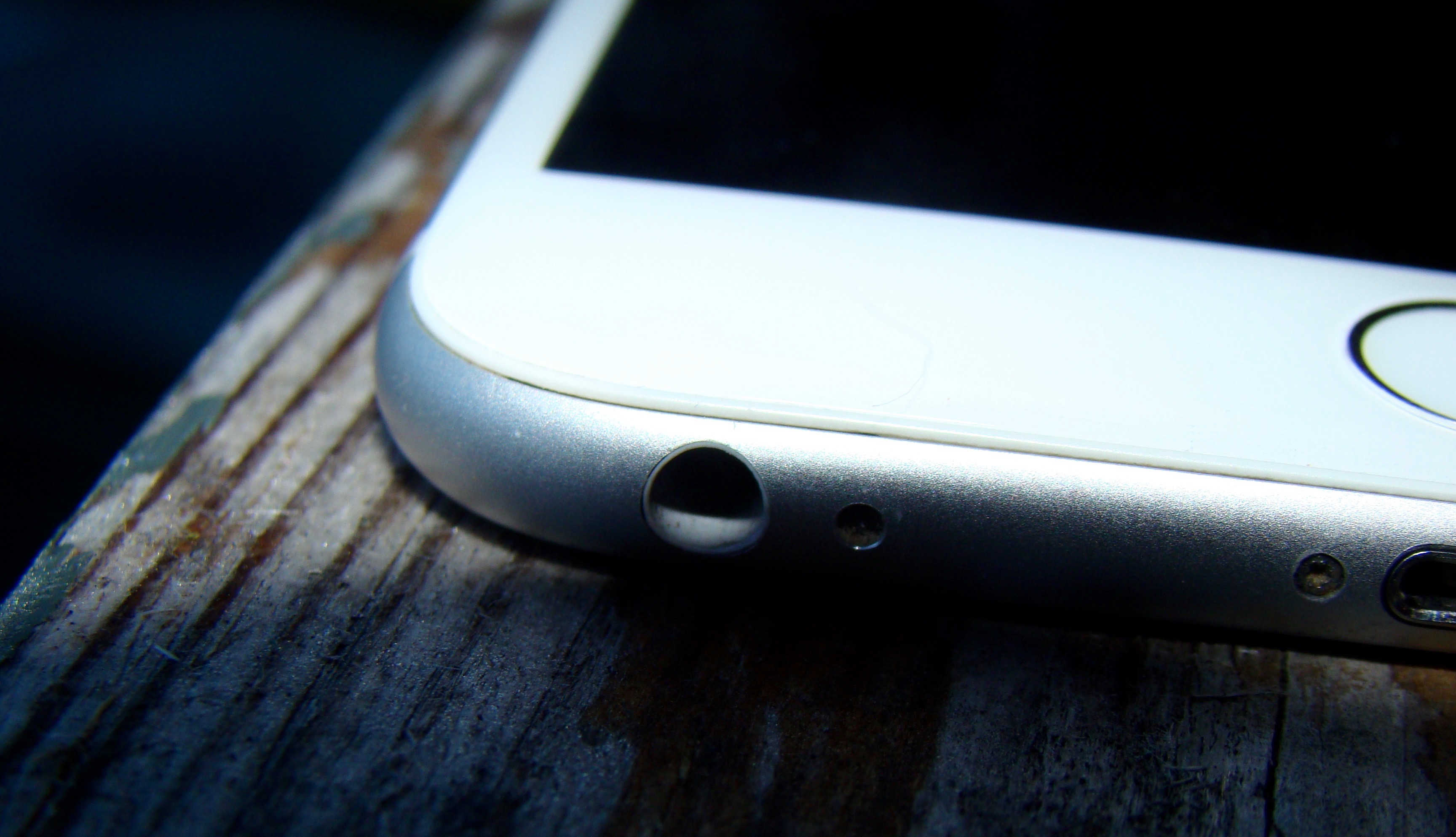
If Apple is really planning to kill the iPhone headphone jack in the model it reveals next year, it’s ditching 60 years of history.
Rumors that the next iPhone could do away with the industry-standard 3.5mm port in Apple’s relentless pursuit of thinness have been around for a while, but they’re seeing a resurgence thanks to a post on a Japanese blog. The article cites “a reliable source” that claims the Cupertino company will shave 1mm off the phone’s thickness by dropping the just-way-too-fat jack in favor of proprietary Lightning connectors.
But if Apple actually does this, it’s kind of a huge deal.
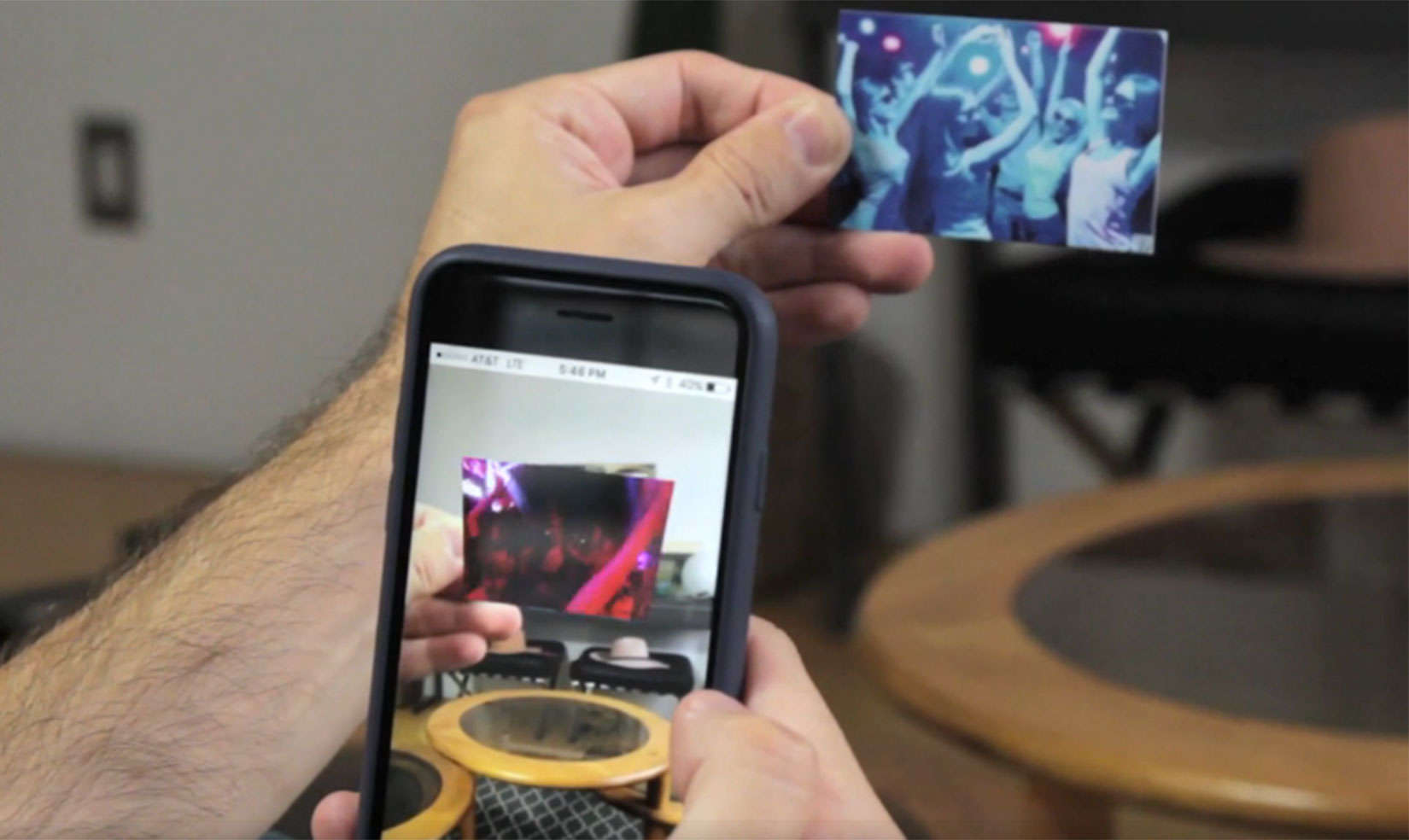
Point your phone at a LifePrint print and watch the moment in motion. Photo: LifePrint
The newspaper that covers the wizarding world of Harry Potter publishes photos that move on the page. For us Muggles, there’s LifePrint, a pocket-sized printer that brings a similar magical to our still photos.
The LifePrint device lets you embed a video inside a printed photograph, using augmented reality and requiring the viewer to point their smartphone at the picture to bring it to life.
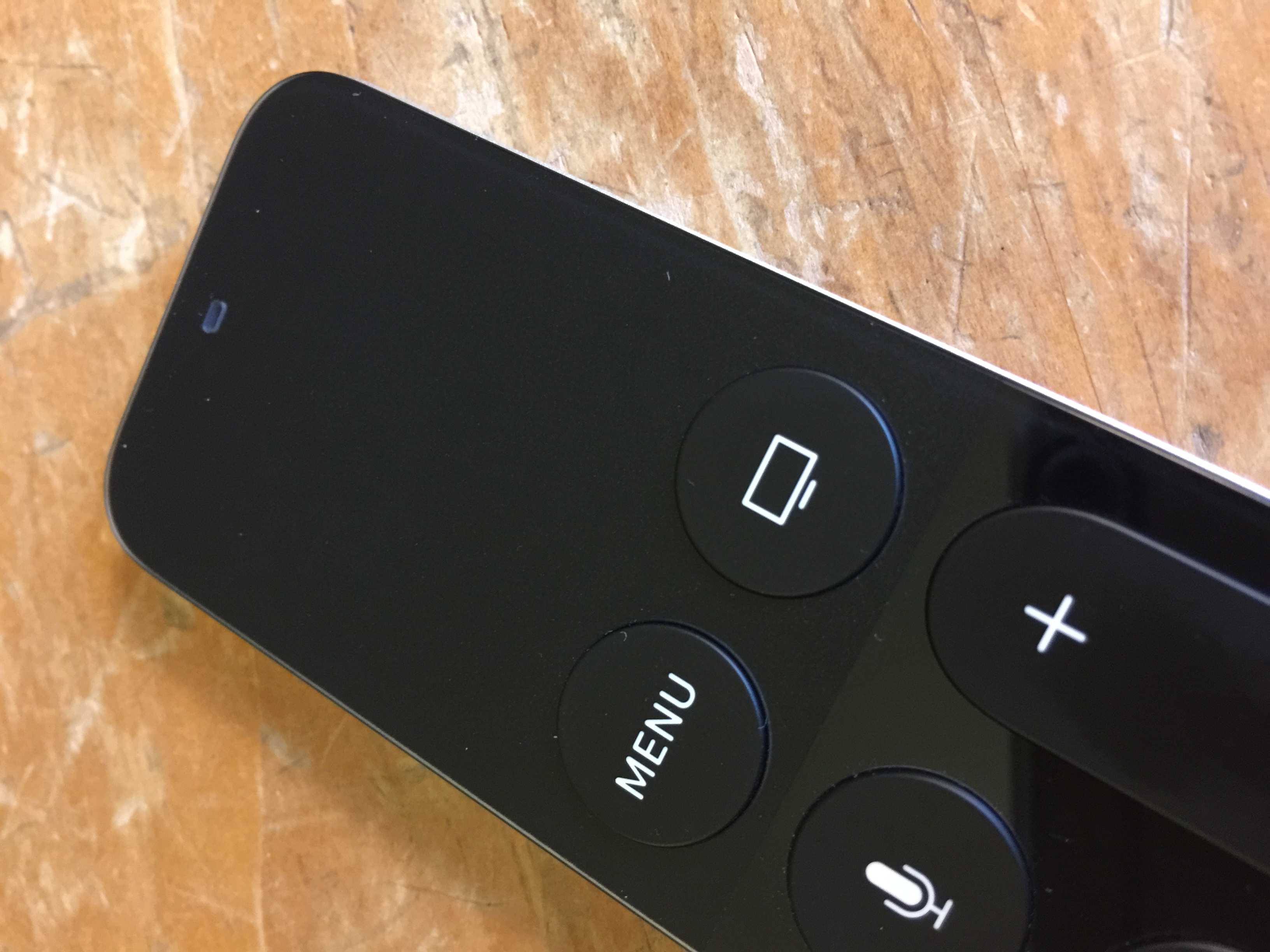
The new Apple TV remote is a thing of beauty. It’s got six simple buttons, it’s rechargeable and it features a beautifully simple touchpad at the top to swipe across menus, app icons and letters to enter passwords.
But the simple joy of using the touchpad is very Apple-like. There are hidden secrets to the surface uses, with
Here’s how to get the most out of your Apple TV remote touchpad.
The iPhone 6s is selling like hotcakes. Photo: Jim Merithew/Cult of Mac
The iPhone 6s is a huge hit, China is still doing great, and Android users absolutely love switching to iPhone.
Those are just some of the details Tim Cook and Apple CFO Luca Maestri revealed during this afternoon’s earnings call with investors that revealed Apple managed to top Wall Street’s expectations thanks to the iPhone 6s.
Here are the top takeaways from Apple’s latest record-setting quarter:
The Ad Council invented iOS 9.1's mystery emoji. Photo: Goodby Silverstien & Partners
Apple’s new “Eye in Speech Bubble” emoji has mystified us ever since it was first discovered last month, but now that iOS 9.1 is out to the public, we finally know the full story (and meaning) behind the odd new pictogram.
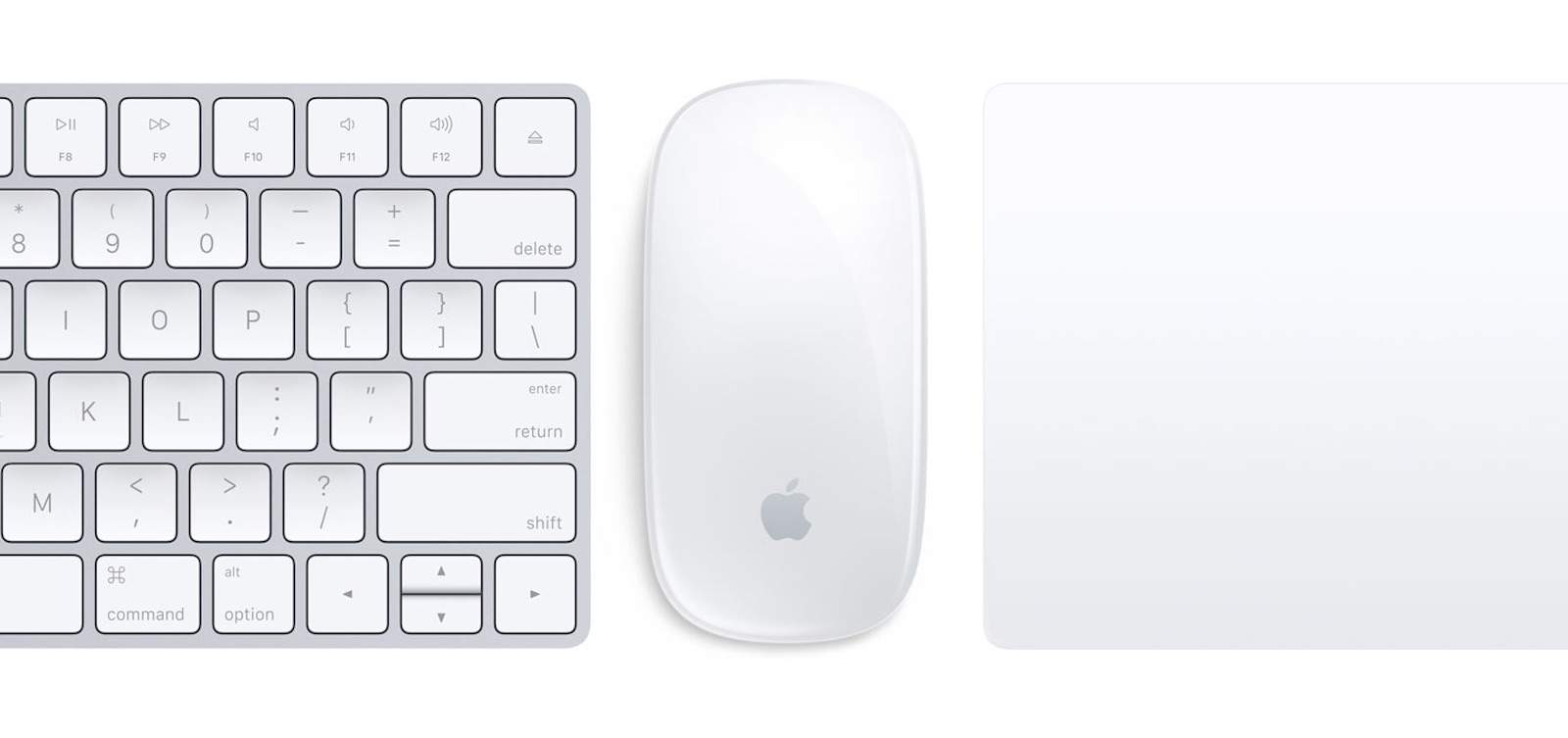
Apple has some Magical new peripherals. Photo: Apple
Apple’s magical new Mouse, TrackPad and keyboard have been given the official teardown treatment from the guys at iFixit today, revealing the minuscule components inside the rechargeable new peripherals.
The teardown on the keyboard reveals the tiny new battery Apple squeezed in that has some design similarities to the iPhone’s battery. iFixit also took a closer look at the new Taptic Engine in the pricey Magic TrackPad 2, and filleted the Magic Mouse 2.
Every iPhone launch just has to have a controversy. Photo: Apple
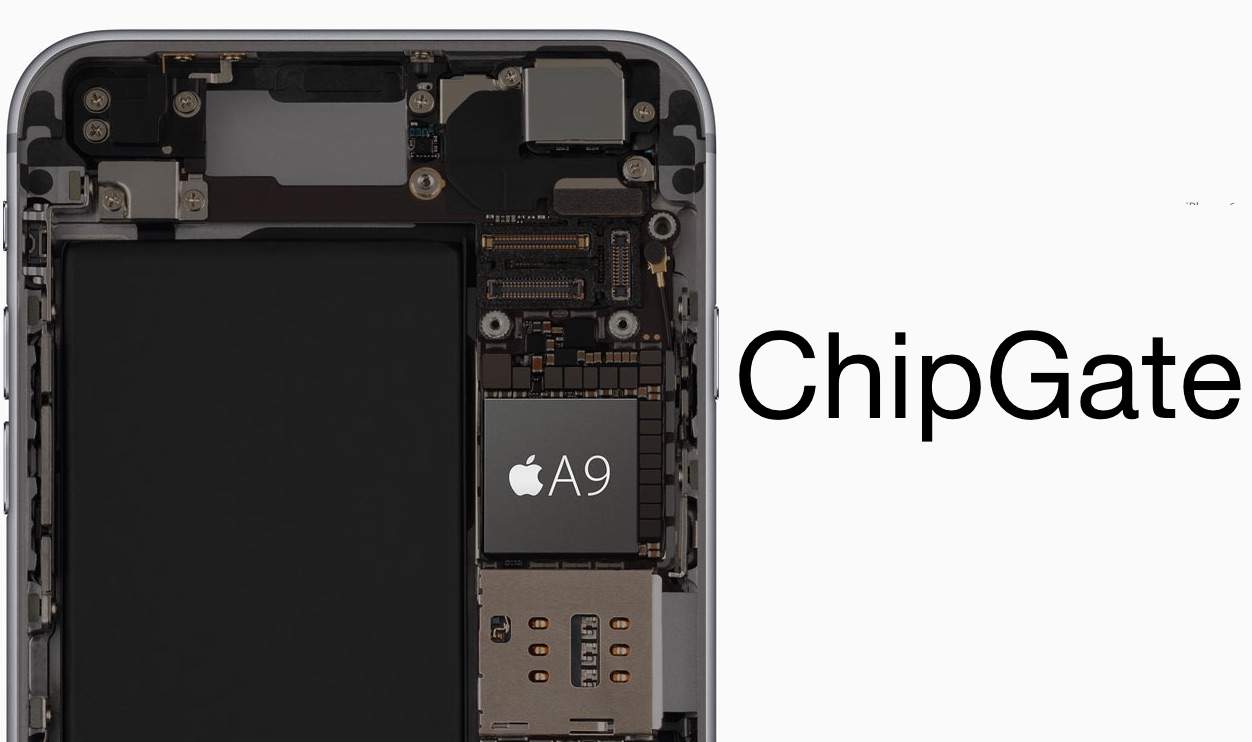
Not all iPhones 6s units are created equal, and yours just might have a weaker processor thanks to Samsung. Chipgate rocked the Internet with the revelation that Apple used two different suppliers for the A9 chips in its latest iPhones and one processor looks like a serious under-performer.
Even though Taiwan Semiconductor Manufacturing Company’s 14-nanometer A9 chips are bigger than Samsung’s 12-nanometer A9 chips, if you have an iPhone 6s with a TSMC chip, you might get an extra two hours of battery life on your device.
There’s no way to tell if you’re getting stuck with a Samsung A9 processor when you purchase your iPhone 6s in stores or online, but you can find out whether you got saddled with a crappier processor with some help from a couple of apps.
Here’s how to find the maker of the A9 processor in your iPhone 6s or 6s Plus:
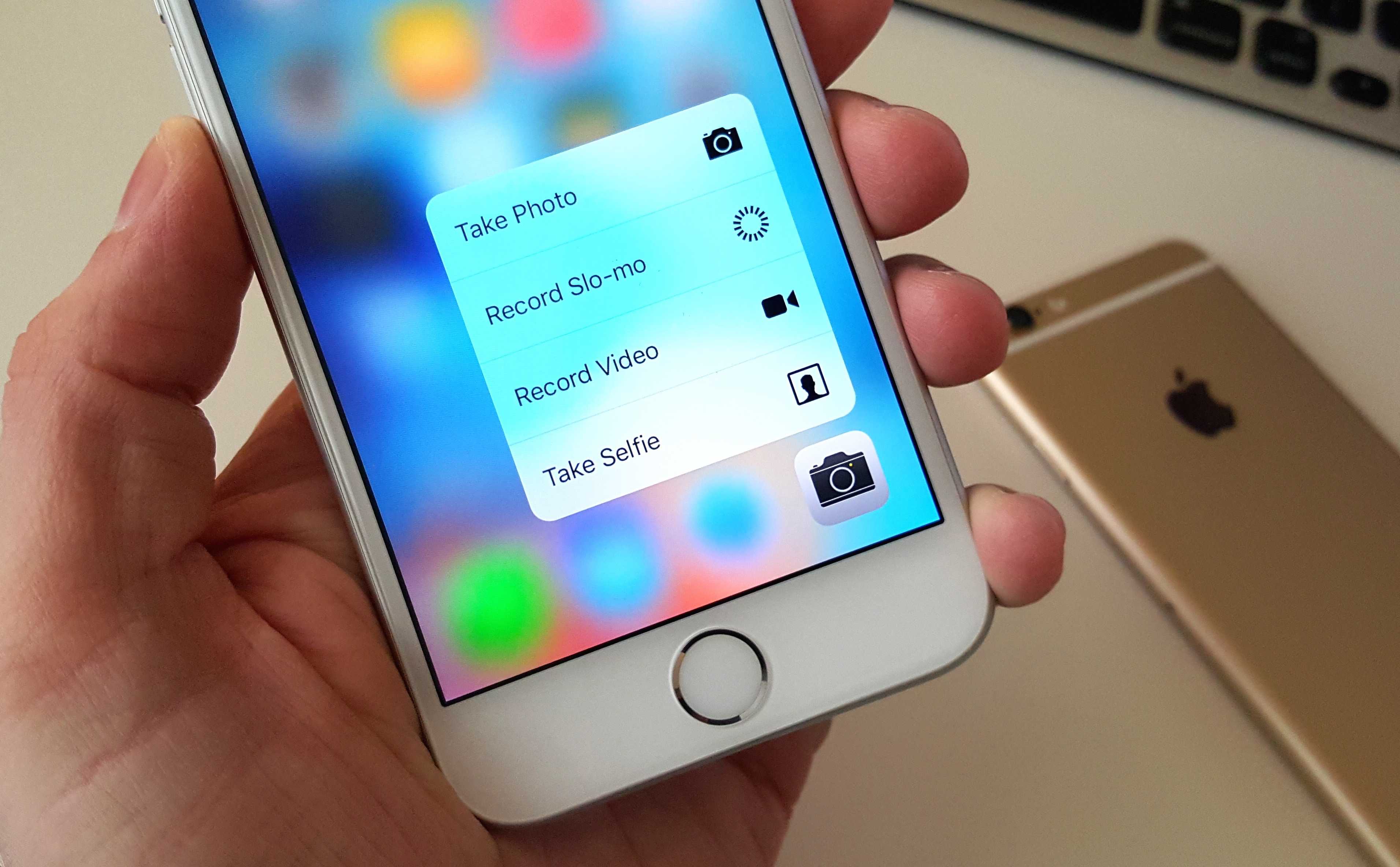
3D Touch is just... awesome! Photo: Killian Bell/Cult of Mac
Even though the iPhone 6s look identical to its predecessor, using the new smartphone is actually way different thanks to 3D Touch and the new Peek and Pop gestures that essentially provide wormholes to other apps. Getting up to speed with the new input method can take some time, so we’ve compiled a list of all the sweet little features you probably didn’t know about.
Here are 11 killer iPhone 6s tips to help you master your new device:
Apple TV was a hobby for years. Until it wasn't. Photo: Jim Merithew/Cult of Mac
Apple just keeps trying to crack the lucrative nut known as your living room. From a gimmicky Macintosh TV in the 1990s to a “hobby” Apple TV in the mid-2000s, Cupertino keeps trying to come up with ultimate digital hub for our homes.
So far, Apple has failed to deliver a magical device that will tame all our televisions. Here’s a brief history of Apple’s TV efforts — a two-decade push aimed at ensconcing an Apple machine at the center of our domestic universe — ahead of next week’s likely Apple TV refresh.
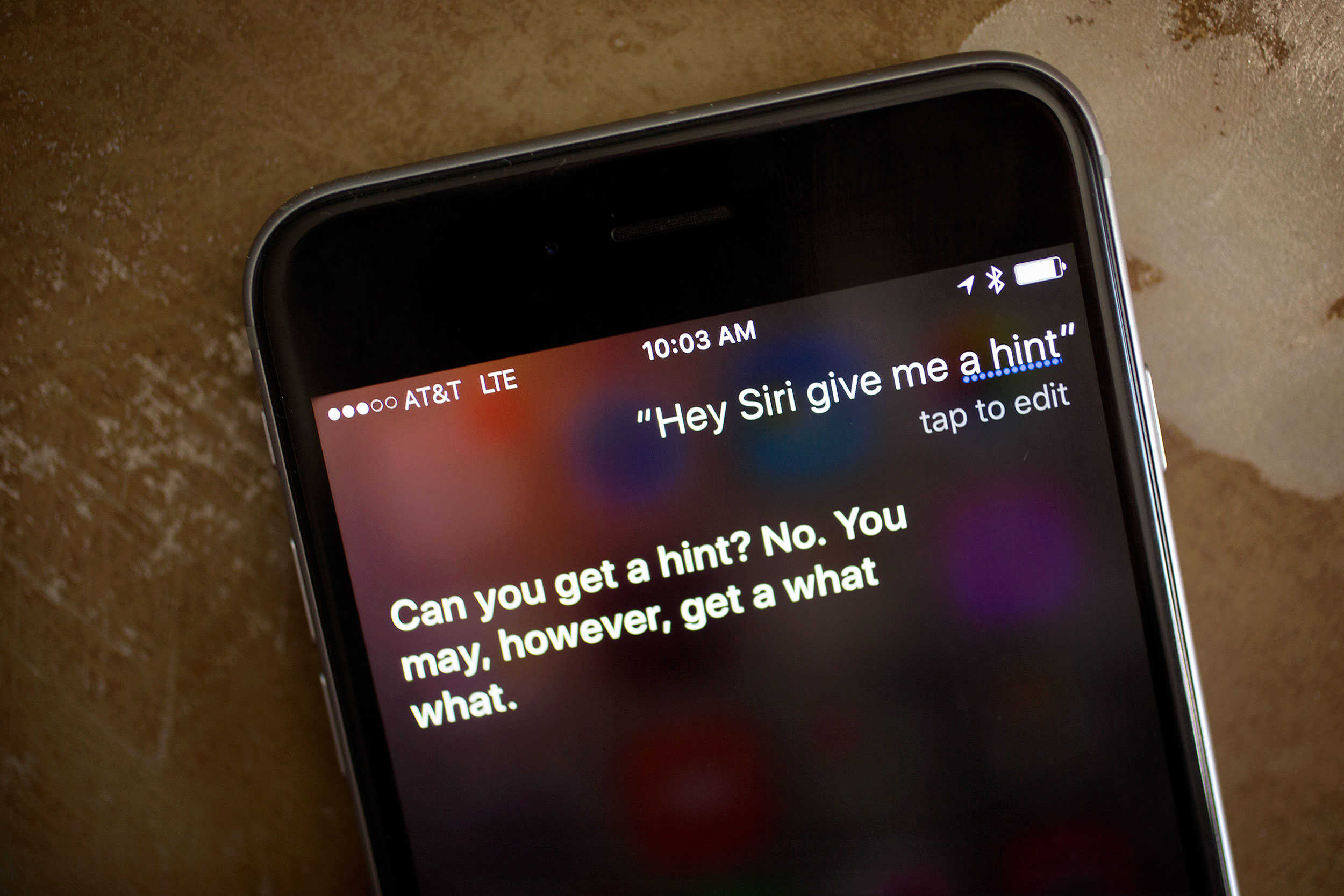
Don't even bother asking Siri for a hint. Photo: Jim Merithew/Cult of Mac
Apple just confirmed its big iPhone 6s event will take place September 9, and while the art on the invite didn’t offer any clues, Apple did give us one tip: Try asking Siri for hint.
Tim Cook’s not about to let his digital assistant leak details of the big event, but we decided to give it a try anyway. After begging Siri to give us a hint, a tip, anything, all we got back was more shade. But at least the replies were pretty funny.
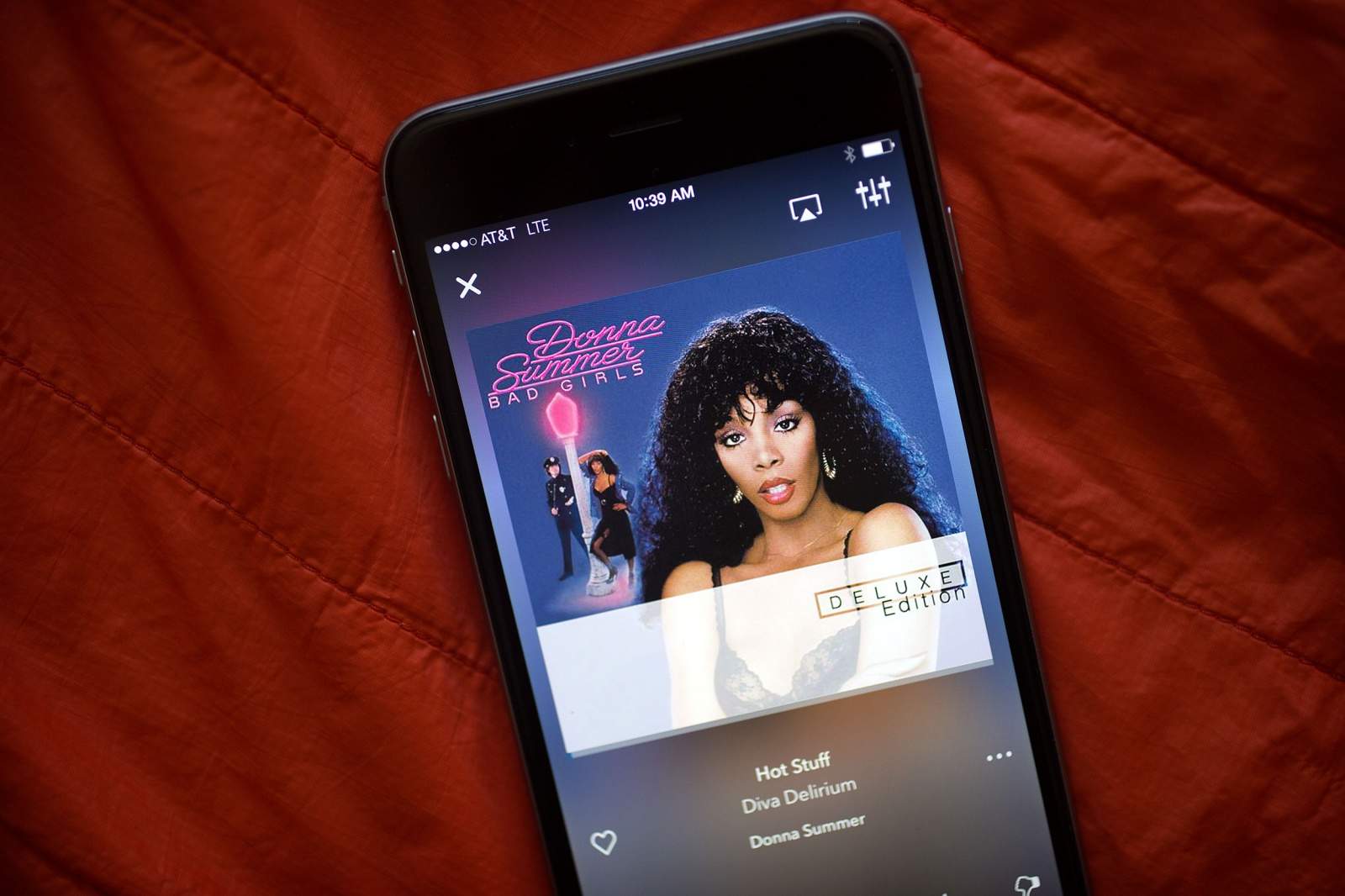
The streaming music veteran takes a shot at becoming "hot stuff" with a total app overhaul. Photo: Jim Merithew/Cult of Mac
Responding to the existential threat posed by Apple Music and Spotify, old-school streaming music service Rhapsody has completely overhauled its mobile app. The revamped Rhapsody comes with a fresh design and new features to take things up a notch — although some of these things look mighty familiar.
Will this redesign be enough to take on the newcomers that are eating Rhapsody’s lunch? Check out what Rhapsody brings to the table and see for yourself.