Dashlane reveals the state of password security across America. Photo: Stephen Smith/Cult of Mac
Late last year, I switched password managers. I traded in trusty old 1Password for relative newcomer Dashlane, and I haven’t looked back.
Dashlane is a well-designed, fully functional and easy-to-use password manager that tops 1Password in one key respect: a Security Dashboard that makes it dead easy to track your online security and update it as necessary.
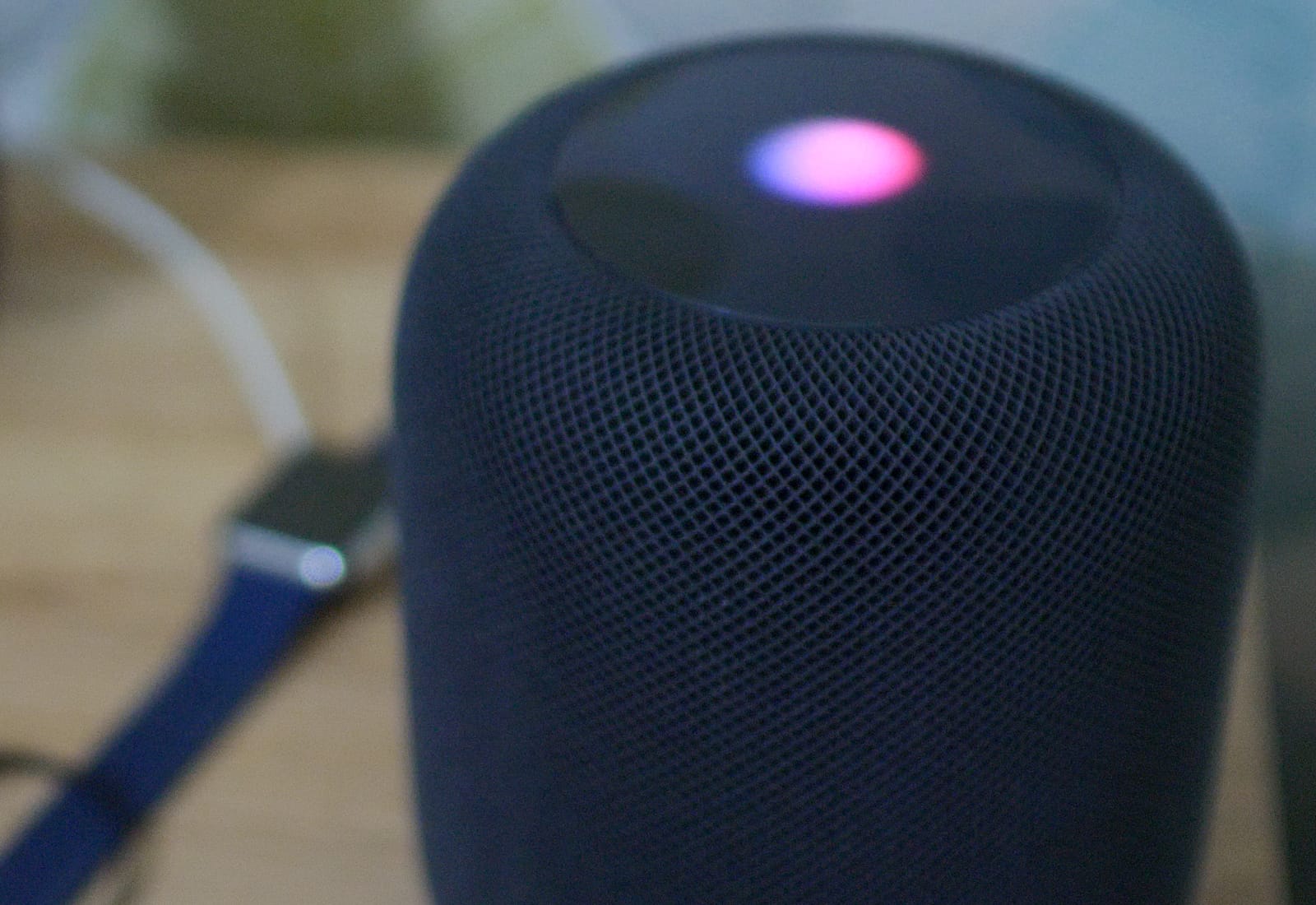
Hey Siri is smarter that your thought. Photo: Ste Smith/Cult of Mac
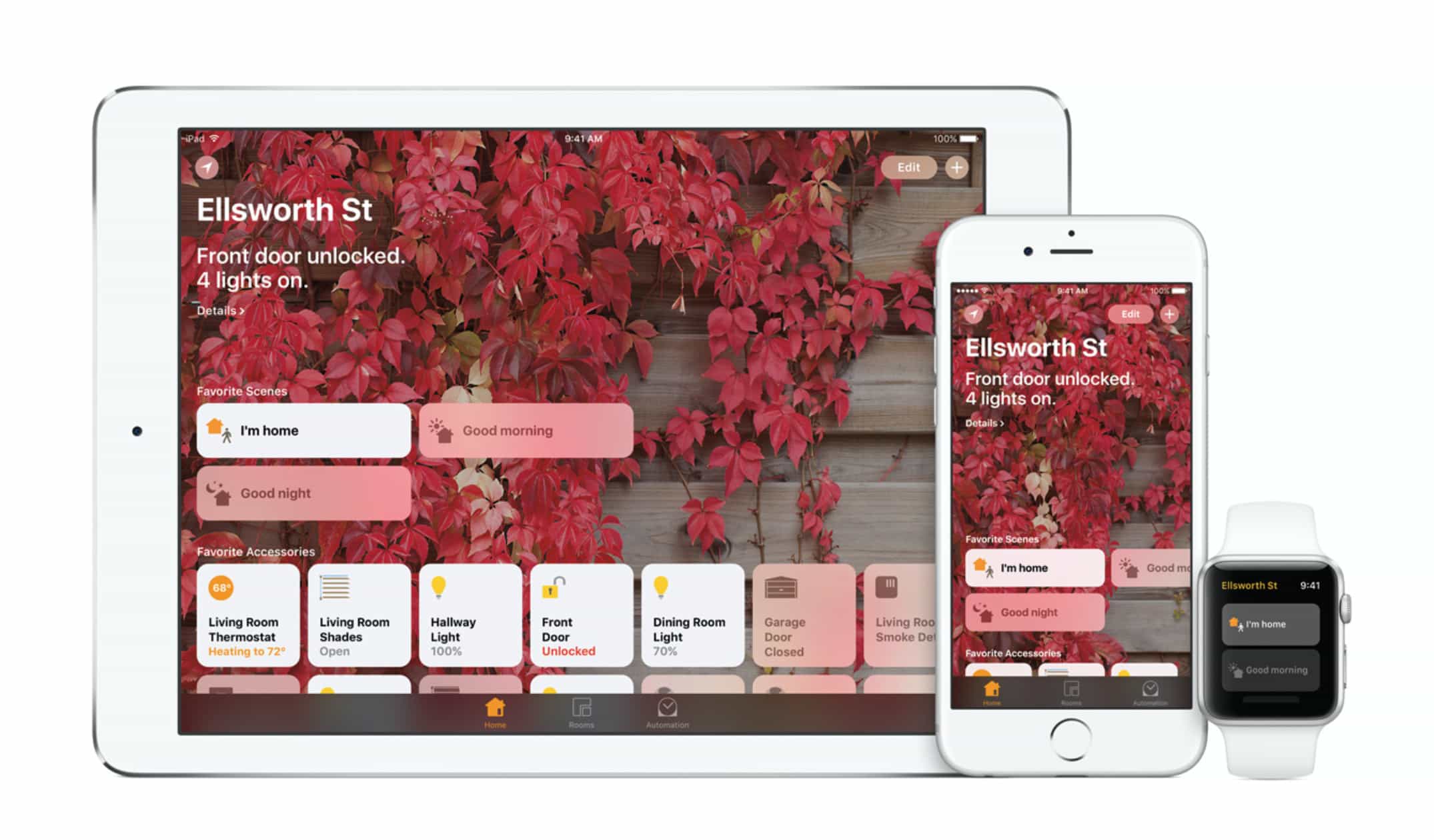
Siri itself might be frustrating, but Hey Siri is great. And on the HomePod, the voice activation for your virtual assistant is even more impressive, because it hears you perfectly, even if you speak at normal volume while the music is hammering the walls, the floor, and your neighbors’ patience. Now it’s possible to have many Siri-equipped devices laying around a room, but somehow, when your say “Hey Siri,” only one device responds. Did you ever wonder how? Here’s the answer.
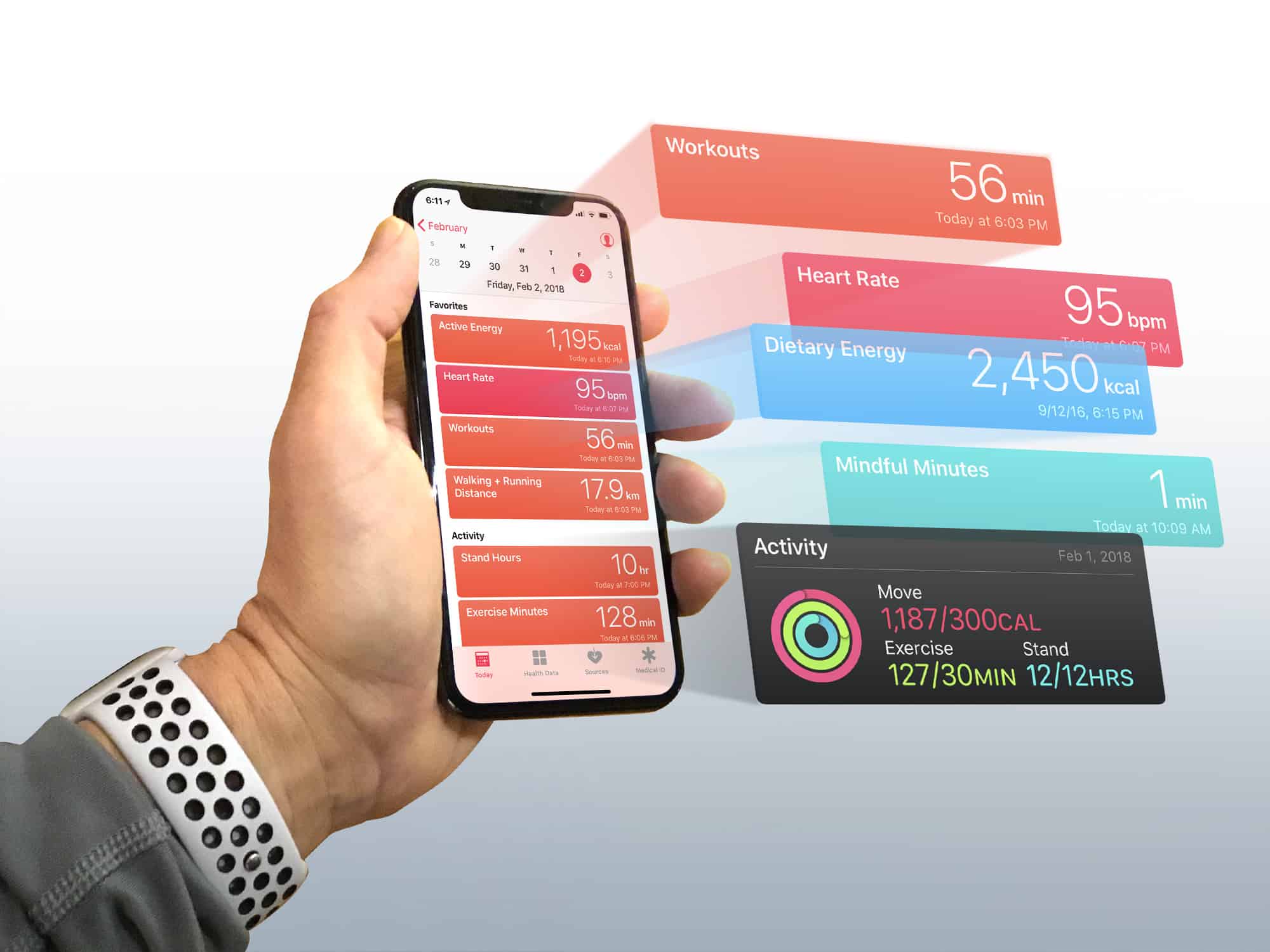
Turn the iPhone Health app into a dashboard for your body
Photo: Graham Bower/Cult of Mac
If you think the Health app is just another pointless junk app that comes preinstalled on your iPhone, think again. Unlike Stocks, Compass or Tips, it is one of the few apps that Apple won’t let you delete. Set up the Apple Health app properly, and it becomes a powerful tool for getting (or staying) fit.
You see, the Health app lies at the heart of Cupertino’s growing health and fitness ambitions. And with its underlying HealthKit API, the Health app provides the framework that Apple Watch uses to gather data on your daily activity, heart rate and workouts.
But the Health app is more than just a place for storing data. With every iOS update, Apple makes major improvements to it. So, if you still think the Health app is a waste of space, it’s probably time you gave it another look. Especially if you own an Apple Watch. You’ll find it contains loads of useful, well-presented data that can help you achieve your fitness goals.
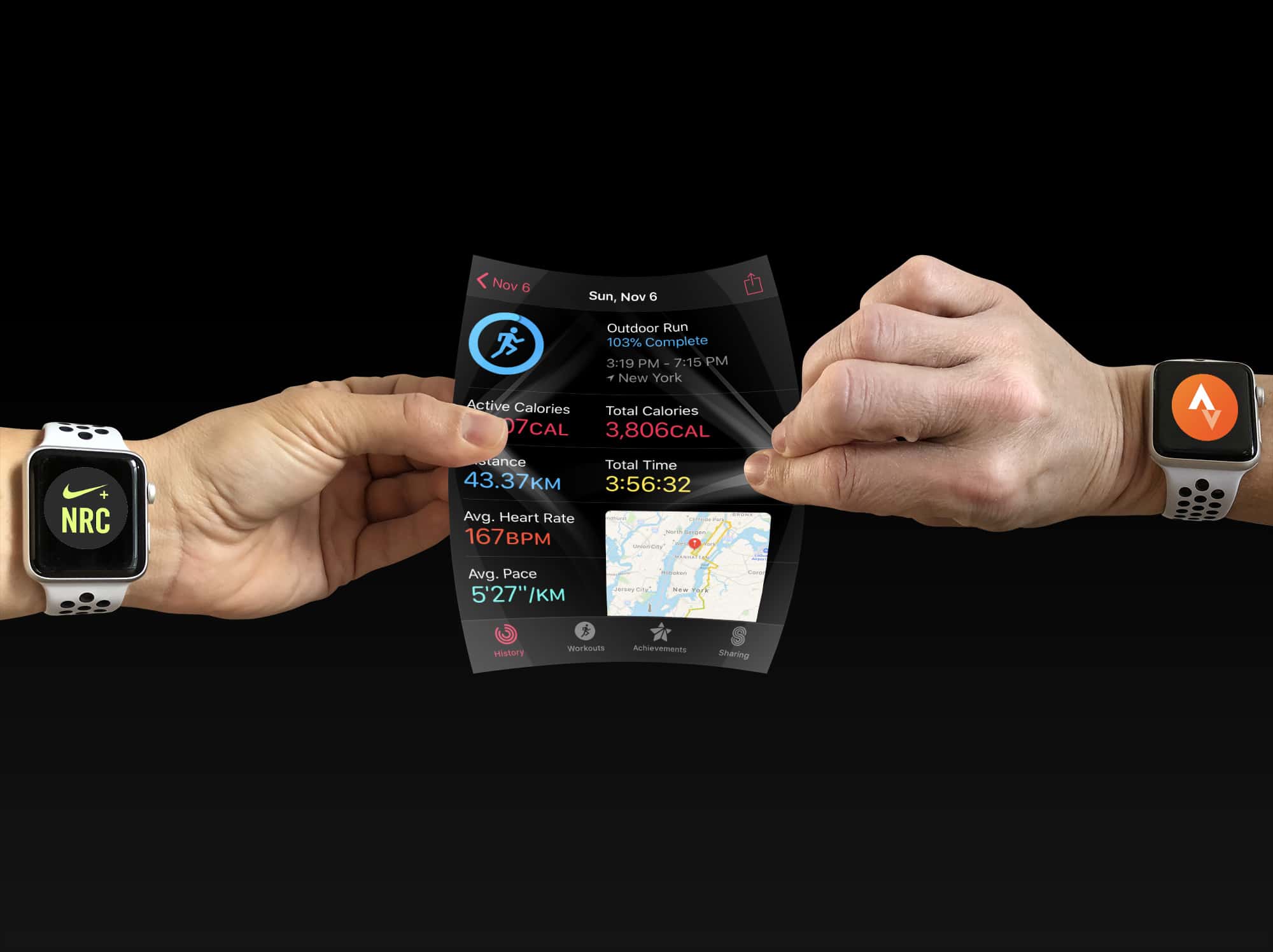
Who owns your workout data? Photo: Graham Bower/Cult of Mac
The workout data I log with my Apple Watch belongs to me. It‘s not Apple’s — nor is it Nike’s, Strava’s or anyone else’s, for that matter. It is mine. I paid for it with my own blood, sweat and tears. (OK, it’s mostly sweat, but there were some tears along the way, too.) Over the years, I’ve logged more than 18,000 miles of running data and it is something I’m pretty proud of.
So it really bugs me when mega-corporations try to corral my activity data into their fancy walled gardens, like they think they own it. Apple used to be just as guilty of this as all the other workout rustlers. But the folks in Cupertino did a major pivot in iOS 11. They decided to actually put users in control of our workout data. Apple made it easy for apps to share workout route maps with each other via HealthKit.
The trouble is, none of the major fitness apps are playing ball, and that sucks. Luckily, some indie devs are doing the right thing.
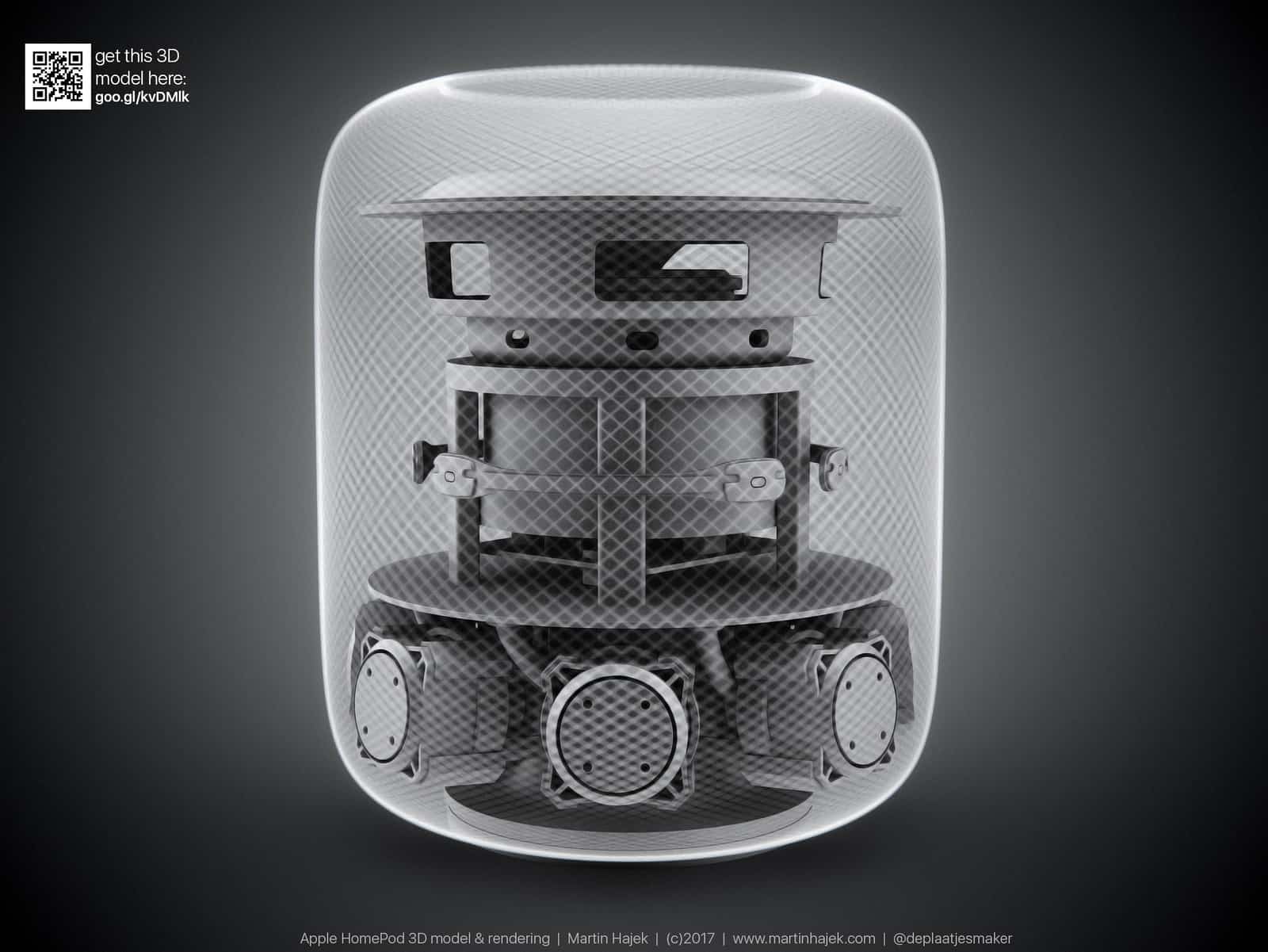
HomePod, the first new Apple product of 2018, is about to arrive. And as a huge Apple fanboy, I couldn’t care less.
Apple’s been hyping its smart speaker ever since unveiling the device last June at the Worldwide Developers Conference. And yet HomePod has failed to really excite fans (except through leaks that gave us early details about the iPhone X). Apple bills HomePod as a powerful speaker that packs Siri to take your listening experience to an all-new level. But with its Feb. 9 release just weeks away, HomePod is looking more like Apple’s next big bomb.
Apple could be a $2 trillion company by end of 2021 Photo: Ste Smith/Cult of Mac
President Donald Trump’s new tax law is doing great things for Apple employees’ wallets.
Apple told employees today that it plans to give all of them $2,500 worth of restricted stock, thanks to the revised tax law that goes into effect this year.
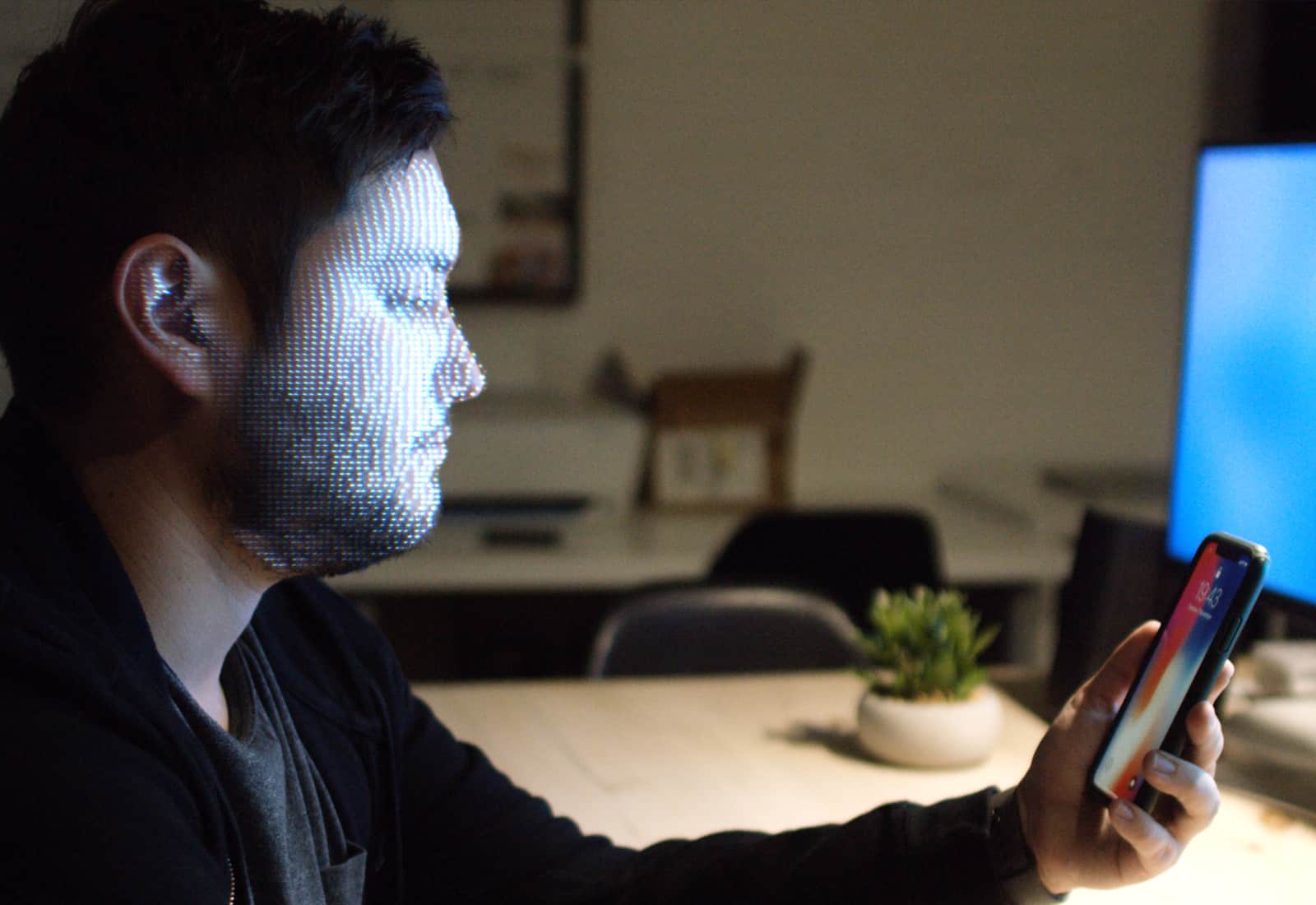
Face ID can be used for more than just unlocking your iPhone X. Photo: Ste Smith/Cult of Mac
The iPhone X’s TrueDepth camera system could soon make capturing Hollywood-quality motion capture as easy as snapping a selfie.
In a demo showing you don’t need millions of dollars in studio equipment, Big Screen VR founder Darshan Shankar tweeted a demo of some motion capture work that is being done using nothing more than an iPhone X and commodity body trackers.
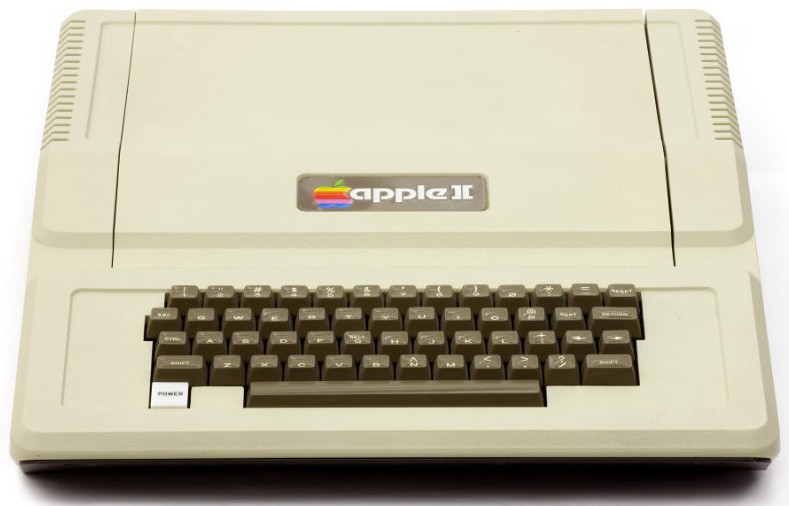
This amazing stat comes from Apple's first ever applications software engineer. Photo: Computer History Museum
A midrange model of Apple’s new iMac Pro comes with a massive 11 times as many bytes of electronic memory as the Apple II, the company’s first breakthrough computer.
Doesn’t sound all that impressive? We’re not just talking about a single Apple II unit. Instead, that figure refers to the sum total of all electronic memory ever installed on all 6 million Apple II computers ever built!
Brazil demands easy iPhone battery replacements. Photo: iFixit
With all the fuss about depleted old batteries slowing down iPhones, it might be a good idea to at least check the health of your iPhone’s battery. To do this, you can use a free tool called coconutBattery. This handy app digs into your iOS and Mac devices to tell you how old they are, and how strong your battery is compared to when it was new.
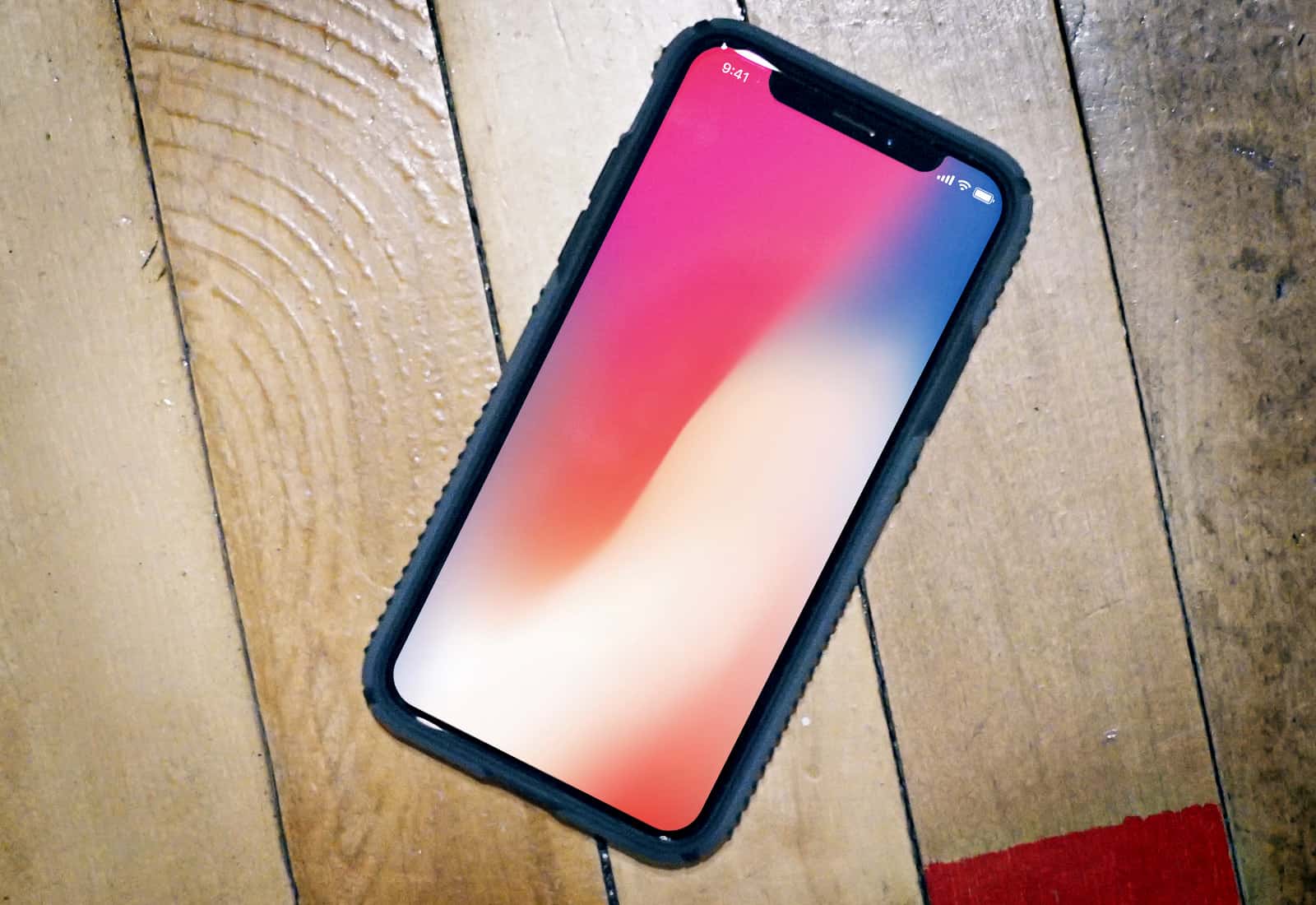
I love iPhone X, but some things really grind my gears. Photo: Ste Smith/Cult of Mac
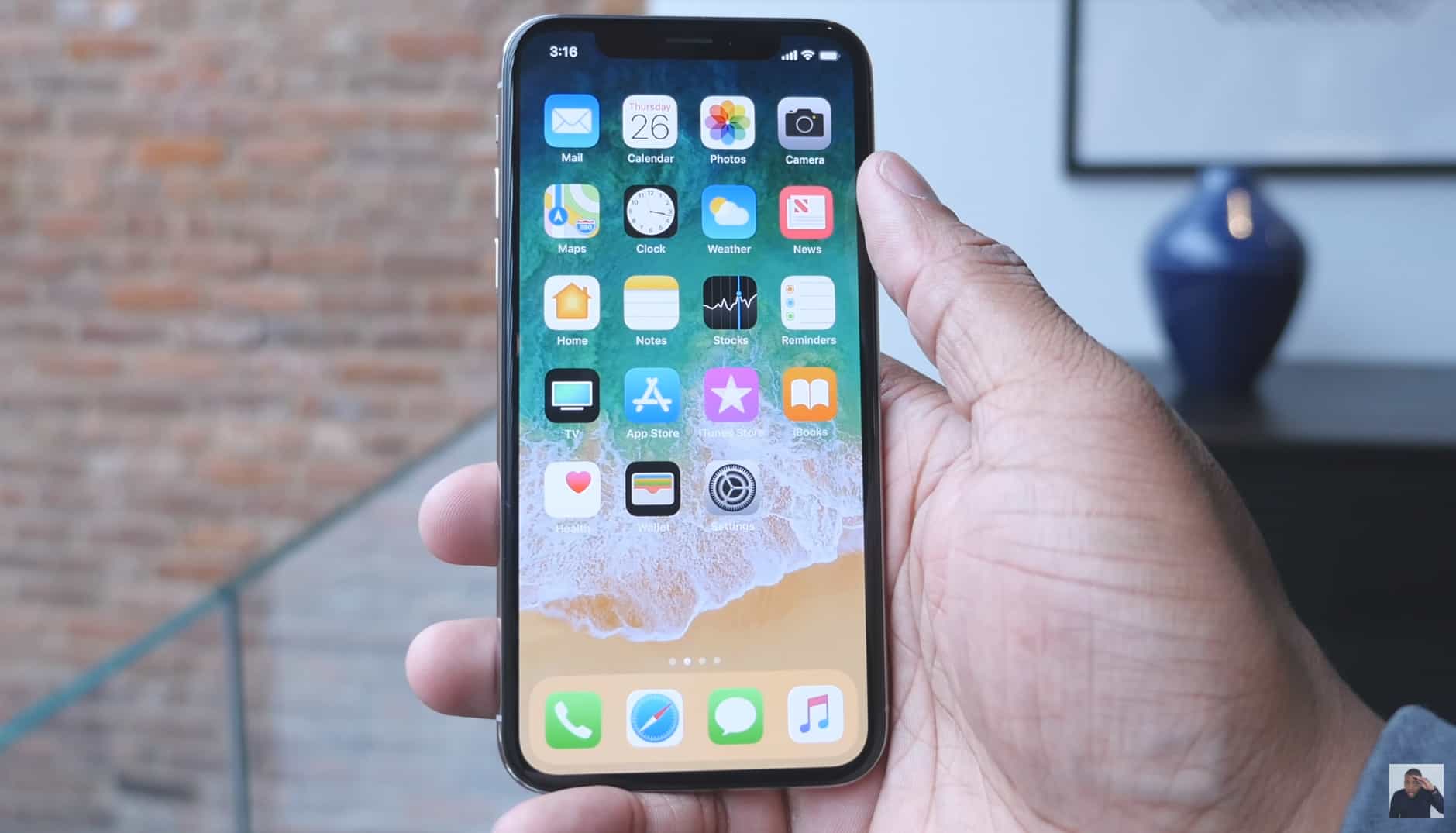
iPhone X is the best smartphone Apple ever made. It could be the best smartphone released in 2017. Like its rivals and every iPhone that came before it, however, it’s imperfect.
As much as I love using mine, certain things drive me crazy almost every day — and no, the “notch” isn’t one of them. Here are 10 things I hate about iPhone X.
A huge vulnerability within Apple’s HomeKit software has been discovered that potentially could have allowed attackers to gain access to smart accessories like locks and garage doors.
The zero-day vulnerability was reportedly patched by Apple within the last few days but certainly shows that HomeKit might be quite as secure as some users think.
A new High Sierra beta is available now. Photo: Ste Smith/Cult of Mac
Apple’s quick fix for a major security flaw in macOS High Sierra has resulted in another issue for some users. The update introduces yet another bug that breaks file sharing, but Apple has published instructions on how to repair it.
HomePod won't launch in December after all. Photo: Apple
Apple’s new Siri-powered smart speaker won’t be one of the hottest gifts of the 2017 holiday season after all.
The HomePod was set to launch in December 2017, but the company released a statement today saying it needs more time to make the smart speaker ready for customers.
iOS 11.2 is close to making its big debut. Photo: Ste Smith/Cult of Mac
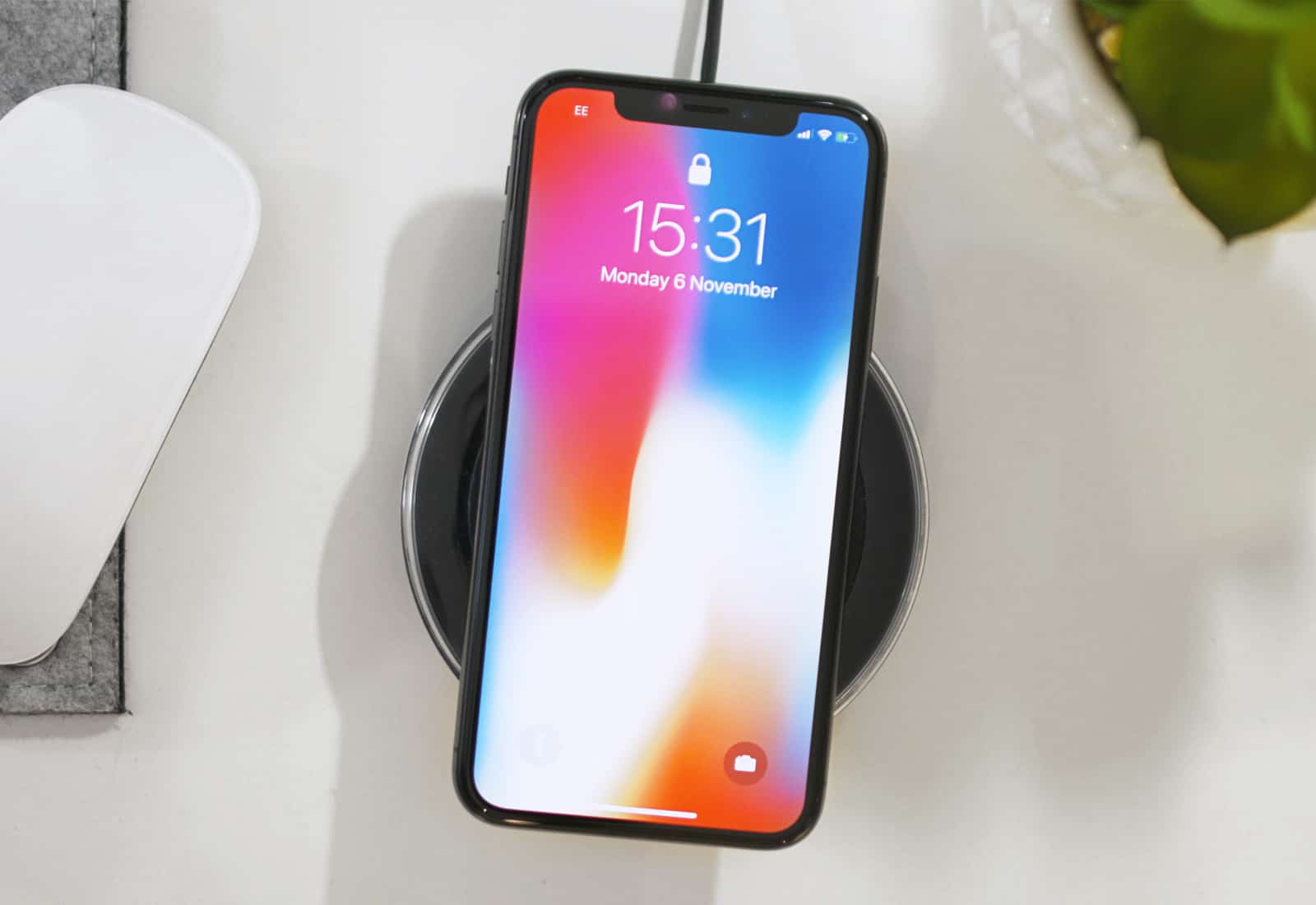
Apple adds support for faster 7.5-watt wireless charging in its latest iOS 11.2 beta. iPhone 8, iPhone 8 Plus and iPhone X all support the increased charging speed. You’ll need a compatible wireless charging mat to take advantage of it, however.
In iOS 11, you won't need to remember anything when you get a new iPhone. Screenshot: Cult of Mac
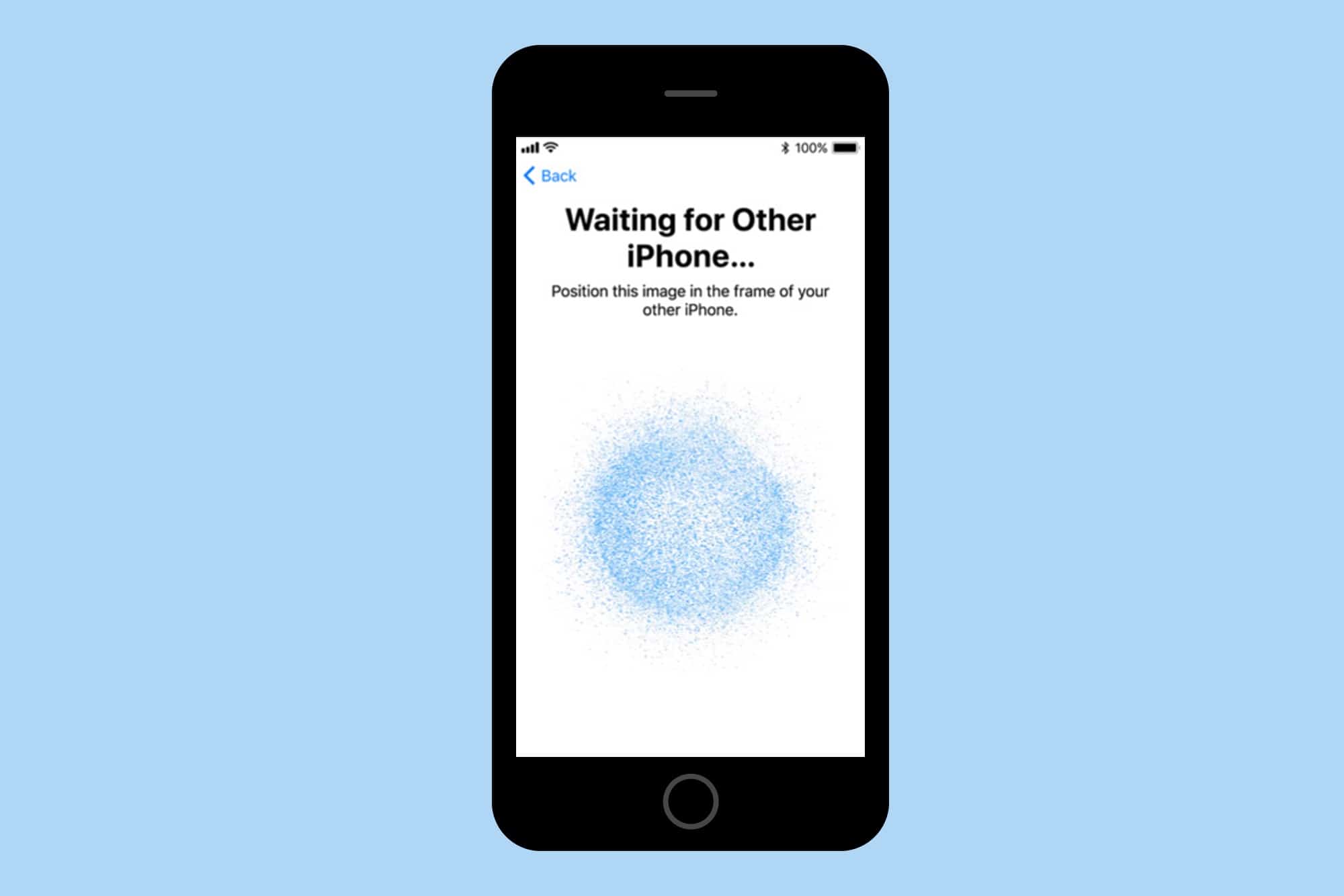
I used to think setting up a new iPhone was easy, but the iPhone X takes it to the next level.
On Friday, I got the new iPhone X and have been using it all weekend. The setup process was the easiest ever, and speaks to Apple’s constant drive to make things better.
The iPhone X reviews are here! Photo: Soldier Knows Best
The first wave of iPhone X impressions and reviews have started to emerge, offering a glimpse of what tech reviewers make of Apple’s next-gen smartphone.
The verdict? The 10th anniversary iPhone is a seriously impressive handset, and quite possibly Apple’s best ever — although one or two reservations remain. Check out our roundup of some of the most interesting observations below.
iPhone 8 or iPhone X? Photo: Ste Smith/Cult of Mac
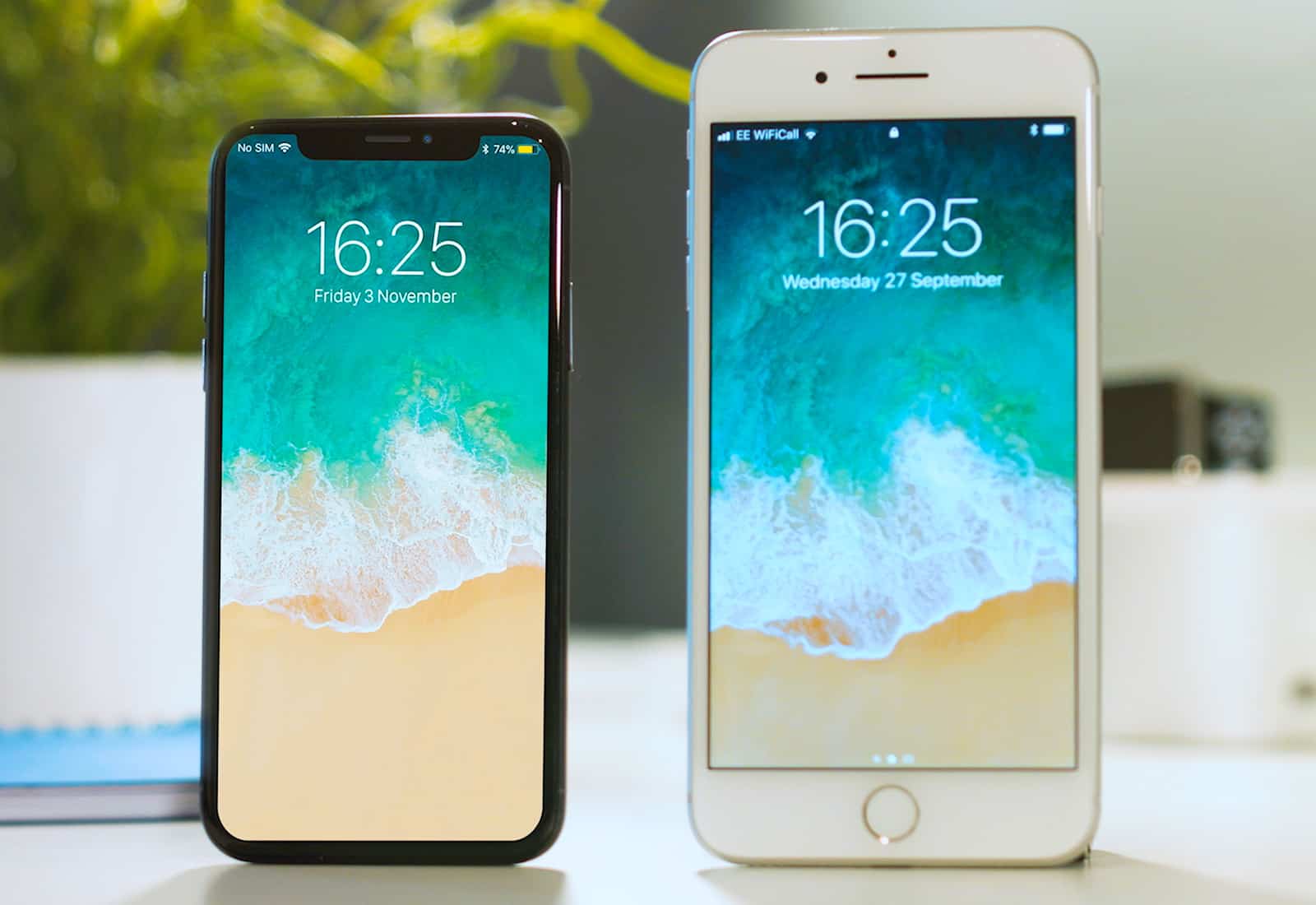
It’s the tech conundrum of the year: iPhone X versus iPhone 8. Still sitting on the fence about which new iPhone to buy? With iPhone X preorders starting in just a few hours, it’s decision time.
Is it really worth the hassle of trying to snag a phone that’s more expensive (and likely harder to land on launch day, due to limited supply)? In today’s video, I’m here to answer the question, “Which is better? iPhone 8 or iPhone X?”
The iPhones 8 and X both support Apple’s “fast-charging” option, which has been available on the iPad Pro since the first 13-inch model. Fast charging lets you use a powerful USB-C charger, along with a USB-C-to-Lightning cable, to charge your iPhone quicker than you can with the standard iPhone or iPad chargers.
But is it worth the $75 that those accessories will cost? Is charging really so much faster? According to tests run by software engineer and startup investor Dan Loewenherz, the answer is no.
you no longer need a password to share your Wi-Fi in iOS 11 Photo: Alan Levine/Flickr
iOS 11 brings yet another convenient feature — password-free Wi-Fi sharing. It works like this: If a friend or other visitor needs to use your Wi-Fi, then instead of digging in the dust and yanking on the already-taut cables of your router to read the password label on the back, you can just hold your iPhones close to each other, and grant the guest access to your network. It’s super easy, and requires nothing more than that you both be running iOS 11, and have Bluetooth switched on. If you want to learn more about how to share WiFi password iPhone, check out this guide here.
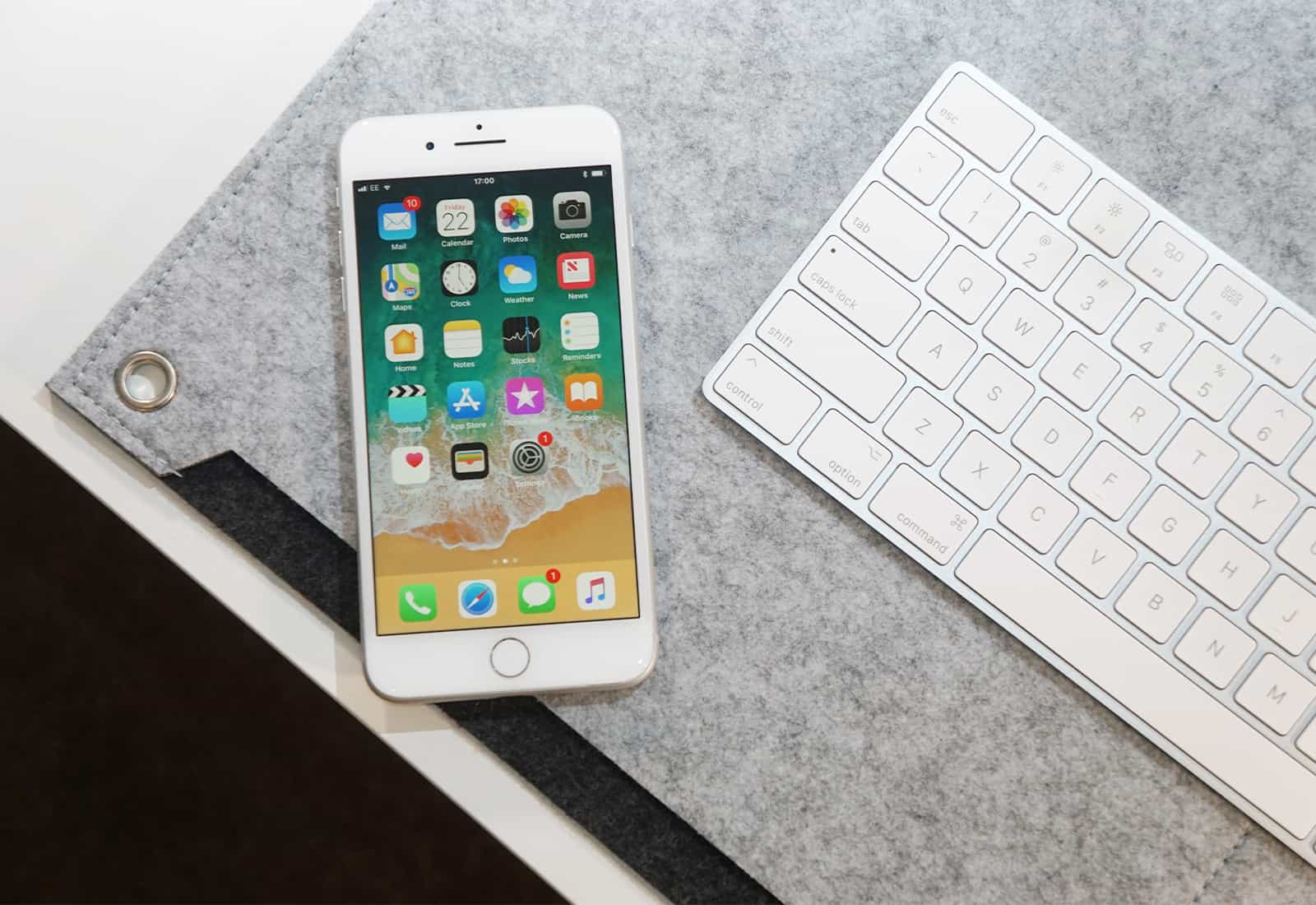
There's no denying the iPhone 8 is a great phone, but can it shine through the iPhone X's shadow? Photo: Ste Smith/Cult of Mac
Compared to the radical redesign of the iPhone X, the iPhone 8 Plus looks quite familiar. With the exception of a glass back and a few superficial changes, it employs the same form factor that Apple’s been using since the iPhone 6 Plus. However, it packs some serious internal upgrades that make a difference in day-to-day use.
I picked up the 8 Plus on launch day and have been using it for just over a week. How does it rate? Get my take in the video and written reviews below. Also, don’t miss our huge iPhone 8 and 8 Plus case giveaway at the bottom of the post.
In iOS 11, AirPods (and other Apple accessories) remain connected, even when you hit the Bluetooth "off" switch. Photo: Cult of Mac
It used to be so simple: If you swiped open the iOS Control Center and tapped the Bluetooth icon, then Bluetooth would be toggled on or off. That was it, and the same went for Wi-Fi.
In iOS 11, tapping the same Bluetooth button doesn’t do that. Instead, the Control Center Bluetooth button disconnects your iPhone or iPad from connected Bluetooth accessories, leaving the actual Bluetooth radio on. What’s more, not all accessories get disconnected. Just what in the blazes is going on here?
Both of these were caused by tap-and-hold, which sounds confusing but isn't. Photo: Cult of Mac
When the iPhone launched 10 years ago, there were two kinds of tap. A regular tap for everything, and a special press-and-hold to get the Home screen icons jiggling and ready to rearrange. That was it. Now, with iOS 11, I have counted at least five different types of tap and press, and that’s just on the iPad. If you count the iPhone, then you also have 3D-Touch to deal with.
Partly this comes down to the new systemwide drag-and-drop capability baked into in iOS 11, and partly it has to do with Apple trying to mimic 3D Touch’s pressure sensitivity on the iPad.
The biggest surprise, though, is that Apple managed to pull it off, even in the early iOS 11 beta I’m running now. Not only are these gestures all intuitive, but the overall feel of interaction has gotten way better.
New features in iOS 11 make the iPad a multitasking beast. Photo: Ste Smith/Cult of Mac
IOS 11 is a huge update to Apple’s mobile operating system, but only if you’re using an iPad. While the iPhone gets its fair share of tweaks and polish, the iPad is transformed into a different machine. When you install iOS 11, your iPad will be transformed from a big iPhone, into a slick mobile computer. It has completely changed how I use my iPad, to the extent that I probably never need to buy another Mac again.
The headline features are drag-and-drop between apps, a new Mac-like Dock, a Finder-like app named Files, and a radically re-thought Control Center that echoes the one found in — you guessed it — the Mac. IOS 11, then, brings many of the Mac’s best features to the iPad, but redesigned to suit the touch screen.
What does this mean for daily use? It means that Mac and PC users can switch to the iPad without having to relearn how to do everything, and existing users will no longer feel like they have their hands tied while trying to do the simplest tasks.
Apple's tenth anniversary iPhone has landed. Photo: Apple
During its very first event in the Steve Jobs Theater, Apple today unveiled the much-anticipated iPhone X.
The device is a celebration of the iPhone’s tenth anniversary, and it comes with an all-new design and exciting features that hope to breathe new life into the lineup and revitalize falling sales.
iPhone X sports a stunning edge-to-edge Super Retina display, advanced facial recognition, wireless charging, and lots, lots more.
Forget about everything else; this is the smartphone you’ll want next.
iPhone 8 will be a huge upgrade, but most fans aren't prepared. Photo: Quinton Theron
If you’ve been keeping up with the iPhone 8 rumors, you’ll know exactly what to expect from Apple’s big refresh this fall. But for the vast majority of fans, the upgrade will come as a huge surprise.
One survey has found that for ordinary iPhone users, the urge to upgrade is no more significant than it has been for previous, more incremental releases.