It's the end of the line (almost) for Boot Camp. Photo: Apple
Apple has confirmed that Boot Camp, the tool that allows Mac users to boot into Windows, will not be available on upcoming machines powered by custom ARM chips. Users will need to rely on virtualization software instead.
Yesterday's Apple keynote was one of the best in years. And not just because it had great products announced. Screenshot: Apple
In a dramatic shift, Apple is giving up Intel chips. Instead, future Macs will run Apple silicon — processors engineered by Apple based on ARM designs.
While Apple revealed a general timeline for the transition at its developers conference on Monday, and unveiled software developers will need to get their applications ready, the first ARM Macs are still months away.
Apple has officially started offering its Mac trade-in program at Apple Stores in the U.S. and Canada. Apple has long offered trade-ins for credit toward a new purchase or a gift card for the iPhone, iPad, and Apple Store. However, until now Mac trade-ins were limited to online-only. That meant that people had to mail in their Mac to Apple.
By making this available in its retail stores, it makes it easier than ever to trade your old Mac.
A handy feature you may not have known about. Image: Killian Bell/Cult of Mac
When only wired internet access is available, turn your Mac into a Wi-Fi hotspot that allows wireless devices — like iPhone, iPad, and more — to share its network connection. It’s quick to set up and works brilliantly.
An easy fix that brings your favorites sites back to life. Image: Killian Bell/Cult of Mac
Do you ever find that websites sometimes refuse to load in Safari on your Mac, no matter how long you wait? The problem has been plaguing Twitter users in recent months, and can occur with other sites, too.
If you use Gmail inside Mail on macOS, you may have noticed an extremely frustrating bug that can cause the app to randomly shove itself in your face. It’s particularly annoying when you’re using another app in full screen mode.
You don’t have to suffer that anymore. In this how-to, we’ll show you an easy fix that permanently prevents unwanted Mail popups from occurring.
The wait for a new iMac could soon be over. Photo: Apple
A bunch of new Apple products have appeared in the Eurasian Economic Commission database ahead of their official debuts. There are nine new iPhone models and a new Mac, all of which are expected in 2020.
Many Apple fans will be hoping the mystery Mac is an all-new iMac that’s expected to appear at WWDC 2020 later this month.
The move we've all been waiting for is finally getting close. Photo: Charlie Sorrel/Cult of Mac
Apple reportedly will confirm the Mac’s transition to ARM chips during its Worldwide Developers Conference keynote on June 22.
The company has been using Intel processors inside the Mac since it ditched PowerPC chips in 2006. But speculation regarding a move to custom CPUs has been growing as Apple’s own chips have become incredibly powerful.
We may not see an ARM-powered Mac this year, however. Sources say Apple plans to announce the initiative, code-named Kalamata, at WWDC 2020. That would give developers time to adjust before the first ARM Macs arrive in 2021.
Apple hopes the service will boost sales. Photo: Apple
Apple Card users could soon be offered interest-free payment plans for iPad, Mac, AirPods, and more, one report claims.
Sources say Apple is planning to roll out the new service, which will make many of its pricey products more accessible, in the coming weeks. Users will be able to spread the cost of their purchase over as many as 12 months.
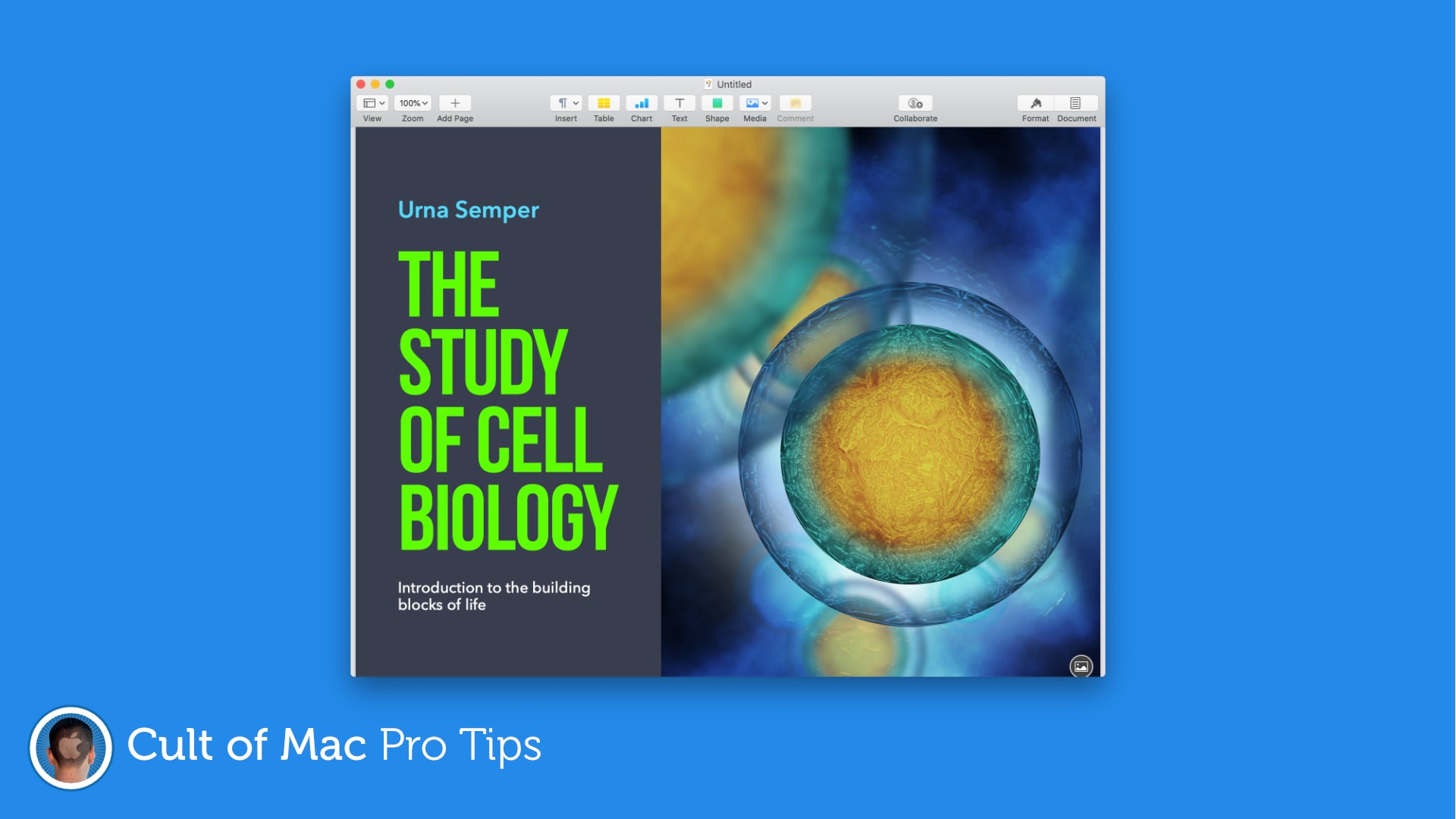
Worried your hefty Pages document is too big to send? There’s a helpful tool baked right into Pages that can help you make it smaller. Here’s how to use it to make sharing documents quicker and easier.
There are loads to choose from. Image: Killian Bell/Cult of Mac
Apple recently brought a bunch of awesome new fonts to macOS, but they’re not enabled by default. Here’s how to download them for free so that you can enjoy them inside almost any Mac app.
It'll take you just a second. Image: Killian Bell/Cult of Mac
If you really have to associate with Windows users, there might come a time when you need to send them a Pages document they’ll want to open in Microsoft Word. Here’s how to ensure your file is Word-friendly.
For designs that can't be missed. Image: Killian Bell/Cult of Mac
Make posters and invitations with more eye-catching designs by setting color, gradients, or images as your document background in Pages. It’s a super-simple trick that can make a big difference. Find out how in this pro tip.
No more sending documents back and forth. Image: Killian Bell/Cult of Mac
Working from home can make collaboration a little more difficult, but not if you’re using Pages on a Mac or iOS device. The ability to collaborate with others online is now built-in, and it’s surprisingly easy to take advantage of.
Drop caps can make almost any document look better. Image: Killian Bell/Cult of Mac
Create documents that grab a reader’s attention by taking advantage of the newly-added drop cap tool in Pages for Mac and iOS. It’s easy to use and offers a whole bunch of customizations options.
Apple’s newest macOS update makes it easier than ever to check MacBook battery health, and to prolong its lifespan. In this pro tip, we’ll show you where to find the new battery health features, and how to check the status of yours.
Apple looks to be gearing up to port iPad’s built-in Messages app over to Mac. The move could immediately fix Messages’ biggest problems on Mac, including its glaring lack of features.
The desktop version of the app still does not support iMessage apps, Apple Pay, message effects and other key features. Evidence of the move has been uncovered in leaked iOS 14 code, indicating it could be executed this fall when Apple drops its next major macOS update.
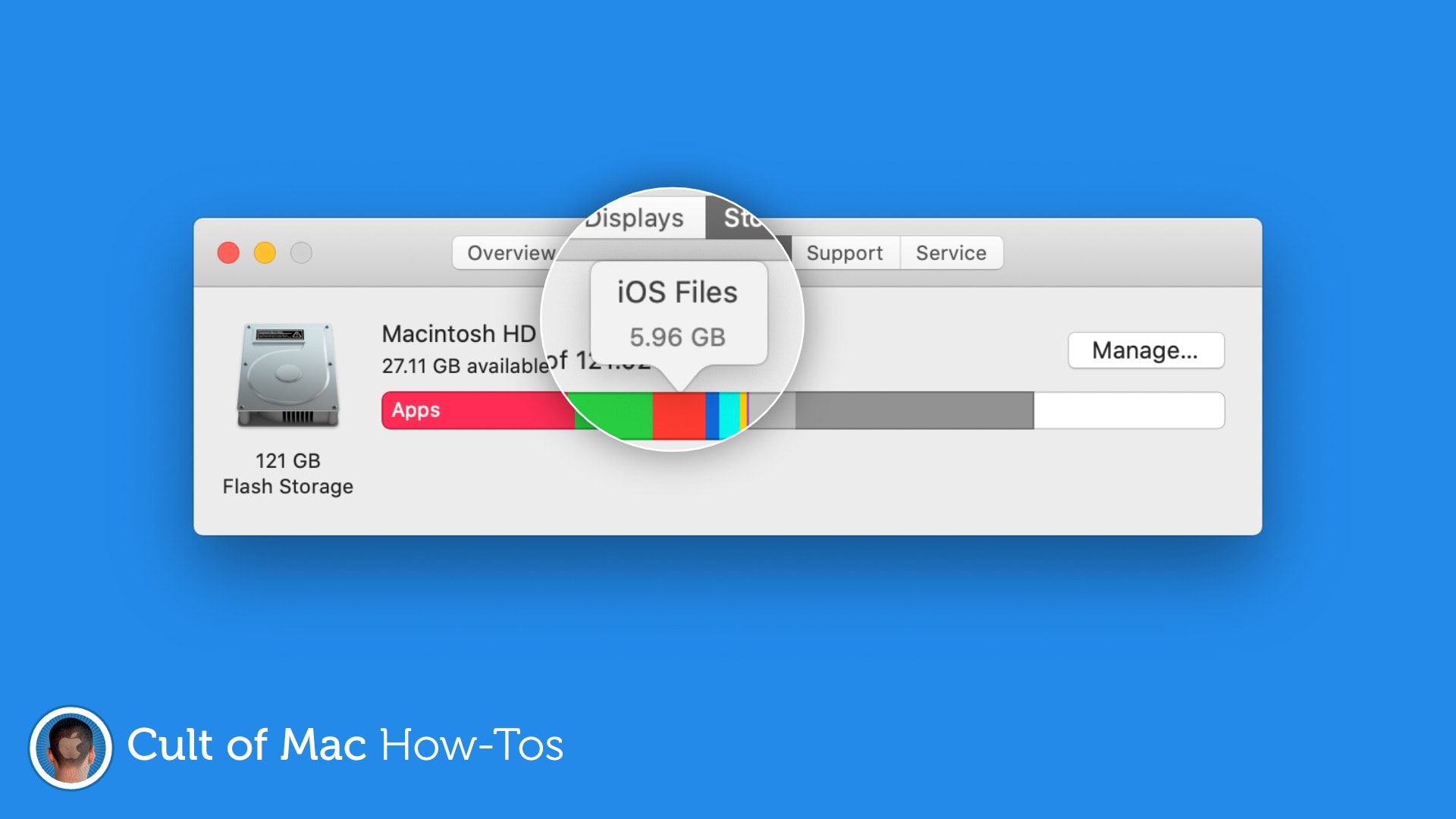
Free up gigabytes of storage space. Image: Killian Bell/Cult of Mac
Are mysterious “iOS Files” taking up gigabytes of precious storage space on your Mac? You may not need them anymore, so we’ve put together a handy how-to guide on removing them with ease.
Here’s how to free up a lot of storage in no time at all.
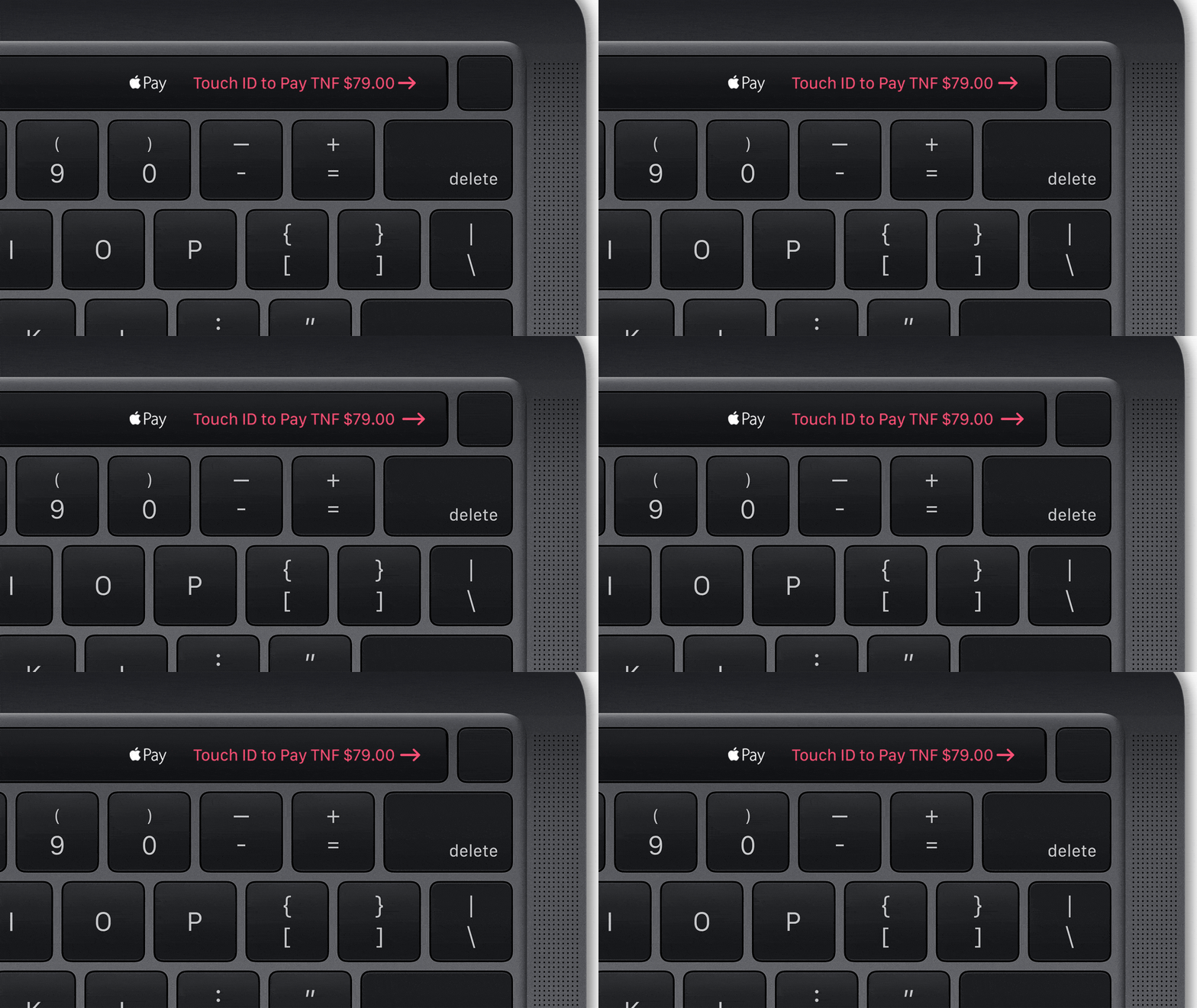
Touch ID is a wonderful addition to the Mac that makes logging in, downloading apps, and authorizing purchases easier than ever. Make it even more useful by adding an additional fingerprint and customizing your preferences.
Full-screen works great on a MacBook. Photo: Charlie Sorrel/Cult of Mac
Full-screen mode on a Mac is pretty great. Unlike Windows, where full-screen apps have been the default since forever, the Mac’s full-screen abilities are a fairly recent addition. And the default is still for apps to launch in smaller windows, which is the Mac Way. But what if you want those apps to launch in full-screen every time you open them? Well, by changing one setting — and abandoning an ingrained habit — you can have exactly that.
Bonus: Full-screen app launching will only apply to the apps you choose, leaving the rest of them to behave normally.
Get the update today on Mac and iOS. Photo: Ulysses
Ulysses, the outstanding writing app for Mac and iOS, just got its big version 19 update. It brings full mouse and trackpad support on iPad, as well as a number of neat improvements to things like keywords and Files integration.
It also boasts a new feature dubbed Material sheets, which allows you to mark sheets you’ve used for brainstorming and research, and have them excluded from counters, goals, and exports.
1.5MB of empty space added to every photo. Photo: NeoFinder Blog
A strange bug uncovered in macOS can fill up your storage drives with a whole bunch of empty data. The issue is found inside the Image Capture app and surfaces when transferring HEIF photos from an iPhone or iPad to a Mac.
I have an app I use every day, but whenever I open it, it opens to a new, blank document, instead of the project I was working on when I closed the app. To open that project, I have to mouse up to my Mac’s menu bar, click on File > Recent Items…, and find it in there.
To fix this, I set out to find a way to easily access the last few projects from this app. What if I could put this list of recent projects into my Mac’s Dock? It turns out that you can easily do this, using a quick Spotlight search, a Smart Folder and a drag to the Dock.
Apple plans to start selling new Macs powered by custom ARM processors in 2021, according to a new Bloomberg report, citing sources familiar with the matter.
The company is said to be working on three of its own chips — all based on the A14 processor than will ship inside the next-generation iPhone lineup this fall. The first version will reportedly be “much faster,” according to sources.