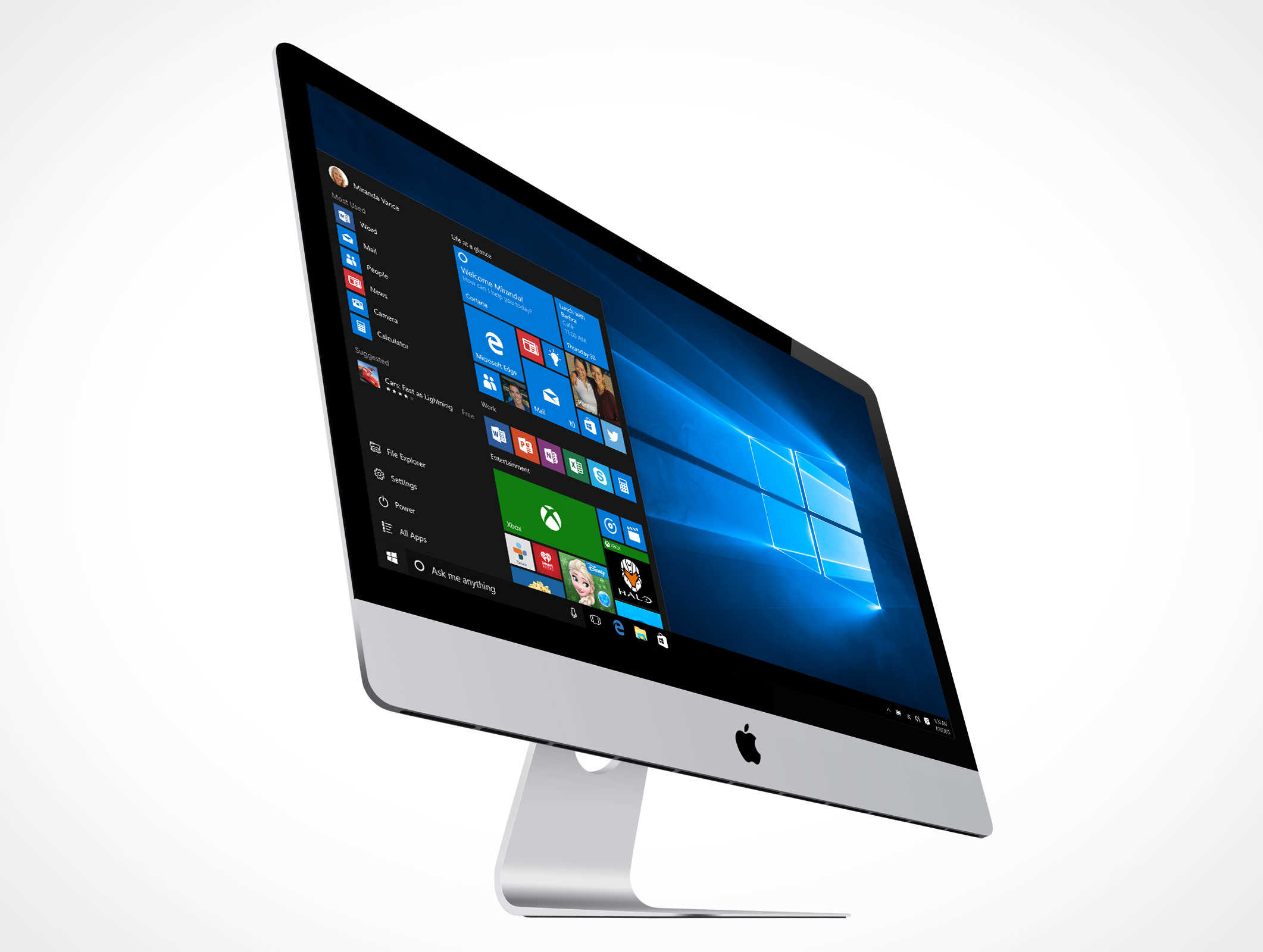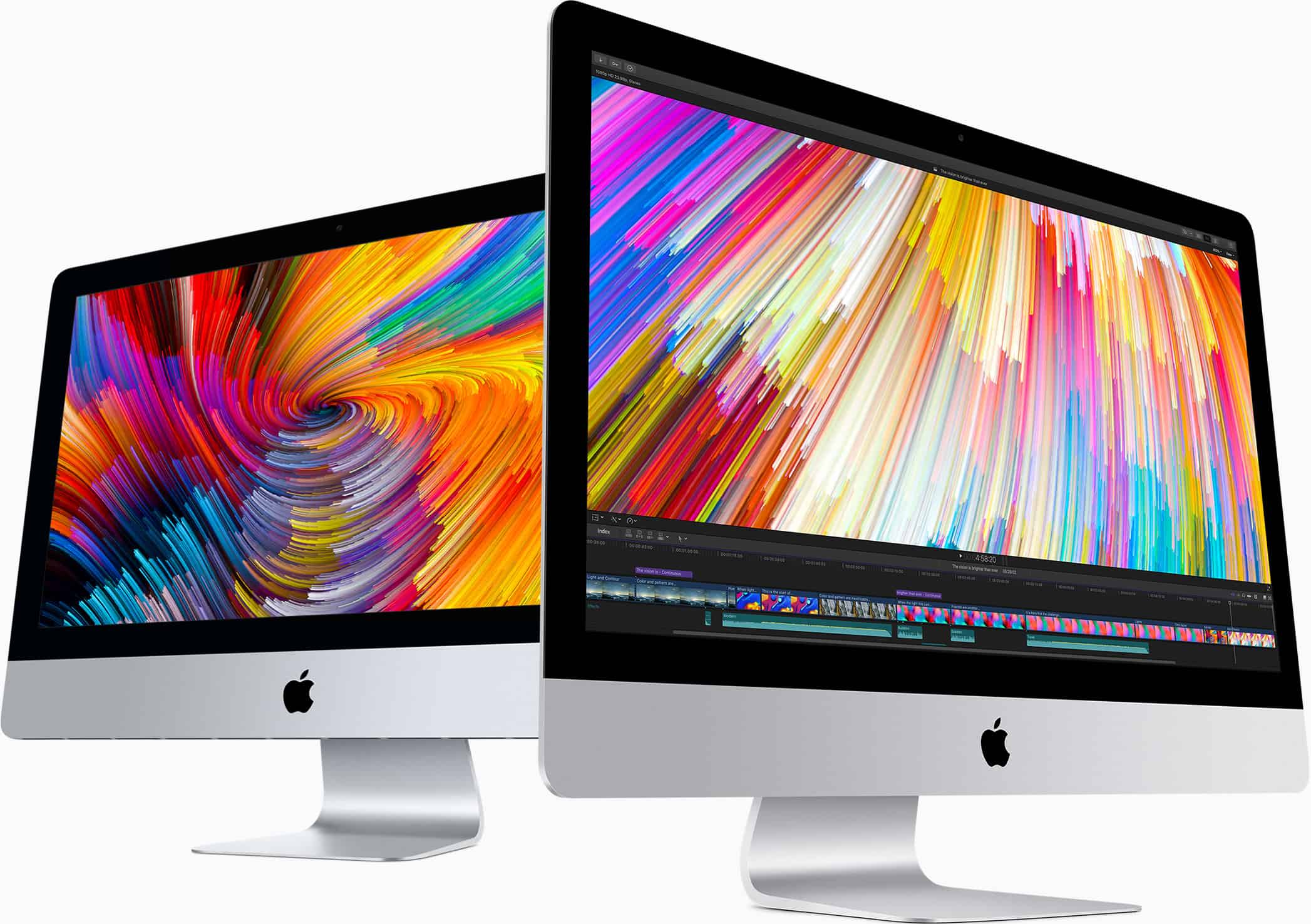
The new Mac Pro looks like it should be ideal for Mac users who enjoy gaming. But despite its $6,000 price tag, game performance is surprisingly (but unsurprisingly?) awful.
If you don’t plan to upgrade the AMD GPU that ships with the machine, you would be better off playing your games on a Nintendo Switch.
Look at that lonely screen. It just wants to be shared. Photo: JD X/Unsplash
Did you know that you can take remote control of another Mac’s screen via iMessage screen sharing? If you’re troubleshooting a family member’s Mac, for example, you can ask them to share their screen with you, and then take over from your own Mac. This is a hell of a lot quicker than trying to talk them through the deeper recesses of their Mac over the phone.
And, of course, it’s pretty easy to set up. Let’s take a look at how to share screens using Messages on the Mac.
Can Apple reinvent the Mac as a gaming powerhouse? Photo: Killian Bell/Cult of Mac
Apple is reportedly working on a new “gaming-focused” Mac that it will unveil at WWDC, a sketchy new rumor claims.
This machine would cost up to $5,000 and be a Mac rival to gaming PCs. It would take aim at the fast growing “e-sports” market, which Apple has not previously catered to. Could such a machine turn Apple into a gaming powerhouse? Anything’s possible, I guess. But I’ll only believe it when I see it.
The hardest part of returning a MacBook is removing the stickers. Photo: Charlie Sorrel/Cult of Mac
Did you get a MacBook, iPhone, or iPad this holiday season? Are you going to return it? The good news is that, even if the gift was purchased back in November, you can still return it thanks to Apple’s generous holiday return policy. But if you’ve already set things up and used the iDevice of the Mac, then you need to wipe your data off before you return it. Here’s how.
Cult of Mac pays real cash for your old Apple devices. Photo: Ste Smith/Cult of Mac
If you were lucky enough to get new Apple devices for the holidays, it’s time to start thinking about what you’ll do with your old ones. They’re likely still worth a pretty penny, and Cult of Mac can help you get the best price.
Cult of Mac pays real cash and we won’t leave you waiting weeks for your money. Get a quote today to find out how much your old Apple devices are really worth.
Don't let this be your Christmas. Photo: Charlie Sorrel/Cult of Mac
Christmas time means packing up your daily troubles, forgetting work for a week, and heading home to… troubleshoot your parents’ broken computers and gadgets? Oh man, is it that time of year again already? That’s the problem with being the family’s only geek – you get handed all the geek jobs. However, you can turn this to your advantage, and make it a lot easier, by going in prepared. Check out our Holiday Troubleshooting Guide right here.
You've never played a game quite like this. Photo:
Apple Arcade recently added yet another title to its massive library of games and it’s one of the trippiest games we’ve played.
Manifold Garden puts players in an Escheresque world where repeating geometry is used to make you question the very laws of physics. Your task is to solve puzzles to restore vegetation to the barren landscape. The weird geography makes you feel like you just took a high dose of LSD making all the puzzles that much harder.
Option-tap these icons to open Preferences. Photo: Charlie Sorrel/Cult of Mac
If you have a Mac with a Touch Bar, do this right now. Hold down the Option key (⌥), and tap the volume icon in the Touch Bar. For non-Touch Bar-using readers, this is what happened: The Mac’s Sound Preferences launched instantly.
This is such a typical Mac feature that it should be obvious. But when I shared this tip with fellow Touch Bar aficionado and Cult of Mac writer Graham Bower, he was all like, “Oh!” and, “That’s pretty neat!”
So, what other tricks can be done with the Option key and the Touch Bar?
Maybe my favorite Continuity feature is Apple Watch Unlock for the Mac. Once you set it up, you’ll never need to enter your password to unlock your Mac ever again — not until you restart it, anyway. It’s one of the best examples of Apple’s It Just Works™ philosophy, and it will change the way you use your Mac.
You don't need a Mac Pro to enjoy Pro Display XDR. Photo: Apple
Only a handful of the latest Macs are fully compatible with Apple’s stunning new Pro Display XDR. But it turns out that other machines — such as the $5,000 iMac Pro — will work, too.
That's good news for Apple and its customers. Photo: White House
Apple has been given a welcome reprieve on tariffs for the iPhone, iPad and Mac after President Donald Trump agreed to a limited trade deal with China on Thursday.
The phase one agreement means rolling back existing tariff rates on Chinese goods and canceling new tariff rates that would have gone into effect Sunday.
There’s a brand-new version of the Opera web browser aimed at gamers — and it’s out today on Mac in early access. Opera GX offers a unique set of tools designed to enhance your desktop gaming experience.
The browser lets you free up important resources that you need while gaming. It can also put your favorite Twitch streams right on top of your games, so you can watch while you play.
Edison Mail, a popular third-party email client on iOS, is finally making the leap to Mac.
It ships with a number of nice features that give it an edge over the built-in Mail app. And it sports a cleaner, more modern user interface with a number of customization options.
Just in time for the all-new Mac Pro. Photo: Apple
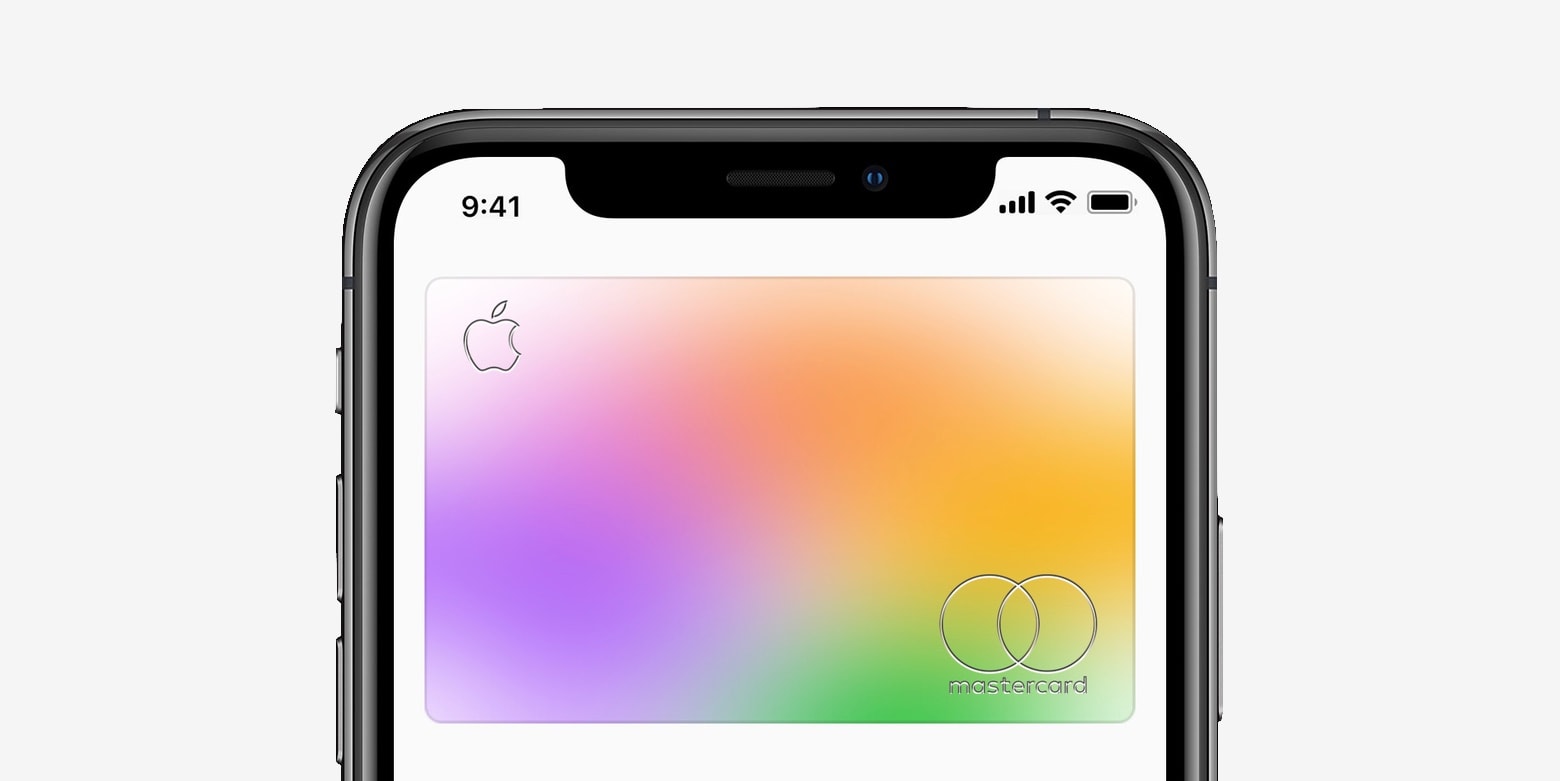
Apple Card customers can enjoy 6% daily cash back on Apple purchases over the holidays.
Apple’s newest promotion arrives just in time for the all-new Mac Pro and Pro Display XDR, which go on sale today. But it applies to any Apple Store purchases — online and in-store — made through December 31.
Yes, that's Logic Pro X "running" on an iPad in Sidecar. Photo: Charlie Sorrel/Cult of Mac
Sidecar, which lets you use an iPad as an external display for your Mac, is an unexpectedly amazing new feature in macOS Catalina. You just move any window to the iPad, and there it is. You can either mouse over to that window with the Mac, just like using any other external display, or you can pick up an Apple Pencil, and use it in the Mac app, directly from the iPad’s screen. And, like any regular external display, you can choose where the iPad’s screen exists.
Today we’re going to see how to move the iPad’s screen from left to right in the Sidecar setup.
"Overtly sexual" images ahead. Photo: Apple/Cult of Mac
Apple is responsible for some of the most attractive computers ever made. So attractive, in fact, that Facebook’s algorithms seem to be censoring some models for being too darn sexy.
One Power Mac G4 owner recently listed their machine for sale on the social network. But the perfectly innocent post was taken down for including “overtly sexual content.”
This has been a great year for the App Store, Apple says. Photo: Apple
As 2019 draws to a close, Apple has revealed its picks for the year’s best apps and games. All available through the App Store, of course.
“We are excited to announce such a diverse group of 2019 App Store winners, showing that great design and creativity comes from developers large and small, and from every corner of the world,” said Phil Schiller, Apple’s SVP of Worldwide Marketing. “We congratulate all the winners and thank them for making 2019 the best year yet for the App Store.”
Shopping for a Mac fan? Start here! Image: Killian Bell/Cult of Mac
If you’re buying for an Apple fan who loves their Mac, there are loads of awesome gifts you should consider. We’ve rounded up the best to make your holiday shopping a little easier.
We’ve picked out the best headphones, mice, keyboards, and more so that you don’t have to spend hours hunting down the perfect purchase. And many of them are on sale today for Cyber Monday.
There's still time to save big! Image: Cult of Mac
Black Friday might be over now, but Cyber Monday has only just started, which means there’s still time to save big! There are some terrific deals to be had on the hottest Apple devices and awesome accessories.
Our special Deals & Steals roundup will help you seek out the biggest discounts. Whether you’re shopping for iPad, Apple Watch, AirPods, or a brand-new Mac, we’ve got you covered.
And find up to $80 off Apple Watch Series 5! Photos: Apple, Casetify, Amazon
Retailers just can’t stop slashing prices on Apple Watch Series 3. Amazon is now offering brand-new units from just $169.99 — the lowest price to date! Go grab yours now before they all sell out.
Apple is offering customers a free gift card worth up to $200 as part of its latest Black Friday promotion.
You won’t find any discounts on its products during the four-day event, so you’ll need to shop elsewhere if that’s what you’re looking for. But you will get store credit for eligible purchases.
79 Apple Stores are part of the pilot. Photo: Apple
Some Apple Stores in the U.S. and Canada are trialling extended eligibility periods for AppleCare+, according to a new report.
The trial, which started this week, allows Apple’s extended warranty plan to be purchased beyond the usual 60-day window. But devices must be inspected by the Genius Bar first.
Gamers using the Steam Link app on iOS can now enjoy multiplayer games with friends who use a PC.
Valve’s new Remote Play Together feature, announced last month, is already out of beta and available to all. And it works across Windows, macOS, and Linux — as well as Android and iOS.