The nation's largest LGBT study uses ResearchKit Photo: The Pride Study
Thanks to Apple’s new ResearchKit software, breakthroughs have already been made in the study of Parkinsons disease and Asthma. Now, a team of researcher are planning to use the iPhone and ResearchKit to study a subject we still don’t know as much about as we’d like to: LGBT health.
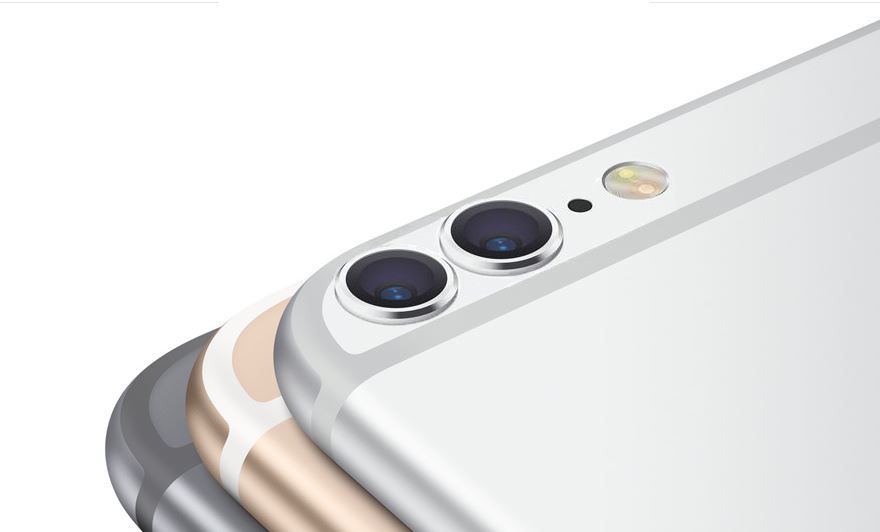
Why make do with one lens when you could have two? Photo: Cult of Mac
Apple has been secretly experimenting with dual-camera iPhone lenses for three years, according to Altek’s Xiaru Wen, the CEO of the company responsible for building similar camera modules for HTC and Huawei.
The report claims that Apple has been held up by two challenges until now: technical problems resulting in blurred images, and an inability to find a manufacturer able to build enough of the components in the allotted time.
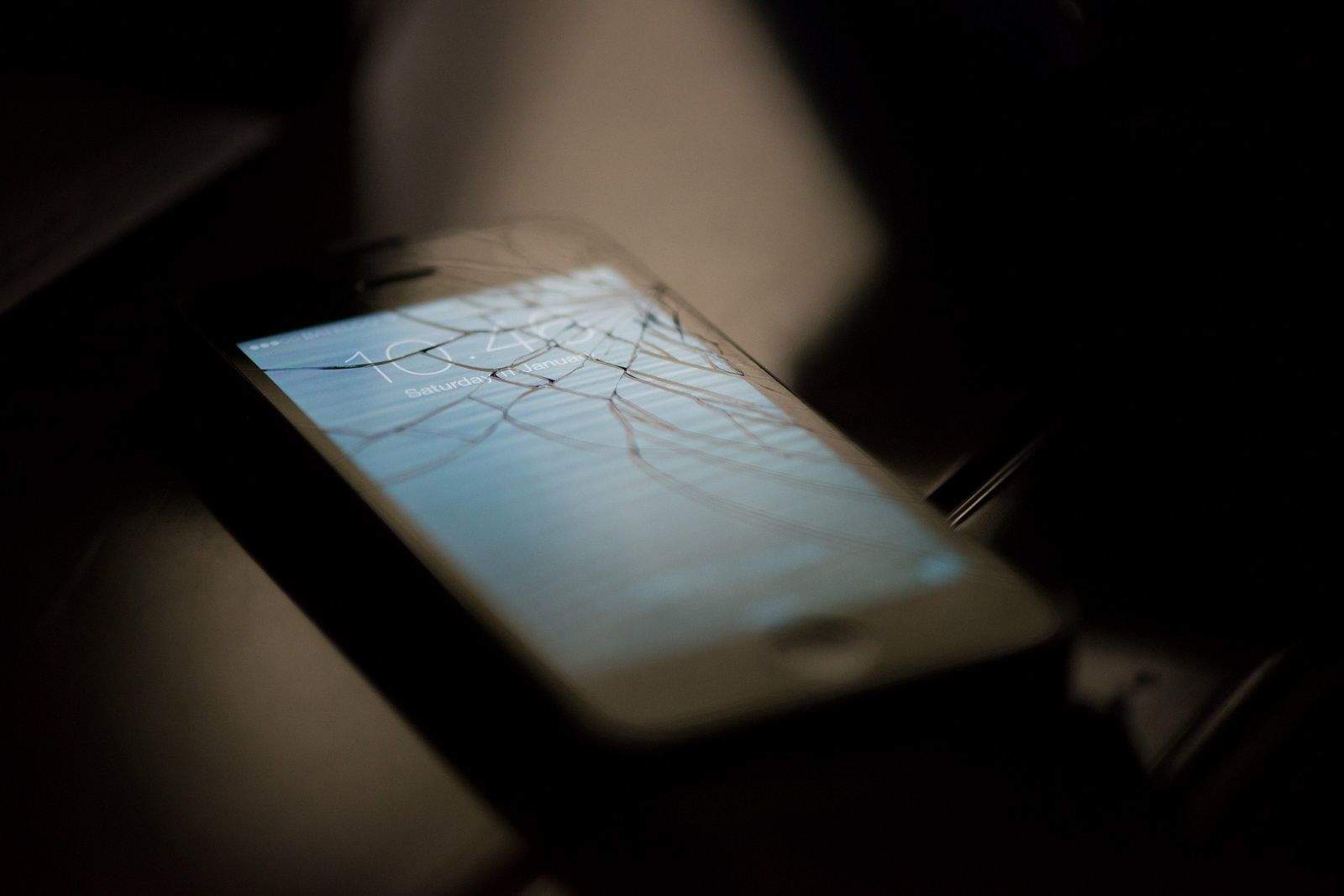
Numerous T-Mobile iPhone users are complaining that their handsets are reportedly suffering bizarre outages, causing them to reboot at half-hourly intervals.
On social media, users are describing how their Uncarrier iPhones crash every 20 to 30 minutes while they are using certain apps, leading to a Microsoft-style “blue screen of death” and then a reboot.
Lock focus and exposure values for better video (and photos). Photo: Steve Brooks/Image North
Your iPhone is set up as a still camera first and foremost, so it tends to automatically focus and expose your images. This is fantastic when you need a quick snapshot, but when you’re taking video, the constant re-focusing and exposure adjustment just makes everything look blurry and amateur.
You can tap the screen in either video or photo modes to get a quick adjustment, but the minute you or or subject moves, all bets are off. Your best chance, then, at keeping your iPhone videos blur-free is to lock the focus and exposure.
The launch of the original iPhone and the first Apple Watch have been polar opposites. While the iPhone was available at Apple Stores and third-parties on launch day, getting your hands on an Apple Watch on April 24th was almost impossible.
According to researchers at Morgan Stanley, that’s because the Apple Watch is in even more demand than the original iPhone weeks after it launched in 2007.
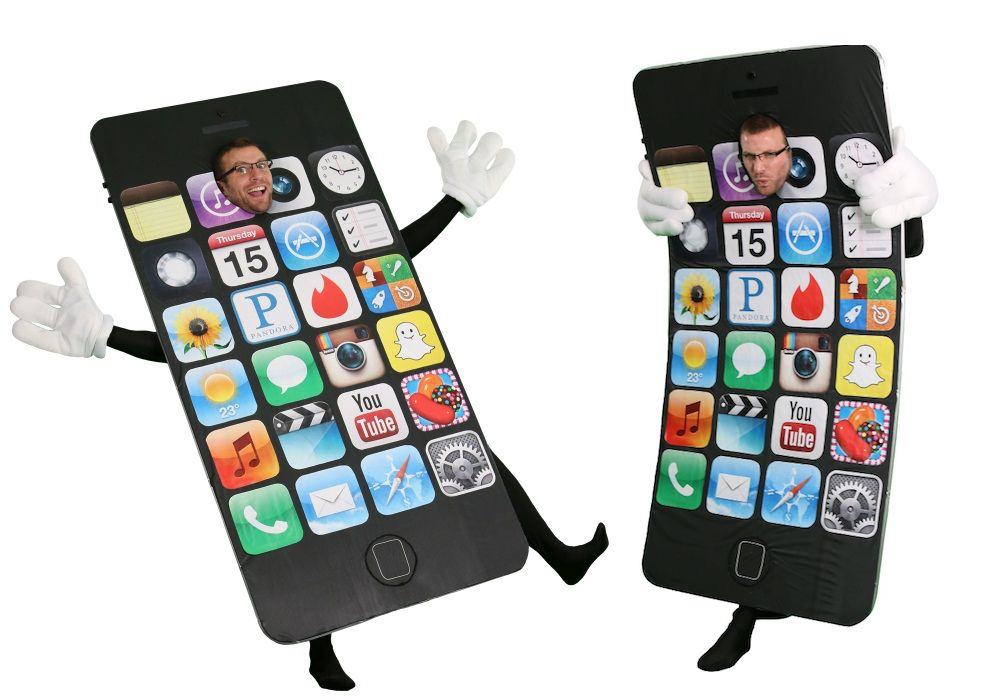
The next bendgate may be on purpose. Photo: Halloween Costumes
If you’ve been waiting for Apple to make an iPhone with a flexible OLED display, you may be getting your wish — although not for at least a few more years. According to a new report coming out of South Korea, Apple is “very likely” to release its first iPhone with a flexible OLED display in 2018, and the company’s display suppliers are currently “working on it.”
Does this mean we’re about seeing bendgate part two?
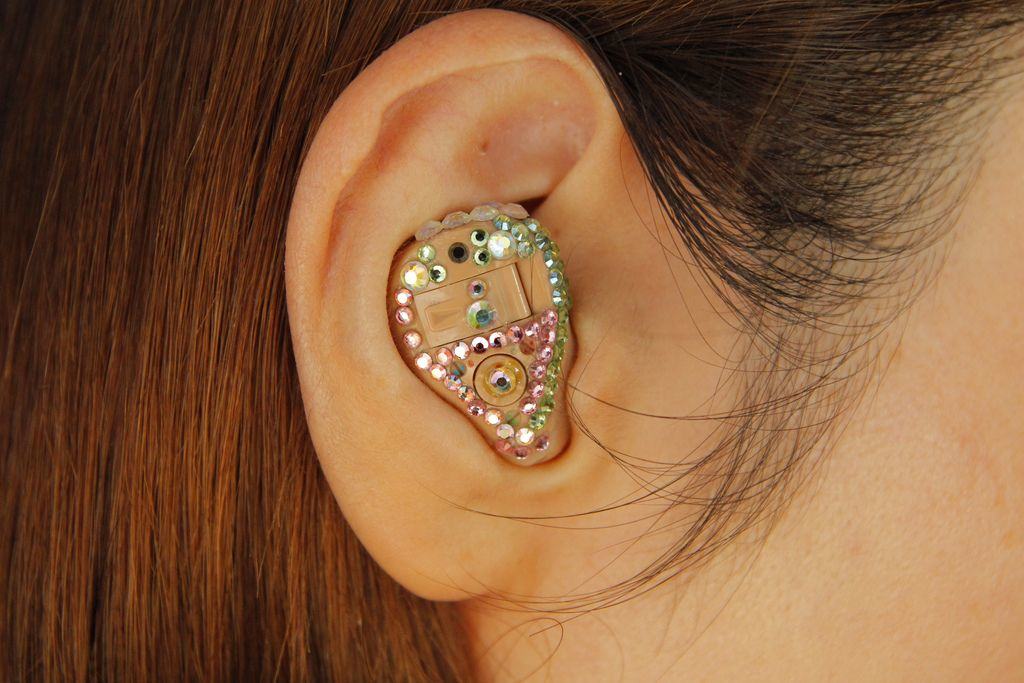
iPhones might eventually be able to detect the presence of a hearing aid. Photo: Soichi Yokoyama/Flickr CC
The U.S. Patent and Trademark Office granted Apple 52 patents today, including a notable patent for a new hearing aid technology that would make the iPhone an even better device for the hearing impaired.
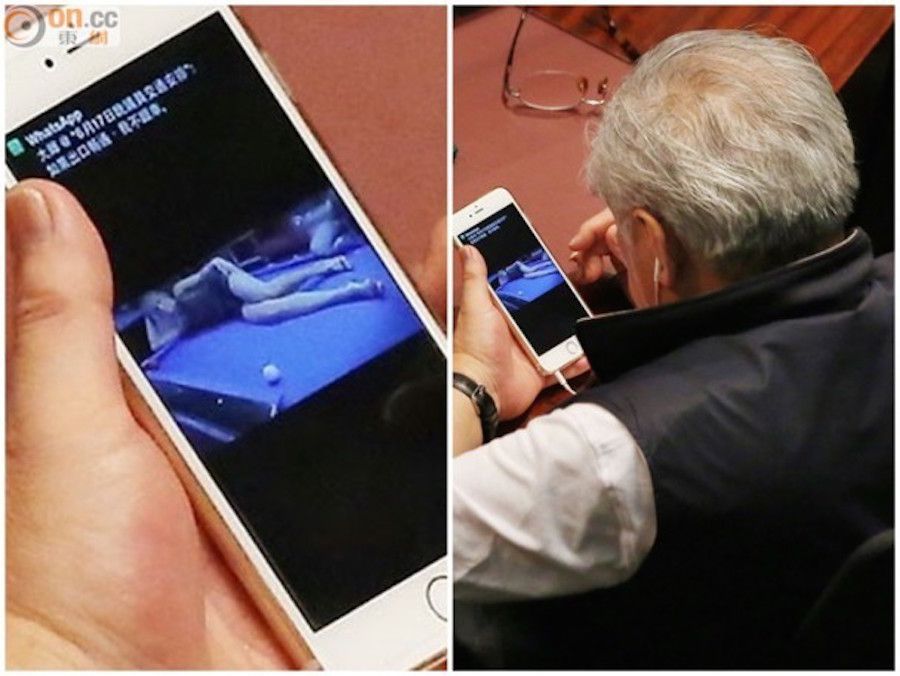
"Erm... ah, how do you get back to the home screen?" Photo: on.cc
Hong Kong import and export lawmaker Wong Ting-kwong has embarrassed himself after being snapped viewing sexy pics on his iPhone during an important parliamentary debate. Because, you know, helping decide the entire future of Hong Kong isn’t exciting enough!
Crazily enough, Wong is far from the first high-profile politician to be caught using his Apple product inappropriately.
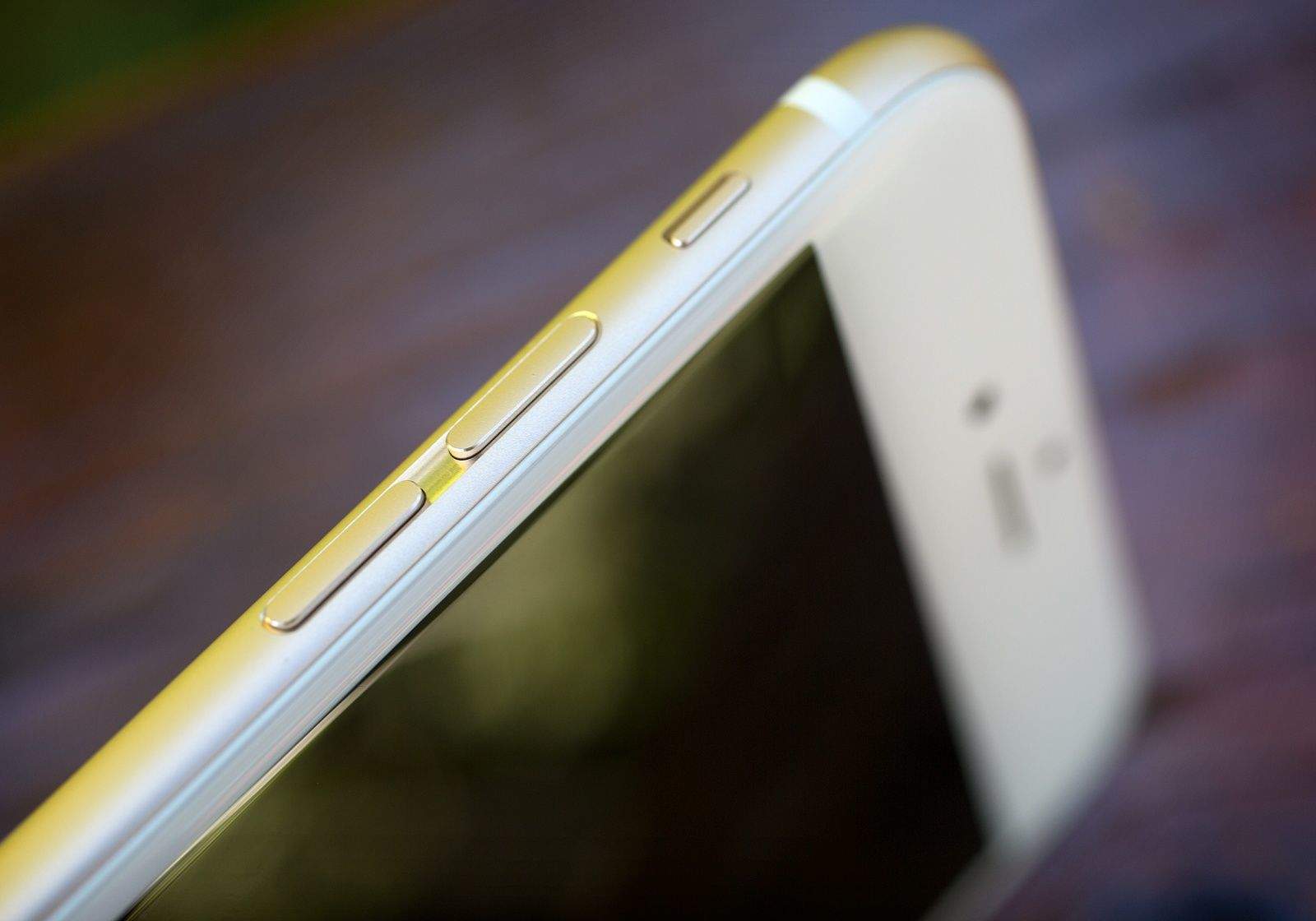
iPhone antenna lines may soon disappear Photo: Jim Merithew/Cult of Mac
Apple’s been using antenna lines in its smartphones ever since the days of the iPhone 4 and antenna-gate, but a new patent filed by the company could soon make those unsightly lines disappear for good.
Twelve months in the life of an iPhone. Photo: Paul Trillo
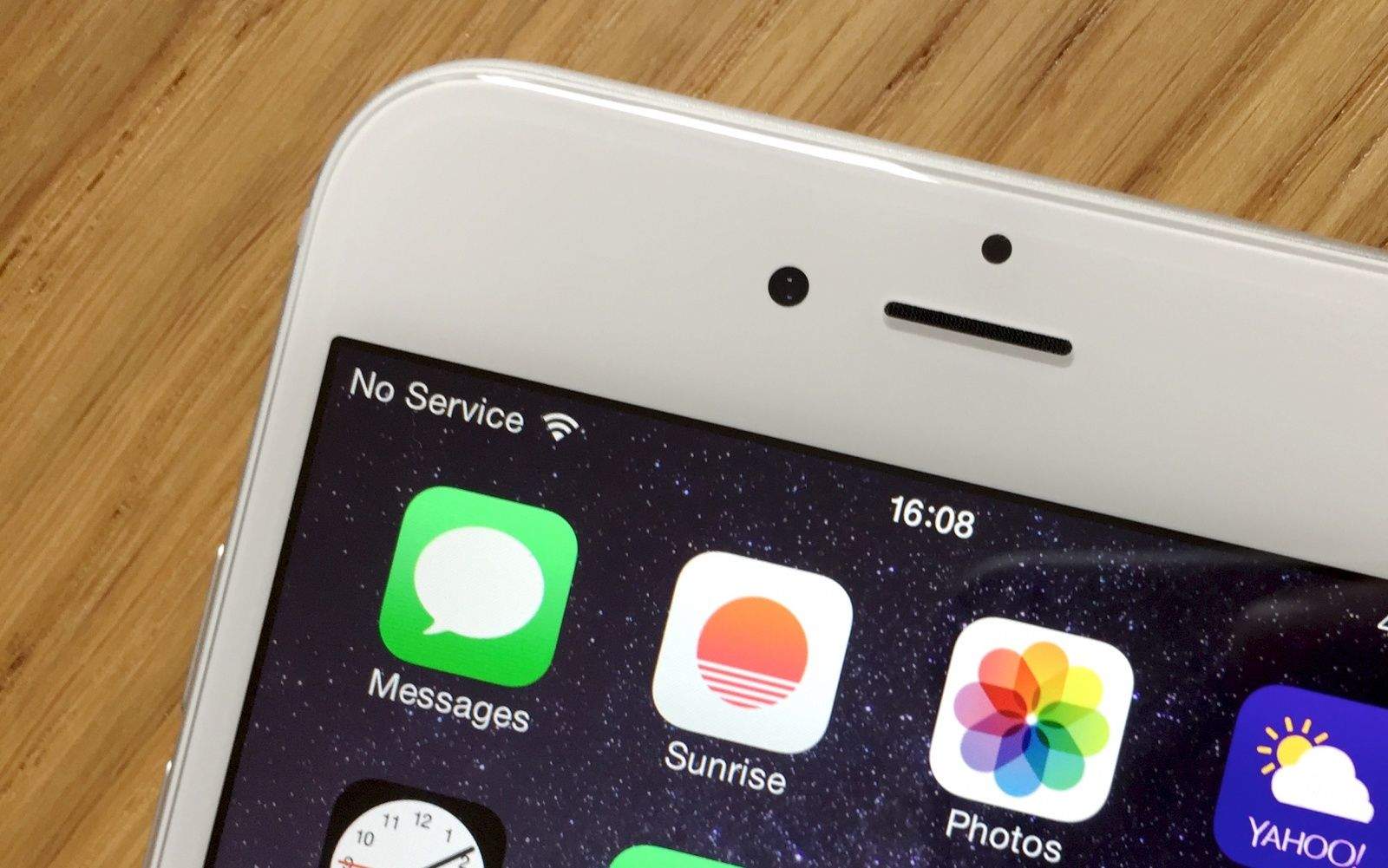
I’m a sucker when it comes to upgrading to the latest iPhone, but like a lot of people I’ve stopped to think about how bizarre it is that new iPhones go from coveted items we’ll queue up for hours to get our hands on, to scratched, slightly-battered handsets we’ll sell or pass on to friends — all within the course of just one year.
Filmmaker Paul Trillo has taken this idea and used it to put together a pretty nifty short film showing off the life, death and reincarnation of one such device — all shot from the point-of-view of the iPhone itself.
Apple is bringing more chip design in-house. Photo: Killian Bell/Cult of Mac
Apple is reportedly developing a single-chip solution for handling both the touchscreen and display drivers for future iPhones, according to a new report coming out of Taiwan.
Interestingly the report suggests that the integrated design is designed to fit into an ultra-thin and ultra-narrow display — while also allowing Apple to completely eliminate the need for a physical iPhone “home” button by integrating fingerprint sensors into the main display.
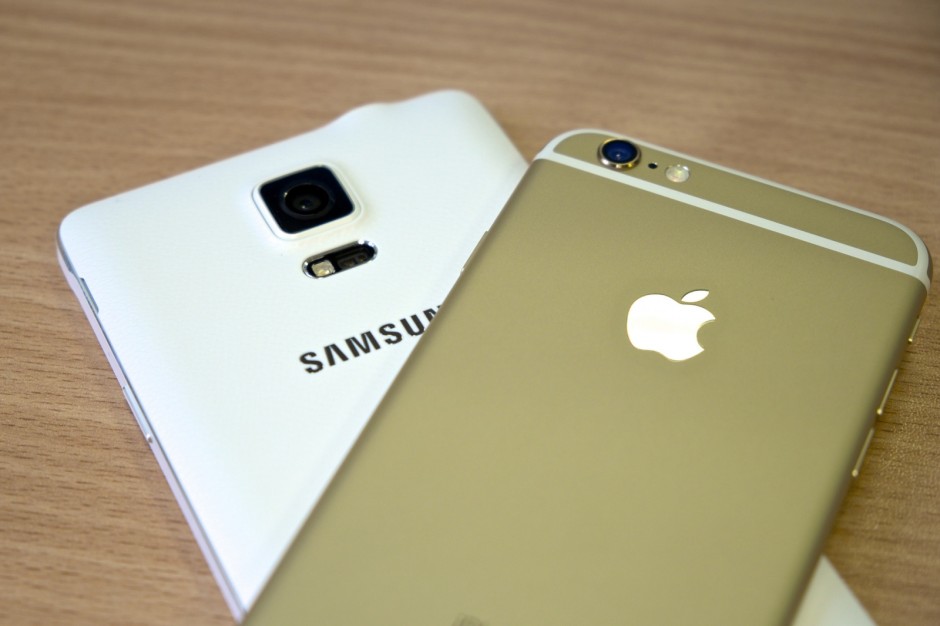
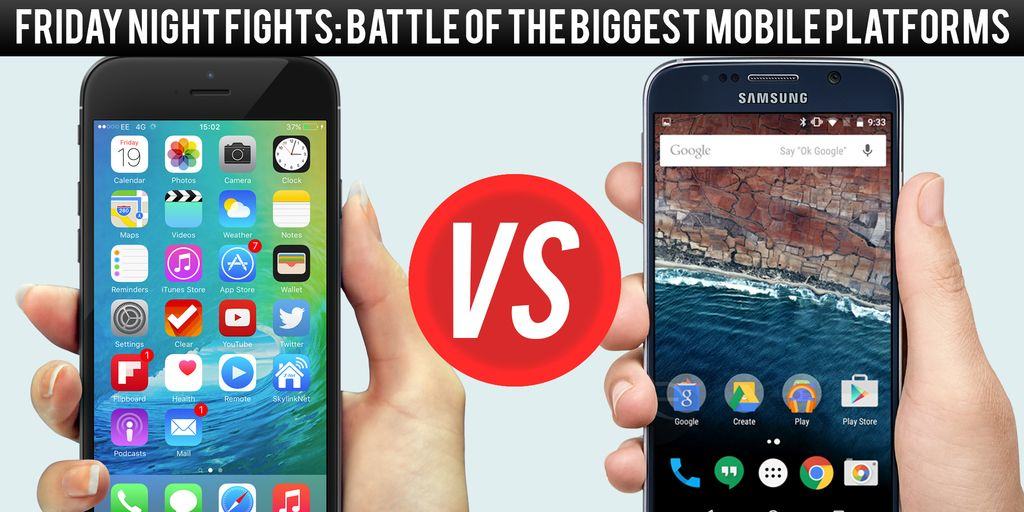
Google I/O and WWDC have been and gone, and Google and Apple have laid out the plans for their next major platform updates — Android M and iOS 9.
Now that we’ve had a chance to let those announcements sink in, it’s time for Cult of Android and Cult of Mac to battle over which is best in another Friday Night Fight. Let us help you decide which one will reign supreme when they roll out to the public this fall.
Samsung is asking the U.S. Court of Appeals for the Federal Circuit to cut more money off the $930 million Apple won in a patent lawsuit. The company is arguing that the appeals court’s earlier ruling is still unfair, even after successfully convincing the panel to chop off $382 million already.
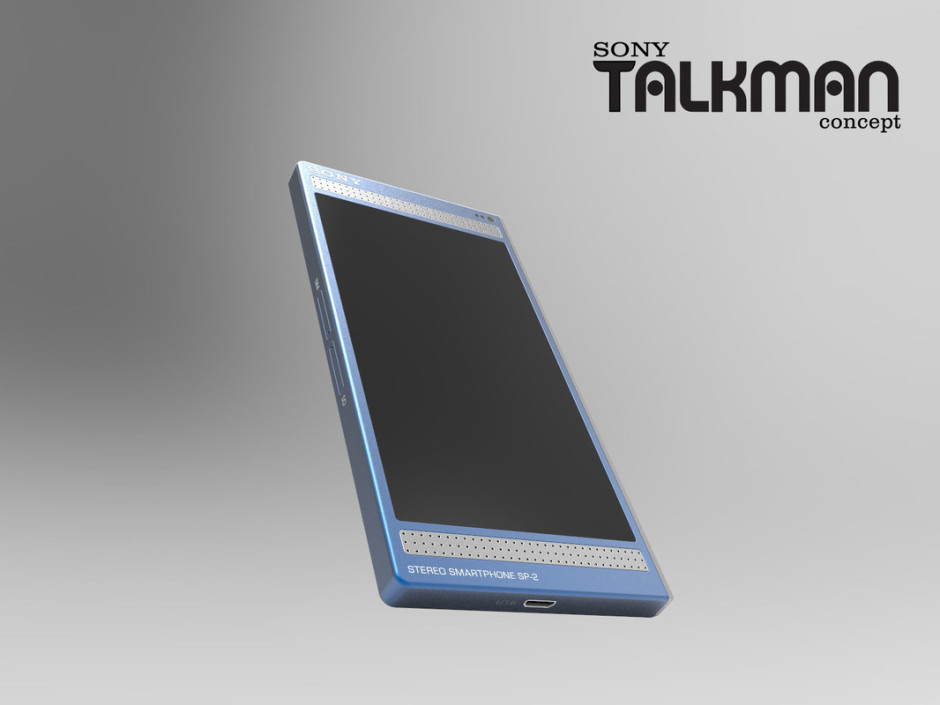
Ever imagined what it would be like if Sony, not Apple, had delivered the first truly modern smartphone? If the Walkman had never gone out of style, just evolved with the times?
KGI Securities analyst Ming Chi Kuo has become the most accurate Apple seer around. Photo: Digitmes
Over the past several years, one analyst has risen above the rest to become the most reliable voice on all things Apple. His name is Ming-Chi Kuo, and his ability to accurately prophesy Apple’s future product plans is unparalleled. Fittingly, he is also incredibly mysterious.
Kuo is back in the news with a report that the iPhone 6s — due in the fall — will have a new stronger case to make it less ‘bendable.’ The iPhone 6s will be made from the same tough-but-light 7000 series aluminum used in the Apple Watch (it’s also used to make bikes and planes). Kuo also predicts the 6s will come Rose Gold and a darker space grey, again, matching the near-black Apple Watch.
Last month, Kuo reported a long list of features coming to the 6s, including a better, faster A9 processor, a Force Touch screen, a 12-megapixel camera, better Touch ID, new gestures and more.
Researchers cracked iCloud Keychain and bypassed App Store approval processes. Photo: Faris Algosaibi/Flickr CC
A group of six university researchers claim to have successfully bypassed Apple’s tight App Store approval processes to publish Mac and iOS malware apps. According to the report, the team presented the zero-day vulnerability to Apple back in October 2014 and were told to keep quiet about it for at least six months.
Luyi Xing, a security researcher who helped expose the zero day vulnerability, still has yet to hear back from Apple on a possible fix.
Apple is guilty of setting iPhone prices. Photo: Jim Merithew
Many of Apple’s manufacturers may be based in Taiwan, but that hasn’t stopped a Taiwanese court from finding the company guilty of engaging in anti-competitive practices.
Apple’s crime? Making its telecom partners in Taiwan run their pricing plans past Apple prior to making then available to the public.
“Apple limited telecoms from setting contract price for its 4, 4s, 5 and 5s models, which is against the law,” says a spokesperson for Taiwan’s Fair Trade Commission.
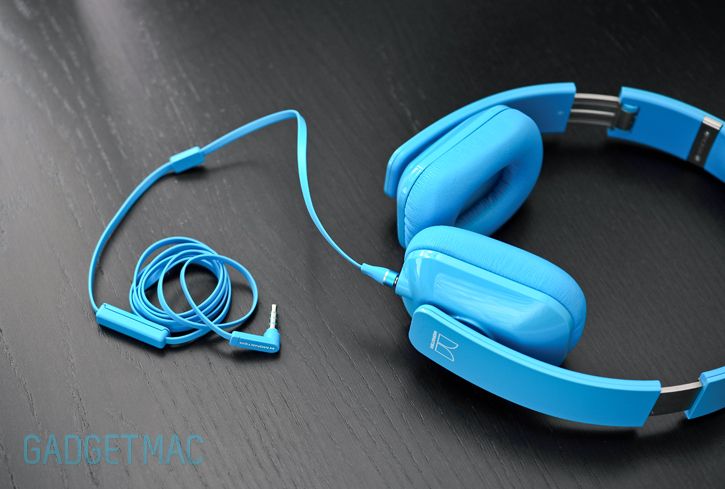
Apple is allegedly banning Monster from making official iPhone accessories for suing Beats. Photo: Gadget Mac/Flickr CC
Apple is accused of corporate bullying after reportedly booting rival headphone maker Monster from its “Made for iPhone” accessory program.
Monster claims the move is in retaliation for an ongoing lawsuit against Beats, which is now owned by Apple. Monster was the original contract manufacturer of Beats-branded headphones. The move could seriously impact Monster’s headphone business.
Considering the headphone market is a $2 billion industry in the United States, there’s plenty of money to be lost without Apple’s support.
The iPhone photograph to beat this year. Photo: Michał Koralewski
Thanks to its constant improvements and the fact that we carry it around virtually everywhere we go, the iPhone has become our de facto camera over the past few years.
But while most of us use our iOS devices for little more than taking Facebook snaps, the annual IPP (iPhone Photography) Awards are a reminder of just how gorgeous our mobile pics can look.
A Bluetooth-enabled button lets you shoot pictures or record video. Photo: Grip Dat
Trying to hold your iPhone like you once did a camera can feel awkward. It’s not designed to fit the hands the same way. A selfie stick can free your hands, but can also get you thrown out of a lot of places.
A photographer has come up with a simple device to give you the grip you need with the shooting range of a selfie stick with no danger of impaling others around you.
Grip Dat is a handle with a tilting smartphone bracket. On the grip’s thumb rest is a Bluetooth-enabled shutter release. The gripper can take a quick selfie or detach the base from the grip to take in more of the scene to snap pictures or record video from as far away as 30 feet.
You can now turn your iPad keyboard into a trackpad. Photo: Apple
Apple unleashed a ton of new software features for iPad on developers this week with the release of iOS 9’s first beta, but not all the features were covered during the two hour keynote that kicked off WWDC, including the news that the iPad’s awesome new two finger trackpad gesture is also coming to iPhones too.
The new gesture allows iOS users to turn their keyboard into a trackpad by simply tapping it with two fingers. It’s going to make working on the iPad way easier, and let you move the cursor on the iPhone too.
Apple supplier Foxconn has come under fire over the last few years for its factories’ working conditions in China, but the company is now making plans to open up a new Apple plant in one of the world’s other booming nations: India.
Phil Schiller answers some of our biggest questions about Apple products. Photo: Apple
Why does the latest iPhone still ship with just 16GB of storage as standard? Why does the new MacBook have only one USB port? Why does Apple make devices thinner and thinner rather than adding bigger batteries?
At Apple’s Worldwide Developers Conference in San Francisco this week, marketing chief Phil Schiller sat down with The Talk Show to address some of these questions.
New features and improvements are coming to iOS 9. Photo: Apple
If you’re curious about the new changes coming to iOS 9 and you’ve got an Apple Developer account, you can head over and get the latest operating system for Apple’s mobile devices (iPhone and iPad) from the developer website.
You’ll need to register your iPhone or iPad with the Developer website, first, then download the new iOS 9 beta and install it. Here’s the breakdown of getting iOS 9 onto your iPhone or iPad, which is required if you want to try and install watchOS 2 beta for your Apple Watch.
New titles and responsibilities in management could reshape Apple. Photo: Jim Merithew/Cult of Mac
This week: We’ll tell you why the 2015 Worldwide Developers Conference may be one of the most mundane on record. Plus, Apple pretty much confirms Apple TV will be your home’s digital hub; Facebook’s an impenetrable fortress with too much power; and the tale of a Bay Area woman who unknowingly junked her $200,000 Apple-1 computer … whoopsie!
Our thanks to lynda.com for sponsoring this episode. Learn virtually any application at your own pace from expert-taught video tutorials at lynda.com.




 Google I/O and WWDC have been and gone, and Google and Apple have laid out the plans for their next major platform updates — Android M and