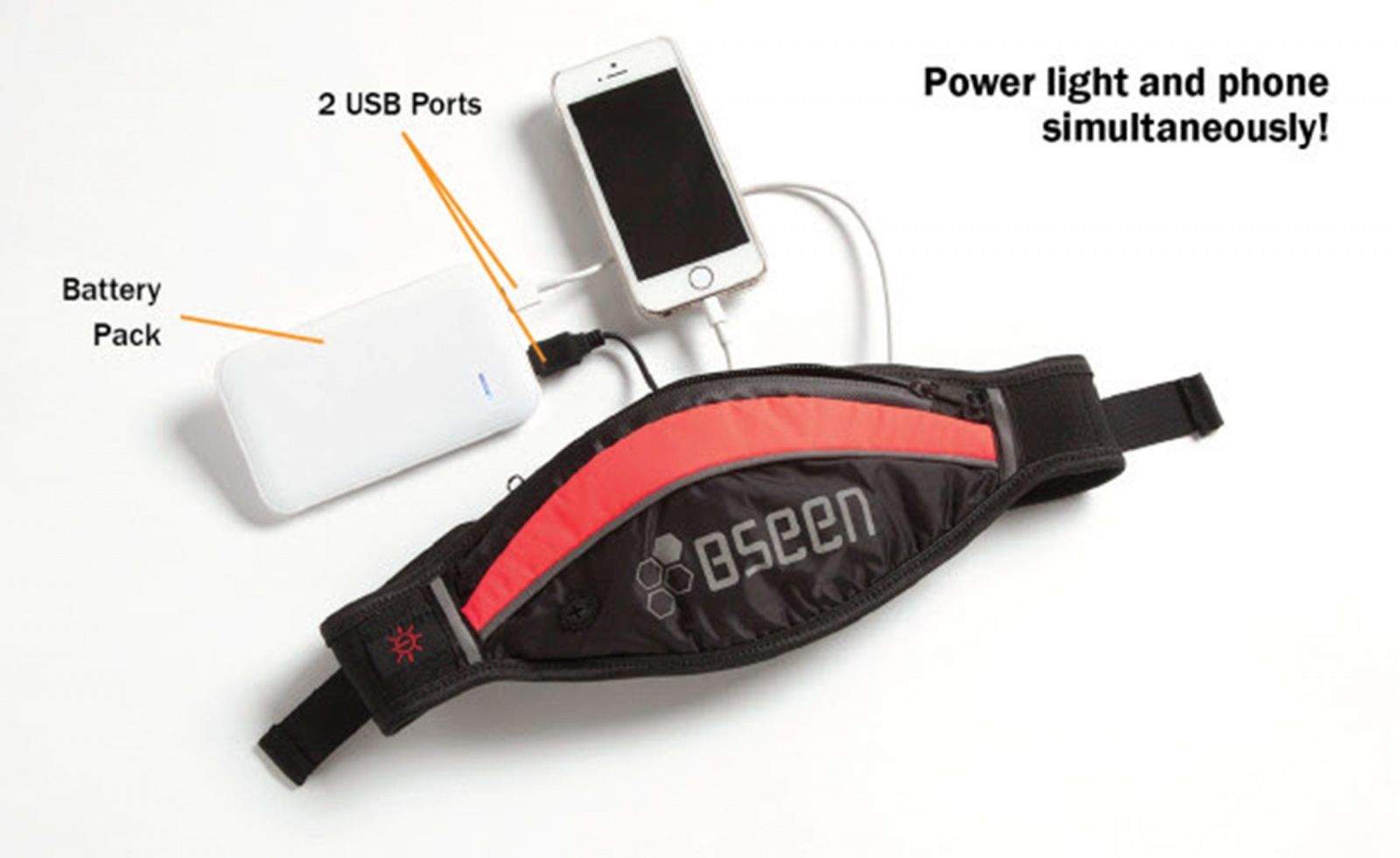
Keeping your iPhone charged on the go can be a hassle. You have to bring an extra Lightning cable and a big bulk battery just to keep yourself plugged into your texts, phone calls and all the happenings on social media. But one creative clothing manufacturer has come up with a clever solution that puts a charger in your pants.
These designer jeans keep your iPhone charged on the go
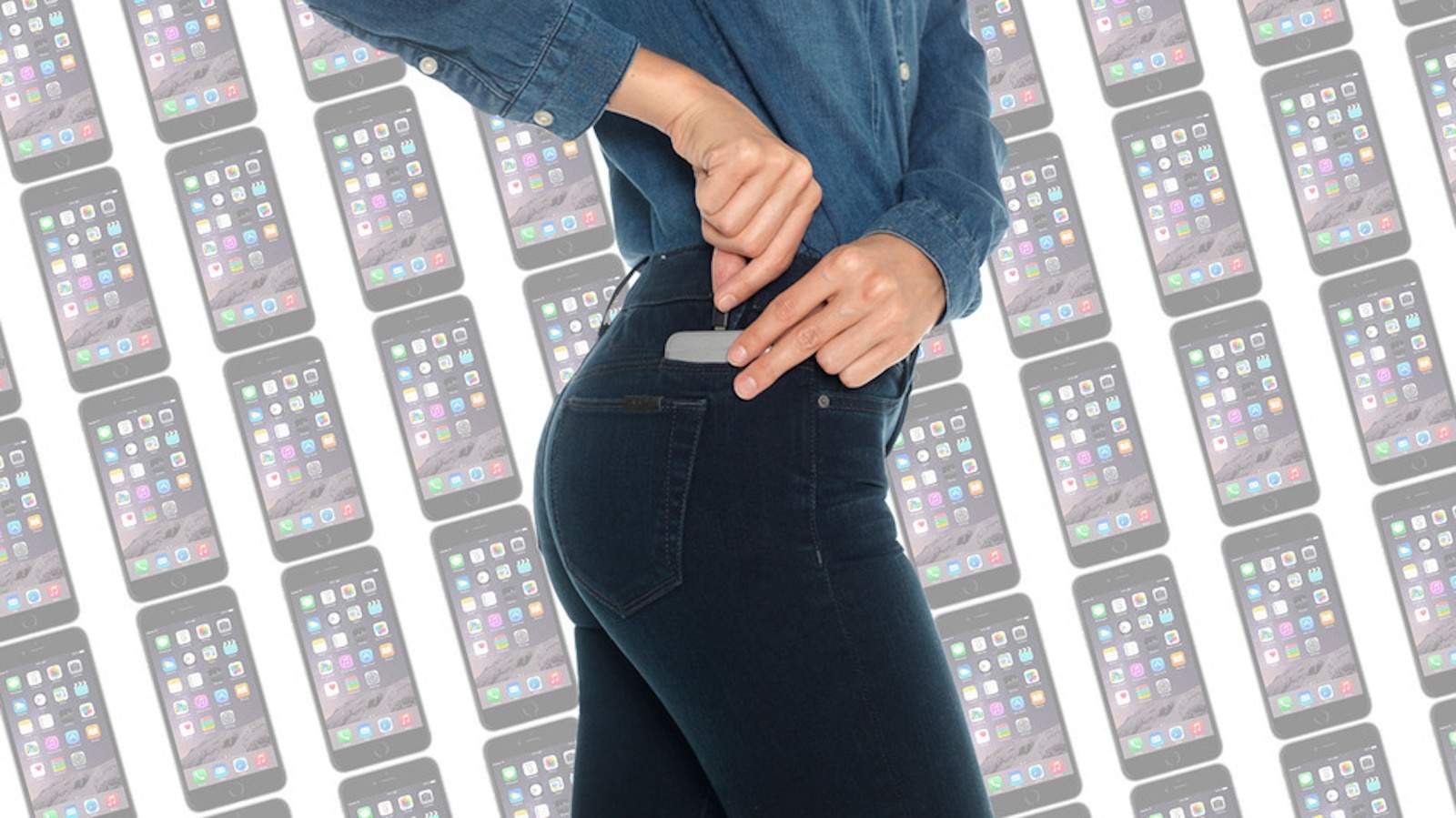
Photo: Joe's Jeans









 Every mobile platform now ships with its very own virtual assistant, and while they all offer a similar set of basic features, Google Now and Siri are way ahead of their rivals. Google Now knows what you want and when you want it, but Siri has sass and personality, and is about to get a whole lot better with the help of Proactive.