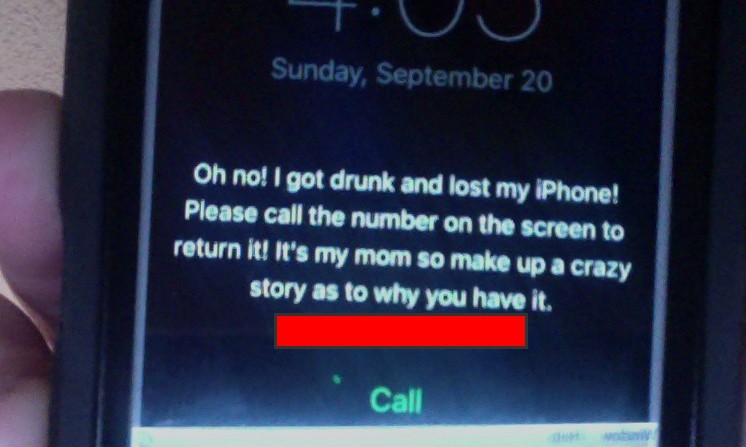
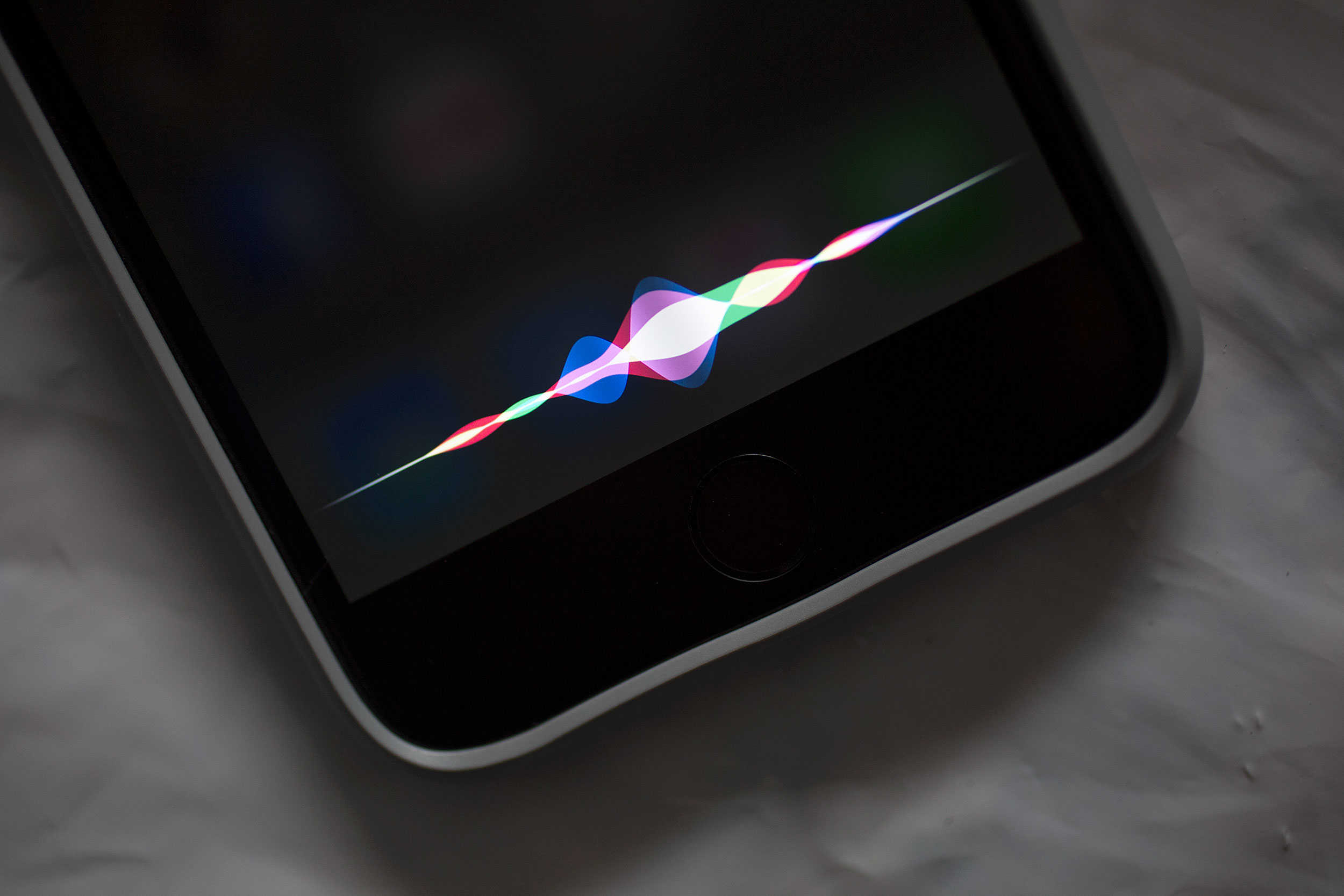
Who says a lock screen can't be laugh-out-loud funny? Photo: Apple
Through the creation of its Find my iPhone feature, Apple has made it much easier to recover handsets when we misplace them.
However, one amusing iPhone owner decided to go one step further to ensure that he would be reunited with his iPhone should it stray from his hands during a night of drunken merriment — adding an hilarious iPhone lock screen message.
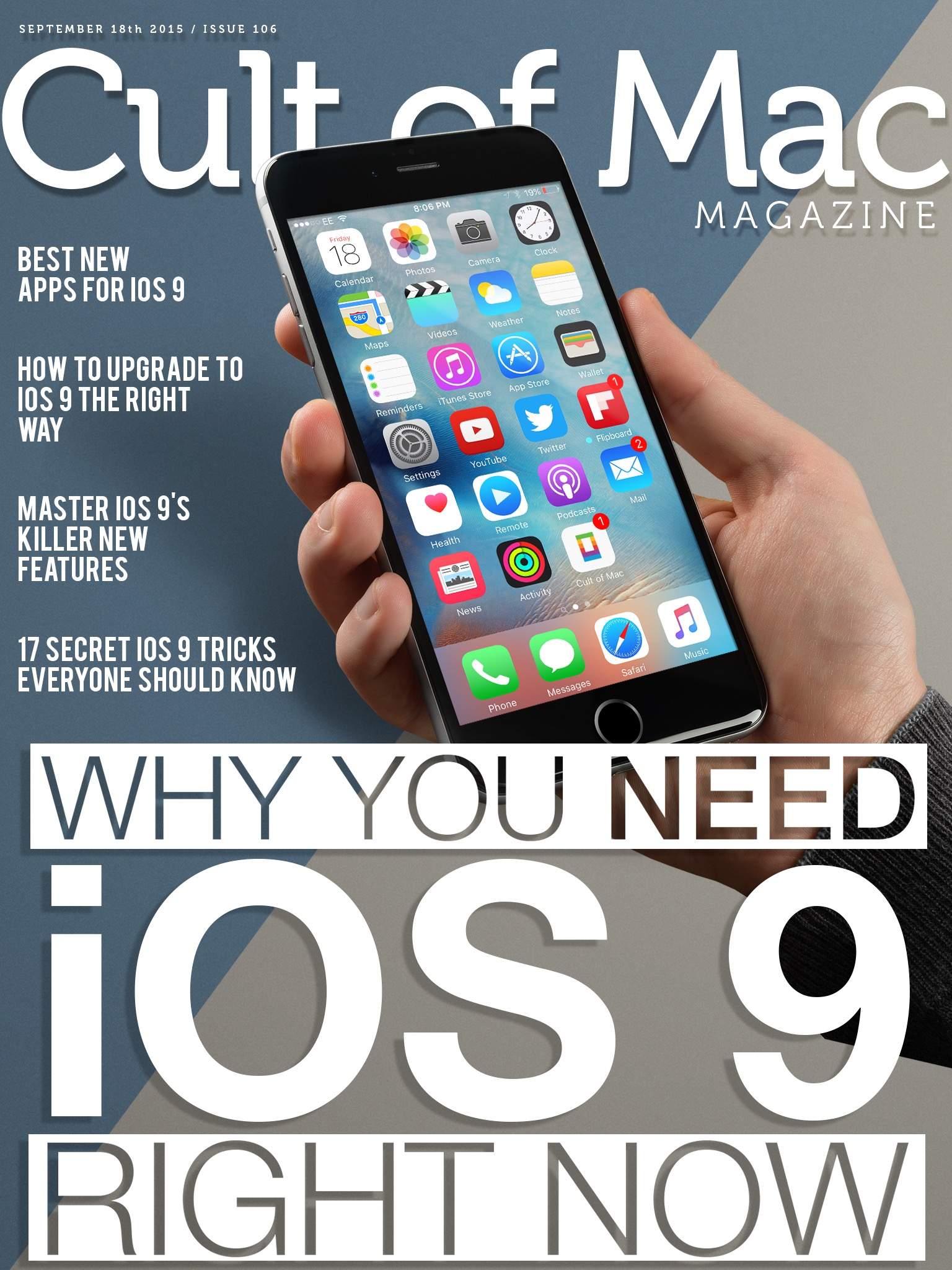
More iOS 9 news and reviews than you can handle! Cover: Stephen Smith/Cult of Mac
We’re excited about all the cool new “whiz-bang” features in iOS 9 as well as the hundreds of tiny little improvements that will make your iPhone and iPad much better to use.
This week, we’re sharing that joy with you as we take a deep dive into iOS 9’s killer new features, how to upgrade the right way, an abundance of tiny tricks you need to know, and some of the best apps already rocking iOS 9.
Take a look at Cult of Mac Magazine to fill your head with all this great content.
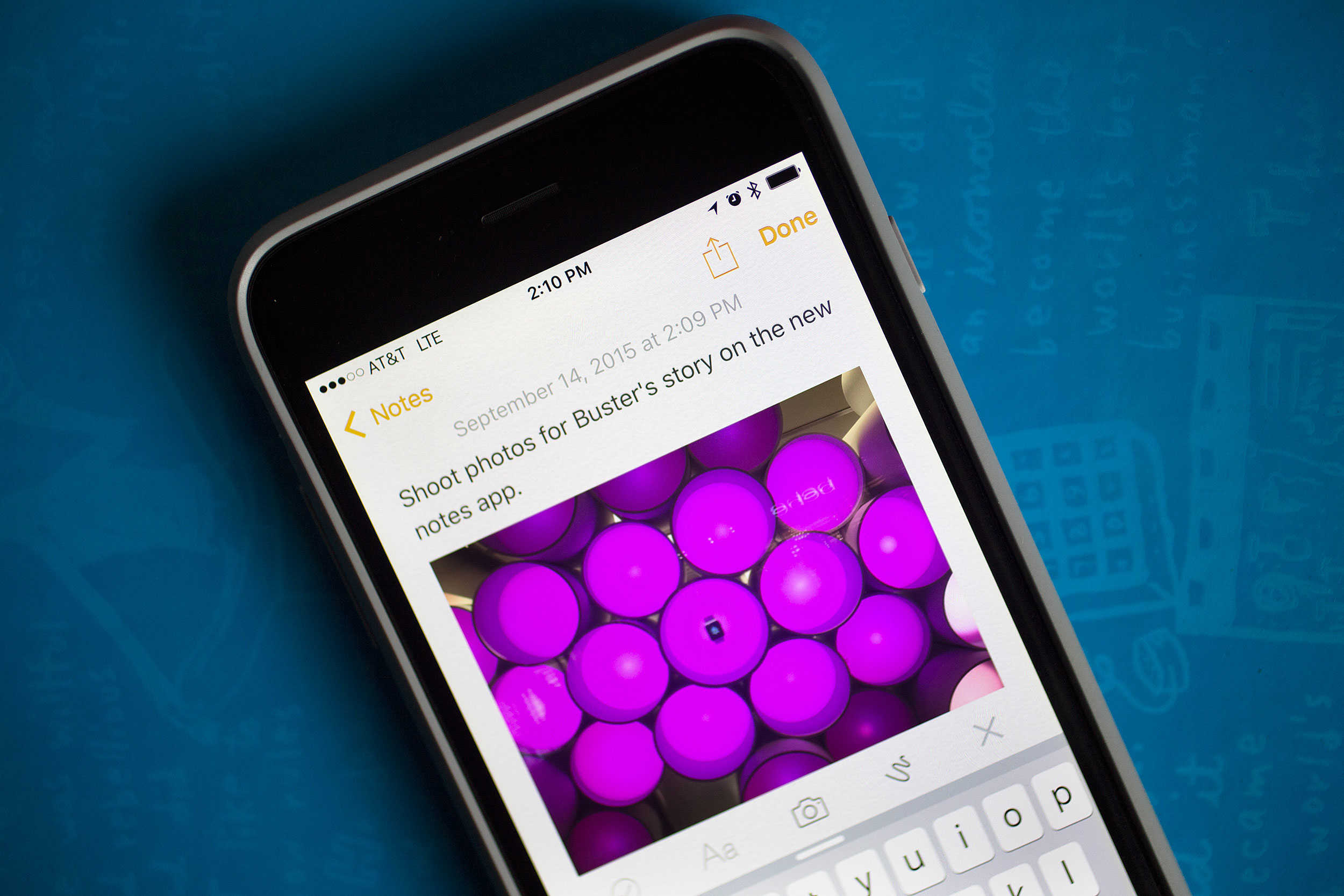
Keep your dirty words out of the Notes app. Photo: Jim Merithew/Cult of Mac
The busier my life gets, the more disorganized I become. I fumble for a notepad when I’m out and want to get someone’s phone number. I think of get short story ideas when I’m in the shower, and I have tons of books and movies I want to get (usually when I’m broke). Don’t get me started on shopping lists. Who has time to write those out?
My digital life is just as disorganized. There are web links to save, photos of stuff I want to share with friends, and notes I need to refer to while writing articles on the web. They’re each in their own separate apps or websites, making pulling everything together a pain.
Notes in iOS 9 solves this dilemma by allowing us all to keep all our photos, notes, shopping lists in the one place we’re most likely to find it: on our iPhones.
Better yet, you can dictate an idea for your next screenplay right out of the shower, then pick up your iPad when you get to work and resume it right there.
Here’s how to get the most out of your new Notes app, and never be disorganized again.
For the first time ever, Apple fans will soon be able to buy an Apple device directly from the company’s Cupertino headquarters.
Apple’s Company Store at 1 Infinite Loop is set to reopen this weekend, and along with selling special products like shirts, jackets, mugs, pens, the Company Store will now stock iPhones, iPads, and Macs for visitors to purchase.
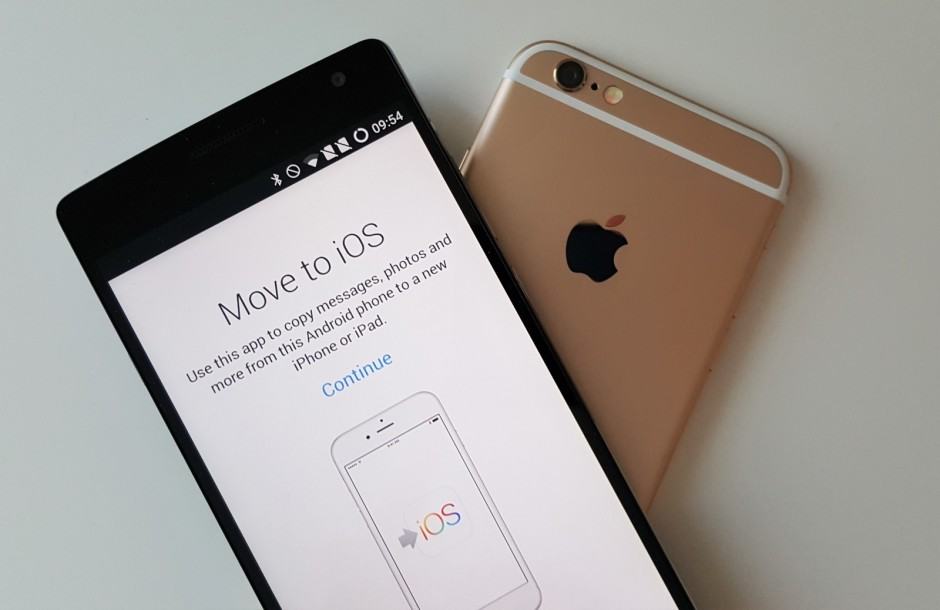
Move to iOS wasn’t made by Apple. Photo: Killian Bell/Cult of Android
Apple brought its first Android app to the Play Store earlier this week, making it easy to transfer all of your data to an iPhone should you choose to switch. But it turns out the app isn’t really Apple’s; it’s actually a rebranded version of an existing Android app.
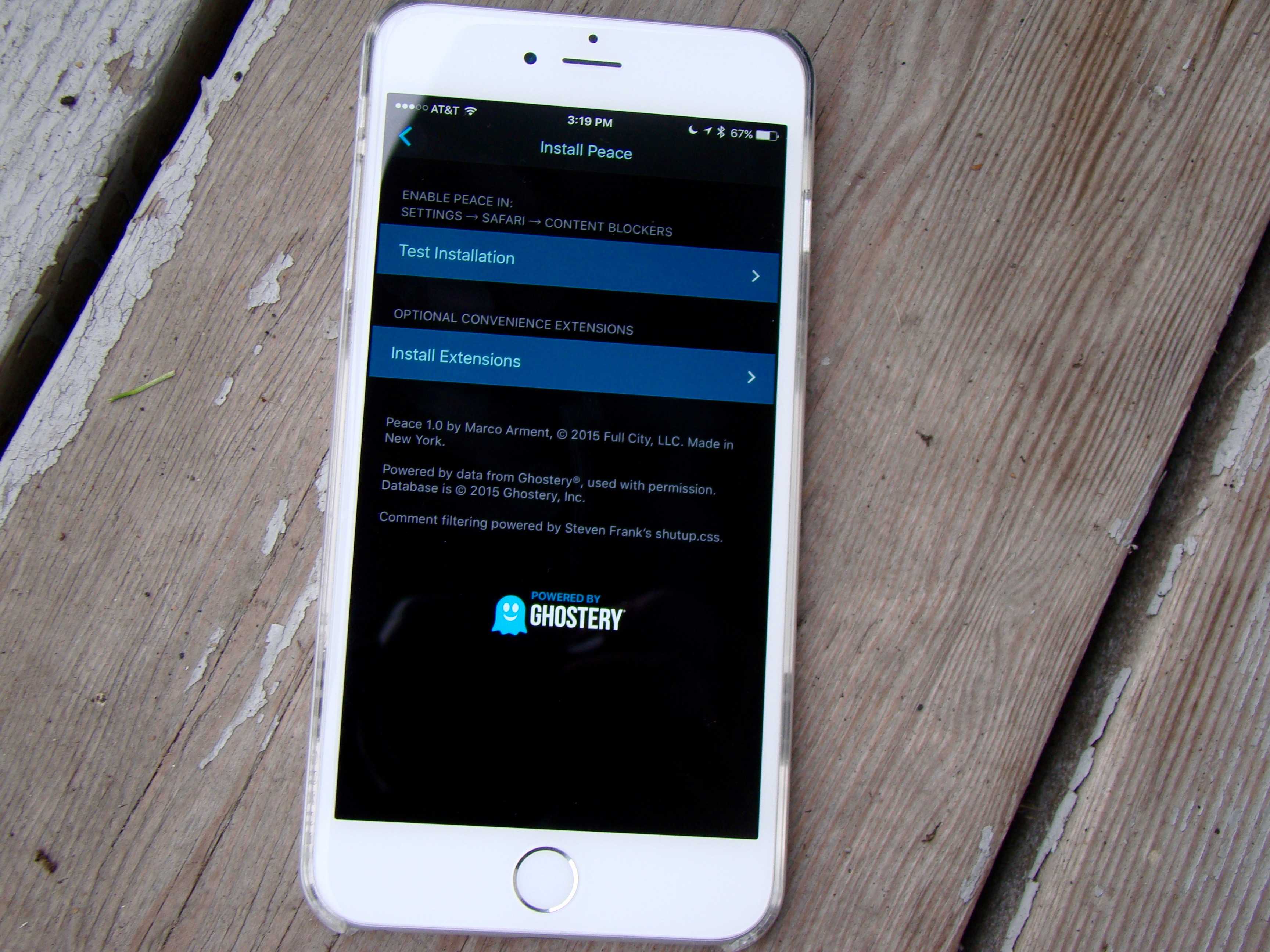
These apps are garnering a ton of attention and reaching the top of the paid app charts. With so many content blockers out there, what’s the difference? Why choose one over the other? It’s so confusing, so we did a little digging. Here’s what we’ve found out.
Silentium (left) and Purify, two great content blockers for iOS 9. Photo: Rob LeFebvre/Cult of Mac
iOS 9 includes a new feature that desktop users have had for a while: content blocking. More conventionally known as ad blockers, this software cuts out all the advertisements and other cruft from web pages, allowing faster load times and a more streamlined experience.
Of course, most websites you read these days (including Cult of Mac!) rely on advertising to keep the lights on.
Luckily for all of us, most new content blockers let you whitelist specific sites so you can continue to help them pay their bills.
iOS 9 has tons of little tweaks waiting for you. Photo: Jim Merithew/Cult of Mac
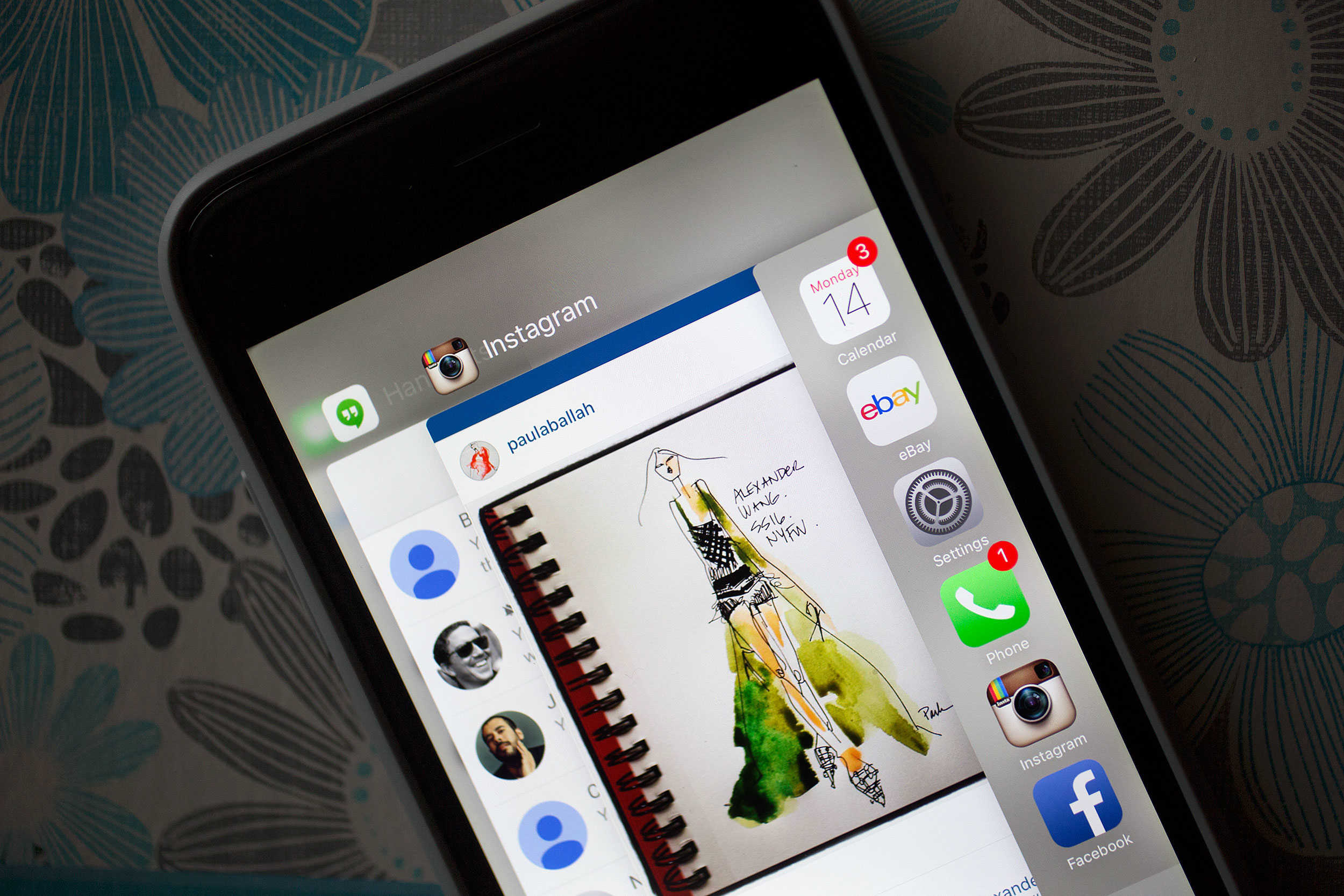
Once you get your iPhone upgraded to iOS 9, you might be overwhelmed. While Apple’s new mobile OS doesn’t pack a lot of grand new visual features, the update does include tons of little tricks that make using your iPhone and iPad even more ridiculously easy to use.
Here are all the secret iOS 9 tricks every user should know:
iOS 9 is loaded with new features. Here's how to use them. Photo: Jim Merithew/Cult of Mac
We’re all going to be diving into the deep end with iOS 9. While many of the changes are subtle, there are a fair number of differences in both the visual style and the under-the-hood workings of Apple’s new mobile OS.
That means this a perfect time to take a deeper look at all the killer stuff you don’t want to miss. These iOS 9 tips will help you make the most of all the great new features.
Unlike iOS 8 last year, iOS 9 shouldn't be much of a hassle to install. Photo: Jim Merithew/Cult of Mac
Apple made two important changes to the way you install iOS 9 that will help out your storage space and probably your anxiety. If you’re like a lot of other people, you were pretty frustrated last year trying to install iOS 8. Your 16GB iPhone already has to store all your apps and photos, and it just seems downright greedy of Apple to ask you to install a software update that would take up even more space. This year’s update should be much smoother sailing.
Back up everything you can before you try to upgrade to iOS 9, OK? Photo: Jim Merithew/Cult of Mac
When you back up your iPhone before upgrading to iOS 9, you have a couple of choices. You can use iCloud or iTunes.
For your best, most comprehensive backup, connect your iPhone (or iPad) to iTunes. Seriously, iTunes backs up almost everything — and it’s your best bet for downloading iOS 9 when the upgrade becomes available today.
One of 32 matching wallpaper designs by photographer Samuel Zeller. Photo: Samuel Zeller
Since your Apple Watch must be tethered to your iPhone, they might as well match.
So Swiss designer Samuel Zeller has used his personal photography to make wallpaper to match both watch and phone, and it is available Wednesday with the launch of Apple Watch OS 2.
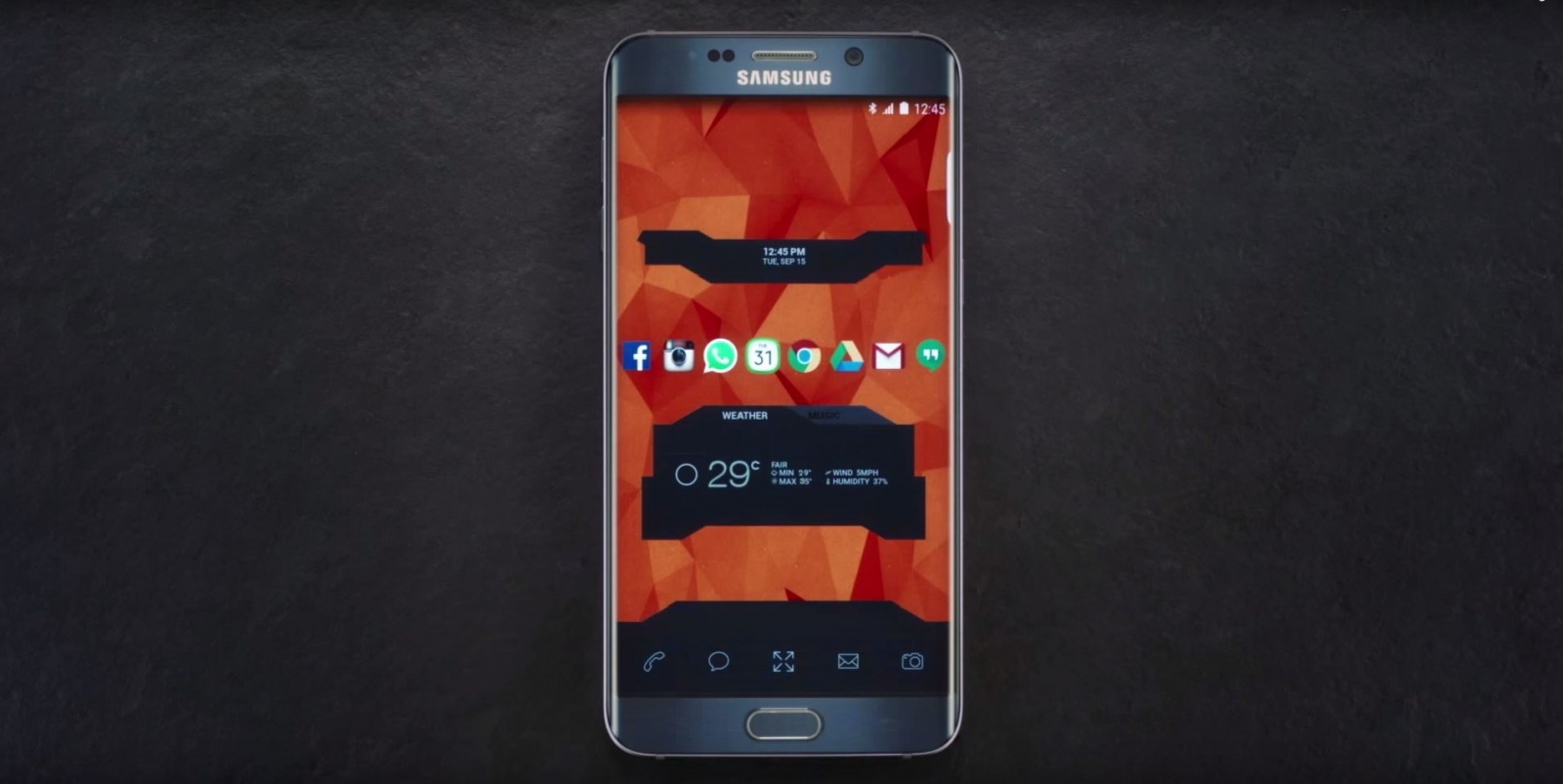
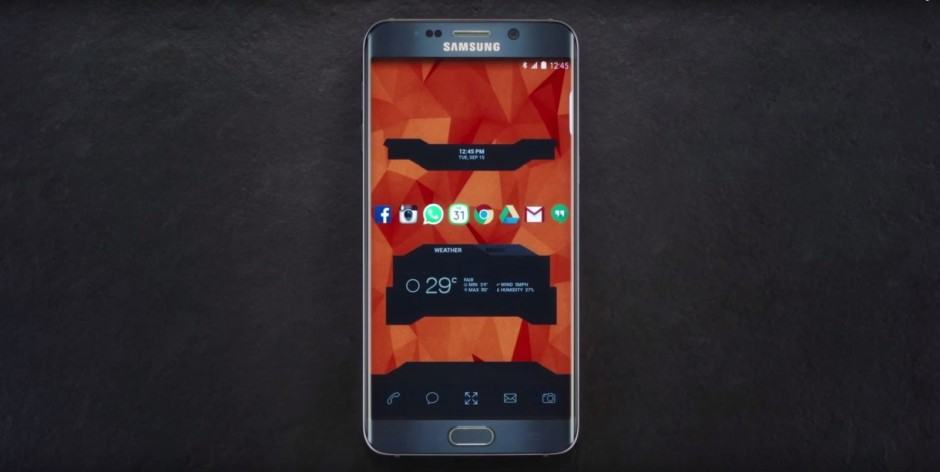
A custom theme on the Galaxy Note 5. Photo: SamsungA custom theme on the Galaxy Note 5. Photo: Samsung
If it doesn’t look like your phone, it’s not your phone… apparently.
That’s the tagline for a new Samsung ad that hopes to remind iPhone users they can’t customize iOS, and should therefore choose a Galaxy smartphone instead.
Viper SmartStart comes to your wrist. Photo: ViperViper SmartStart comes to your wrist. Photo: Viper
Remember that Ericsson phone that let James Bond control his BMW 750iL remotely in Tomorrow Never Dies? Now you can have your own… kind of.
Viper SmartStart is a smartwatch app for Android Wear and Apple Watch that puts car controls on your wrist, allowing you to locate, start, and control your vehicle before you even get in it.
Charging your iPhone and data storage are two of the many functions of the PowerClip. Photo: Mirai
It seems a bit risky for your tech startup to make its first product a keychain. But London-based Mirai has one you’ll get a charge out of – literally.
The PowerClip is a key fob that serves first and foremost as a charger for your iPhone or Android smartphone. But it also has other functions, including an activity tracker, flashlight, key- and phone-finder and serves as a data storage device.
We’re all pretty excited about the upcoming release of the iPhone 6s, Apple’s latest and shiniest hardware. And it seems that some people are so excited about the new phone that it makes them forget a bunch of things — like what an original iPhone looks like.
Kimmel sent an interviewer out on the street, where he presented passersby with the original, 2007 iPhone, told them it was a demo version of the 6s, and asked them how the “new” phone looks to them. You can see the cringeworthy results in the video below.
You know how McDonald’s (allegedly) has a secret menu? Plenty of people have heard about it, some use it frequently and bask in its glory, but most just stick to the regular menu.
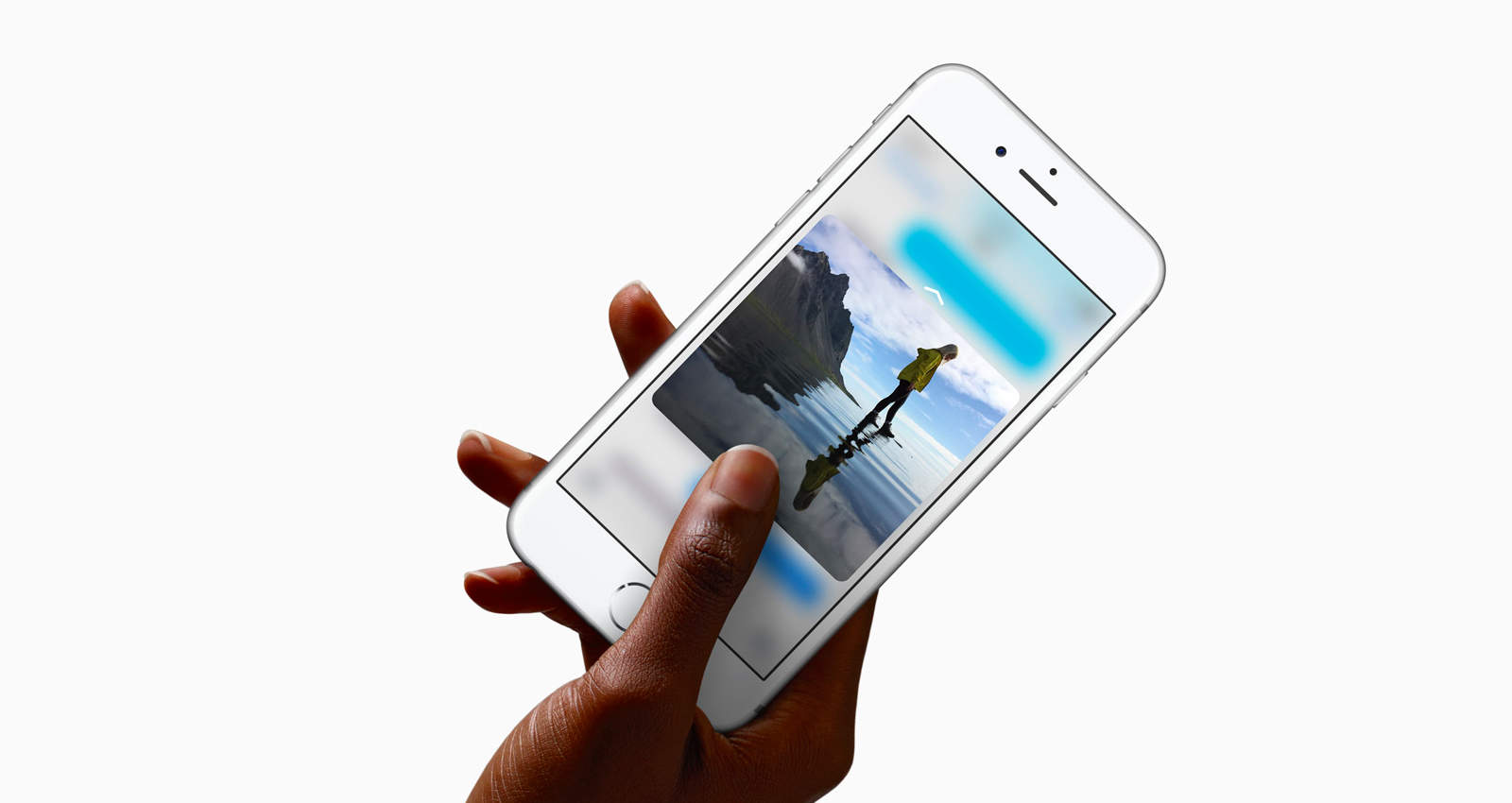
That seems an awful lot like how 3D Touch could pan out.
Just two days after Apple unveiled its new iPhone 6s and iPhone 6s Plus, Samsung already has an ad that taunts them for their lack of wireless charging, while simultaneously promoting the new Galaxy Note 5 and Galaxy S6 edge+.
It’s time to throw away your old smartphone and get ready for the iPhone 6s and iPhone 6s Plus that Apple is expected to announce tomorrow. To celebrate Apple’s new gadget, the crazy folks at TomoNews have created a new animated video that shows all of the new features coming to the iPhone 6s, but not in the way you’d expect.
The ridiculous/racist/low-brow video reveals new features like the iPhone 6s’ extra-strong casing that could be used as protection if you ever get into a shoot out with police. They’ve also got details on the powerful camera with x-ray technology coming down the line, and even created a scene where Yoda and Tim Cook face off in a lightsaber duel for the rights to use the Force.
Samsung has been taking a beating from Apple as of late, and apparently it’s taking its toll.
According to a new report, Samsung is responding to its diminishing smartphone sales not by fixing the root problem of its lack of originality and low quality reputation, but rather by sacking 10 percent of its workforce instead.
Looking for a startup idea? I'll license the concept of Gorilla Tinder for a very reasonable price. Photo: Paul Ross
An iPhone owner found that the bond shared by Apple fans even extends between species when he met an iPhone-loving gorilla during a recent trip to Louisville Zoo in Kentucky.
Separated by safety glass from one of our closest living relatives, the visitor decided to show Jelaini the gorilla photos of other gorillas — leading to an astonishing video in which Jelaini appears completely transfixed by the images.
Three lenses in one attach magnetically to your iPhone, delivering professional-grade shots. Photo: Cult of Mac Deals
Cult of Mac’s summer blowout sale is coming to an end, and along with it some great deals for decking out your phone. Jump on these massively discounted phone covers, camera upgrades, and more, and take another 5% off with the coupon code eos5off.
If you want to take a real vacation, turn off your iPhone. Photo: Cult of Mac
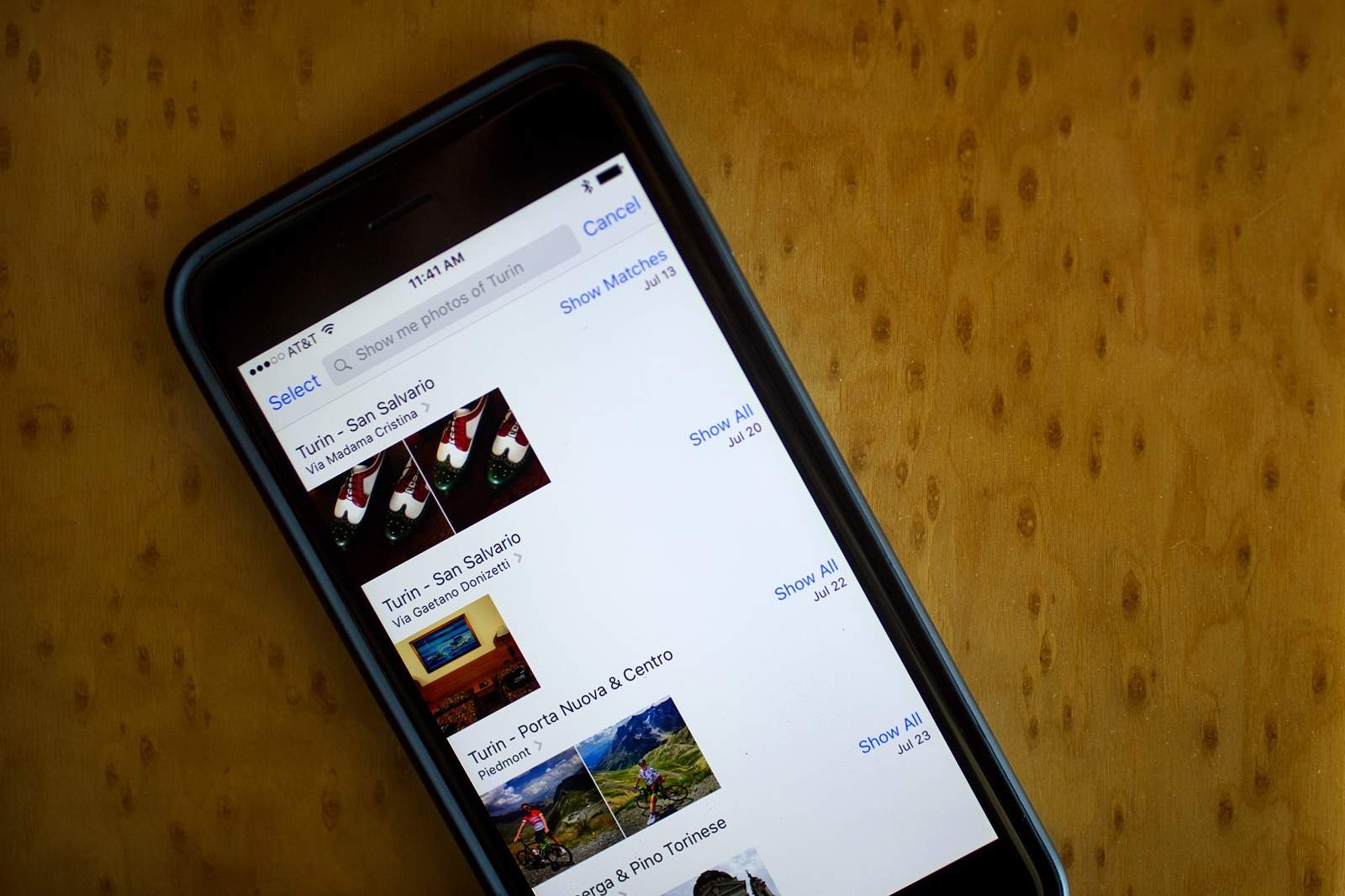
My family and I just got back from a too-short vacation in Italy, and we learned something important while we were there: Real vacations don’t have e-mail.
See, my wife was worried about us racking up unspeakably high bills while we were abroad, so we ended up almost completely disabling our iPhones for the entire trip. How we fared without them is the subject of this week’s Kahney’s Korner.
The reason Apple Stores should come with a mandatory IQ test before sales are made. Photo: Trevor Thomas
We’ve all seen the adorably hilarious videos of kids making us feel old by responding with general bafflement to ancient technologies like, erm, the original iPod. But you’d hope for the good of our future that people of driving age are a little bit more educated than that.
Not according to a photo that’s currently going viral on Facebook, showing what’s claimed to be the work of a young driver who has mistaken the cassette deck in their car for an iPhone dock — with disastrous results.