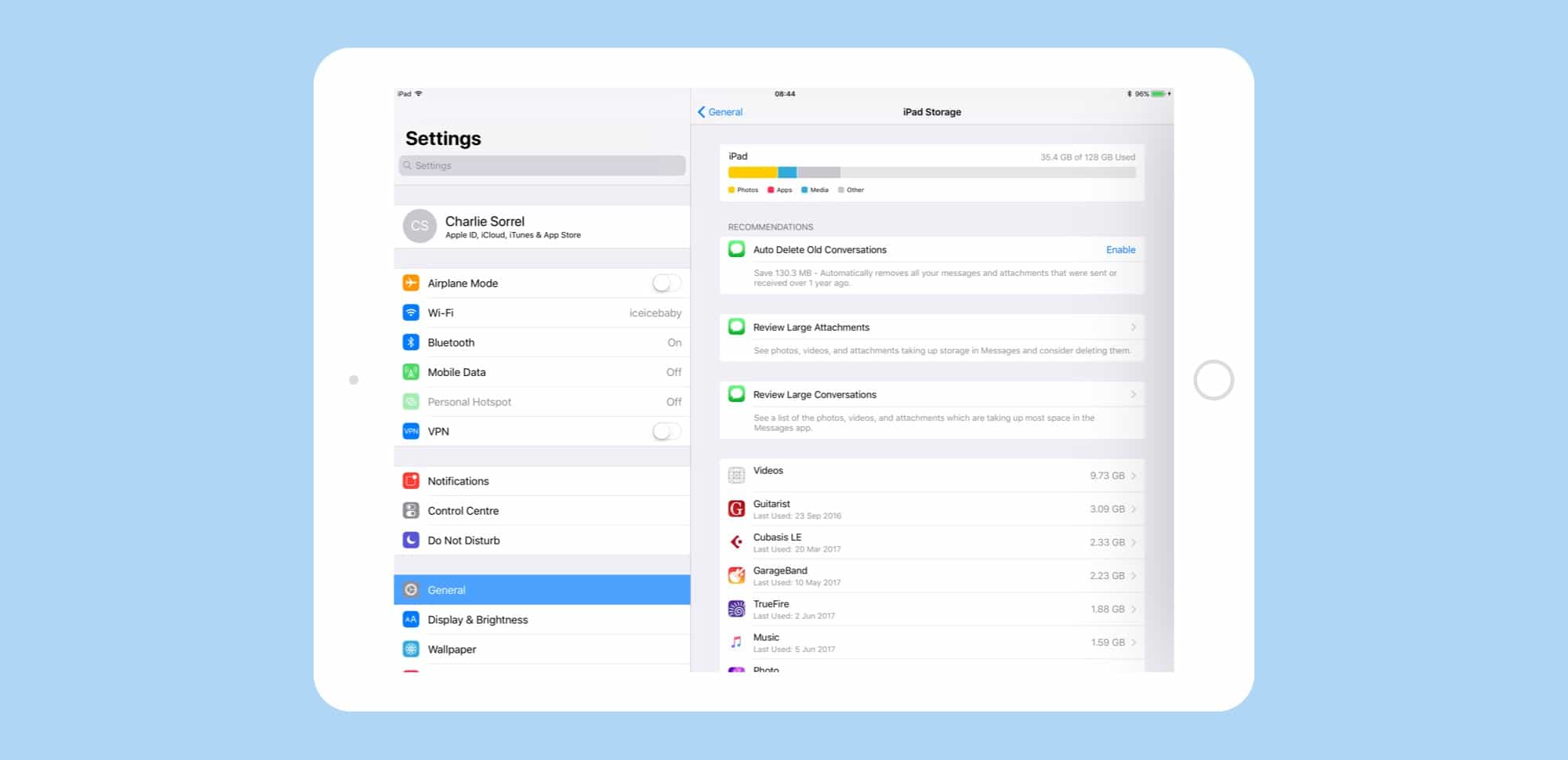
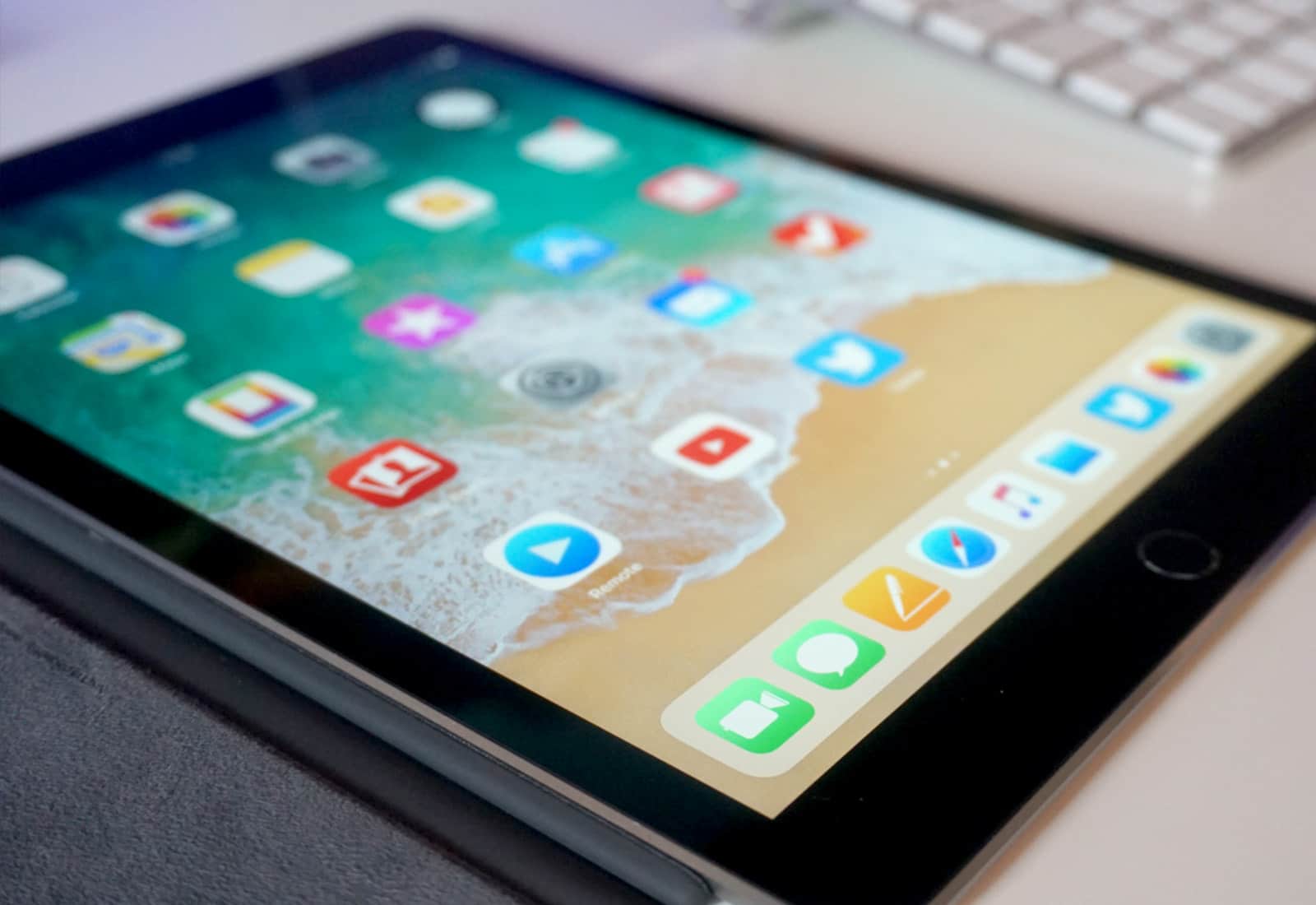
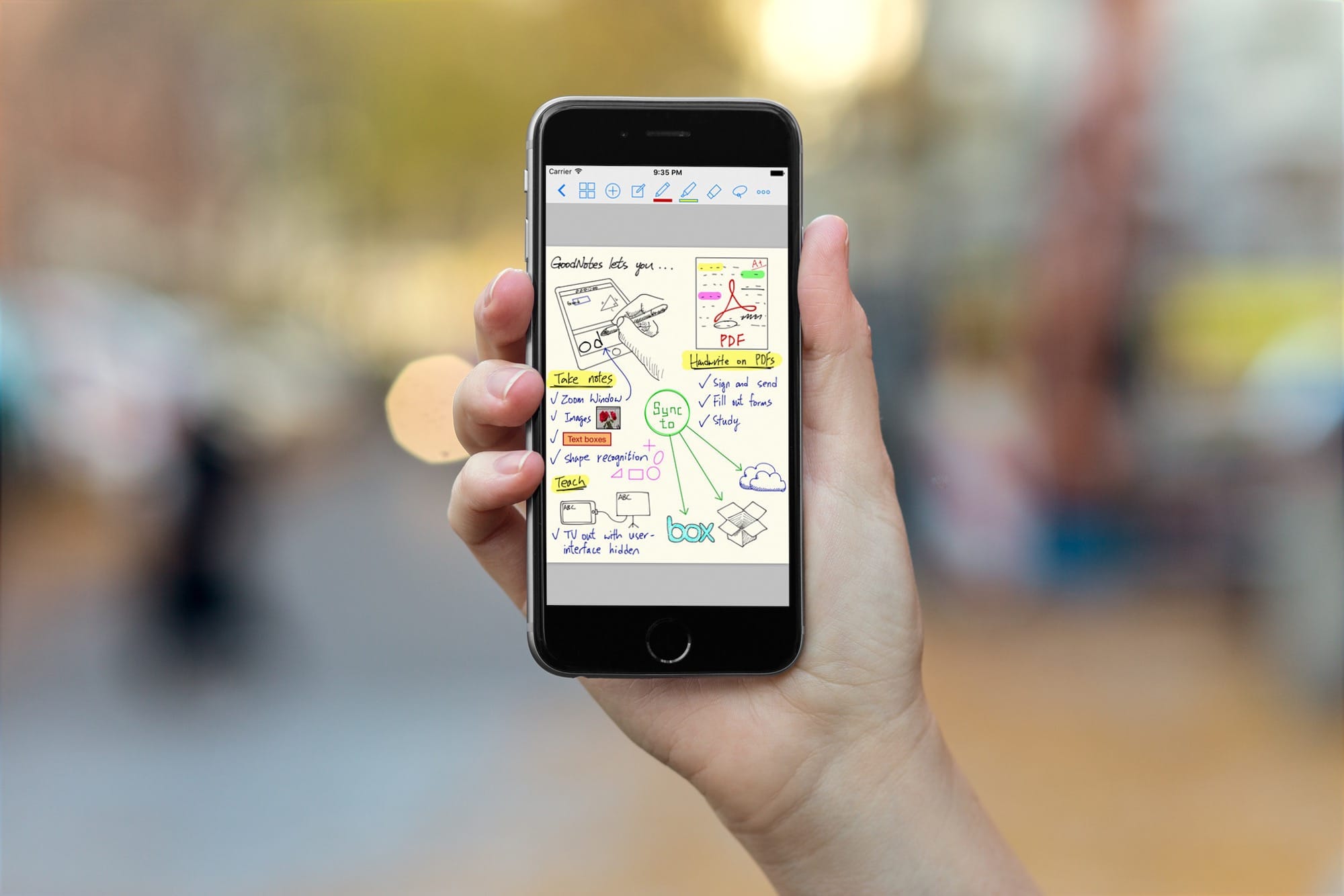
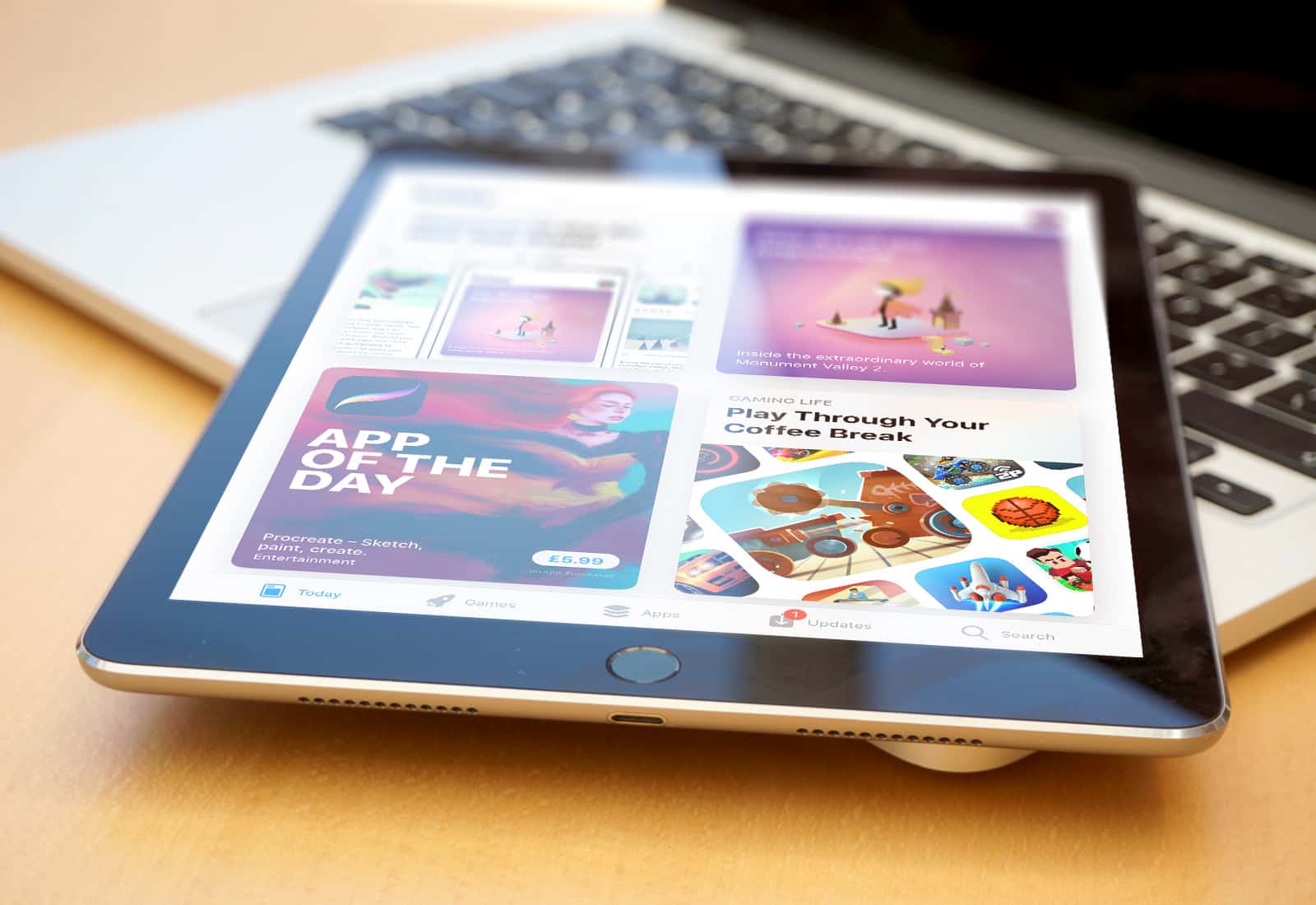
iMessage gets a bunch of new space-saving features in iOS 11 beta. Photo: Cult of Mac
Maybe, if you opt for one of the new 512GB iPads, you won’t have to worry about storage space. But for everyone else, iOS 11 has you covered. Now, under a new section in settings, you can whittle down the storage used by the iMessage app, weeding out old conversations, revealing oversized attachments, and even check to see which conversations are taking up the most space.
Drawing on pictures is easier in iOS 11 Notes. Photo: Cult of Mac/Leonardo Da Vinci
The new iOS 11 Notes app is already far better than the previous version, but this one new feature might tip you over the edge. Now you can draw on pictures with your Apple Pencil, just by tapping on them.
Previously, images and sketches lived side by side, but could never meet. Now, with the power to scrawl directly onto images, you can do all kinds of things. Example: I keep a blank sheet of guitar tab notation paper in the Files app, then drag it to a note and start writing on top of my template. That’s just one use. Another might be to draw mustaches on pictures of your workmates.
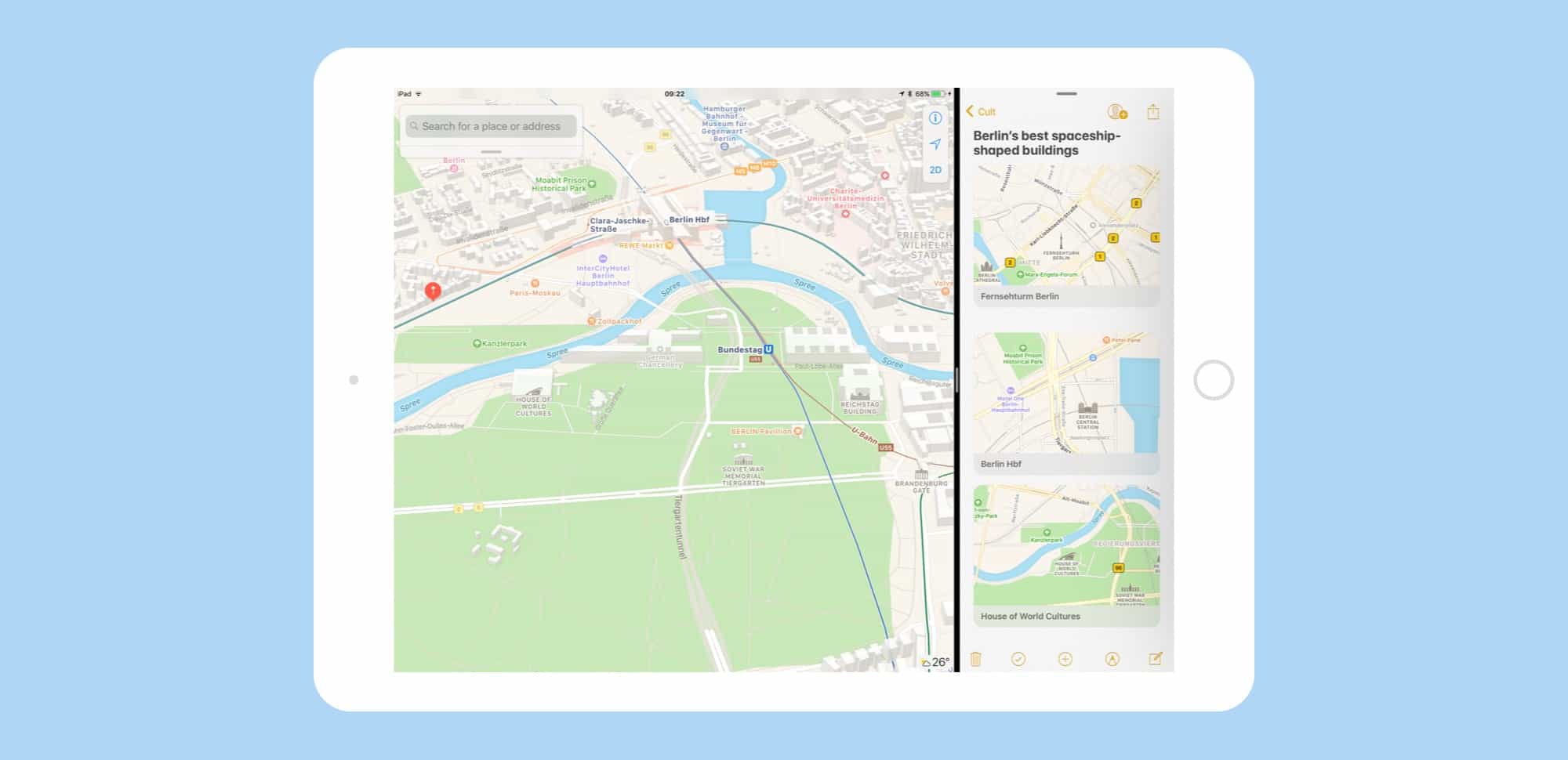
The more you use it, the more you realize just how great drag-and-drop is on the iPad. Photo: Cult of Mac
Drag and drop is the headline feature of iOS 11 on the iPad, and rightly so — it changes the whole iOS paradigm, integrating a decades-old desktop feature in a way that makes it feel like drag and drop was just waiting for touchscreens to come along.
It seems like all of Apple’s own apps have gotten a dose of drag and drop in iOS 11, including Maps. Let’s take a look at it.
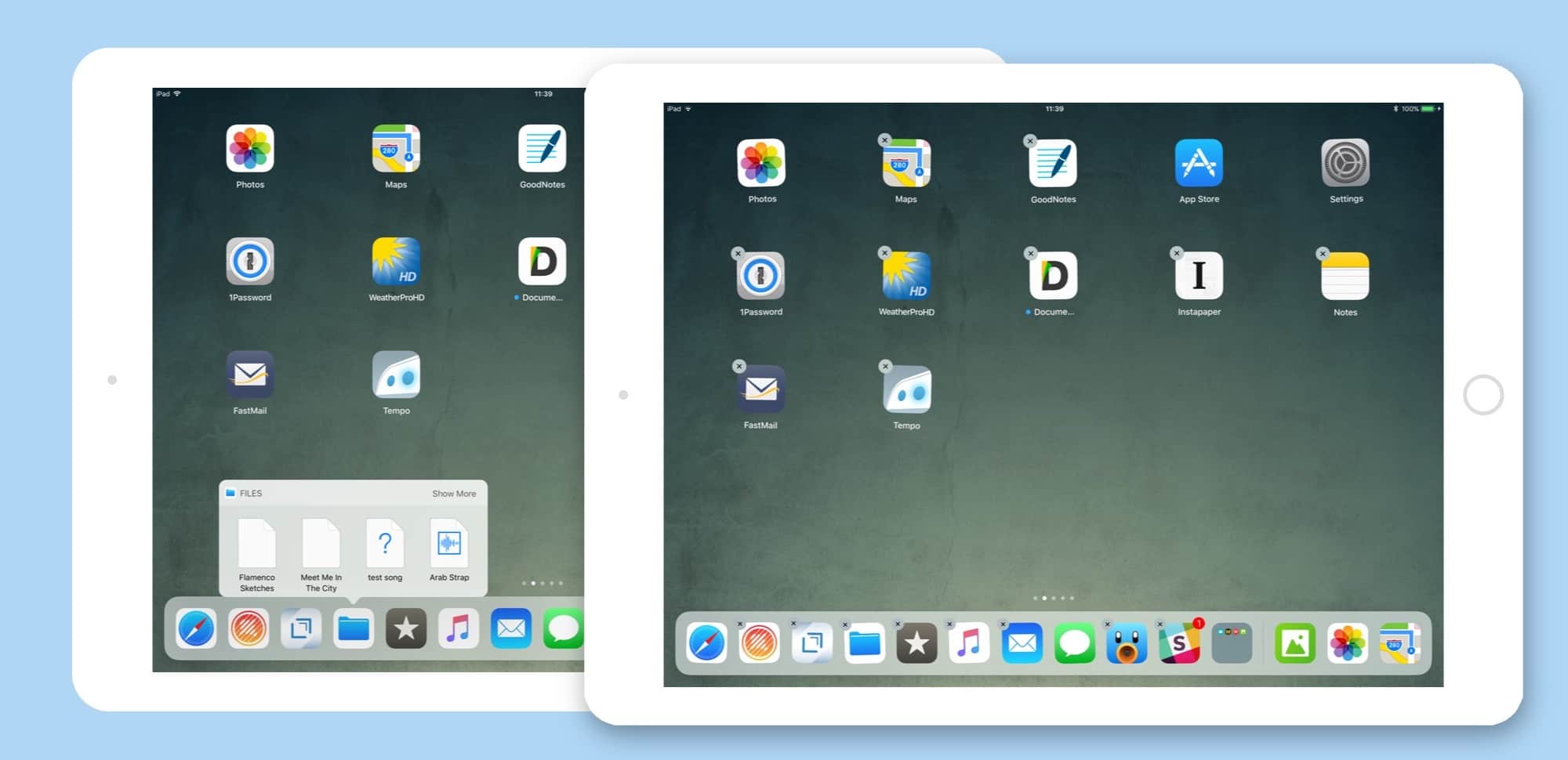
Both of these were caused by tap-and-hold, which sounds confusing but isn't. Photo: Cult of Mac
When the iPhone launched 10 years ago, there were two kinds of tap. A regular tap for everything, and a special press-and-hold to get the Home screen icons jiggling and ready to rearrange. That was it. Now, with iOS 11, I have counted at least five different types of tap and press, and that’s just on the iPad. If you count the iPhone, then you also have 3D-Touch to deal with.
Partly this comes down to the new systemwide drag-and-drop capability baked into in iOS 11, and partly it has to do with Apple trying to mimic 3D Touch’s pressure sensitivity on the iPad.
The biggest surprise, though, is that Apple managed to pull it off, even in the early iOS 11 beta I’m running now. Not only are these gestures all intuitive, but the overall feel of interaction has gotten way better.
PhoneRescue can help make sure updating to iOS 11 doesn't mean dropping your data. Photo: iMobie
This post is brought to you by iMobie, maker of PhoneRescue.
Today, iOS 11 launches at long last. It’s been hyped as one of the biggest updates yet, setting a new standard for Apple’s mobile operating system. There’s a new Dock, multitasking tools, drag-and-drop features, the ability to pay friends over messages, and lots more.
But with any major new update comes the risk of data loss. If the software update crashes, for example, you could lose data. Or look to the rollout of iOS 9.3, which was met with numerous reports of sudden data loss on people’s devices. Before you reincarnate your iPhone as an iOS 11 device, it pays to get a recovery solution in place.
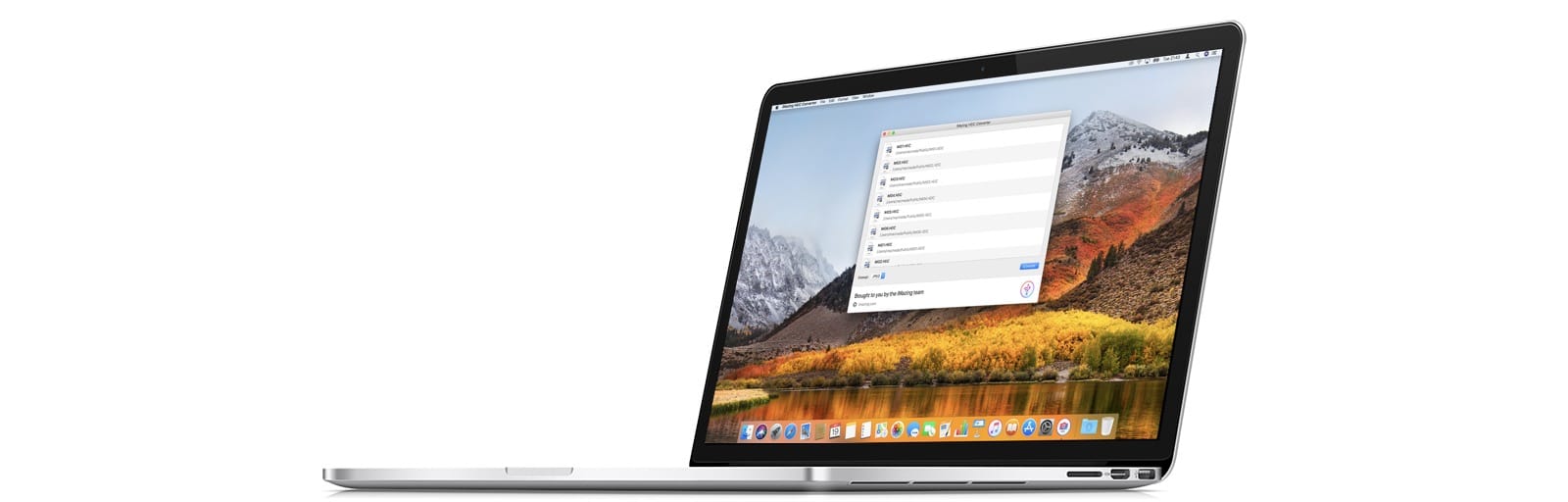
You can use a free app, or you can just change a setting on your iPhone. Photo: iMazing
iMazing, the folks behind the iMazing iPhone management app for the Mac, has come up with a new tool to convert HEIC images to JPGs. Most people will not need this, but in case you do, iMazing HEIC Converter is both free, and handy to have around.
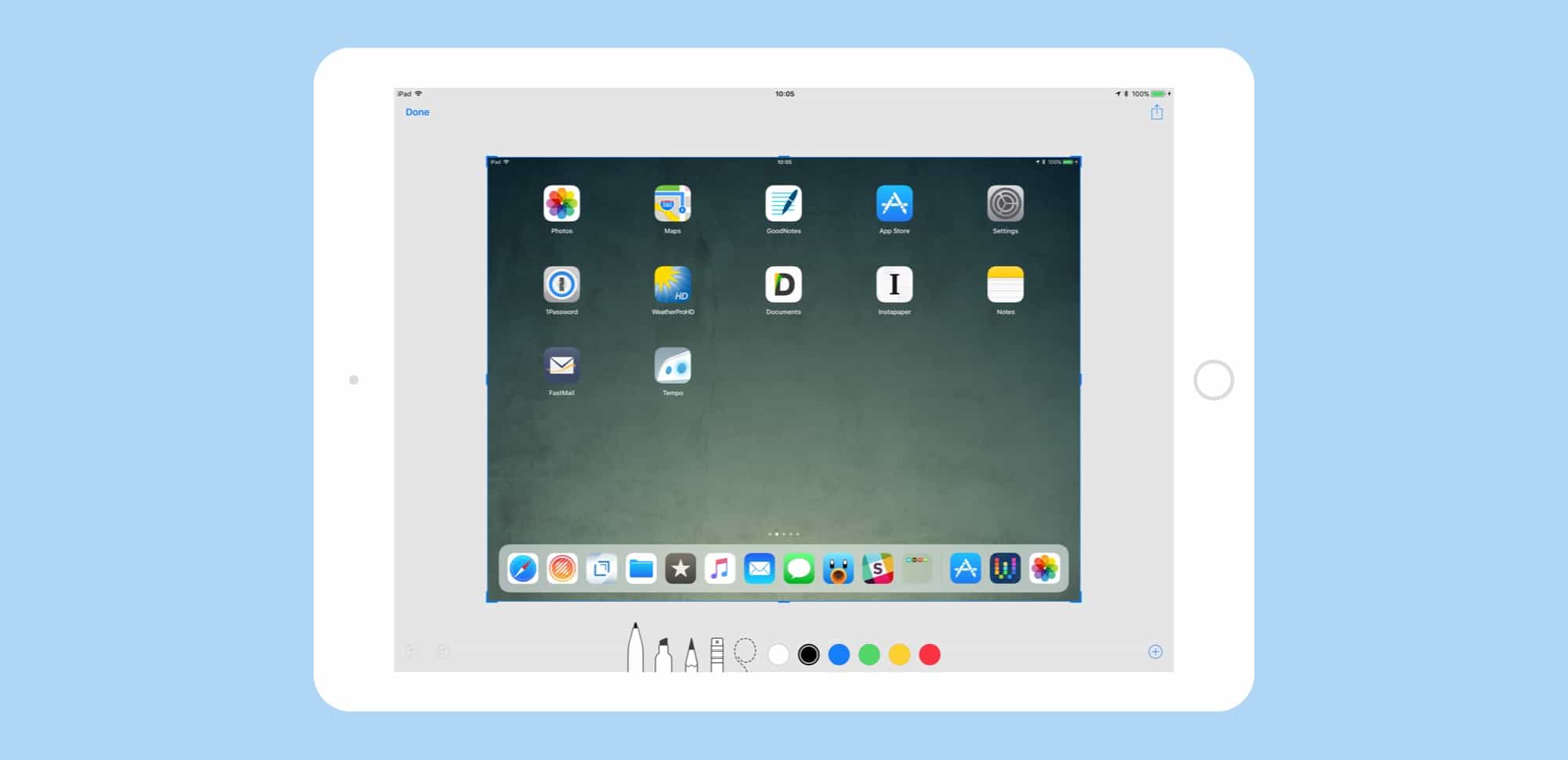
Screenshots have moved from a semi-secret, mostly-hidden feature to a proper tool. Photo: Cult of Mac
iOS 11 has added some great new features to the humble screenshot tool. You can quickly view a new screenshot without a trip to the Photos app first, and you can edit and mark it up before saving it. By adding some powerful pro-level features to screenshot markup, Apple has –somewhat ironically — made them way more useful and accessible for everyone.
IKEA's new app is now available to download. Photo: IKEA
Following the release of iOS 11 and Apple’s much-hyped ARKit augmented reality platform, Ikea’s new furniture-testing “Place” app has officially landed in the App Store.
Ikea Place lets users take advantage of AR technology to position furniture from the Ikea catalog in their own home. The “try before you buy” concept shows off ARKit’s impressive ability to handle 3D scaling with millimeter-accurate positioning.
iWork adds Files integration, and drag-and-drop support. Photo: Apple
Apple has pushed updates for Pages, Numbers, and Keynote on iPad and iPhone, updating its iWork apps to work with iOS 11. The apps now have full support for drag-and-drop, as well as giving us a glimpse of how the new iOS 11 file manager — named Files — works inside other apps. Let’s look at the new features in the iWork suite for iOS 11.
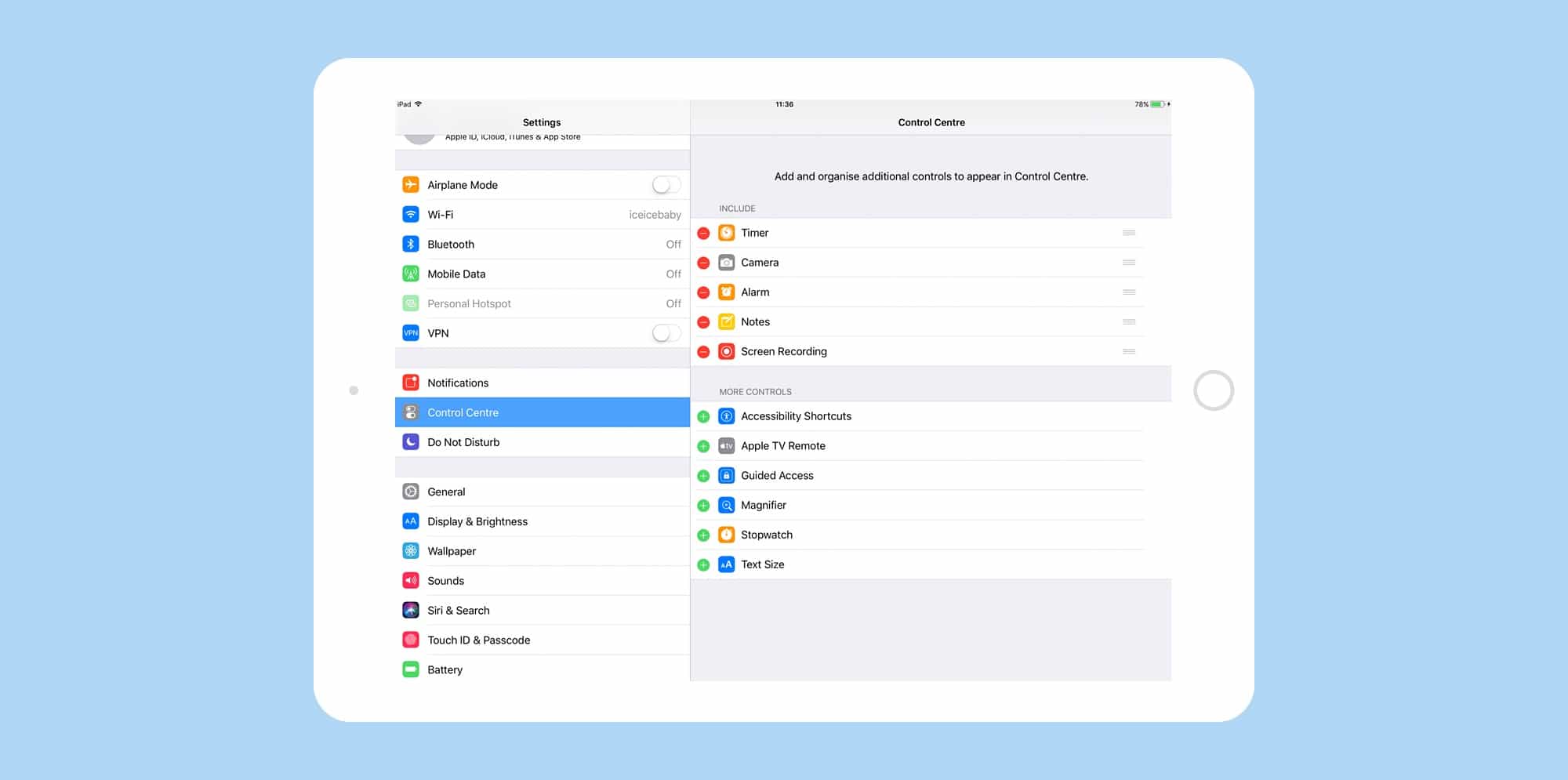
At last, you can customize the Control Center in iOS 11. Photo: Cult of Mac
In iOS 11, you can customize the Control Center, removing some of the shortcuts you don’t use, and adding in some new ones. This, combined with Control Center’s new in-depth, 3D Touch controls, makes it a lot easier to quickly access functions you don’t necessarily want to open an app to use.
For instance, you can get quickly access an Apple TV remote, add widgets for alarms and timers, change text size, and even start screen recordings.
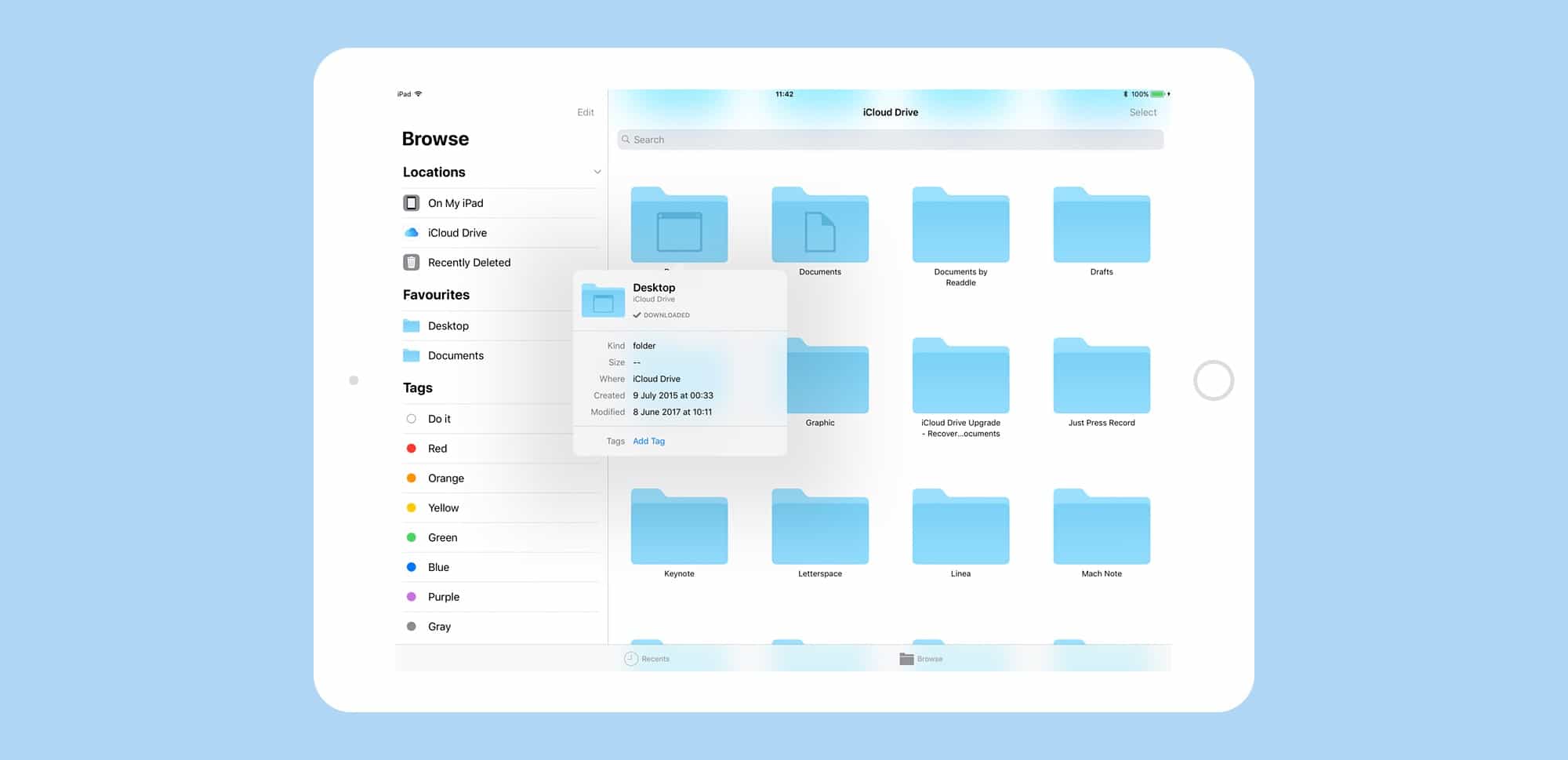
Files is like the Finder for iOS 11. Photo: Cult of Mac
Files is the new Finder app for iOS 11, and it’s already about a million times better than the basic file-picker it replaces — iCloud Drive. Files is a central place from which to access all the files on your iDevice, and in iCloud. You can find, organize, open, and delete all the files on your device, in iCloud, and on 3rd-party storage services like Dropbox. And because this is iOS 11, Files supports all the fancy new multitasking features like drag-and-drop.
It might be worth more than you think. Photo: Apple
iPhone and iPad owners can finally enjoy iOS 11 starting today and Apple’s got some spanking new videos to help you dive right in.
Apple published a series of new how-to videos on iOS 11 that cover a range of topics like converting handwritten notes into type and editing photos. The helpful new videos also cover some cool third-party apps that take advantage of the software update’s new features.
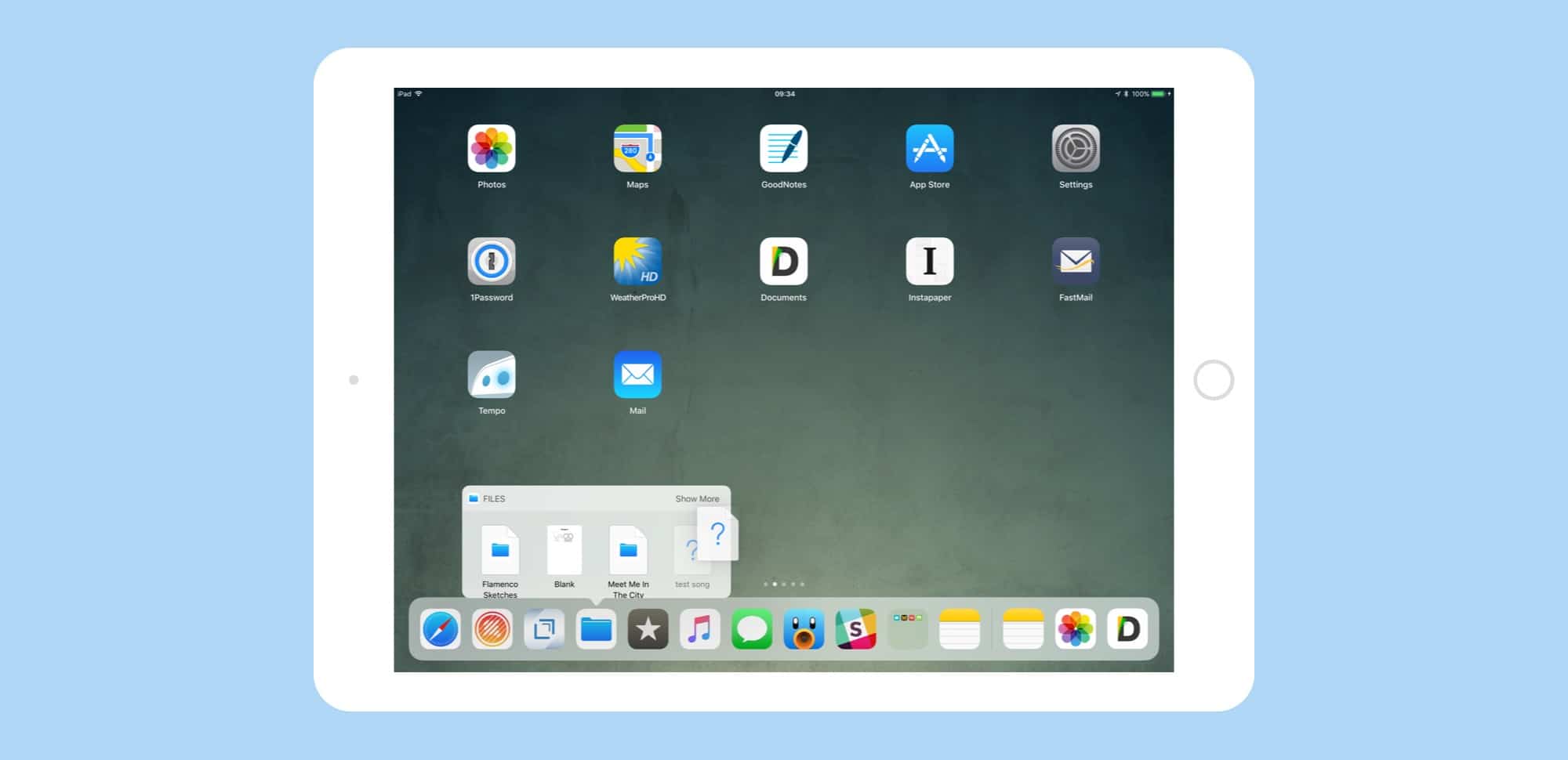
The new Dock is essential to iOS 11's drag-and-drop, but there's a lot more packed there. Photo: Cult of Mac
iOS 11 introduces a new Dock. It is conceptually related to the Mac Dock introduced in OS X, and is surprisingly similar. In fact, the biggest difference may be that so far people seem to love the new iOS 11 Dock, whereas there are still beardos who hate the Mac Dock.
Like its Mac counterpart, the iOS 11 Dock packs in a surprising number of features. Lets take a look at them.
Snap your Live Photos on your iPhone, edit on your iPad. Photo: Cult of Mac
iOS 11 brings some neat new editing features to Live Photos, but the good news is that you can edit those same Live Photos, with the same new filters and effect, on an iPad. Let’s take a look.
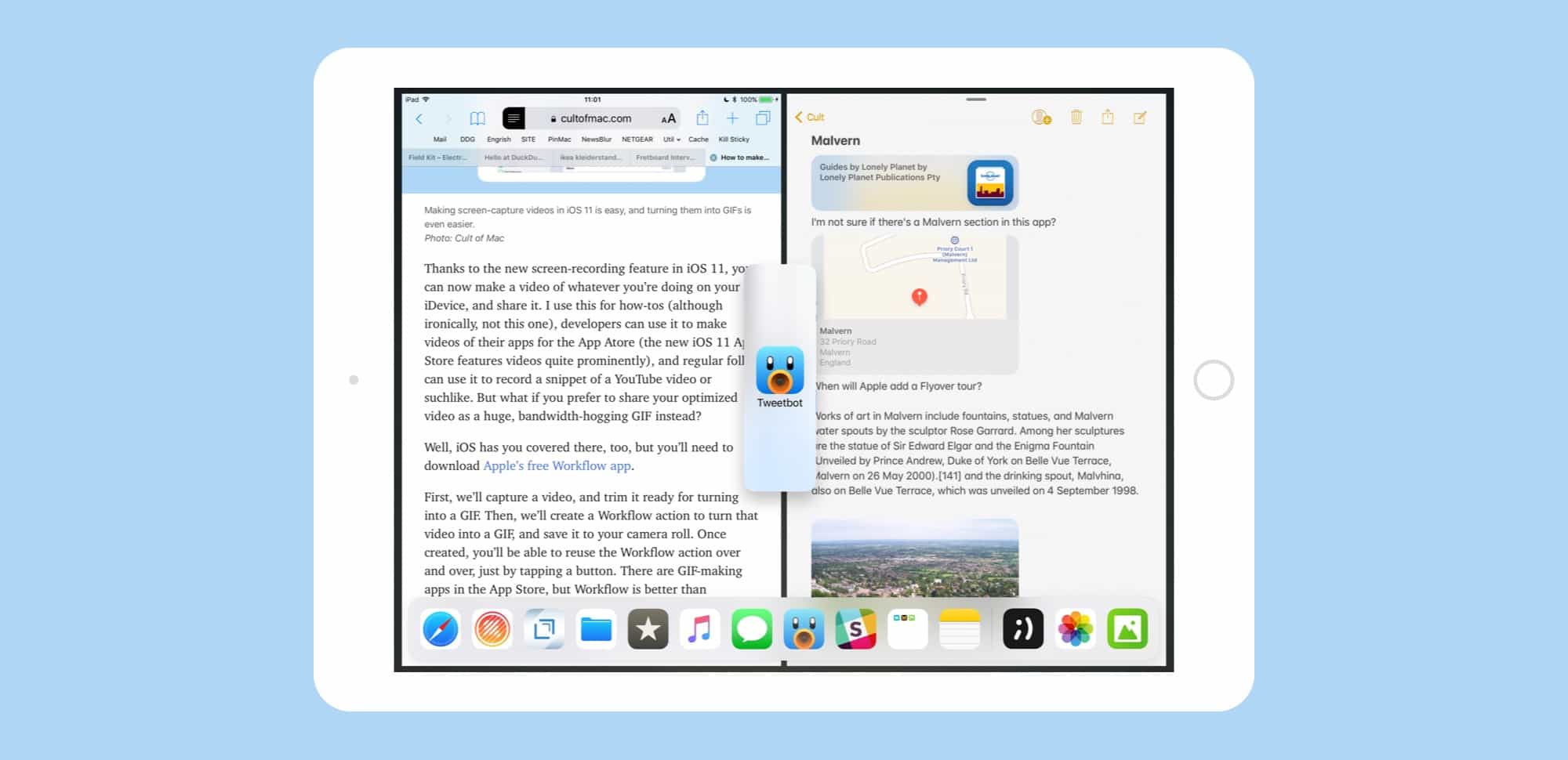
Apple probably won't admit to it, but iOS 11 now has windows, and lots of them. Photo: Cult of Mac
Slide Over and Split View have been overhauled in iOS 11, making them more powerful but also more complex. Both have been available since iOS 9, but — without drag-and-drop — they were little more than a convenient way to view two apps at once. Now, Slide Over and Split View are essential, allowing you to drag pictures, documents, text, and URLs between apps, as well as work with up to three apps on screen at once, along with a video playing picture-in-picture.
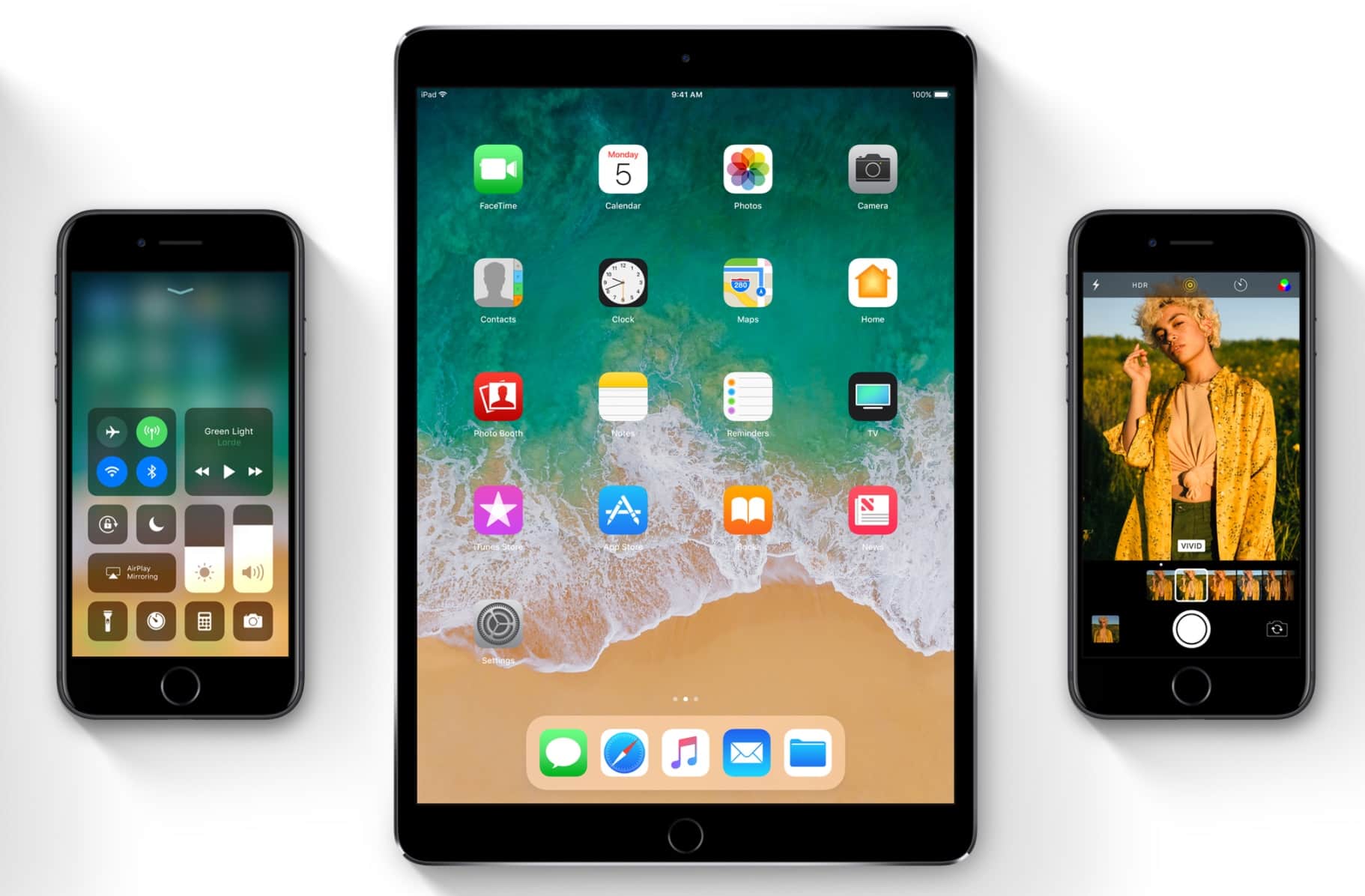
iOS 11 Makes your devices feel brand new. Photo: Apple
The long wait for Apple’s AR future is finally over.
iOS 11 has just been released to the public today after a record-breaking beta testing period and it’s packed with a host of new features that will make your iPhone and iPad feel like new.
Get your iPhone or iPad ready for the new iOS 11 update. Photo: Cult of Mac
iOS 11 is available on Tuesday September 19th, and if your device is compatible, you can go ahead and update, by just tapping the button in Settings>General>Software Update. If all goes well (and it should), then you will wait for a while as the update downloads and installs, then your iPhone or iPad will restart into the new version of iOS, with all the cool goodies it brings.
But things sometimes can go wrong, so it pays to take a few precautions. You might also like to take the opportunity to clean up your device a little. Here’s how to prepare your iDevice for iOS 11.
New features in iOS 11 make the iPad a multitasking beast. Photo: Ste Smith/Cult of Mac
IOS 11 is a huge update to Apple’s mobile operating system, but only if you’re using an iPad. While the iPhone gets its fair share of tweaks and polish, the iPad is transformed into a different machine. When you install iOS 11, your iPad will be transformed from a big iPhone, into a slick mobile computer. It has completely changed how I use my iPad, to the extent that I probably never need to buy another Mac again.
The headline features are drag-and-drop between apps, a new Mac-like Dock, a Finder-like app named Files, and a radically re-thought Control Center that echoes the one found in — you guessed it — the Mac. IOS 11, then, brings many of the Mac’s best features to the iPad, but redesigned to suit the touch screen.
What does this mean for daily use? It means that Mac and PC users can switch to the iPad without having to relearn how to do everything, and existing users will no longer feel like they have their hands tied while trying to do the simplest tasks.
Get ahead of the iOS 11 coding curve with this comprehensive lesson bundle. Photo: Cult of Mac Deals
iOS 11 is upon us. So coders are scrambling to get caught up with all the new tweaks and features. If you don’t know where to start, we’ve got a bundle of comprehensive courses that’ll catch you up.
GoodNotes gets an amazing drag-and-drop update for iOS 11 Photo: Cult of Mac
With the iOS 11 launch imminent, developers are releasing updates that take advantage of all its new features. Some, like Dropbox, will support the new Files app, making Dropbox appear like just another folder like it does on the Mac. Other apps, like 1Writer and GoodNotes, now support drag-and-drop. And one of these apps in particular — GoodNotes — makes a spectacular and unexpected use of dragging and dropping.
Is your iPad or iPhone compatible with the latest version of iOS? Photo: Ste Smith/Cult of Mac
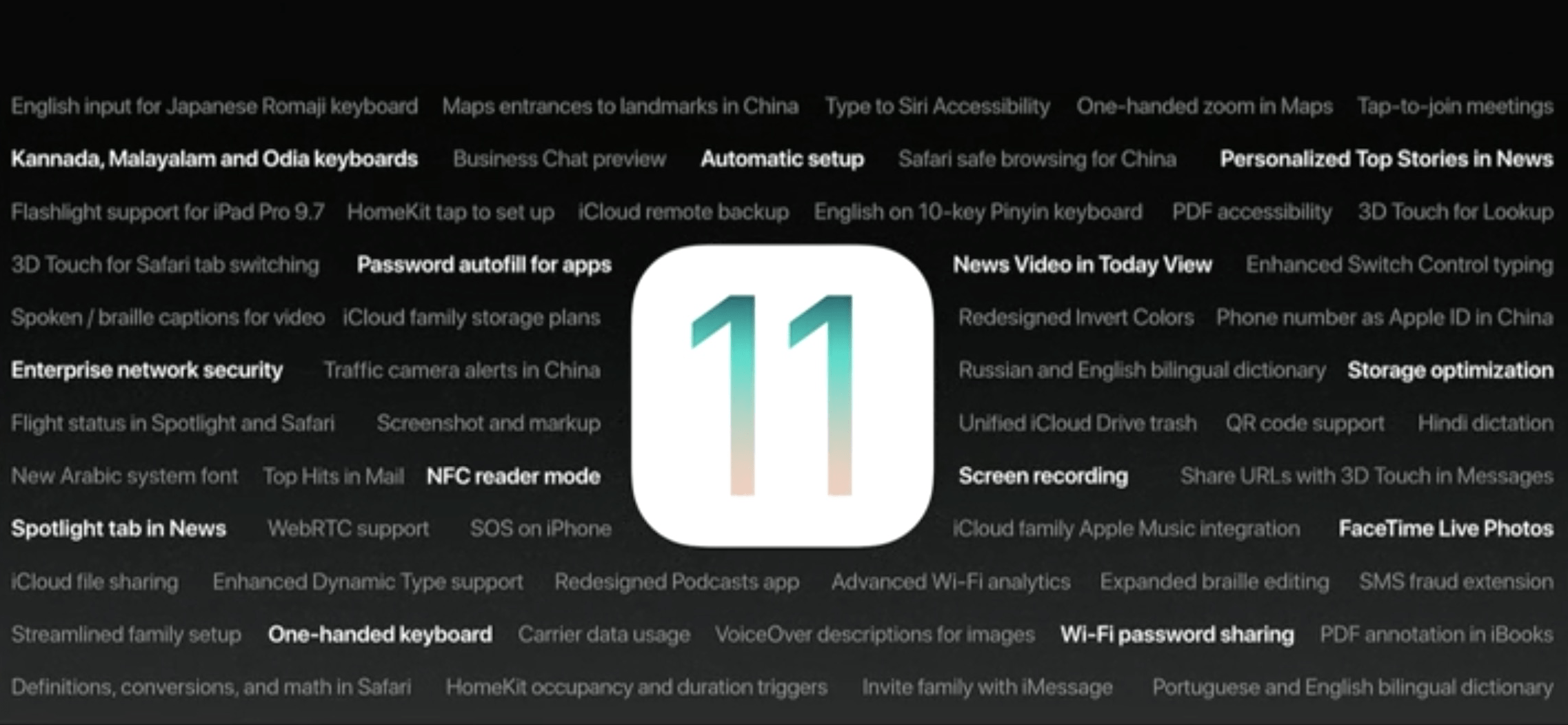
iOS 11 launches in Tuesday September 19th, 2017, and will be an amazing update for both iPhone and iPad. It brings Do Not Disturb While Driving, a much-improved Siri, a brand-new space-saving photo format, a whole new interface and multitasking system on the iPad, and a zillion little tweaks that improve almost everything. But is your iDevice compatible?
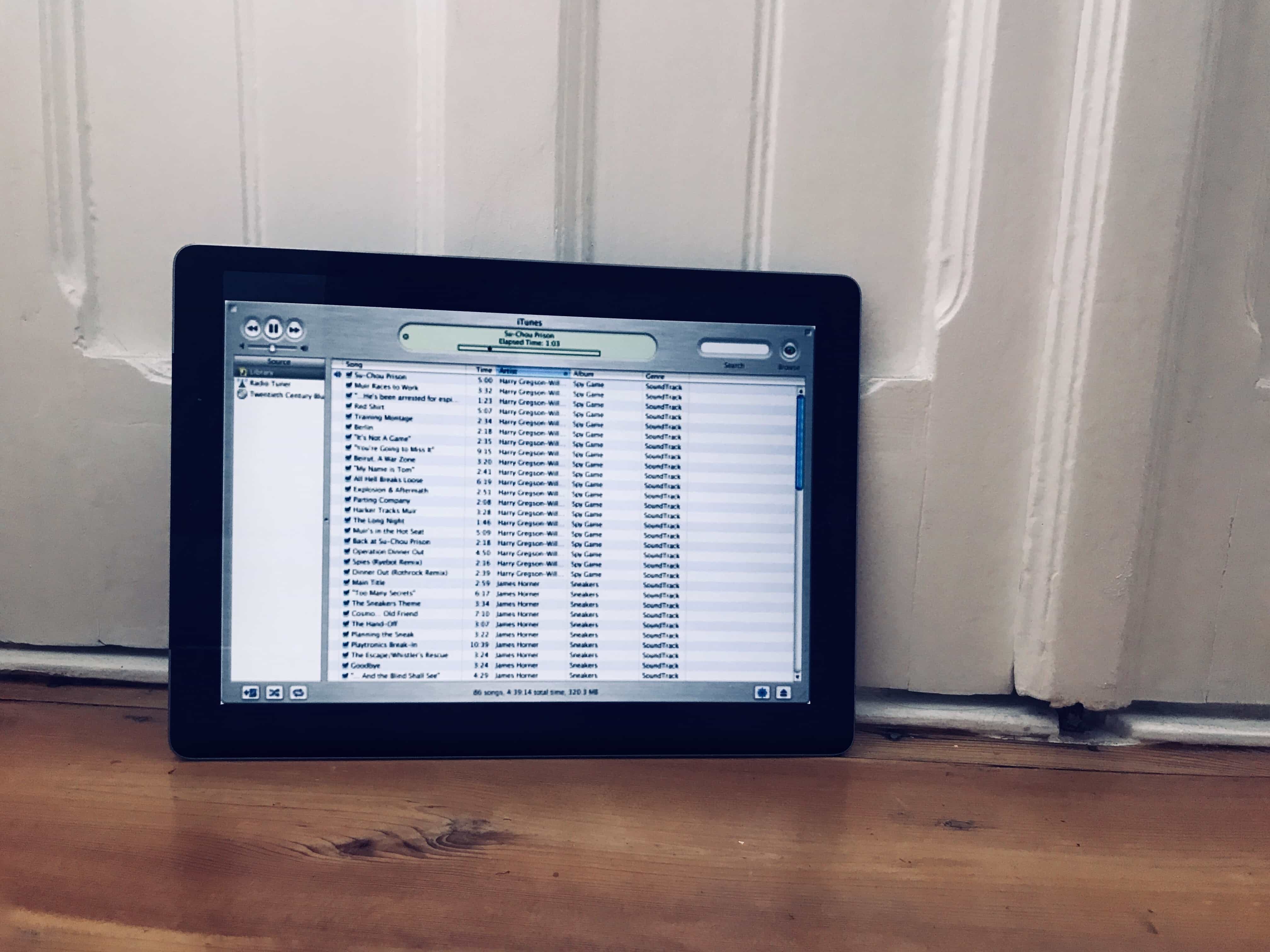
This is a screenshot of the original iTunes, on an iPad. Photo: Cult of Mac
The latest version of iTunes — 12.7 — removes the App Store. That’s bad news for folks who like to keep backups of old iOS apps around, but good news for people who have bloat and clutter. But the update also removes all your custom ringtones, so you can’t manage them from your Mac.
Don’t despair. You can still download purchased ringtones, and copy your own tones across from the Mac. It’s just not obvious how to do it any more.
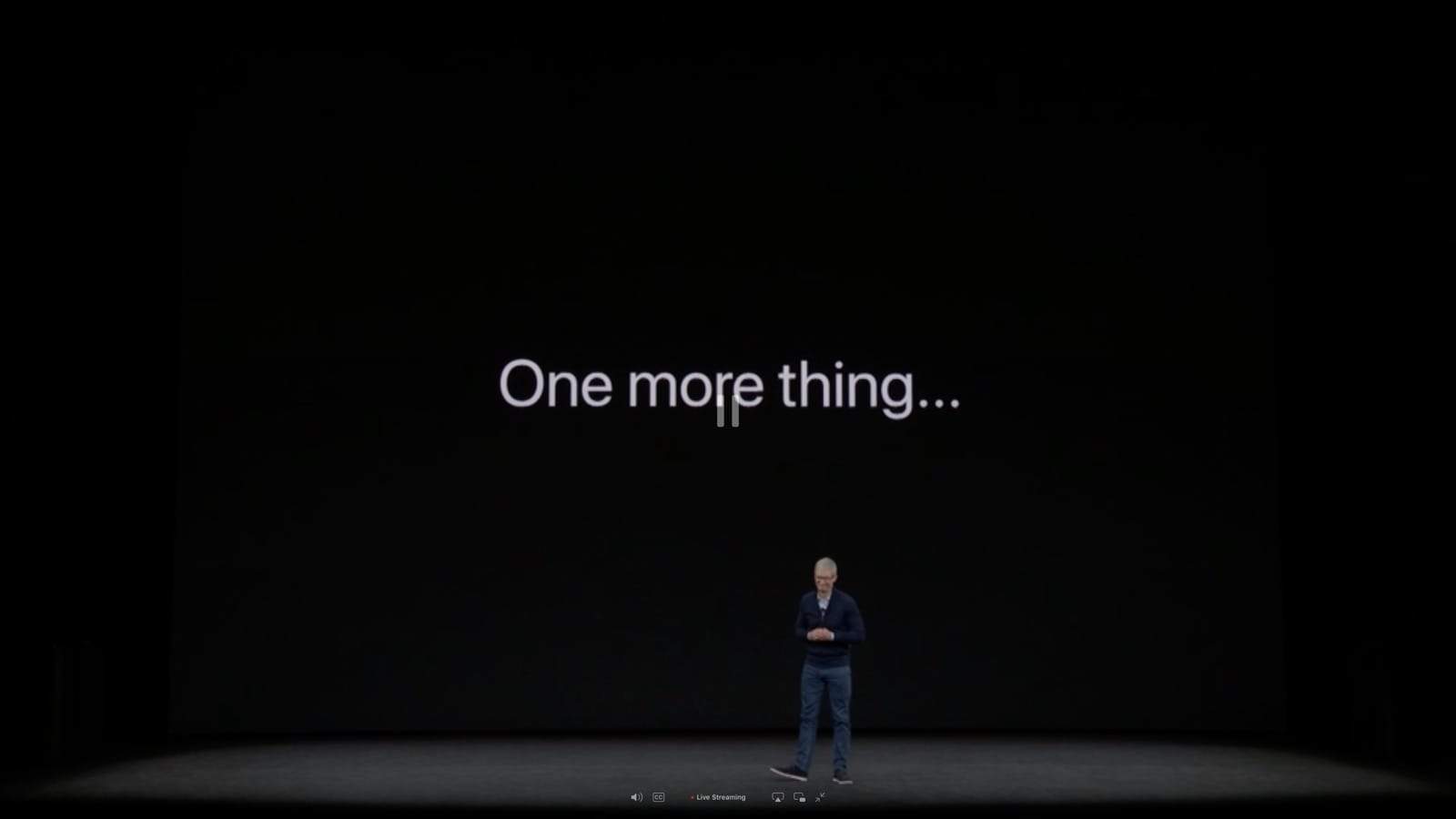
Tim couldn't resist using Steve's favorite line in his new theater. Photo: Apple
Apple’s first ever keynote at the Steve Jobs Theater was one for the ages as the company took the wraps off some of its most innovative products ever.
Tim Cook and his crew of executives delivered some exciting new technology today from an iPhone that unlocks just by looking at it, to an Apple Watch that isn’t dependent on an iPhone to make calls and texts. There was a lot to unpack in Apple’s two-hour long keynote, so we’ve broken down the highlights on all the new products.
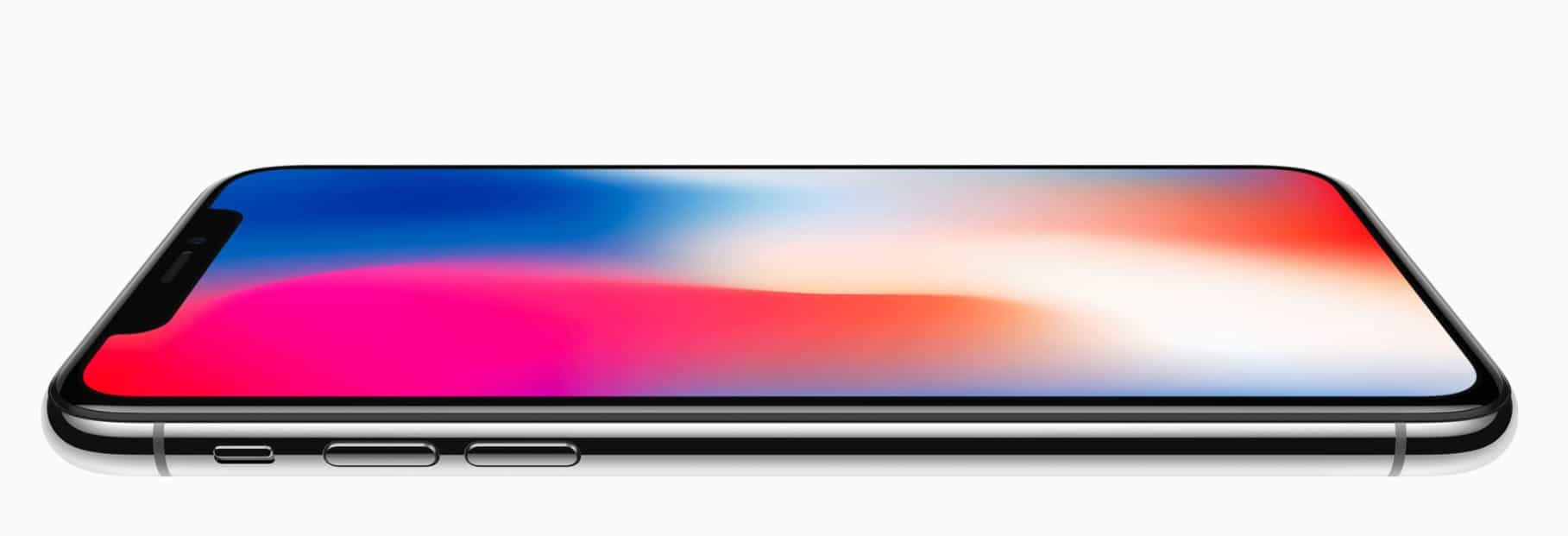
iPhone X is worth the hefty price tag. Photo: Apple
iPhone X is “the future” of the smartphone, and it’s set to revolutionize the way we use mobile devices all over again with features like Face ID and wireless charging. It’s also incredibly good-looking, and insanely powerful thanks to Apple’s A11 Bionic chip.
But is it worth the wait and the hefty price tag?
Find out in our in-depth comparison, which pits iPhone X against its more familiar, more affordable sibling, iPhone 8.
The final version of iOS 11 is finally ready for developers ahead of the public release later this month.
Developers received the iOS 11 GM version this afternoon following Apple’s keynote bringing a host of last minute bug fixes and performance improvements with it, along with new features specifically created for the iPhone X.