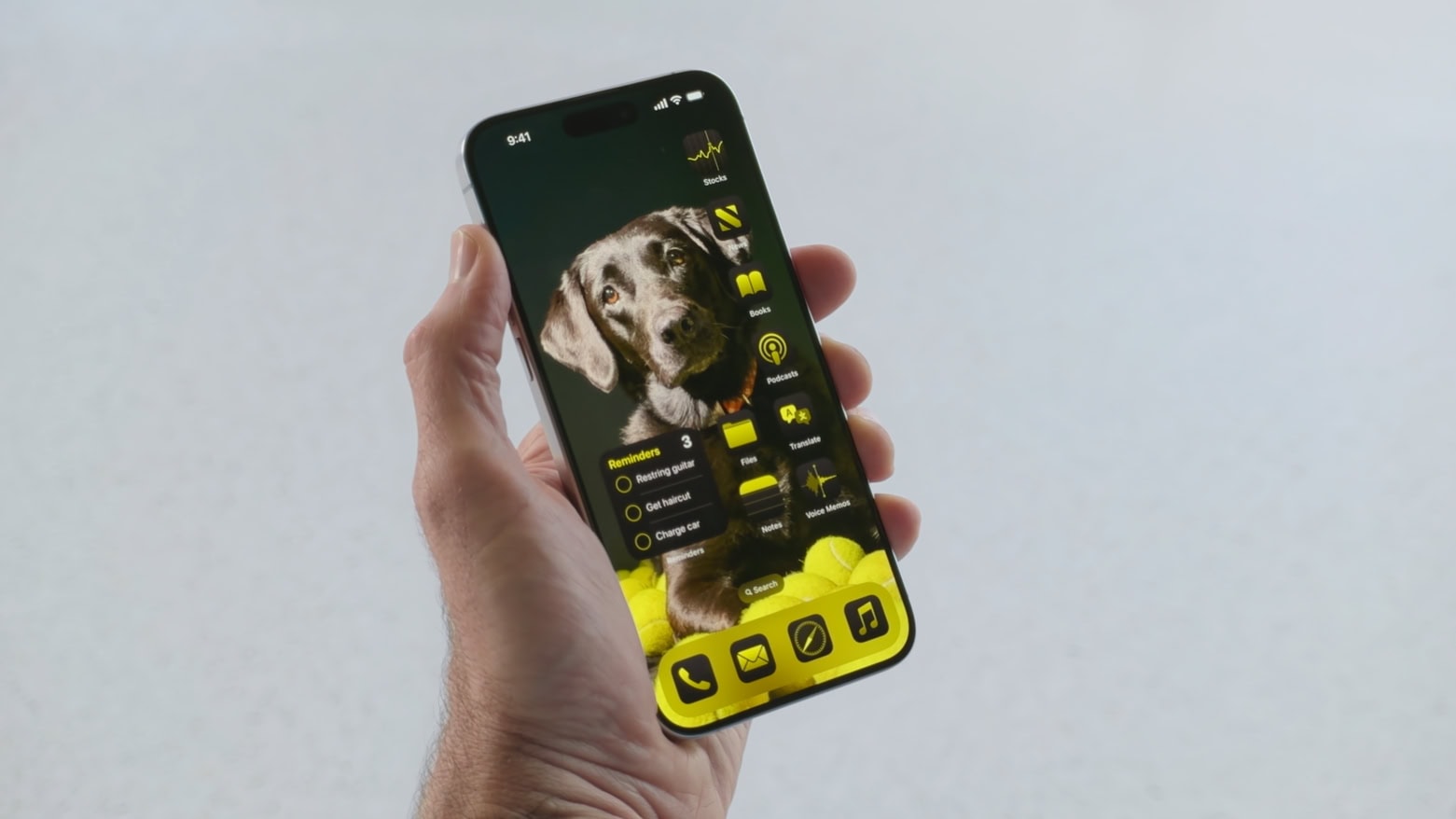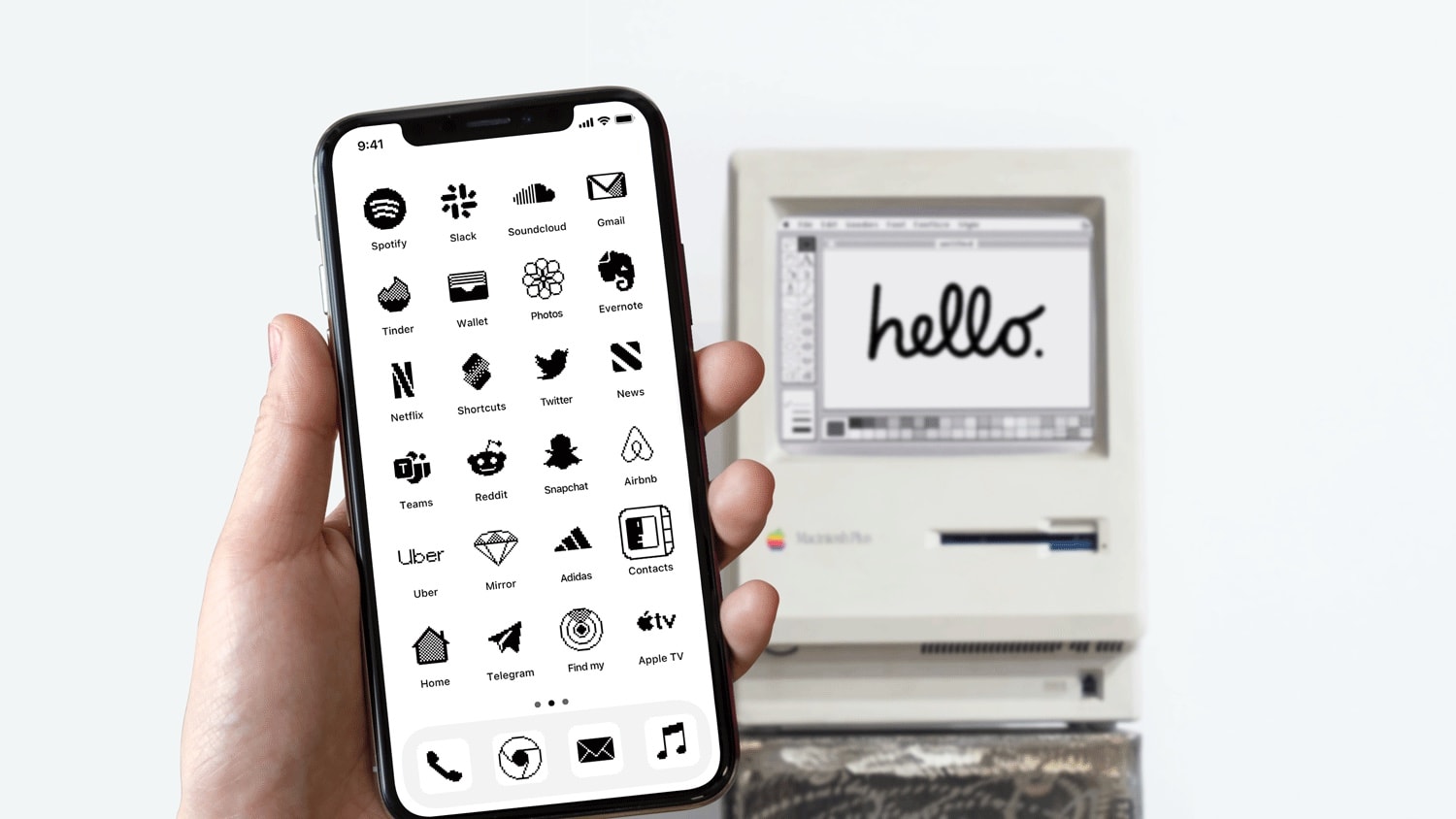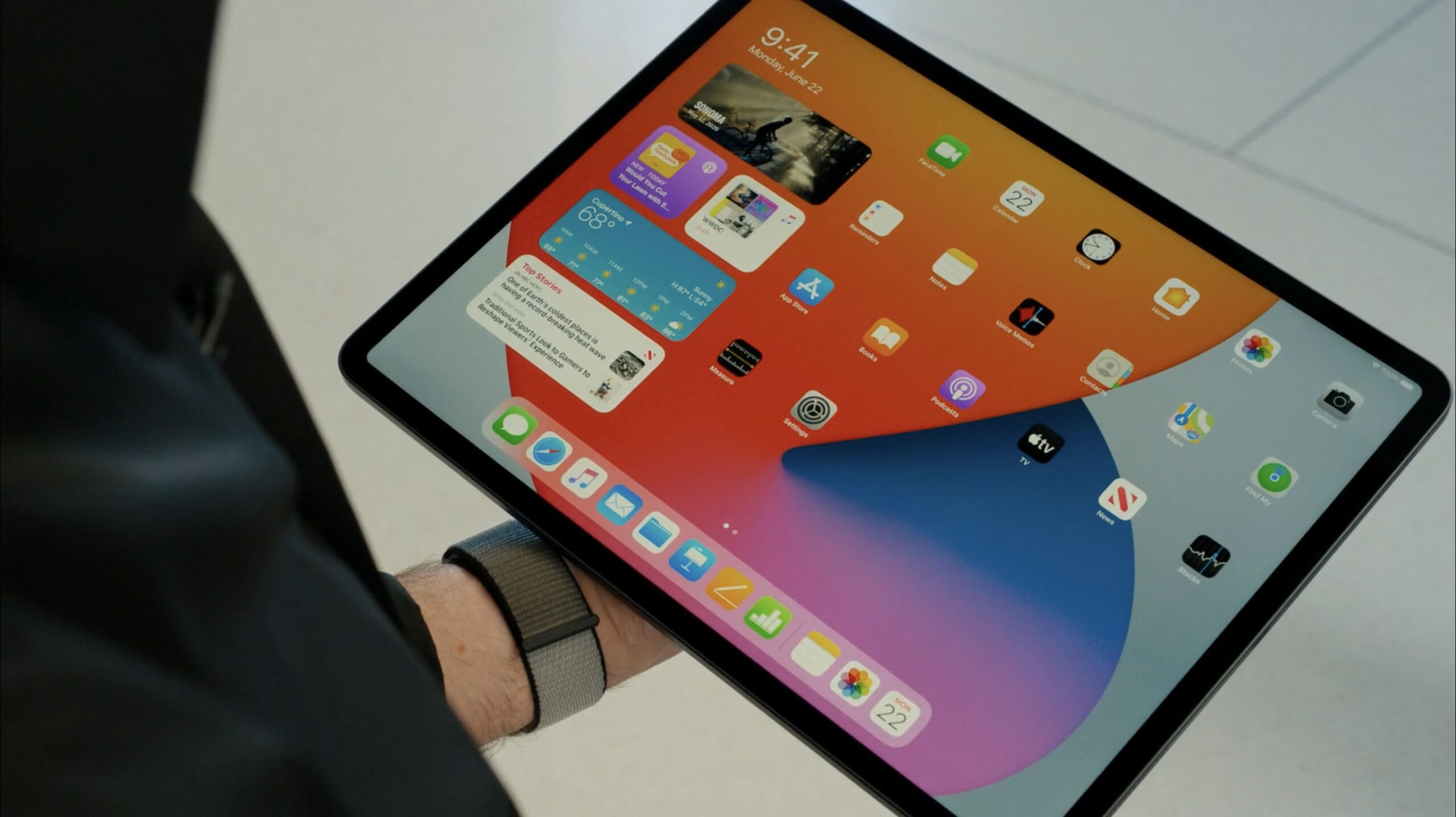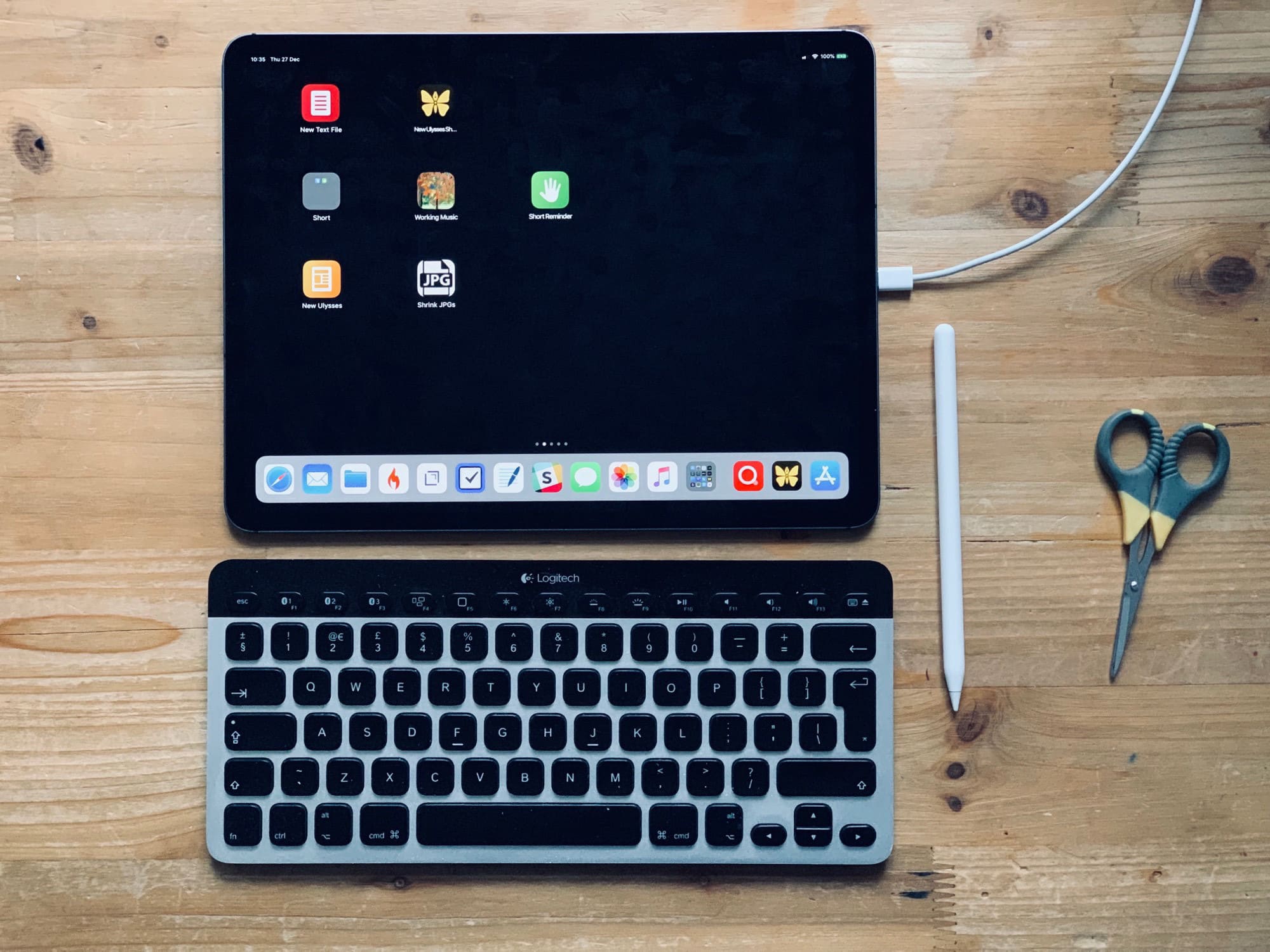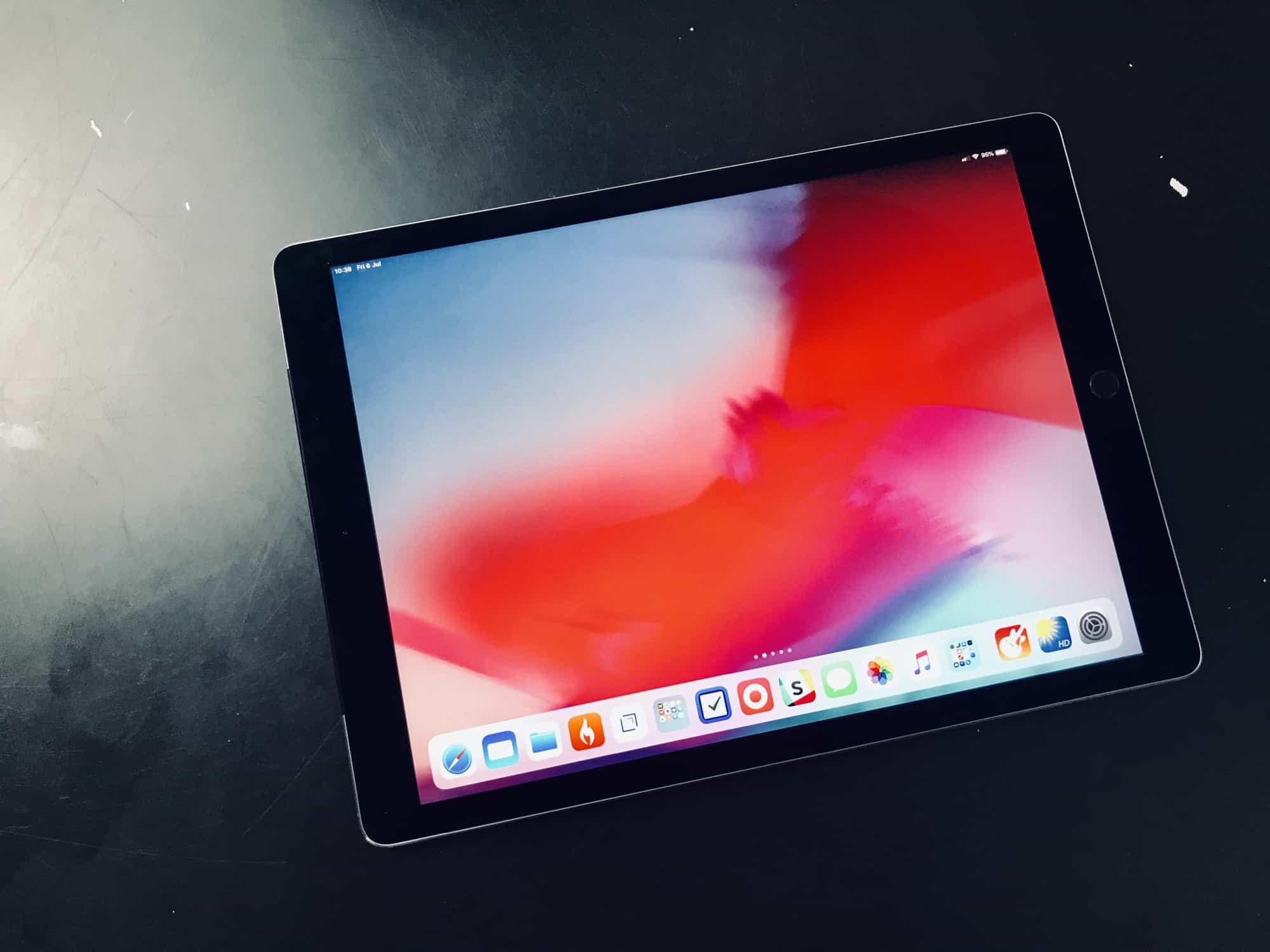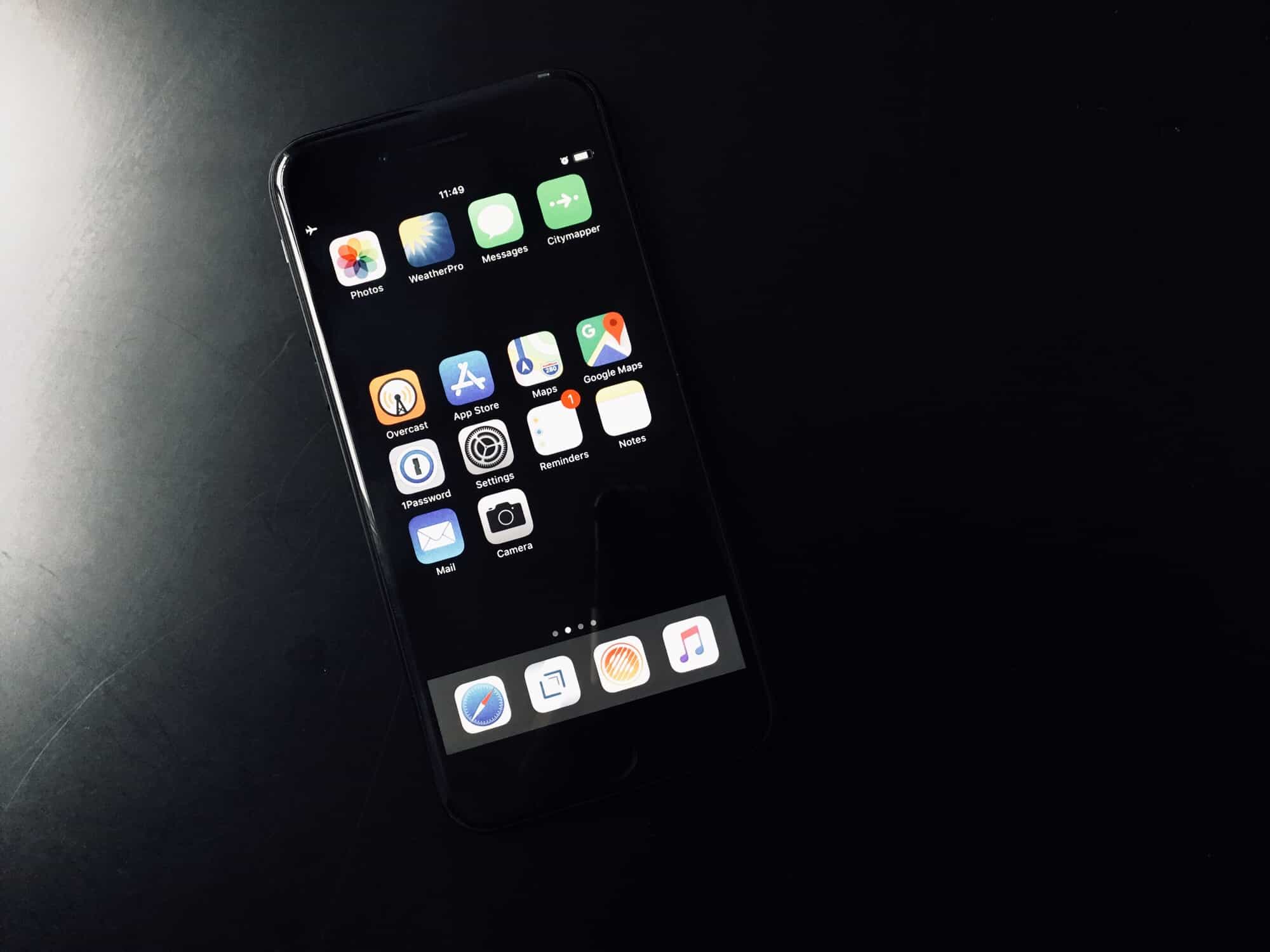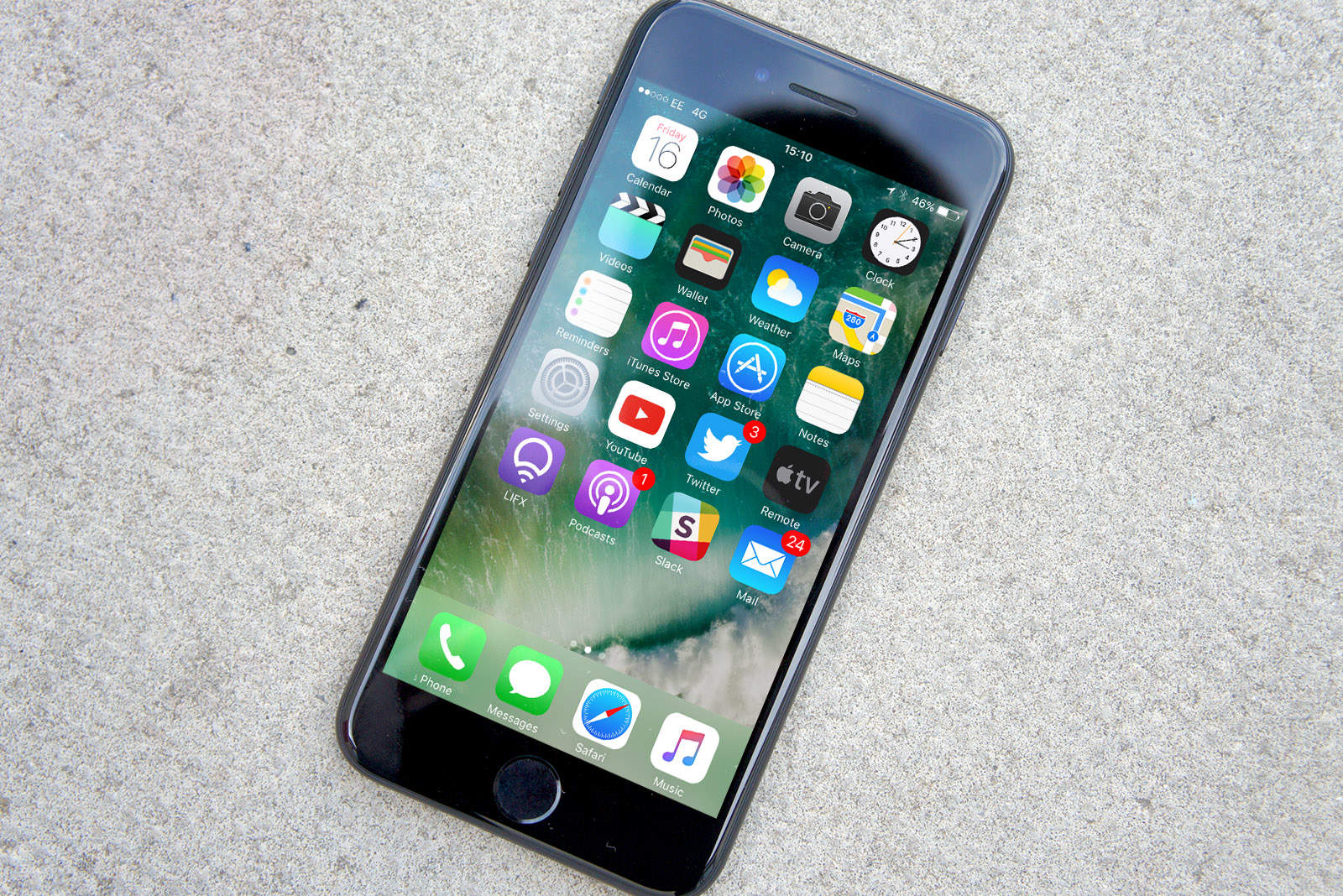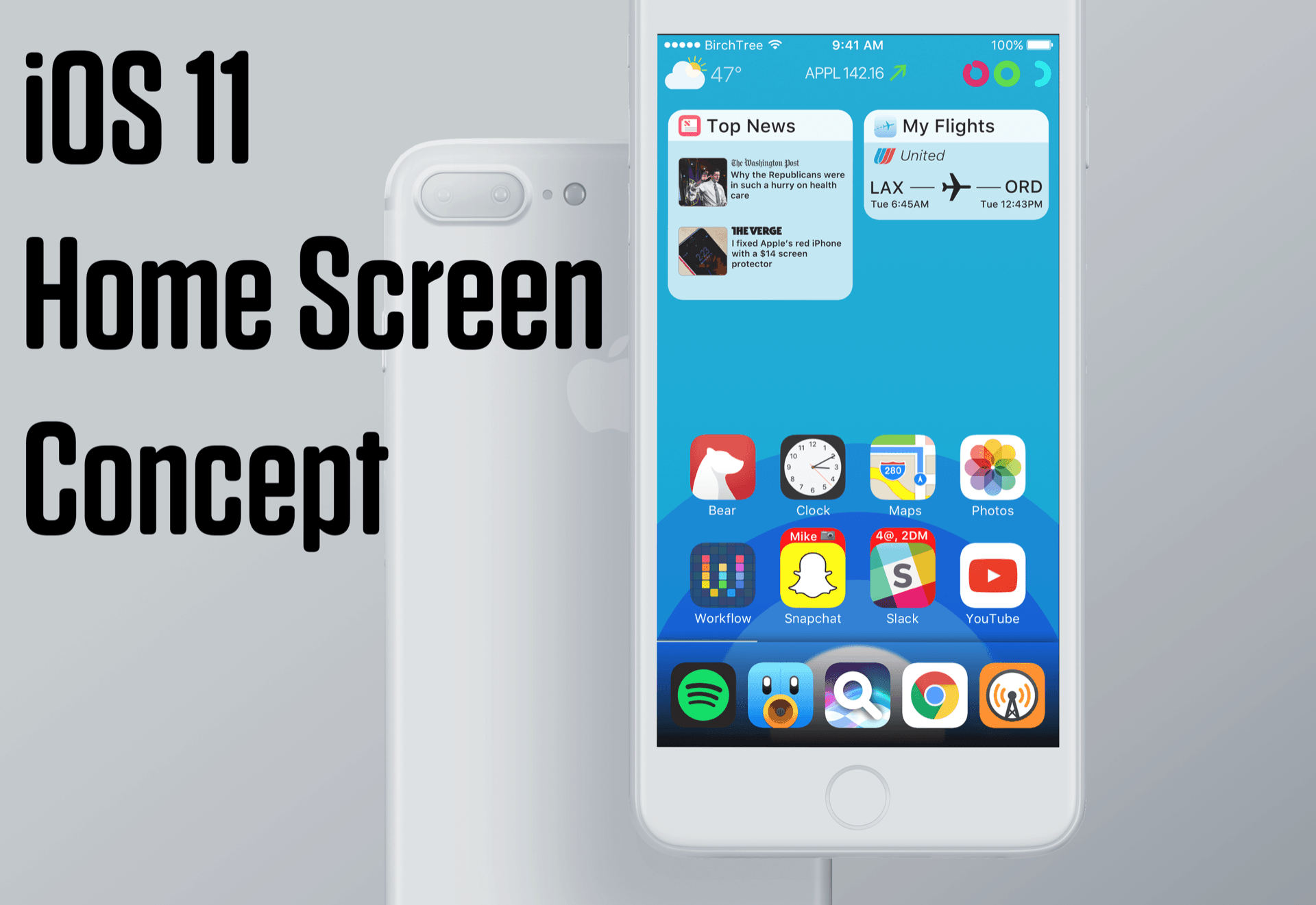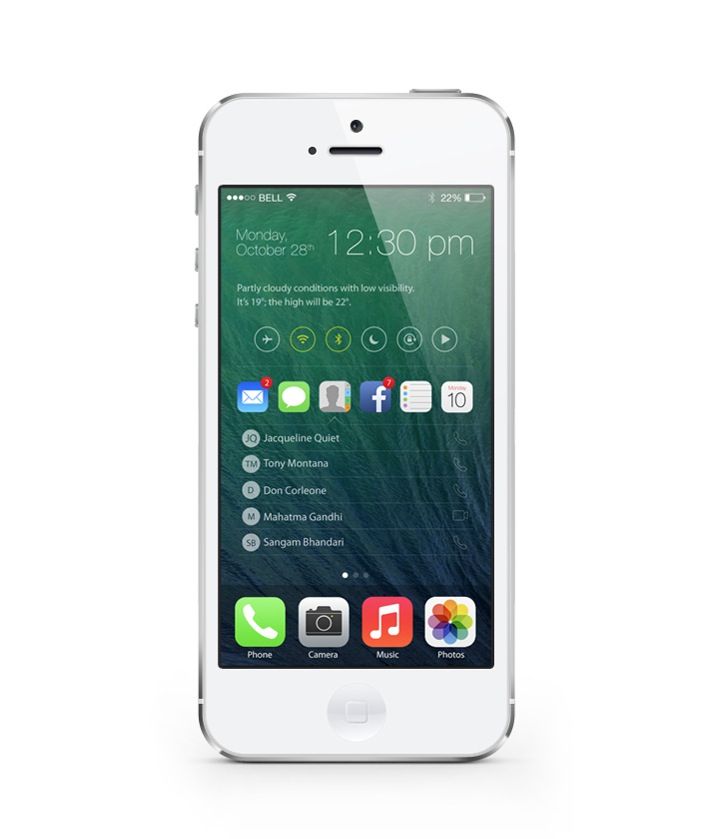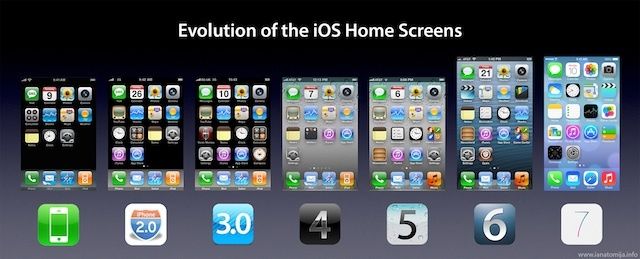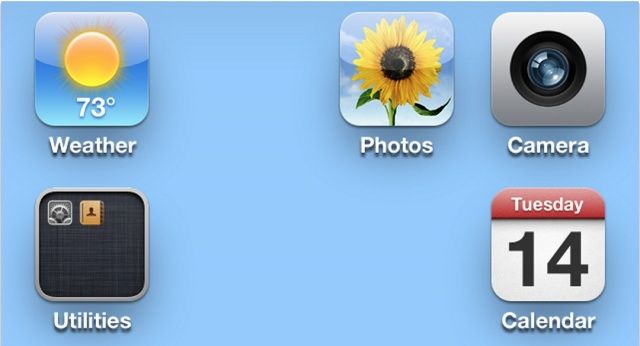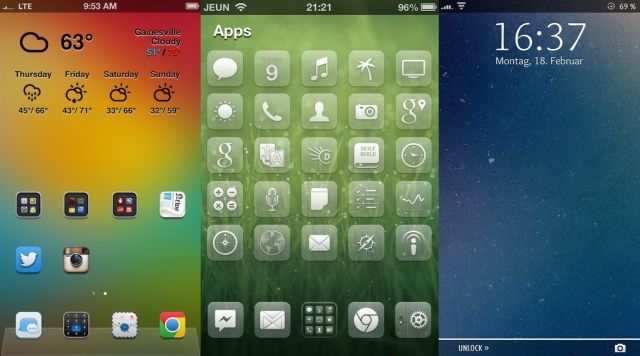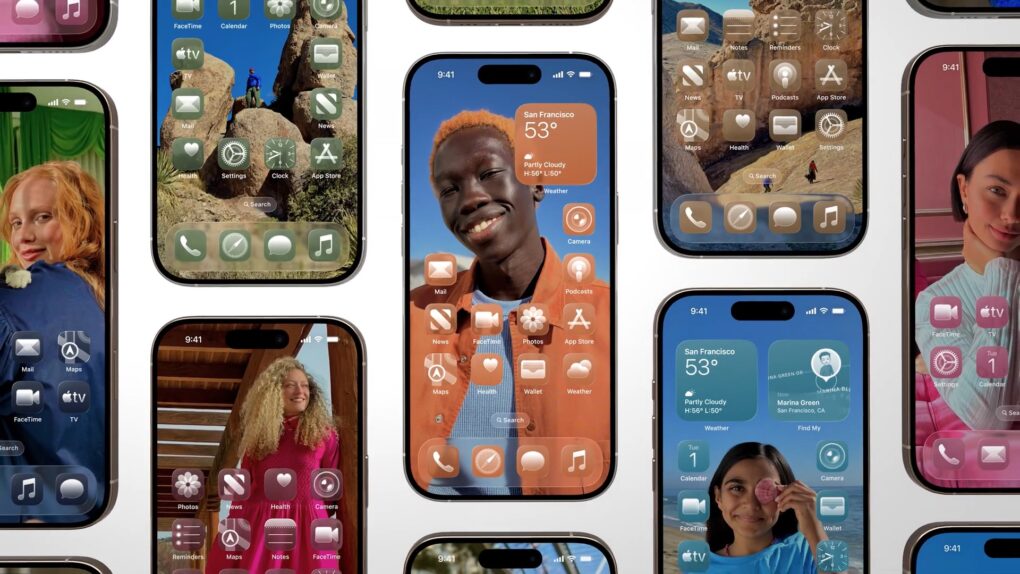
You’ve probably seen some beautiful custom iPhone Home Screens on social media. Some people go to great lengths to creatively customize their Home Screen. You can go for a specific theme and aesthetic using custom icon colors and widgets.
Why spend so much time and effort? For one thing, you likely look at your Home Screen dozens (or even hundreds) of times every single day. A custom Home Screen that matches your style can bring a little spark of joy to your daily life every time you whip out your iPhone. And iOS makes Home Screen customization easier than ever.
Keep reading (or watch our video) for a quick introduction into the world of custom iPhone Home Screens. You’ll find out about new features in iOS 26, how to go above and beyond using Shortcuts, and how you can top off your iPhone aesthetic with widgets. I’ve scoured the internet (Reddit, mostly) to find the finest examples.