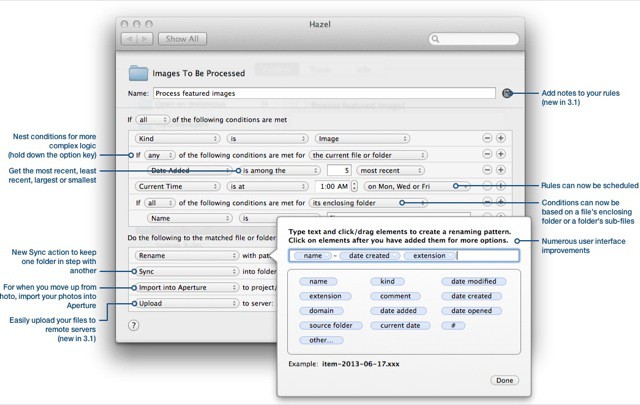
Hazel, the must-have Mac file-wrangling utility, has just been updated to v3.1. That doesn’t sound like much, but there are some real big new features in here. for instance, it can now match dates typed inside your files, as well as upload files and more. Check it out:
"“Morning!”" That’s what this new app will say to you when you fire up your iPad at the start of the day. Only instead of bringing you bacon, pancakes and coffee it’ll put you on a more slimming diet of information: Weather, calendar, news and so on, right there on a big iPad-sized dashboard.
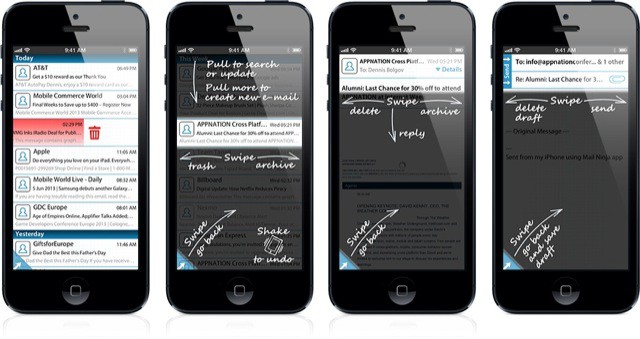
I’m completely reliant on Mailbox for my mail processing now: it’s just so easy to swipe and tap my way to an empty inbox that I prefer using my iPhone over the iPad or even the Mac to get things done (the iPad version of Mailbox is plain terrible, with a janky layout and tiny tiny body text for many messages).
But iPhone mail newcomer Ninja Mail might usurp Mailbox’s place in my daily e-mail “workflow.” No, it can’t file things for later, or even send the messages to folders. But it has one thing that makes it amazing fun to use: Swishing sword sounds that accompany every swipe.
Q: How Does Bob Marley like his donuts?
A: Wi’ Jam in [1].
And Jamn is also the name of this little pocket software toolkit for musicians. It’s an iPhone app which shows you the notes in a any scale in any key, but it has a rather clever gimmick that makes it a lot easier to read: the notes are on a wheel.
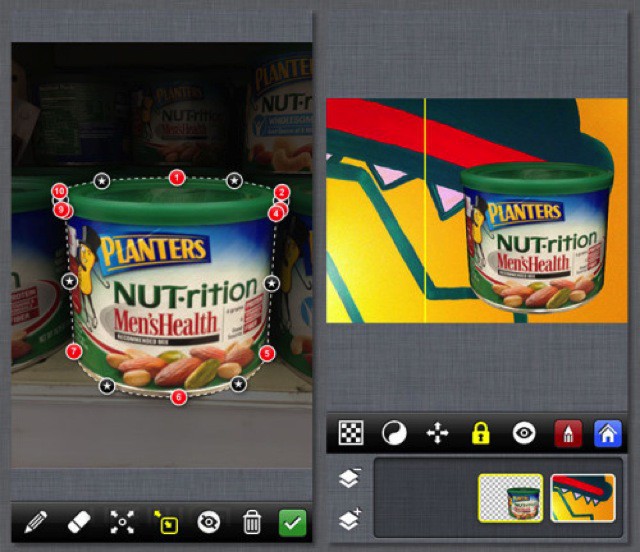
PhotoStation 2.0 brings layer support to the powerful but unintuitive photo editing app. Now you can use bezier clipping paths to adjust and fine-tune your image selections on multiple layers, letting you make edits that you usually expect to do on the desktop.
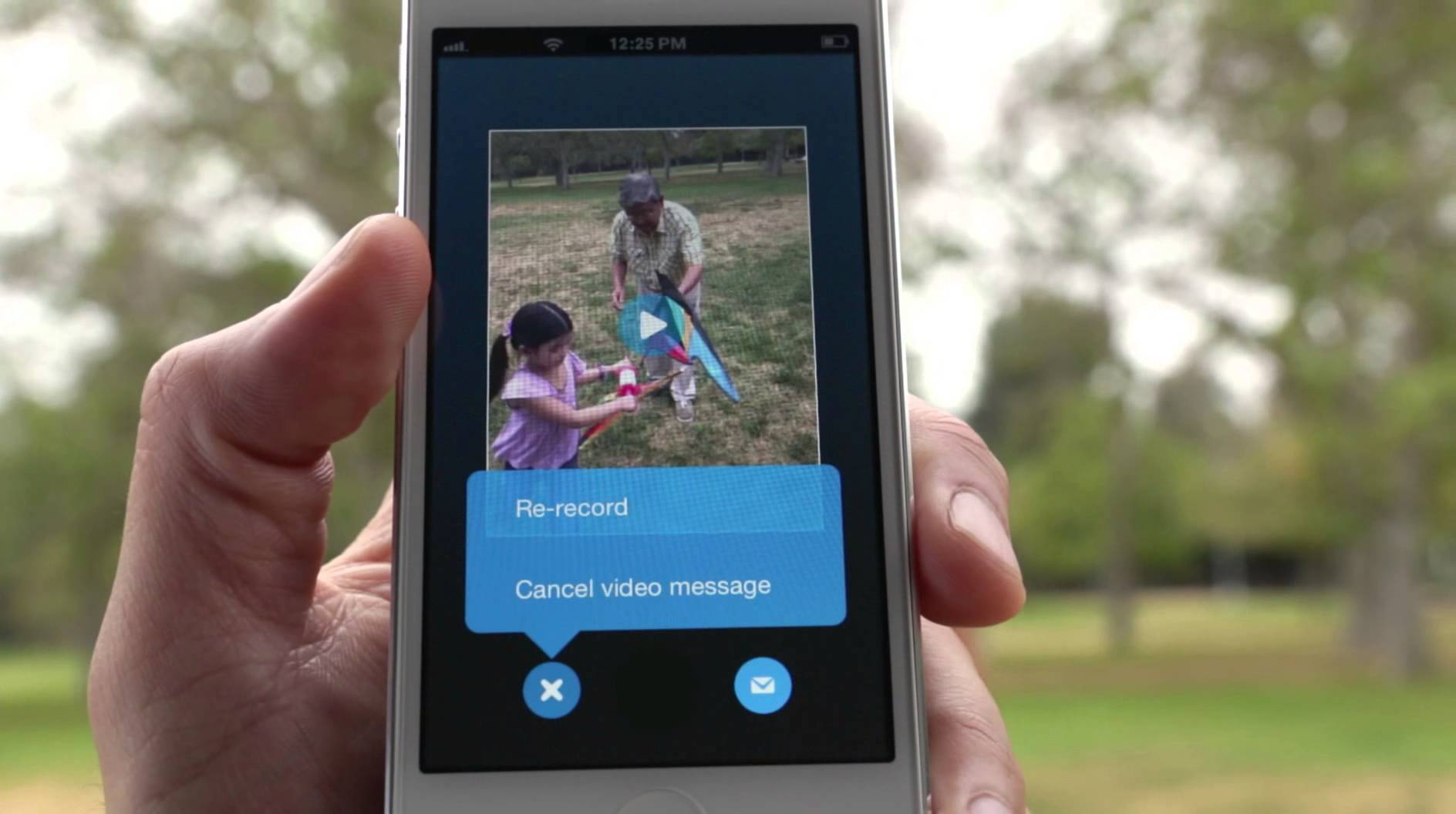
Skype for iOS and Skype for Machas been updated today with support for a new feature: video messaging. But don’t think video chat. Skype’s new video messaging is all about recording brief, meaningful moments and sending them to other Skype users, not as a stream, but as a self-contained message that will reach them, even if they aren’t online.
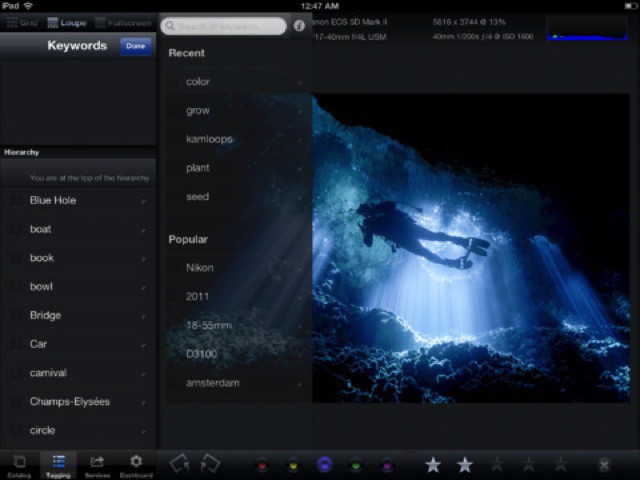
Lightroom-using, iPad-owning readers might remember an app called Photosmith. It promised to let you sync your photos ’twixt iPad and Lightroom and let you add tags, keywords and metadata, as well as selecting picks and rejecting the crud before syncing everything back again.
The trouble was, it was confusing as hell, and crashed every few button taps. Now we have version 3.0, and it is everything the original tried to be. In fact, it’s pretty great.
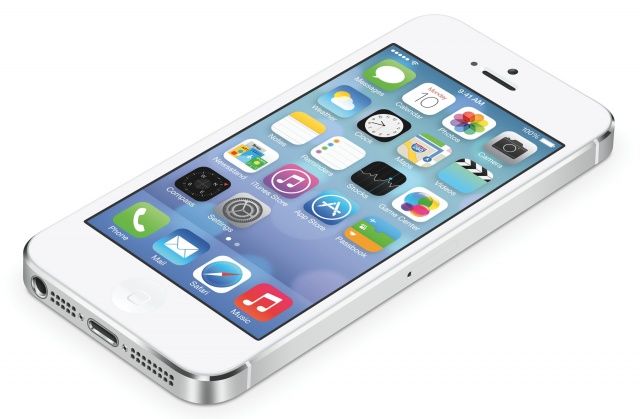
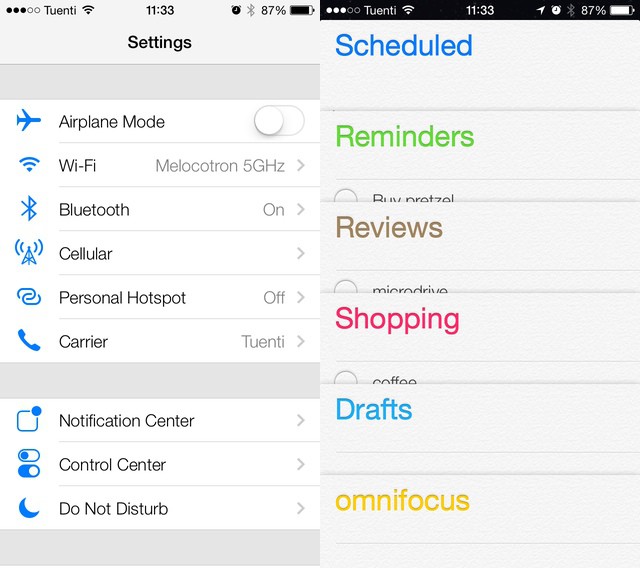
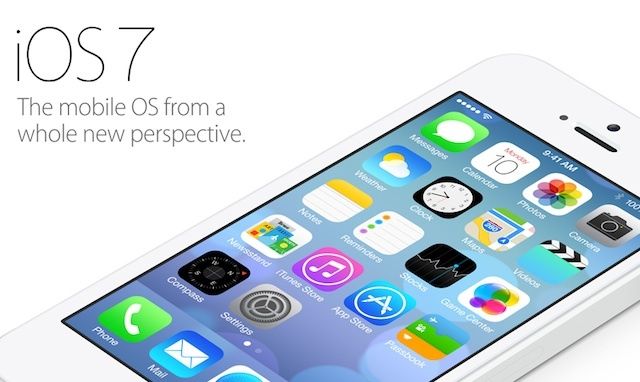
iOS 7 looks totally different than iOS 6, and most App Store apps are going to have to undergo a big design overhaul to fit it. Gone are the rich textures and deep garnishes. Corinthian leather has been replaced with Gaussian blur. A lot of iOS 6 apps look instantly out of place.
There are, however, quite a few popular apps that look like they belong in iOS 7. Whether it’s by coincidence or intentional forethought, these 16 iOS apps fit in with iOS 7 very well already:
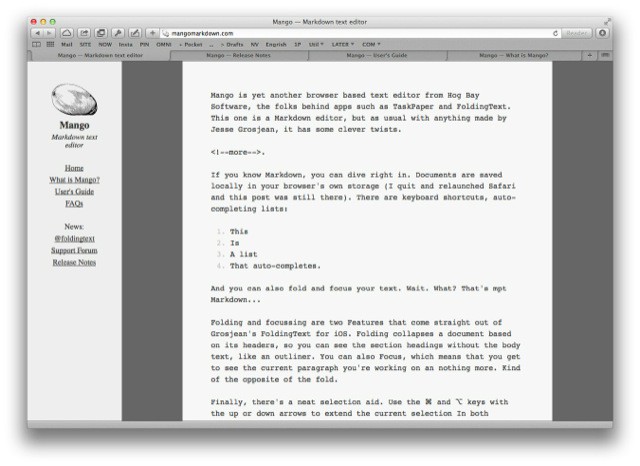
Mango is yet another browser-based text editor from Hog Bay Software, the folks behind apps such as TaskPaper and FoldingText. This one is a Markdown editor, but as usual with anything made by Jesse Grosjean, it has some clever twists.
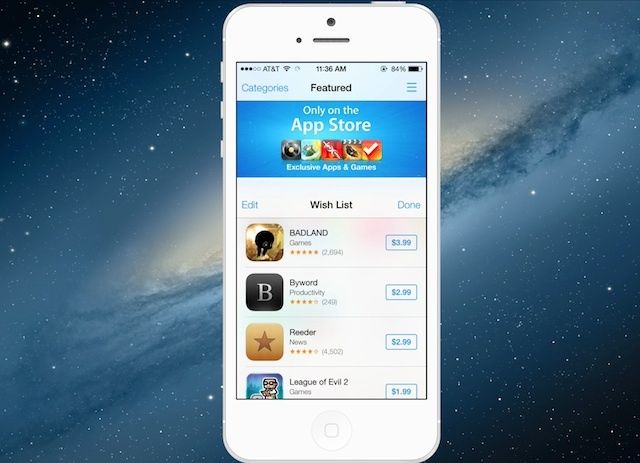
The App Store in iOS 7 has an new ‘Wish List’ feature designed to help you keep track of all the paid-apps you’re lusting after.
You can access Wish List from anywhere inside the new iOS 7 App Store by tapping on the Wish List icon in the upper-right corner. Apple’s put the Wish List icon on pretty much every page in the new App Store so it looks like they’re hoping users will really get into the new feature and buy more apps.
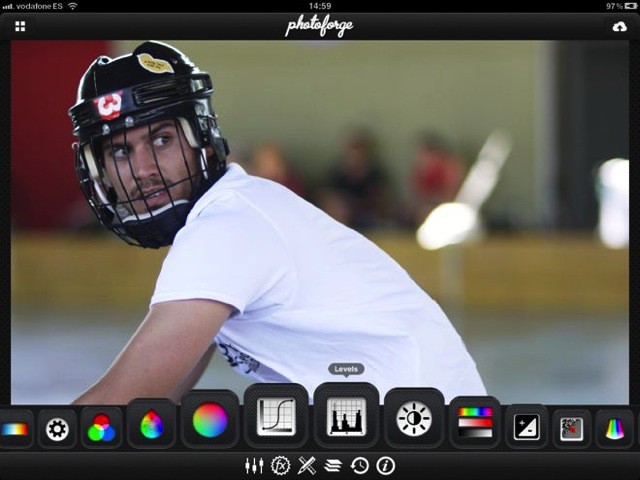
Yahoo has bought the developer of the fantastic iOS apps PhotoForge and KitCam. Ghostbird’s software team will now work for Yahoo, helping to make Flickr even better. And – as ever with these things – development on both apps will stop.
Do you like the look of the new iOS 7 AirDrop feature that lets you beam things from iDevice to iDevice? Me too. But even if you have iOS 7 installed, you still can’t beam things to and from a Mac, which is arguably a more common need for basement-bound, friendless nerds like you and I.
Enter BeamApp, which does what it says on the virtual, HTML-based tin.
Nestled under the Updates window in the iOS 7 App Store, you can find your purchased apps. Like iOS 6, you can choose to look through all previously purchased apps and only the apps that aren’t currently installed on your iPhone.
For some weird reason, Apple never put a search bar in in this part of the iOS 6 App Store. Now it’s there in iOS 7.
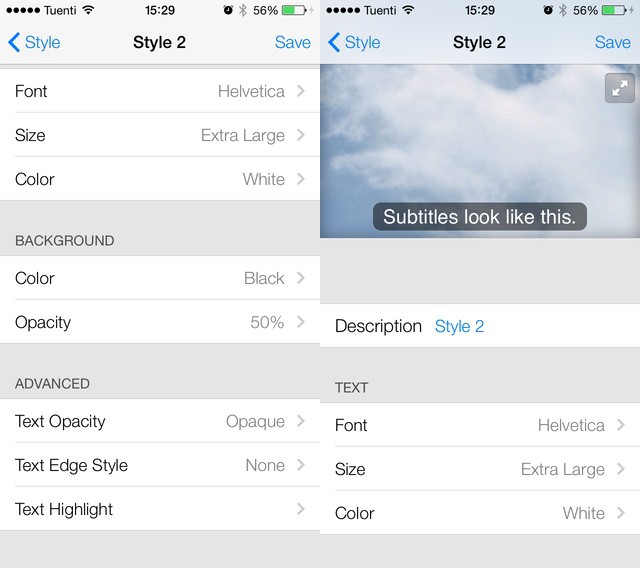
Years ago, I submitted a bug report to Apple. The problem? Teeny, tiny subtitles in the iOS Videos app, so small that even an eagle with binoculars couldn’t read them. I got a mail from Apple to follow up, and then, just one or two releases later, subtitles got big enough to read (the Lady and I have different native tongues so we usually watch everything with subs).
Now, in iOS 7, they’re not only big but completely customizable.
You know what I’m hearing a lot of today? “Whine whine whine. Don’t like the icons. This really is kind of a mess.” And this, from our very own chatroom: “It hurts the eyes,” and “The hideousness of this is blowing my mind.”
It seems that a lot of people don’t like the look of iOS 7. But you know what? I love it. Sure, some of those icons are a little garish, but in iOS 6, all of the native Apple icons were hideous. And whatever you want to say about the new look, you have to admit that it is now way more consistent.
Every time Apple releases new versions of iOS and OS X, you can guarantee Apple will take aim to destroy some popular third-party apps by aping their most popular features into Apple’s core services.
With iOS 7 and OS X Mavericks, Apple has its sights on some really strong competition. 1Password is in danger of becoming obsolete, along with a number of other notable powerhouses. Here’s who Apple aimed in its sights today:
IOS 7 looks fantastic, and the good news is that photographers haven’t been left out of the updates. There’s new stuff in both the Camera app as well as Photos: a neat combination of flashy new features and great little fixes that will make both apps what they probably should have been to begin with.
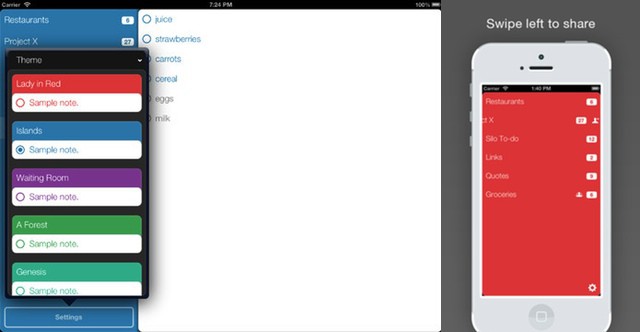
If there’s one note that’s almost guaranteed not to be in any of the zillions of to-do apps spread across your devices, it’s “Find new to-do list app.” However, should you actually have that entry scribbled down somewhere that you can actually find, then you can now cross it off the list: The app in question is called Silo, and it’s pretty slick stuff.
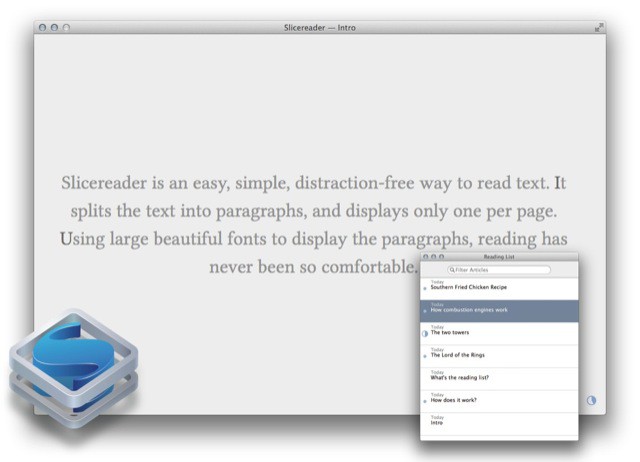
People talk a lot of crap about their minimalist apps, promising “distraction-free” interfaces as if distraction had anything to do with how many buttons you can see on the screen. In the future I will send those people a link to download Slicereader, a reading app so truly minimal that it doesn’t even have an open/save dialog.
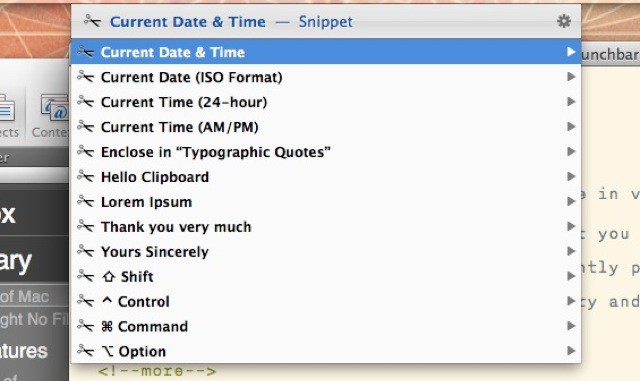
Launchbar users can enjoy a brand new feature in v5.5 of the find-everything Mac app. Launchbar – if you’re not familiar with it – is an app that you trigger with a shortcut (I use ⌘-Space) and then type into the pop-up window. Launchbar instantly presents results, letting you launch apps, send emails, play music, browse your iPhoto library and a whole lot more. And now it has snippets.
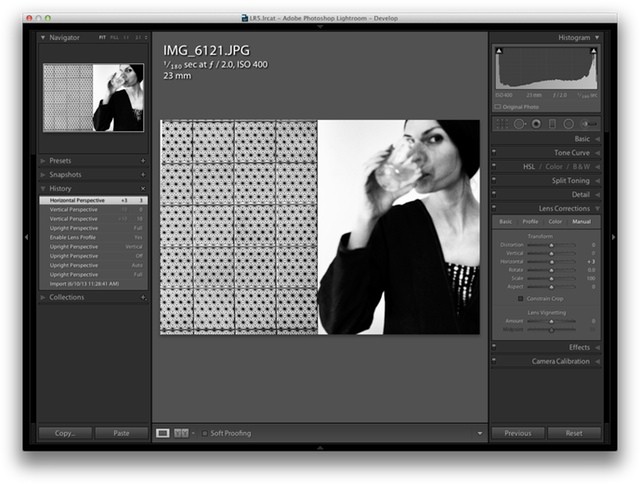
Lightroom 5 is now officially official, and you can grab the final version from Adobe for $150 (there’s a one-month trial built in if you want it). Should you upgrade from v4? Probably. Unlike Photoshop, which adds more and more flashy-but-pointless features just to keep people upgrading, Lightroom is still young enough that the new features are super useful and – ironically – they also make it less and less likely you’ll need to resort to Photoshop to polish and fix your images.
How much interest is there in Apple’s World Wide Developer Conference?
Enough to stage an alternative free five-day conference with over 40 speakers and hands-on labs that WWDC attendees may want to check out for all the topics Apple isn’t likely to cover. For the second year running, AltWWDC will be hosting the have-nots (as in have no WWDC tickets) for a gathering cloned from the official conference.
Around 1,500 people have signed up, meaning, yeah, even free/freewheeling AltWWDC is technically “sold out.” No worries: if you don’t have a ticket, as long as there’s room to plant your laptop, you’re in.
Cult of Mac talked to Rob Elkin, a London-based software engineer and one of the four founders of AltWWDC about what constitutes an “alt” keynote breakfast, talks Apple doesn’t want you to hear and sponsors.
Arrrr! Avast, ye scurrilous sea quims! Why are you even reading this? Go download Scurvy Scallywags right now! It’s hilarious, addictive, cheap and the best game to come to iOS in recent memory.
Oh man, does Mischief ever look amazing. It’s a Mac (or Windows) drawing app which feels like it uses pixels, but stores your strokes as vectors. This means that you can daub away with your favorite pressure-sensitive stylus, but enjoy the infinite zooming and tiny file sizes of vectors. Adobe Ideas does something similar on iOS, but this is a whole lot bigger.
You’ve all used those personal guided museum tours, right? The ones that use a button-covered box and a pair of filthy headphones to tell you all about the painting/sculpture/diorama in front of you?
Well, imagine that instead of a stupid box and worn out headphones you got to use your own iPhone. And instead of having to tap in a number to hear the guide, you just relied on GPS to know what you’re looking at. And finally, imagine that instead of being a guide to a dusty old museum, the “museum” was instead the whole of New York.