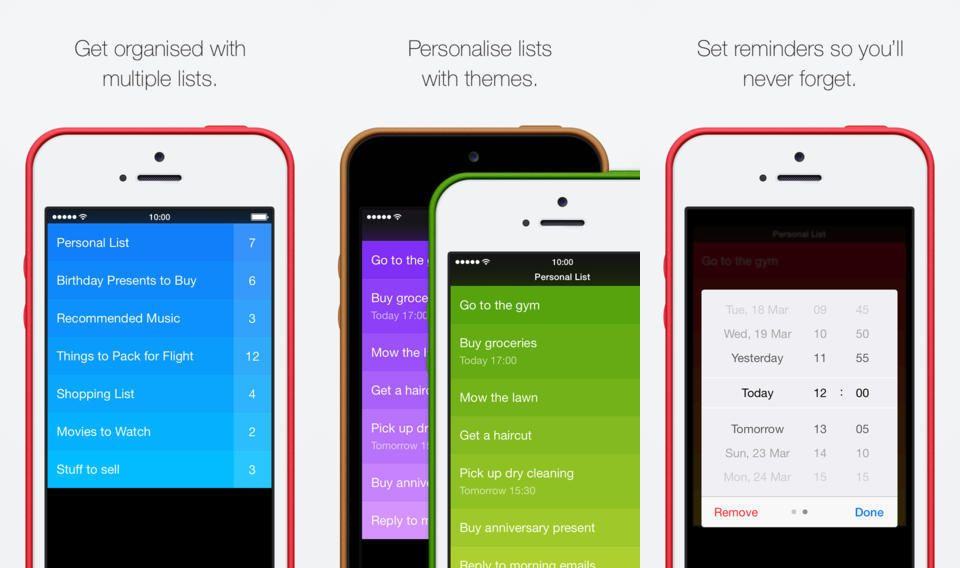
Clear, everyone’s favorite swipe-based to-do list app, now integrates with the native Reminders app on the Mac and iOS. Originally planned for February, the latest update lets you get reminded to do things on that list.
Are you a fan of HDR photography? Then you’re dead to me. Dead.
No, seriously.
Not really. Kidding aside, HDR can look horrible, like turning the color up on an old CRT TV set. But like all tools, it can also be used for the powers of good.
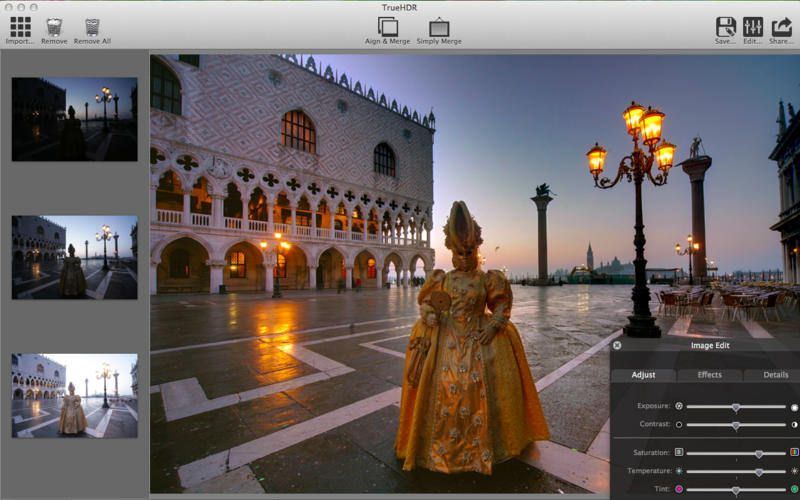
Anyhow, TrueHDR, the smash-hit iOS HDR app is now available for the Mac, letting you combine up to 100 shots into one over-egged exposure, all for just $4.
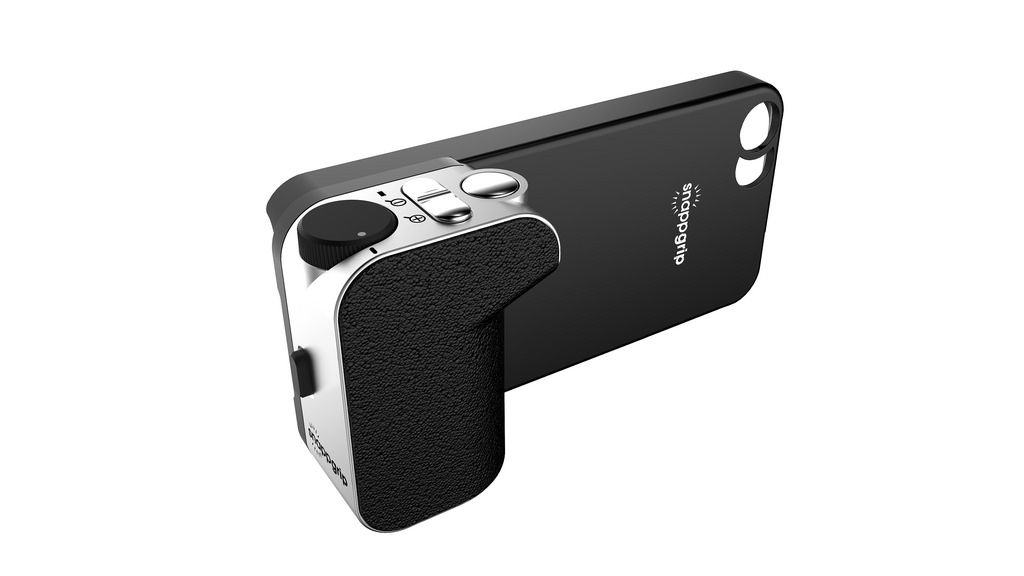
Snappgrip is an add-on camera grip for your iPhone, bringing the extra manual knobs, dials and buttons you miss from your regular camera. It’s been around for a while.
But that’s not the news. The new is that a couple of great iPhone camera apps now incorporate the Snappgrip API. That is, these apps can be controlled by the buttons on the grip.
You know when you see a new tool and you think “Oh man, that’s going to be useful”? That’’s the feeling I have with Keep Everything, a Universal iOS and Mac App which saves web pages, Tweets (and pretty much anything with a URL) on your device, sharing it with your other machines via Dropbox.
But it does so much more than that, including turning those pages into Markdown text that can even be edited.
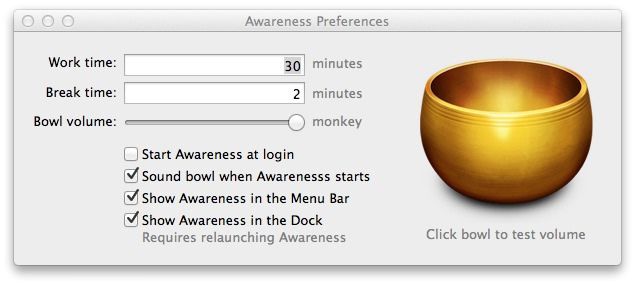
Awareness is an App I’ve been using for the past week to remind me to take a break from writing once in a while. It’s simple and un-intrusive (except when it’s not, of course) and it’s had an unexpected side-effect: the reduction of achy wrists and other painful RSI symptoms.
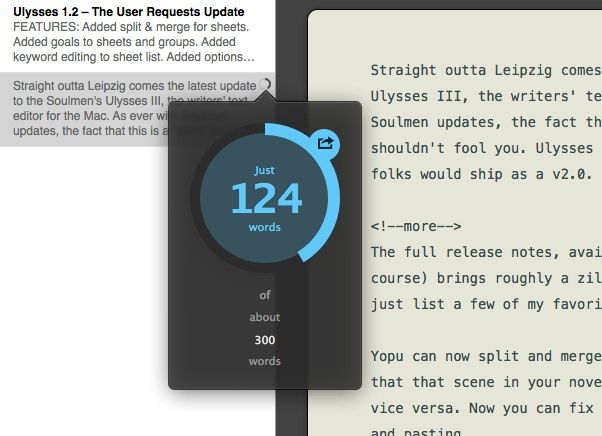
Straight outta Leipzig comes the latest update to Soulmen’s Ulysses III, the writers’ text editor for the Mac. As ever with Soulmen updates, the fact that this is a “mere” point update shouldn’t fool you. Ulysses III 1.2 is the kind of thing many folks would ship as a v2.0.
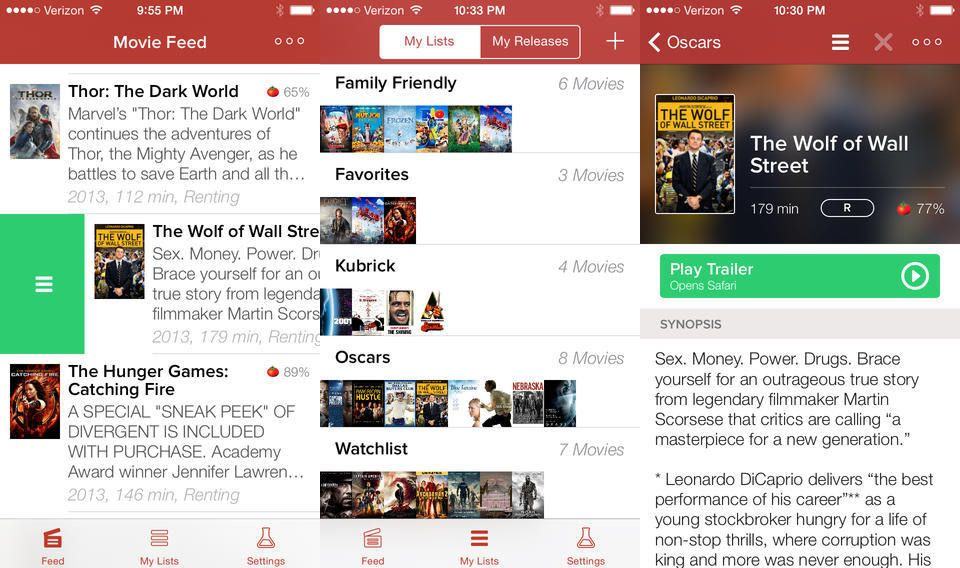
I keep a movie to-watch list, a plain text list somewhere in my Dropbox. And as you may have guessed, I never read it. What I probably need is an app like Moviedo, a to-do list for movies that runs on your iPhone.
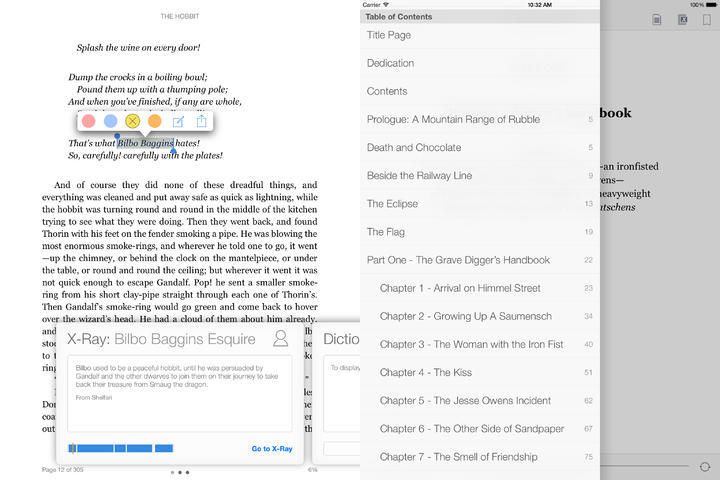
The iOS Kindle app just got an update, and it’s a good one. The left sidebar that you can summon while reading now has direct access to the table of contents, and you can access X-Ray info just by tapping on a word.
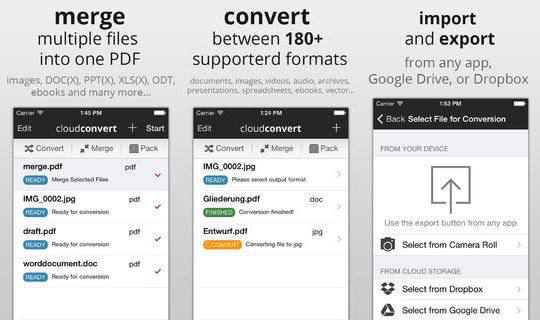
CloudConvert, the web-app that lets you convert almost any file format to any other file format, now comes as an iOS app. It still uses CloudConvert’s great web service as its engine, but adds a native iOS interface.
You know what that means? It means you can send any file to CloudConvert using the standards iOS “Open In…” dialog. Got a Word DOCX file in your webmail and need to send it to someone else as a PDF? No problem.
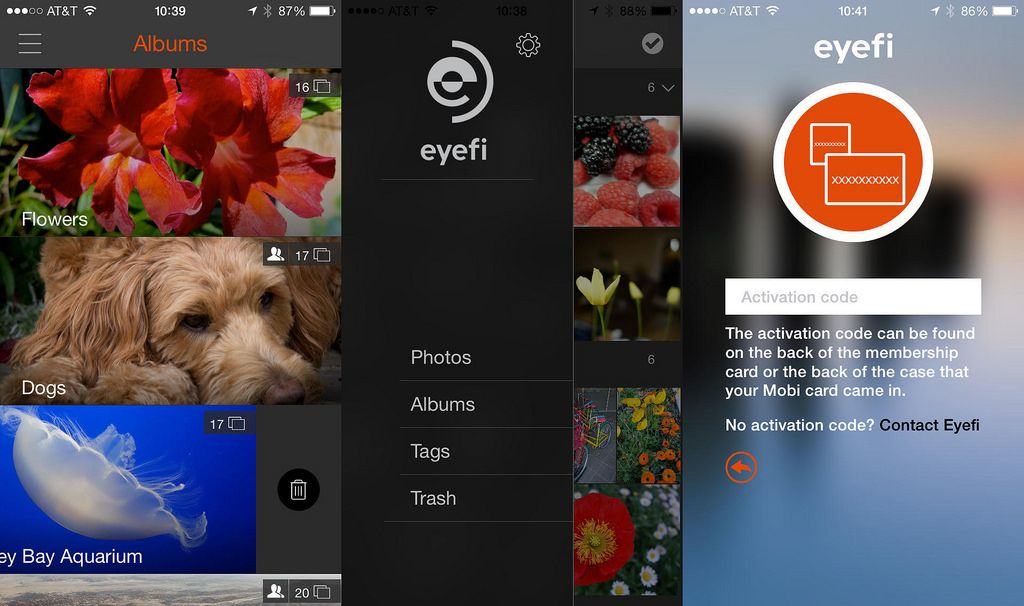
Eye-Fi – the company that makes the Wi-Fi-enabled SD cards we use for covering trade-shows – has launched a Eye-Fi Cloud, a new app and service that stores all your photos in the cloud, whether you took them on your iPhone or a big fancy camera.
In the past, when Apple has grown the screen of an iOS device — for example, with the transition from the iPhone 4s to the iPhone 5 — Apple has taken pains to keep the pixel density the same. The Retina Display on the iPhone 5 is 326 pixels per inch, just like the iPhone 4s. This makes it easier for developers and helps prevent the widespread fragmentation seen in the Android operating system.
With many rumors pegging the forthcoming iPhone 6 as having a much bigger 4.7-inch display, a practical issue presents itself: what would that mean for resolution and pixel-density? If Apple increases the display size, will they increase the resolution to compete with the likes of HTC and Samsung’s 1080p Android smartphones? And if so, what does that mean for app developers?
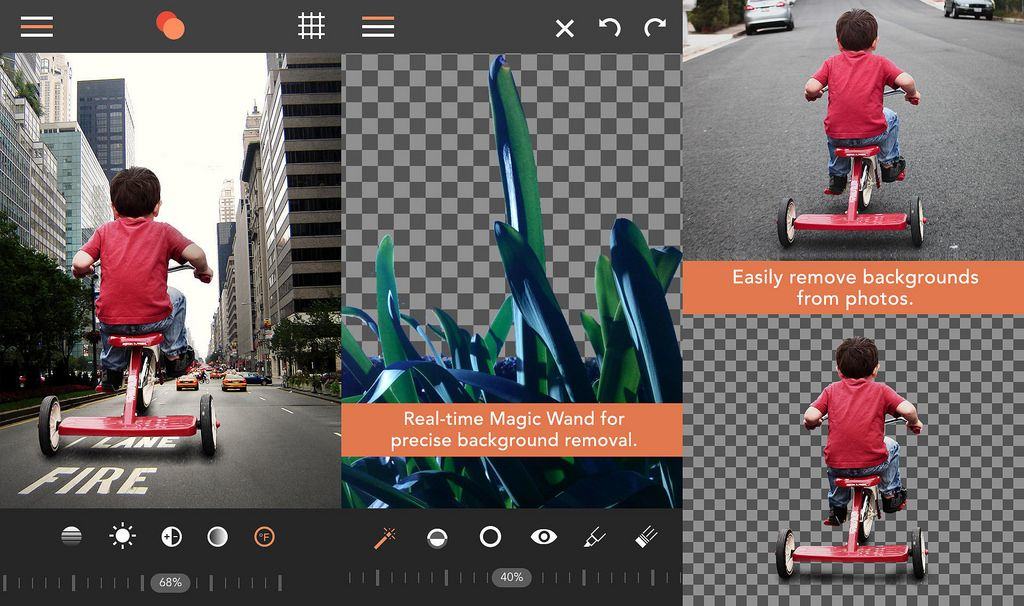
You might as well delete all the layer-blending apps on your iPhone or iPad right now, becasue Union is better than all of them. It comes from Pixite apps, the developer behind Unbound, LoryStrips, Flickring, Tangent and more, and it lets you stack images, then blend and manipulate them to stunning effect. How stunning? Take a look:
I have a Libratone Zipp speaker, and it works great – within five line-of-sight meters of my router that is. Any further and it just goes nuts, shows me a red light and refuses to play.
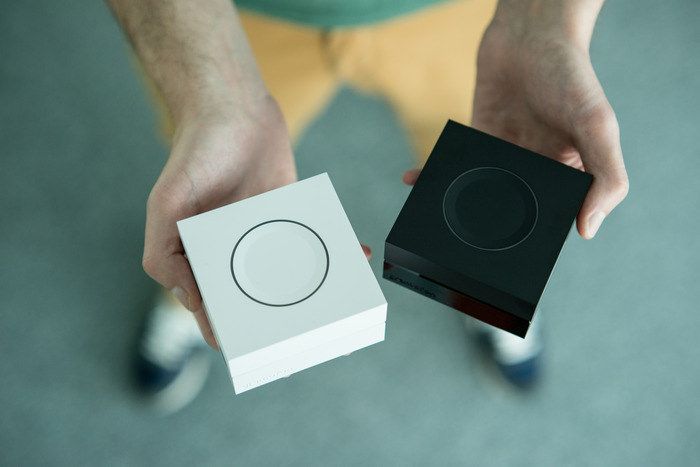
What I need is a way to extend my network throughout my apartment, but without spending a fortune on AirPorts Express. If only there were a $30 box that not only extended my network but came in a package so tiny I could dot them around the house.
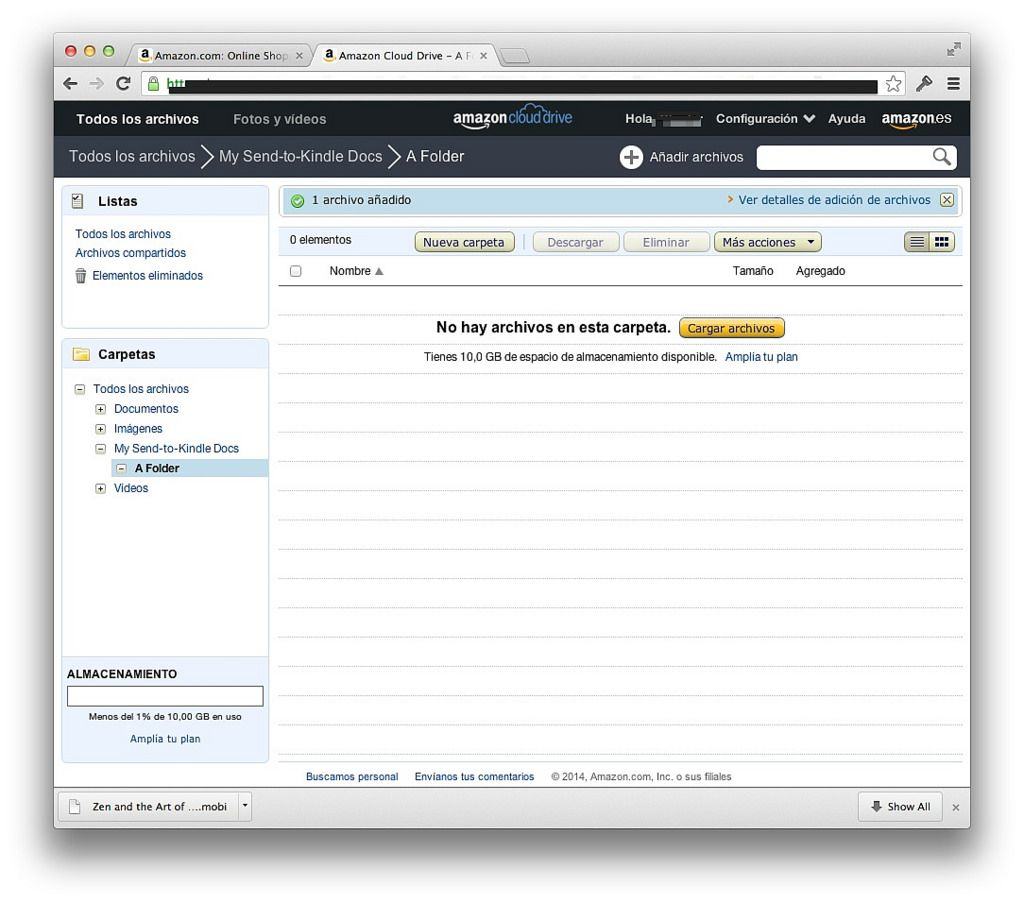
I must admit, I got pretty excited just now when I got an email from Amazon telling me that my Kindle documents had been integrated with my Cloud Drive. At last, I thought, I can easily upload personal documents and have my reading progress synced between all my Kindle devices and apps.
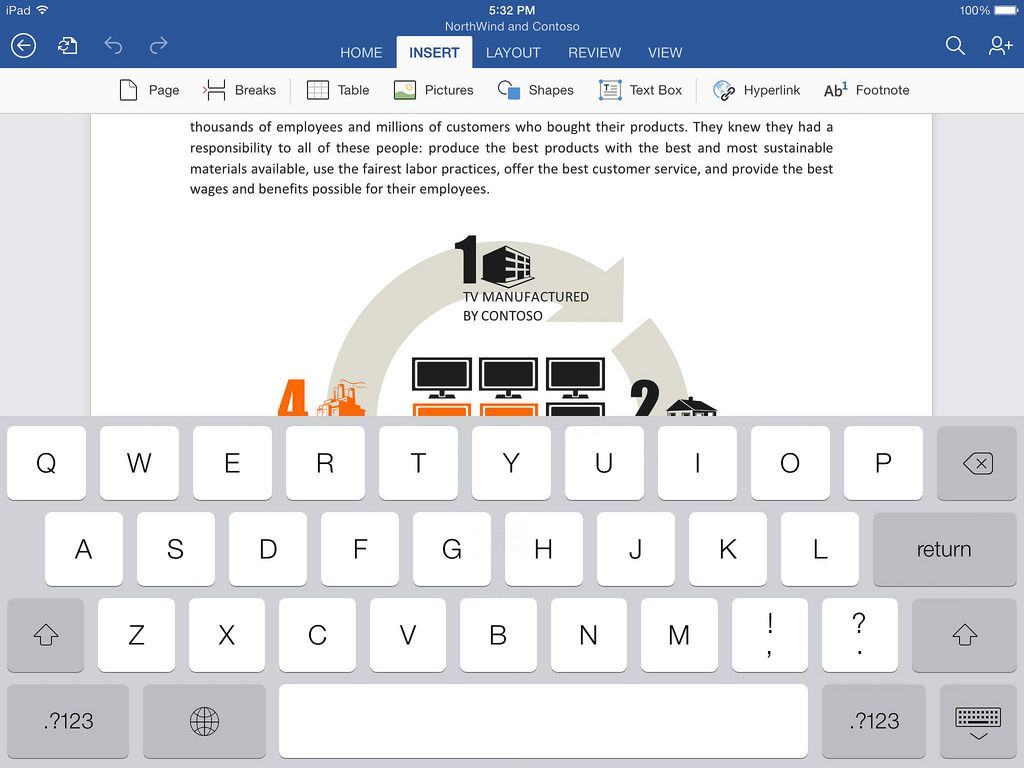
Ever since Office for iPad launched a few weeks ago, folks have been claiming that it costs $100 just to use it. This isn’t true at all. And as of now, with Microsoft’s new Office 365 Personal plan for $7 per month (or $70 per year), it’s even less true.
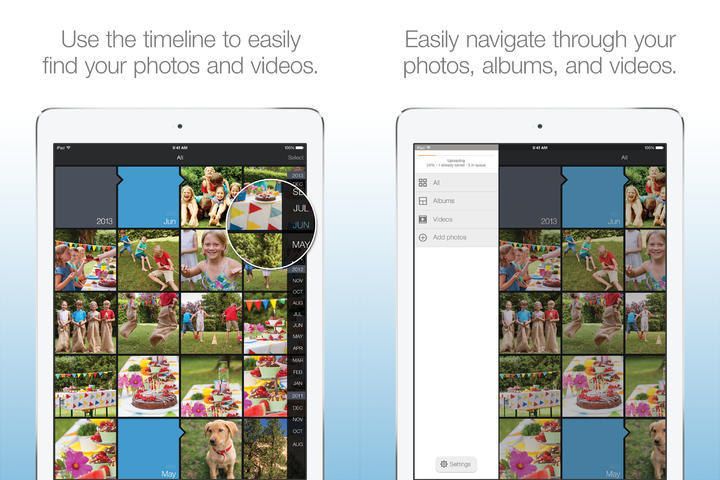
Oh man. It looks like “fairly well designed photo-storage and viewing services” are the new black. Or something. Now Amazon is back in the game with an updated version of Amazon Cloud Drive Photos, an app with a name only a Microsoft worker drone could love.
What’s new? Nothing less than the return of enjoyment.
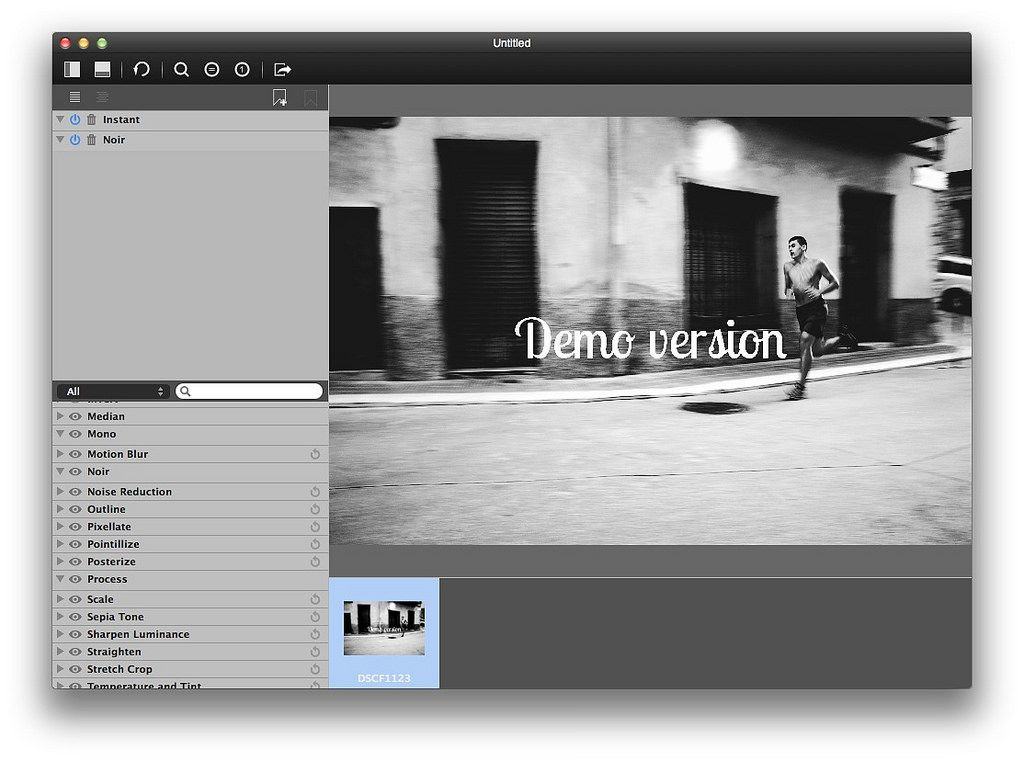
Effect Stack is an OS X image editor that costs just $10 and weighs in at 3.9MB. It’ll process any image your throw at it, including RAW files, and its gimmick is that you can stack effects (hence the name) and shift the layers of this stack to switch things up.
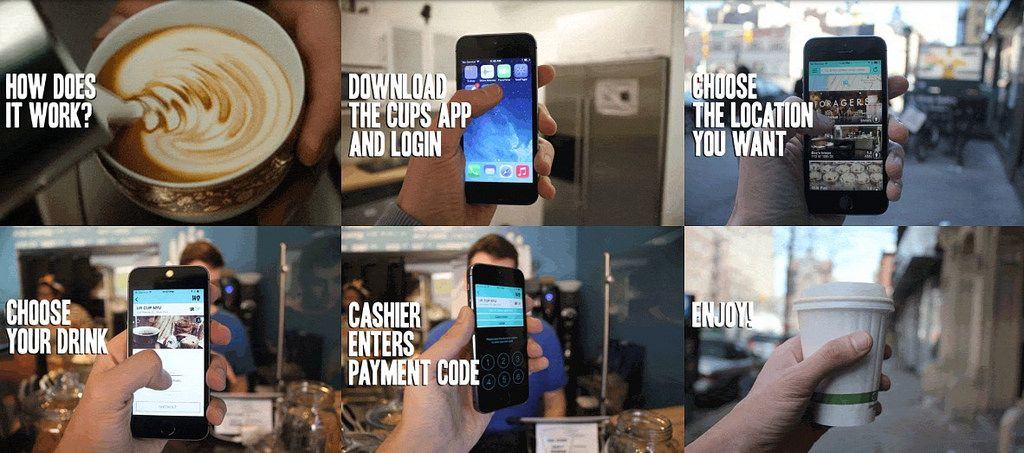
Cups is an amazing proposition, and it’s going to be fascinating to see if it works. The app/service gives you unlimited coffee in NYC, from $45 per month. Yup, subscription coffee, just like Netflix or Spotify.
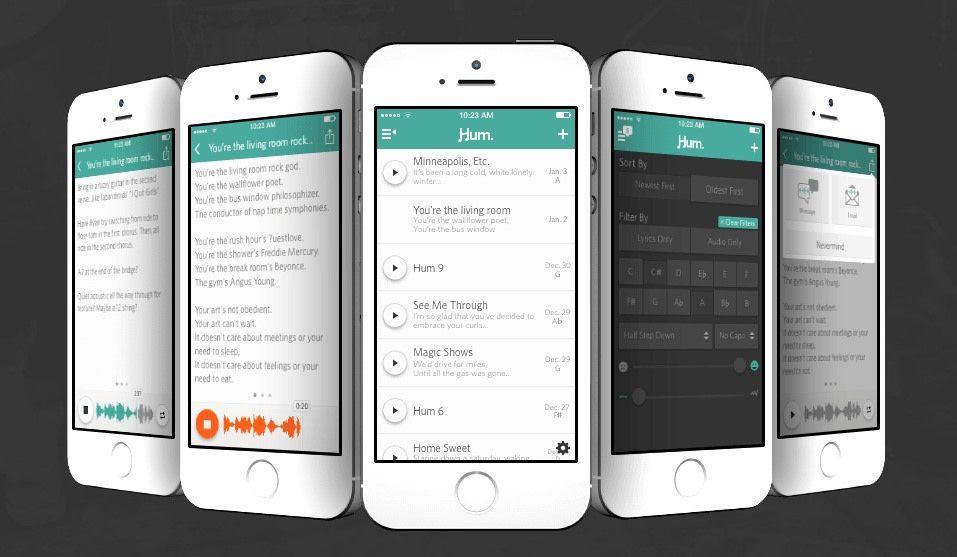
Folks who work with words have Drafts. People who want to capture a quick picture have a home-screen shortcut to the built-in camera. But what do musicians have to remember a tune when it pops into their head? Now they have Hum, an iPhone app for capturing song-writing ideas.
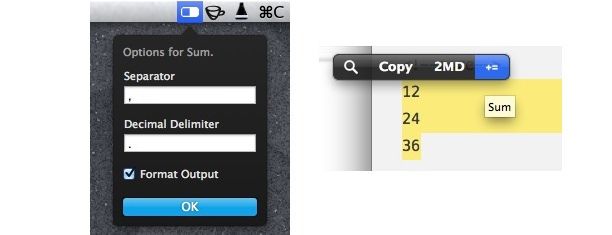
Remember Brett Terpstra’s Total Numbers service from last week? Good, because now it’s available in and even more useful and labor-free form as a PopClip Extension.
Now all you need to do is highlight a bunch of numbers with the mouse, and the new “Sum” extension will add them all up for you.
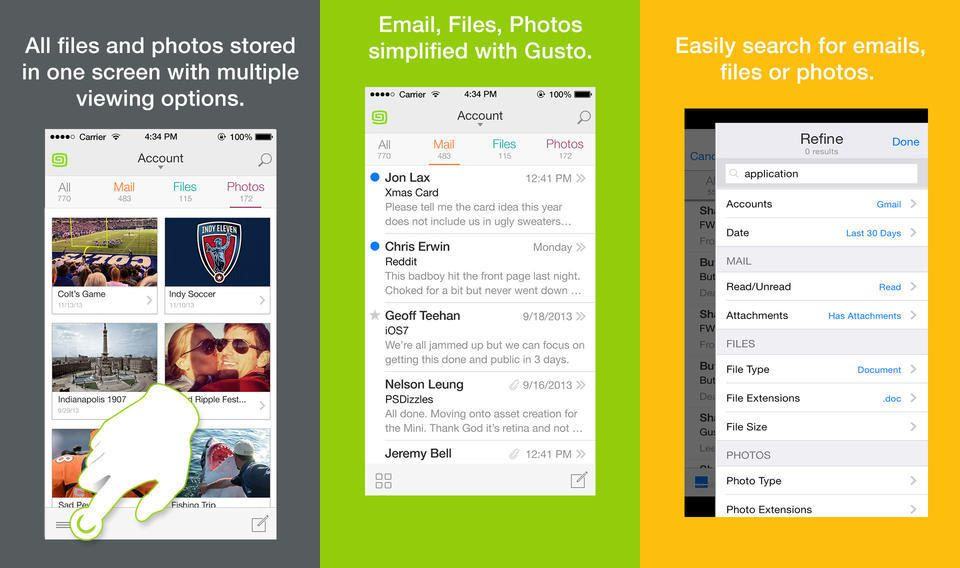
Gusto is yet another iPhone email app that promises to fix your email, and it looks pretty good. It’s Gmail-only and iPhone-only, and its gimmick is that it separates your mail messages into categories according to their attachments. It also has killer search capabilities.
Oh man, I just can’t wait for this week to be over. First the entire Internet turns out to have been broken for the last two years. Then Dropbox hires Condoleezza “Cruella de Vil” Rice to help out with security. And now Amazon has bought out ComiXology, the digital comic book store/platform.
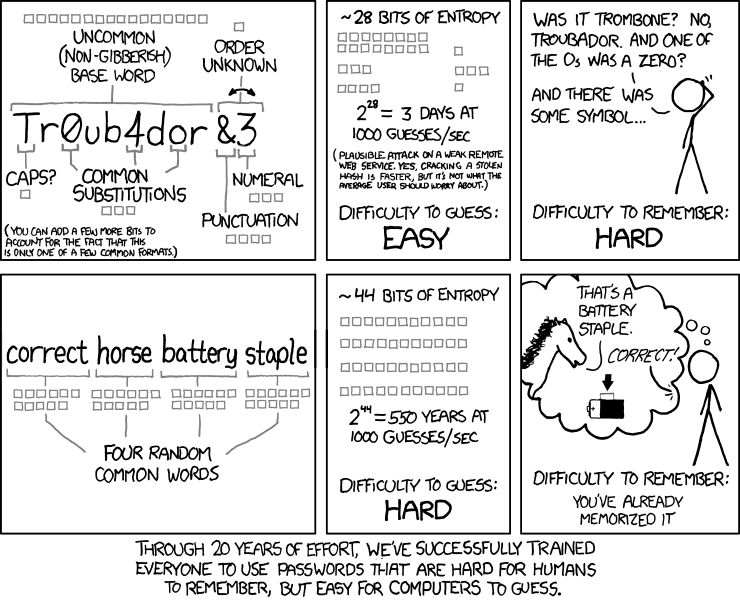
Apart from “correct horse battery staple,” the most secure passwords aren’t words, they’re phrases. You don’t even need crazy symbols or hard-to-determine numerals (is that an l or a 1, a 0 or an O?) – just a good, longish phrase made out of words.
And now you don’t even have to make one up. Using the XKPasswd generator, based on but not associated with Randall Munroe’s amazing comic strip XKCD, you can generate secure pass phrases easily.
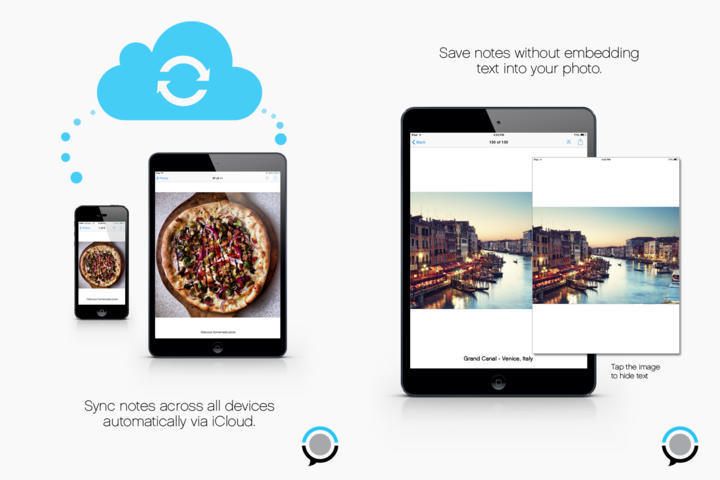
PhotoFlip has the beginnings of a great idea, let down by poor implementation. Here’s the idea: The app lets you add notes to the photos you have in your iPhone camera roll, without copying those images. That is, the pictures stay in your regular photo library, and the app just displays them with your text note added underneath.
It’s a great idea right? It uses almost no storage, and doesn’t double up on picture libraries. You can even snap photos from within the app and they’re saved ion the regular camera roll, and everything is synced via iCloud (if you want anyway).