Last year, Apple celebrated the holidays with a fantastic app called 12 Days of Gifts. Like a digital advent calendar, the 12 Days of Gift apps handed out free music, TV shows, movies, books, and apps over the holiday period.
But this year, we haven’t seen the 12 Days of Gifts app, at least so far. Is Apple canceling it? What’s the hold up?
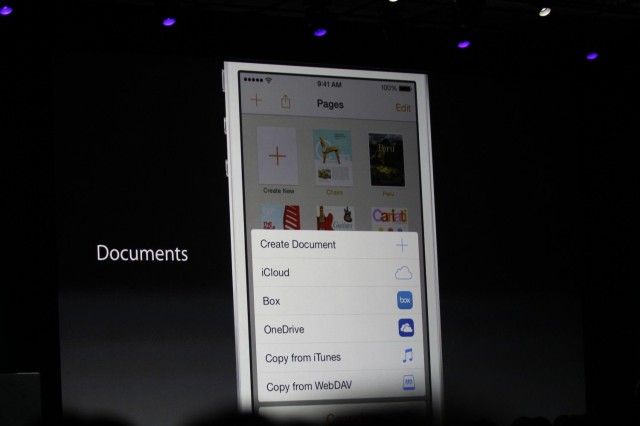
Apple announced the ability for third-party apps to share files at WWDC in June. Photo: Roberto Baldwin/ The Next Web
Apple’s new interpretation of a particular iOS 8 feature could severely cripple countless third-party apps like Dropbox and Evernote.
The new interpretation came to light after Panic, a very respected indie developer, was told to remove the ability to send files to iCloud Drive in its file transfer app Transmit. And because of the way iOS 8 is designed, the app can no longer send files to any other storage provider.
What’s worse is that Apple provided little to no explanation for why it was implementing the policy change, and there’s no telling which app will forced to comply next.
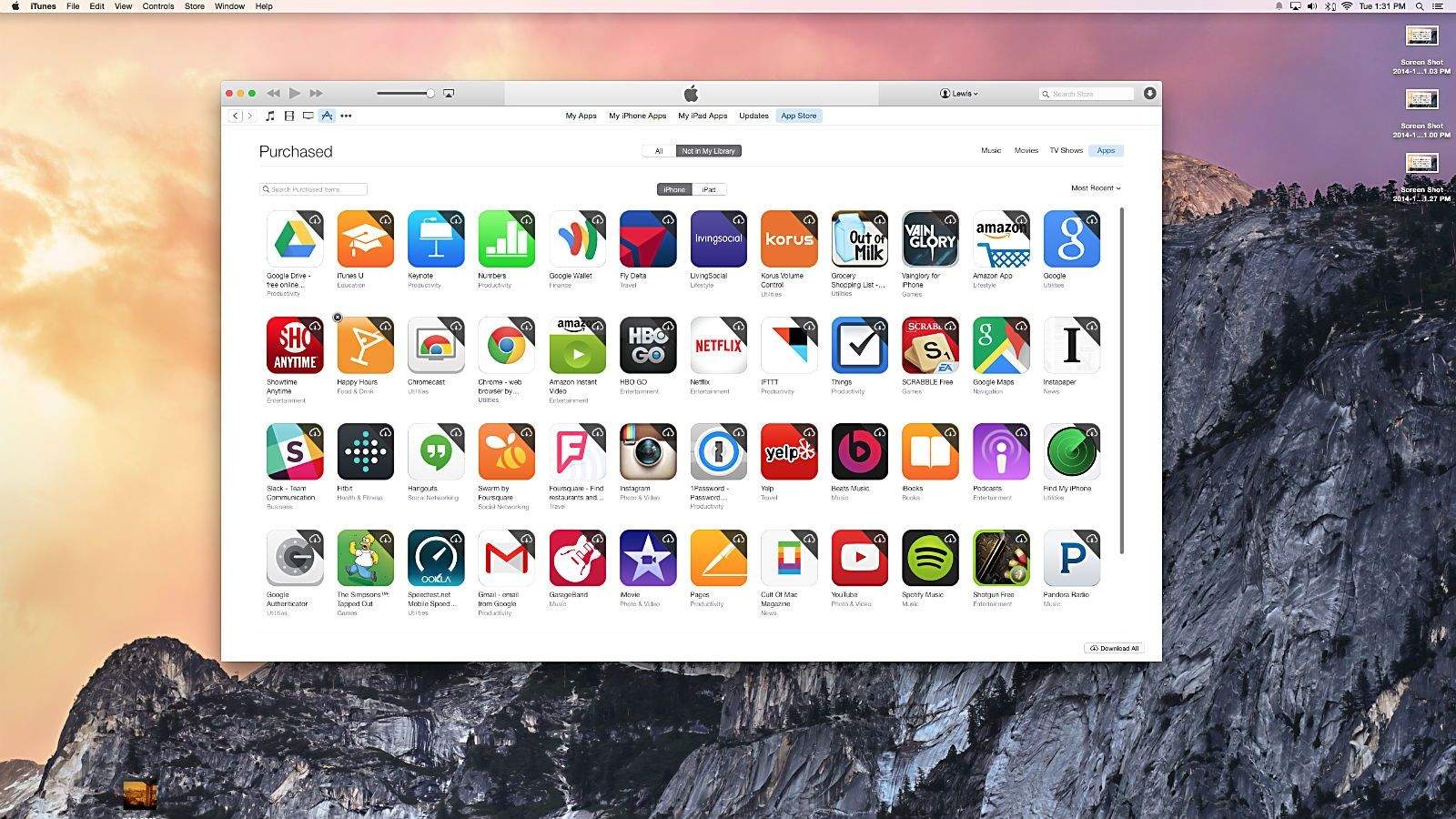
Now you can hide some of those less-proud moments from prying eyes. Photo: Cult of Mac
Let’s face it – not all of us want every purchase we complete via the iTunes or App stores available to anyone who uses our iPhone, iPad, or Macbook. Some things just need to remain, well, private.
Luckily, it’s pretty easy to hide the evidence from unauthorized users via a quick trip to the iTunes app on your Mac or PC.
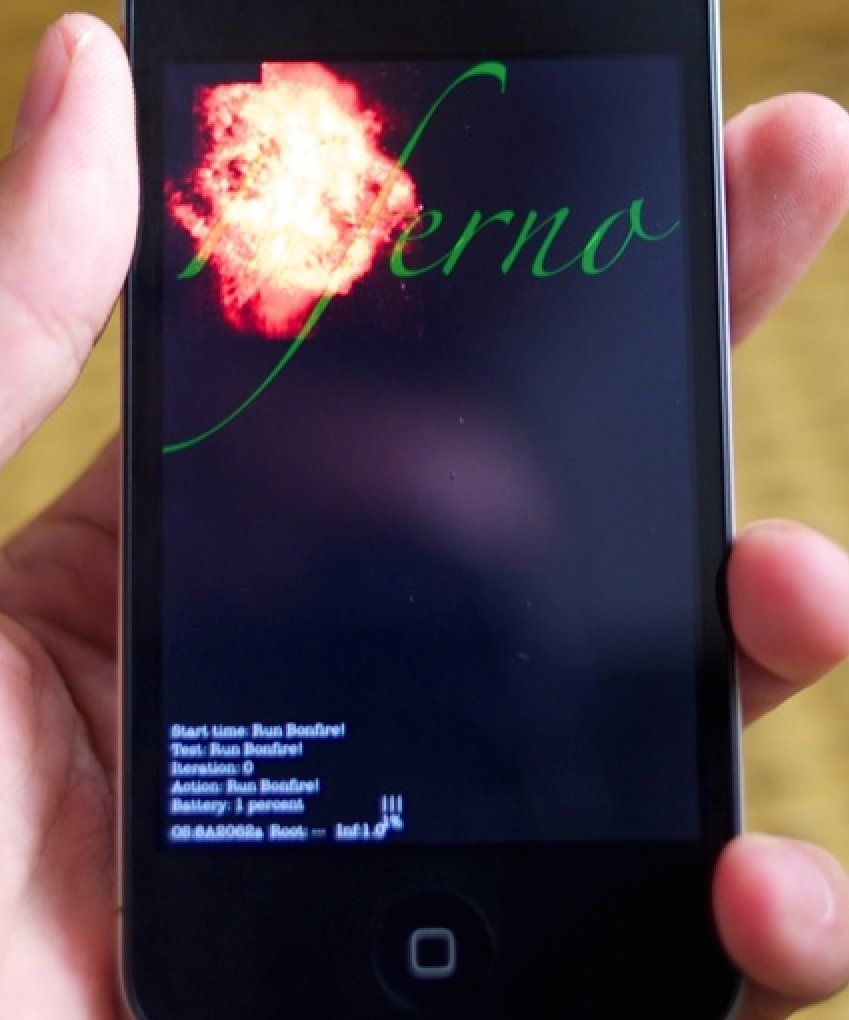
One of Apple's many employees-only apps. Photo: iPhonewiki
If you’ve got an iPhone or an iPad, there are a fair number of apps you can download for free: Pages, Numbers, iMovie, GarageBand and so on.
But did you know there’s a secret cache of Apple apps that no one but Geniuses can download? There is, and they range from a basic flight sim game to a tank battler to an internal newspaper only Apple employees can read!
I love animated GIFs. As far as I’m concerned, they’re the greatest gift God ever bestowed upon the Internet.
While most Mac users probably think making them requires Photoshop and some superior skills, creating GIFs can be dead-easy for your Mom to do, as long as you know which tools to use.
In fact, iOS 8 has made communicating solely through GIFs easier than ever thanks to third-party keyboards. With just a couple apps and some browser extensions, you can become a GIFmaster in no time and blow your friends away with your arsenal of GIFs.
Here’s how to create your own GIFs in minutes on your Mac.
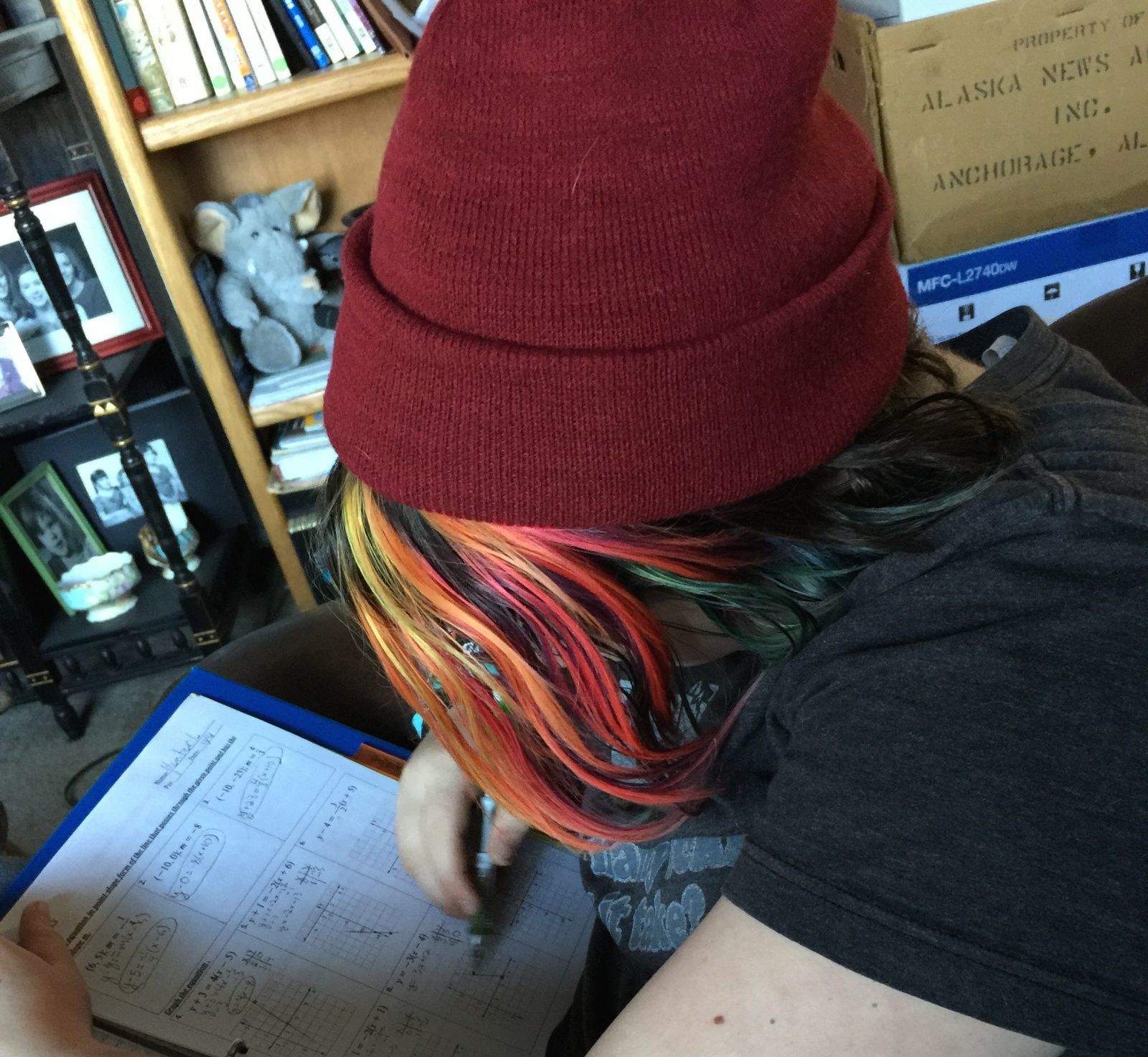
My daughter wishes these math apps worked better. Photo: Rob LeFebvre/Cult of Mac
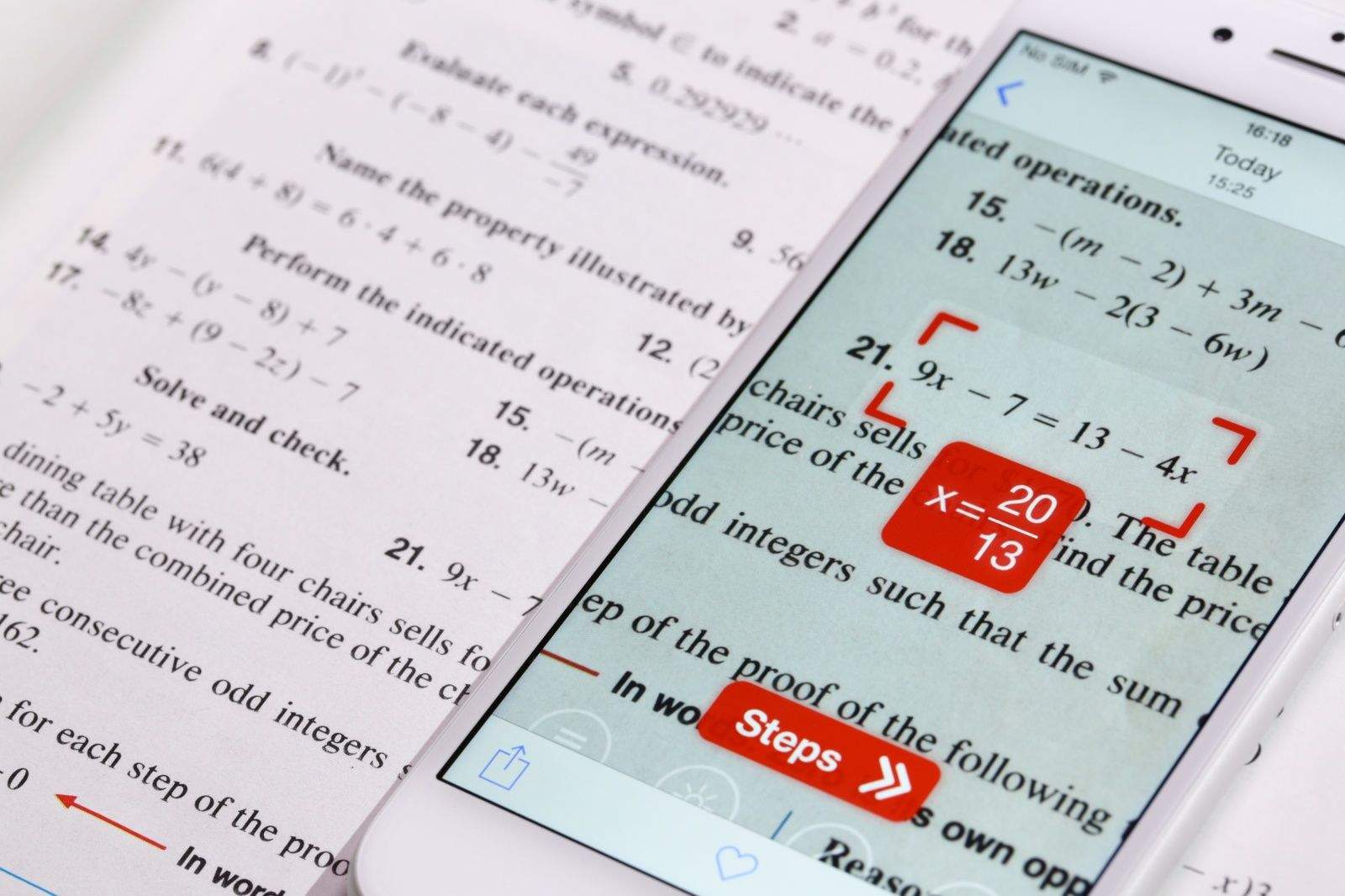
My math-averse daughter wanted to cheat on her algebra homework. So we downloaded PhotoMath, a free app that lets you take a picture of your mathematical and algebraic equations, solving them for you and showing the steps to the solution.
PhotoMath has been at the top of the App Store charts for a couple of weeks, hitting number one on the Education, Kids Games and Top Apps lists. Small wonder, as it seems like a great way to get out of doing homework.
However, despite the concerns of some parents and teachers, apps like PhotoMath just won’t help when it comes to cheating — they’re far too limited. Still, it’s a promising technology that, once it matures, might actually turn into the type of wonder tool for education we’ve long been promised, turning our iOS devices into useful educational tools that will help kids actually learn math, rather than simply giving them a shortcut to homework answers.
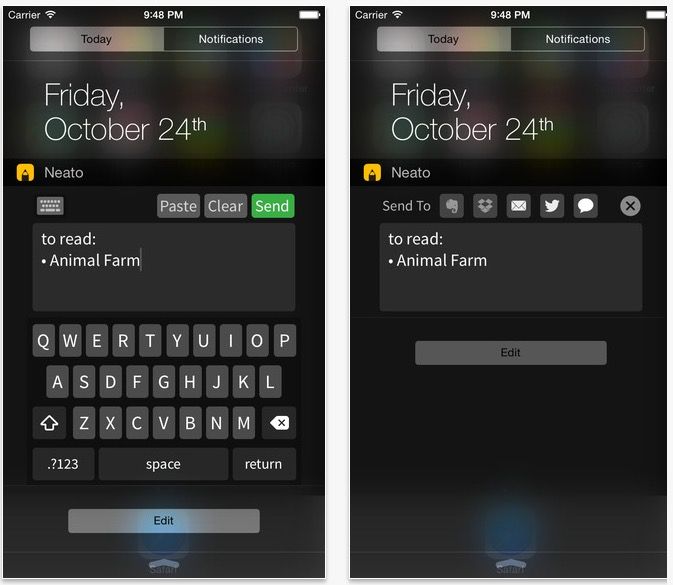
I love interactive Notification Center widgets. Widgets that let me use Notification Center like a quick entry form for my best used apps. Stuff like PCalc’s calculator widget that gives functionality to users that Apple seems conflicted about.
That’s why I love Neato. It’s a quick jot notepad for Notification Center that lets you speedily enter notes no matter where you are in iOS 8.
Make beautiful music with your buddies, even if they're not in the same room. Photo: Nick den Engelsman
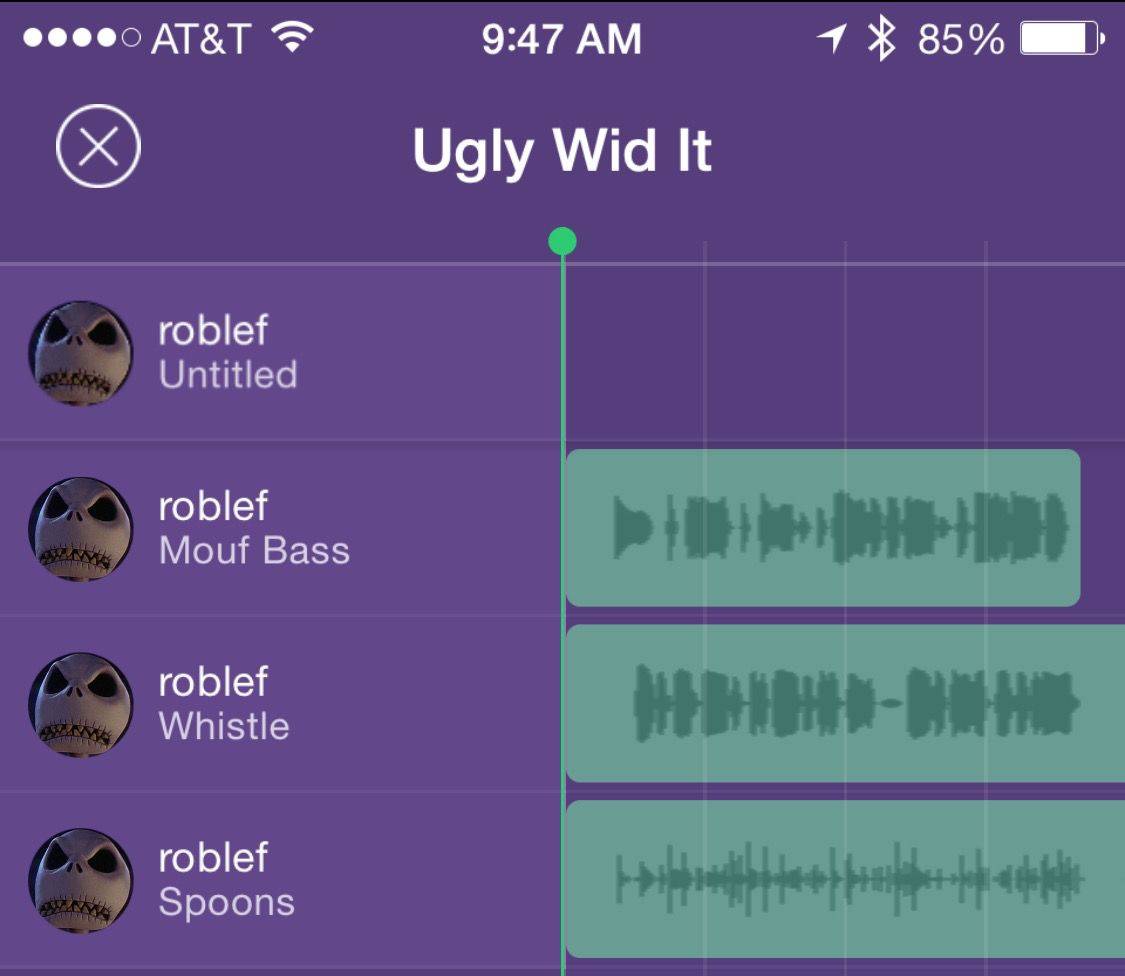
Two years ago, Nick den Engelsman started a band with a couple of friends. As they worked on recording songs, life got in the way, what with getting jobs, getting married, having babies, and the like.
The group decided it would be really nice to have an app that let them record parts of their songs individually, and then combine all the tracks into one song. They couldn’t find one.
Most multi-track recording apps like GarageBand will let you share files across services like Dropbox, but a simple “record and share” app wasn’t available.
This is how Composr was born. Here’s how it works.
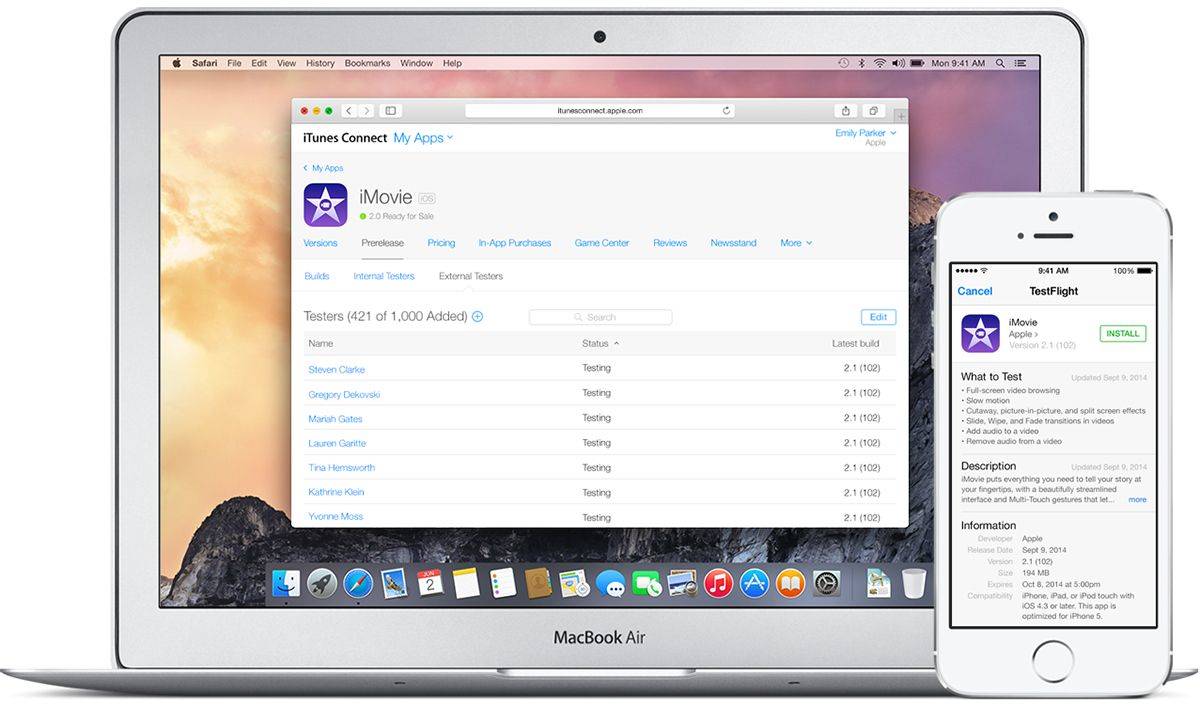
A crucial part of making apps involves the beta testing process, and Apple has released a new tool to help streamline the process for everyone.
After initially previewing TestFlight for third-party developers alongside iOS 8 at WWDC in June, Apple made it available for use today. Developers can now invite up to 1,000 beta testers, including non-developers, to try early builds of their apps before they hit the App Store.
Here’s a confession: I was terrible at math in school. From Algebra 1 on, I just couldn’t keep the various symbols, numbers, and denominators I was faced with straight, and so I flunked pretty much every test.
But I grew up in the 90’s. If I was in high school today, I’d never fail a math test again. I’d use the new iOS app PhotoMath instead, which literally solves math problems like magic.
Don't watch The Simpsons on your iPhone while driving. Photo: 20th Century Fox
If you’ve been eagerly awaiting the opportunity to have every episode of The Simpsons ever streamable on your iPhone or iPad, there is no longer any reason to, as a certain yellow-skinned tyke might say, “have a cow.”
You can now stream the complete Simpsons archive over an iOS app, no matter where you are. But there’s a catch.
I'm feeling a bit Rocky Horror, here. Screenshots: Gina Pell/LOLy
Tired of being stuck with tiny little Emojis?
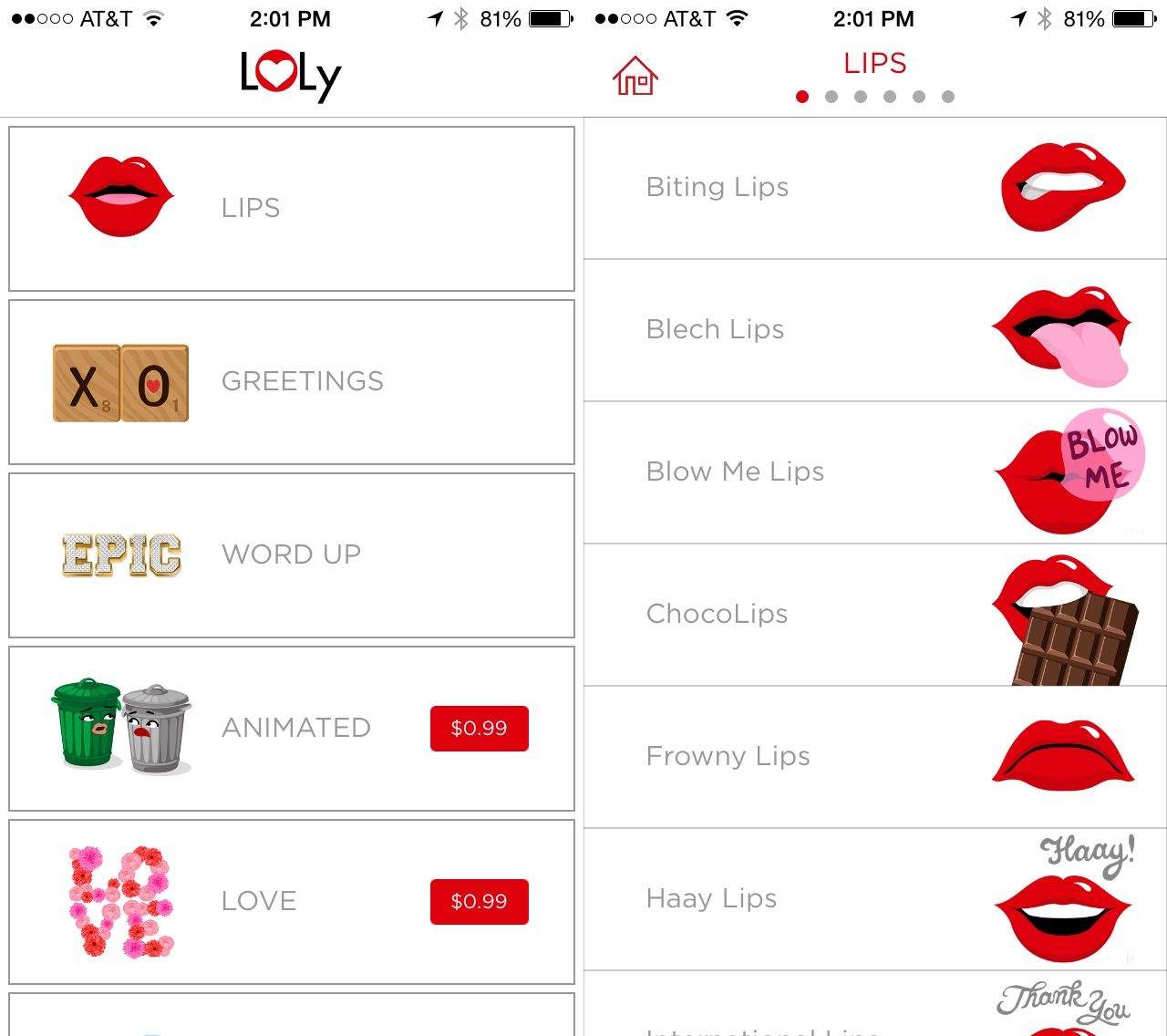
Well, the developer for new app LOLy has the solution: huge, animated emoticons that you can send to friends via text message, Facebook, or email. You can also just copy them and send along to any other text-accepting app, like Twitter, Kik, or Whatsapp.
The images are cute and fun to send, and once you’ve used the images included with the free LOLy app, you’ll want to grab a couple more packs for $0.99 each.
“I primarily designed this app for women with a focus on the 30s-50s demographic,” says app developer Gina Pell. “I had a hunch that most emoji were geared towards teens and lacked the sophistication, style, or wit that my friends or I would find interesting.”
iOS 8 introduces a ton of new features and enhancements, including new ways for third-party developers to integrate their apps throughout the iOS experience. With a feature called Extensibility, apps can hook into other apps and areas like Notification Center to enhance their usability and functionality. Third-party keyboards are now possible too, and there are several great ones to choose from already.
Some of the best apps in the App Store are already updated for iOS 8 with new features, and others will be live in the store shortly. Here are Cult of Mac’s best apps that take advantage of what iOS 8 has to offer:
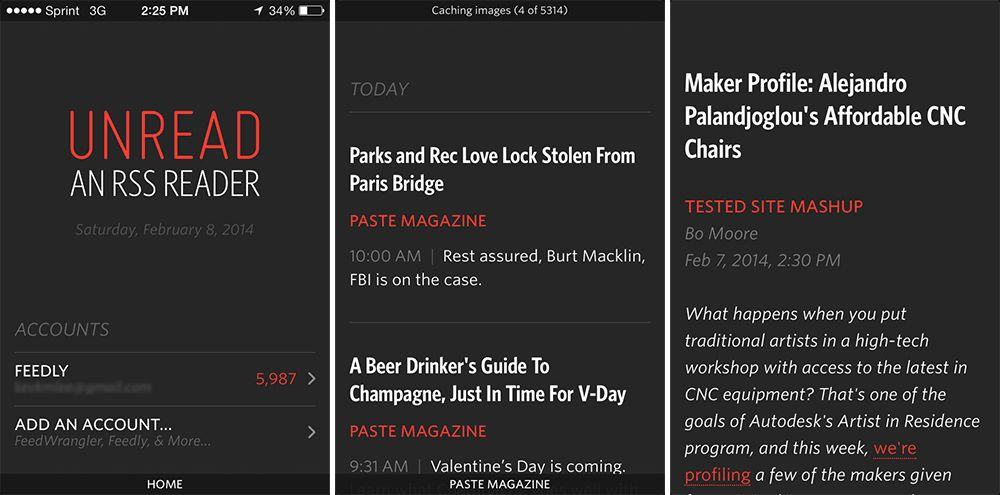
We love Unread, an RSS reader by developer Jared Sinclair. We’re also big fans of Castro, an exquisitely beautiful podcasting app by Supertop. So we’re delighted to hear that both apps are under the same roof, saving one developer from poverty and frustration while making another developer’s catalog ever stronger.
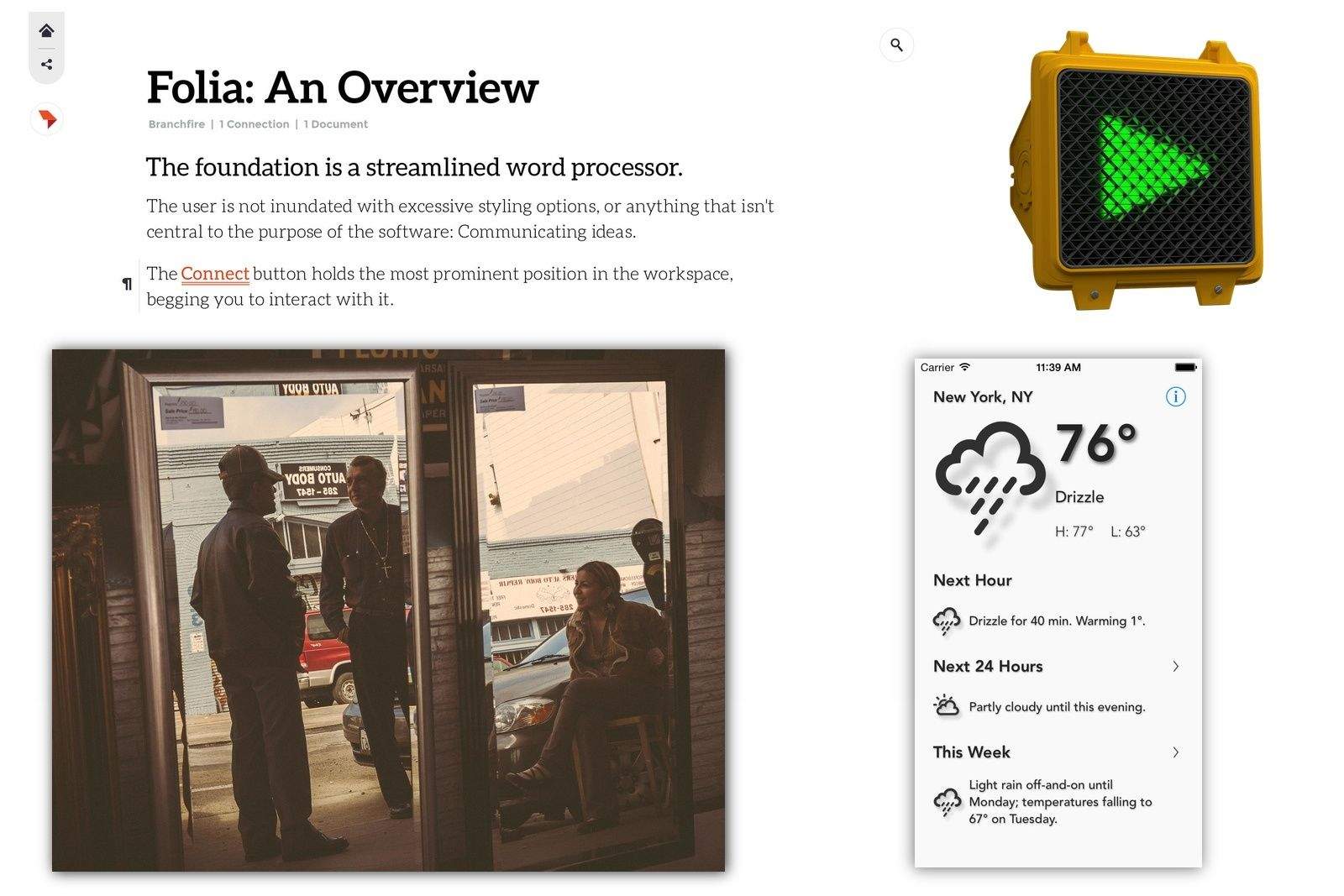
Widget, widgets, widgets. Boy, have we got some widgets for you. And text. Plain text. Plain old text, turned into a calculator. And widgets. Did I mention those? Weather widgets. Battery widgets. And yes, text widgets.
Read all about these new widgets and other new apps in this week's App Watch.
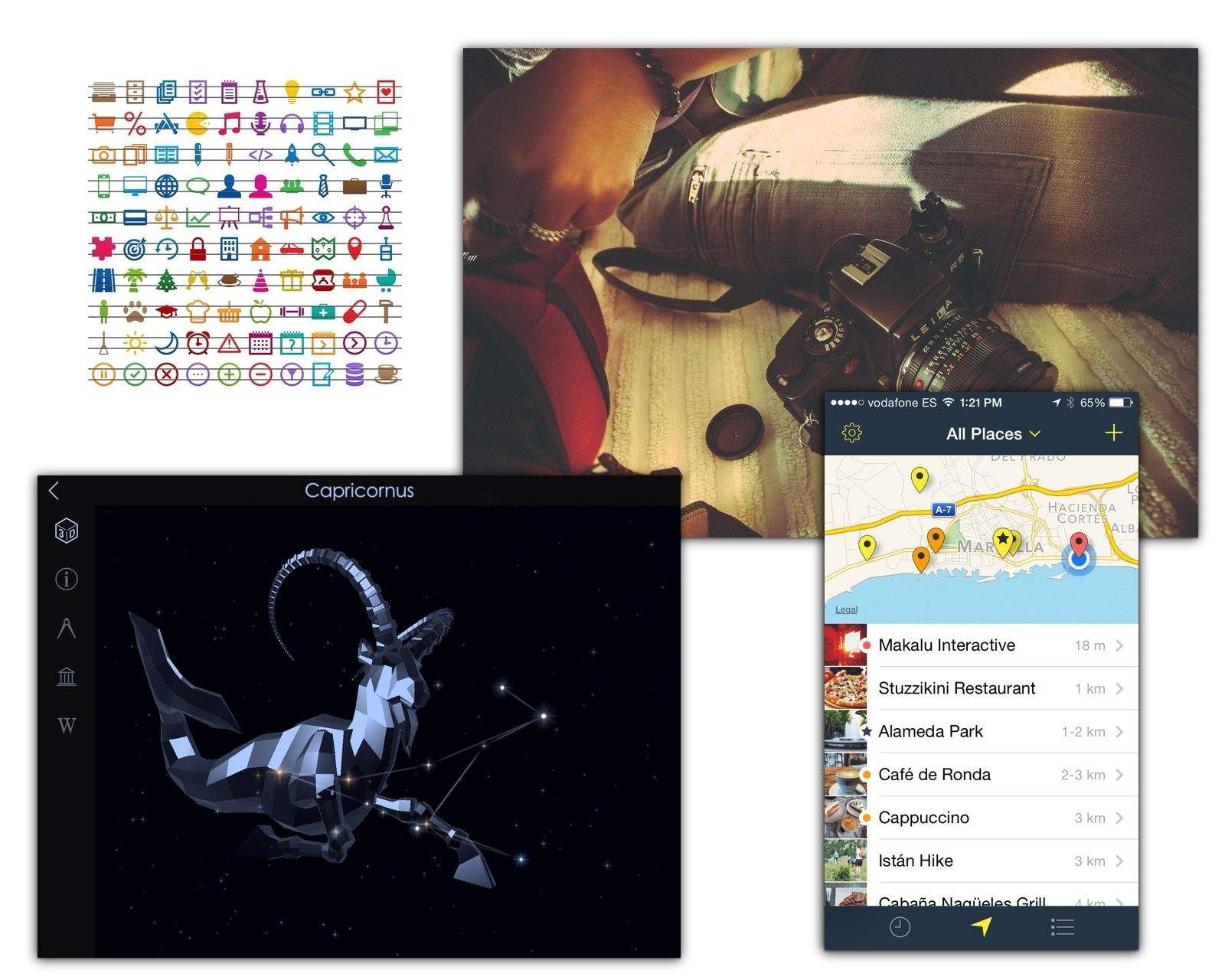
This Labor Day holiday we take things easy. Whether stargazing with Starwalk 2, taking a walk and remembering the hot spots along the way with Rego, getting a recommendation for a good read with Bookvibe, or adding so retro-style light leaks to our photos with a new set of Prolost Lightroom presets.
A new update to Photoshop Mix has just helped polish some of the app’s rough edges. The new version adds support for a much-needed Undo/Redo function, as well as local saving, Dropbox support, swapping images, and more.
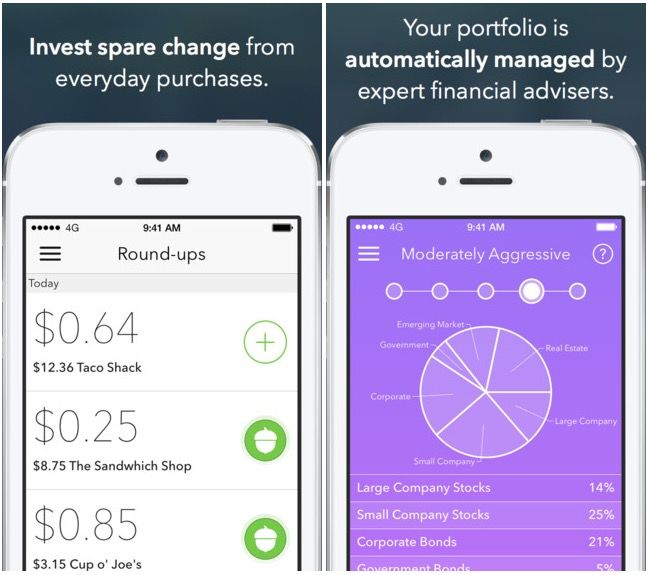
Many of us want to invest, but don’t know how to start. Acorns is a new, free to try app that makes investing as easy as using your debit card and rounding up the change to the nearest dollar.
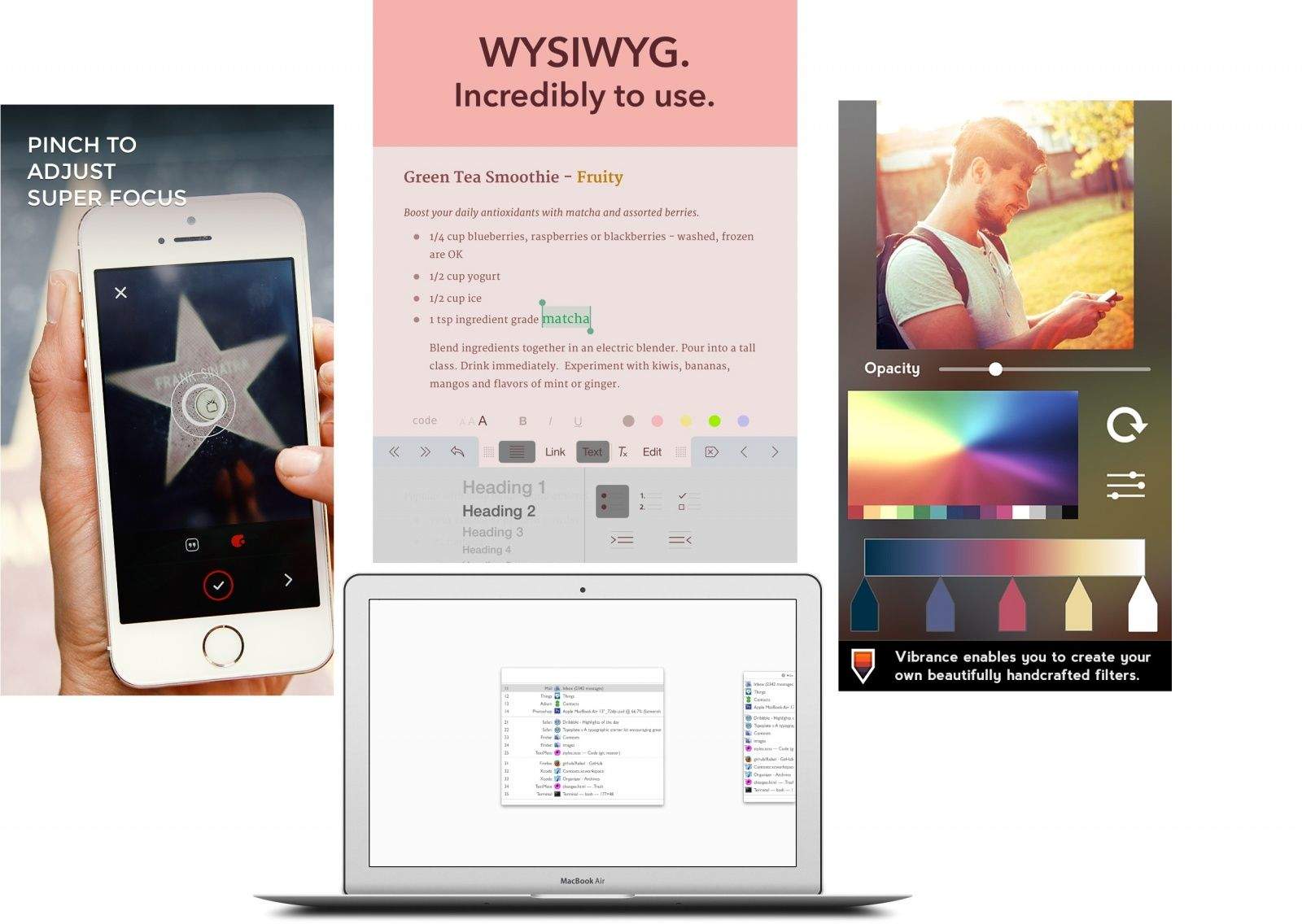
This week we get creative, making our own photo filters with Vibrance, writing stuff in the amazing Matcha text editor, and scheduling efficient days to fit it all in with Timeful. What are you waiting for? Check out the most interesting new iOS apps and updates in our weekly roundup.
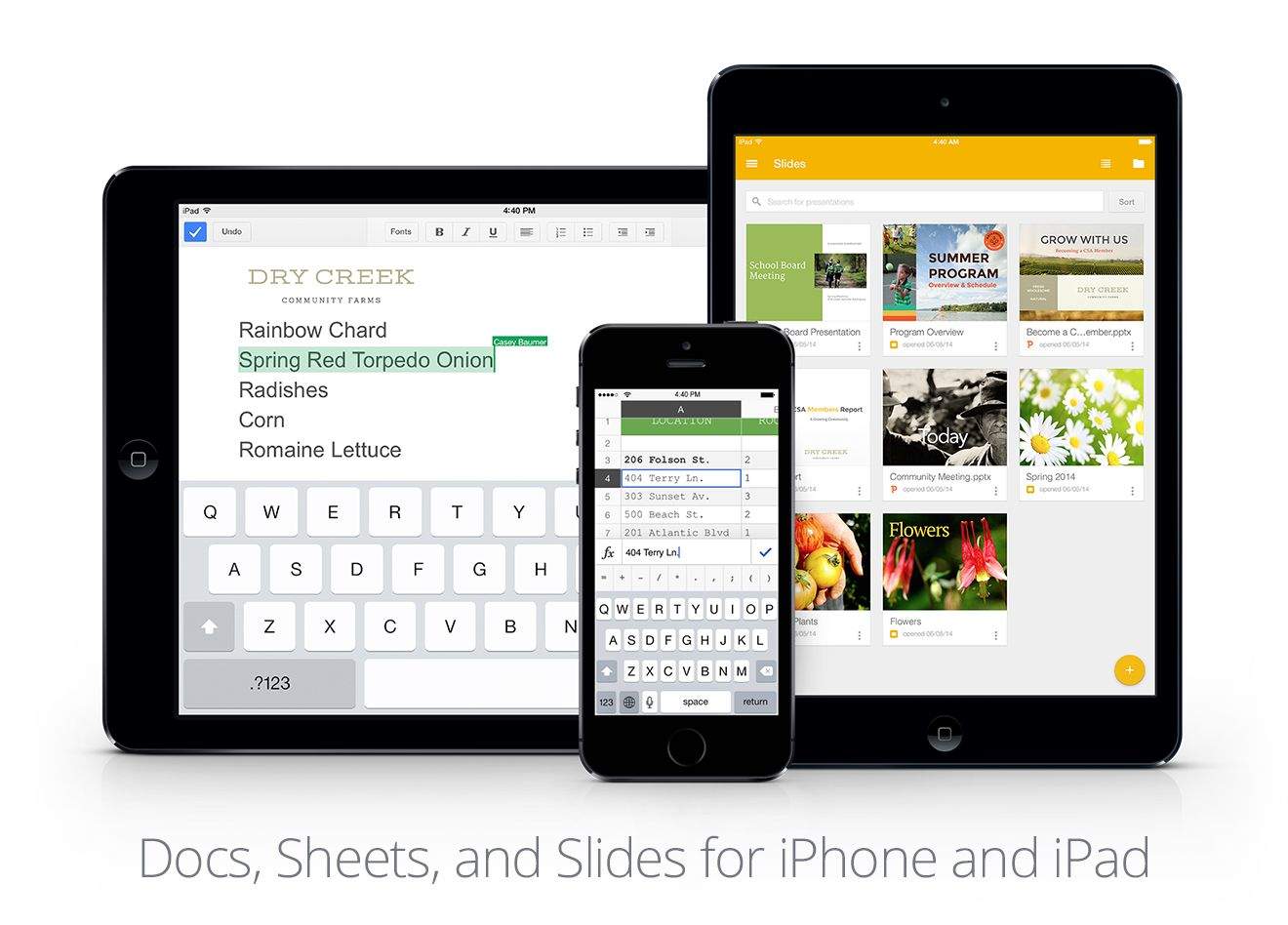
Google is gunning hard at Apple’s iWork apps and Microsoft’s Office 365 suite. Docs, Sheets and Slides are not only completely free, but they have offline mode and the ability to convert and edit Microsoft Office files.
Movies, writing and photos. If you like any of these things, then you’re going to love this week’s App Watch. We have apps for slo-mo, retro, Drobo and to help you find that lost photo.
One sad limitation of Instagram is you can’t post photos to the service from your Mac, only your iPhone. It’s by design, of course — Instagram wants to be a more spontaneous photo hosting service than the likes of Flickr — but it can make things annoying when you want to give a more polished shot the Instagram treatment.
Things are about to get a little easier. You still can’t post photos directly from your Mac, but you can make it easier to get them on your iPhone or iPad. Younity, a service that gives you access to your computer’s files through a personal cloud with no syncing necessary, has just added support for publishing Instagram files directly from the service.
It’s hard to know what to make of an app update that promises to “cut crash rates in half.” If you’re a glass-half-full kind of guy, you’re happy with the increased stability. If you’re a glass-half-empty guy, though, you wonder why the hell they can’t get around to fixing the other 50 percent of unexpected software crashes.
I’m sort of a glass-half-empty kind of guy, at least when it comes to Facebook. So when they announce that their latest update to the Facebook for iPhone and iPad app has “solved a long-term mobile debugging problem and reduced the crash rate for people using the Facebook for iOS app by more than 50%,” I wonder why the hell a multibillion dollar corporation can’t fix the other half.
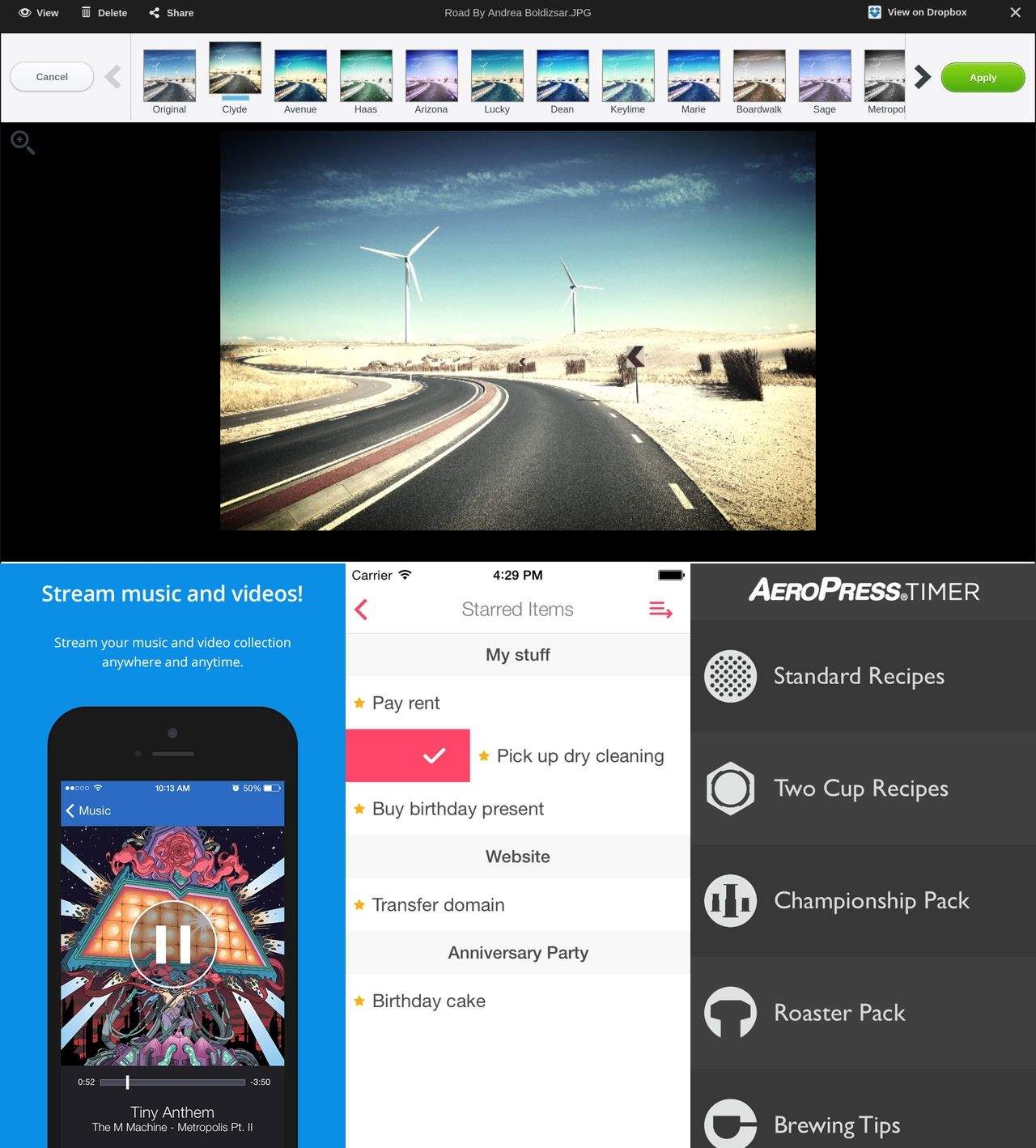
Dream your way into space with the new IFTTT NASA channel, put notifications and widgets on your desktop with Übersicht and make the perfect cup of coffee with the latest AeroPress timer. This week we even have an app just for processing B&W photos.