Apple pre-announced a major collection of updates to its Creator Studio in October, bringing new AI-powered capabilities as well as many other creative tools to its suite of Mac and iPad apps.
These became available to subscribers on Wednesday.
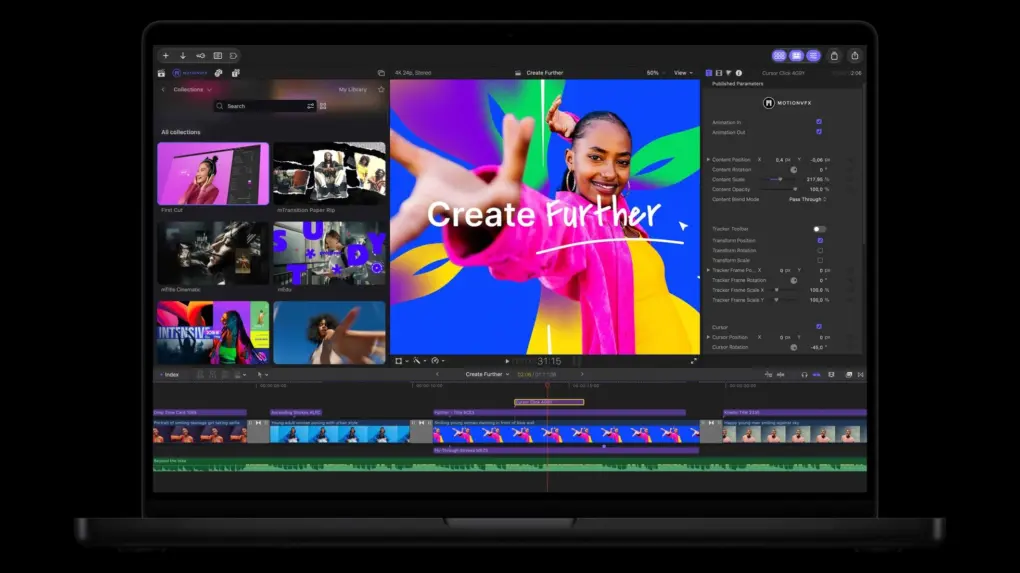
Apple pre-announced a major collection of updates to its Creator Studio in October, bringing new AI-powered capabilities as well as many other creative tools to its suite of Mac and iPad apps.
These became available to subscribers on Wednesday.

Apple’s first “intelligence usage packs” put a price on heavy usage of the company’s AI features. A single pack costs $49.99, and music production app Logic Pro is the first to offer the paid upgrade.
For months, Apple said that heavy AI use would eventually cost extra. Now the bill has arrived, at least for Apple Creator Studio subscribers who max out their monthly limits.
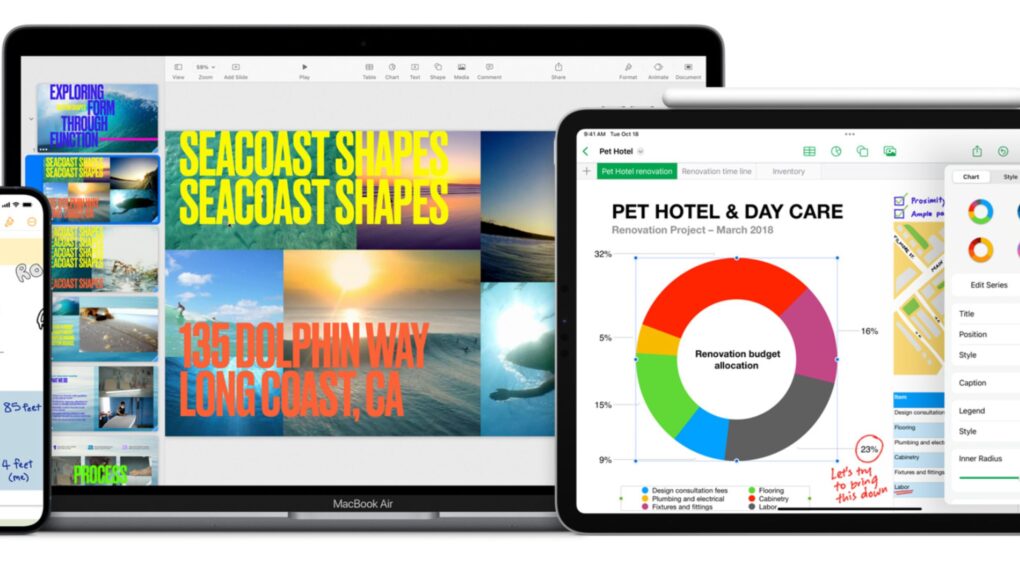
A beta version of Apple’s newly launched iWork Intelligent Assistant is now live in Pages, Keynote, and Numbers, after the apps briefly vanished from the App Store.
The tool goes way beyond the AI features Apple brought to its apps back in January, but only Apple Creator Studio subscribers can access it.
Apple is rolling out a collection of updates to Creator Studio, adding new tools to Pixelmator Pro, Final Cut Pro, and Motion as well as Apple’s productivity apps.
Your iPhone is about to get a lot more transparent about where your data goes. Apple is rolling out a Google Cloud pop-up warning that protects your privacy by letting you know before certain Apple Intelligence features send your prompts off-device, and it’s already live for some users right now.
The heads-up appears when you use certain image- and shape-generation tools. It won’t block you from using these features, though. It simply makes sure you know your data is leaving Apple’s own servers before you hit send.
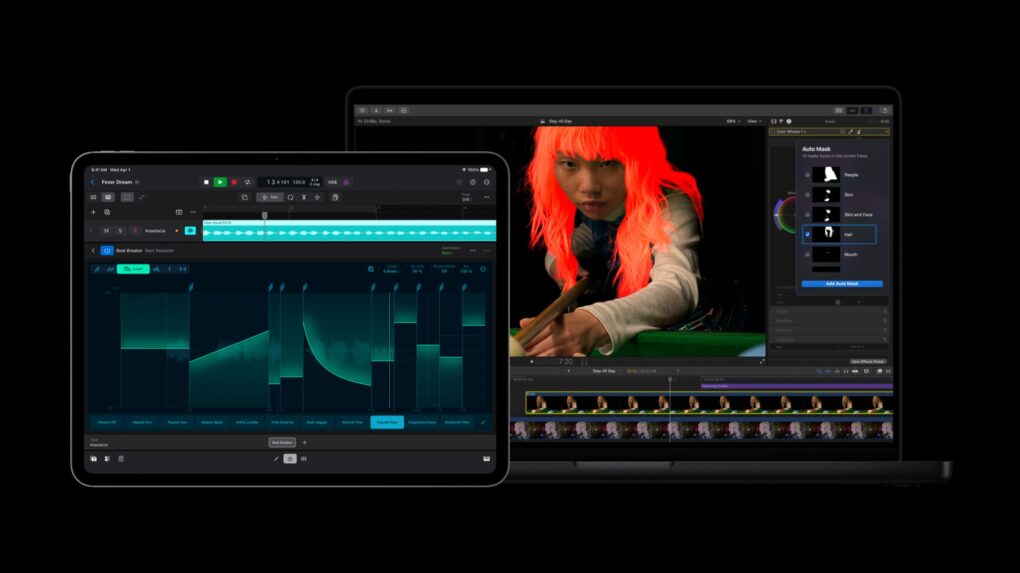
Apple rolled out a fresh batch of updates to Apple Creator Studio Tuesday, sharpening AI features inside its flagship video and music apps while weaving Pixelmator Pro’s editing tools directly into Final Cut Pro, Keynote, Pages and Numbers.
The updates expand on the role Mac, iPad and iPhone already play for creative work. They layer in new AI capabilities across editing, photo and music workflows.
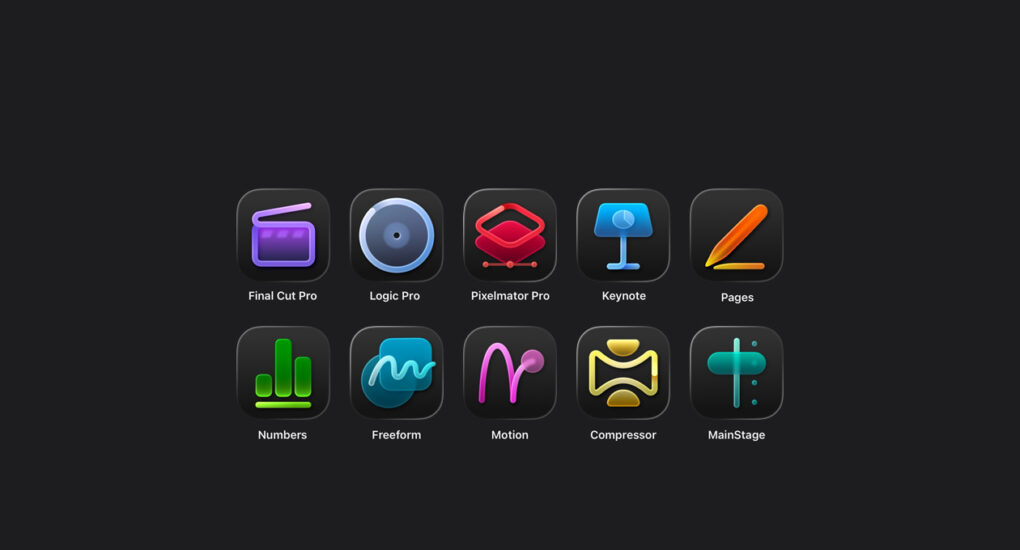
An Apple support document published Tuesday helps Mac users figure out which versions of its Creator Studio apps are running on their computers. It’s something no one expected in 2026, but here we are.
Currently, Apple ships two separate versions of Final Cut Pro, Logic Pro, MainStage, Motion, Compressor and Pixelmator Pro. If you happen to be a Mac owner subscribed to Apple’s Creator Studio who also uses the standalone versions of the apps in the bundle, the support document is for you.
Apple Creator Studio and Adobe Creative Cloud take very different approaches to creative software. One focuses on deep hardware integration and streamlined workflows, while the other prioritizes breadth, flexibility and industry-standard tools.
Both of these subscription app bundles promise powerful creative capabilities. However, which one actually makes more sense depends on your requirements, capabilities and workflow.
Our guide to Apple Creator Studio versus Adobe Creative Cloud will help you decide which bundle is right for you.
With the launch of Apple Creator Studio Wednesday, Apple also updated its suite of productivity apps otherwise known as iWork. That’s Keynote, Pages and Numbers, which were always free and are now “freemium.” Some features will only work for Creator Studio subscribers, but others work for anyone using free versions of the productivity apps.

Apple released significant updates to Final Cut Pro alongside the debut of Apple Creator Studio software bundle for creatives Wednesday. And in a new feature story, it showed how video director, dance choreographer and Blackpink collaborator Kyle Hanagami uses new AI-powered tools for video editing.
Following the launch of the Apple Creator Studio bundle on January 13, 2026, Apple has discontinued the individual free trial for its professional creative apps. This means you can no longer individually download Final Cut Pro or Logic Pro on their own to try them out for free.
Instead, Apple now wants you to use the Creator Studio Bundle. It bundles access to all of the company’s pro creative tools in a single subscription.

A new Apple Creator Studio subscription bundles six major professional creative apps into a single monthly or yearly plan. The new bundle, announced Tuesday by Apple, includes Final Cut Pro, Logic Pro, Pixelmator Pro, Motion, Compressor and MainStage, plus premium artificial intelligence features in other Apple apps.
“There’s never been a more flexible and accessible way to get started with such a powerful collection of creative apps for professionals, emerging artists, entrepreneurs, students and educators to do their best work and explore their creative interests from start to finish,” said Eddy Cue, Apple’s senior vice president of internet software and services, in a press release.