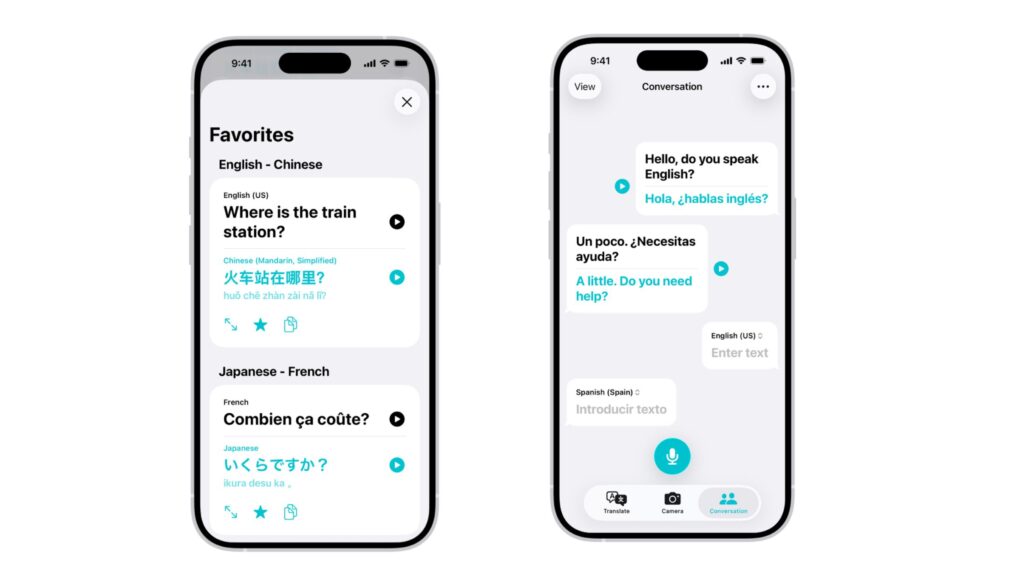
Hebrew, Cantonese and regional Spanish variants are among the new additions landing in Apple Translate in iOS 27. Photo: Apple
The iPhone is about to get a lot more fluent. iOS 27 will bring support for nine new languages and accents to Apple Translate, pushing the app’s total support from 21 up to 30 — the biggest single expansion update Translate has ever received.
Soon, you’ll be ready for, “Dette er den største enkeltstående udvidelsesopdatering, som Apple Translate nogensinde har modtaget.”
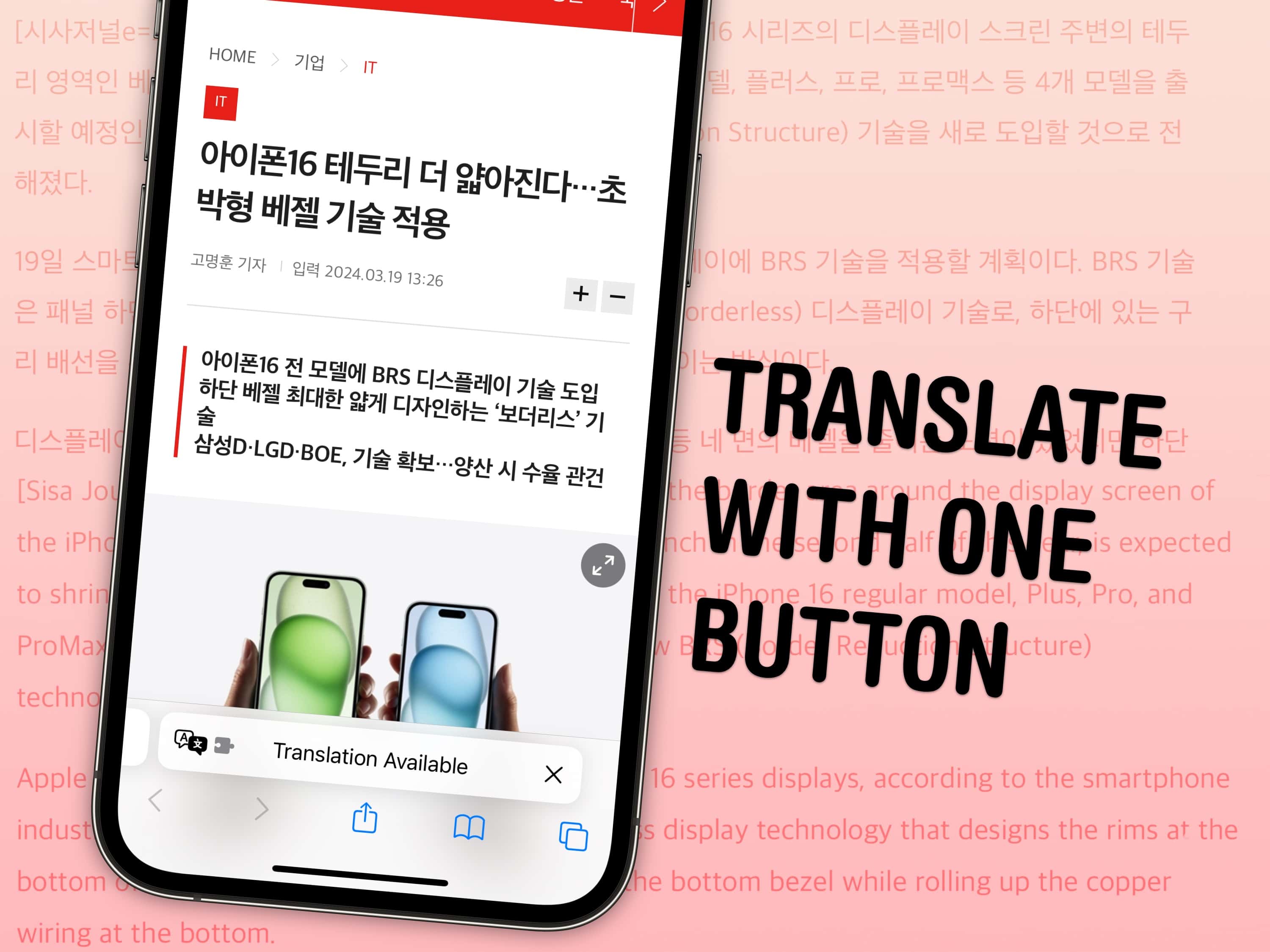
Get the whole page in your native language with a single button. Image: D. Griffin Jones/Cult of Mac
If you stumble across a webpage or a link in a different language, you can instantly translate the website to English directly from Safari. Unlike Google Chrome, Safari even translates the text inside images using Live Text.
And, if you accidentally change the language of a website to one you don’t speak, you can turn this feature on to help you change it back. At Cult of Mac, we use the feature to translate rumors or blog posts often written in Chinese, Korean or Japanese, like this.
You don’t need to select the words paragraph by paragraph and copy them into Google Translate (or even Apple’s own Translate app). Get the entire page in English at the tap of a button. Here’s how to make the most out of this handy Safari feature.
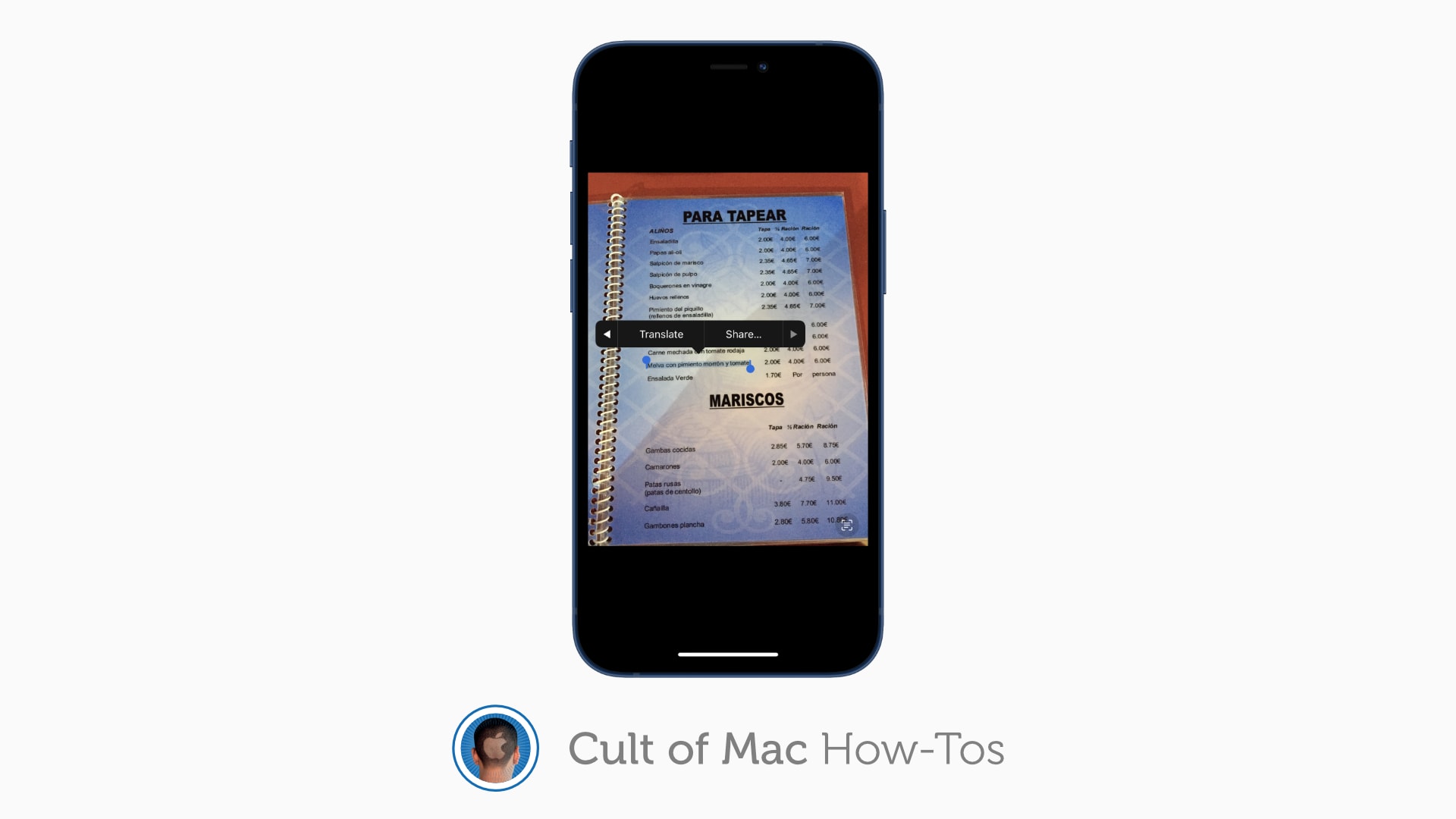
Translate almost anything in an instant. Image: Killian Bell/Cult of Mac
Live Text in iOS and iPadOS 15 is a terrific new feature that makes the text in your photos interactive. You can use it to copy and paste quotes, call phone numbers, find addresses and more.
Here’s how to use Live Text on your iPhone or iPad to translate signs, posters, and other things written in a foreign language.
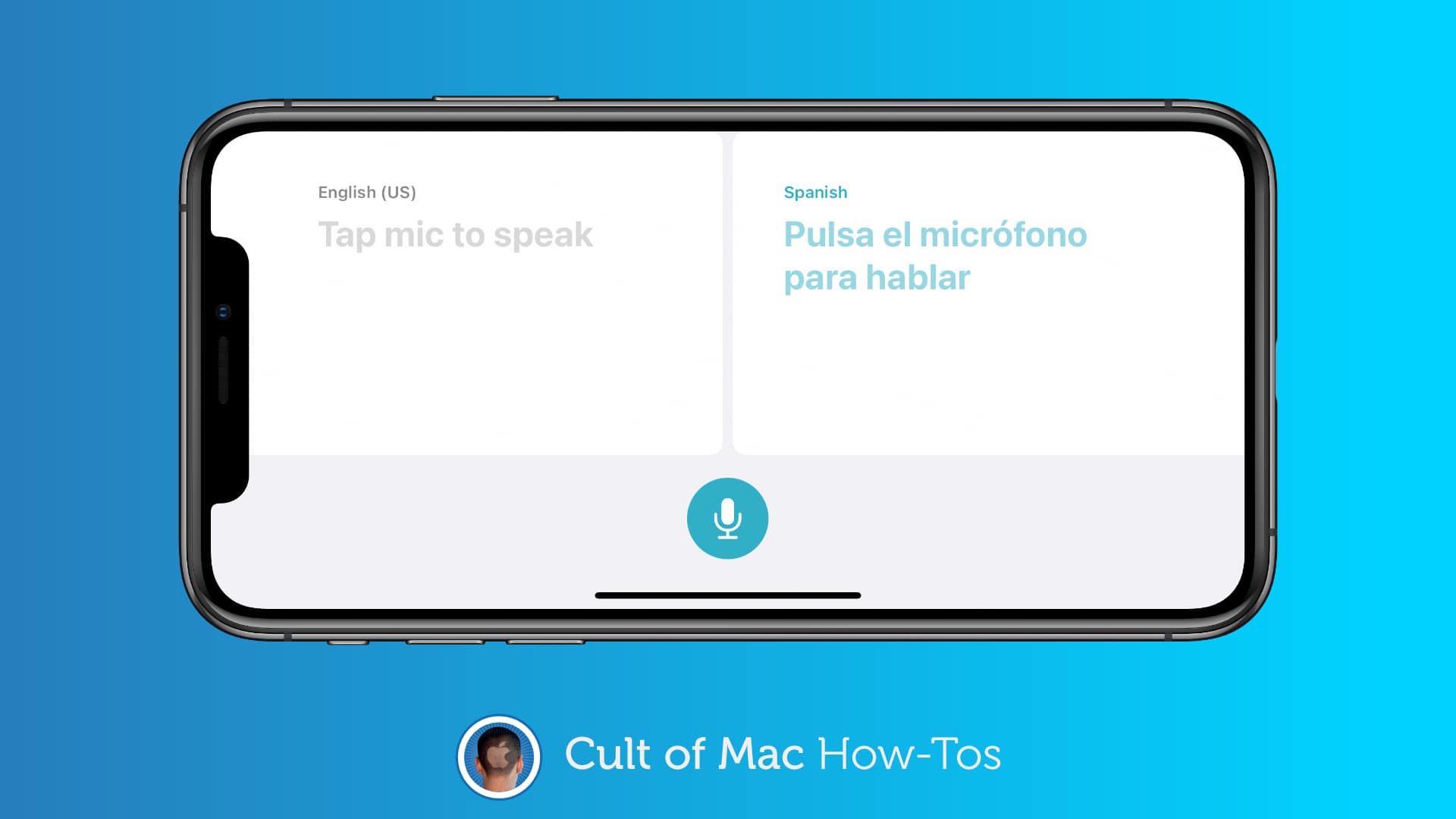
Don't waste your mobile data on translation. Image: Killian Bell/Cult of Mac
iOS 14 and iPadOS 14 put Apple’s brand-new Translate app on your iPhone and iPad. If you plan to use it the next time you’re in a foreign country, you’ll want to download some languages for offline access.
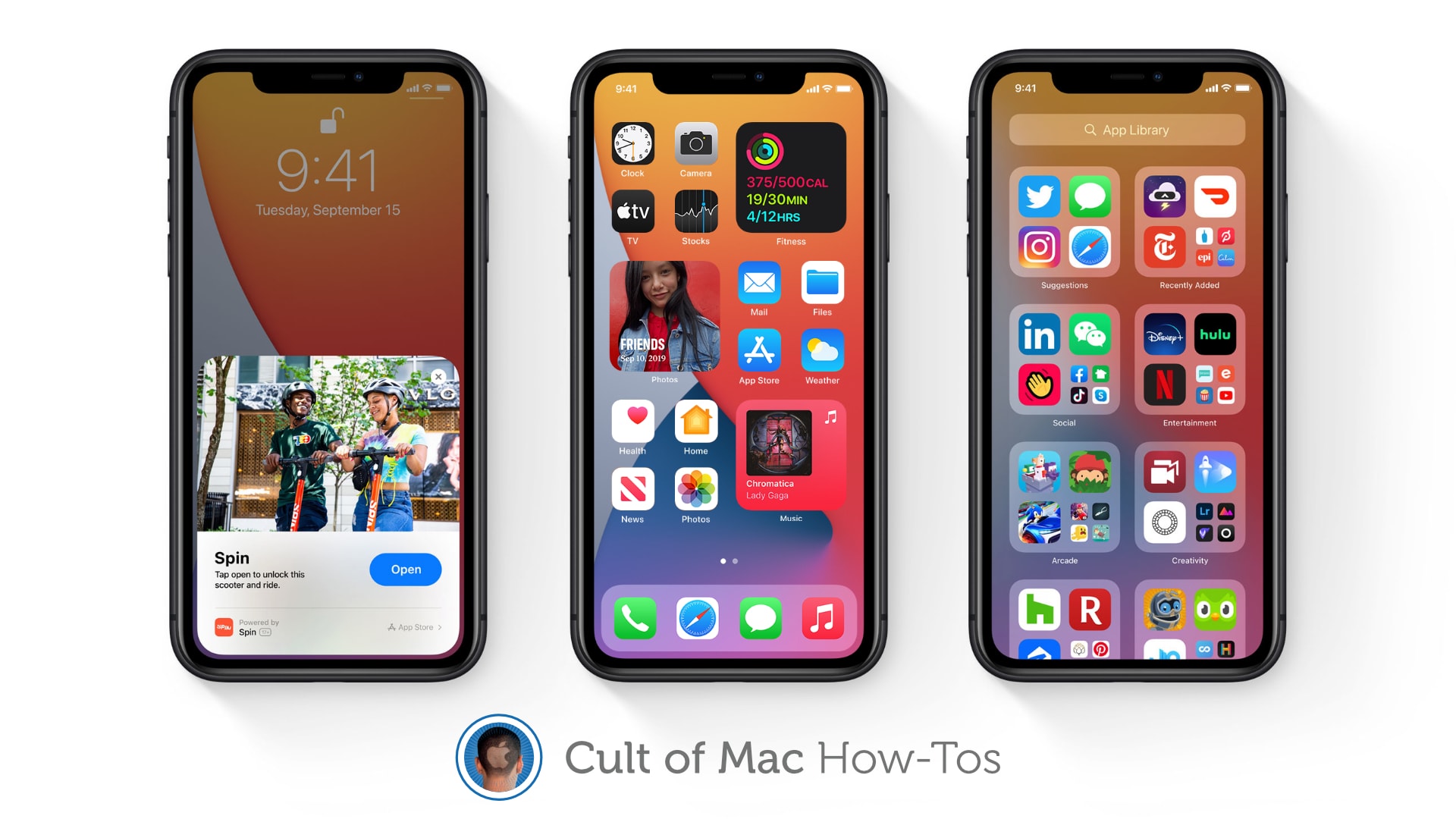
Learn how to use widgets, the App Drawer, and more. Image: Apple/Cult of Mac
iOS 14 is finally out and packed full of awesome new features that make being an iPhone user even greater. We’ve got real Home screen widgets, a useful new App Drawer, Picture in Picture, and more!
If you were able to avoid the iOS 14 beta and all these things are still brand-new to you, you might be wondering how some of them work. Well, don’t worry — Cult of Mac has how-to guides on all of them.
Find out how to use some of the best new features in iOS 14 right here.
Instantly translate text, pictures and documents with this handy productivity app. Photo: Cult of Mac Deals
Google Translate is great, but good luck if you want to read anything more than an email or a short article. Recordings, websites and images often show up in languages we can’t read. A tool that deciphers them all is handy indeed.
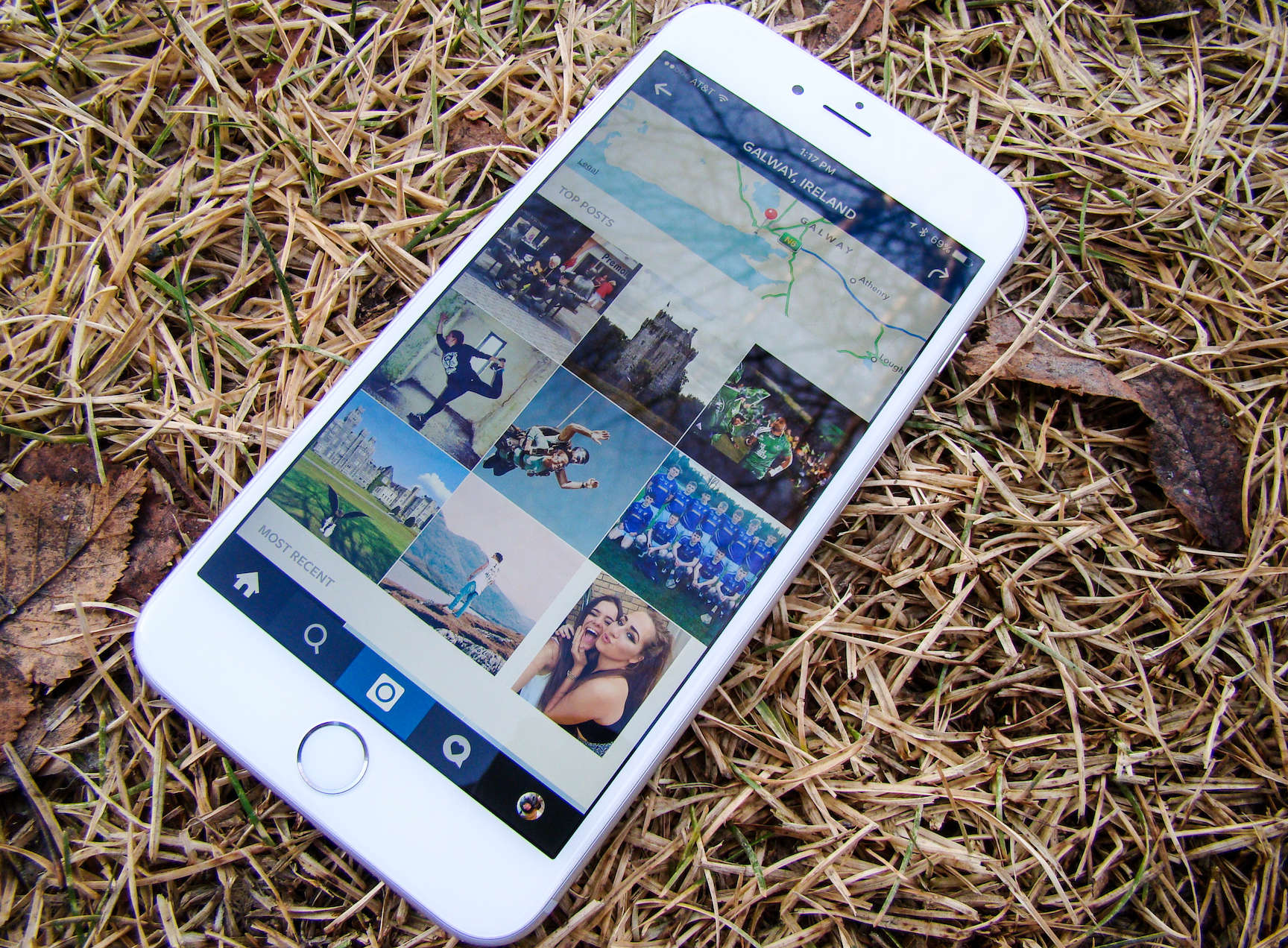
No comprende? No problem! Photo: Rob LeFebvre/Cult of Mac
Instagram is going to make it easier to understand posts in foreign languages. In the coming months, the service will rollout a new translate button that will help you understand the full story, no matter which language it was posted in.
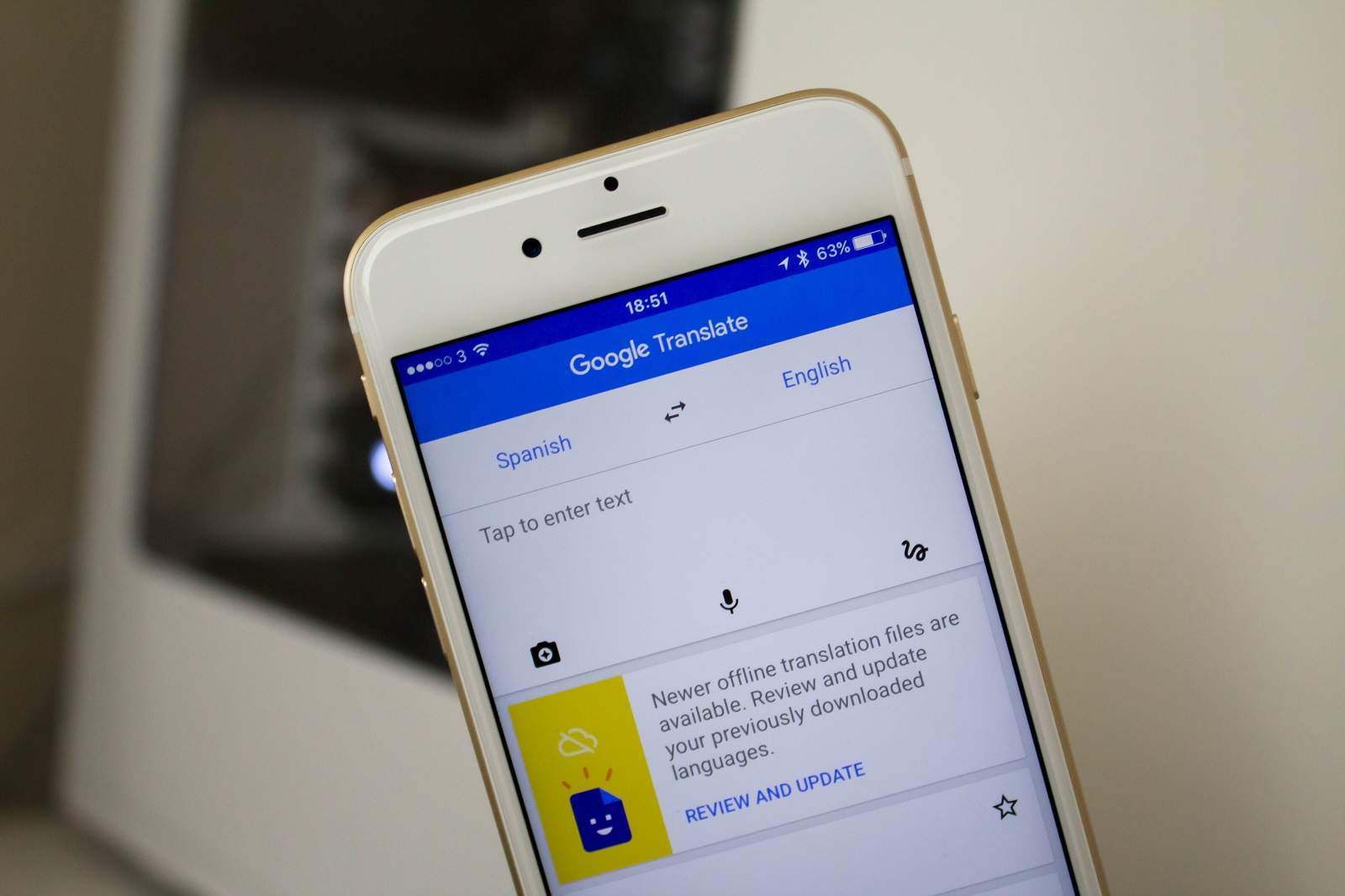
Google Translate goes offline. Photo: Killian Bell/Cult of Mac
When you’re lost in a foreign country without a data connection, Google Translate can now help you get directions from a local. Its latest update for iPhone and iPad adds the ability to get offline translation in 52 different languages.
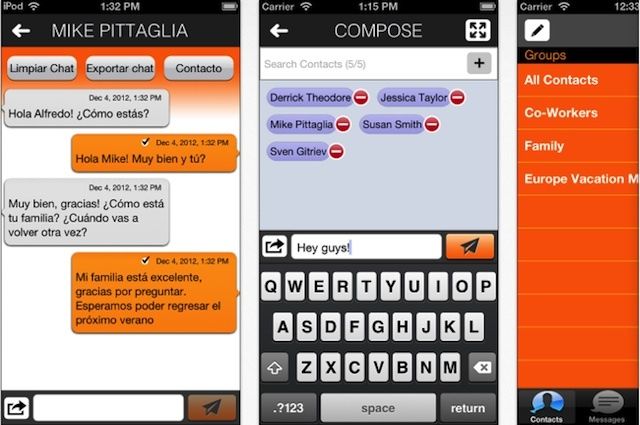
For all those unilingual schmos who’ve thought they were telling some lucky foreigner “hey, I like the cut of your jib” in another tongue, but instead said something like “you chicken dance the burning planets,” I sympathize. And also laugh. To make up for the laughing, here’s a tip — a trick app to pull out next time: Sendboo. It’s a free app that automatically translates your “hey, baby” to “olá, bebê” — or into 29 other languages besides Portuguese. Fantástico.
This week's roundup features updates galore, plus a terrific voice translation tool for iPhone.
Instacast, undoubtedly the best podcast manager for iOS, got a great update this week that deserves a place in our must-have apps roundup. We’ve also got an impressive voice translation tool that you just have to try, a social weather app that’s more reliable than the weatherman, plus major updates for Pocket and Google+.
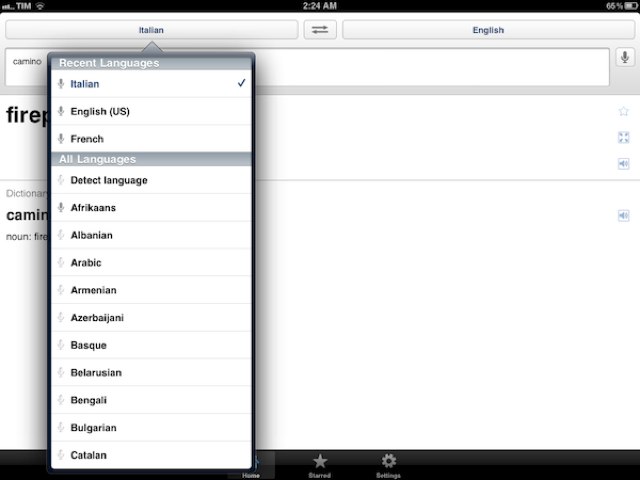
It’s never been easier (or as cheap) to translate words and phrases between over 60 languages than it is with the free Google Translate app for iOS. Simply select the language you require, type or speak your phrase, then wait while Google does the hard work. Here’s how to get started.
Google has updated its popular Google Translate app for iOS today, introducing native support for the iPad. Instead of running in a small window in the center of screen, the app will now take advantage of your iPad’s large display to make text translation easier on the go.
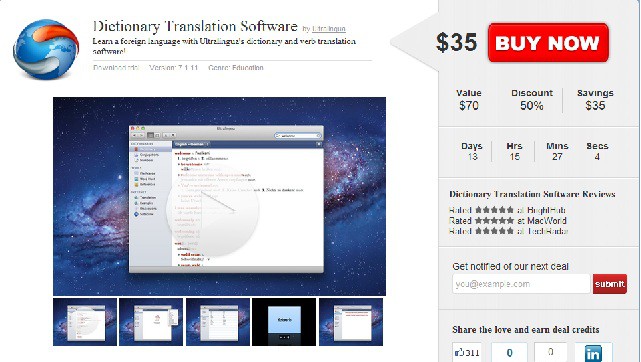
Ever gone a trip overseas and felt silly trying to talk to locals who didn’t speak a lick of English? Yeah, me too. It’s actually become a bit of problem for me because I love traveling to different countries, but hate not being able to communicate with the locals. Today we’re offering a heat-seeking deal from Ultralingua. If learning a new language has ever crossed your mind, this buy one, get one free Cyber Monday special is a definite piece of gold!
Ultralingua dictionaries are available in dozens of language combinations, and they make a great gift for students, business professionals, teachers, and travelers. Use this deal for yourself or any of the language lovers on your gift list! Each language app includes a variety of reference and learning tools in a beautiful and simple interface.
For only $35, you’ll get two Mac App Dictionaries of your choice!
At the top of our must-have apps list this week is Free-App Hero, a fantastic app tracker maintained by experienced, professional game reviewers with an encyclopaedic knowledge of thousands of iOS apps. Unlike other free app recommendation services, Free-App Hero recommends only the best games, because they’re the best – not just because its developer paid them to recommend it.
Google’s latest application, Google Translate, is also in this week’s choice of applications. One of the best language translation services is now available on your iPhone, with the ability to translate words and phrases between more than 50 languages. It has some great features that make using Google Translate a pleasure on your iPhone.
Pillboxie is an excellent application for those that require regular medication, providing you with an incredibly simple way to create a schedule for your medication and get reminders when your pills are due. Never forget your pills again and discover the easiest method of managing your medication on your iPhone.
Find out more about the applications above and check out the rest of this week’s must-have apps, including Friended and Camera Mic, after the break!
Calling all Star Trek fans out there: The iPhone 3Gs has a universal translator — Jibbigo. Speak into your iPhone in any of the five supported languages, and the iPhone speaks the translation back.