Mobile menu toggle

Top stories - page 544

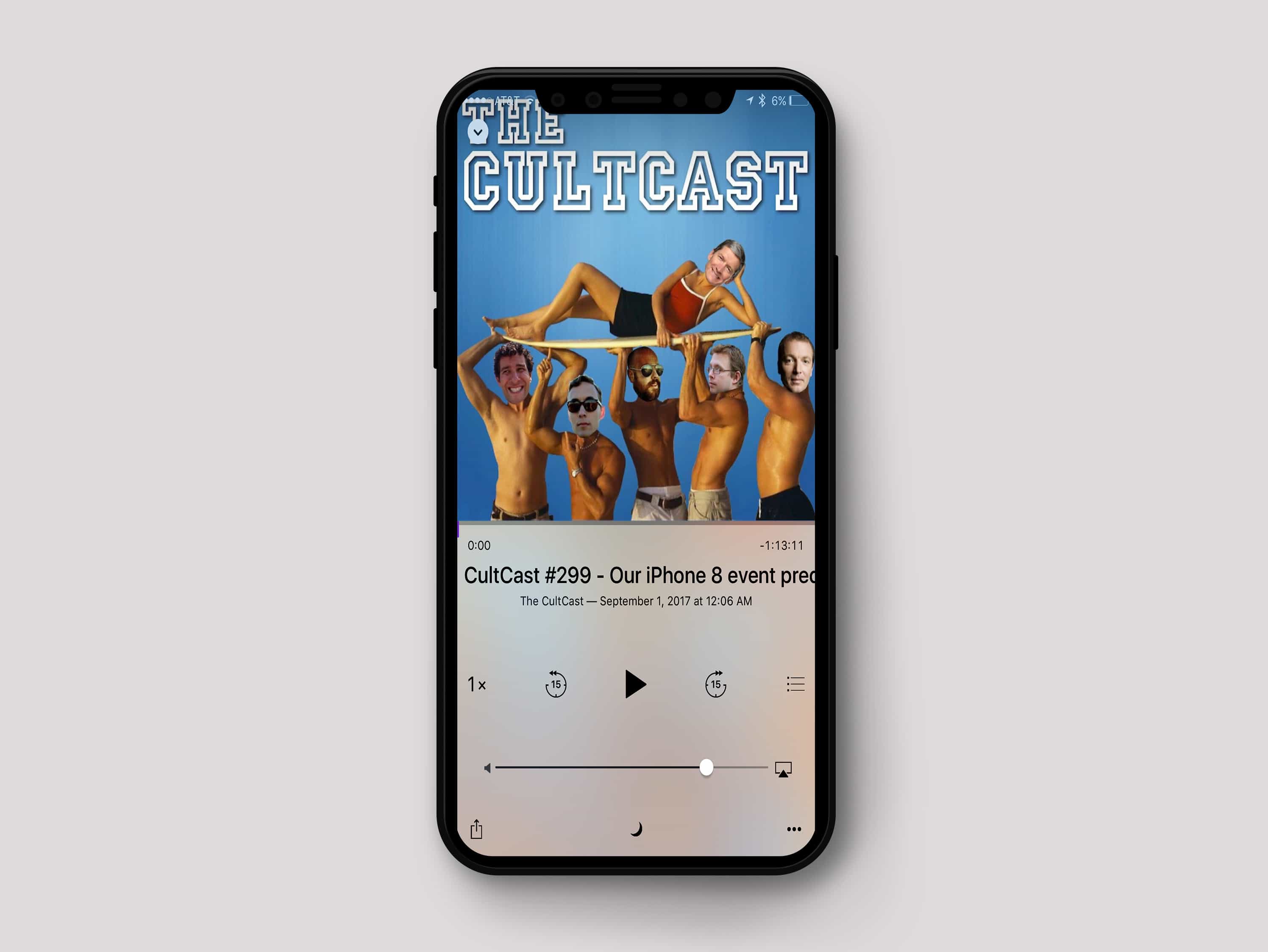
Catch our iPhone 8 event predictions, this week on The CultCast

By

CultCast on iPhone 8
It's about time for a big change.
Photo: Johannes Eret

This week on The CultCast: It’s official — Apple’s next iPhone event happens September 12! Tune in to catch our hardware predictions. Plus, we take a look at the leaked iPhone 8 UI, and how the new phone will work without a Home button.

Then we’ll regale you with the story behind the evolution of the Apple logo, and the story you’ve never heard about the purpose of its iconic bite. And stick around for an all-new What We’re Into, where Leander tells us why Game of Thrones has turned into his most despised show!

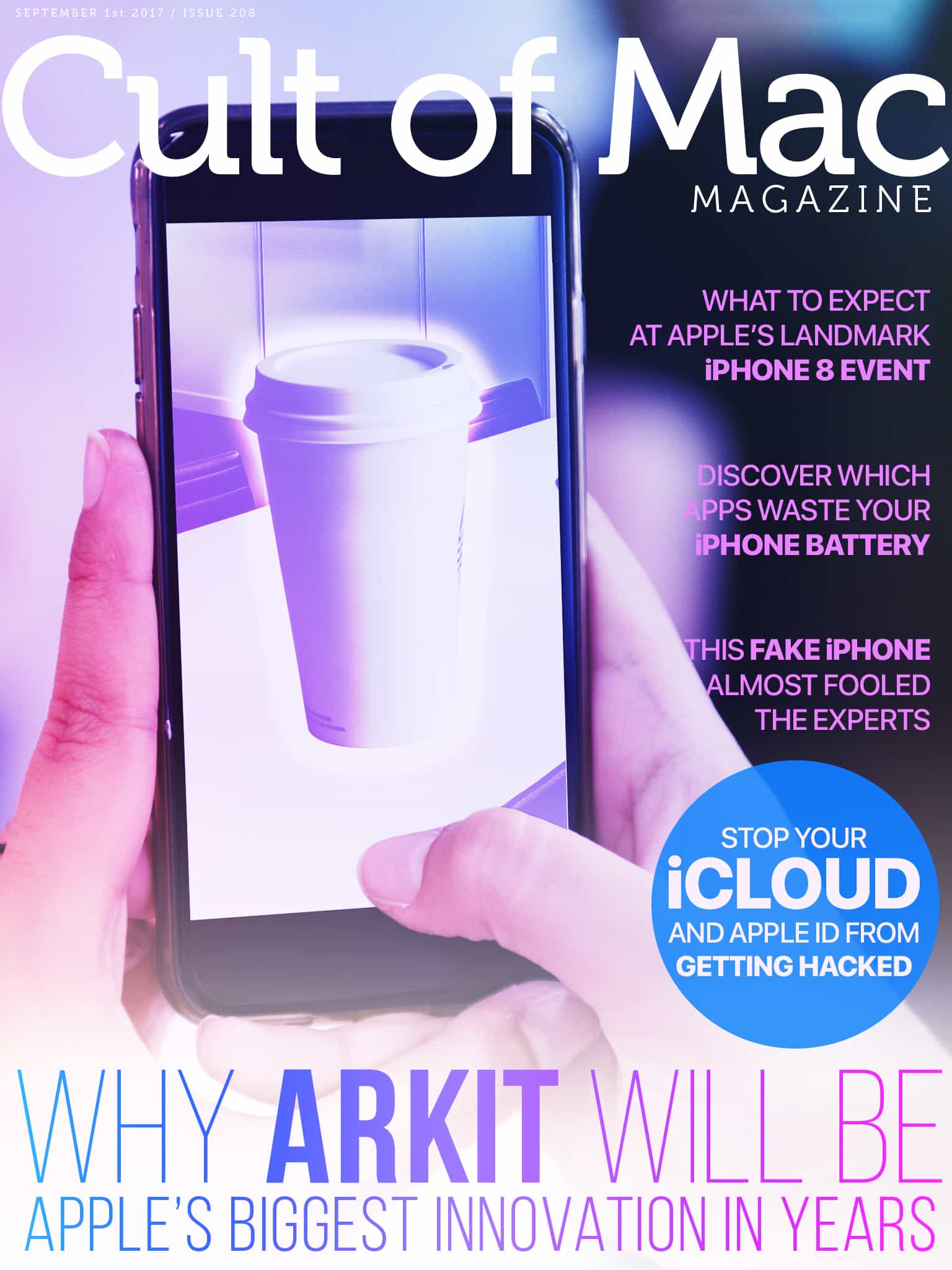
Cult of Mac Magazine: Why ARKit will be huge for Apple and more!

By

cover
ARKit is going to be massively important for Apple.
Photo: Ste Smith/Cult of Mac

Apple’s got no shortage of big launches coming in the next few weeks, but the one with the biggest long-term potential for Apple is ARKit. This is going to be massively important for Apple.

In this week’s issue of Cult of Mac Magazine, you’ll find that story and more. Get the latest iPhone 8 keynote event predictions. And learn how to stop your iCloud and Apple ID from getting hacked. Save big in our Watch Store this Labor Day weekend! Get your free subscription to Cult of Mac Magazine from iTunes. Or read on for this week’s top stories.

Stay safe by going online with a VPN [Deals]

By

Windscribe VPN
Time to stop messing around and start protecting yourself by using a VPN.
Photo: Cult of Mac Deals

You probably keep hearing about how important it is to use a VPN to get online. That’s because it is important. With all the data and identity theft, content restrictions, and other online snooping, it’s just plain unwise not to have a VPN. If you’re looking for a place to start, we’ve got a great deal for you.

5 outrageous theories about Apple’s iPhone 8 invite

By

Apple invite
Apple fans have a lot of theories about the iPhone 8 invite.
Photo: Alberto Bagnoli/Twitter

After the maddeningly vague invites went out for Apple’s next iPhone unveiling, it took fanboys on the internet no time at all to come up with crazy theories about what the picture on the invitation “really means.”

This year’s invite seems very abstract and completely devoid of hints. But if you squint your eyes and huff enough glue, you too can find some clues about what Apple plans to announce on September 12.

Here are some of the most outlandish theories we’ve seen from fans decoding the invite:

How to switch off Auto Brightness in iOS 11

By

Auto Brightness iOS 11
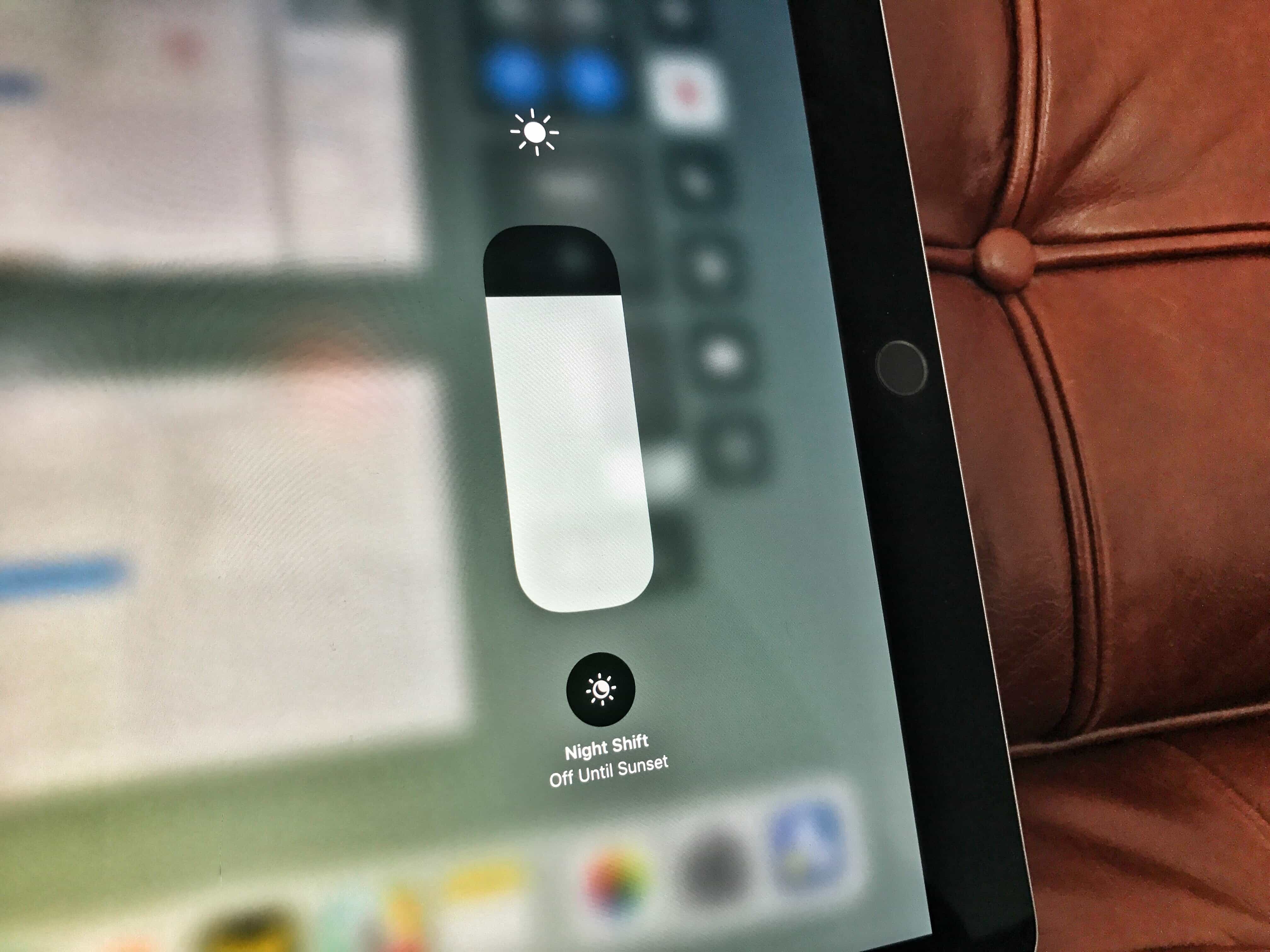
Auto Brightness has been hidden in iOS 11, but it can still be found.
Photo: Charlie Sorrel/Cult of Mac

You’ve all been there. You’re sitting near a window or a lamp, reading an excellent article on your iPad — perhaps a well-written How-To from Cult of Mac — and your iPad’s screen Auto Brightness is going haywire. You slide open Control Center, and set it back where you want it, and continue reading. Then, you turn the iPad a little too far towards the light, and the screen brightness creeps up again.

In iOS 10 and prior, you’d just open the Settings app, tap Display & Brightness, and hit the switch for Auto Brightness. In iOS 11, that option has disappeared. The good news is that it hasn’t gone — the Auto Brightness switch has just moved.

WriteMapper mixes mind maps and text editing

By

WriteMapper-Hero
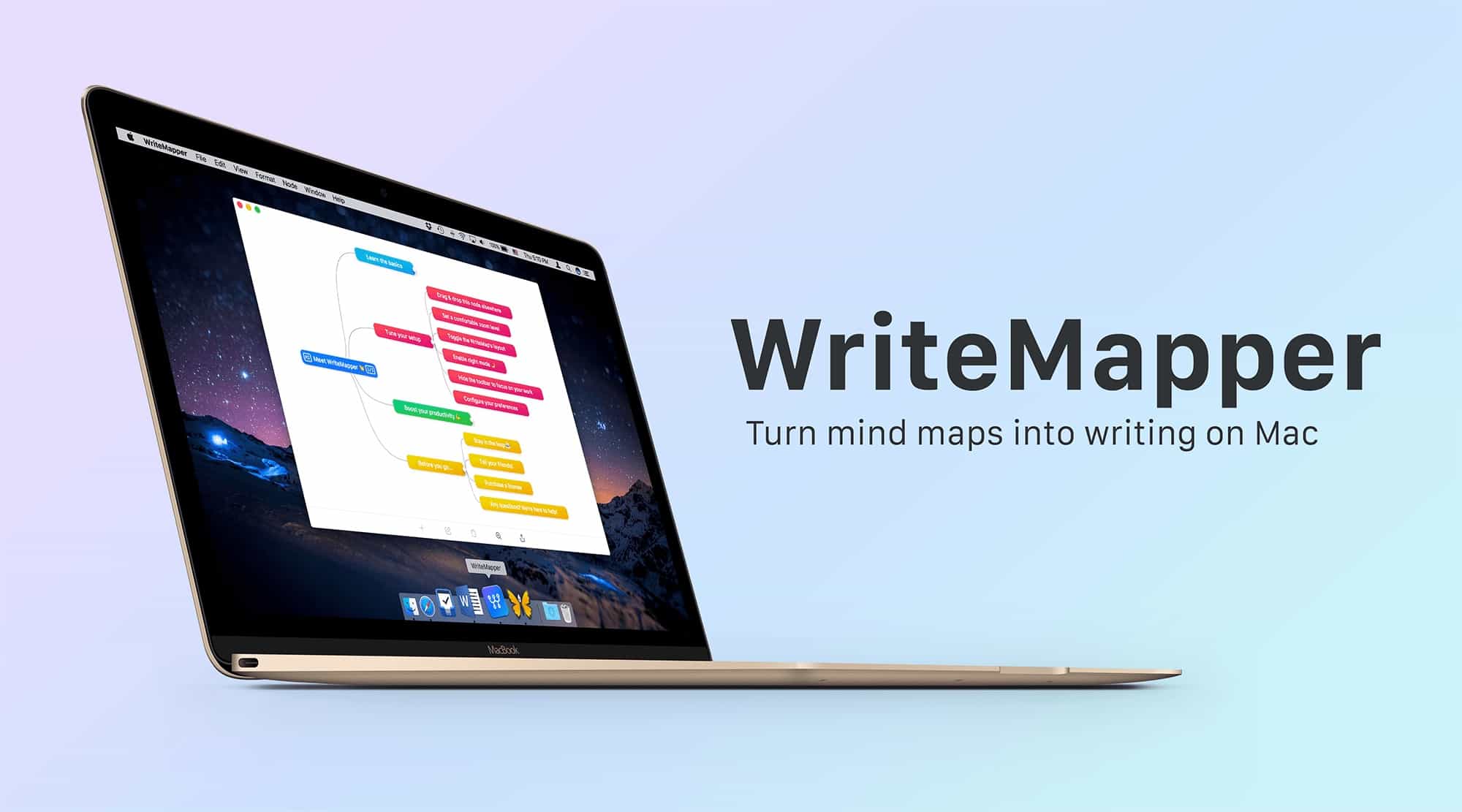
WriteMapper is a great app for getting your thoughts in one place.
Photo: WriteMapper

WriteMapper is a new Mac app that combines a mind mapper with a text editor. It works like a regular mind-mapping app, with easy-to-create nodes to get your ideas down and arrange them. But if you open a node, you get a full-featured, cleanly-designed text editor in which to write, so you don’t have to switch to a word-processor or anything else to complete your project.

Then, when you’re done, you can export the mind map as a document to publish it, or whatever you want to do with the finished text.

Eliminate tangled cords with this gadget organizer [Review]

By

cord and gadget organizer
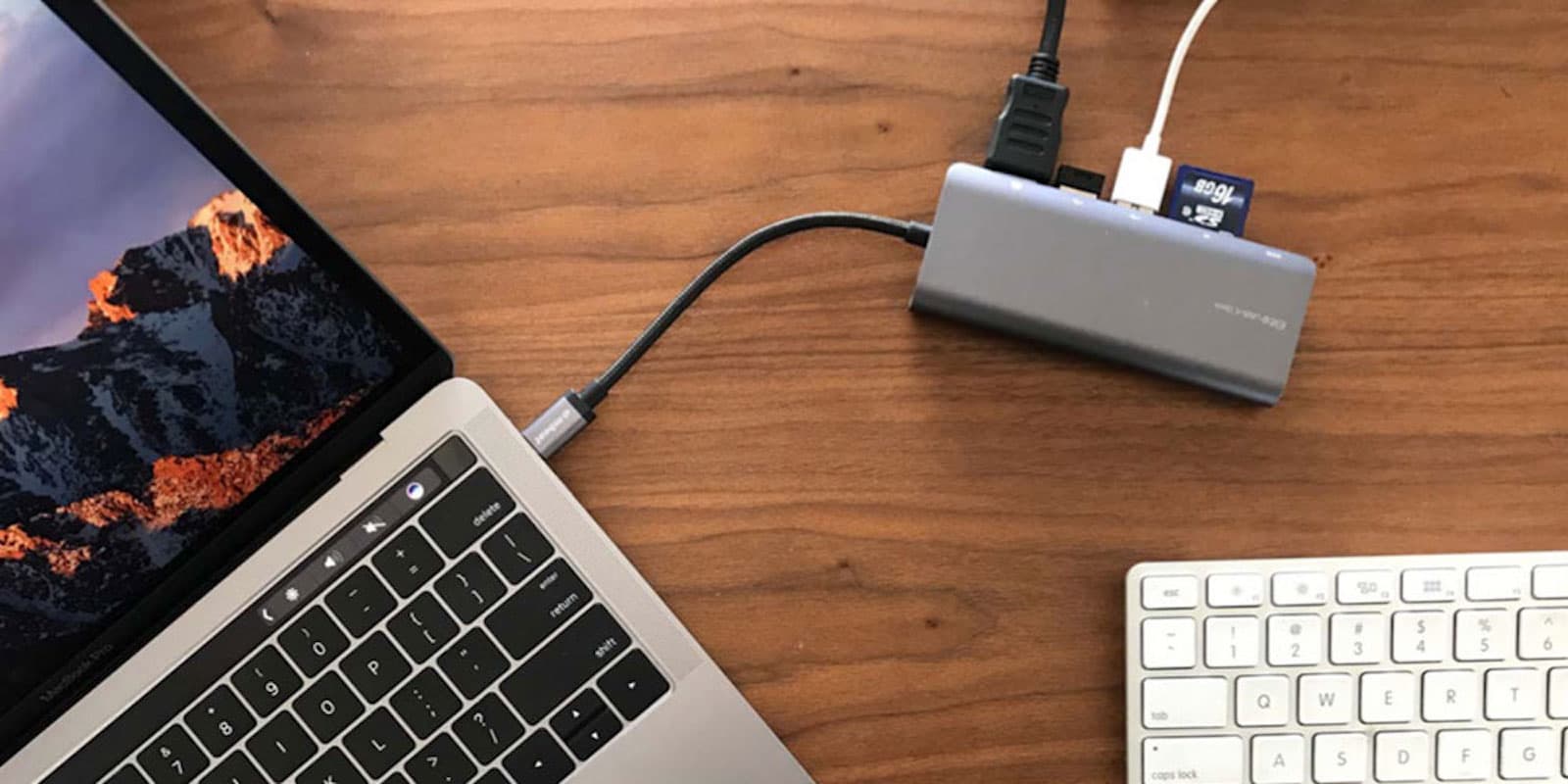
The BUBM case corrals the little things in your everyday tech carry.
Photo: David Pierini/Cult of Mac

Best List: BUBM gadget and cord organizer by ATailorBird

Pulling your charging cord from your shoulder bag or backpack can resemble that gag where you think you’re opening a can of peanuts and get surprised by springy snakes. Your bag’s other contents can catch on your cords and fly out.

The BUBM cord and gadget organizing case offers just one surprise. The mundane task of organizing your cords and other small accessories turns out to be fun and satisfying.

Why ARKit will be Apple’s biggest innovation in years

By

ARkit
ARKit is going to be a tasty innovation for Apple.
Photo: Alper Guler

From the iPhone 8 to iOS 11, Apple’s got no shortage of big launches coming in the next few weeks. But the one with the biggest long-term potential for Apple is one that Tim Cook says makes him want to “yell out and scream” with excitement.

That product is ARKit, the augmented reality platform Apple unveiled this year at WWDC. Here’s why it’s going to be massively important for Apple.

Achievements Unlocked: Pedometer++ now gives awards

By

pedometer 3 achievements
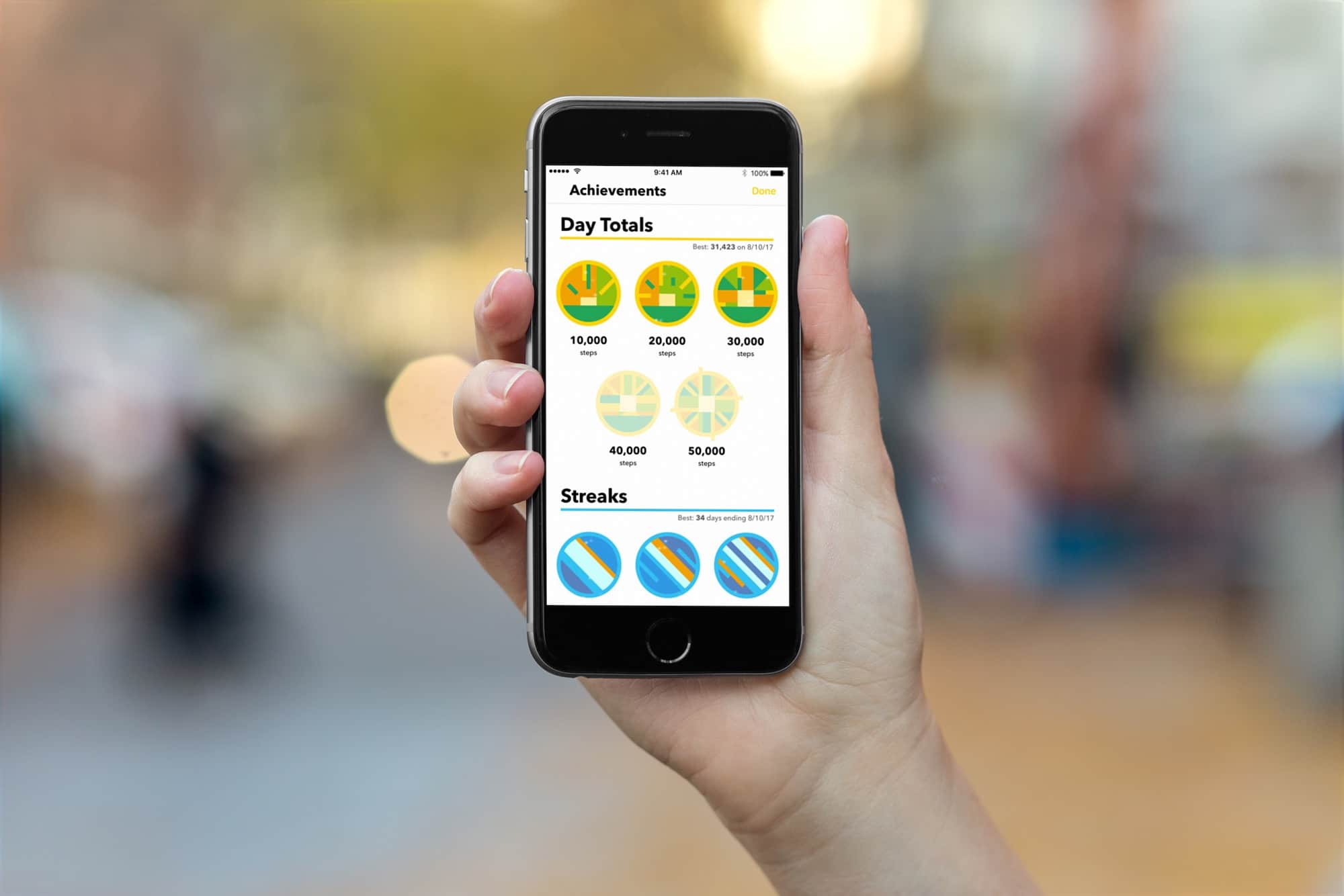
Health, energy, and a long life are no longer the sole rewards for taking a walk.
Photo: Cult of Mac

Pedometer++, from developer Underscore David Smith, is everyone’s favorite step-counting iPhone app. It’s simple, it is accurate, and it just works. Now, in version 3.0, the four-year old app gets a neat new Today widget, and — brace yourself — Achievements.

Tap into iOS 11’s one-handed keyboard for easier typing

By

iOS 11's one-handed keyboard
iOS 11's one-handed keyboard makes typing easier while you sip a coffee with the other hand.
Photo: Cult of Mac

The plus-sized iPhones might be a great fit for media consumption, but the large screen makes one-hand typing inconvenient. It can be a pain to type on your iPhone with one hand while sipping coffee with the other.

Thankfully, iOS 11’s keyboard includes a one-handed mode that shrinks the size of the keyboard, thus making it easier to type with one hand. Here’s how to enable and use iOS 11’s one-handed keyboard.

How to stop your iCloud and Apple ID getting hacked

By

don't get hacked
A good password is just the start of good security.
Photo: 1Password

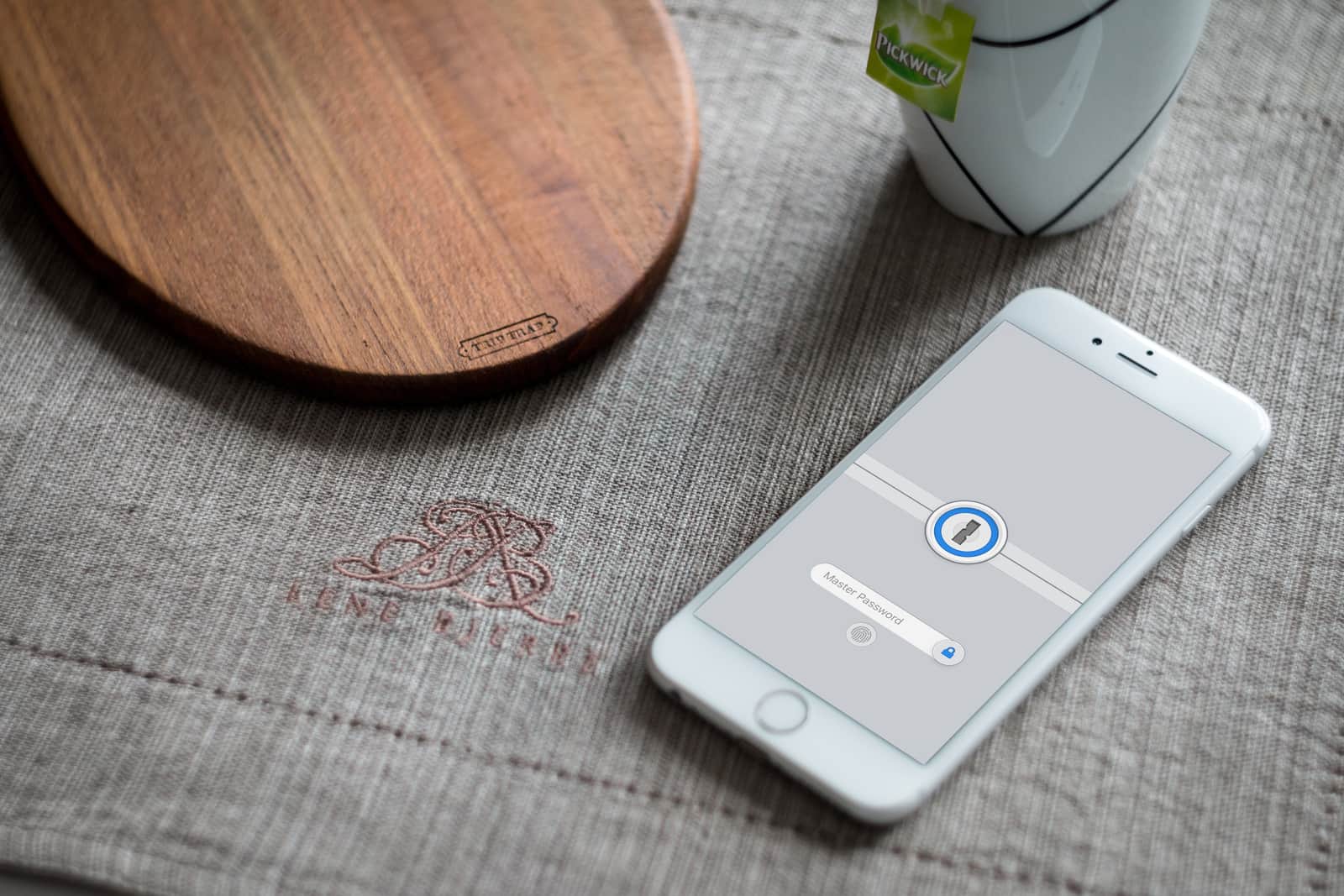
If you have a lame password, then your iCloud account will eventually get hacked. You might not think a hacker is interested in you, but you’re wrong. The good news is that there are several easy steps you can take to lock your Apple ID down and make it safe.

If you don’t think it’s important, consider this: Your photos, your email, all your browsing history, your credit card information, all of the files you have in iCloud, your contacts, notes, calendars, and all your personal messages will all be open to anyone that hacks your account. Not only that, but you can then be impersonated on social media, so that all your other accounts can be hacked too.

This fake iPhone looks so good it almost fooled the experts

By

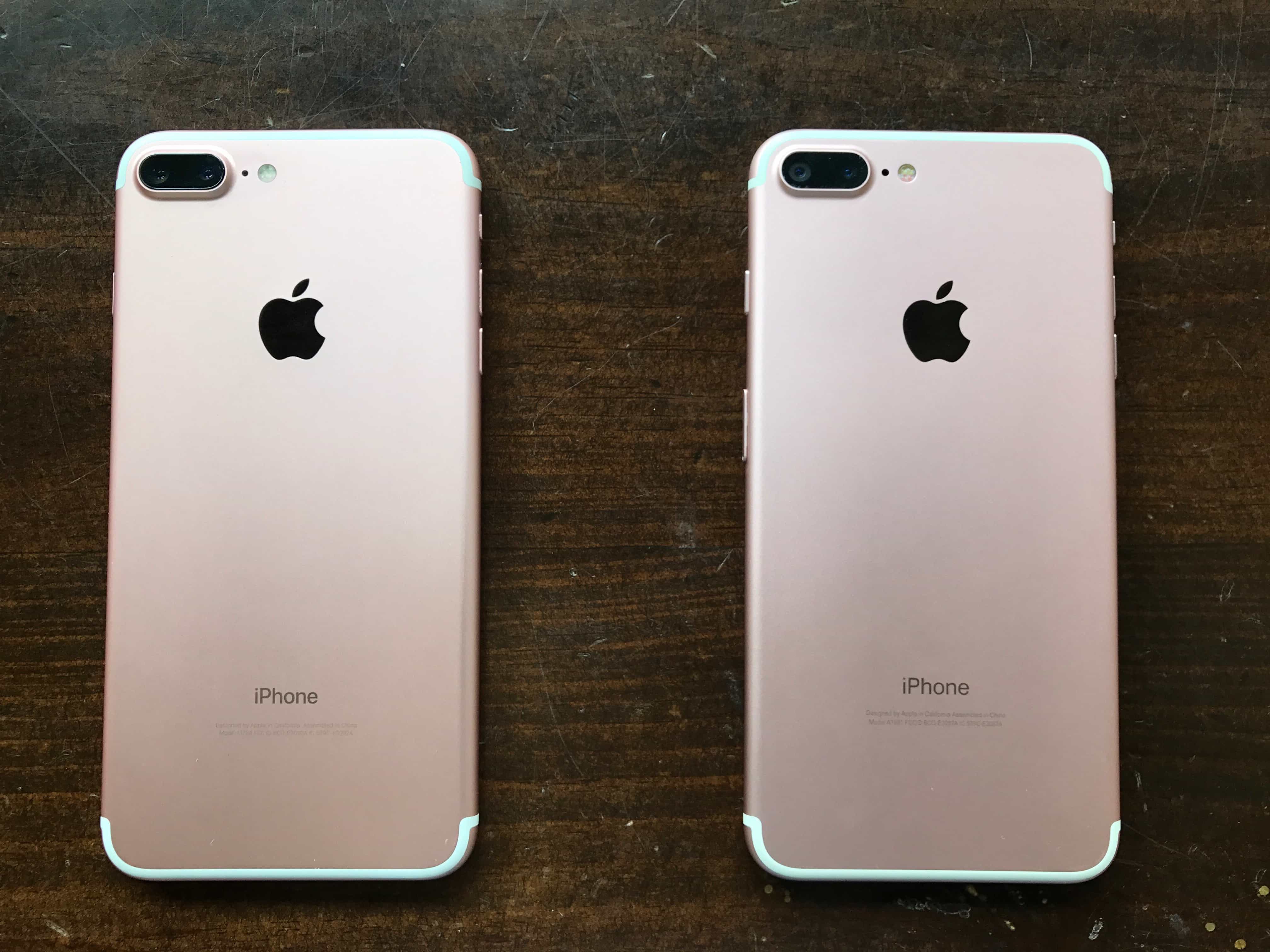
From the back, the fake iPhone looks just like the real thing. (The fake phone is on the right.)
Photo: Gabe Trumbo/MyPhones Unlimited

This fake iPhone looks so impressive that it fooled us for a hot minute. A rose gold iPhone 7 Plus clone, it shines just like the real thing. At first glance, it seems to deliver everything you would expect from a real iPhone: Lightning port, dual rear cameras, even a touch-ready Home button.

In short, this is the highest-quality iPhone clone we’ve ever seen. It’s a surprising indicator of just how good Chinese manufacturers are getting at reproducing Apple products. And it’s also a cautionary tale for anybody looking to buy a used iPhone.

Rescue your data from a dysfunctional hard drive [Deals]

By

Data Rescue 4
This award-winning data recovery software can make sure you keep your most important files.
Photo: Cult of Mac Deals

Every hard drive is like a time bomb of inconvenience, just waiting to go off. If you’ve backed up your Mac’s drive onto an external drive, that’s good. But if you’ve been using computers long enough, you know that the day may come when both go kaput.

Without a Home button, here’s how the new iPhone 8 UI will work

By

iPhone color
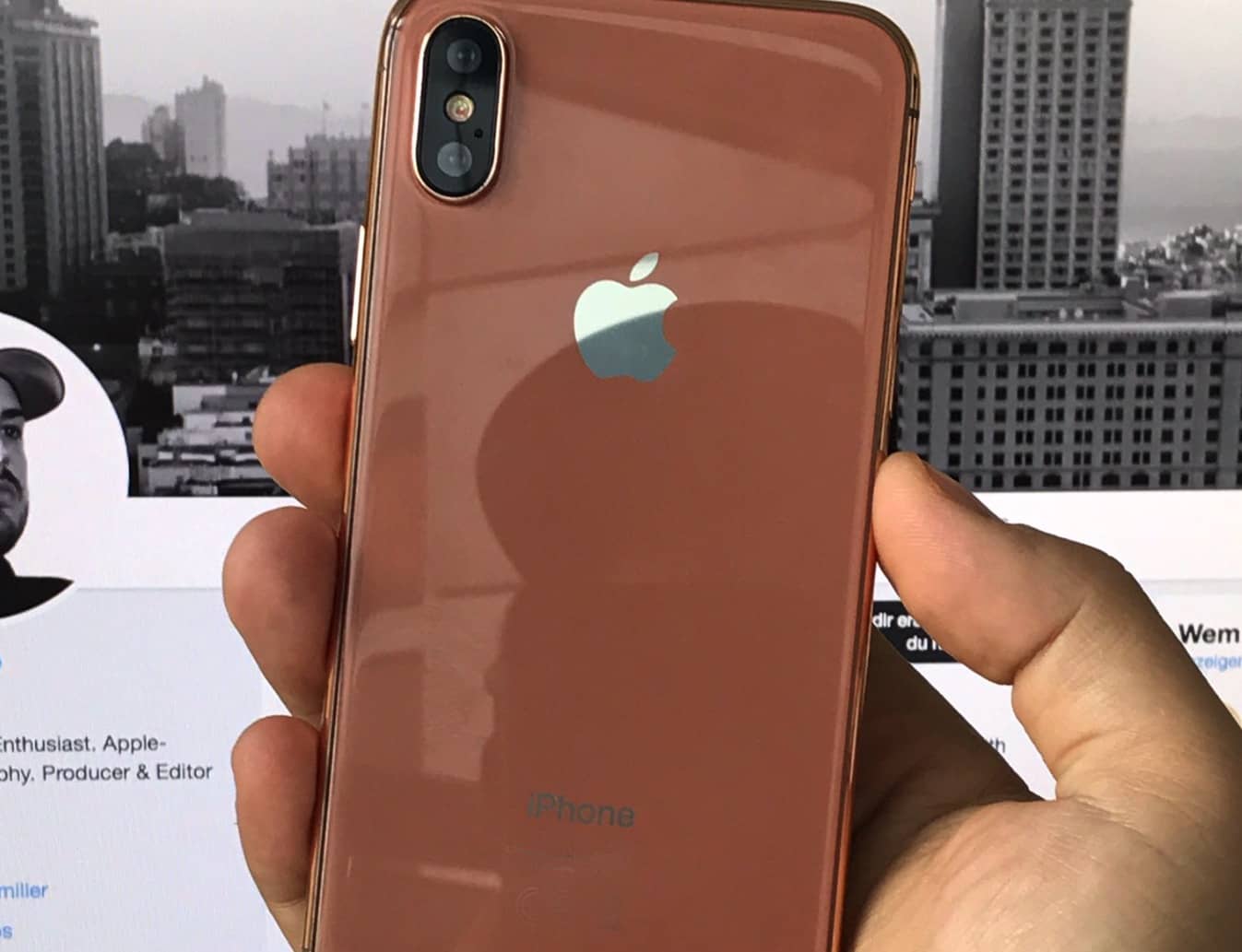
iPhone 8 will feature Apple's biggest redesign in years.
Photo: Ben Miller

It’s no secret that Apple is planning to ditch its Home button for the next-gen iPhone 8, but with the exception of how Touch ID will be replaced by facial recognition, very few details have been circulated about how the move will impact the iPhone UI.

A new report may change that, however, by revealing how the removal and replacement of the Home button, which has existed on every iPhone since 2007, will actually work.

Skateboard scooters, smart wallets, and more [Crowdfund Roundup]

By

Scooterboard
The skateboard that's also a scooter.
Photo: Scooterboard

Crowdfund Roundup bugThe skateboarding experience doesn’t have to come with grazed knees and broken teeth. With Scooterboard, you get the same ride with the stability of a scooter — and a built-in motor that means you don’t have to do all the work.

It’s just one of the awesome ideas in this week’s Crowdfund Roundup. We also have the world’s most powerful smart wallet, a dongle that turns your iPad into a wireless secondary display for your Mac, and more!

Feed Hawk hunts down YouTube channel RSS feeds for you

By

feed hawk
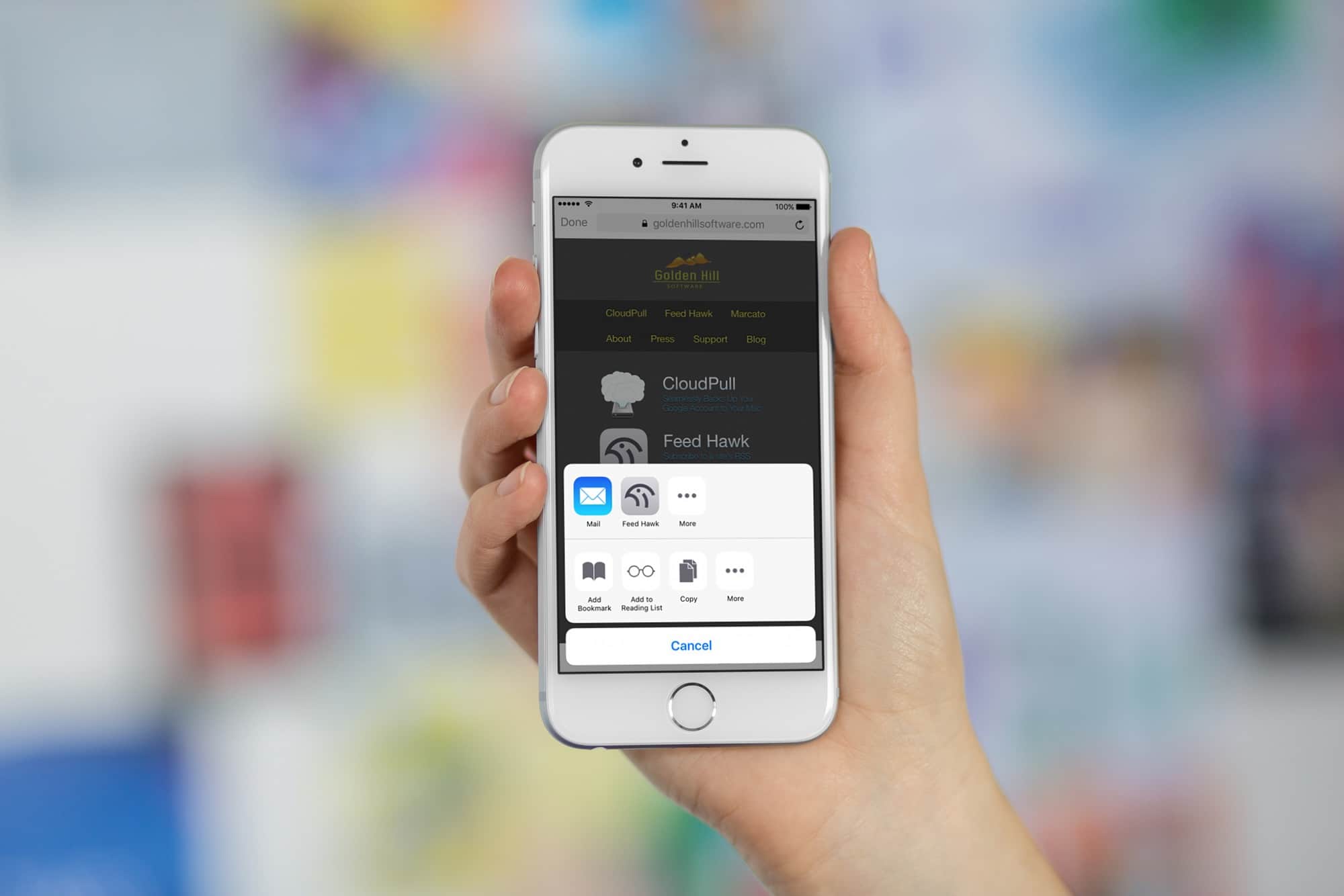
Feed Hawk makes subscribing to your favorite sites super easy.
Photo: Cult of Mac

Are you still using RSS? If you are (and you should be, as we’ll see in a moment), then you should use the Feed Hawk app on your iPhone and iPad. Feed Hawk puts itself in your iOS Share Sheet and locates the RSS feed(s) from any website you visit. If you want, it can automatically subscribe you to the RSS feed in your RSS reader of choice.

The latest version of Feed Hawk can even find feeds for YouTube channels. That, in case you’re wondering, is huge.

How to defeat Google AMP with 3D Touch on iPhone

By

google amp iphone
Google AMP is bad for the web, and Apple is fixing it so you don't have to.
Photo: Charlie Sorrel/Cult of Mac

Google’s web-hostile AMP scheme makes copies of web pages, shrinks them, and serves them instead of the original when you click on a Google search result. It renders your content in non-standard HTML, and removes the original link to the article’s source. Whenever you share the page you’re reading, it forces you to share a the Google AMP URL instead of the original.

Unless you’re using an iPhone, that is. In iOS 11, Mobile Safari strips AMP from any links you share. And iPhones running iOS 10 will load the non-AMP version (i.e. the original version) of a page if you press a link with 3D Touch.

Leaked iPhone 7s dimensions are bad news for your wallet

By

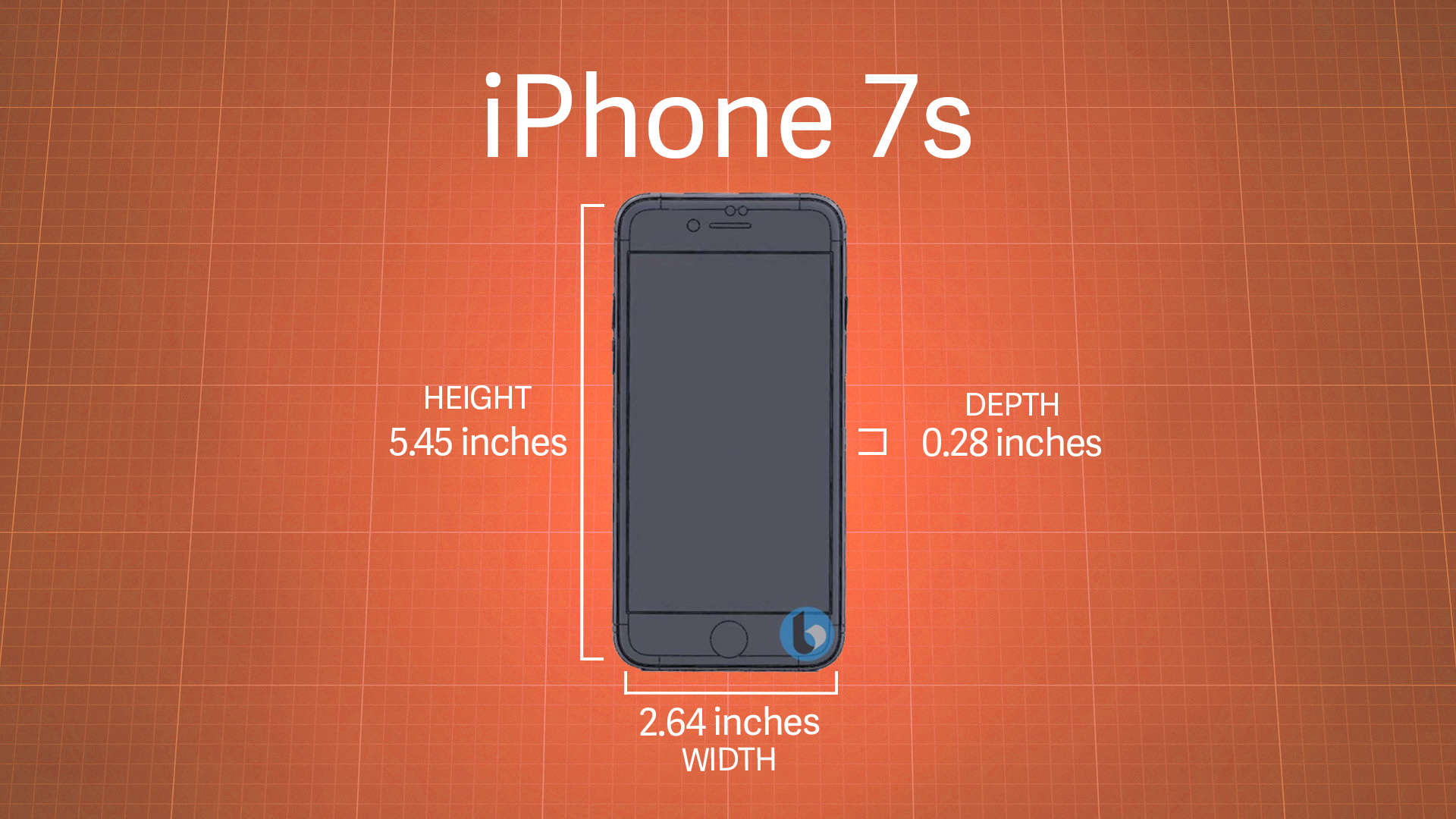
iPhone 7s dimensions
iPhone 7s is taller, wider, and thicker than iPhone 7.
Photo: TechnoBuffalo

iPhone 7s and iPhone 7s Plus might be more affordable than the swankier iPhone 8, but it certainly won’t be cheap upgrades. If you were hoping to hold onto all the accessories you have already purchased for iPhone 7, you can think again.

Leaked schematics for both devices suggest all your existing cases might not fit.

Grab these top iPhone accessories for less than $20 [Deals]

By

collage-2017-08-22 (1)
From rugged mobile mounts to keychain Lightning chargers, these are some of the top iPhone accessories for under $20.
Photo: Cult of Mac Deals

iPhones are great, but to get the most out of them you’ve got to have the right accessories. But when you’ve already dropped coin for a new phone, it’s hard to think about shelling out even more cash. So we’ve rounded up some of the best iPhone peripherals you can get for under 20 bucks. That includes a tough but flexible mini tripod, and a set of keychain-sized Lightning cables. Plus, we have a set of premium Bluetooth earbuds, and a device to turn any iPhone into a universal remote. Read on for more details:

Raindrop.io is a slick new bookmark-organizing app for iOS

By

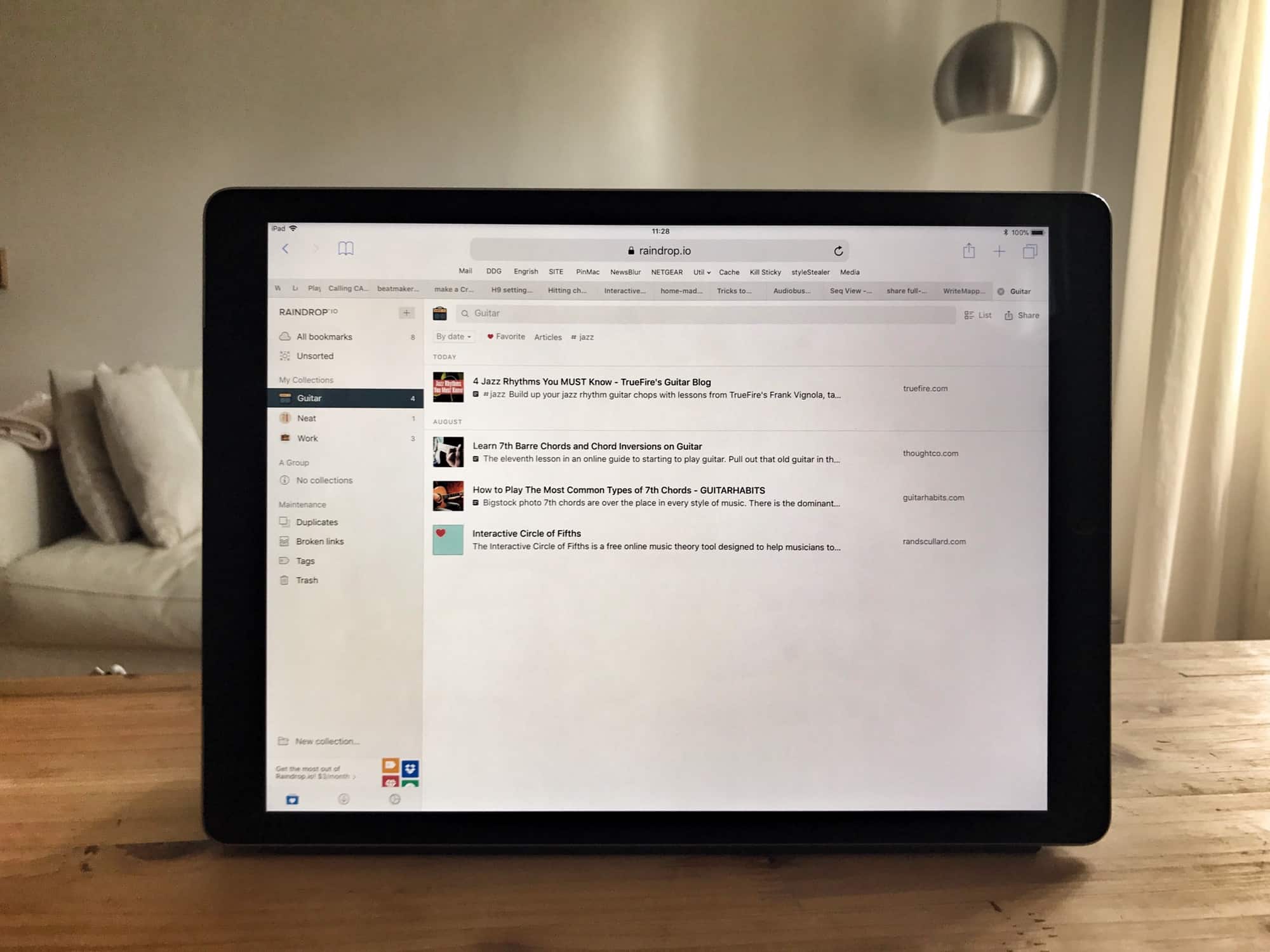
raindrop ipad app
Raindrop's web page looks way better than its iOS app.
Photo: Charlie Sorrel/Cult of Mac

Raindrop.io is a new bookmarking service for Mac and iOS, and the web, and Android. It lets you save your bookmarks into folders, known as Groups, and those bookmarks are then available from anywhere. The main selling point of Raindrop.io seems to be the slick interface, and the myriad beautiful ways you can arrange the bookmarks therein.

How to see which apps are wasting your iPhone battery

By

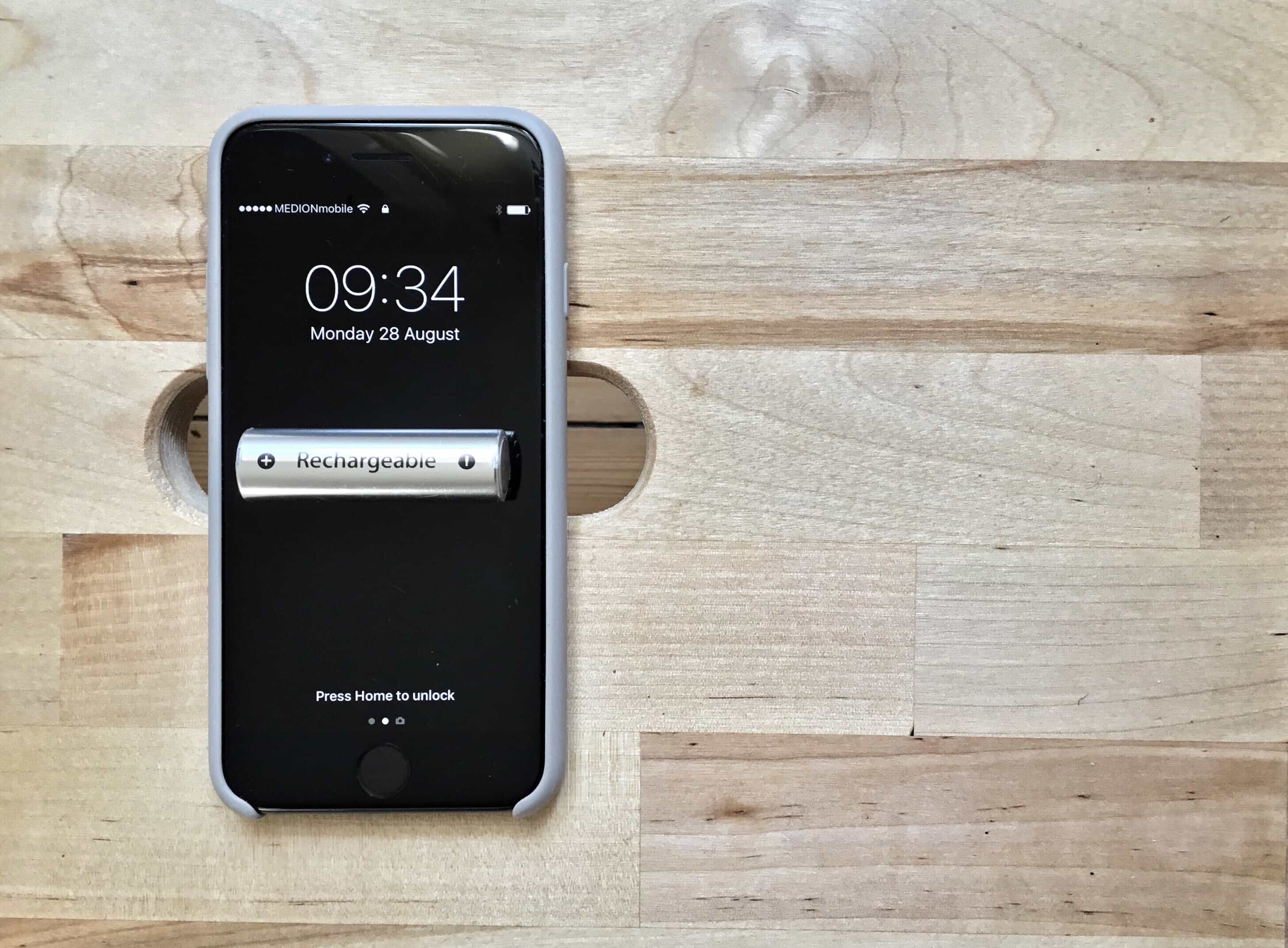
iPhone battery
Which apps are running riot on your iPhone's battery?
Photo: Charlie Sorrel/Cult of Mac

Sometimes an app gets out of control and eats up your battery, even while it doesn’t seem to be active. Once, I had an iPad drained almost completely by a runaway instance of Skype. Or you may have an app that is supposed to run in the background — a synthesizer, or another music app, for example — and you forget you left it running, draining your iPhone battery.

Or perhaps you just want to see how much battery your various apps use. In any of these cases, you can open up a Settings screen that will report which apps have used how much battery, and for how long, over the past day or week. It’s a very handy screen indeed.

Calling all coders: Now’s the time to learn iOS 11 [Deals]

By

The Complete iOS 11 & Swift Developer Course- Build 20 Apps
iOS 11 is almost here, so all you coders better get studying.
Photo: Cult of Mac Deals

iOS 11 is ready to mark yet another major overhaul for Apple users and developers both. Apple has said that iOS 11 will mark the new standard for the operating system, with sweeping tweaks and changes. Whether you’re new to coding or a seasoned pro, it’s time to get studying.