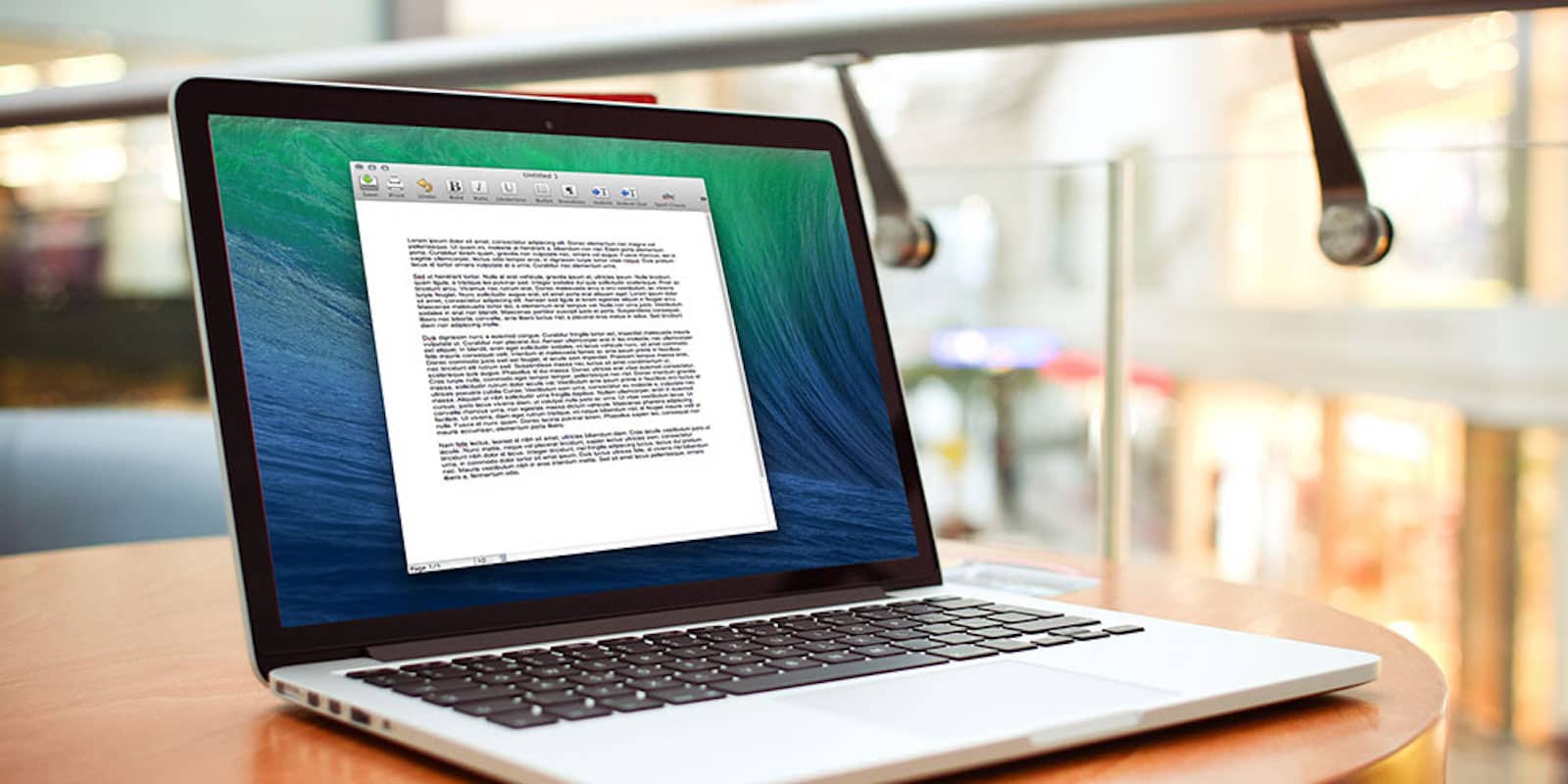
Whatever kind of story you're working on, this bundle of apps can help you tell it. Photo: Cult of Mac Deals
These days, everybody is a storyteller. Whether you’re writing articles or journals, novels or screenplays, there’s a world of digital tools that you can benefit from. This bundle gathers 7 of those tools in one place, and for low price. From StoryMill to MacJournal, Narrator to Montage, and lots more, it’s got something useful to anybody who weaves narratives. And right now you can get the whole bundle for just $29. Read on for more details:
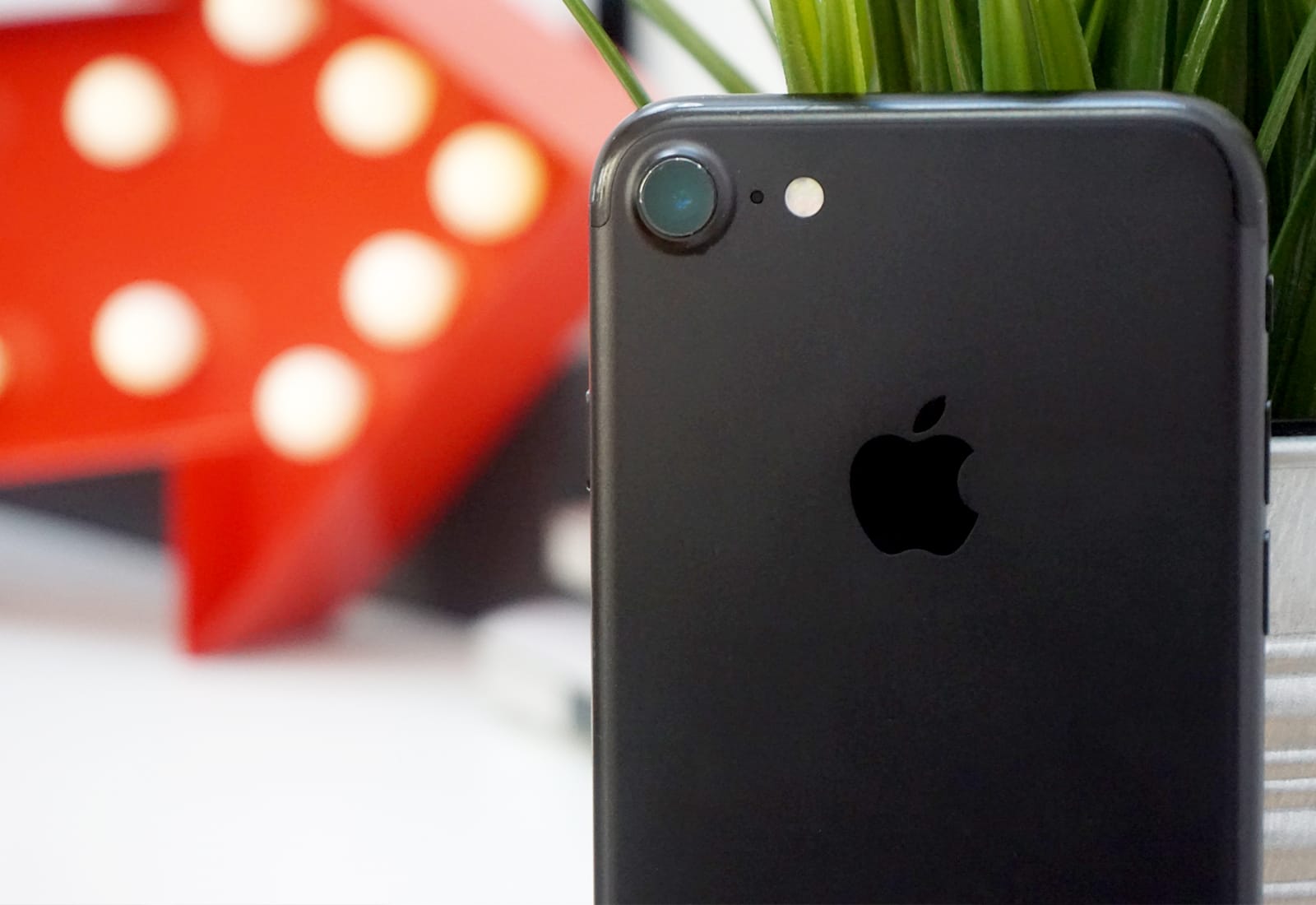
Ready to sell your iPhone? Unless you kept your iPhone 7 shrink-wrapped in the box since the day you got it, it's not "flawless." Photo: Pavel Kunitsky/Pexels CC
If you’re looking to trade in your old iPhone for cash, you’d be crazy not to maximize the money you get. But beware: One of the biggest mistakes people make during an iPhone trade-in is falling for a “flawless” quote.
Here's how Apple will make iPhone 8 feel less expensive. Photo: Ste Smith/Cult of Mac
Apple knows no one really wants to pay $1,000 for a phone, but that’s how much it plans to charge for iPhone 8. To make it feel a little less expensive, the company will reportedly throw in some extras — including free music and storage.
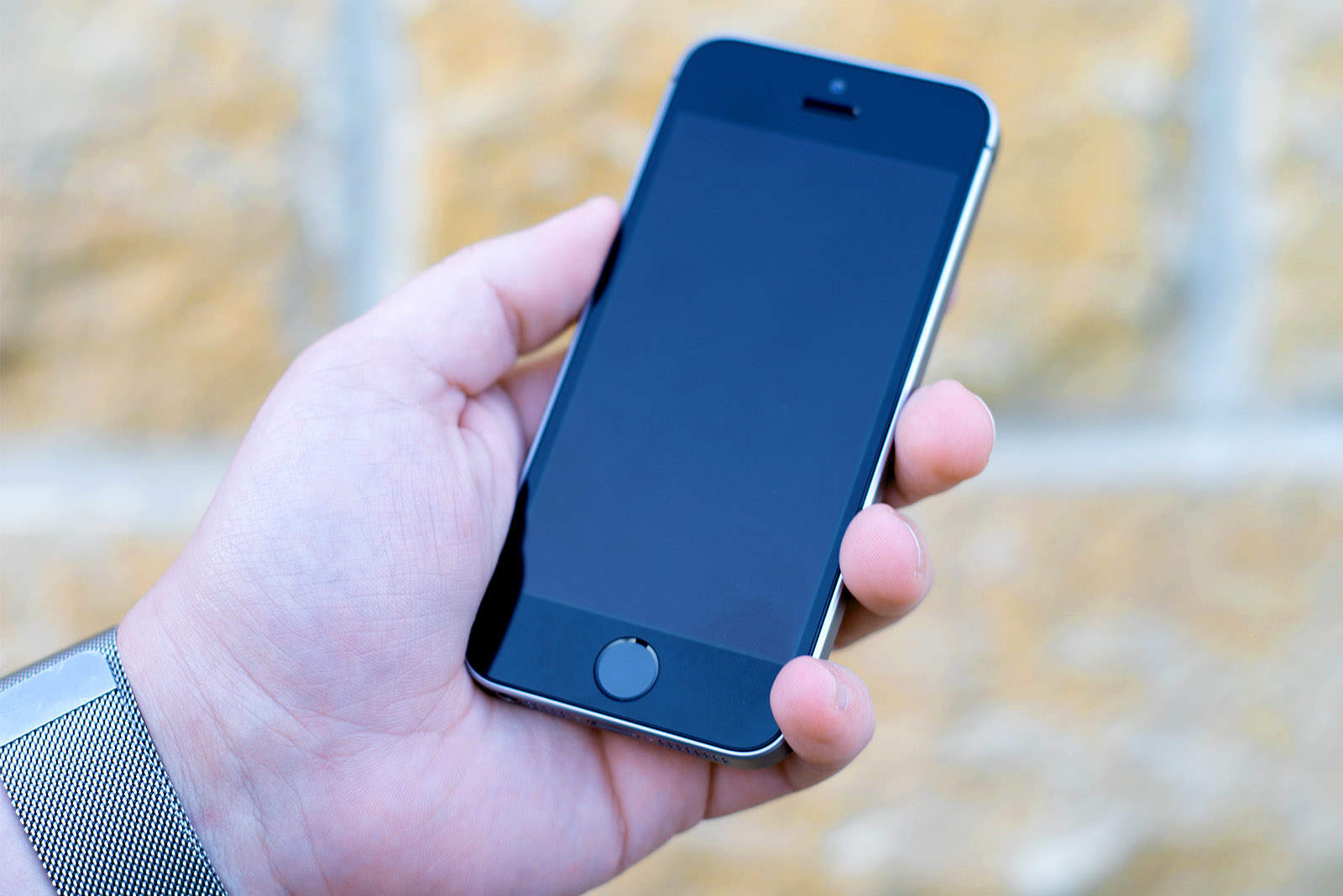
You're going to have to get used to life without Touch ID. Photo: Ste Smith/Cult of Mac
Since Apple revolutionized smartphones ten years ago, it has kept working to give us new technologies that keep changing the way we use mobile devices. One of those has become beloved by all iPhone fans, but you’re going to have to get used to life without it.
No, I’m not talking about the physical Home button, but rather Touch ID. A new report claims there’s no place for it in iPhone 8.
143 million customers in the U.S. may have been impacted by the attack. Photo: Colin / Wikimedia Commons
Credit report giant Equifax confirms a “cybersecurity incident” may have compromised the data of 143 million U.S. customers.
Criminals gained access to Social Security numbers, dates of birth, addresses, credit card numbers and more between mid-May and July of this year. It’s one of the biggest and most worrisome data breaches in history.
Here’s what to do if you’re one of the customers affected.
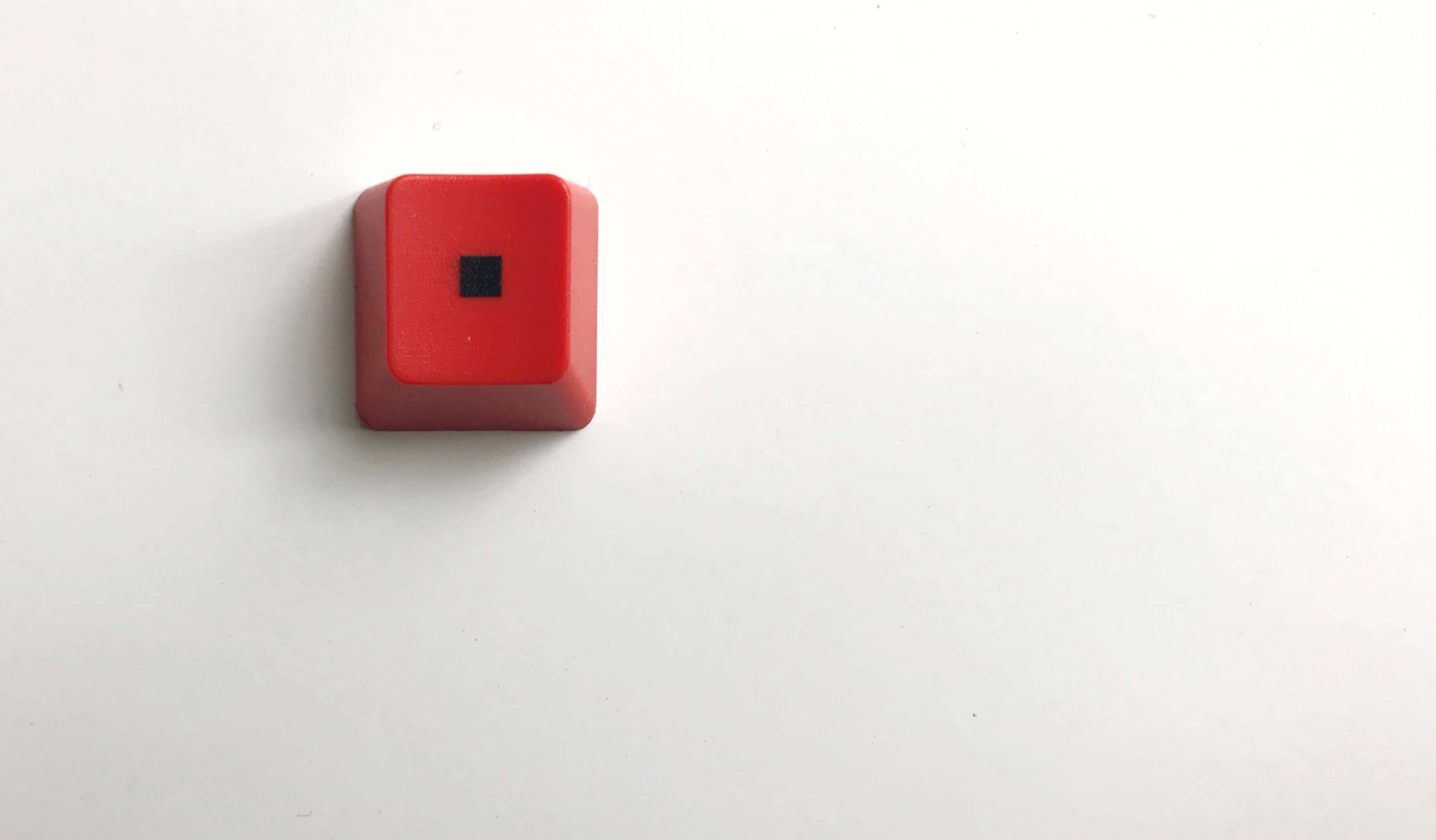
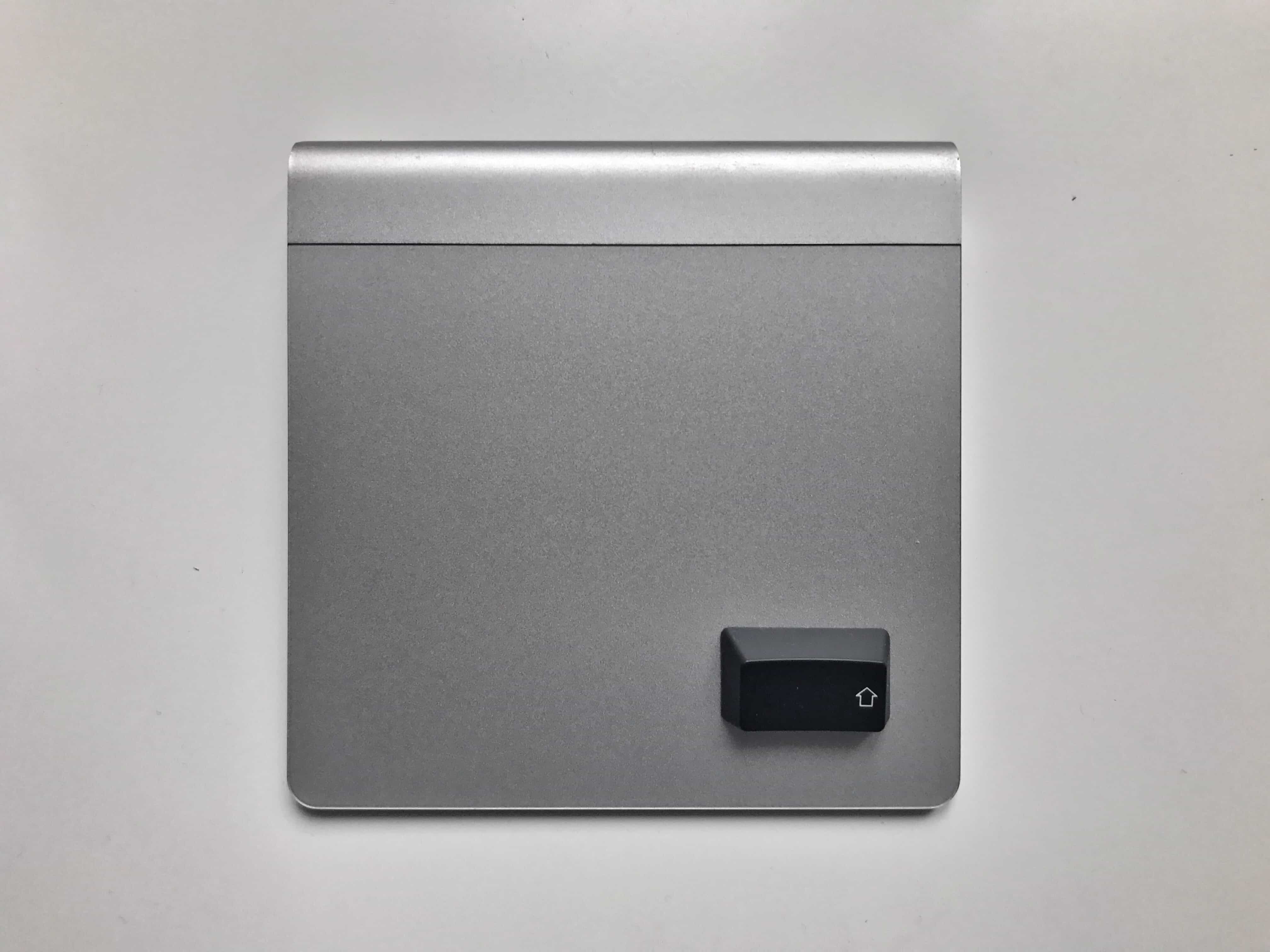
Holding down the right key when you start up your Mac can fix all kinds of problems. Photo: Charlie Sorrel/Cult of Mac
If your Mac is sick, the first step is to restart it. But did you know that there are several tricks you can perform while your Mac is starting up?
Many of these are advanced Mac diagnostic tools, which shouldn’t be used unless you really know what you’re doing. But some not-so-secret startup keyboard combos will remove a stuck disk (if your Mac is old enough to even have a disk inside), let you boot your Mac from a USB drive, or to turn your entire computer into one big storage disk to connect to another computer.
It's in talks to buy HTC, maker of the Pixel lineup. Photo: Google
Google plans to step up its fight against the iPhone 8 by taking a leaf out of Apple’s playbook.
A new report claims the company is in talks to buy HTC’s struggling smartphone business, which would give it near complete control over future Pixel devices.
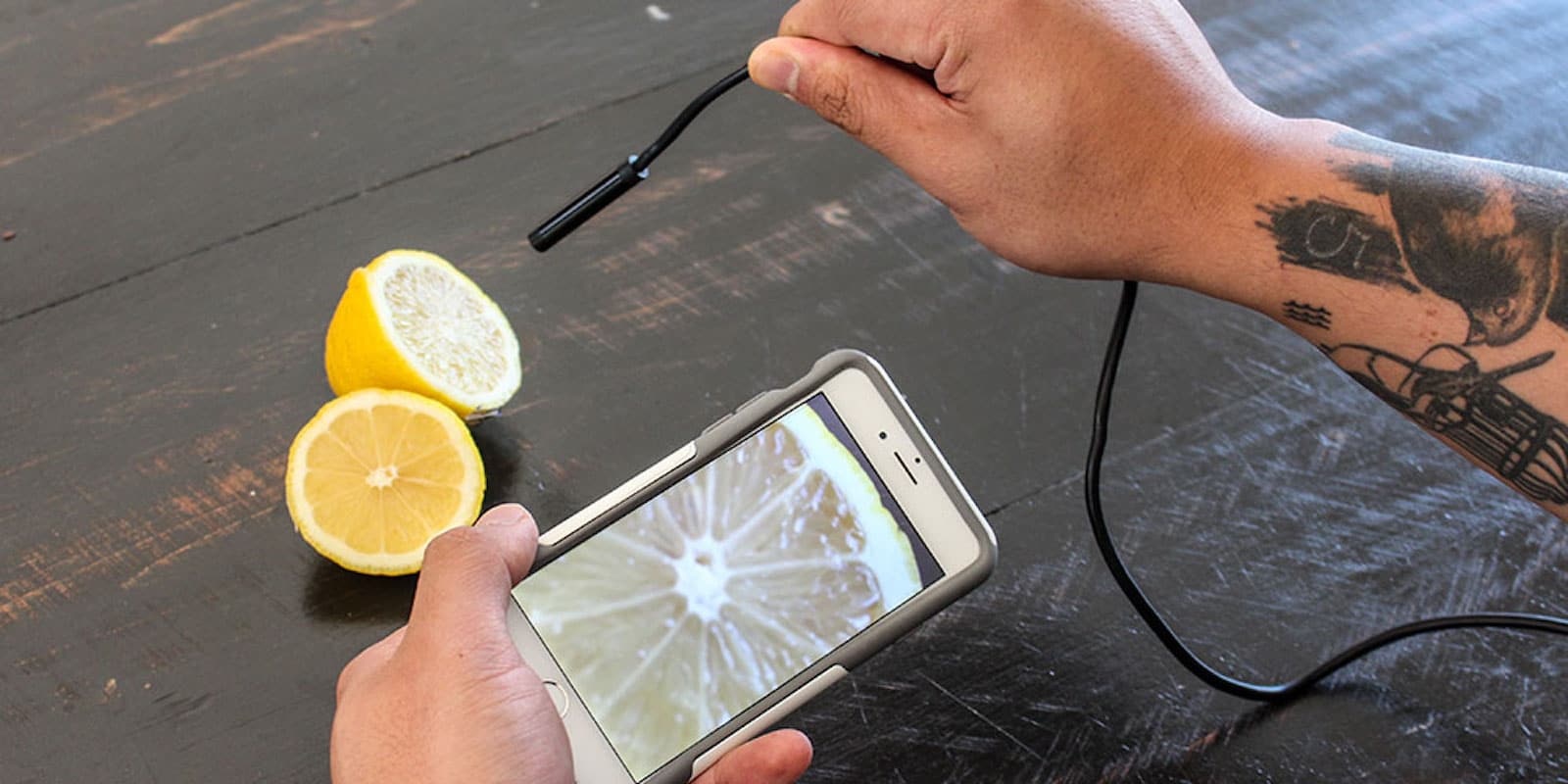
This tough, high res, flexible camera is super useful for home maintenance, car repair, and lots more. Photo: Cult of Mac Deals
How many times have you wished you could climb into an engine to see what’s wrong with it? Or wondered what’s clogging your sink? Shrinking down and climbing inside a drain or an engine block is an unpleasant thought. So why not just to send an endoscopic camera in there to scope out the issue?
The best but most difficult iPhone mod to date. Photo: Strange Parts
Apple won’t be bringing the headphone jack back to iPhone, so if it’s a feature you’re not prepared to lose anytime soon, you’re stuck with the iPhone 6s. Or are you?
One man, who recently built his own iPhone from scratch using components sourced in a Chinese tech market, has figured out a way to install a headphone jack in the iPhone 7. It’s the ultimate mod for music lovers.
Here's how to fix the Home button delay on your iPhone! Photo: Sam Mills/Cult of Mac
The Home button on your iPhone has multiple purposes — unlocking your iPhone, bringing up the multitasking menu, returning to the home screen, invoking Siri, etc. Such frequent use can take a toll on the Home button’s responsiveness. Although it is designed to last, it can become laggy or less responsive over time. Surprisingly enough, a large number of Home button issues have more to do with the software rather than the actual hardware.
If you notice that your iPhone’s Home button isn’t as responsive as it used to be, here are a few tips you can use to fix the Home button lag.
Ditch the trackpad and use the keyboard instead. Photo: Charlie Sorrel/Cult of Mac
You probably spend a lot of time in the macOS Finder. Much of it is likely spent pointing and clicking, using the trackpad pointer to duplicate files, or to click back to the folder you were in a moment ago.
But, like most Mac apps, the Finder offers a ton of useful keyboard shortcuts — to create new folders, navigate files and change what you see in the Finder window. If you learn a couple of them, you can spend a lot less time dithering with your mouse. You will also look like a cool TV or movie hacker if you click on the keyboard instead.
Today, we’ll look at the most useful day-to-day Finder keyboard shortcuts.
Droplr makes sharing files, screenshots, videos, and more as easy as drag-and-drop. Photo: Cult of Mac Deals
Computers have made it common to work with coworkers in offices all over the world. That means file sharing has become a key part of professional productivity. When you don’t share a desk, you can still share the contents of your computer’s desktop.
Dropbox is probably the first name that comes to mind, but another you should consider is Droplr. It turns file sharing, screen captures, desktop videos, and other super useful collaborative tools into a simple drag-and-drop affair. And right now, you can get 4 years of Droplr for up to 3 users, for just $39.99 at Cult of Mac Deals.
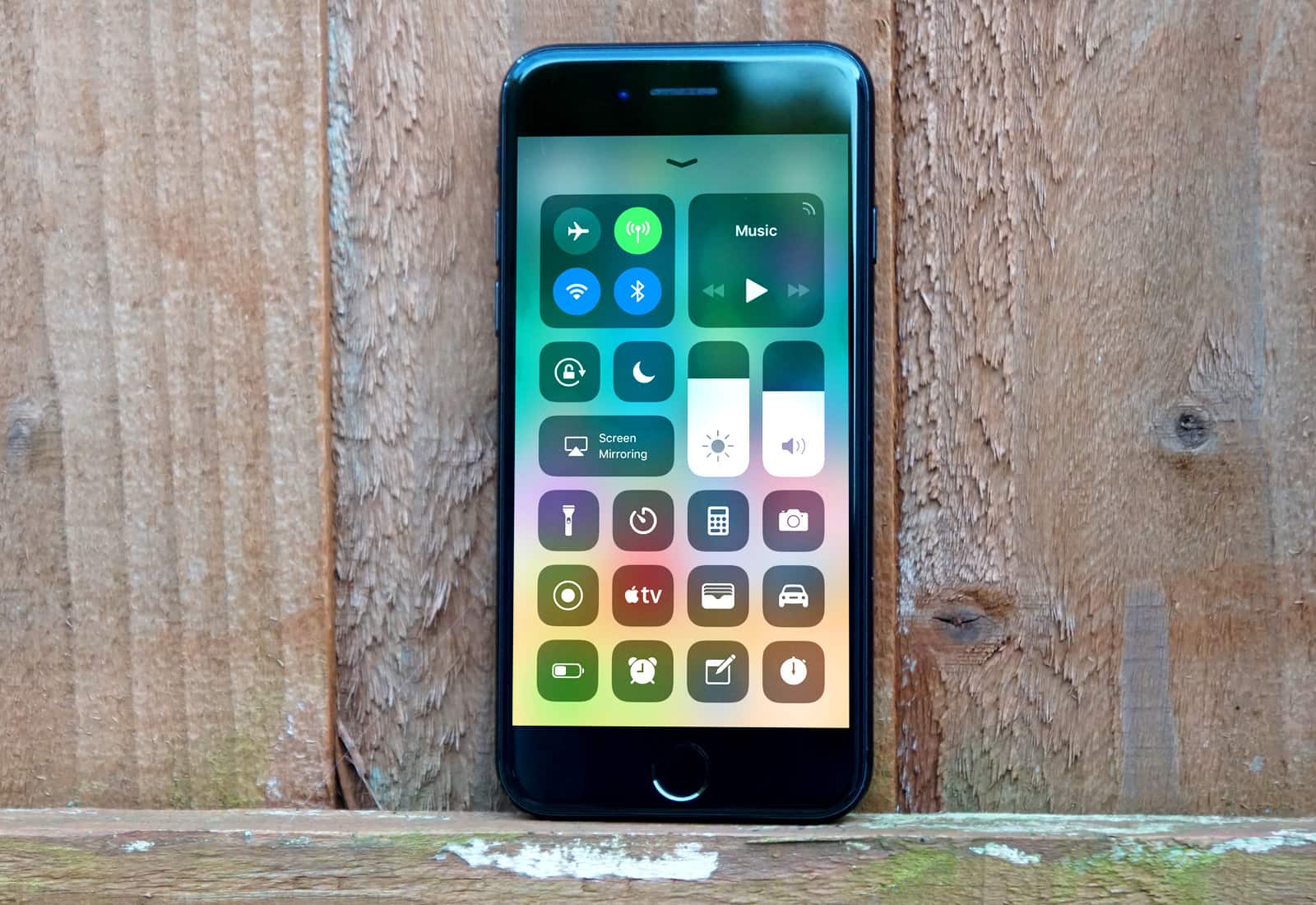
A redesigned Control Center is one of many changes to look forward to in iOS 11. Photo: Ste Smith/Cult of Mac
Apple has begun promoting new iOS 11 features to iOS 10 users ahead of the update’s public release.
The Tips app is issuing notifications that tease things like iOS 11’s redesigned Control Center, giving users a chance to preview them before the mobile operating system’s release in coming weeks.
In 2017, you still have to copy-and-paste Javascript to save a bookmarklet on iOS. Photo: Cult of Mac
Bookmarklets are those little bookmarks you click to run mini “apps” in your web browser. You might have one that saves the current page to your Instapaper account, or one that launches a Google search focused only on the current site. Bookmarklets can translate highlighted text on a page, send something to your to-do list, or pretty much anything. On the Mac, installing a bookmarklet is easy. You just drag it to the bookmarks bar in Safari and you’re done. On iOS, though, it’s still a real pain.
So, bookmark this how-to (in the usual way), and have it handy for those times you need to install a bookmarklet on an iPhone or iPad.
This bundle of coding courses covers the gamut for iOS 11. And you can get it for whatever you're willing to pay. Photo: Cult of Mac Deals
iOS 11 is about to launch, and it’s going to be a big one. With all manner of updates and entirely new features, it’s going to give developers a lot to work with and a lot to learn. That means it’s time to get studying, coders.
An apparent iPhone 8 SIM tray in "blush gold." Photo: Benjamin Geskin
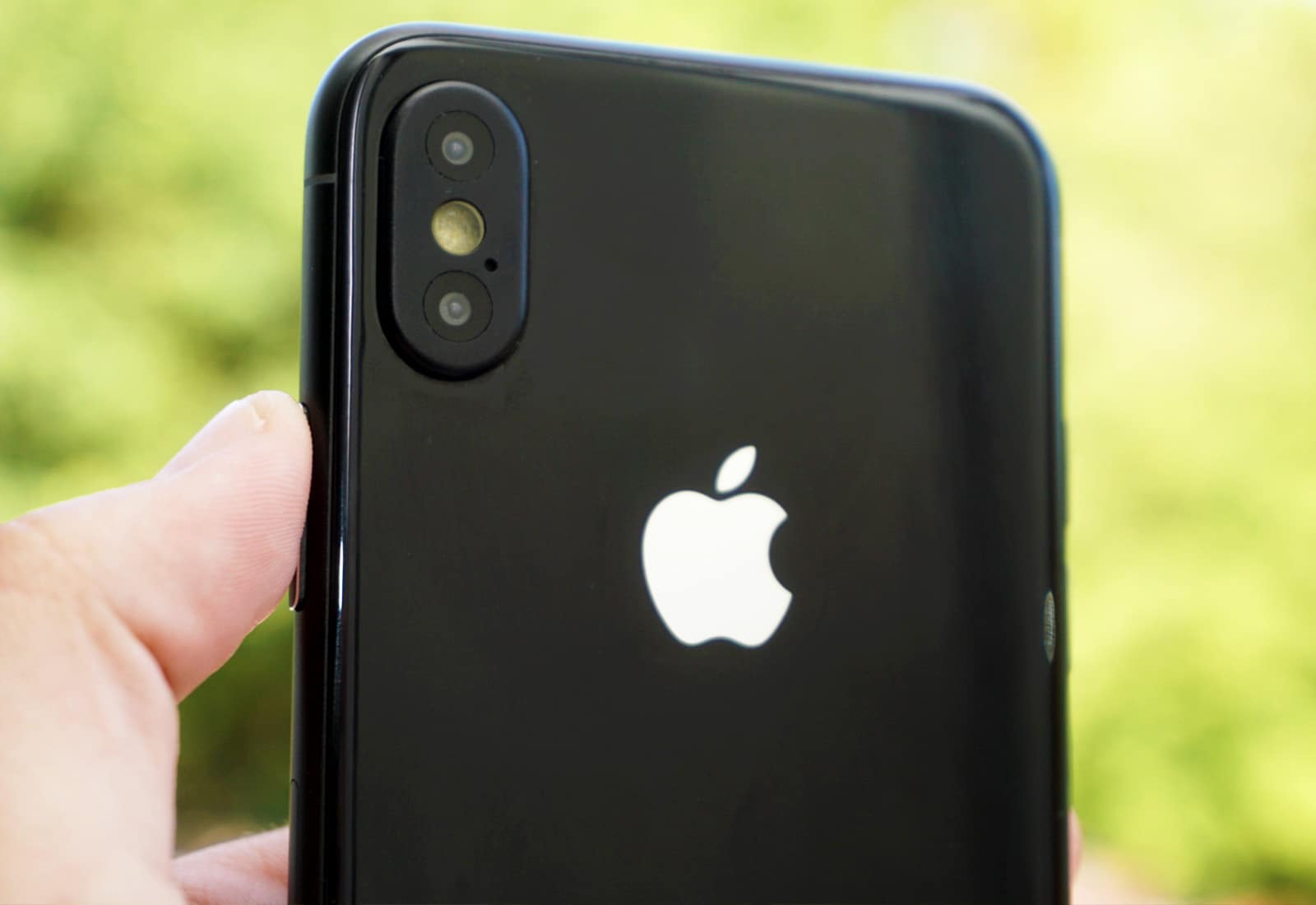
The iPhone 8 leaks continue to pour in thick and fast as Apple’s special event approaches. The latest, believed to be a SIM tray, all but confirms the all-new handset will be available in an all-new copper or “blush gold” color option.
Even more powerful iPhone cameras are coming. Photo: Ste Smith/Cult of Mac
Apple is consuming the entire production capacity of a new smartphone camera facility as it prepares to take the iPhone’s iSight sensor beyond 12 megapixels.
Largan Precision in central Taiwan is said to be the only manufacturer that meets the company’s minimum yield rate requirement, with its new Taichung factory designed to output around 600 million lens modules every single month.
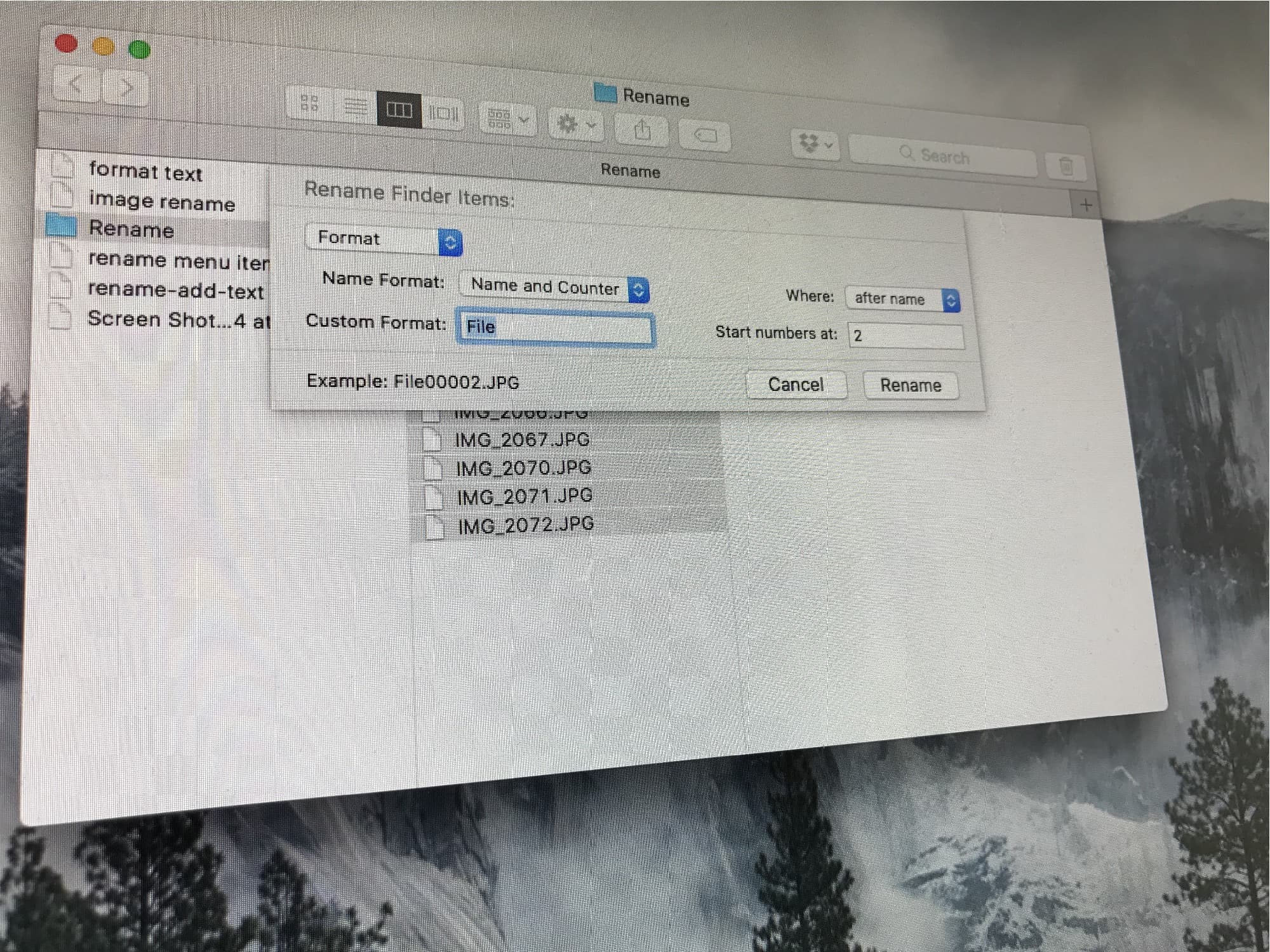
You might be surprised by how much the macOS Finder's renaming tools can do. Photo: Cult of Mac
Renaming a single file in the Finder isn’t too bad. You can click on its name and type in a new one. But what if you want to rename a whole bunch of files at once? Maybe you want to add the same text to the beginning of every file, or add a number to the end of a folder full of MP3 recording to keep them in the right order. Do you have a folder full of photos named IMG_00xx.JPG that need to be called dads_wedding_00x.jpg instead? Or perhaps that intern spelled the company name wrong on every single one of a hundred files, and you need to correct that word on every file?
In the olden days, you would have to either a) research, download, buy, and learn to use a new bulk-renaming app or b), punish your intern by making them correct everything by hand, before finally resorting to a) anyway because the intern screwed it up again. Now, the Finder has powerful bulk-renaming tools built in, so you can just take care of it all in a couple of minutes, and have your intern make you a coffee instead. If they can be trusted to do it, that is.
Is this our first look at a real iPhone 8? Image: Apple
The first working iPhone 8 unit has apparently been captured on film just one week ahead of its official debut. The incredibly short and sketchy video shows what looks like a handset with an edge-to-edge screen running a new version of iOS.
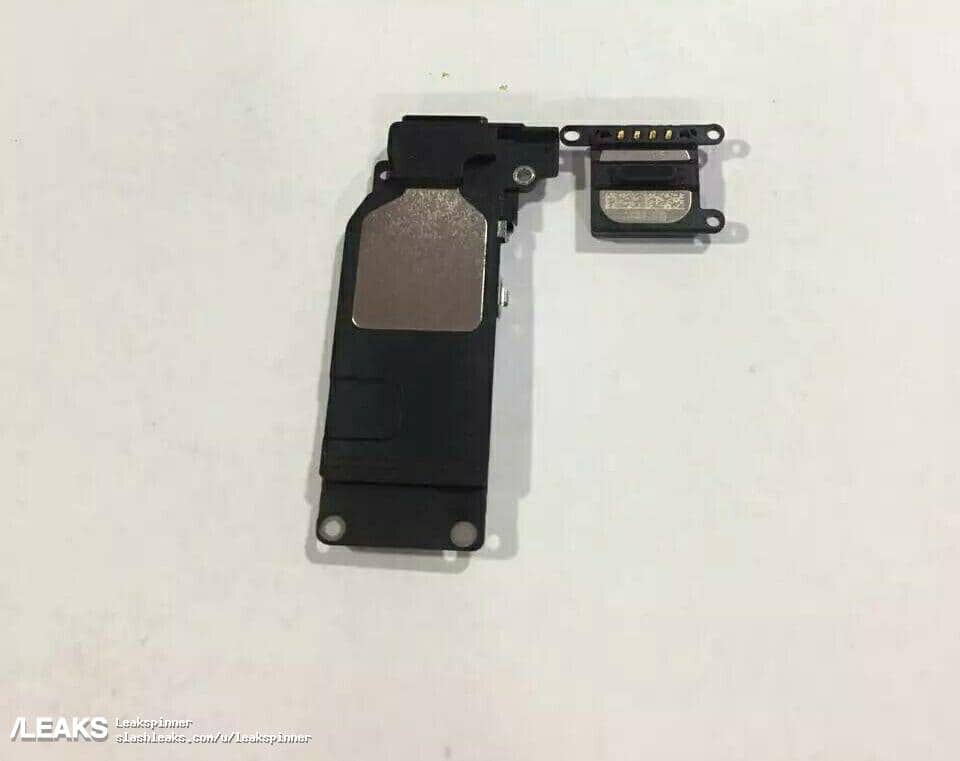
BREAKING NEWS: iPhone 8 will have speakers. Photo: SlashLeaks
New components supposedly destined for iPhone 8 have leaked out ahead of the handset’s official unveiling next week.
They’re not the most exciting pieces in the puzzle — that crown goes to the new edge-to-edge OLED display — but they play an important role nonetheless.
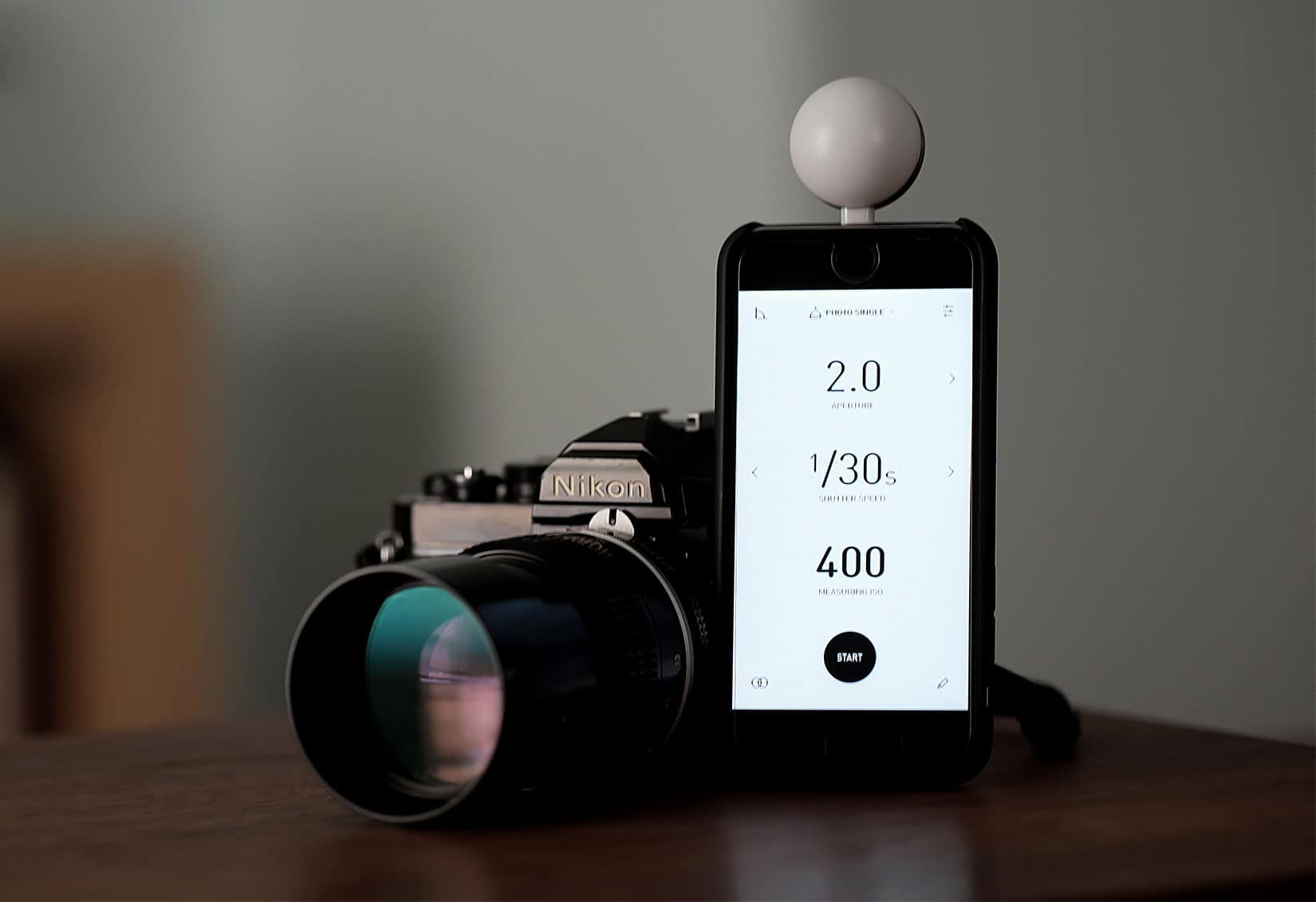
Is that an iPhone or a light meter? It's both. Photo: David Pierini/Cult of Mac
Lumu Power light meter for iPhone
The iPhone democratized photography and disrupted the video and camera industry. Now a new product that plugs into the iPhone’s Lightning port aims to replace an important photographer’s tool — the handheld light meter.
The Lumu Power light meter is a small, plug-in photodiode that looks like a pingpong ball cut in half. The light meter, a product of Lumu Labs from Slovenia, rose out of a Kickstarter campaign in 2015. It’s won favorable reviews from photographers and photo websites as the company works to improve the companion app.
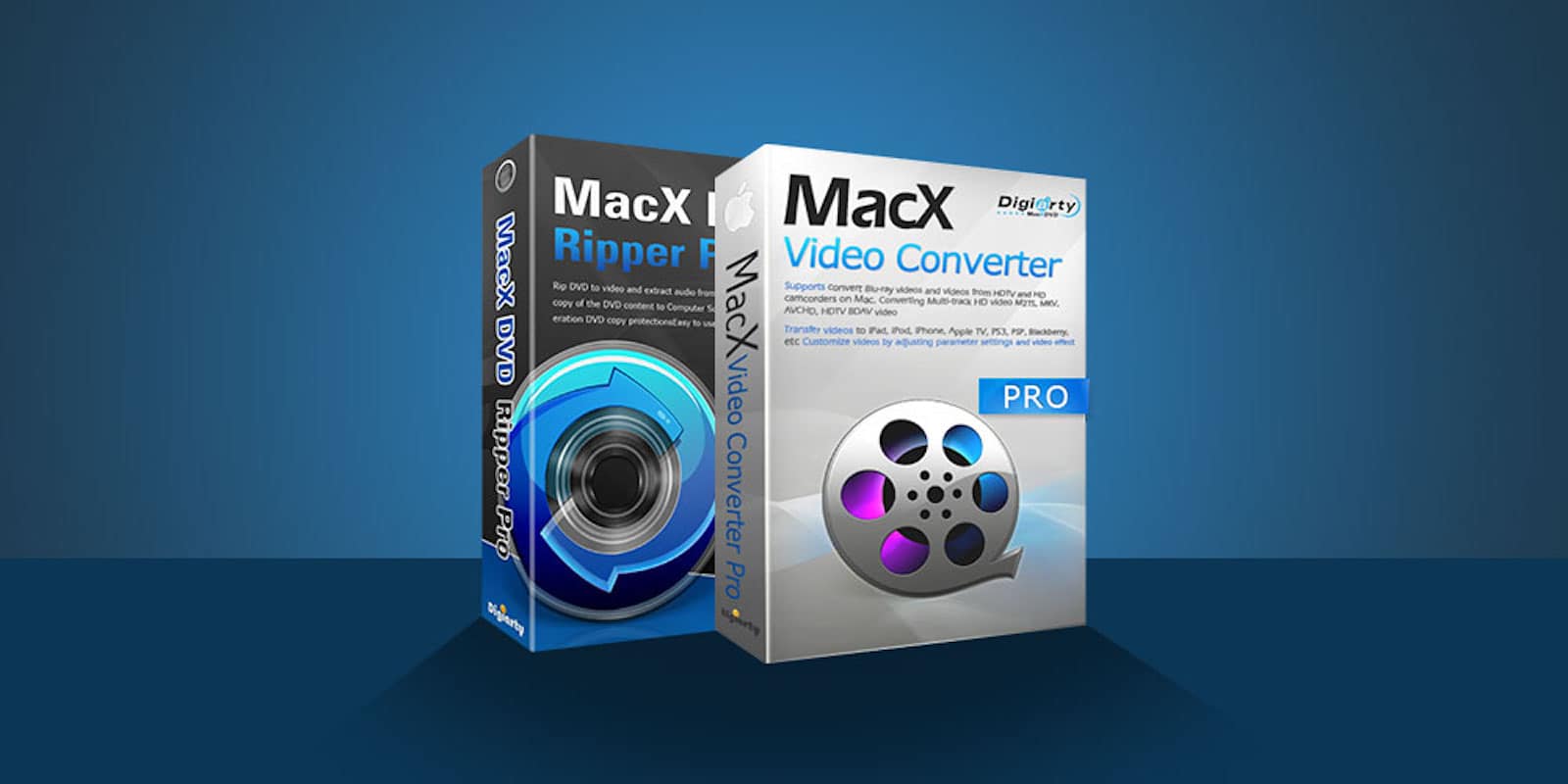
This software bundle can eliminate any issues with incompatible media formats. Photo: Cult of Mac Deals
In an age of disappearing disc drives and torrenting media, getting the right format can be tricky. If you’ve ever downloaded a FLAC file when you thought you were getting an AVI, you know what we mean.
Sorry, Alexa: Siri still the most widespread AI assistant Photo: Ste Smith/Cult of Mac
We might have a brand new way to activate Siri on Apple’s next-generation iPhones, according to one iOS developer.
References in Apple’s source code hint at a new gesture using the physical sleep/wake button, which will enable us to access the virtual assistant in situations where using the “Hey Siri” command isn’t ideal.
Serpstat does a deep analysis of the SEO landscape, using your competition's strategy to inform your own. Photo: Cult of Mac Deals
There’s no doubt that good SEO can make the difference between success and failure online. That means anyone trying to sell products or get an audience is competing with their own regionally tuned cocktails of keywords, domains, and search suggestions. If you’re not working with a major SEO firm, it can be hard to know where to begin.
This week's best deals include powerful Mac maintenance tools, sleek drones, and more. Photo: Cult of Mac Deals
With summer coming to a close, the Cult of Mac Store is still bringing in hot new deals. This week, we’ve got a discount on top-shelf Mac maintenance app CleanMyMac 3. Plus, we’ve got half off or more on Final Draft 10, a sleek drone with 4K video, and an app for maximizing Wi-Fi connections. Additionally, for a limited time, you can get an additional 15 percent off each deal by using the coupon code “BYESUMMER” at checkout.