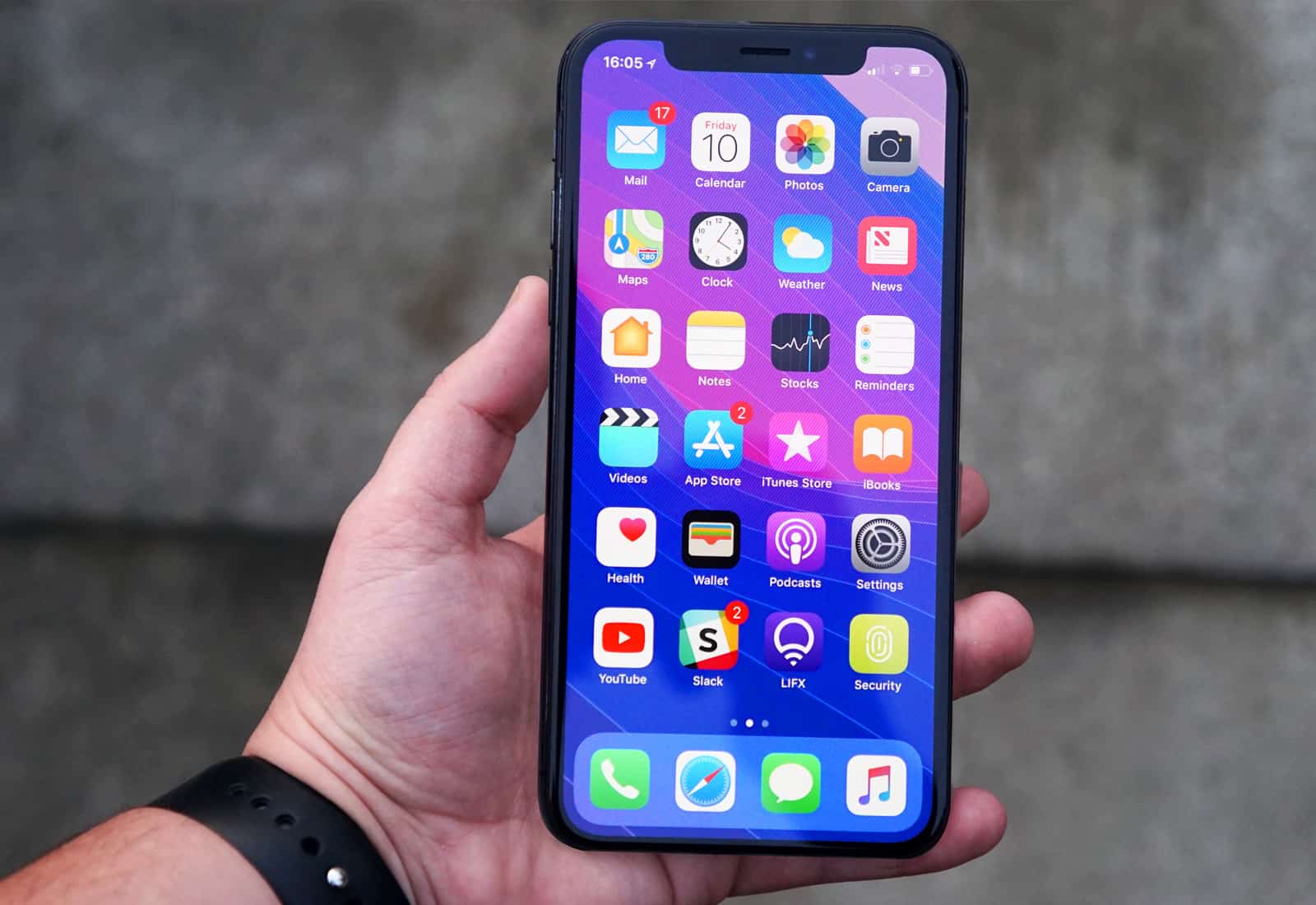
Let us reveal to you the hidden gestures. Image: YSR50/Twitter
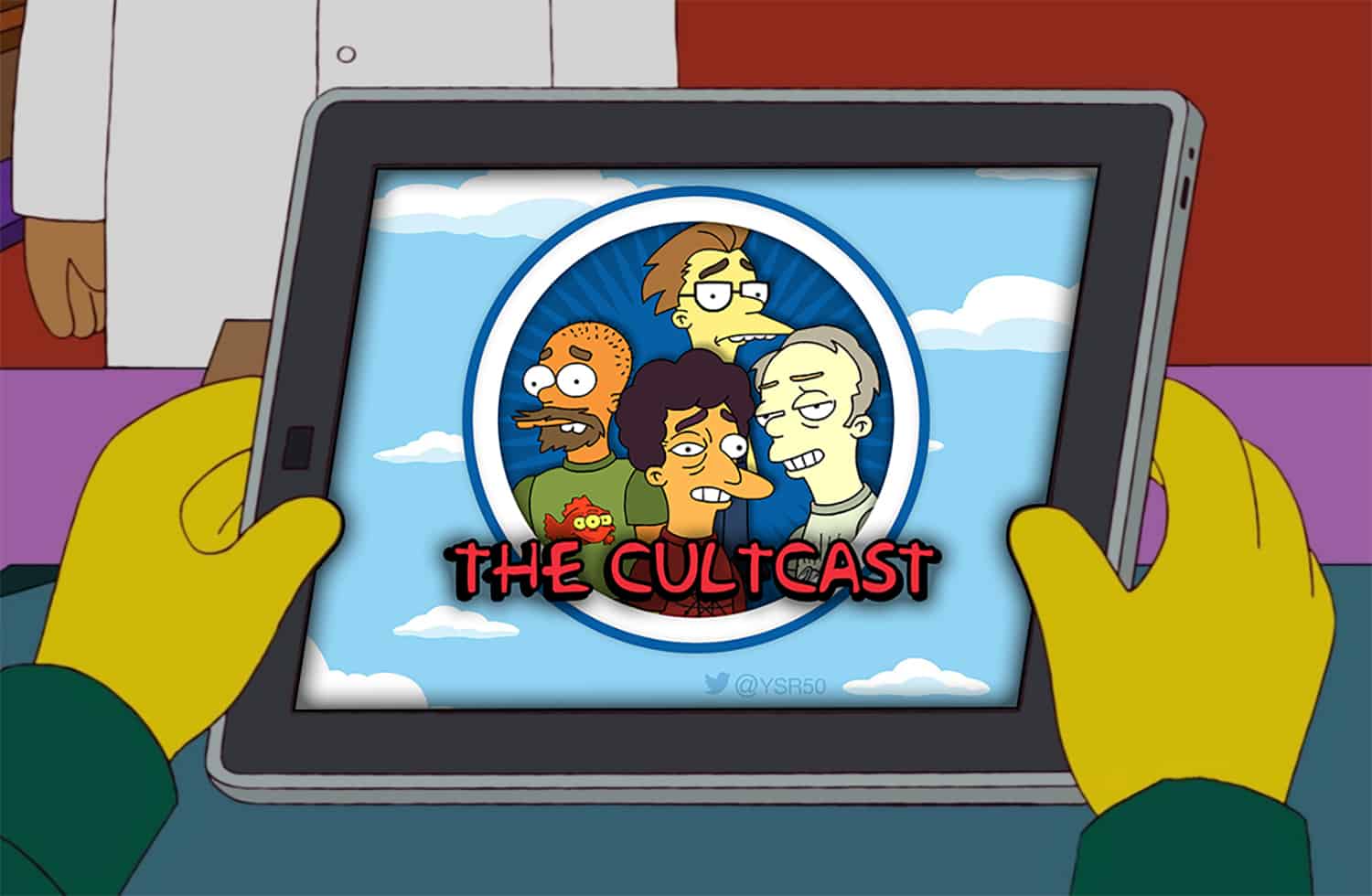
This week’s CultCast is a hot one! We discuss: The useful iPhone X gestures you haven’t heard about; why you need to check out Apple’s new YouTube channel; why folks are mad as heck about Apple Watch 3’s data prices. Plus, it’s the end of an era: Jailbreaking is dead. (And stay tuned for our favorite movies of 2017.)
An iPad refresh could be right around the corner. Photo: Apple
Apple is said to be developing a new inexpensive iPad for 2018.
Sources say it will be even cheaper than the 9.7-inch model currently on offer as the company looks to take on affordable rivals from the likes of Amazon, Samsung, and Huawei.
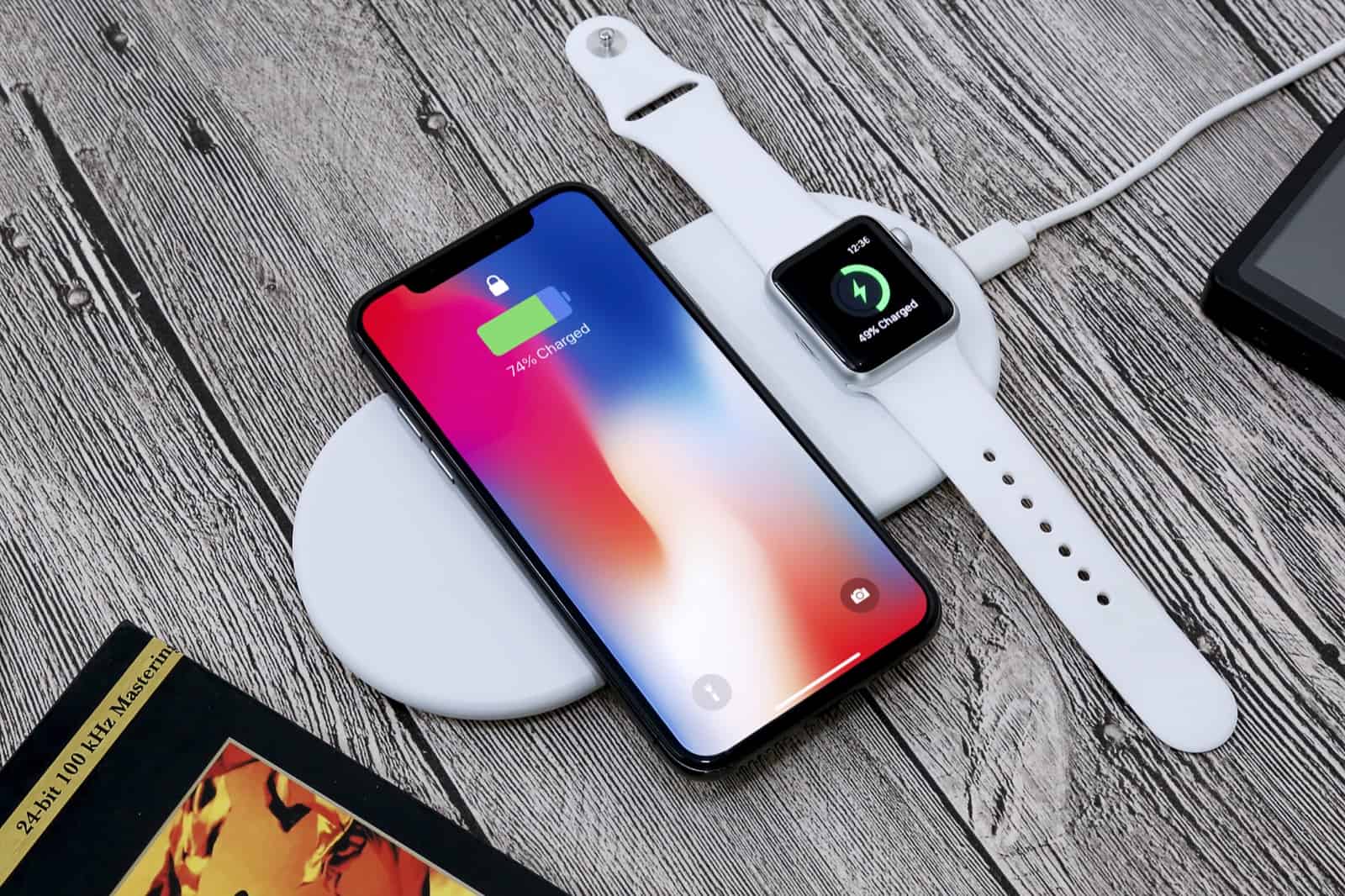
Look! Another new charging mat, this time on Kickstarter. This one is call Funxim, which sounds dirty in a way I can’t quite determine. Funxim lets you charge an iPhone and an Apple Watch at the same time, and is oval-shaped, which –as we shall see in a moment — seems to be quite important.
Unlike a real drummer, GarageBand's Drummer never shows up drunk for a gig. Photo: Charlie Sorrel/Cult of Mac
Drummer is one of GarageBand’s best features. It’s a virtual drummer that comes up with entire drum parts for your song. Or rather, it’s 15 drummers, each of whom has a different style, from hard rock to Latin rhythms, to trap and dubstep, to the hippie Finn, with his cajon and hand claps.
Drummer is amazing if you play another instrument and just need a drum track to play along to, but it is also extremely powerful, and can be used to create an entire song. And best of all, none of GarageBand’s drummers will ever turn up drunk to a gig. Let’s take a quick look at the basics, and then I’ll show you some neat hidden tricks.
This is one app you may want to download. Photo: Apple
The Apple Watch just got a whole lot more indispensable! Today, two major heart-related developments mean Apple’s wearable device could one day save your life.
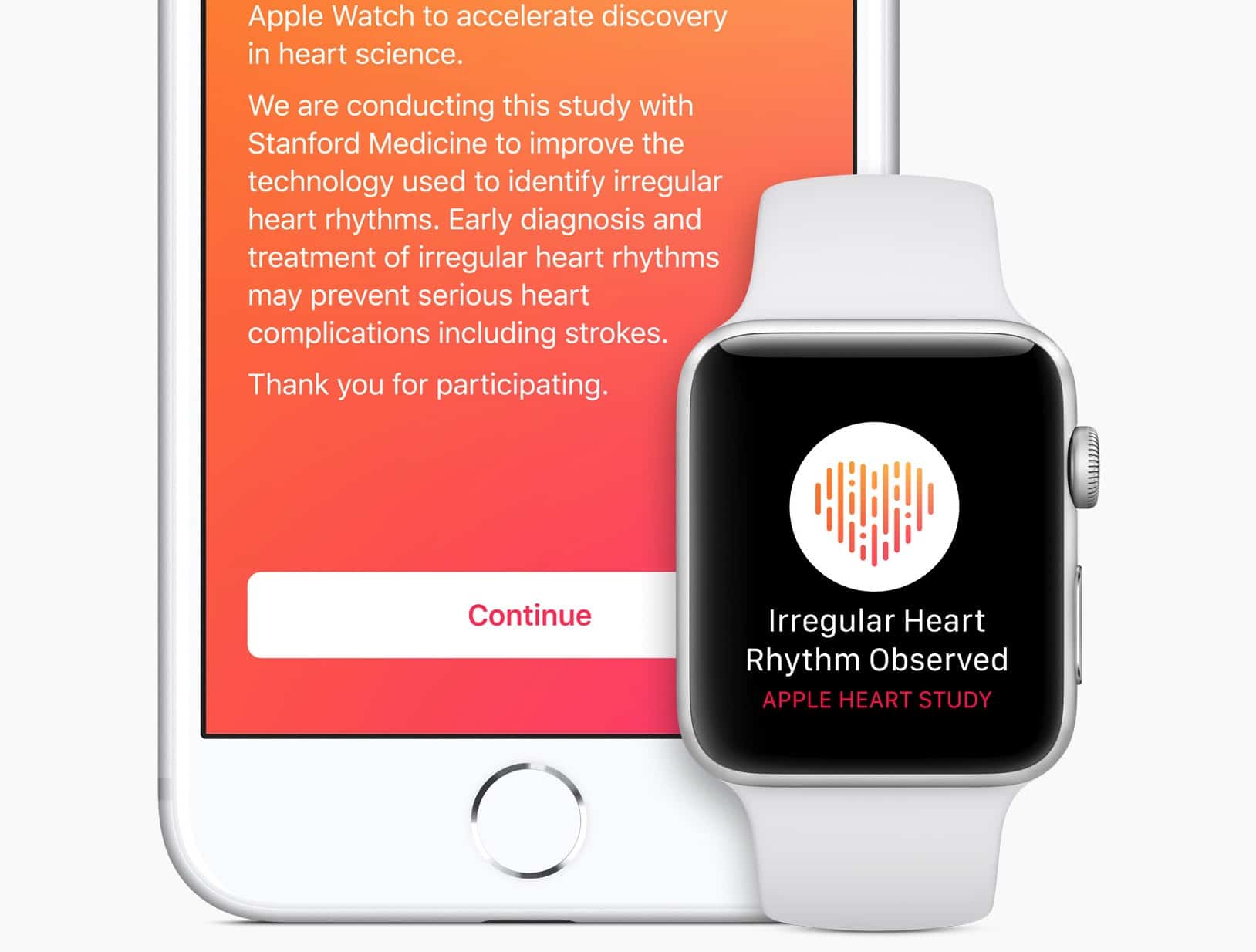
Firstly, Apple teamed up with Stanford Medicine to launch an Apple Watch heart app that looks for deadly atrial fibrillation. It alerts users when they experience irregular heart rhythms, and can actually get them help.
Meanwhile, the Food and Drug Administration finally approved AliveCor’s Kardiaband EKG reader. It’s the first medical device accessory for the Apple Watch.
A new High Sierra beta is available now. Photo: Ste Smith/Cult of Mac
Apple’s quick fix for a major security flaw in macOS High Sierra has resulted in another issue for some users. The update introduces yet another bug that breaks file sharing, but Apple has published instructions on how to repair it.
Instantly add a variety of useful connections to your new MacBook Pro. Photo: Cult of Mac Deals
There are many great features to point out about the latest MacBook Pros. But with only USB-C ports for external devices, a wide variety of connections isn’t one of them.
More than 400 Apple Stores around the world will sport red logos next week, while every Apple Pay transaction will result in a donation to the Global Fund. Apple will also promote apps and games that support (RED).
DropStream streams any video or audio straight to Apple TV. Photo: Ste Smith/Cult of Mac
You can snap photos of your iPhone, edit them on your iPad, and view them on your giant-screen iMac, with everything almost instantaneously in sync. But what if you have a video clip that you want to watch on your Apple TV? Oh man, maybe it’s best not to even ask. Now, though, there’s an app that lets you do just that: DropStream.
DropStream’s function is right there in its name. You drop a movie onto its Mac window, and the movie starts playing on your Apple TV (or Chromecast). You don’t have to convert it to the right format, or add it to iTunes, or anything like that. It just, as they say, works.
Make your email look way awesomer with a fancy signature. Photo: Cult of Mac
You already know that you can add a signature to your outgoing emails in the Mail app on iOS and macOS, but did you know that you can make that signature fancy? And I mean, really fancy. You don’t just have to put your email address or phone number in there in regular text. You can add any kind of text you like, complete with colors and cool fonts. You can even add an image.
If you’ve been through a Christmas or two, you’ve undoubtedly got one of those drawers. You know the one. It’s a graveyard for all the holiday gifts you use every once in awhile (at best).
Stop the madness! If you’re shopping for gifts for iPhone owners this year (and basically, that means almost everyone), check out our 10 items they can absolutely use every day. Make sure your gift doesn’t get exiled to … the drawer!
A macOS update adds support for Messages in iCloud. Photo: Ste Smith/Cult of Mac
Apple has rolled out a fix for a massive security flaw in macOS High Sierra.
The issue, disclosed on Tuesday, allows anyone to gain administrator access to your Mac without your login password. Apple asks users to install its latest update “as soon as possible.”
Avoid lame mistakes with this new iOS software keyboard. Photo: Grammarly
If you ever missed a full-featured spell-and-grammar checker on iOS then you should check out Grammarly. Grammarly is a replacement keyboard for iOS which not only offers auto-correction as you type, but can also run through the entire text and suggest changes, just like you can do on the Mac.
But Grammarly goes one better than that. Its grammar engine picks up on errors of punctuation, grammar, and even spots double spaces. I just ran it on the previous article I wrote today and it flagged up all kinds of small errors that a regular spell checker would never catch.
It's easy to stop Dropbox forcing its own previews on your clients and friends. Photo: Cult of Mac
If you send somebody a Dropbox link, then they don’t just get the file you meant to send them. They are given an opportunity to go through the whole Dropbox Experience. Images may be presented in a folder or a gallery, a PDF will be rendered in the browser, perhaps with its images scaled so your amazing presentation looks like pixelated crap. And all the while your client/friend/boss will see Dropbox’s corporate chrome surrounding your content.
Anonymize and encrypt your online activity with this super popular VPN. Photo: Cult of Mac Deals
ZenMate is a highly popular VPN, used by over 41 million people. That’s because it’s an easy way of getting online securely and anonymously, backed up by a ton of extra features. But premium VPN protection doesn’t have to cost a premium price.
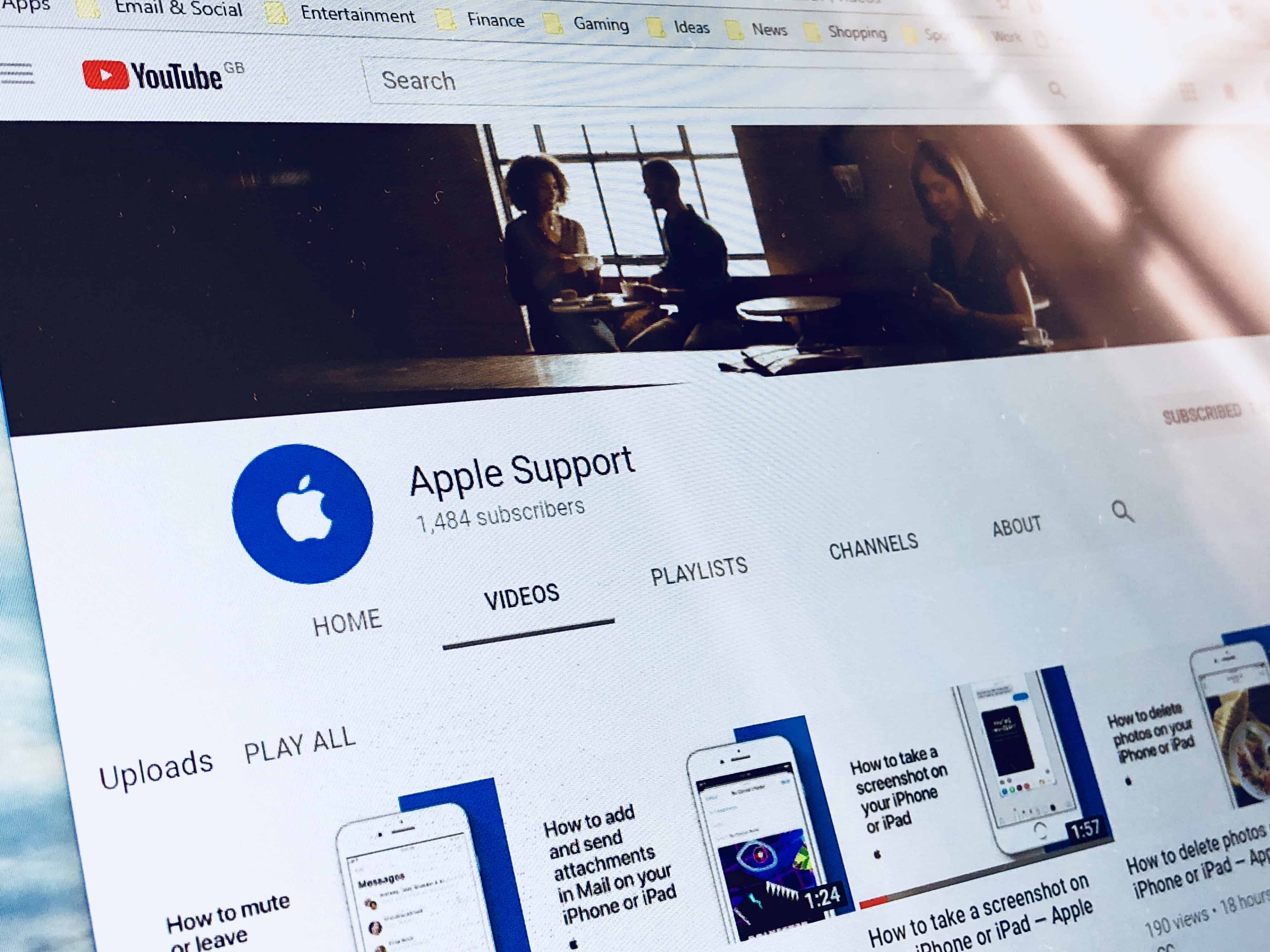
Apple Support's new YouTube channel. Photo: Killian Bell/Cult of Mac
Apple wants to help you make the most of your iPhone and iPad with a brand new YouTube channel. It offers a collection of how-to videos that teach you how to take screenshots, send attachments in Mail, print on the go, and more.
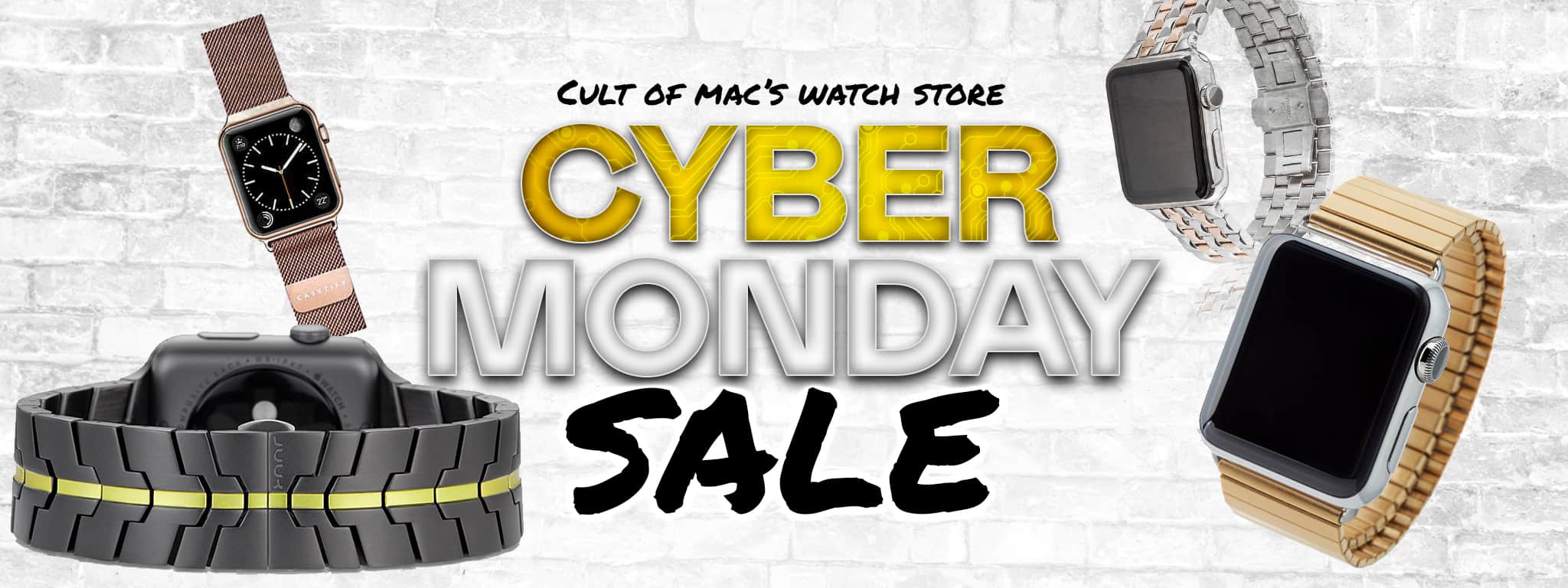
Save on gorgeous bands in a range of cool materials: metal, aluminum, stainless steel, leather, nylon, wood and more! Photo: Ste Smith
It’s Cyber Monday — the last day to get that dreaded seasonal shopping out of the way from the comfort and safety of your Mac at Watch Store’s biggest sale of the year.
In a few clicks, you’ll find incredible savings on Apple Watch bands and accessories during Cult of Mac Watch Store’s big Black Friday Weekend Sale — four days of massive savings.
Rest-assured that bands sold in our Watch Store are high-quality and recommended by Cult of Mac — we’ve touched, worn, reviewed and recommend everything we sell. So, get ahead of the holiday shopping curve and check out these screaming deals before quantities sell out. (Most brands won’t be restocking until January.) Happy shopping!
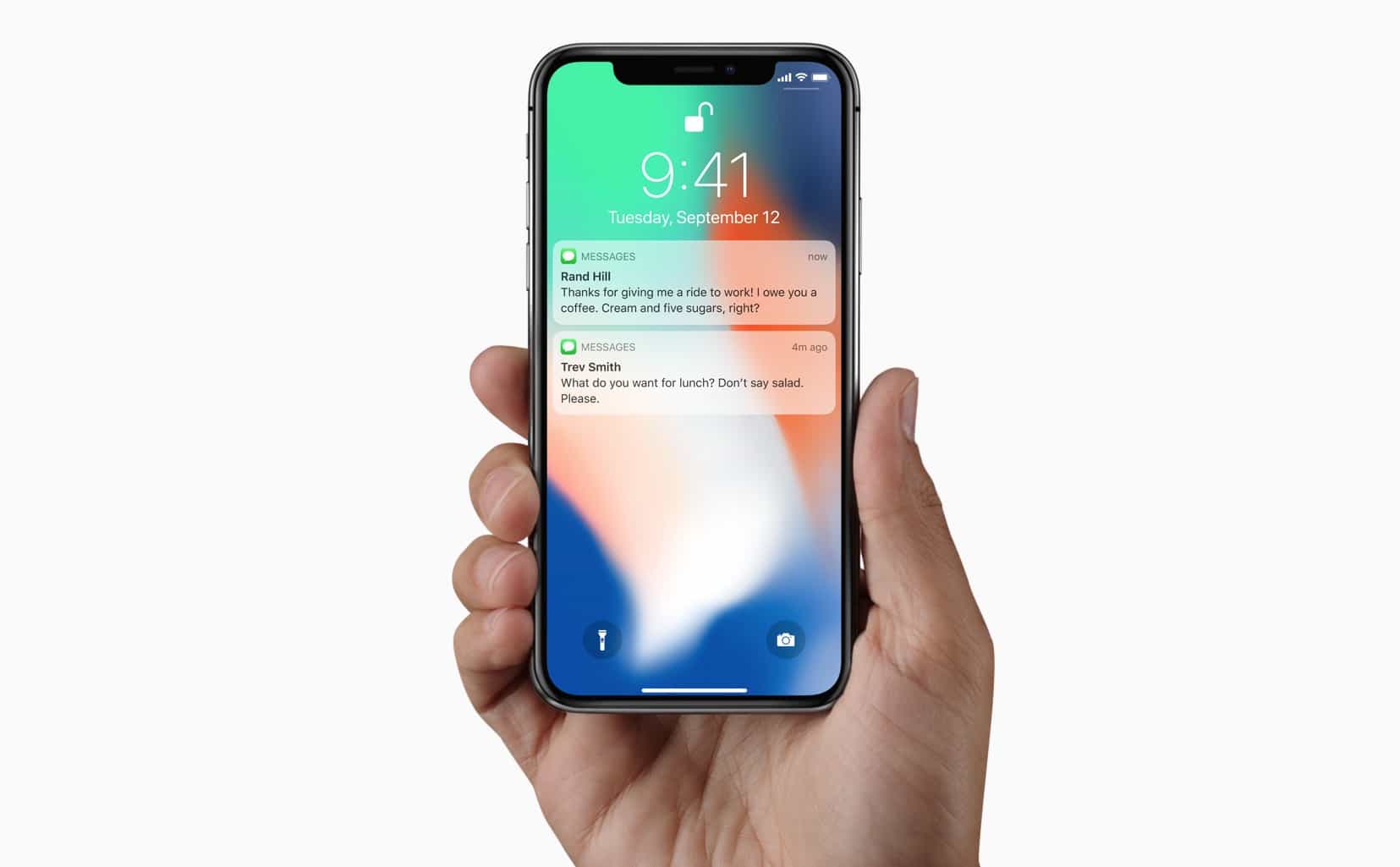
iPhone X hides notification previews until you look at them. Photo: Apple
Face ID is almost perfect, but that only makes it even more annoying when Apple’s facial-recognition tech doesn’t work like you’d expect. For instance, if you’re sitting at your desk and you glance at a notification on your propped-up iPhone X, the screen unlocks and lets you read the notification’s full content. But sometimes it doesn’t notice you looking, and the notifications stay locked.
What do you do in this case? Do you grab the phone and give it a shake, the same way you do to trigger raise-to-wake on other iPhones? No. There’s a shortcut, although you will need to lift at least one finger to use it.
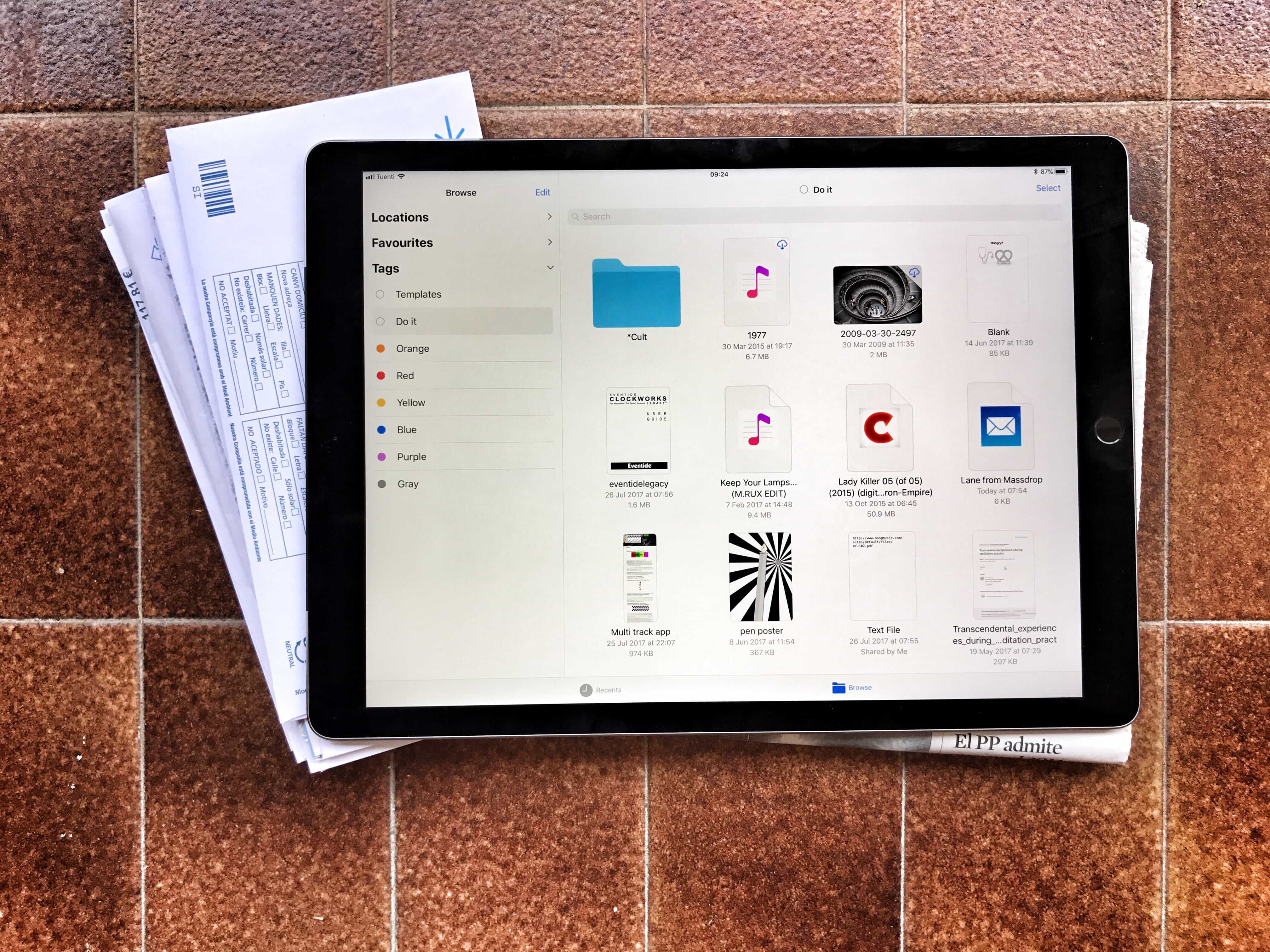
Tagging files is a powerful and easy way to tidy up your files, but it’s currently limited to the new iOS 11 Files app. Photo: Charlie Sorrel/Cult of Mac
One of the most useful new features in iOS 11 is tags in the Files app. Just like in the Finder on the Mac, you can mark your files with as many tags as you like, making them easy to organize, and easy to find, even when they are scattered across different folders.
For instance, if you’re working on a song on your iPad, you could create a new tag for that song. You can add that tag to the GarageBand project, to any versions of the song you export to share with other folks, to any ideas for that song you record with the Music Memos app, and to any little samples, field recordings or sounds you create with other apps. Then, you can see all those files together in one view, even while they all stay safe in their original folders.
Even better is that Files uses the exact same tags as the Finder on your Mac, so anything you keep in iCloud Drive will be tagged in both places. Let’s see how iOS tags work.
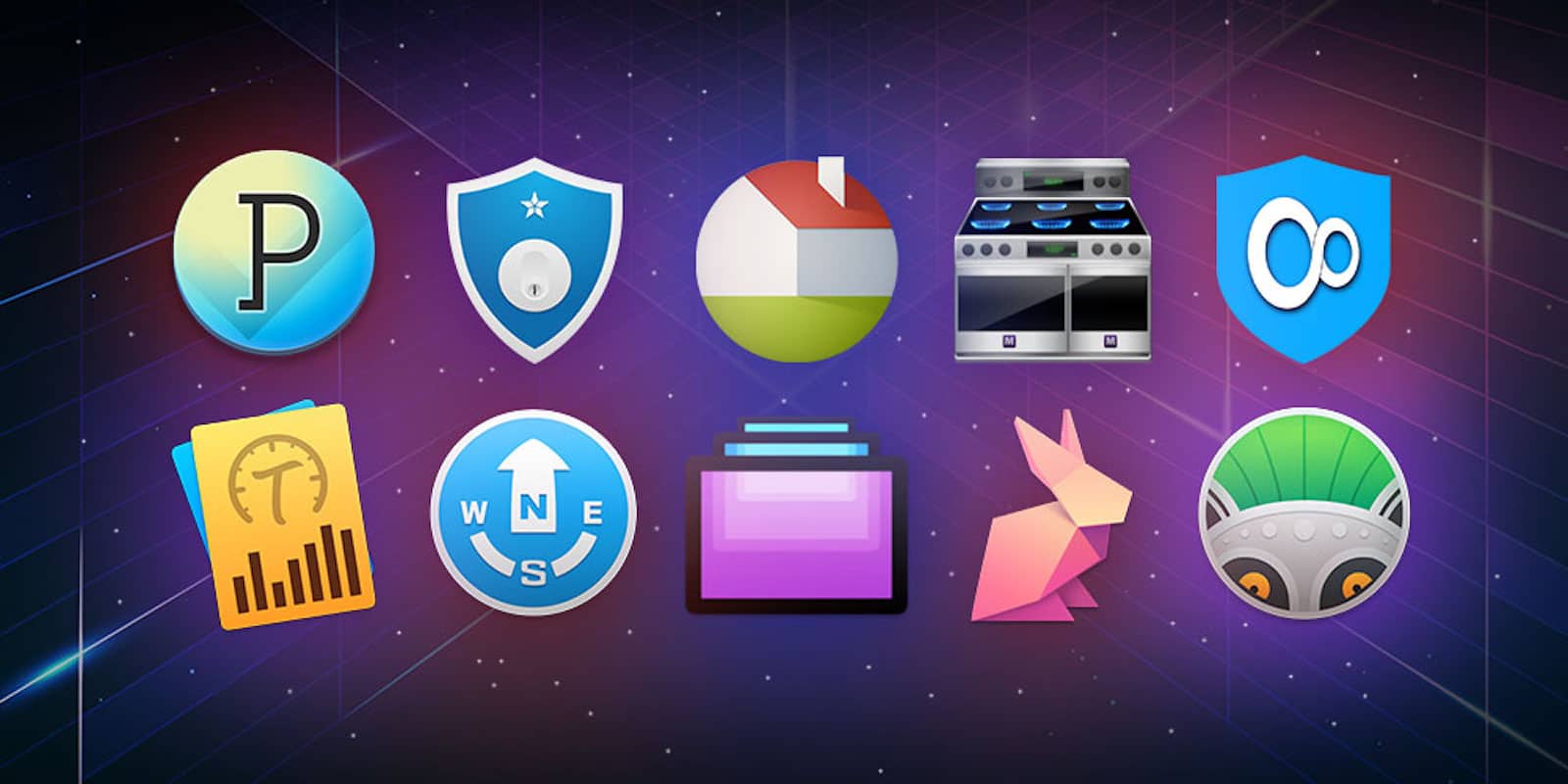
The Pay What You Want Cyber Monday Mac Bundle features 10 utility apps you'll use everyday
What better to celebrate this Cyber Monday than with a present to your trusty Macs? While we might only surf the web, finish some spreadsheets, or watch Netflix, our Macs can do more than just that. The Pay What You Want Cyber Monday Mac Bundle features 10 Mac apps that you will use on an every day basis. Whether you want to quickly find your files or touch-up photos with just one click, this Mac app bundle is perfect for this Cyber Monday.
Grab a bargain today! Photo: Ste Smith/Cult of Mac
The holiday season is finally upon us and you know what that means? Killer deals on all the tech gadgets you’ve been lusting after all year.
Cyber Monday deals for 2017 are already setting the internet into a tizzy of anticipation with big discounts on 4K TVs, smart speakers, drones, iPads, smartphones and much more. Cult of Mac will be rounding up the best deals right here so you can spend less time Cyber Monday shopping and get on with life.
iPhone X availability has been better than expected. Photo: Ste Smith/Cult of Mac
Respected Apple analyst KGI Securities’ Ming-Chi Kuo says that customer interest in the iPhone X continues to climb — with manufacturers ramping up their production to meet Apple’s demands.
Kuo claims that Foxconn is currently shipping 440,000 to 550,000 iPhone X units per day, representing an enormous increase on the 50,000 to 100,000 units being shipped each day just a couple months back.
Check out our homemade 'HomePod'. Get massive savings during Cult of Mac Watch Store's Black Friday Weekend Sale! Photo: Ste Smith/Cult of Mac
Grab massive Black Friday deals in our Watch Store this weekend, and read our roundups for the Best Black Friday Deals elsewhere! Check out artists’ concepts for the Mac mini and iPad X. Find out why the iPhone X needs its notch.
Last week, Apple announced that it’s HomePod smart speaker will be delayed until the new year. “We need a little more time before it’s ready for our customers,” the company said. Last week’s But, Cult of Mac’s own Leander Kahney shrugged it off. That’s because he made his own HomePod smart speaker. It cost him about $60 and sounds absolutely great.
'Appy weekend everyone! Photo: Ste Smith/Cult of Mac
The long-awaited arrival of beloved Nintendo franchise Animal Crossing on iOS is just of one of the picks for this week’s “Awesome Apps of the Week.”
In addition, we’ve got a great writing app for Mac (perfect if you’re writing a book!), a popular ARPG, and a brilliant point-and-click adventure game. Check out our picks below.
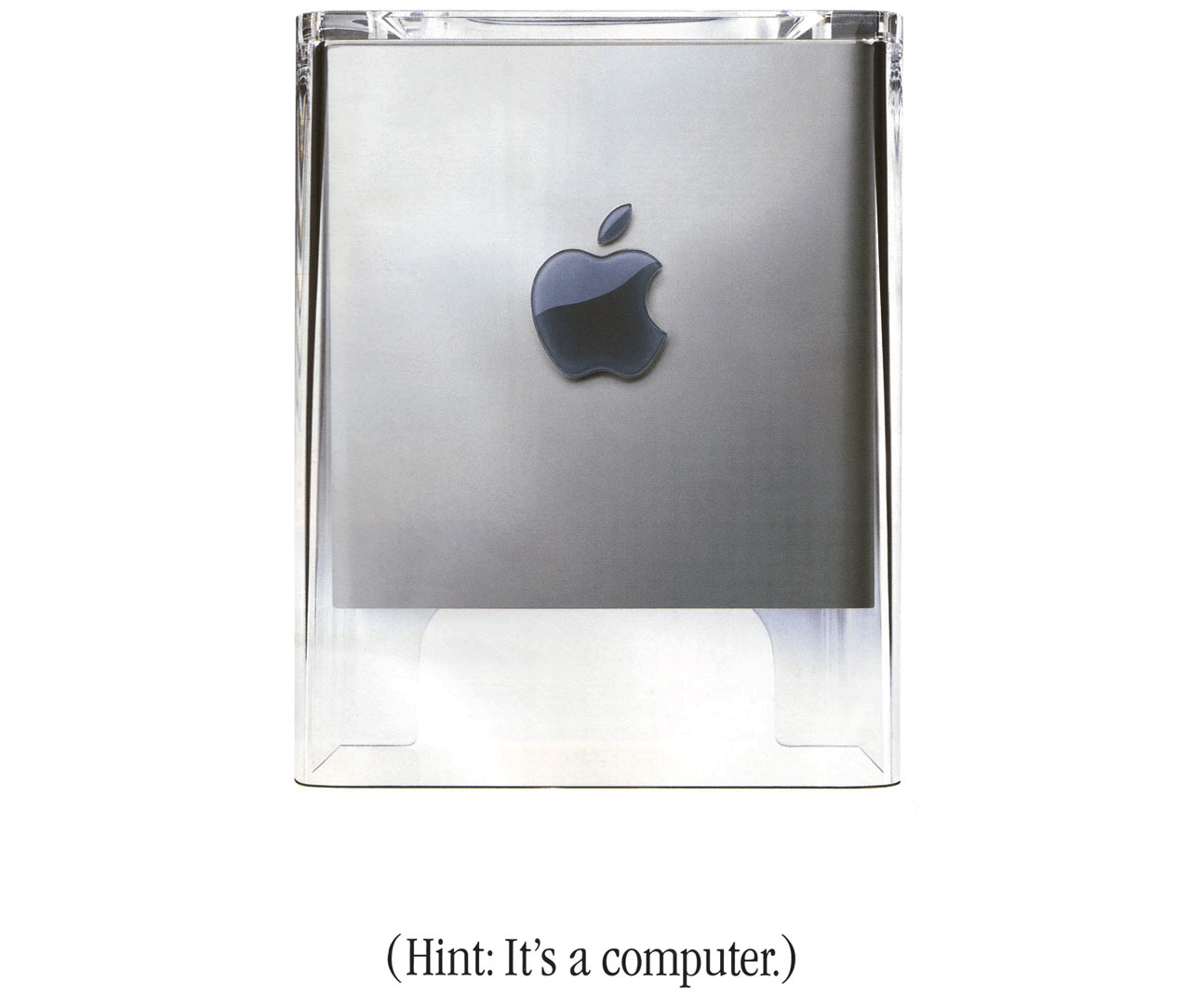
Not every Apple product turns to financial gold. Photo: Apple
Apple is known for its multibillion-dollar hits, but not everything Cupertino touches turns to gold. These six Apple products flopped in the marketplace, despite being pretty darn great.