Deprecated: Creation of dynamic property Yoast\WP\SEO\Premium\Generated\Cached_Container::$normalizedIds is deprecated in /var/www/cultofmac/wp-content/plugins/wordpress-seo-premium/src/generated/container.php on line 27

Notice: Function _load_textdomain_just_in_time was called incorrectly. Translation loading for the popup-manager domain was triggered too early. This is usually an indicator for some code in the plugin or theme running too early. Translations should be loaded at the init action or later. Please see Debugging in WordPress for more information. (This message was added in version 6.7.0.) in /var/www/cultofmac/wp-includes/functions.php on line 6131

Deprecated: Creation of dynamic property REST_XMLRPC_Data_Checker\Rest::$debug is deprecated in /var/www/cultofmac/wp-content/plugins/rest-xmlrpc-data-checker/php/class-rest-xmlrpc-data-checker-rest.php on line 48
Top stories | Cult of Mac
Mobile menu toggle

Top stories - page 526

Apple patches HomeKit bug that left smart locks vulnerable

By

HomeKit devices
This isn't good.
Photo: Apple

A huge vulnerability within Apple’s HomeKit software has been discovered that potentially could have allowed attackers to gain access to smart accessories like locks and garage doors.

The zero-day vulnerability was reportedly patched by Apple within the last few days but certainly shows that HomeKit might be quite as secure as some users think.


Best wireless earbuds for iPhone and iPad

By

wireless earbuds
Wireless earbuds sometimes come with wires.
Photo: Beats by Dre

Wired earbuds still sound better than similarly priced wireless earbuds, plus they don’t usually require charging. But the wires are a big enough pain that going wireless is a one-way trip. Never again will you have to untangle your earbuds to listen to a podcast in bed. You won’t have to put up with rustling cables as you walk, or suffer having earbuds ripped out when the wire catches on your hand.

But not all wireless earbuds are worth the switch. And there are also several big differences in style and function that you should consider. Here, then, is your guide to the best wireless earbuds around.

Get a master class in crowdfunding [Deals]

By

This trio of courses cover the ins and outs of successful crowdfunding campaigns.
Photo: Cult of Mac Deals

The power of crowdfunding is undeniable. Maybe you’re recording an album, launching a new product, or just trying to fund a potato salad. Crowdfunding has revealed there are countless people eager to throw their money at your projects.

Camera-free security, affordable AirPower alternatives and more [Crowdfund Roundup]

By

Home security without spying eyes.
Photo: Point

Crowdfund Roundup bugApple’s latest devices finally support wireless charging, so why not treat yourself to a charging mat that can top up two simultaneously? Funxim looks as good as Apple’s own AirPower mat, but it will cost you considerably less.

It’s just one of the awesome ideas in this week’s Crowdfund Roundup. We’ve also got home security that doesn’t rely on cameras, an ultra-tough Apple Watch band, and more.

Buggy software could tarnish Apple’s sterling reputation

By

iPhone buggy software
The bugs keep on coming.
Photo: Ste Smith/Cult of Mac

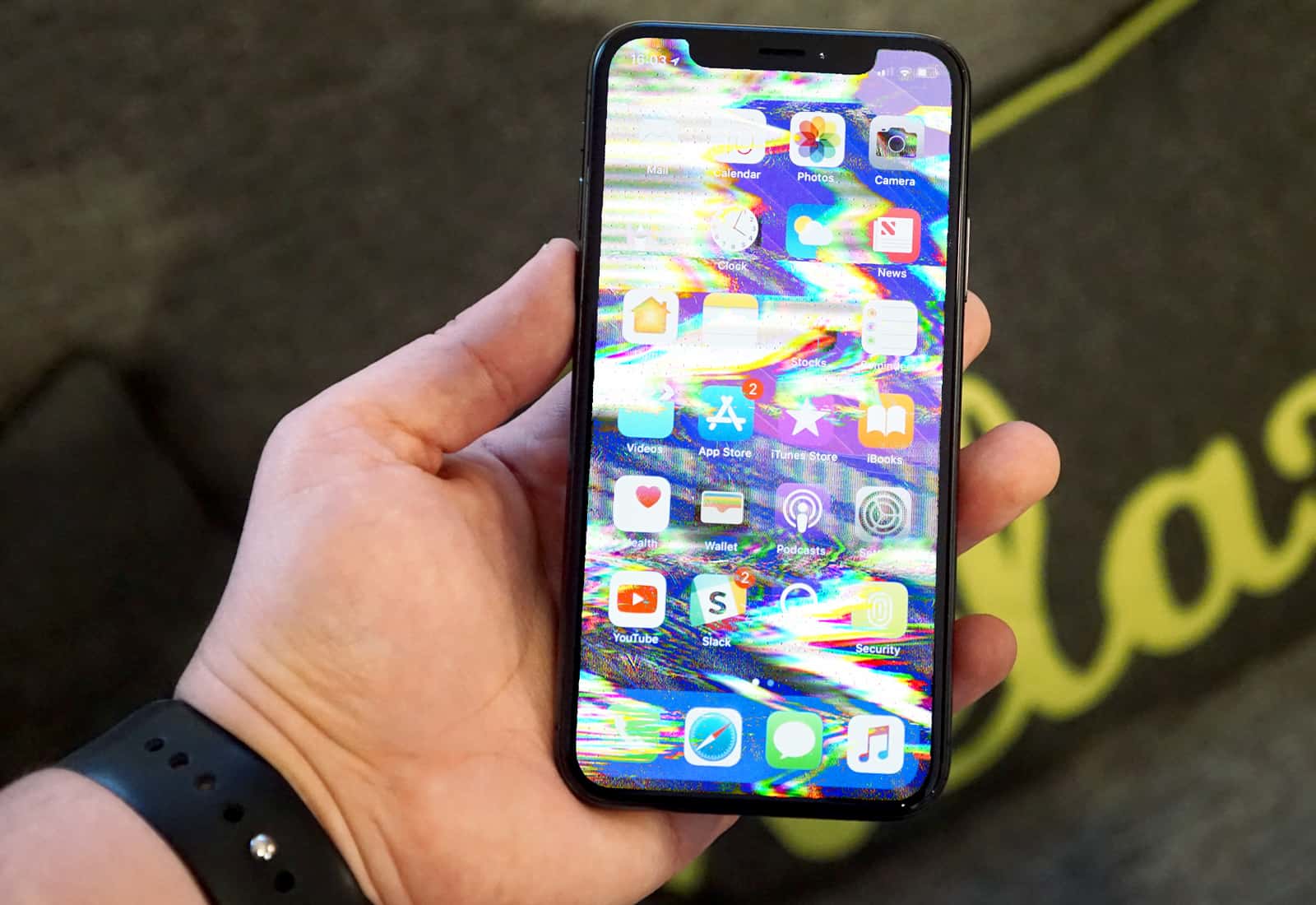
Apple built its trillion-dollar reputation delivering beautiful hardware that turned tedious tasks into magical experiences.

But a recent string of ridiculous bugs — and a seriously shocking security flaw — put Cupertino in a precarious position: If Apple doesn’t stop the screw-ups, it could permanently sully its good name.

The best iPhone accessories

By

iPhone accessories
Accessories can make your iPhone easier to use.
Photo: Twelve South

The iPhone comes in such a simple form that you could think of it as the core brain of a larger system. If you need to go underwater, you can get a case for that. If you want to turn it into a satnav for your bike or stroller, you can do that, too (see below).

The iPhone accessory market is huge, and there is a gadget or gizmo for almost anything. Here are some of our favorite iPhone accessories, for the new iPhone X as well as for older iPhones.

App: The Human Story is an antidote to Planet of the Apps

By

app documentary
What does it take to make a successful app?
Photo: App: The Human Story

What does it feel like pinning your hopes and livelihood to one of Apple’s most important creations? Fascinating new documentary App: The Human Story takes an unflinching look at the world of app developers in an attempt to answer that question.

It showcases devs’ big wins — and infuriating struggles — as they try to survive and thrive in the massive app economy Apple created. It’s basically the show Apple should have made instead of its ridiculous and annoying Planet of the Apps.

Text snippets now support multiple lines, iCloud sync

By

MK Mac
Keyboard snippets make your life way easier.
Photo: Ste Smith/Cult of Mac

Text snippets are one of the most useful “unknown” features on Mac and iOS. They let you type a few letters, and have them expand into a whole word, sentence or paragraph. You can use them to type, say, aadd and have it turn into your office address, for example. Or you might set up a shortcut to generate a symbol usually hidden on the iOS keyboard: xx to type a #, for example.

Until now, though, Apple’s Text Replacement function proved a royal pain to use. It never synced properly between devices, and it didn’t support multiple-line snippets. But in an update last week, Apple fixed both those problems.

Never stop learning with lifetime access to 170 courses [Deals]

By

Stone River eLearning
Access one of the 170 plus courses on Stone River eLearning straight from your iPhone
Photo: Cult of Mac Deals

The payoff of learning a new skill or developing existing ones are endless; whether that means a higher likelihood of making yourself more marketable in the workplace or starting a side project. The Stone River eLearning Lifetime Membership made it easier for anyone to learn everything from iOS app development to graphic design at your pace and even straight from your iPhone.

How to use Apple Pay Cash to send money to friends

By

Apple Pay Cash
Apple Pay has been a key service for Apple.
Photo: Apple

Apple Pay Cash lets people send money to each other using iMessage. You can send up to $3,000 — certainly enough to cover your share of lunch — and the transaction is free if you use a debit card registered in your Apple Wallet.

All you need is to have a card in Apple Pay, and be running iOS 11.2 or newer, and you’re good to go. Here’s how to use it.

Meet the Baxters, a family of awesome storage shelves for iMac

By

The Baxter iMac shelves are super-practical.
The Baxter shelves are super-practical.
Photo: Baxter

Did you ever take a look at the sleek and simple back of your iMac and thought to yourself: “That could really use some more clutter,”? Then we have some great news. Short of turning your Mac face-down in your grandmother’s house and leaving it to accumulate lace doilies and figurines, the Baxter Storage Shelf is the best way to add clutter, aka. storage space to your iMac.

How to track package deliveries on iPhone, Mac, and Apple Watch

By

cardboard boxes
With a decent tracking app, all you have to worry about is recycling the old boxes.
Photo: exceptinsects/Flickr CC

It’s gift-giving season, that time of year where you buy people yet more junk that they neither want nor need, all out of a guilt forced on your by tradition and the fear of looking cheap. It’s going to stress you out. But we can at least make the process of buying unwanted dross a little smoother, by making an app do all the package deliveries tracking for you.

AirPods shipments expected to double next year

By

AirPods and case
But wireless charging could come sooner.
Photo: Ste Smith/Cult of Mac

AirPods shipments are expected to double next year as demand for one of Apple’s best accessories remains incredibly strong. Shipping times have already been reduced to just 1-3 days thanks to an improved assembly process.

Apple Heart Study, GRID Autosport, and other awesome apps of the week

By

Awesome Apps
'Appy weekend!
Photo: Ste Smith/Cult of Mac

An Apple Watch app that could actually save your life by watching for irregular heart rhythms is just of one of the picks for this week’s “Awesome Apps of the Week.”

In addition, we’ve got a console-quality racing game, a new iOS web browser, and an app that will let you stream video to your Apple TV by simply dropping a video onto your Mac. Check out our picks below.

Swoop up Mac apps, drones and lots more [Cyber week top deals]

By

This roundup of post-Thanksgiving deals has drones, Mac apps, and more.
Photo: Cult of Mac Deals

So, you blacked out from too much turkey, slept right through Black Friday and maybe even Cyber Monday? Worry not, because now we live in the age of Cyber Week. And we’ve rounded up the best deals of the season at the Cult of Mac Store. We’ve got a massive bundle of Mac apps, a lifetime of powerful VPN protection, productivity-boosting coworking platform, and a decked out drone.

Lofree keyboard feels like a typewriter, looks spectacular

By

lofree keyboard
Who wouldn't want this beauty under their Mac?
Photo: Lofree

If you like mechanical keyboards, you love mechanical keyboards. Their clickety-clack action is way more positive than the soft, short travel of any MacBook or Magic Keyboard, and once you get used to them everything else seems squishy. It’s like driving a big American boat-like sedan after spending a week driving a hard-riding European sports car. The problem is, unlike a vintage Porsche or a Ferrari, the average mechanical keyboard has the looks of a corporate pool car. The Lofree keyboard, on the other hand, looks fantastic.

How to search in a page or website in Mobile Safari

By

safari search
Mobile Safari's search is good, but hard to use.
Photo: Cult of Mac

Ever since iOS 9, iOS has had a dedicated share extension to search the current web page in Safari. You just hit the sharing arrow, then choose Find in Page on the bottom row of options, and then you can type in your query. It works, and it works well, but it’s a very clunky method for doing something that requires a single keystroke (Command-F) on the Mac.

Today we’ll look at some alternatives for finding text in a web page on iOS, along with a bonus tip for site-wide searches.

Why Face ID may never support multiple users

By

VCSEL
The laser in the iPhone X's Face ID could one day transform the speed of broadband.
Photo: Ste Smith/Cult of Mac

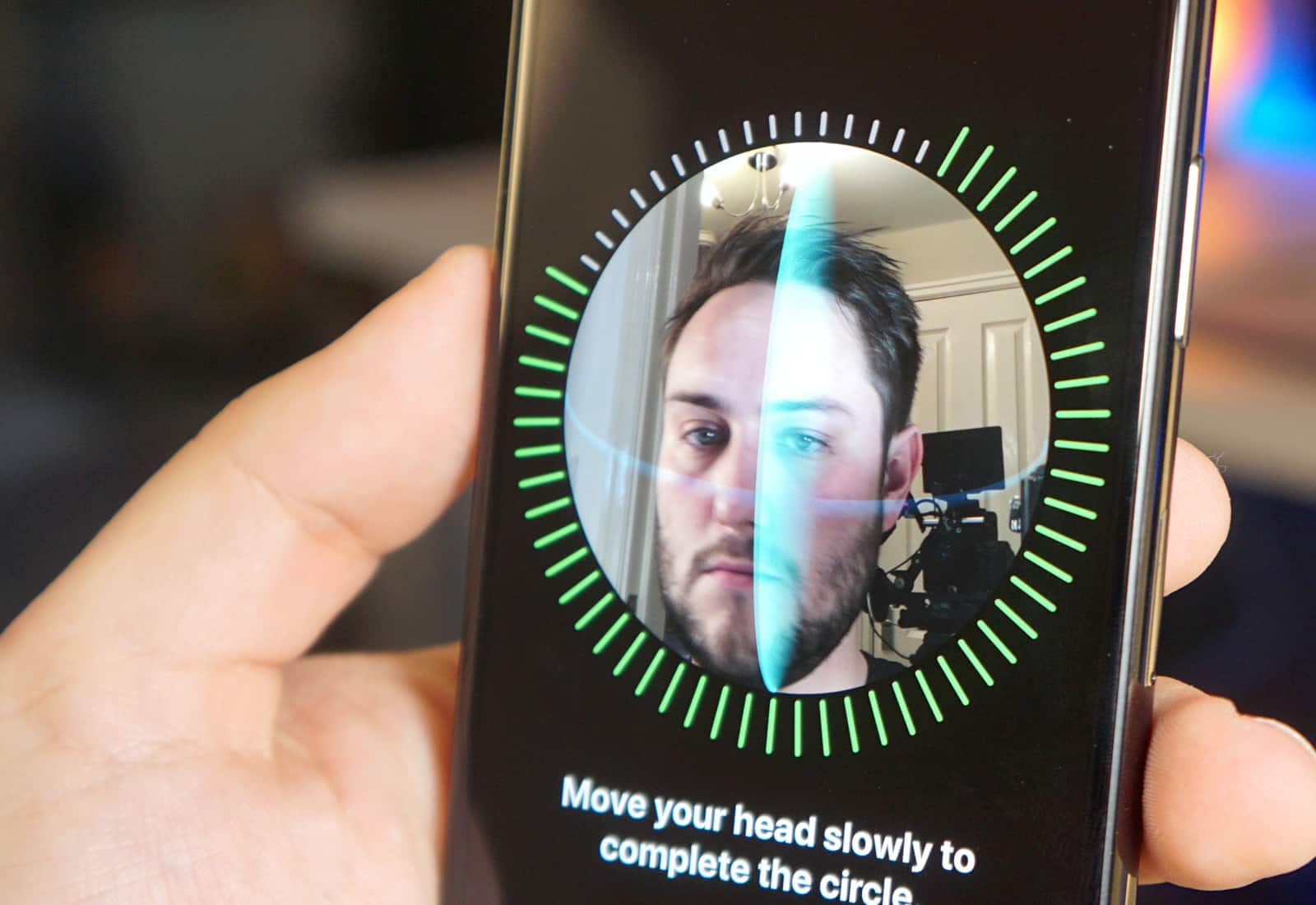
Face ID on iPhone X was designed to be operated by just one user, and that’s not going to change anytime soon.

Apple’s Craig Federighi, senior vice president of software engineering, says there are no plans to add multi-user support.