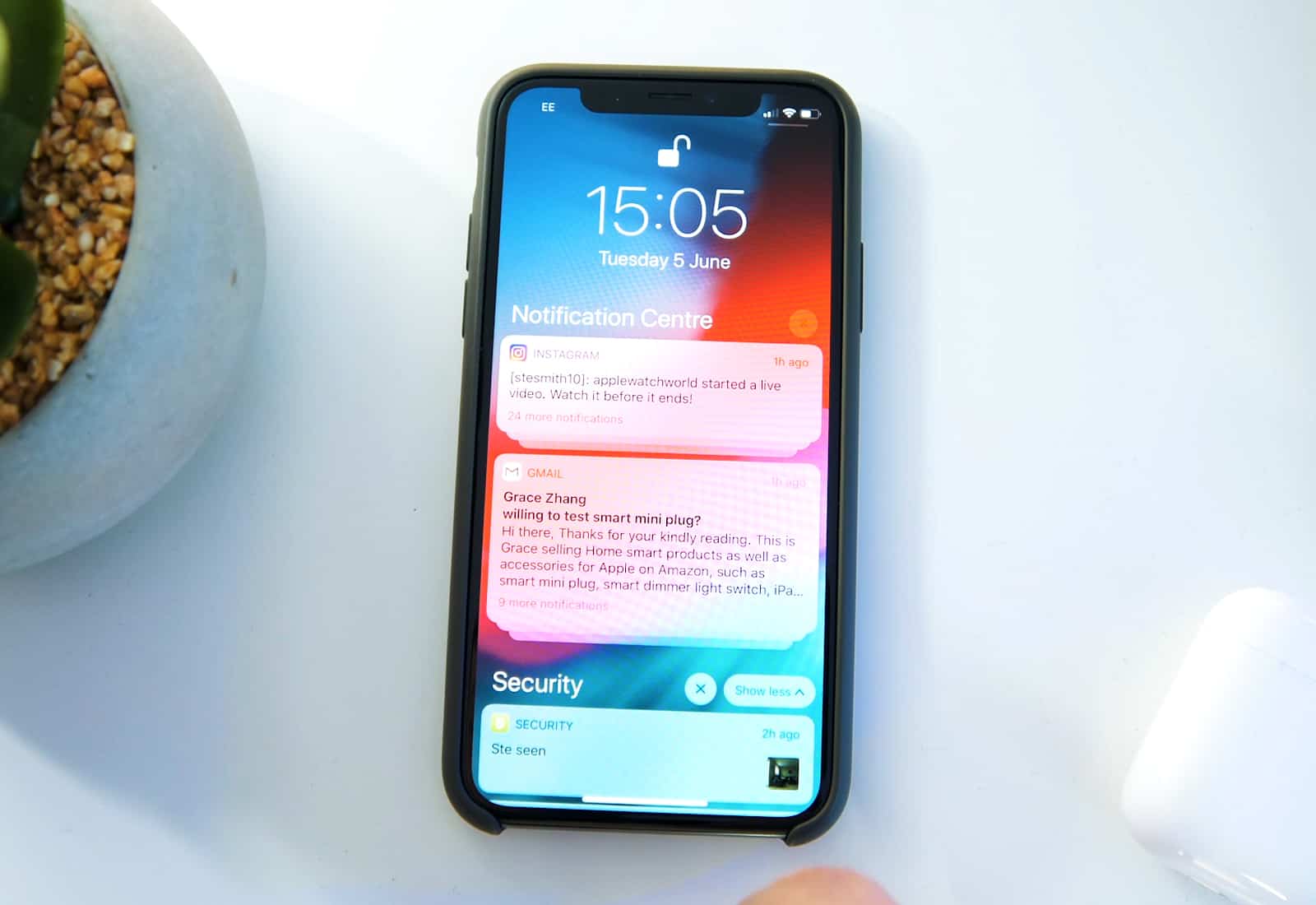
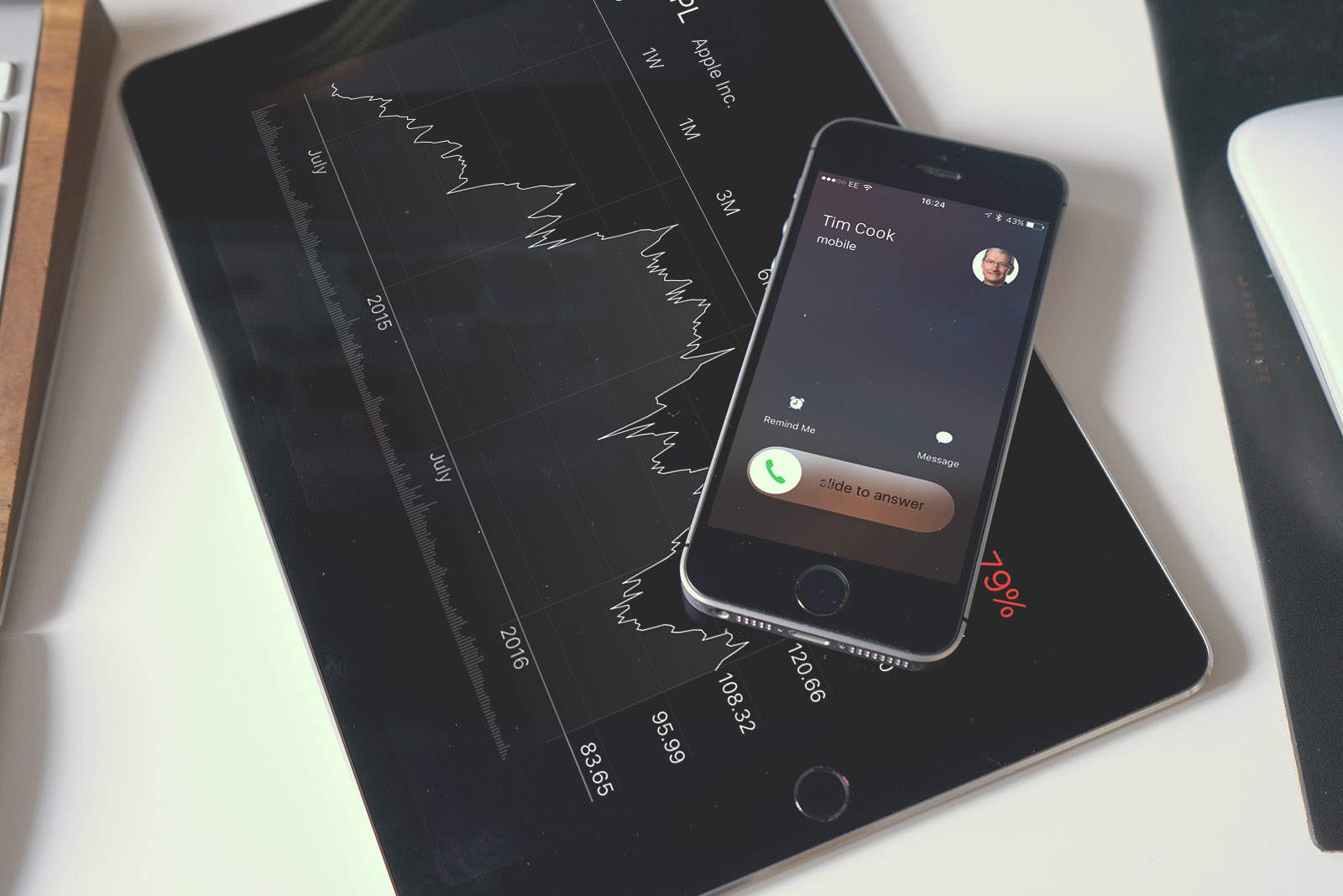
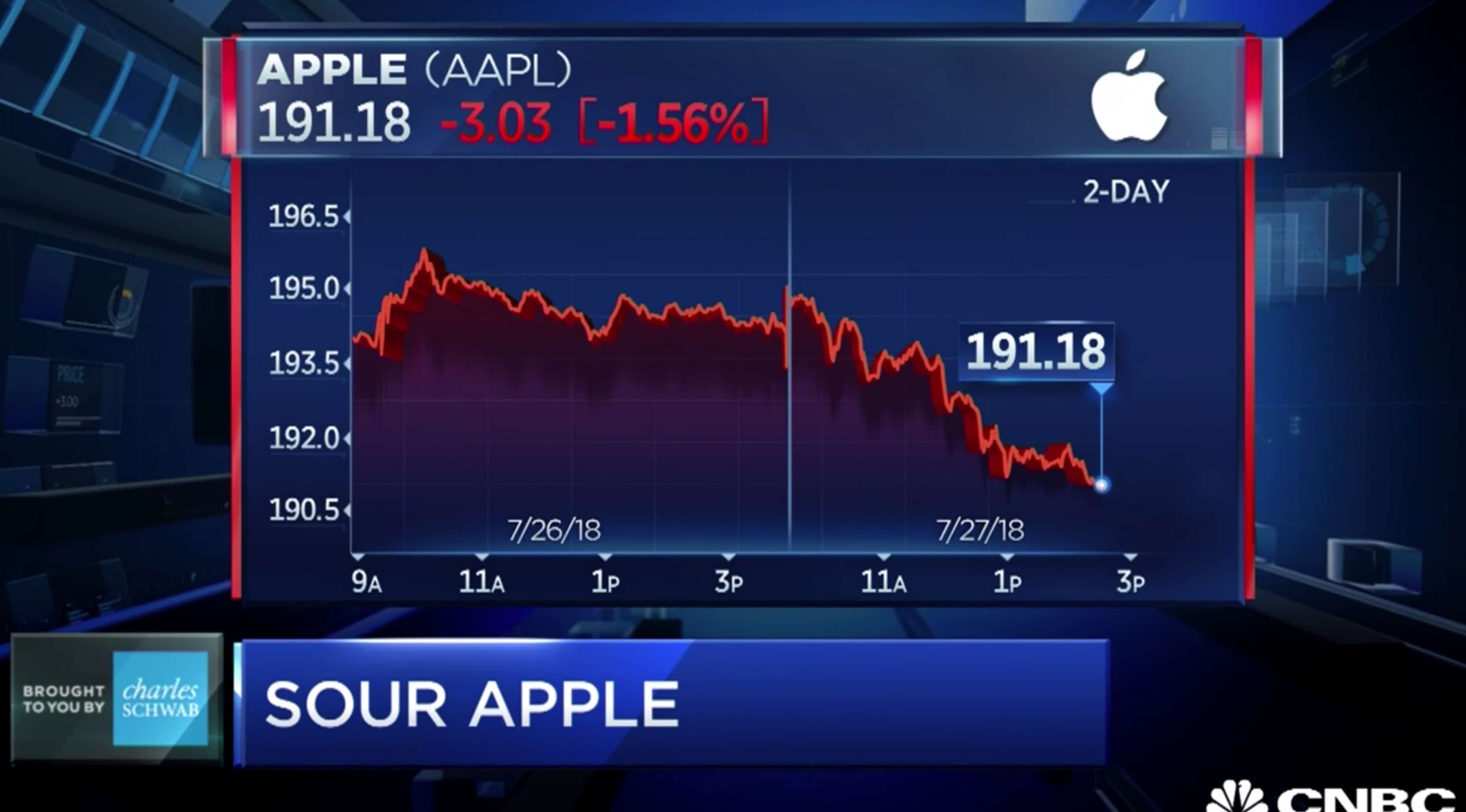
Apple share price increased more than a dollar or two following a very strong quarterly earnings report. Photo: Ste Smith/Cult of Mac
Investors rushed to buy Apple stock today, pushing the share price up almost 6 percent. That added a whopping $55 billion to the company’s market capitalization.
Apple is still a bit short of the much-hyped $1 trillion valuation, but moved noticeably closer today.
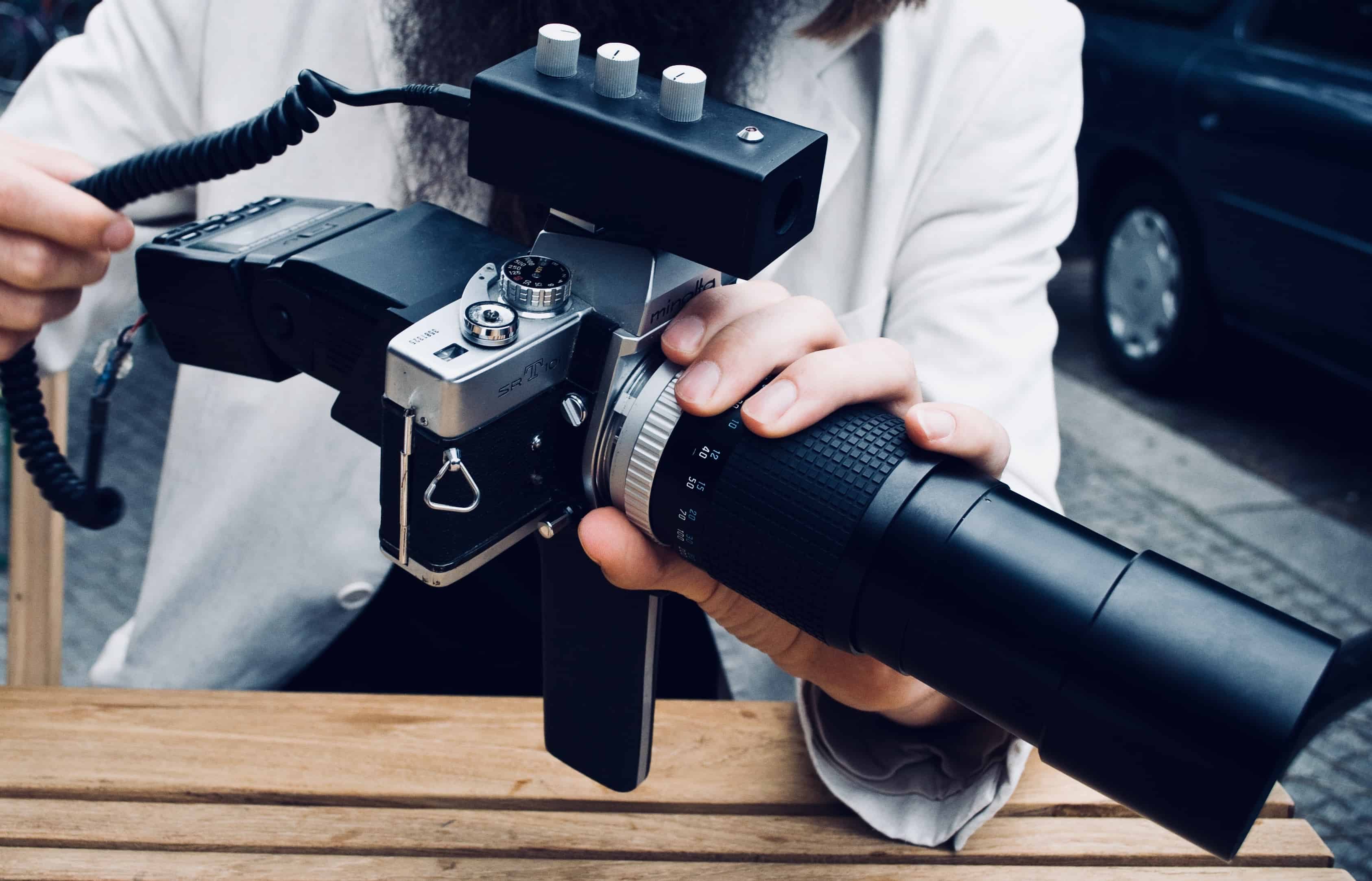
Manual control can be dangerous in the wrong hands. Photo: Charlie Sorrel/Cult of Mac
For most photos, the iPhone camera proves perfectly adequate. You just hold up your phone, point it, and shoot. The exposure and focus are almost always correct, or at least correct enough. But on occasion, you need to take control.
For instance, maybe that beautiful dark blue sky keeps getting washed out because the iPhone insists on correctly exposing the face of the human in the foreground, when you’d prefer to see the person in silhouette. (Or vice versa.) Or perhaps the iPhone insists on focusing on that tree in the foreground, instead of the person half-hidden behind it?
Both of these can be fixed using the manual controls built right into the iPhone’s own Camera app. They’re pretty well-hidden, so you might never have even noticed them. But rest assured, they are there — and they are very easy to use!
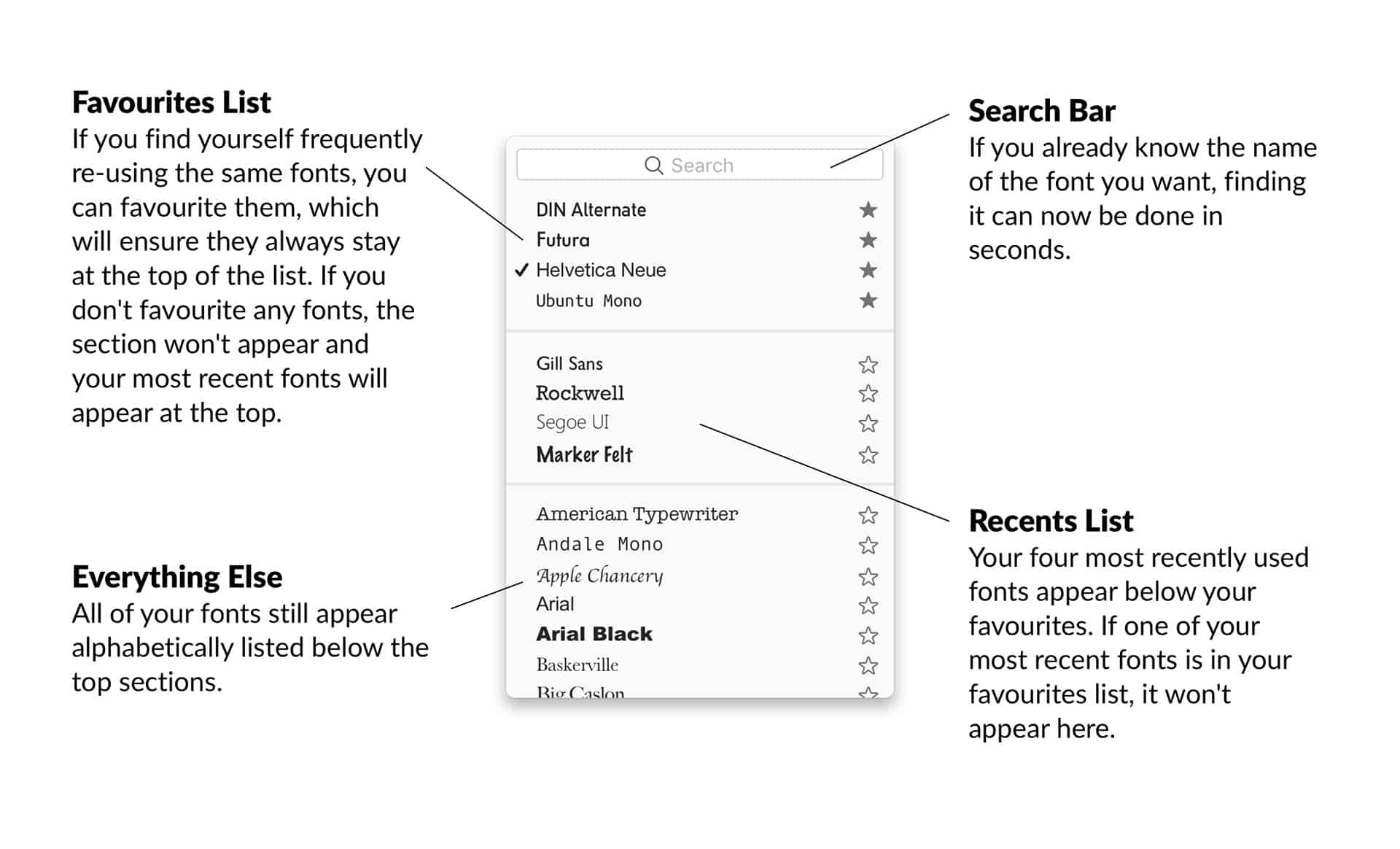
Sam William Smith's new font menu design is simple, and perfect. Photo: Sam William Smith
If you do any work with fonts on the Mac whatsoever, you will have run up against the font picker. It’s a piece of design that dates back to when the Mac only came with a black-and-white screen, and yet it’s still the only way to select a font on an Apple computer. That wouldn’t be so bad if it was a good design, but it’s not. The macOS font picker is little more than a drop-down menu. Worse, it’s a drop-down menu that changes every time you use it.
You can use the Mac’s font panel in some apps, but even then you’re faced with long and confusing lists.
Sam William Smith, a designer from Glasgow, Scotland, decided to do something about this. He completely redesigned the Mac font menu, and it’s great.
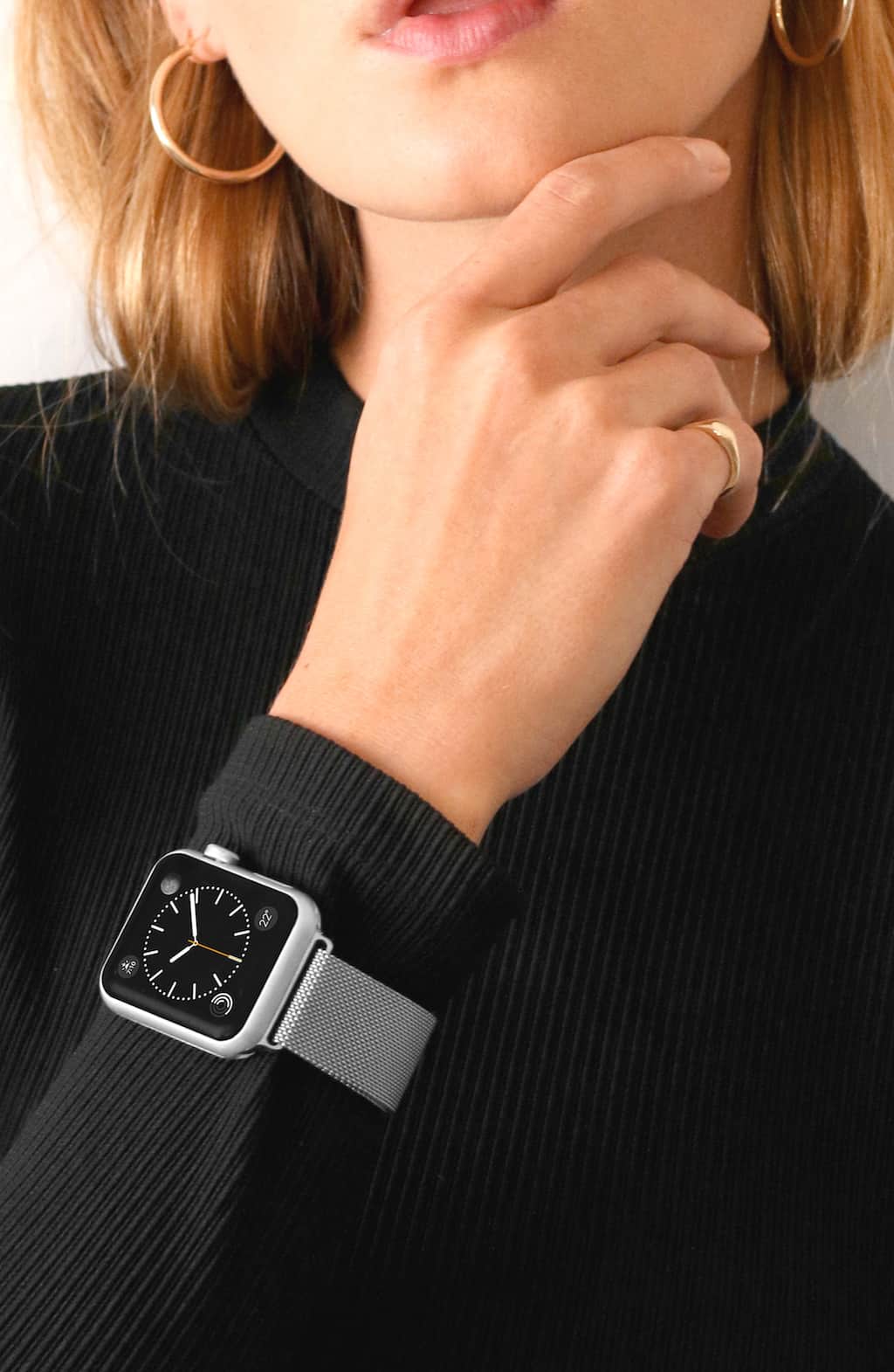
Take your pick of any two Casetify Apple Watch bands and get 20% off! Includes Stainless Steel, Woven Nylon and Saffiano Leather bands. Photo: Casetify
Now’s the perfect opportunity to up your Apple Watch style game and swap out that old strap for something fresh. Enter Casetify’s collection of fun and super stylish Apple Watch bands in Stainless Steel Mesh, Woven Nylon and the artist-inspired line of Saffiano Leather bands.
Browse the full lineup of Casetify bands in our Watch Store, and remember to use code CULTOF20 at checkout for 20 percent off when you purchase two Casestify Apple Watch bands through Aug, 31, 2018.
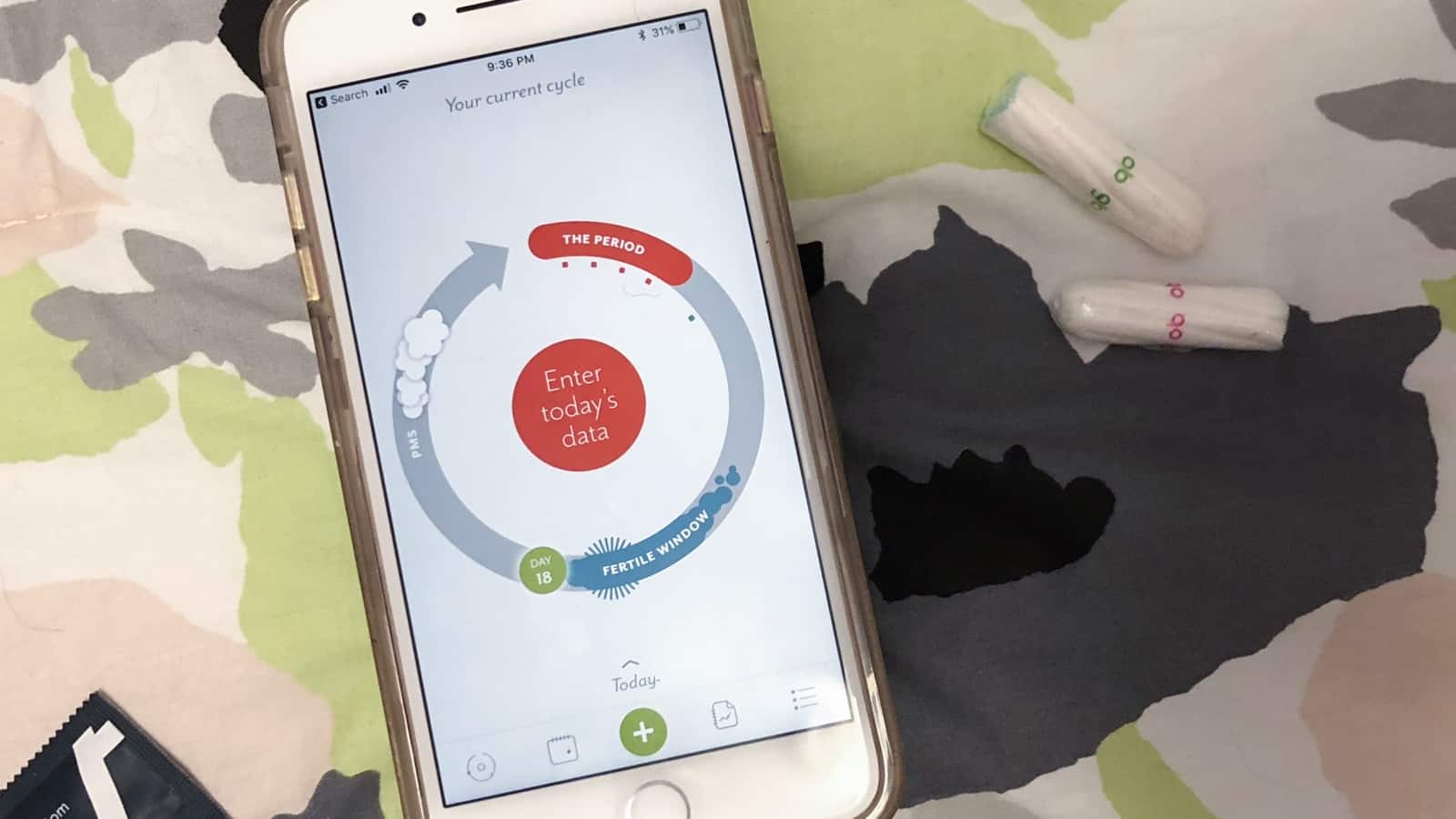
Clue helps you understand your body's reproductive cycle. Photo: Ian Fuchs/Cult of Mac
For the last few years, health has been a key focus area for Apple. Fitness tracking, sleep tracking, nutrition tracking, mindfulness and even reproductive health have made their way into the Health app. Unfortunately, when it comes to your sexual wellbeing, Apple’s offering is pretty minimal. With Clue: Period and Ovulation Tracker, you can track a wide range of physical and mental details and gain useful insights into patterns and abnormalities in your natural cycle.
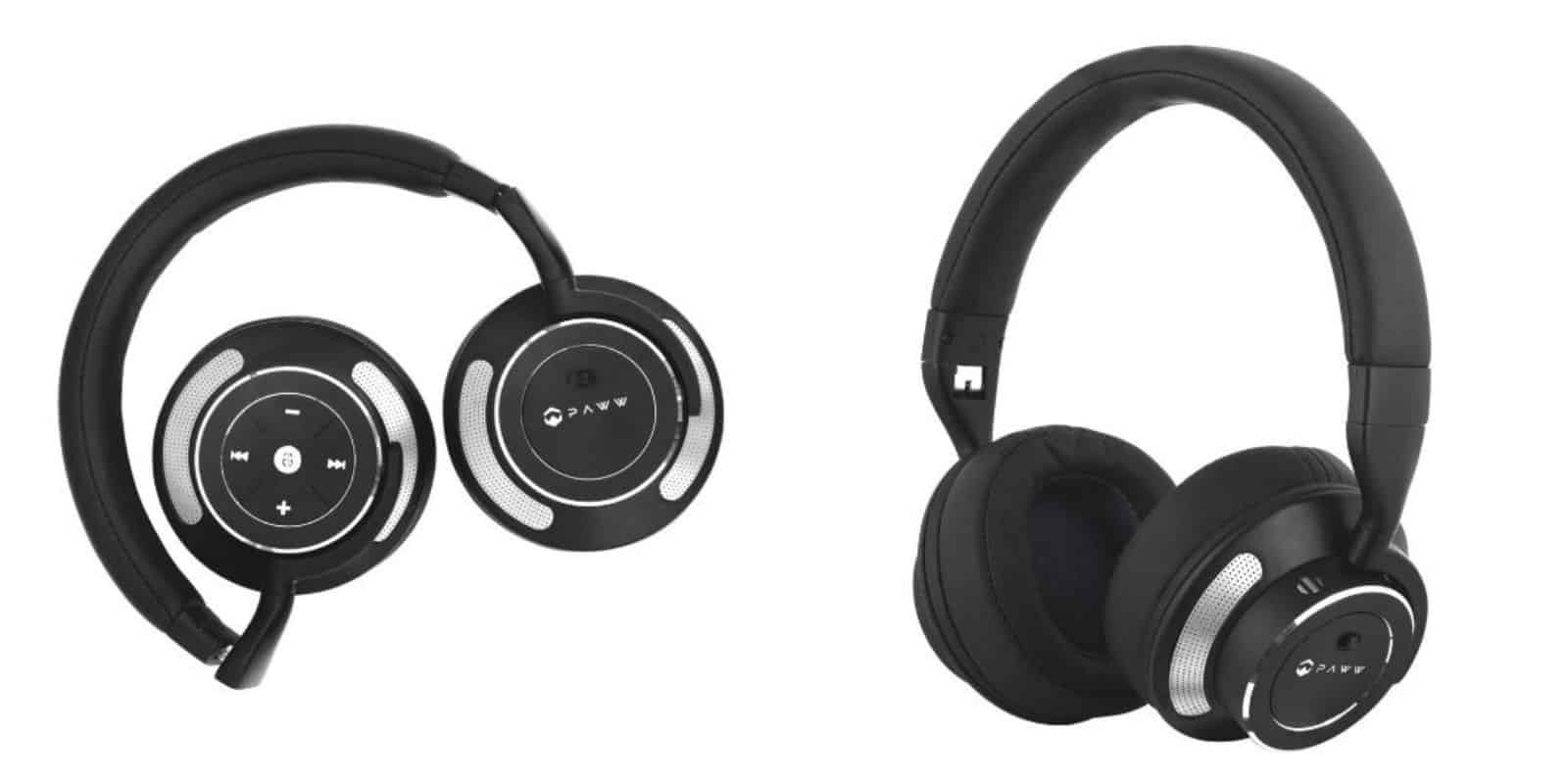
These headphones sport premium noise cancellation, Bluetooth convenience, and awesome sound quality. Photo: Cult of Mac Deals
When you put on over-ear headphones, the last thing you want to hear is the outside world. So noise cancellation is the obvious choice, but it’s also the expensive one. Not so with these Bluetooth headphones from Paww.
iOS 14's Home screen could be very different. Photo: Apple
A recent rumor claimed Apple will add dual-SIM functionality to at least one of the handsets in this year’s iPhone lineup. Now its latest developer update has all but confirms those claims.
Code discovered in iOS 12 beta 5 reveals Apple is already making preparations for a secondary SIM card slot in some iOS devices. It seems two traditional SIM cards will be supported, rather than a traditional SIM combined with embedded Apple SIM technology.
Have you upgraded early to iOS 12? Photo: Ste Smith/Cult of Mac
Apple warns us that its beta releases should not be installed on our primary devices. Until just a few years ago, it only allowed registered developers to download them. But that doesn’t stop keen Apple fans from updating early to get their hands on its latest features.
You won’t believe how many people are already running the next versions of macOS, iOS, tvOS, watchOS months before their public debut.
This is the first quarter since 2010 that Apple hasn't been in the no. 1 or 2 spots. Photo: Kārlis Dambrāns / Flickr CC
Apple just smashed expectations yet again with another monster quarterly earnings report. But that’s not enough to stop Huawei from stealing Apple’s crown as the world’s second-largest smartphone maker, based on number of handsets shipped.
The figures come from analysts at IDC, who note that Apple shipped a total of 342 million iPhones in the quarter, compared to Huawei’s 54.2 million units. Market leader Samsung shipped a massive 71.5 million units during that same period.
Apple is made of money. Photo illustration: Ste Smith/Cult of Mac
Apple beat Wall Street’s expectations today with its Q3 2018 earnings report. Even though iPhone sales were barely up 1% the company still posted better-than-expected revenues as sales of Apple Watch, services and AirPods picked up the slack leading to Apple’s best Q3 results ever.
Prices of Apple shares skyrocketed closer to the illustrious $204 mark that will make the iPhone-maker the first ever trillion dollar company once the results posted and Tim Cook seemed extremely confident and relaxed on his call with investors this afternoon. While the rest of tech stocks are starting to sink, Apple is as steady ever.
Apple research and development spends oodles of cash on secret projects. Photo: Pexels
Apple’s spending on research and development of new products keeps growing. The company’s R&D spending increased by hundreds of millions in the second quarter of this year, totaling more than ever before.
But where is all this money going? Some of its R&D projected are obvious, but others the company tries to keep secret.
Apple's Q3 2018 earnings are expected to be the weakest of the year. Photo: Ste Smith/Cult of Mac
Apple’s weakest earnings report of 2018 is set to be revealed today but it might also contain a few clues about the 2018 iPhone launch this fall.
Tim Cook and Apple CFO Luca Maestri will talk to investors on an open call at 2 p.m. Pacific. Analysts don’t expect a huge boost in iPhone sales and revenue (in fact some are downright pessimistic). However, Apple could pull out a few surprises like it did the last two quarters.
Per usual, Cult of Mac will be here to live-blog all the action starting at 1:30 p.m. (That’s when the earnings report typically lands.) Come join the fun!
This car hasn't been disturbed while driving for quite some time. Photo: Charlie Sorrel/Cult of Mac
Apple’s Do Not Disturb While Driving feature has the potential to make you less of a menace on the road. Introduced in iOS 11, Do Not Disturb While Driving automatically switches your iPhone into Do Not Disturb mode when you hop in your car and drive off. While in this mode, iOS suppresses all notifications so you can pay attention to keeping that ton of metal, glass and cupholders from permanently ruining — or ending — the life of a pedestrian or cyclist.
But don’t worry! If you do receive one of those text messages that you previously thought were more important than the lives of your fellow commuters, the sender will get a reply telling them that you’re driving, and that you are now a better person.
All of this is customizable, of course, so let’s see how to set up Do Not Disturb While Driving.
iOS 12 public beta 4 lets you try out all the new iPhone and iPad features months before the full release, expected this fall. Photo: Apple
You don’t have to wait to get the new features of iOS 12. You could install a pre-release version and start tinkering with Siri Shortcuts or Memoji now.
Apple just introduced iOS 12 public beta 4, hopefully the most stable version yet. There are both iPhone and iPad iterations.
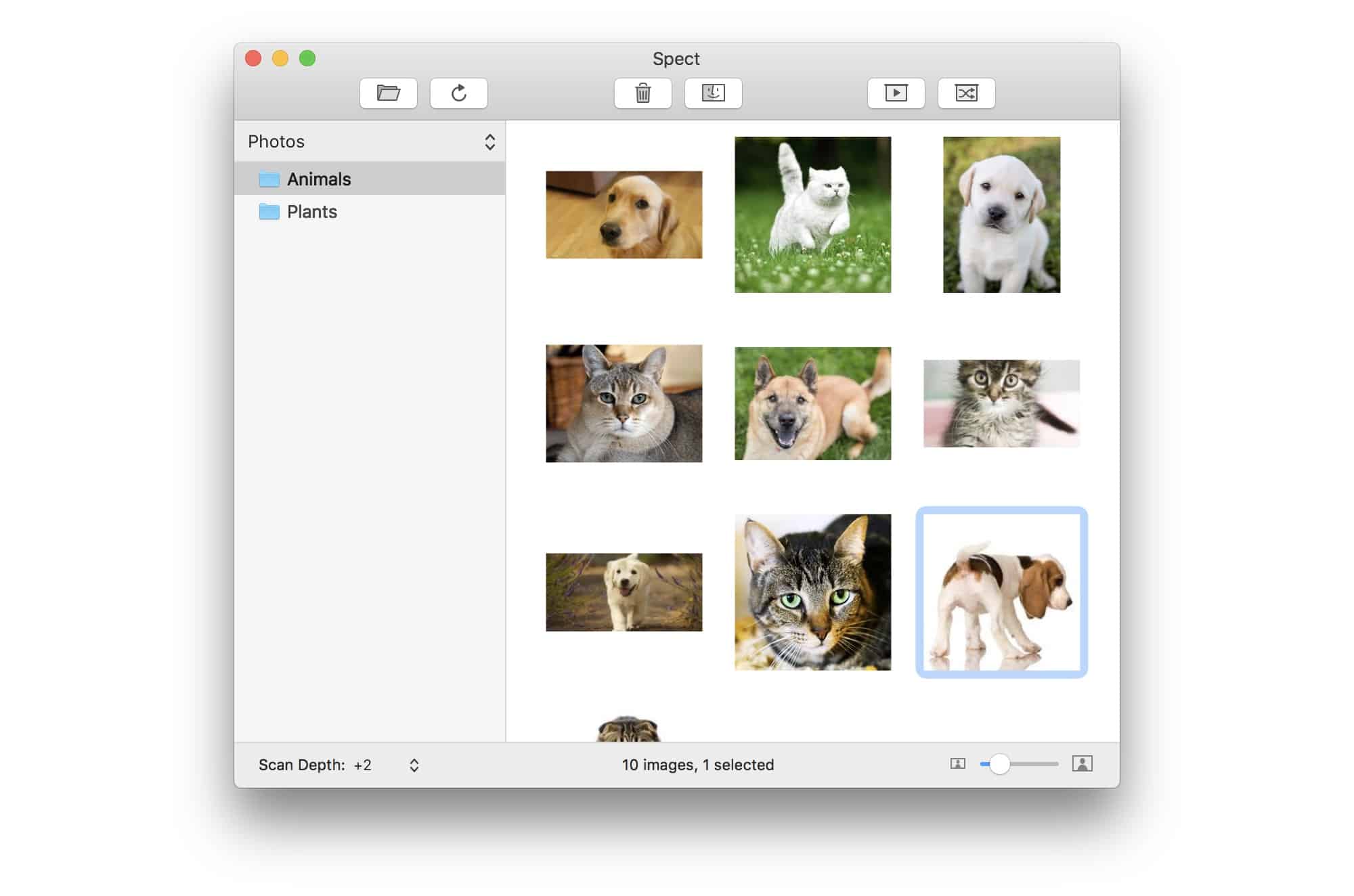
Spect is an ultra-light image browser from Panic founder Steven Frank. Photo: Steven Frank
Spect is in the one-thing-well school, apps that focus on a single task and make that task as easy and fast as possible. And because Spect comes from Panic developer Steven Frank, it does its task very well indeed.
So what is Spect? It’s a Mac image browser app that lets you dump folders containing thousands of images onto it, and then speed through them, viewing, culling, selecting and deleting along the way.
Hacker who tried to extort Apple for $100k is spared prison Photo: Jim Merithew/Cult of Mac
The latest phishing scam targets iCloud users, trying to scare them into installing malicious software on their iOS devices.
Some users have received emails recently that push them to fake Apple Support websites. Once there, the sites prompt them to call “Apple Care” because their devices are supposedly “locked for illegal activity.” Here’s how to avoid the scam.
Referring to the so-called FAANG stocks of Facebook, Apple, Amazon, Netflix and Google, analyst Larry McDonald warns that the tech giants have the potential to lose more than a third of their value. Is this the time to quit AAPL while you’re ahead? McDonald says you might want to get the hell out of Dodge.
Tim Cook may wow investors with a better-than-expected Q3 earnings report. Photo: Apple
When Apple unveils its latest earnings report Tuesday, some analysts think the numbers may be even better than expected.
Q3 is usually Apple’s weakest quarter of the year as the iPhone sales cycle starts to come to an end. However, this week’s call may hold a number of surprises and hints about the 2018 iPhone lineup as Apple gives investors guidance on next quarter. As usual, Cult of Mac will liveblog the entire call with all the pithy analysis we can muster.
We’ll be watching for these key details in the report (and so should you).
A new “Personal Requests” setup screen now displays an additional icon where the Phone app will sit, and reads “make phone calls” in its list of abilities. It indicates HomePod users will be able to initiate calls for the first time when iOS 12 makes its public debut this fall.
Sadly, we've still got a couple of months to wait! Photo: TigerMobiles
One day after Benjamin Geskin’s dummy photos of the forthcoming iPhone X Plus and new LCD iPhone hit the internet, a pair of videos showing Apple’s 2018 lineup have emerged, too.
Like Geskin’s iPhones pics, these ones depict mockups, rather than the real thing — but are still supposedly based on in-depth schematics from sources in Apple’s chain. Check out the videos below.
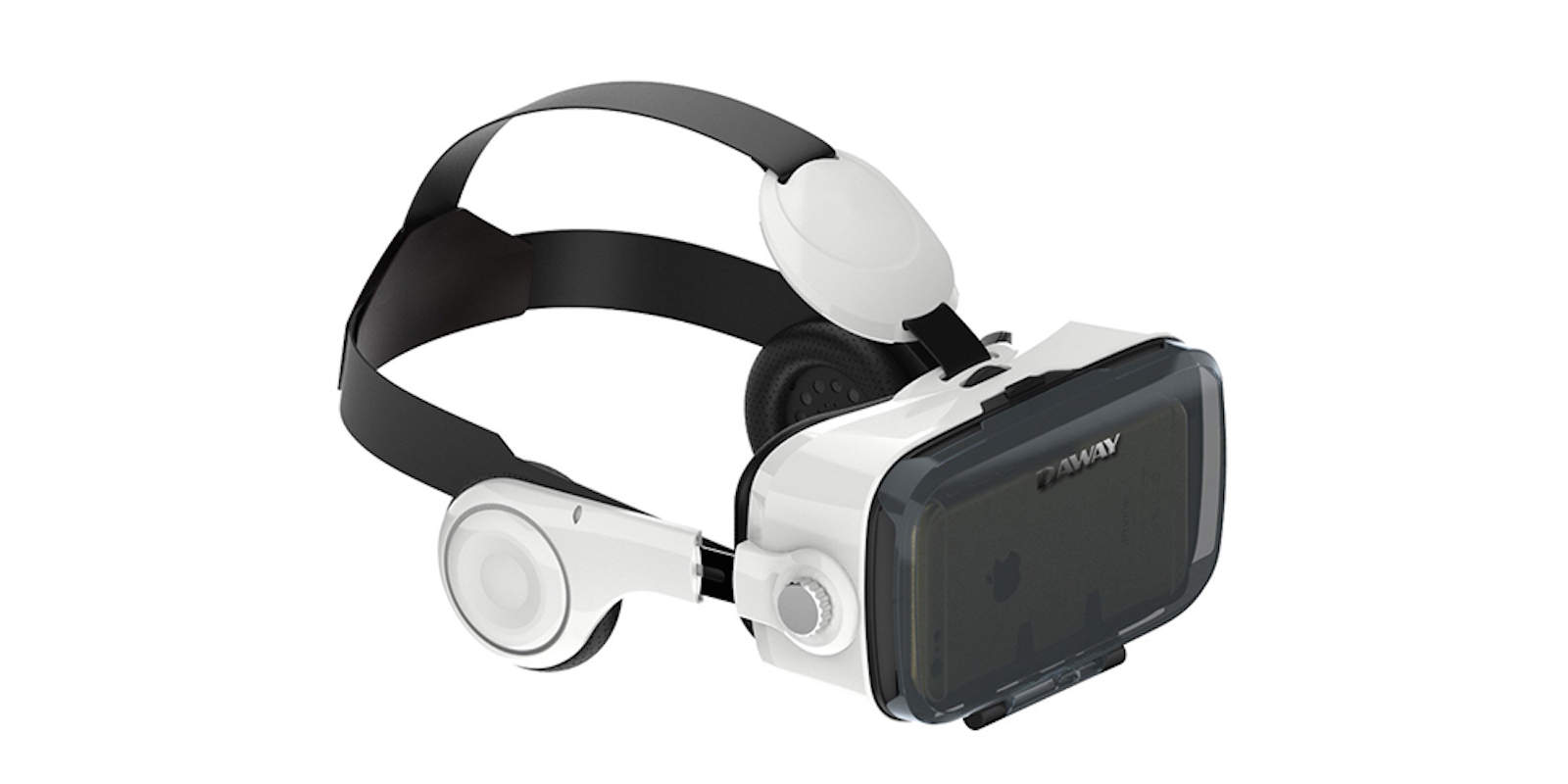
An Apple VR headset like this one might be in development. Photo: Cult of Mac
The rumors of an Apple virtual reality headset just got a boost. The company hired the developer of a VR painting application. An app that can’t run on any device Apple currently offers.
It’s not easy to see why Apple would need the talents of the creator of Cyber Paint if it’s not prepping some kind of VR hardware.
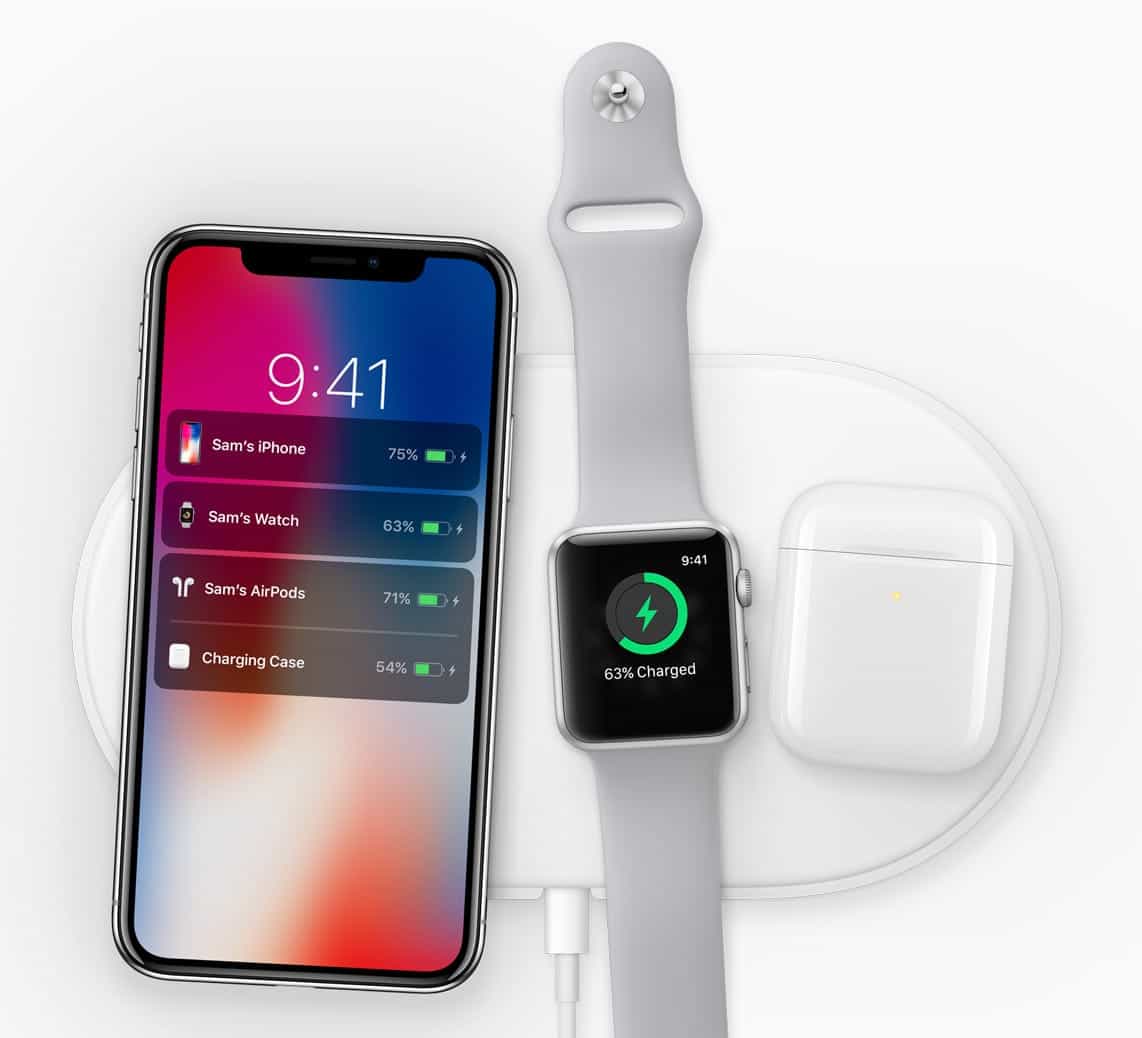
The long-delayed wireless AirPods charging case could finally be out soon, along with the AirPower charging mat. Photo: Apple
Last September, Apple unveiled an AirPods case that can be wirelessly charged. We’re still waiting for it almost a year later — but there’s fresh evidence that it’s coming soon.
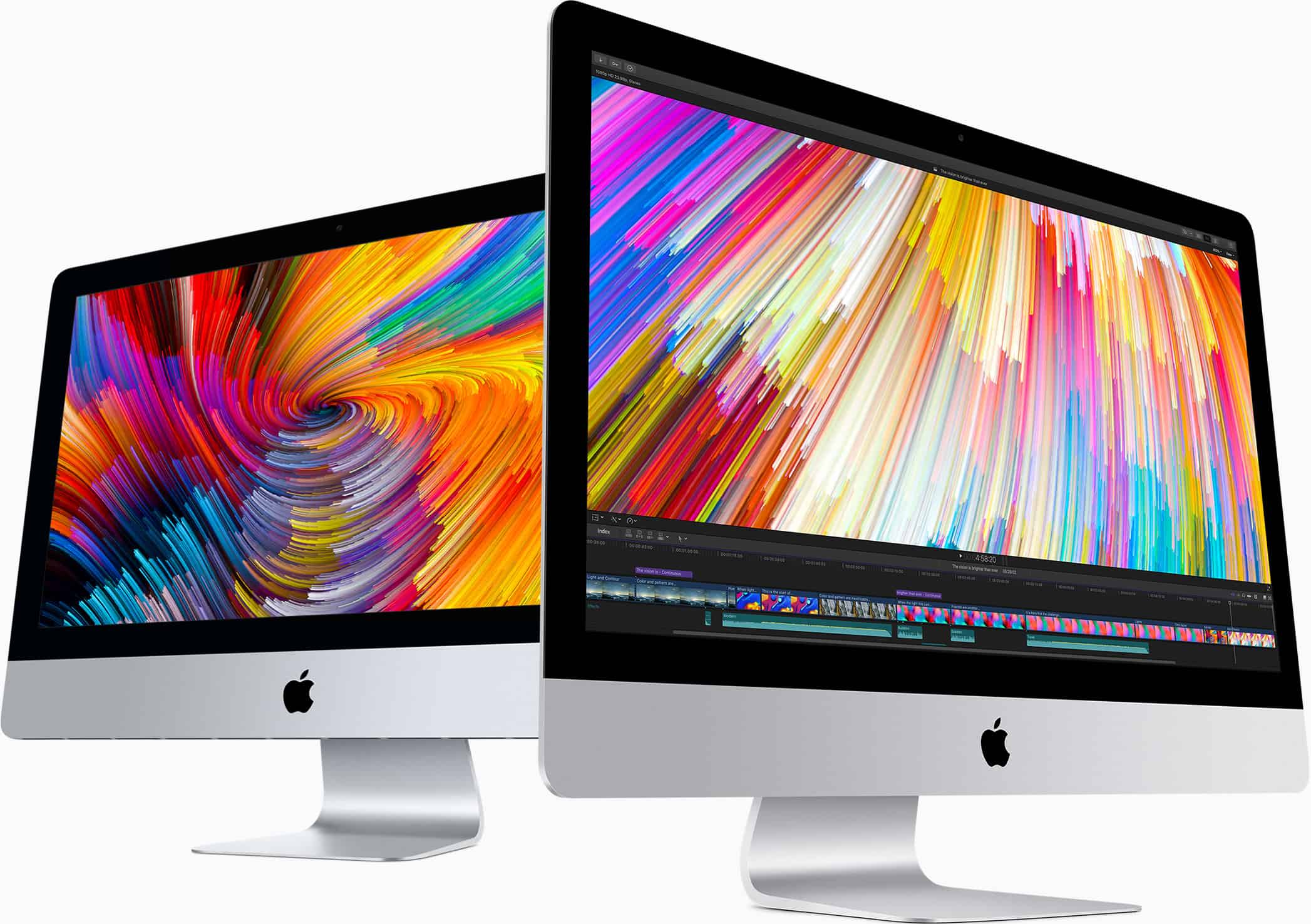
Save hundreds on a 27-inch iMac with 5K Retina display! Photo: Apple
In today’s edition of Deals & Steals, we show you where you can get a brand-new iMac for a phenomenal savings. And, in a similarly enticing Apple deal, you can save $14 on the rarely discounted AirPods.
On top of that, we dug up deals on a new GoPro Hero 4 action cam, an LED monitor and a pair of comfortable gaming headphones — all for insane prices!
This guy could do with a few video tips. Photo: Charlie Sorrel/Cult of Mac
Your iPhone is capable of shooting incredible videos. Its camera can capture 4K video, which is good enough for the cinema, and the video camera’s auto-stabilization turns your wobbly pans into cinematic sweeps.
And yet it’s still all too easy to shoot a terrible iPhone video. So today we’ll look at some simple tips, and a few gadgets, that will turn your clips into movie masterpieces.
Yes, this is a real sign, and you could look up any of these words with your iPhone. Photo: Charlie Sorrel/Cult of Mac
iOS’ Spotlight search does more than just search for apps and documents. Way more. Today we’ll look at one of its handiest abilities — looking up a word in the dictionary without even opening an app.