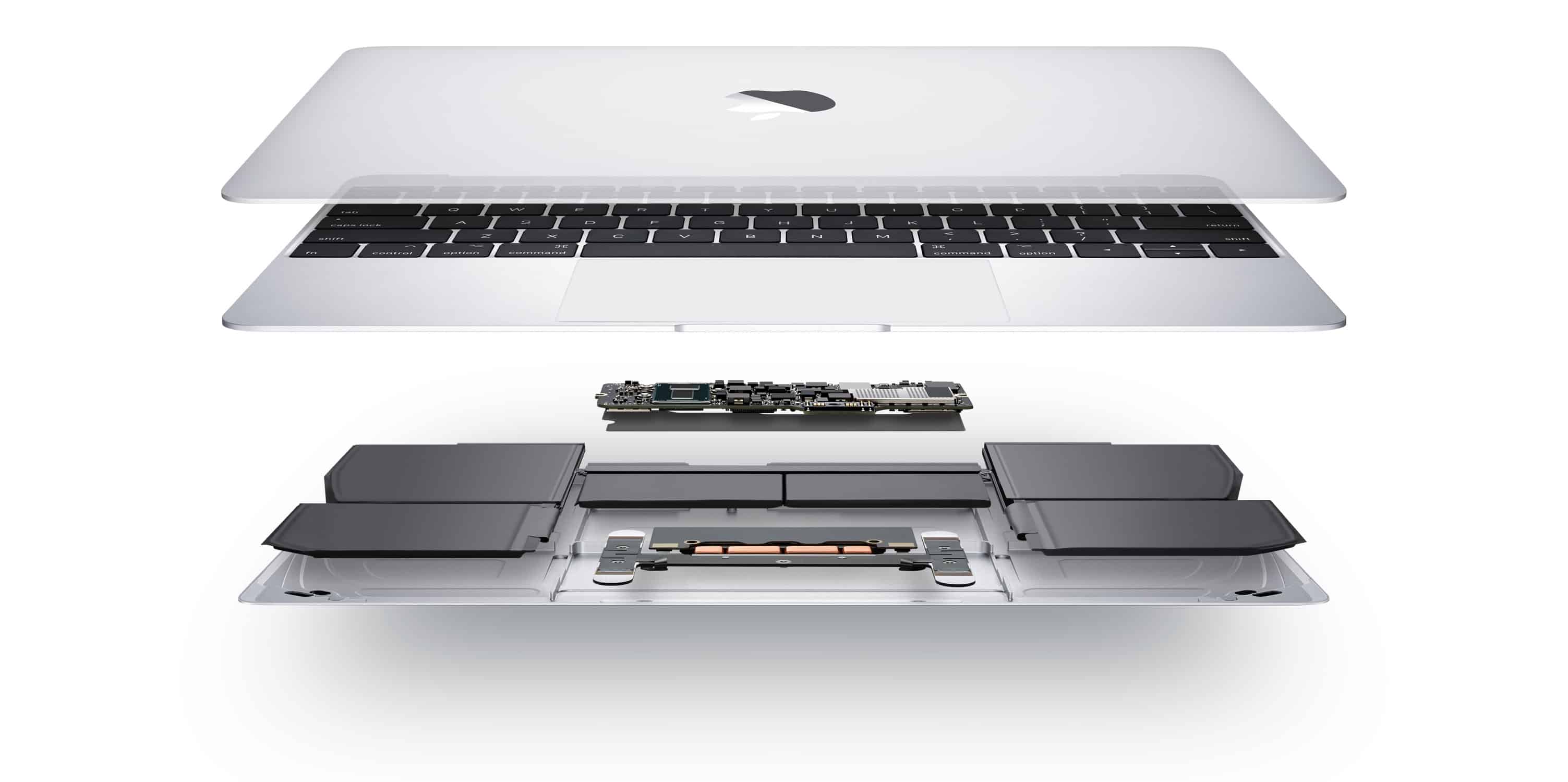
Because Intel can't get its act together, Apple's apparently going to release a low-cost MacBook that's slower than it should be. Photo: Apple
After waiting years, Apple is reportedly given up on using some of Intel’s long-delayed processors in the budget MacBook expected this fall. Instead, the device will include chips that debuted last year.
Problems like this could be one of the reasons Apple is supposedly going to move macOS onto its own ARM-based processors and away from Intel.
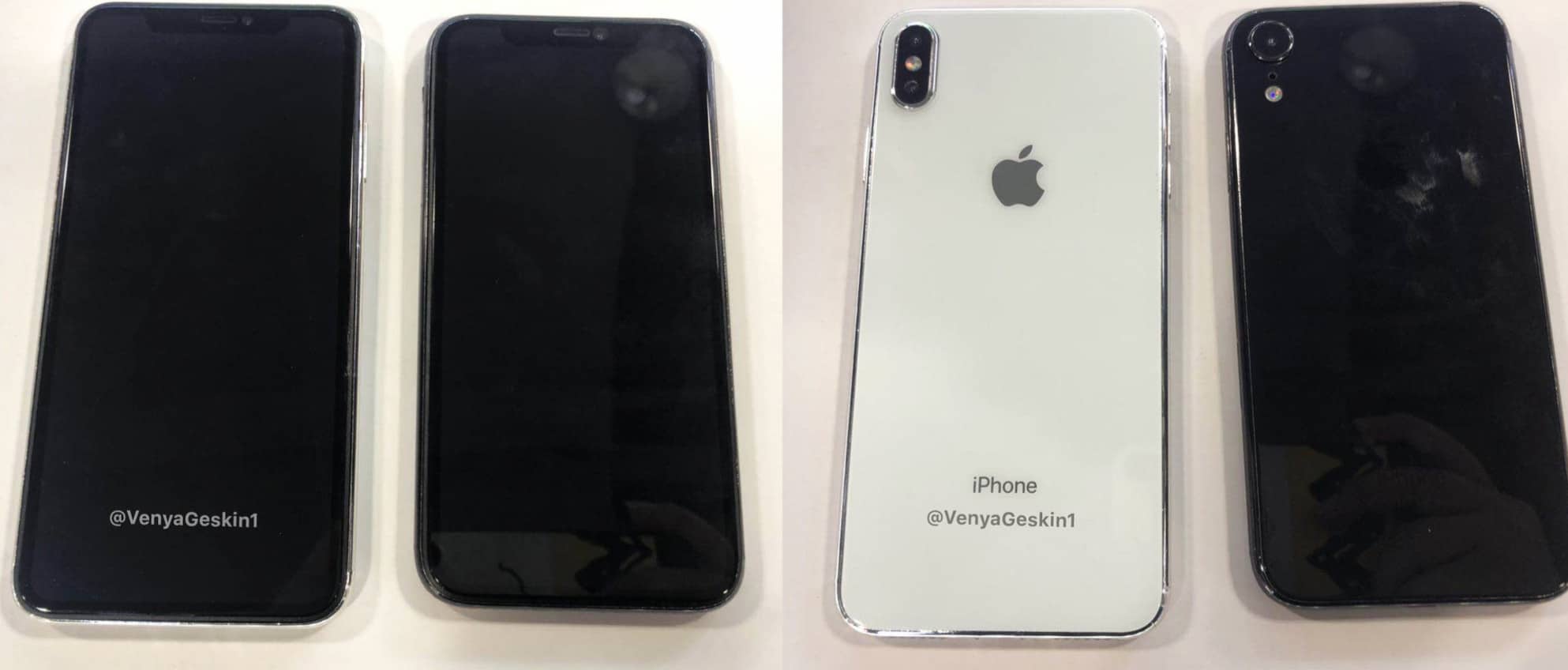
Want a possible early glimpse at what appears to be this year’s fancy new 6.5-inch iPhone X Plus and 6.1-inch LCD iPhone? Renowned Apple leaker Ben Geskin is here to help!
Geskin posted the images on Twitter. He describes the iPhones in the pictures as “dummy models,” meaning that they are models he has made based on leaked Apple schematics. Check out more images below.
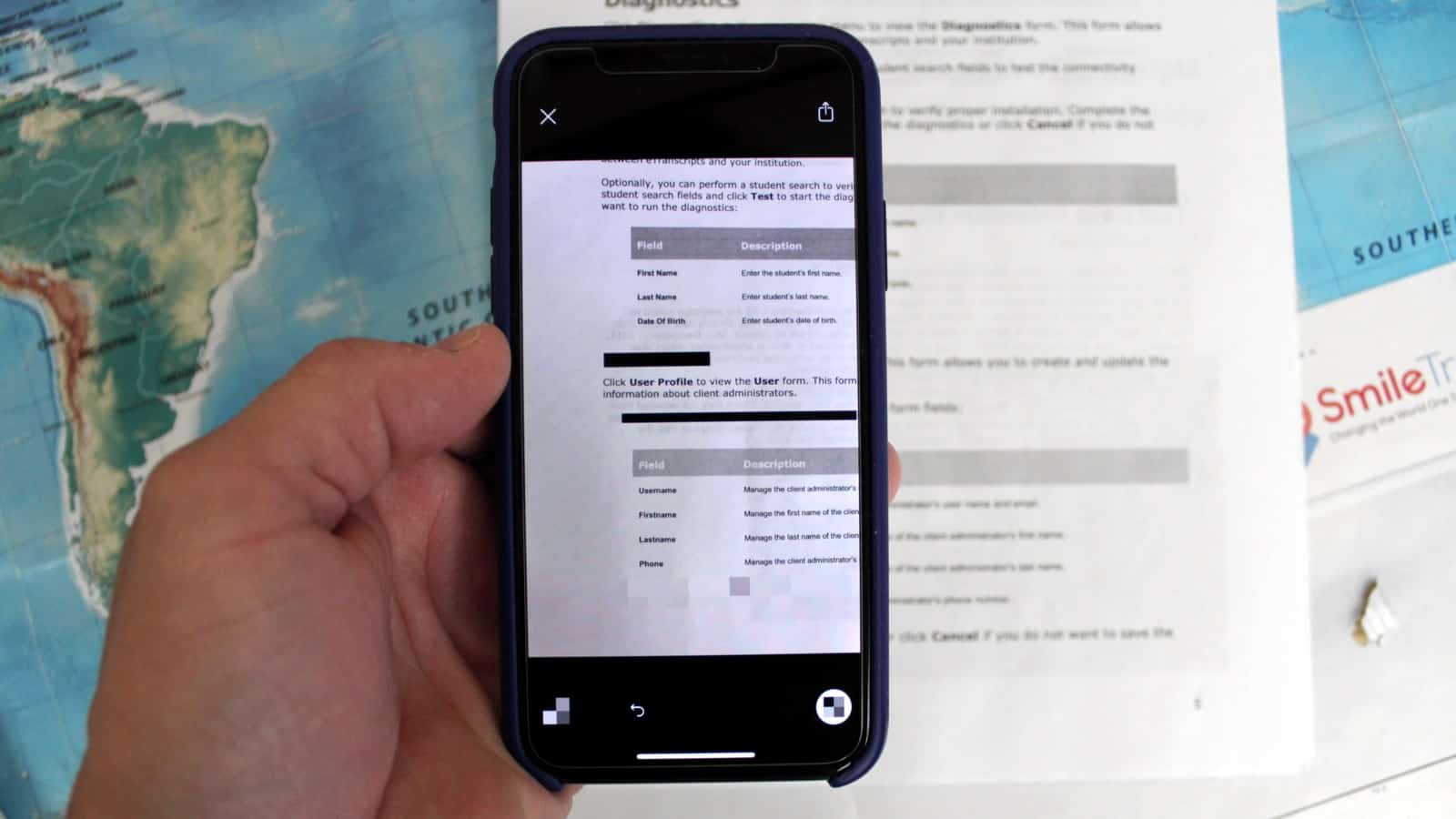
With Annotable, you can easily hide sensitive information in photos and screenshots. Photo: Ian Fuchs/Cult of Mac
Some of the most useful apps on iOS take system features and turn them up to 11. For a few years, the photos app has had basic markup tools but it’s felt underwhelming and lacked pro features. Annotable for iPhone and iPad adds pro-level annotation and markup tools to highlight or hide whatever you want in an image.
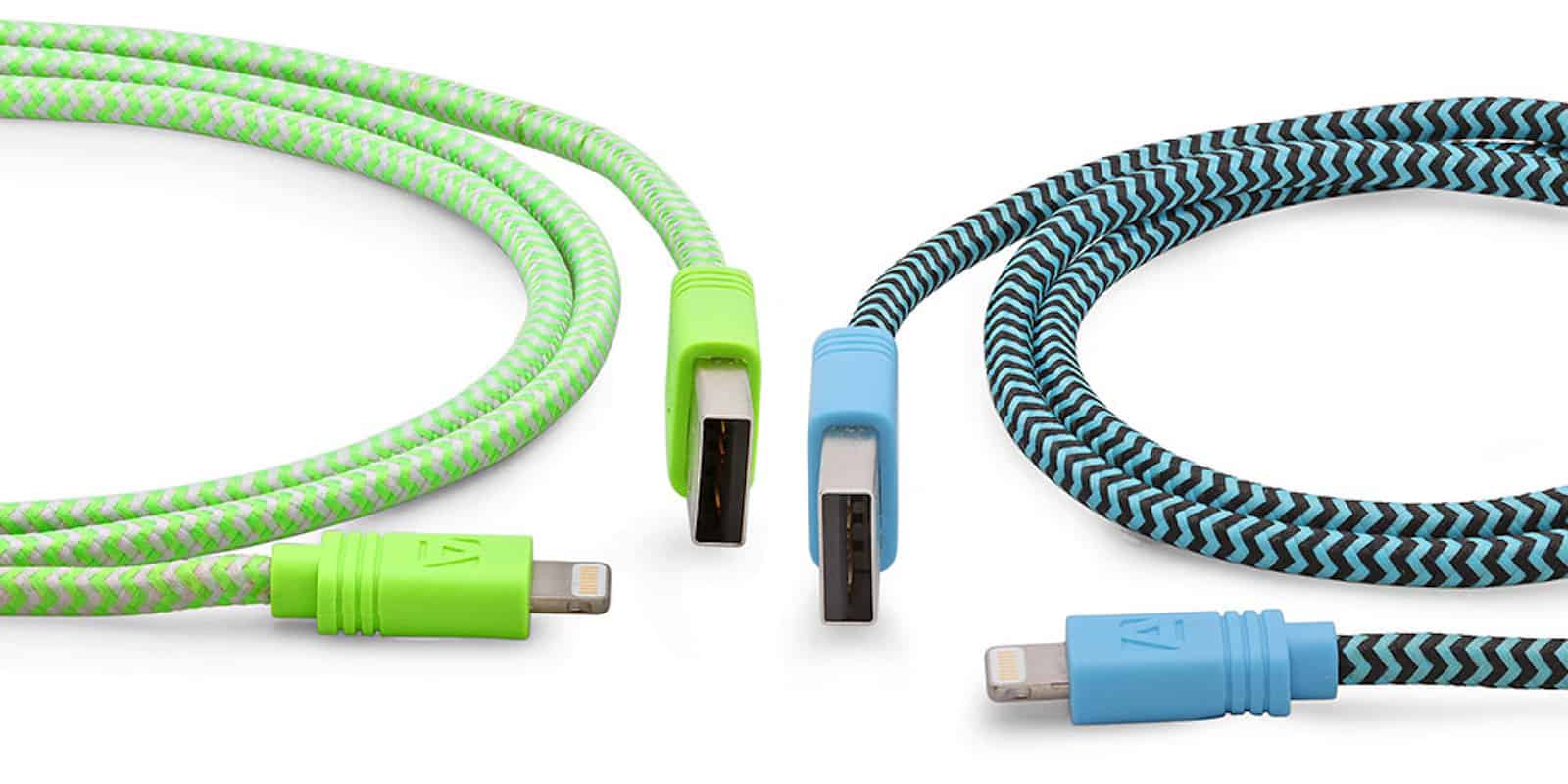
Never be too far from a charge with this 10-foot MFi-certified lightning cable Photo: Cult of Mac Deals
Apple’s standard Lightning cables are the lifelines for our iDevices. But they’re not perfect, prone to frays and tears, getting tangled, and coming up short with reach. So this extra long, tangle-free Lightning cable is worth checking out.
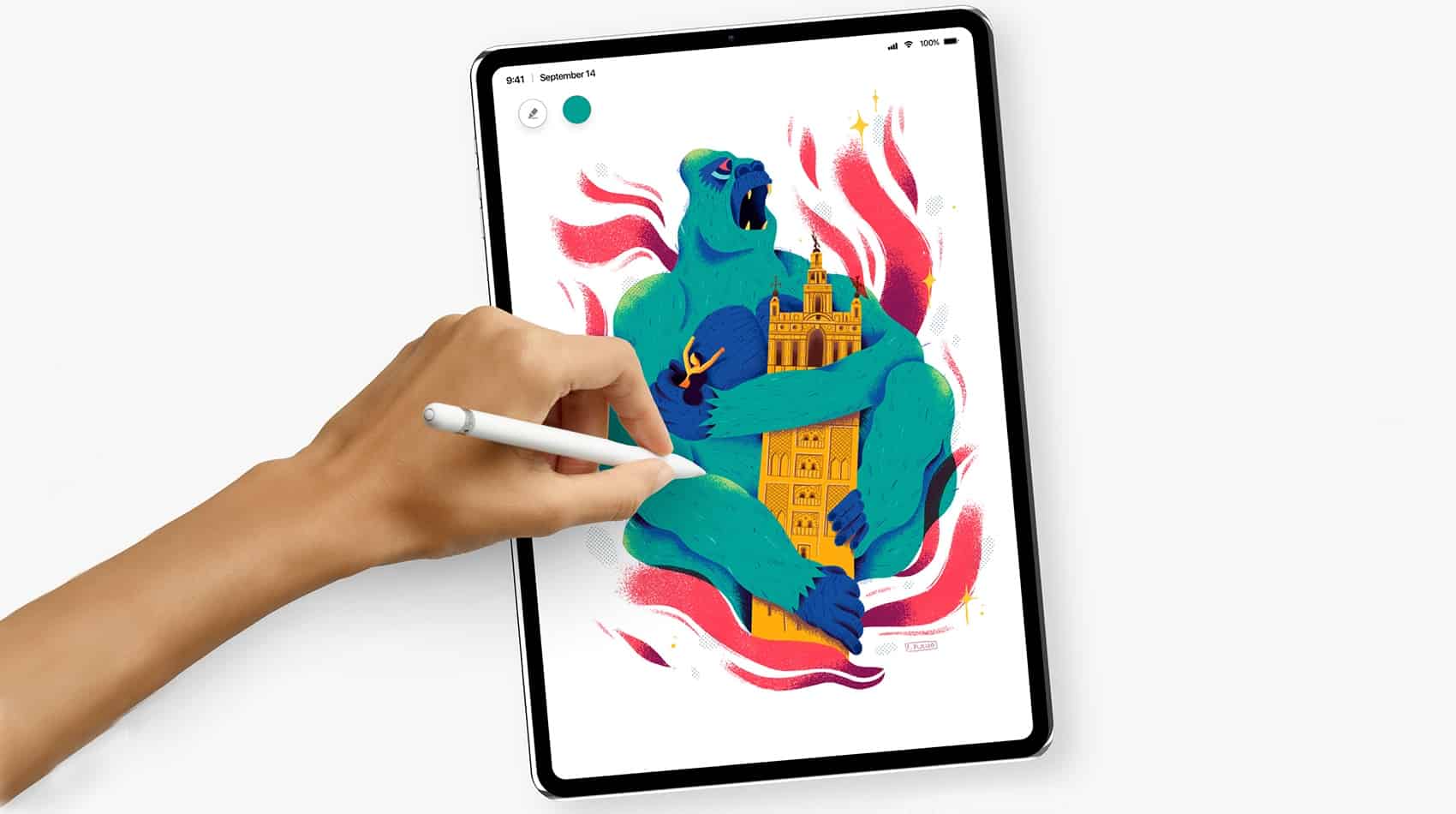
Apple is expected to make drastic improvements to the iPad Pro this fall to introduce edge-to-edge screens and Face ID. But there could be some unexpected changes, too.
Leaked schematics that give us an early peek at one model hint at a mysterious new connector on the back of the device.
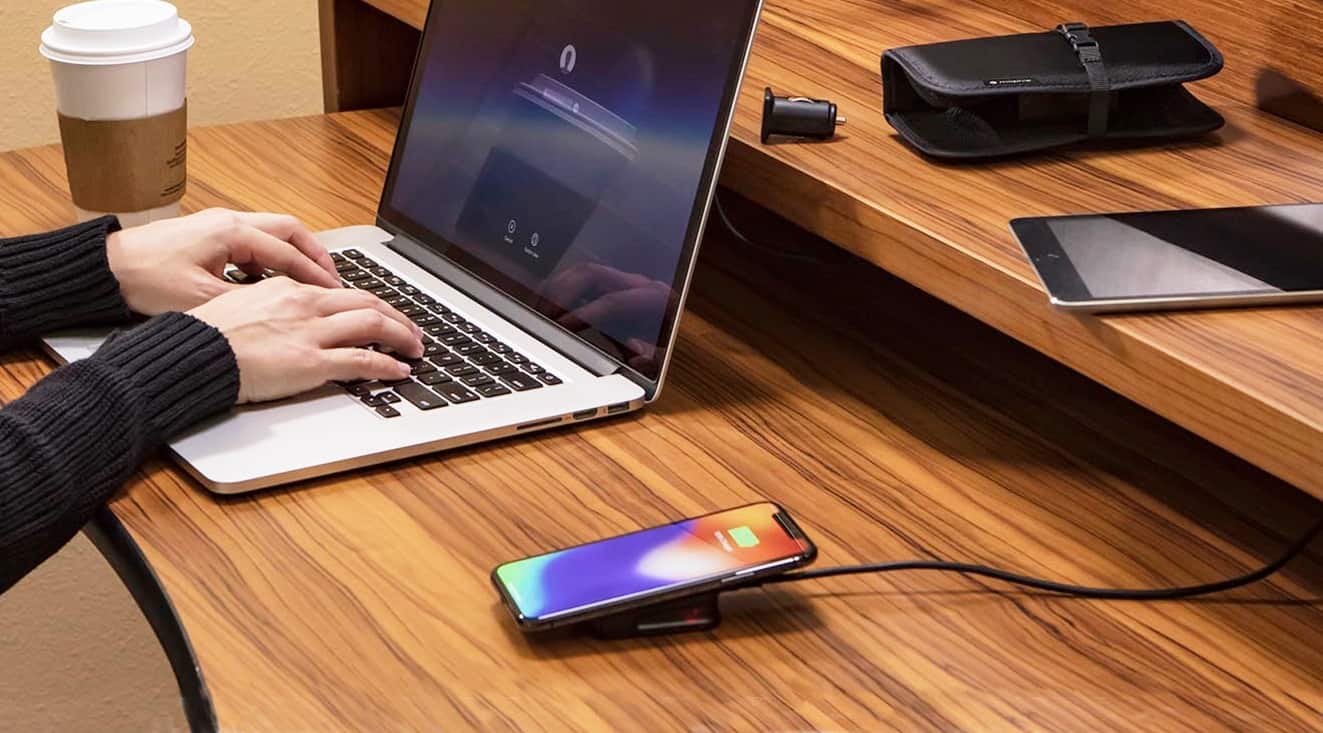
The mophie Charge Stream Travel Kit uses inductive charging to bring your iPhone back to 100 percent, at home or on the go. Photo: mophie
A wireless charger for your iPhone is very convenient, and now you don’t have to miss out when you’re on the road. The mophie Charge Stream Travel Kit includes a travel-size Qi wireless charger and the add-ons to use it in a hotel room or even your car.
This mobile charging kit currently sells for $49.95 on Amazon, and is compatible with the iPhone X, iPhone 8, and iPhone 8 Plus. It also works with any Qi-compatible phone or accessory. Don’t miss our hands-on review.
The 2018 iPhone may sport a new type of LCD from Japan Display with thinner screen bezels. Photo: Japan Display
There’s good news and bad news about the more-affordable 6.1-inch iPhone supposedly in development. The good new is it may have bezels almost as thin as the iPhone X. The bad news is it’s not expected until November.
Apple is reportedly turning to a new type of LCD for this upcoming model. This will enable the slim bezels, but the supplier has run into production problems.
This week we get all private, with a new version of Dashlane, the official password manager of Cult of Mac, plus the Shhlack privacy tool for encrypting your Slack chats to keep them safe from your boss. And once that party is started, we start in with some music apps.
This WiFi camera is ideal for home security, keeping an eye on your baby, or just answering the door. Photo: Cult of Mac Deals
Whether it’s wrangling kids or avoiding break-ins, home security cameras are a must for many situations. Some security cams are a complex mess. But others, like this new smart Wi-Fi camera from Sinji, are a cinch to set up and use.
Smaller bezels will reportedly be a highlight of the 2018 iPad Pro, but will that make up for a huge drawback? Photo: Álvaro Pabesio
The next-generation iPad Pro is going to have some nice improvements, like smaller screen bezels resulting in an edge-to-edge look.
But not every change is likely to go down well with fans. Apple is also supposedly going to remove the headphone jack, as it has done in its iPhone line. But that’s probably not the move that will draw the most criticism.
This deal on a massive library of responsive WordPress themes is ending soon. Photo: Cult of Mac Deals
Most of the web runs on WordPress. Anyone can use the ubiquitous publishing platform, but not everybody is a professional web designer. So trying to make a site that looks and works the way you want can get overwhelming.
Adding wireless chargers to the MacBook Pro seems a no-brainer. Photo: Apple
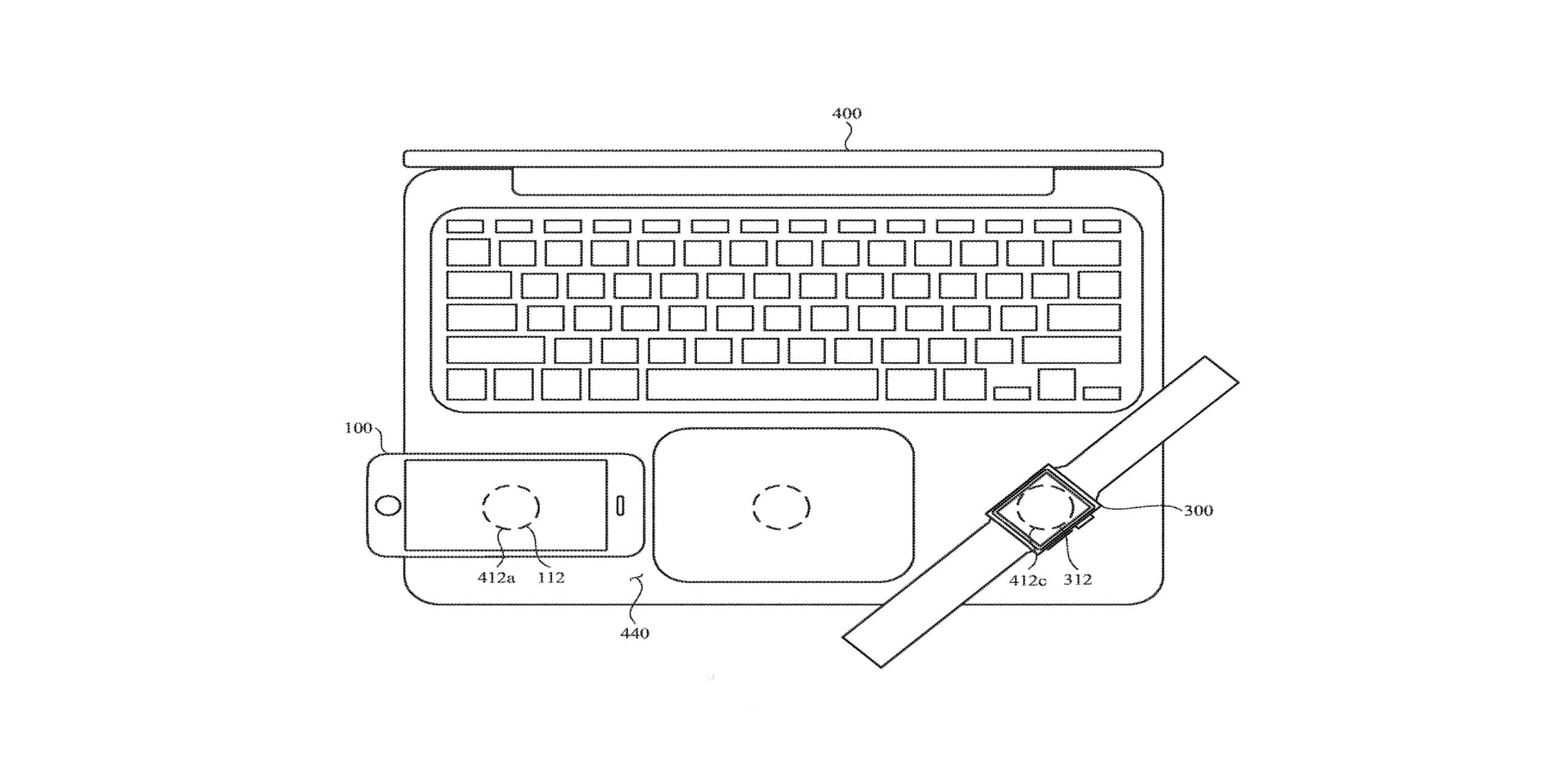
What if your every Apple device could wirelessly charge almost every other one? Engineers came up with plans to put wireless chargers in MacBooks, iPads, and iPhones so they could charge each other, or an Apple Watch.
Building inductive chargers into macOS laptops is such an obvious idea it’s a bit surprising the 2018 MacBook Pro doesn’t include them. But Apple took this idea to its logical extreme.
Android has, or is soon to get, an incognito mode for the YouTube app, which will stop watched videos from showing up in your YouTube history. Google will still know exactly what you watch, of course. It’s just a way of keeping embarrassing movies out of your watched videos list.
iOS may or may not be getting the same feature, but that doesn’t matter. By using iOS’ (and the Mac’s) built-in tools, you can already watch YouTube videos without them showing up in your YouTube history. It even stops YouTube from tracking your history via cookies.
Pick up the Bluetooth speaker that fits your summer plans. Photo: Cult of Mac Deals
Summer trips are always better with the right playlist. So we’ve rounded up some of the best speakers for outings of all kinds. That includes a speaker that’s not much bigger than an iPhone, a super tough, waterproof speaker, and even one that doubles as a lamp. Read on for more details:
Just how good is the 2018 MacBook Pro after Apple's patch? Photo: Apple
This week onThe CultCast: Apple has issued a patch that significantly increases performance for all 2018 MacBook Pros, but there’s one glaring problem it doesn’t fix…. We talk benchmarks and real-world performance. Plus, we take a peek at the new HomePod features from iOS 12 beta, and we wrap up with your emails!
Our thanks to Squarespace for supporting this episode. It’s simple to accept Apple Pay and sell your wares with your very own Squarespace website. Enter offer code CultCast at checkout to get 10% off your first hosting plan or domain.
Wall Street hammered Facebook today. But the privacy concerns that pushed the company's share price down almost 20 percent aren't an issue for Apple. Photo: Ste Smith/Cult of Mac
Facebook lost more value today than any other company in history: $120 billion. The massive selloff came after CEO Mark Zuckerberg admitted that the growing privacy concerns of the public, and the likely response of lawmakers and regulators, will hit the company where it hurts: in the pocketbook.
On the same day Facebook lost 19 percent of its value, Apple’s share price was unaffected. This is because the two companies have diametrically opposing views on the privacy rights of the public. What hurt Facebook so much is actually one of Apple’s strengths.
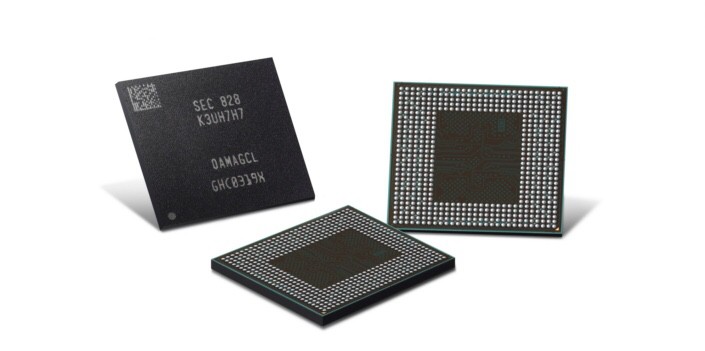
An improved Samsung RAM will almost certainly make future iPhone models more efficient. Photo: Samsung Electronics
The highlight of Samsung latest mobile RAM chip is power efficiency. The second-generation LPDDR4X uses up to 10 percent less electricity without sacrificing speed. That’s almost certainly going to benefit future iPhone models.
With batteries improving only slowly, the best way to increase the time between charges is for the phone’s components to draw less energy. Hence Samsung’s efforts to make its RAM more efficient.
Someone who has sent you money can potentially get your Apple Pay account locked. Which might be a real problem for some people. Screenshot: Apple
Some people treat Apple Pay like a bank account. They keep a balance of cash on this payment system and use it to pay off debts or accept money from friends.
A Redditor has a story that shows a potential pitfall of this strategy, especially if a large sum of money is involved.
Samsung's ads set at an "Ingenius" bar criticize the iPhone rather than praise the Galaxy S9. Screenshot: Samsung
When a product isn’t doing well, one marketing strategy is to sling mud at the competition. That’s why all Samsung’s latest ads don’t focus on the Galaxy S9, but criticize the iPhone instead.
There are four new ads that target some aspect of Apple’s products, such as the notch, no microSD card slot, and a lack of on-screen multitasking.
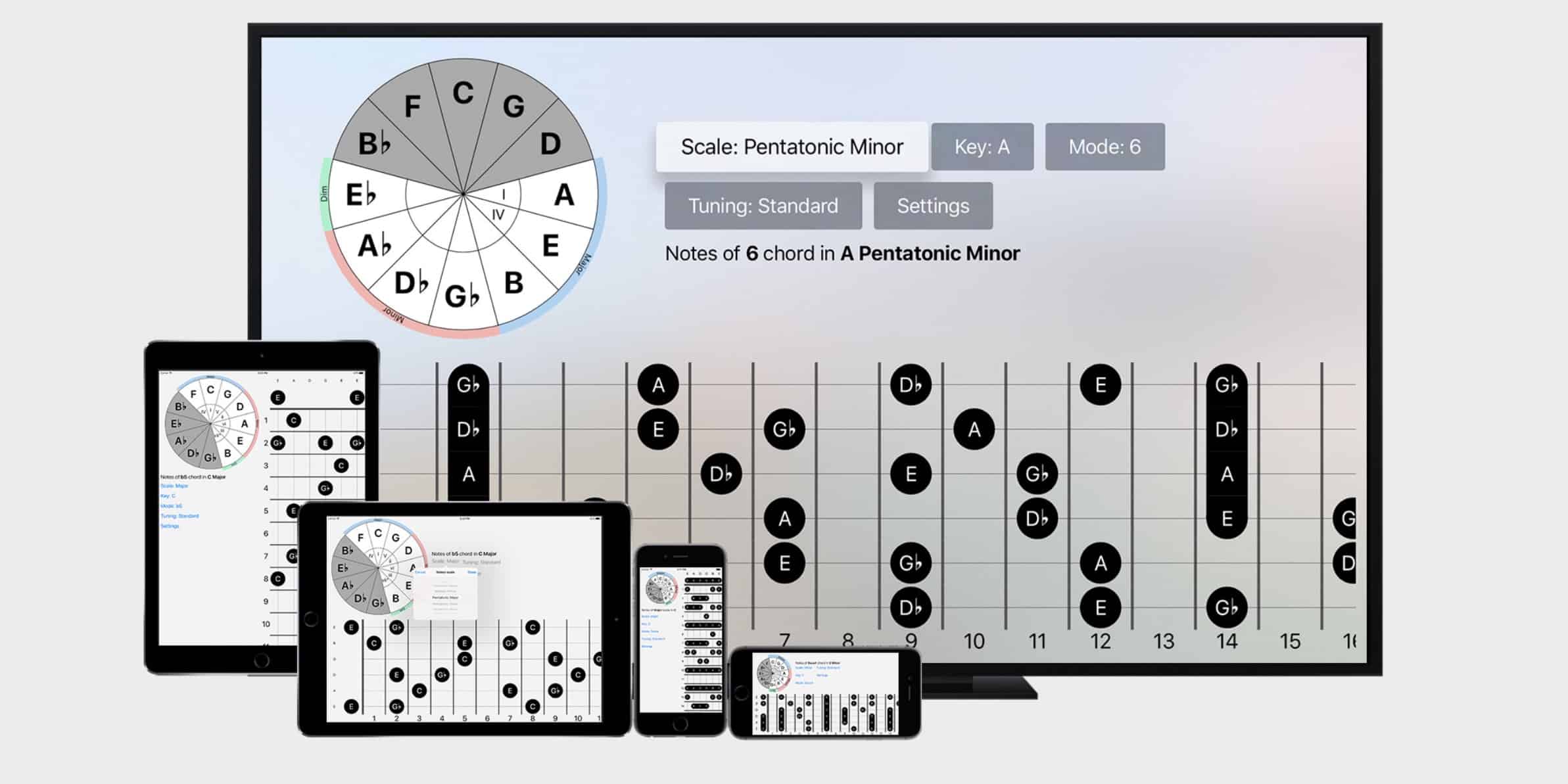
FretBud is super-simple, and that’s what makes it so useful. Photo: FretBud
If you’re learning to play the guitar, then you will constantly be looking up two things: Scales and chords. After you get a bit further into it, you’ll add arpeggios to that list. And you will keep referencing them for years, becasue there are a zillion way to play each chord, scale, or arpeggio on the guitar. And here’s the problem. Reference materials for these three essentials are a pain to use. Either you spend more time clicking around an app than you do practicing, or you have to keep a ton of PDFs around, and try to keep those organized. Now, though, a super simple (maybe too-simple) app finally ge ts it right. It’s called Fretbud, and I love it.
Get ready to earn those Battle Stars! Photo: Epic Games
The week is almost over, but Fortnite’s week three challenges for season five have only just begun.
As usual, there are seven to complete — four easy and three hard — that will earn you a total of 50 Battle Stars. You should find most of them relatively easy, but we have some tips if you find yourself struggling.
Here’s our guide to smashing week three’s Battle Royale challenges.
Version 6.0 is an all-in-one solution for online risk prevention, identity monitoring, and identity restoration. Its revolutionary Identity Dashboard makes it easier than ever to find out how you might be vulnerable, and the steps you can take to bolster your security.
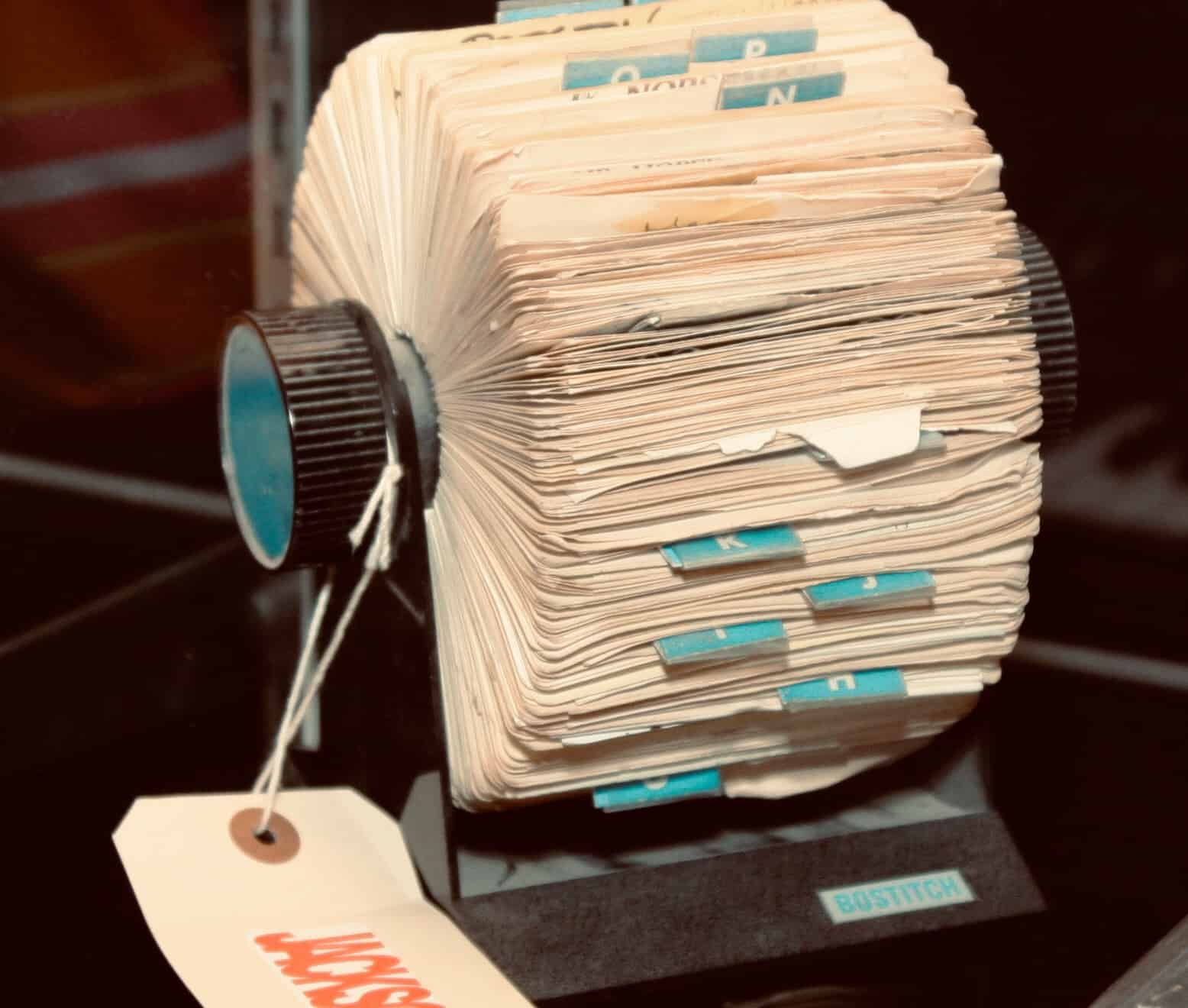
Does your Safari tab view looked like an overstuffed Rolodex? We can totally help. Photo: Sarah Gerke/Flickr CC
You probably know the trick for closing lots of tabs in Safari on your iPhone. You enter the tab overview aka Rolodex view, and then swipe those tabs off the screen one by one. It’s even kind of fun, but if you have lots and lots of tabs open, then the fun wears off pretty fast. So you’ll be happy to hear that there is a better way. A much better way, in fact, that lets you close all your open tabs with one tap.