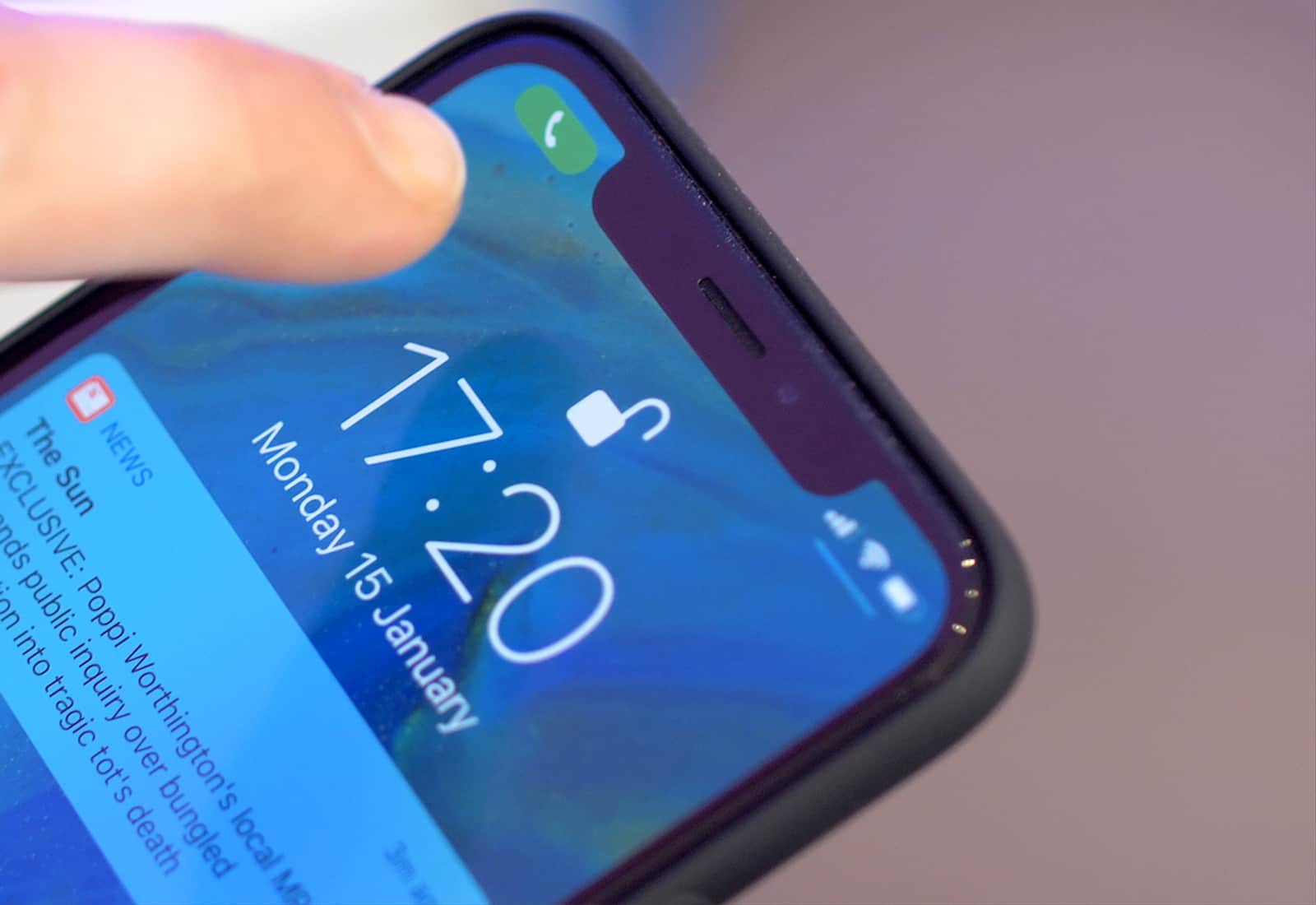
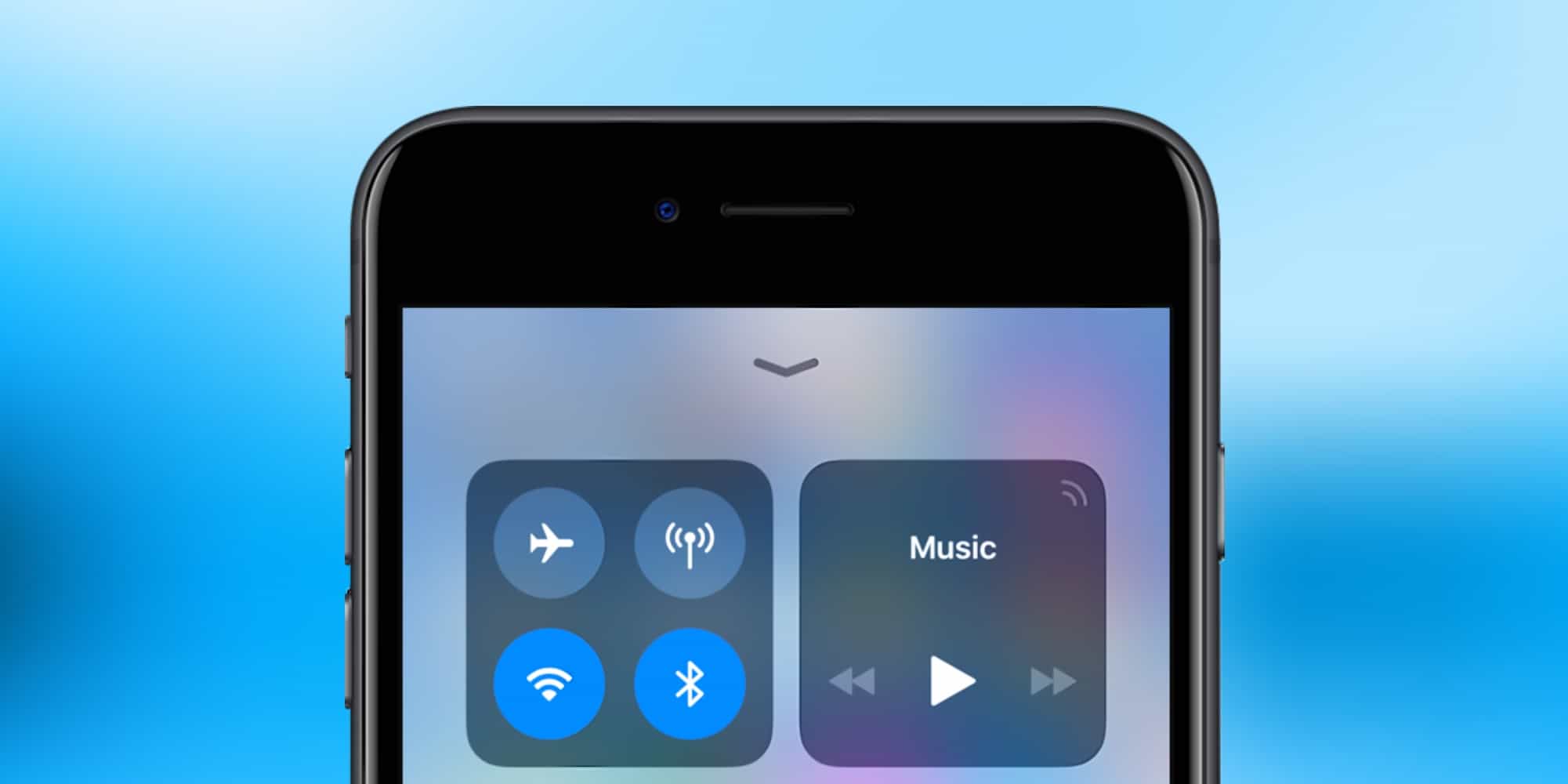
Rather than Qualcomm LTE modems, the 2018 iPhone will use chips from other suppliers that aren't as fast. Photo: Ste Smith/Cult of Mac
The Apple vs. Qualcomm battle just escalated to the point where the next iPhones won’t include LTE modems produced by this chipmaker. That means these iOS devices will be slower accessing the Internet.
Apple certainly has other options for LTE chips. But none are as good as Qualcomm’s products.
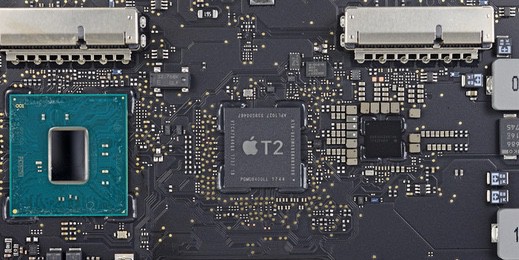
The Apple T2 chip could be the source of mysterious crashes afflicting two of Apple's newest computers. Photo: IFIXIT
Some iMac Pro units are subject to occasional hard crashes. The reasons are hard to pin down, but fingers are starting to point at the Apple T2 chip inside this computer.
There’s also one in the 2018 MacBook Pro, and this new device is seemingly prone to the same problem.
Get a reminder to log your run every day. Photo: Charlie Sorrel/Cult of Mac
Today we’ll see how to put a Shortcut into a reminder, so you can just tap the reminder alert to run it.
For this, we’ll use the new iOS 12 Shortcuts app, or Apple’s existing Workflow app. For instance, you could have a reminder that pops up every morning at 9AM, telling you to log your run. In the pop-up alert, right there on the lock screen, will be a button to execute a Shortcut/Workflow to do just that. Tap it, and you’ll be able to log your run via a pop up.
And of course this isn’t limited to fitness, nor even to time-based reminders.
If Siri seems to be of greater service to you lately, an annual IQ test comparing virtual assistants shows its definitely getting smarter.
Loup Ventures annually peppers the various digital assistants with five categories of questions and when it comes to accuracy and comprehension of a user’s question, Google Assistant remains the best. Siri, however, is right behind Google while Amazon’s Alex and Cortana lags behind in that order.
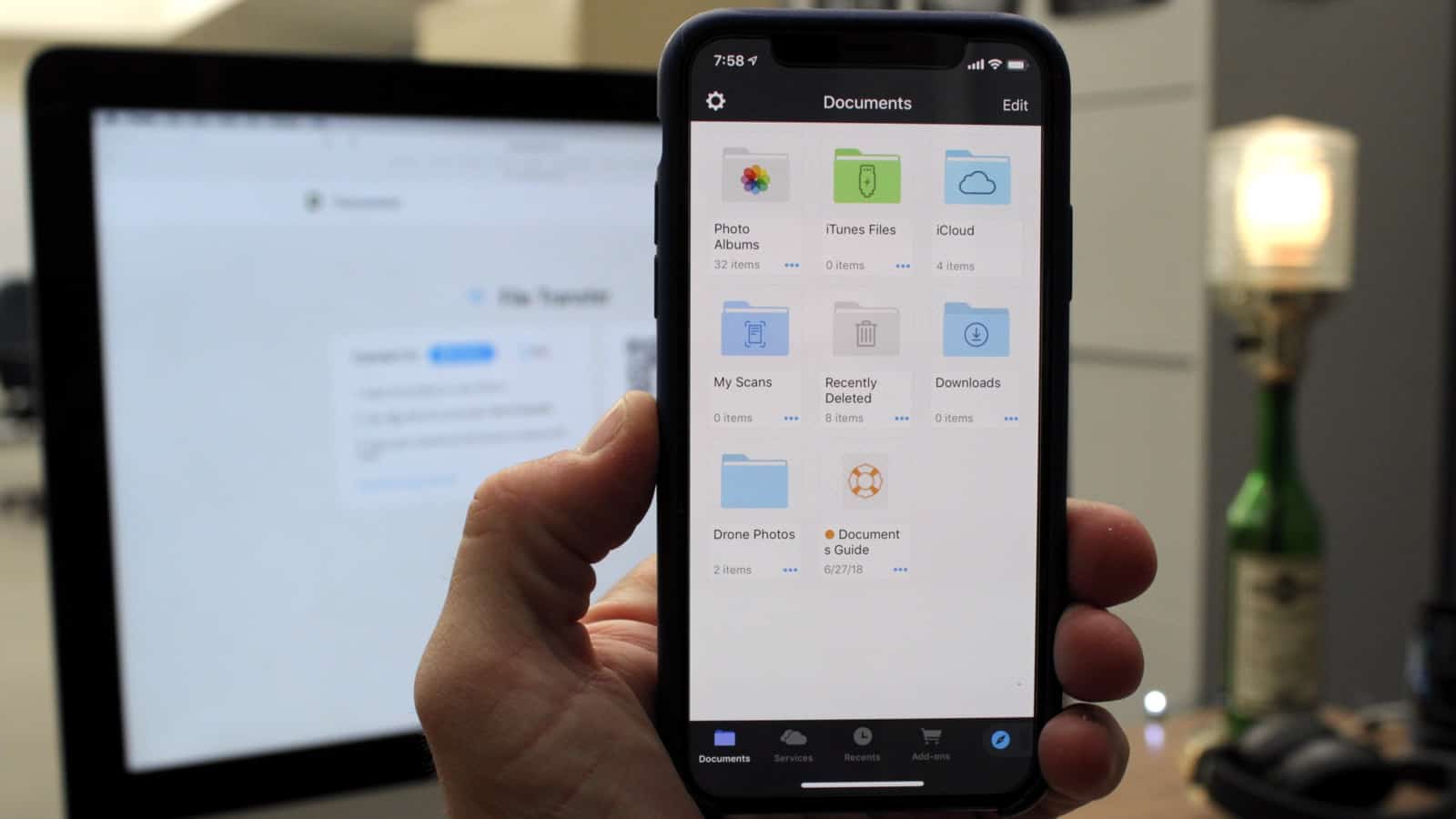
Documents offers mobile access to all your files, across your servers and cloud storage products. Photo: Ian Fuchs/Cult of Mac
For the last few years, discussions about whether you can do “real work” on iOS have circled the internet. One of the most commonly cited issues with iOS was the lack of a file browser. In iOS 11, Apple gave us the Files app, but it suffers from some major limitations. Documents by Readdle takes the file management on iOS to the next level.
It’s easy to give YouTube a kick up the backside. Photo: Apple/Cult of Mac
Have you ever wondered why YouTube is so much slower than all the other websites you visit in Safari? Did you know that you could make it up to five times faster with very little effort?
YouTube’s new design doesn’t play nicely with browsers that aren’t Google Chrome, but with some simple tweaks, you can switch back to its previous design and enjoy much faster speeds.
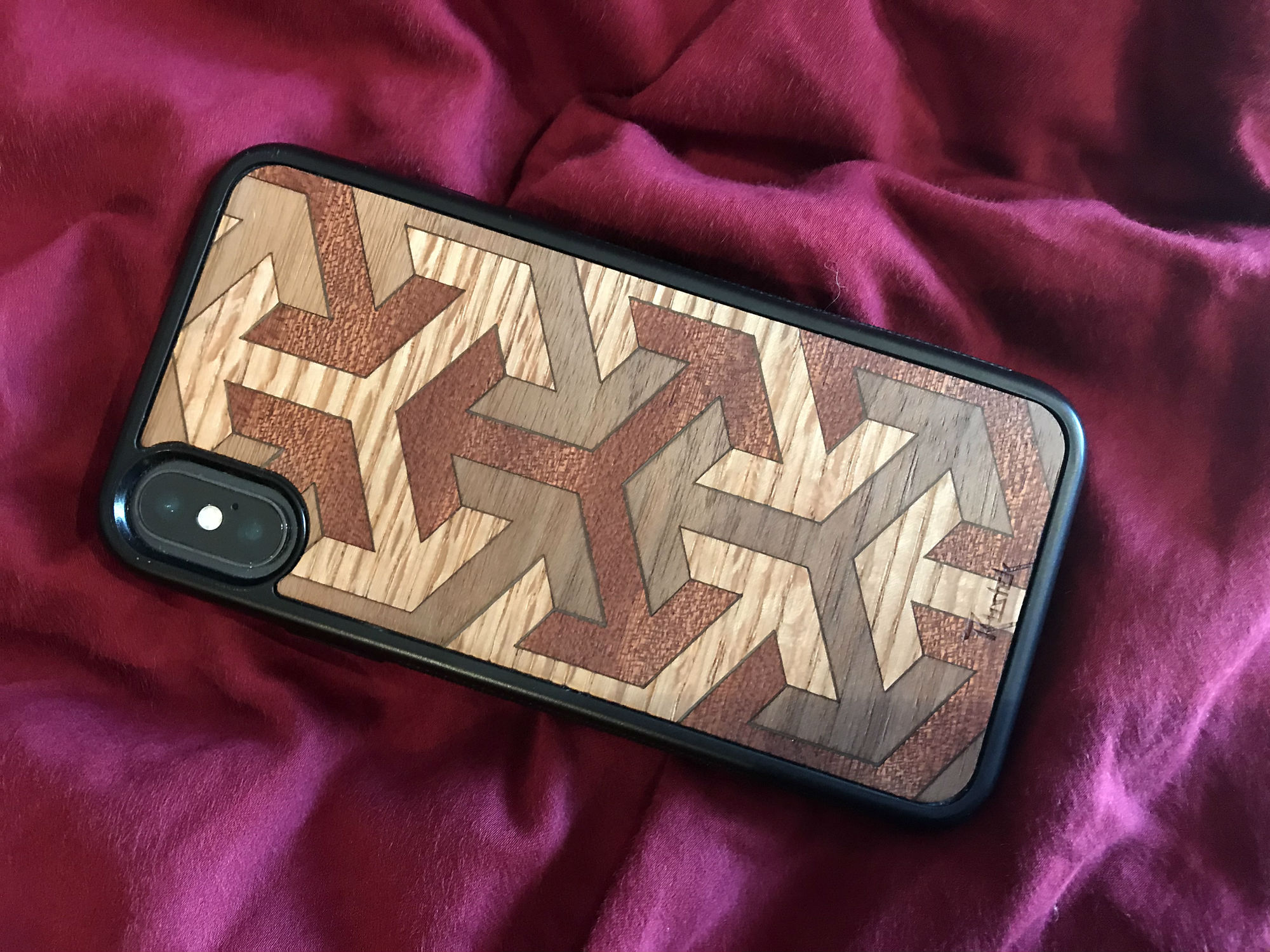
Do you respect wood? Rustek does. Photo: Lewis Wallace/Cult of Mac
Just how much aluminum and glass can you take? If you’re a longtime Apple fan but you’re getting bored with your devices’ sleek surfaces, wood could be the answer.
In particular, wrapping your iPhone in a wooden case from Rustek might cure you of your aluminum ennui. With eye-catching graphics made of laser-cut wood veneers, these cases look really different.
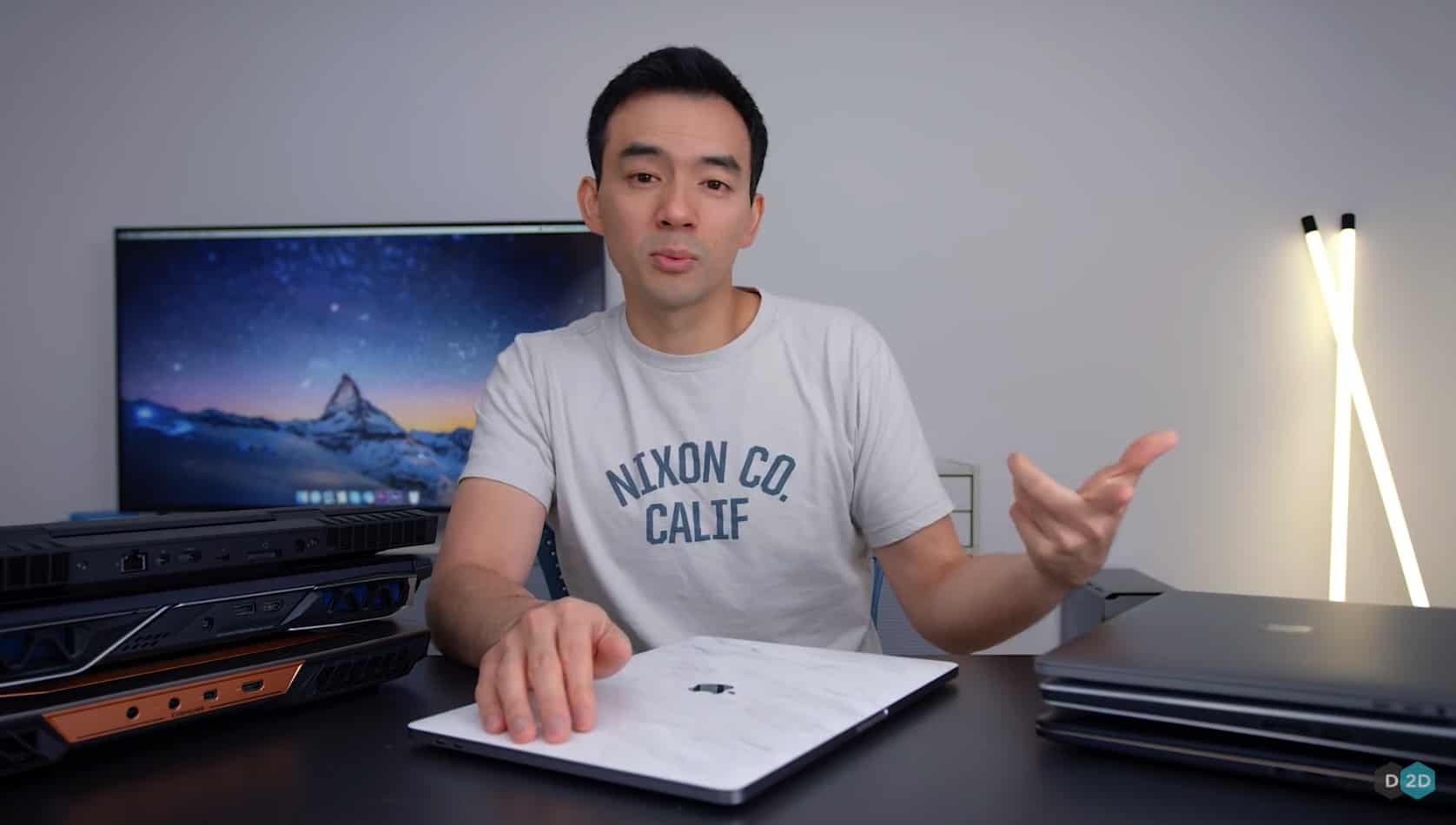
Following the macOS High Sierra update Apple issued yesterday, YouTube tech reviewer Dave Lee uploaded a new video showing that the patch did its job. After the upgrade, his new MacBook Pro is running faster!
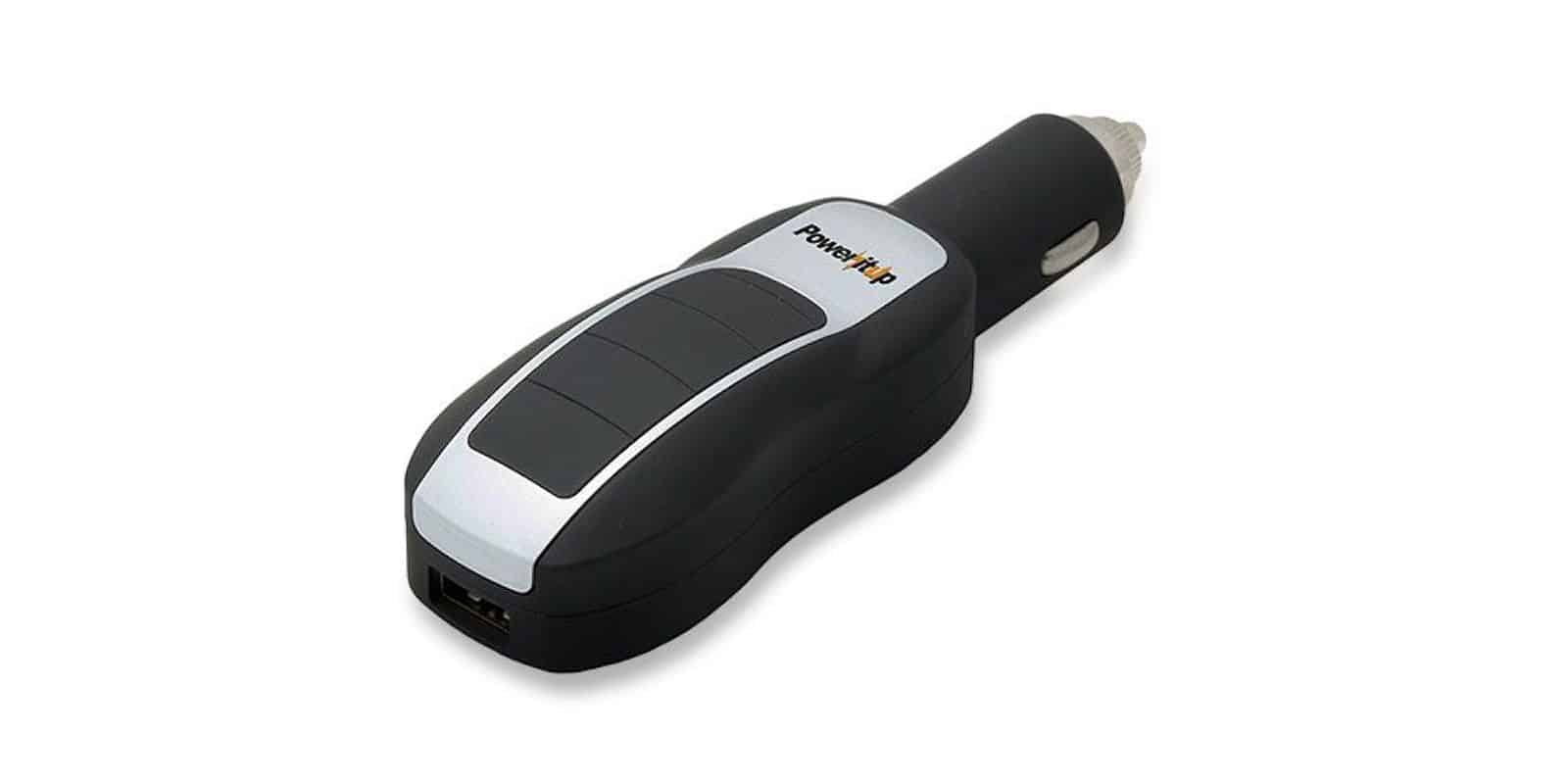
This car charger does double duty as a powerful portable battery, with a ton of cool features. Photo: Cult of Mac Deals
Running out of juice is just as annoying when you’re driving as it is when you’re walking around town. So why not have one device that solves both problems?
No more procrastinating. It's necessary to update your iPhone, iPad, or MacBook to remove a Bluetooth security flaw. Photo: Apple
Many people are slow about updating the operating system on their phone or laptop, sometimes from fear of bugs. But a security flaw in Bluetooth requires updating to recent versions of iOS or macOS to fix.
This flaw could allow a hacker to access information exchanged over Bluetooth. And it affects recent and older iPhones and MacBooks.
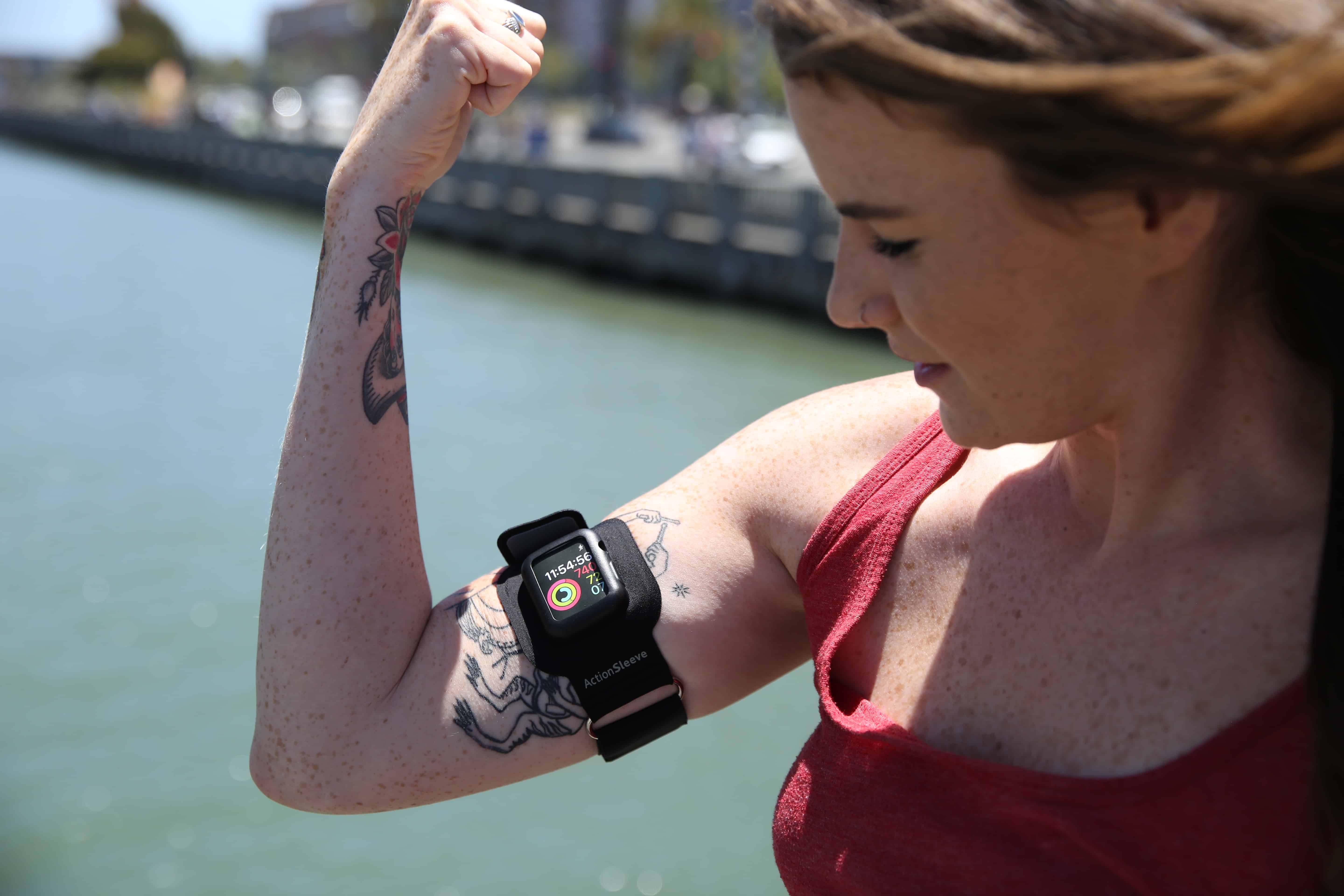
Made of neoprene and silicone for comfort and durability, ActionSleeve from Twelve South puts Apple Watch on your arm. Photo: Benjamin McKay/Cult of Mac
Note: Twelve South does not ship outside of the United States.
The Apple Watch is an ideal workout partner, but it’s not a good idea to have things around your wrist during certain activities. An Apple Watch armband would be perfect.
Now you can wear your Apple Watch on your arm with ActionSleeve from Twelve South. It’s the world’s first armband for Apple Watch, and it is now available in our Watch Store.
Verizon is behind arch-rival AT&T in deploying mobile 5G. Sprint and T-Mobile are trailing. Photo: Steve Rhodes/Flickr CC
Verizon just reveled that Houston will be the third city getting its super-speedy 5G service before the end of this year. But there’s huge caveat: this is fixed service, only for homes and businesses.
In contrast, AT&T will launch mobile 5G service in six cities this year. This shows how far ahead it is than the competition.
Slacking off? Then hide your private chats from your boss with Shhlack. Photo: Giorgio Minguzzi/Flickr CC
Did you know that your boss can read your private Slack chats? That’s right — whenever you switch to a direct messaging session to avoid Slack’s public chat thread, you might think you are chatting away from your boss’s prying ears, the virtual equivalent of a quick word in the stairwell.
However, that’s not the case. The boss can drop in and spy on your “private” chats at any time. Luckily, there’s a way to fix that, using a tool called Shhlack.
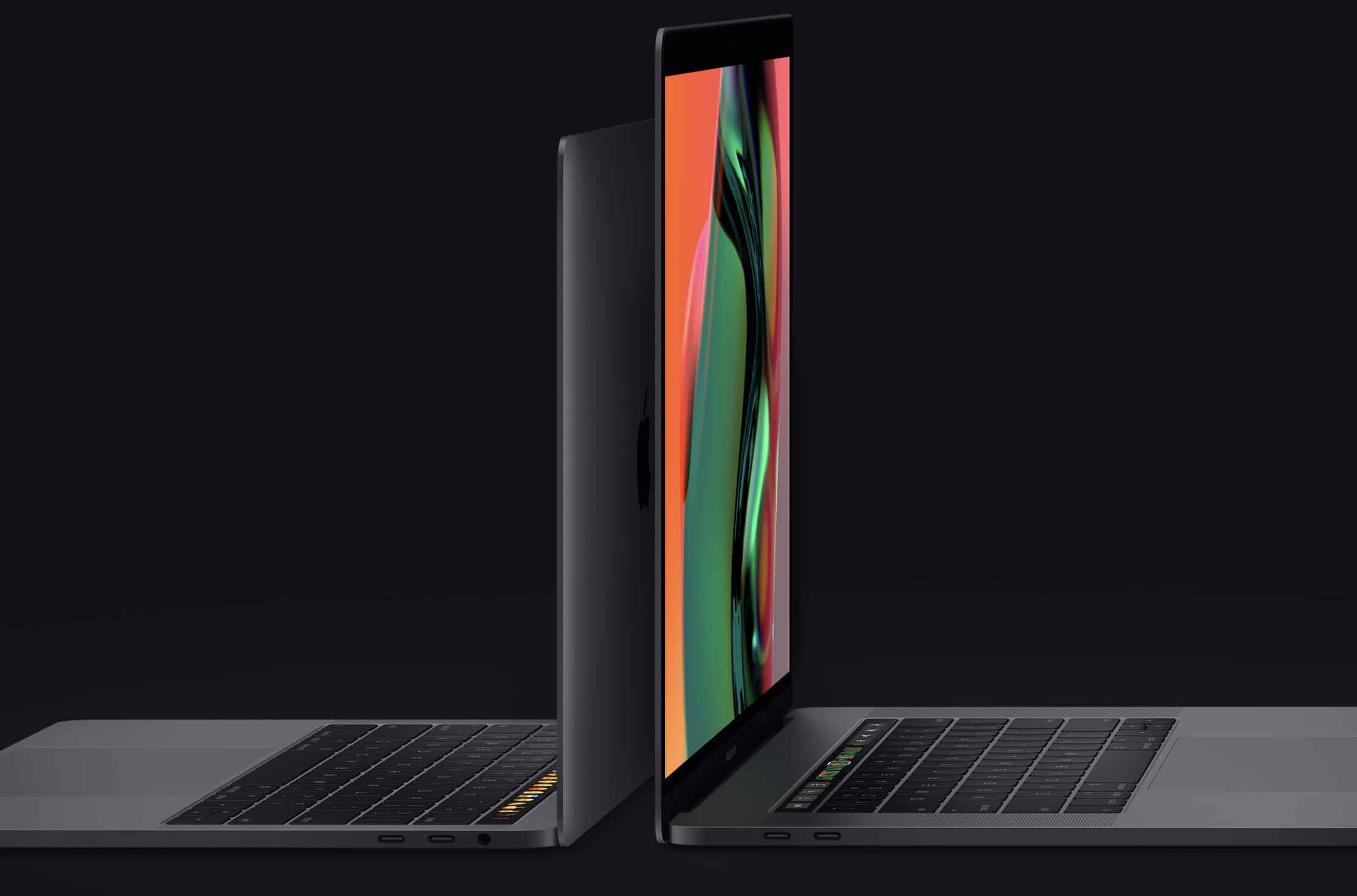
Apple just released a fix that will speed up every 2018 MacBook Pro, no matter the processor or screen size. Photo: Apple
Ever since the debut of the 2018 MacBook Pro, there’s been controversy about the top-tier version suffering thermal throttling. Apple today apologized for this problem, and released a fix.
It also seems every version of the new Apple laptop will down-clock itself to prevent overheating. The slowdowns occur even when it’s not totally necessary to stop the machines from being damaged.
Score a comprehensive education and certification in Microsoft Excel. Photo: Cult of Mac Deals
Microsoft Excel is well worth learning for professionals of all kinds. But it also goes deep, with many uses and possibilities that make learning it intimidating. So this massively discounted bundle of Excel courses is great place for anyone to start.
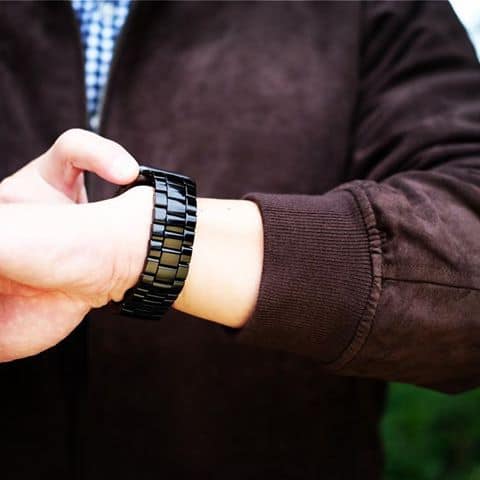
The Velo by Juuk — an aluminum, three-link band shown here in Obsidian. Photo: Juuk
Juuk’s engineered, aluminum Apple Watch bands are always on point. Then they elevate things even more.
The Velo is the first in Juuk’s luxury lineup of aluminum bands to feature a tapered, three-link design. And, the popular Obsidian finish is finally back in stock! This classic band comes in four additional finishes — Midnight, Ruby, Cosmic Grey and Silver. Check them out below.
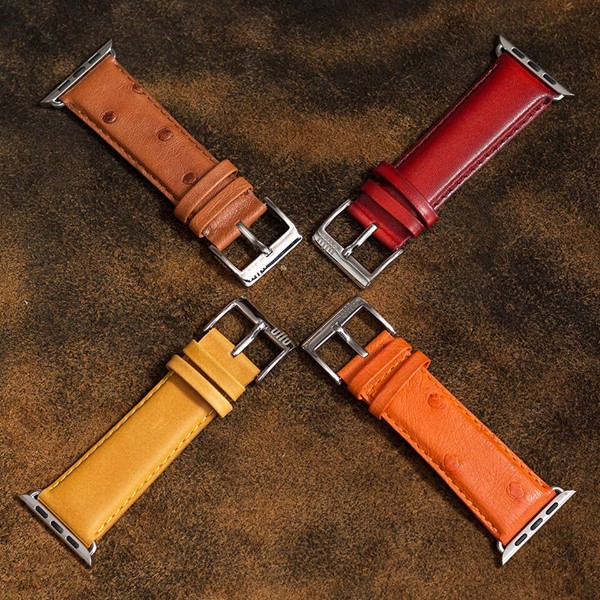
Renowned for its snap-on iPhone cases, Ullu also makes a beautiful assortment of luxurious, leather Apple Watch bands.
Crafted for an excellent finish and fit, these well-padded and stitched bands come in either hand-painted or premium leather.
Our very own Nadine Kahney gives us a hands-on look at the Ullu Premium Leather Band in Tangerine, available for purchase in Cult of Mac’s Watch Store. Check it out below.
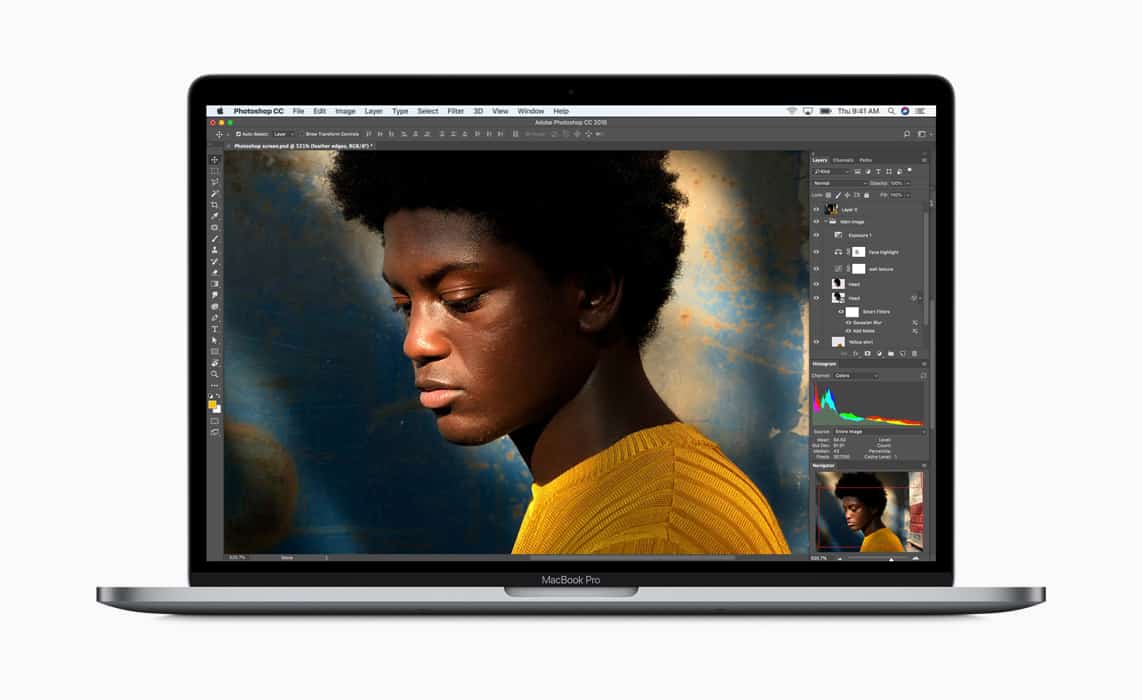
The 2018 MacBook Pro with a Core i9 processor is subject to thermal throttling, but it's hardly alone in that. Photo: Apple
The top-of-the-line MacBook Pro with an Intel Core i9 processor has gotten some bad press. The new laptop reportedly is subject to thermal throttling, which is a fancy way of saying that its CPU gets so hot that it slows itself down before burning up.
But before anyone criticizes Apple too much, Consumer Reports came to the company’s defense. The consumer-testing organization points out that other laptops with top-tier processors are also subject to thermal throttling.
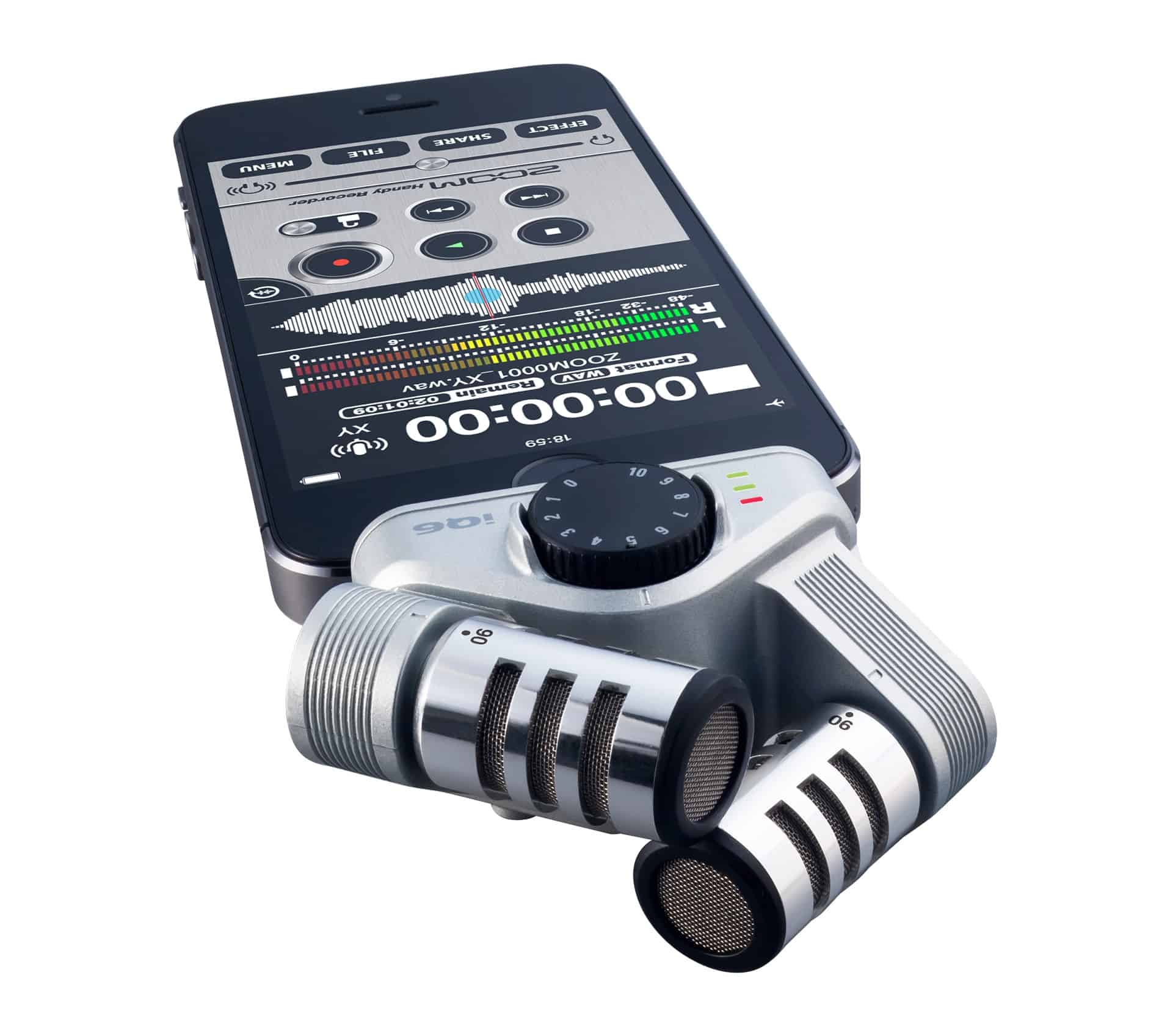
The quickest and easiest way to improve iPhone audio is with a Lightning mic. Photo: Zoom
Your iPhone camera is amazing. Especially for video. Modern iPhones capture 4K video, and pretty much any iPhone from the past few years can easily do high-definition 1080p. It’s also likely that your videos will be stabilized, so they look smooth, like they were shot with a Steadicam, not a shaky human hand.
The sound, though, isn’t as good as the image. The iPhone’s microphones are good, but not nearly as high-end as its camera. Also, the best place for a microphone often isn’t right next to the lens. It’s better to put it as close to the sound source — usually a person speaking — as possible. The good news is that it’s easy to get much better sound on your iPhone videos. Here’s how.
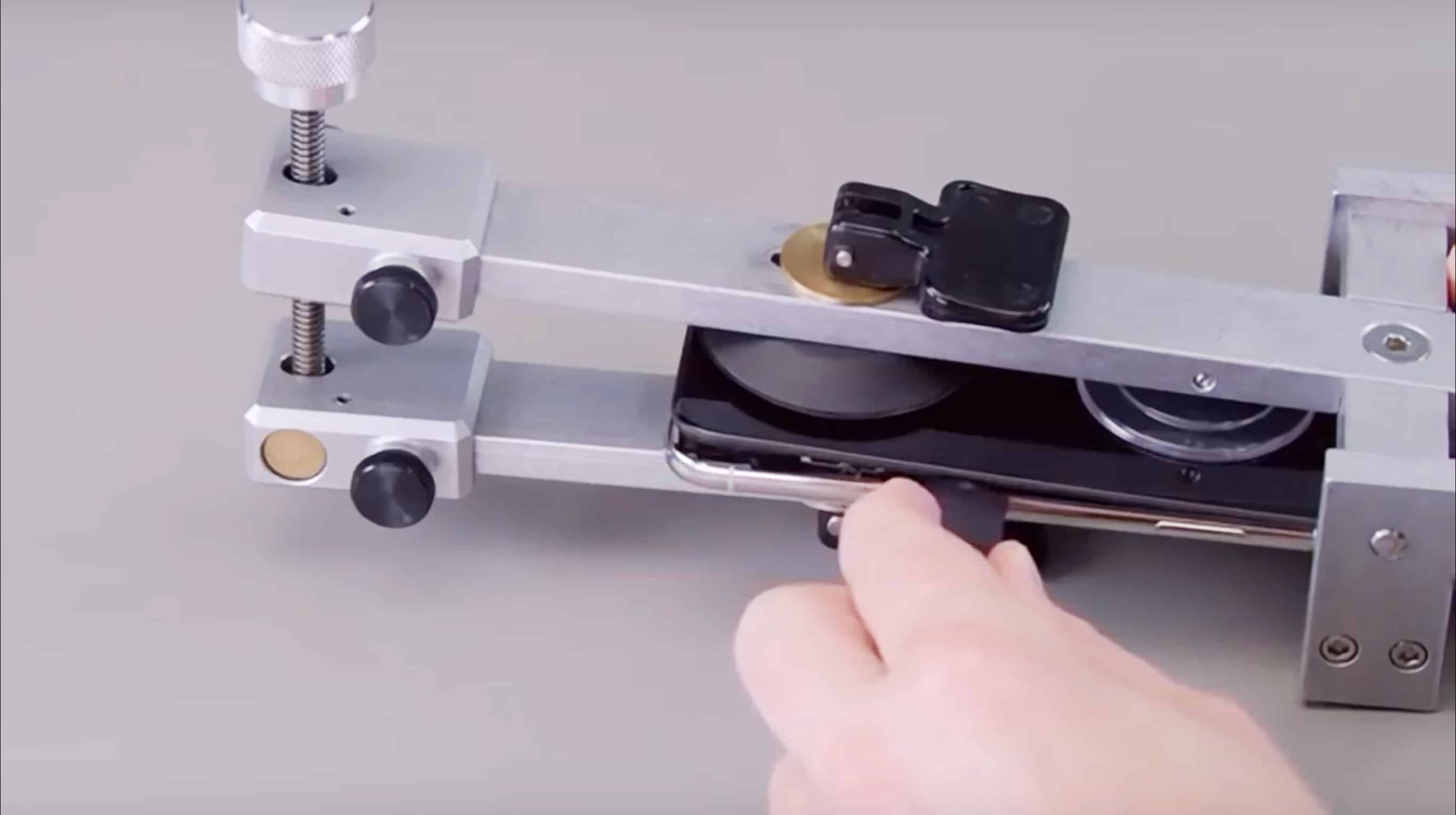
Apple repair techs have access to a lot of gear other people don't. Screenshot: Apple
Editor’s Note: Not surprisingly, these internal Apple videos are now gone from YouTube. The iPhone maker undoubtedly asked that they be removed.
What appears to be a collection of Apple’s internal video guides to repairing various devices has been posted on YouTube. These show the company’s methods to fix some components of the iPhone X, the iMac Pro 2017, and the MacBook Pro 2016 and 2017.
Apple doesn’t show anyone outside of the company how to service its products. Third-party repair companies have to figure it out for themselves. So this is a rare look inside official Apple repair procedures.
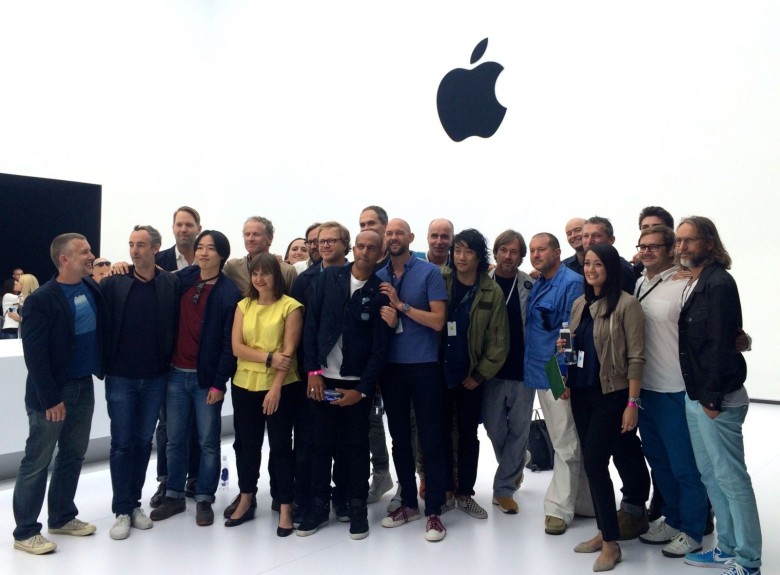
Apple's Industrial Design team at the Apple Watch unveiling. Photo: Leander Kahney / Cult of Mac
If you have design chops and believe your ideas belong in the same room as Jony Ive, Apple has an opening on the team that creates some of the world’s most important tech.
Apple is currently accepting applications for an industrial designer to join the Industrial Design Group in Cupertino. This is a tight-knit group of around 20 designers headed by the legendary Ive that are seen as the principal inventors of Apple’s iconic devices.
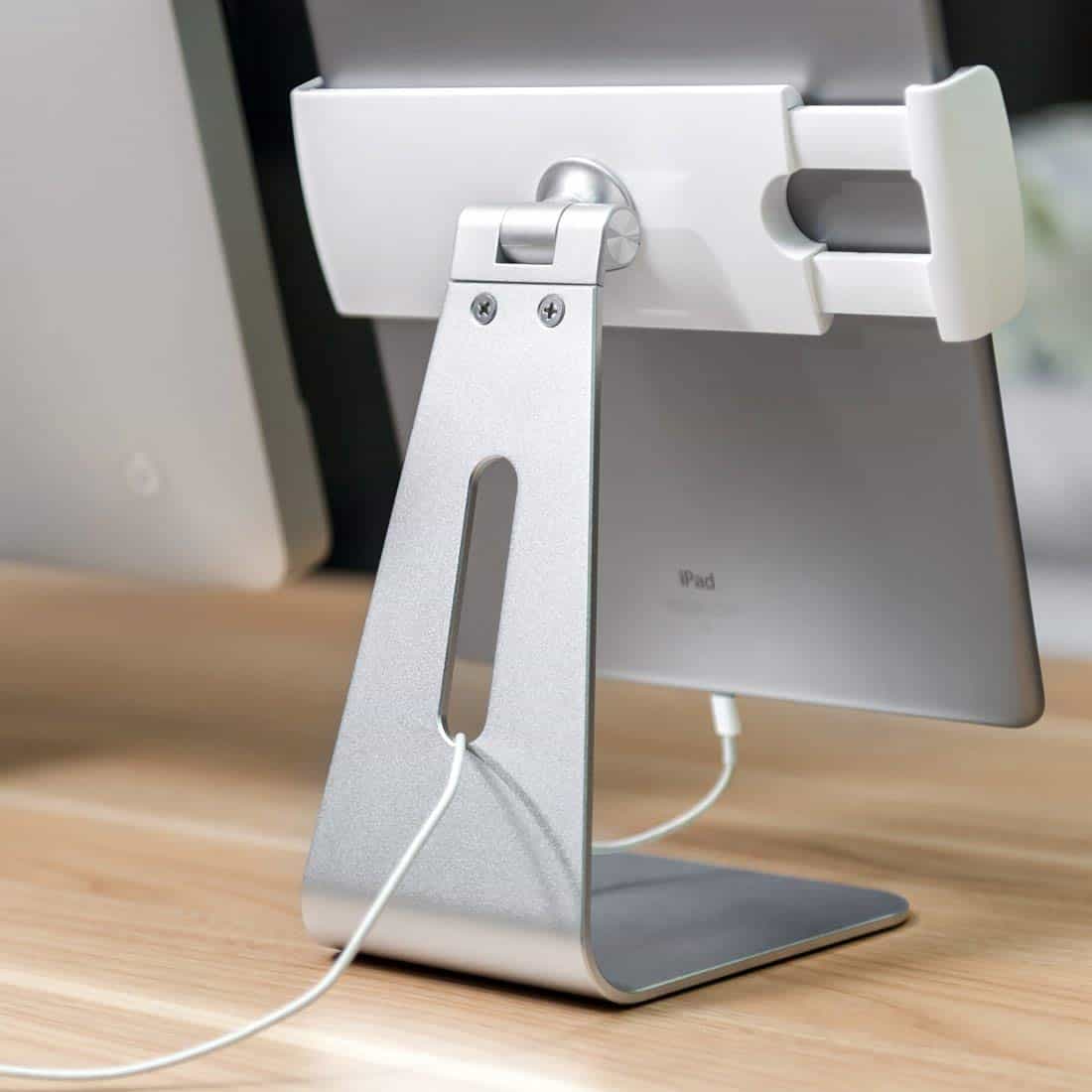
Sturdy and stylish, this stand is also super-adjustable. Photo: AboveTek
This is less of a review, and more of a heads-up. If you’re looking for a desktop iPad stand, then you should probably just go ahead and buy the AboveTek Elegant Aluminium iPad Stand Swivel Stand.
Yes, I’m serious. It may be a no-brand Chinese commodity gadget, sold under different names by different sellers, but it’s also the best iPad desk stand I’ve ever used.