One of several portals now found in Mega Mall. Screenshot: Killian Bell/Cult of Mac
Fortnite players could soon find themselves transported to the Upside Down as Stranger Things begins its in-game takeover.
Gateways to the parallel universe, complete with floating spores, have started appearing in the Mega Mall area of Battle Royale. They won’t take you far for now — but that could soon change.
We've rounded up four incredible add-ons to make your iPhone an even better photo powerhouse. Photo: Cult of Mac Deals
We get iPhones as much for the camera as for any of the other features. But as great as mobile photography has become, it’s still up against the limitations that come with being, you know, a phone. So if you’re looking to take your iPhone photos to the next level, these four upgrades are for you, from wireless charging gimbals to DSLR-style grips, 360 camera extensions and more. Read on for more details:
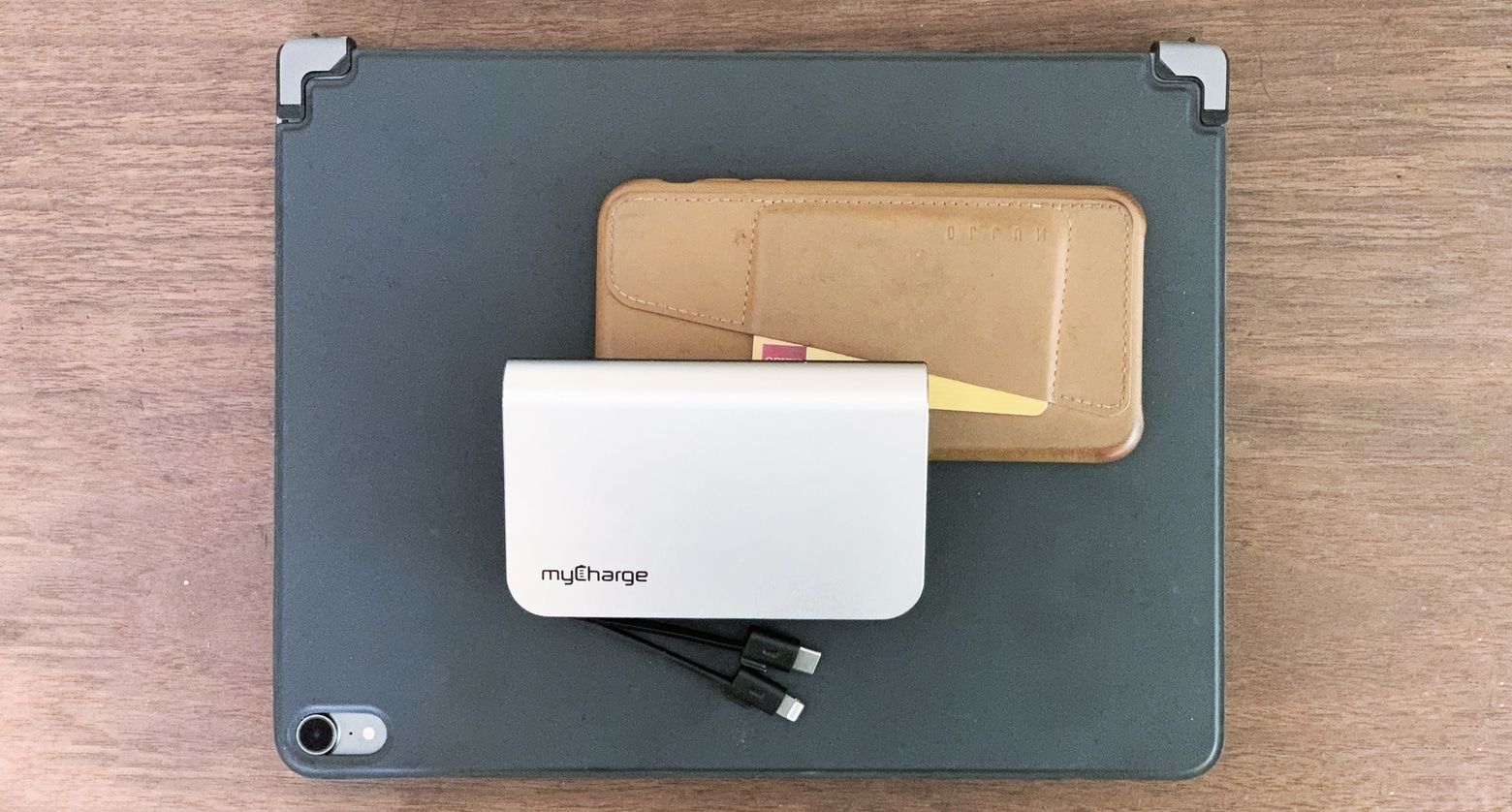
iPhone, iPad Pro, and myCharge HubMax Universal: you’re ready to go. Photo: Ed Hardy/Cult of Mac
Hands up if this ever happens to you: you remembered your iPhone or iPad and an external battery but forgot the charging cable. That frustration isn’t possible with the myCharge HubMax Universal as it has both a Lightning and a USB-C cable built in. Even better, this 10050 mAh battery has a pair of wall prongs so it can plug straight into a socket.
Go on the road with me as I put the HubMax Universal through its paces.
My cheap Kia came with CarPlay as standard. Photo: Killian Bell/Cult of Mac
iOS 13 doesn’t just mean big improvements for your iPhone. Apple is making some pretty significant enhancements to CarPlay, too, including a brand-new dashboard and better apps.
Some of these great new CarPlay features are long overdue. Here’s everything you can expect from Apple’s in-car platform in iOS 13.
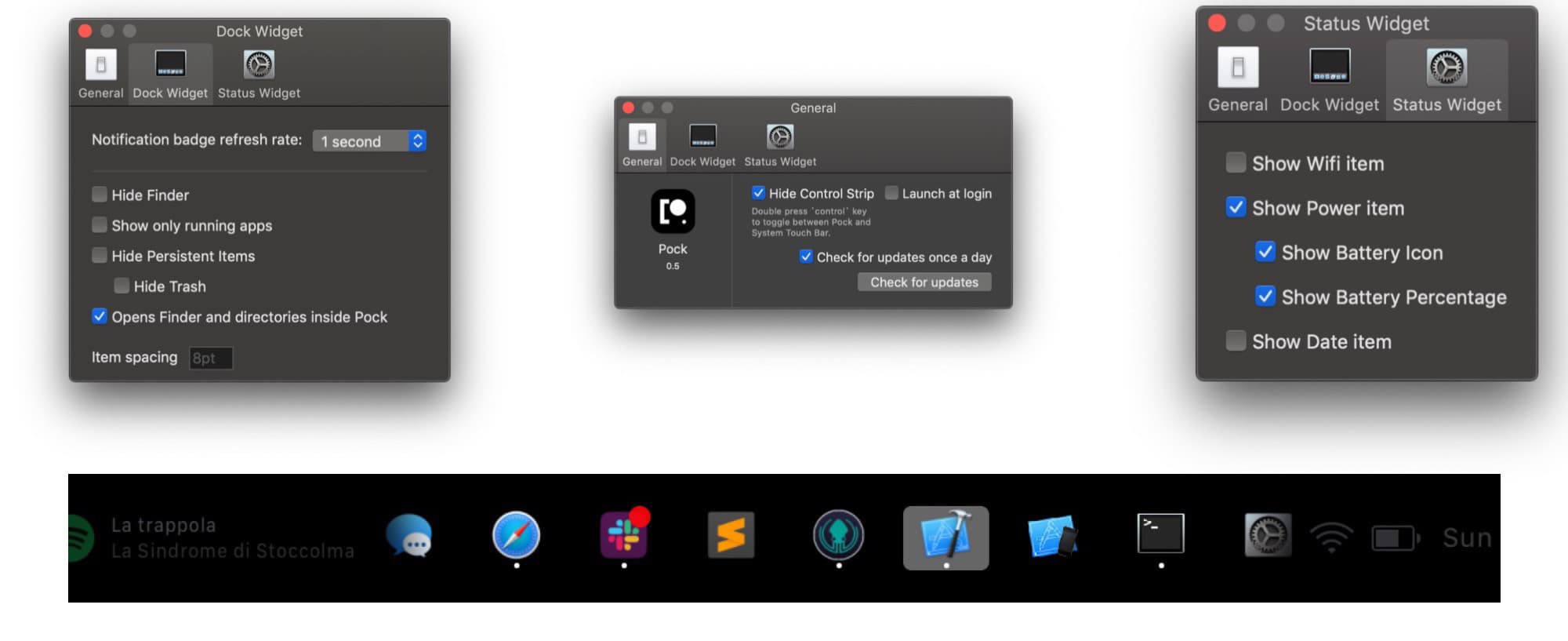
Pock is a very neat little utility for folks with Touch Bar MacBook Pros. All it does is replace the Touch Bar’s tools with swap-in “widgets,” or sets of tools. One of these puts the Mac’s own Dock into the Touch Bar, which is an amazing idea. But there are several other widgets available, with more to come.
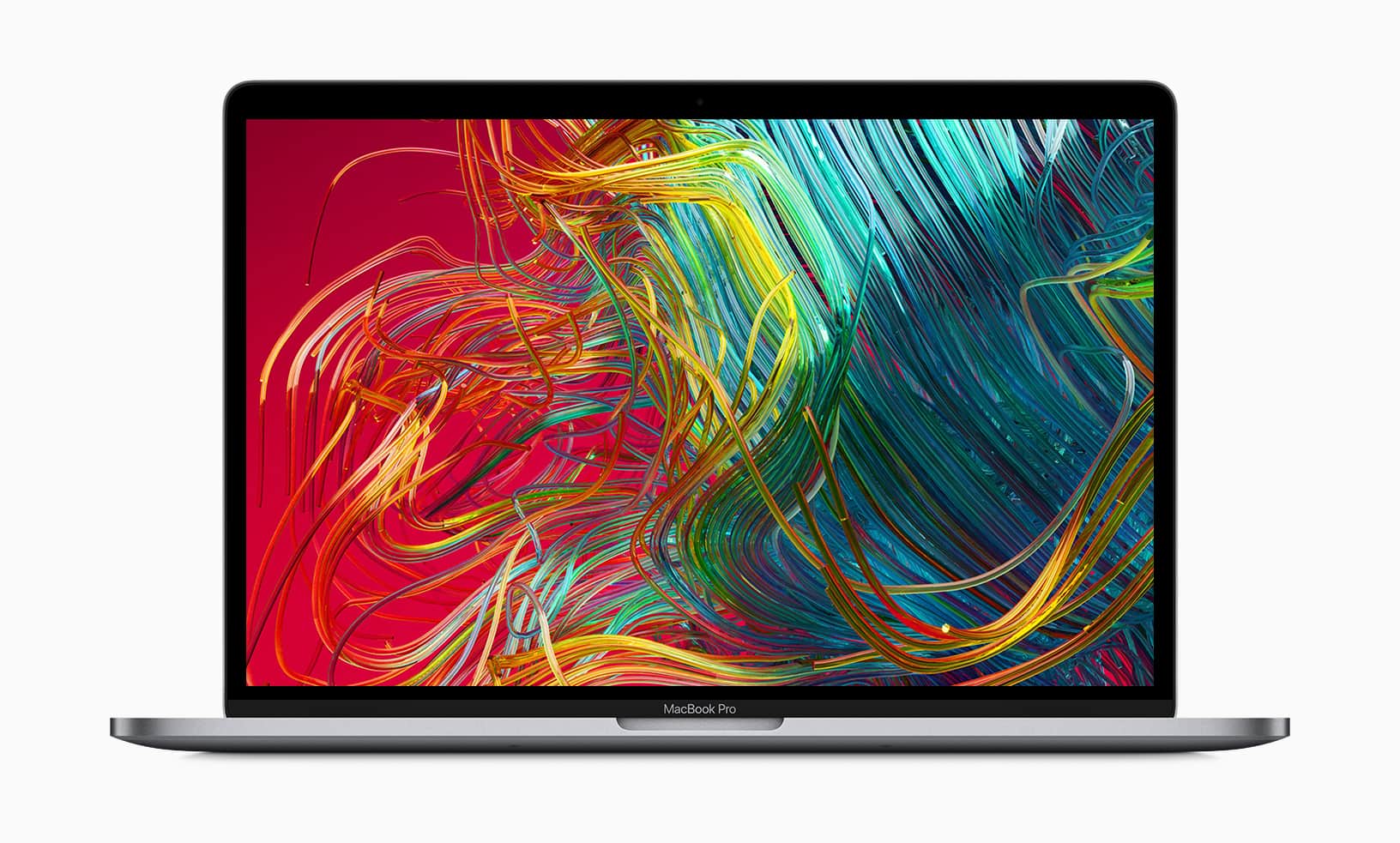
The FCC just accidentally leaked some info on an upcoming Apple laptop. Photo: Apple
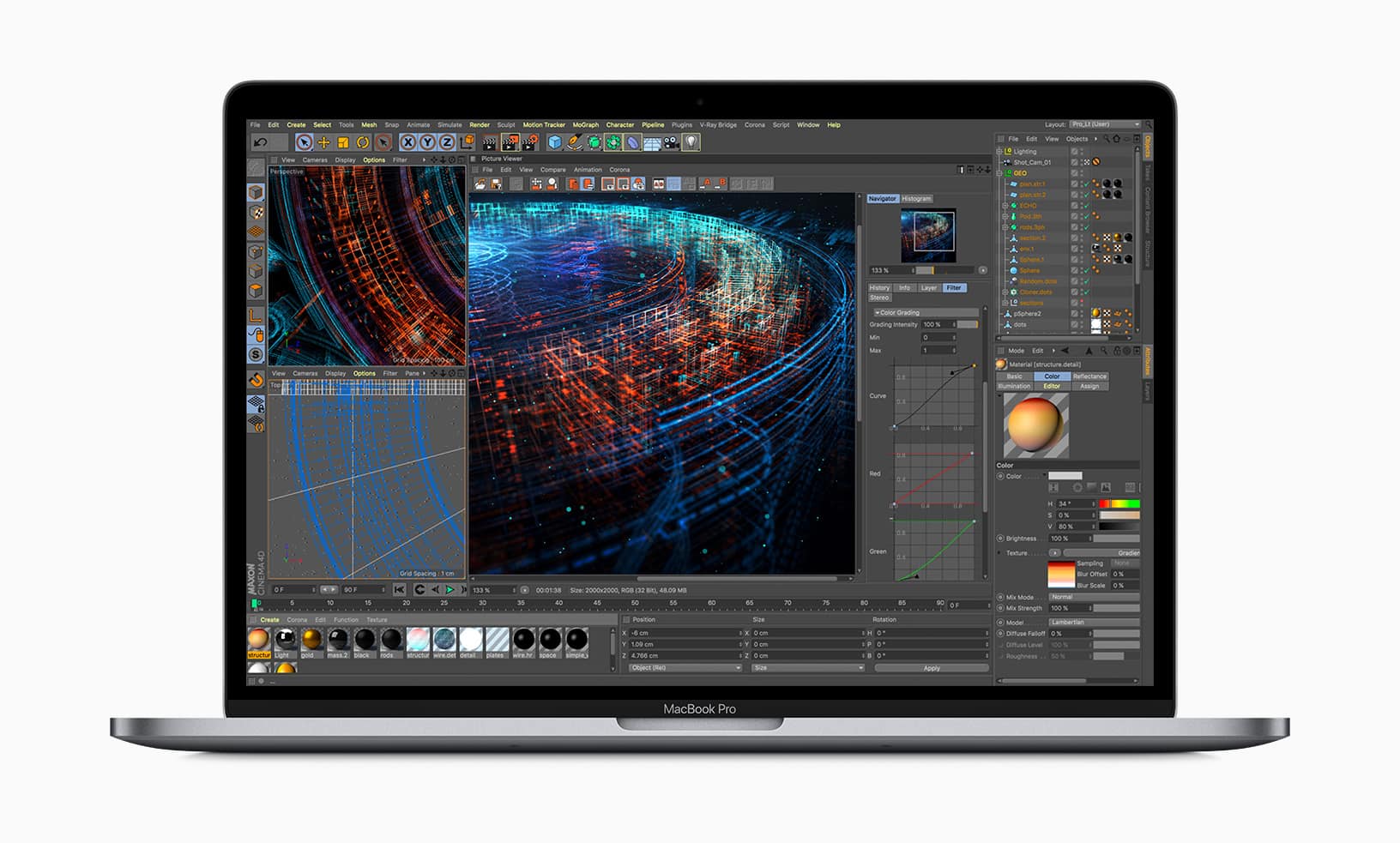
5The FCC just signed off on an Apple laptop that hasn’t been announced yet. This could be the 16-inch MacBook Pro that’s been the subject of recent rumors. Or it might be just a speed-bumbled version of an earlier model.
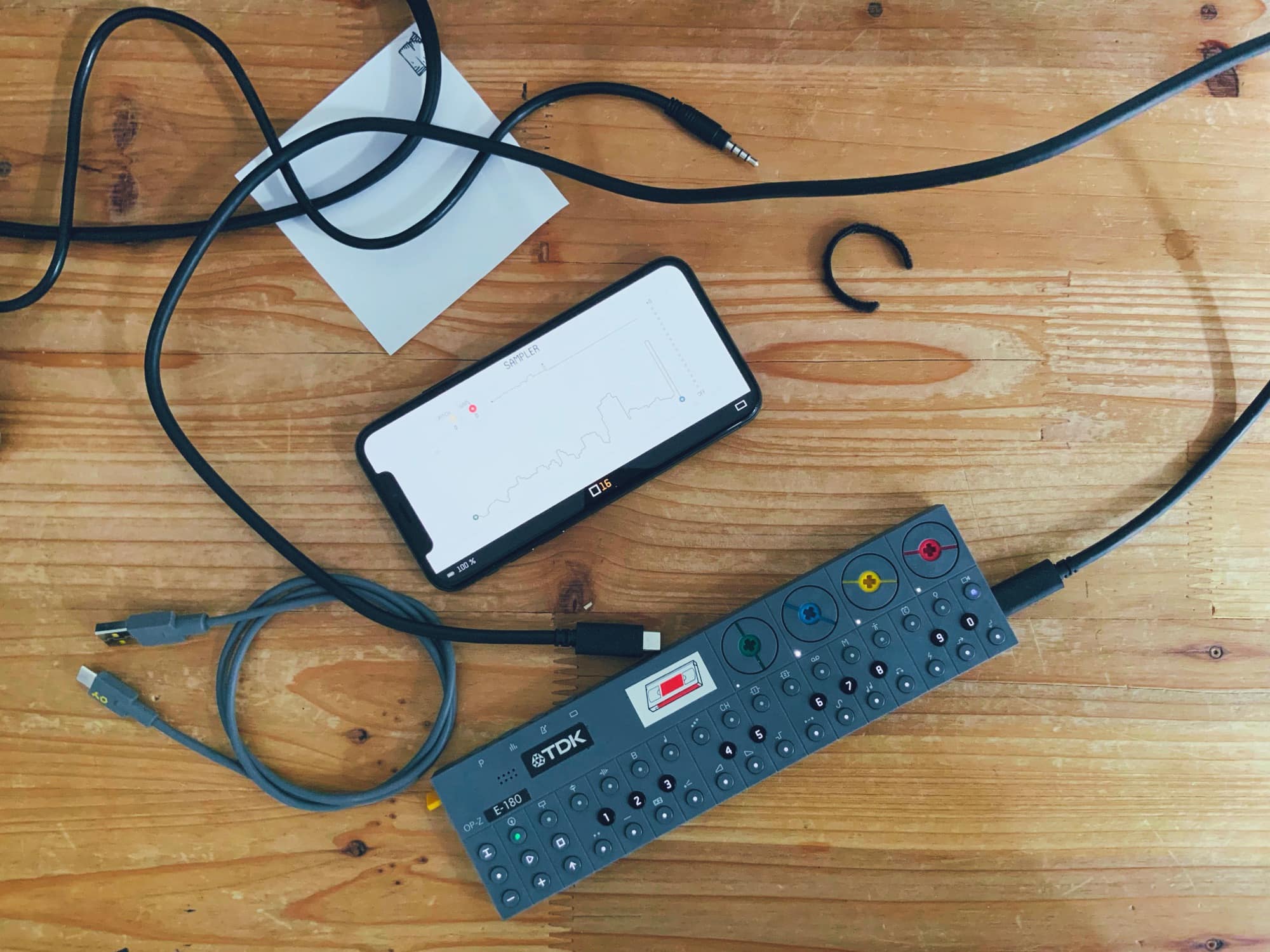
This is all you need to make a hit record. Well, maybe a few dongles, too… Photo: Charlie Sorrel/Cult of Mac
Teenage Engineering’s awesome, pocket-size OP-Z synth can now record and use samples. Thanks to a massive software update, it can now sample live audio in through its mic, or via its USB-C port. And yes, if you hook it up to an iPhone or iPad via USB, it shows up as a standard audio interface: You can record from, and send audio to, the OP-Z in lossless digital quality.
Today we’re going to check out these new features. A few limitations prove annoying, but Apple users should feel accustomed to that by now.
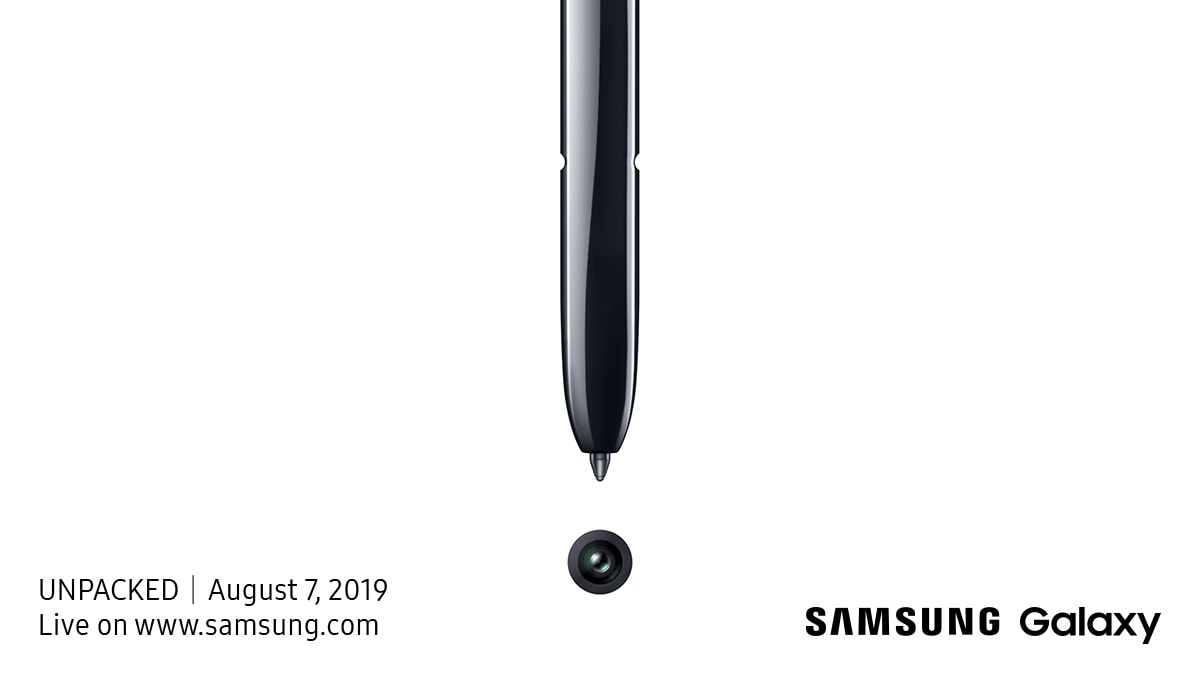
You’ll be able to watch the event online. Photo: Samsung
Samsung today issued invites for a big Galaxy Unpacked event on August 7. The South Korean company is expected to unveil its newest rival to the iPhone XS Max — the much-anticipated Galaxy Note 10.
We recently got a glimpse at leaked photos of the device, which will offer a giant edge-to-edge display with a tiny camera cutout.
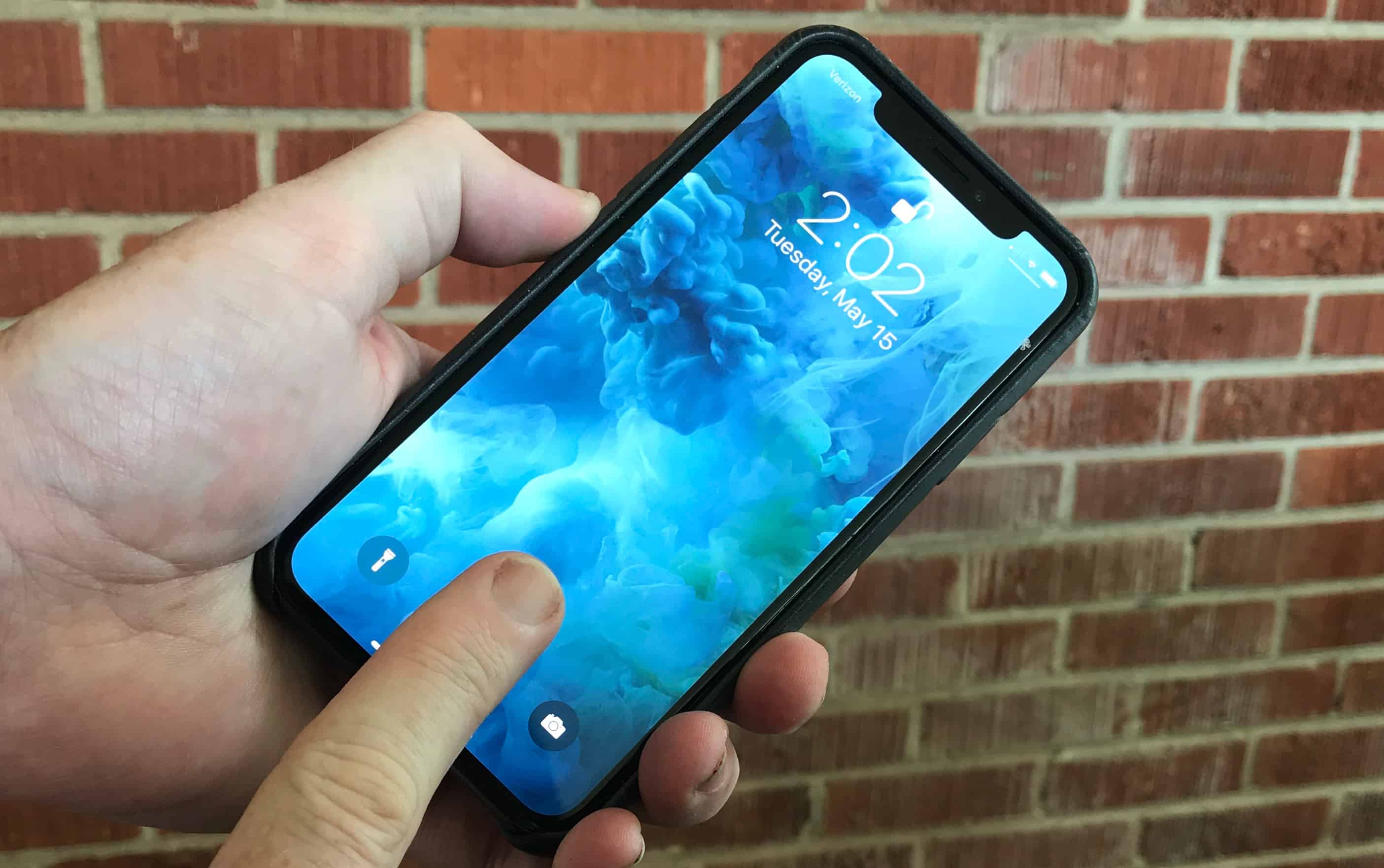
Touch ID could be back, but not as you know it. Photo: Ed Hardy/Cult of Mac
Apple could have a surprising trick up its sleeve to save the iPhone in China.
New reports claim the company is working on a smartphone exclusively for the Chinese market. The device is expected to be significantly more affordable and will include an under-display fingerprint scanner in place of Face ID.
Amazon’s Deal of the Day lets you save up to 29% on the 2018 MacBook Pro for today only. Prices start at $1,879.99 (down from $2,399.99) for a 15-inch model with a six-core Intel Core i7 processor, 16GB of RAM, and 256GB of storage.
iOS 13 keeps your location private. Photo: Charlie Sorrel/Cult of Mac
When you send a photo to somebody in iOS 12 or earlier, you also share that photo’s location. If you upload a picture to a classified ad or auction site, you potentially show everyone exactly where you live. And if you send a photo to a friend or family member, they may share that image publicly (on Facebook, for instance) — and share your home address along with the picture.
In iOS 13, you can disable location sharing for any photo you share. Some annoying limits hurt this new feature, and you have to remember to do it every time you share an image or video, but it’s still a lot better than what we have in iOS 12.
Expansion Slot Utility reborn in macOS Catalina. Photo: Steve Moser
Apple’s latest macOS Catalina beta revives the long-lost Expansion Slot Utility app for the new Mac Pro.
Now updated to version 2.0, the app helps users configure things like video cards, audio adapters, and more. It went away for a while after the introduction of the 2013 Mac Pro — but it will be called into action again when the 2019 Mac Pro makes its debut.
Don’t install Flash Player. Not even the real one. Photo: Intego
Security researches have discovered new malware that targets macOS users and evades popular antivirus tools.
“CrescentCore” is distributed as a DMG package that’s disguised as Adobe Flash Player. It can now be found on multiple websites — one of which is “a high-ranking Google search result,” according to Intego.
Easily rip and convert any DVD to play on any device. Photo: Cult of Mac Deals
At this point, our DVD collections are mostly just decoration for our shelves. It doesn’t have to be that way, you can convert all those old discs so they play on your iOS or Android devices (or anything else).
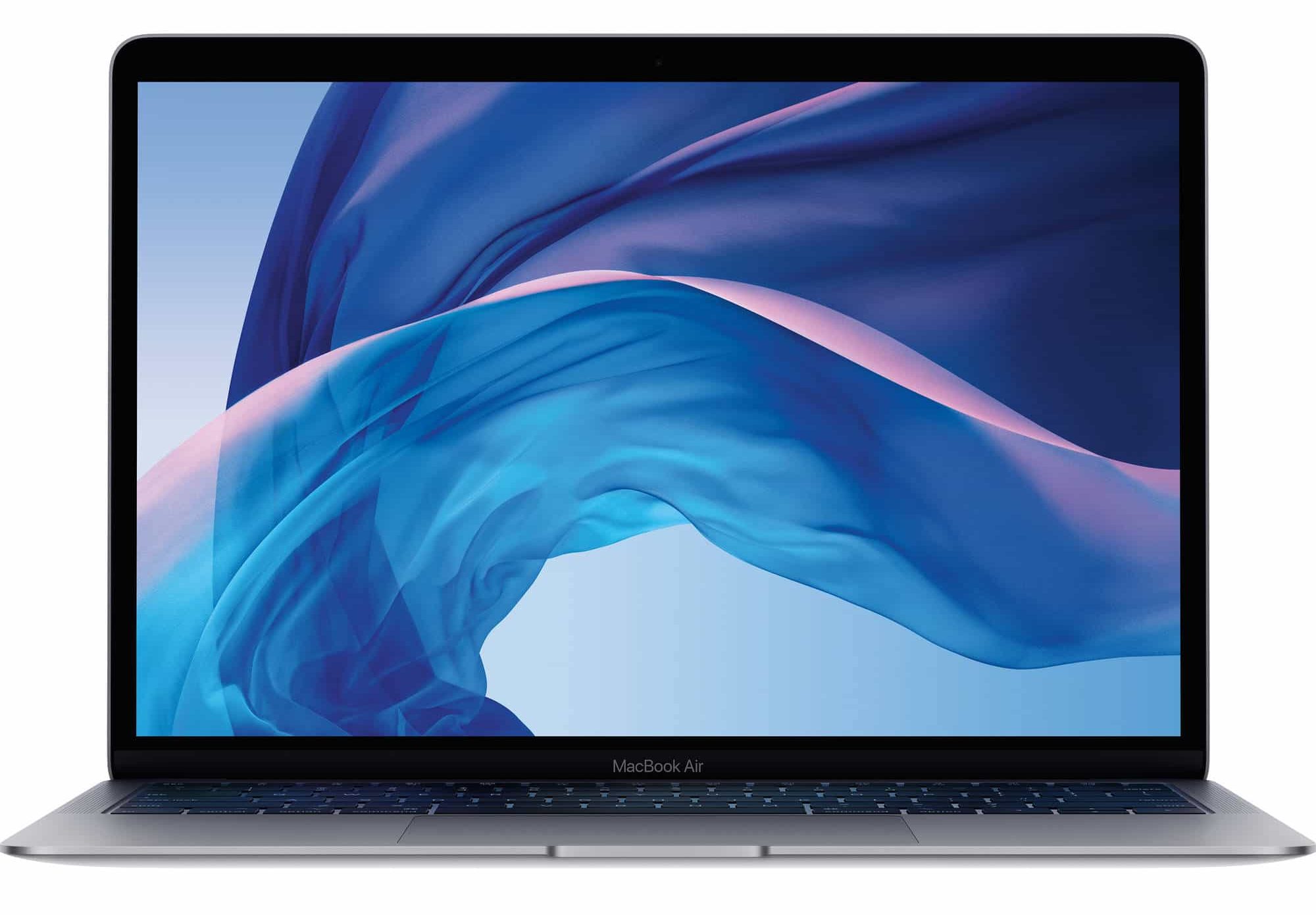
Apple has identified a logic board issue with “a vey small number” of 2018 MacBook Air units. Users can return their machine to an Apple Store or Authorized Service Provider for a free repair.
You will receive an email from Apple if your MacBook Air is affected.
What a sweet suite of apps we have this week. Photo: Cult of Mac
This week, we remix memes with Meme Machine, sync SSH in iOS with Secure ShellFish, and go two-up in the Finder with Commander One. And more. As usual.
The iPad got developers excited from day one! Photo: Apple
June 30, 2011: A little more than a year after the iPad goes on sale, the number of iPad-exclusive apps in the App Store passes 100,000.
The milestone caps a brilliant first year for Apple’s long-awaited tablet. And the amazing breadth of iPad-only apps proves the device is much more than just a bigger iPhone.
We've rounded up three awesome AirPod accessories. Photo: Cult of Mac Deals
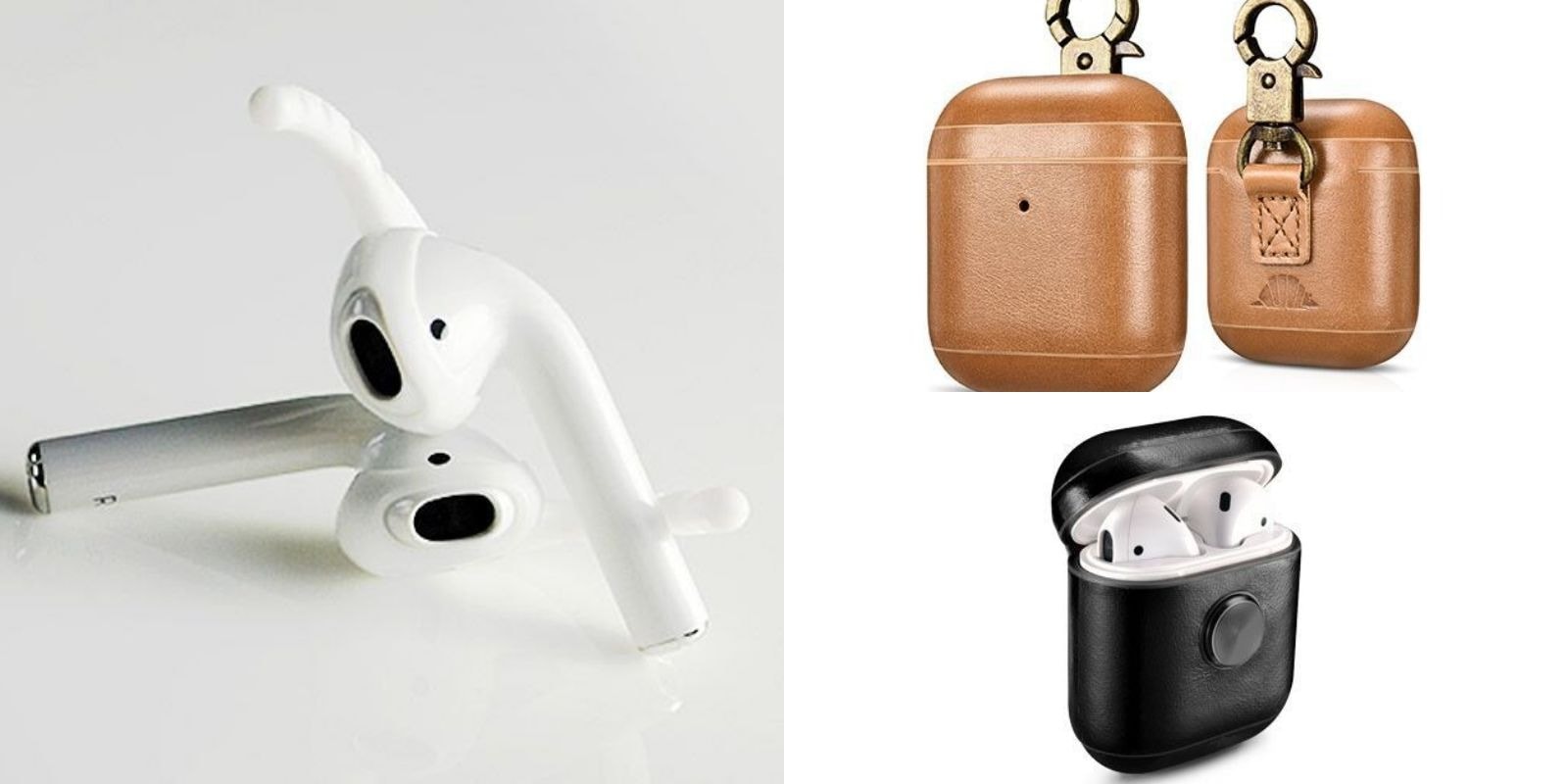
AirPods are an essential part of using an iOS device. They’re an important accessory, so it should be no surprise that AirPods also get their own accessories. We’ve rounded up three of the best, from handmade carabiner carriers, to cases that double as fidget spinners and a set of grip-enhancing earhooks. Read on for more details:
Use iPhone headphones with your MacBook or iPad Pro with this handy adapter. Photo: Ed Hardy/Cult of Mac
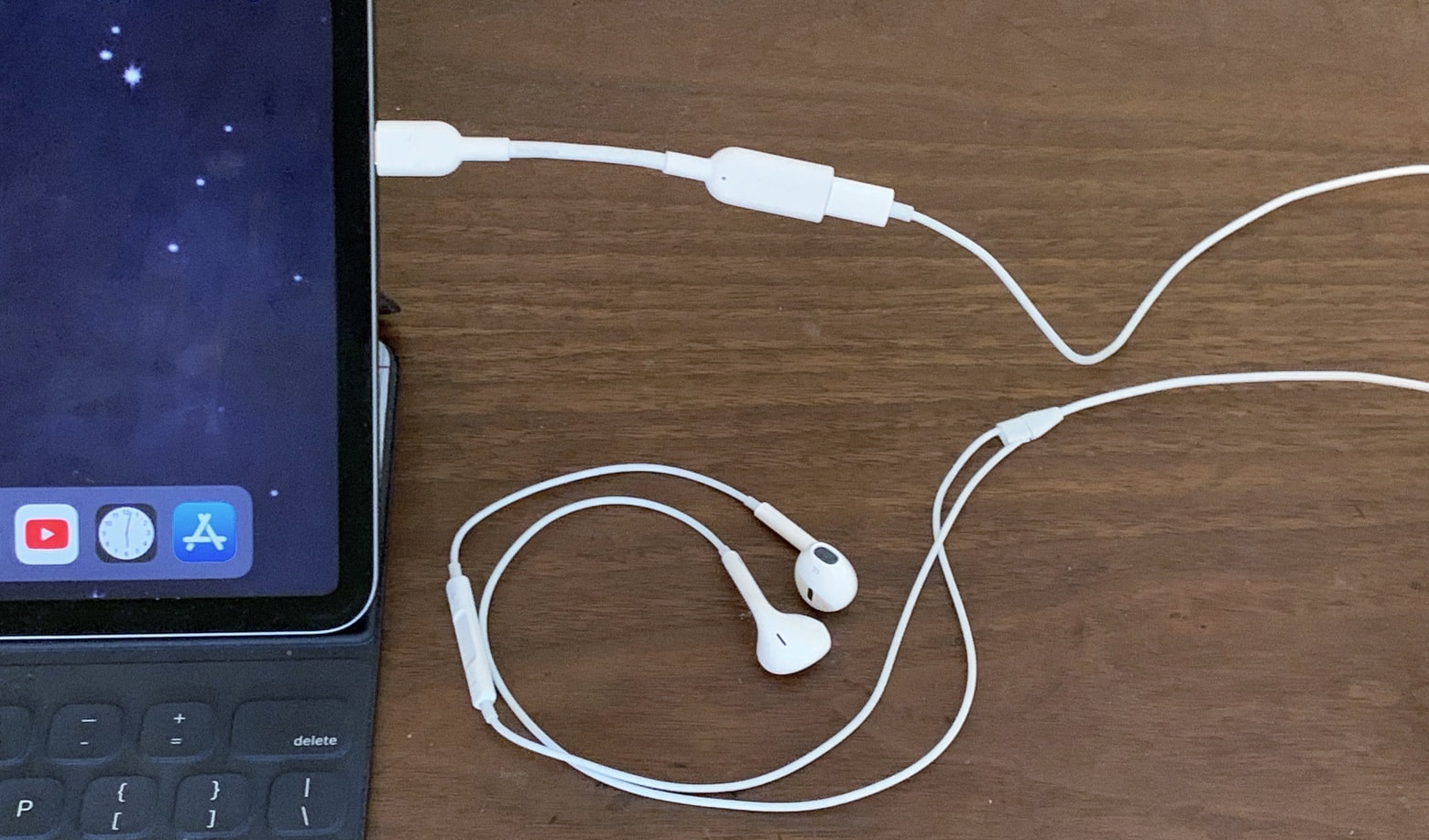
Anker’s latest adapter lets Apple fans bring a single pair of wired headphones to use with their iPhone, Mac and even iPad Pro. It’s a simple gizmo that converts Lightning audio to USB-C.
You won’t need an adapter to read our hands-on review.
The "fiddle factor" is the tactile magic of Apple design. Cover: Leander Kahney/Cult of Mac
What will Apple miss most as design chief Jony Ive spacewalks out of the spaceship campus? We think it’s the “fiddle factor” he injected into all his best Apple design.
Find out all about this tactile innovation in this week’s free issue of Cult of Mac Magazine for iOS. We’ve got the lowdown on Ive’s exit — and the elusive “>Evans Hankey, the woman who will lead Apple’s famous Industrial Design studio going forward.
If you prefer to read in a browser, you can find links to the week’s best Apple news, reviews and how-tos below.
Score a truly massive bundle of invaluable language, travel, and food tips for whatever you want to pay. Photo: Cult of Mac Deals
Travel can be stressful, especially if you don’t speak the language or know your way around. Even unfamiliar food can be intimidating. So this massive bundle of travel guide, language lessons, and food tips across the globe is an opportunity to be well prepared for your next trip.
As a design student back in the 1980s, a teenage Jony Ive spent a semester with a design agency in London, the Roberts Weaver Group. One of his first projects was designing a new pen for Japan’s Zebra Co. Ltd., a pen-maker based in Tokyo.
Ive’s TX2 pen was made of white plastic — the beginning of a life-long obsession with the color — and had a pair of rubbery side panels for a better grip. But what set the pen apart from every other was a nonessential feature — a ball-and-clip mechanism on the top that served no purpose other than to give the owner something to fiddle with.
Ive noticed that people fiddled with their pens all the time. So he decided to give his pen something he called the “fiddle factor.” This crucial insight ultimately became an essential element of Apple design as Ive rose to become Cupertino’s chief design officer.
But is it just coronavirus? Photo: Charlie Sorrel/Cult of Mac
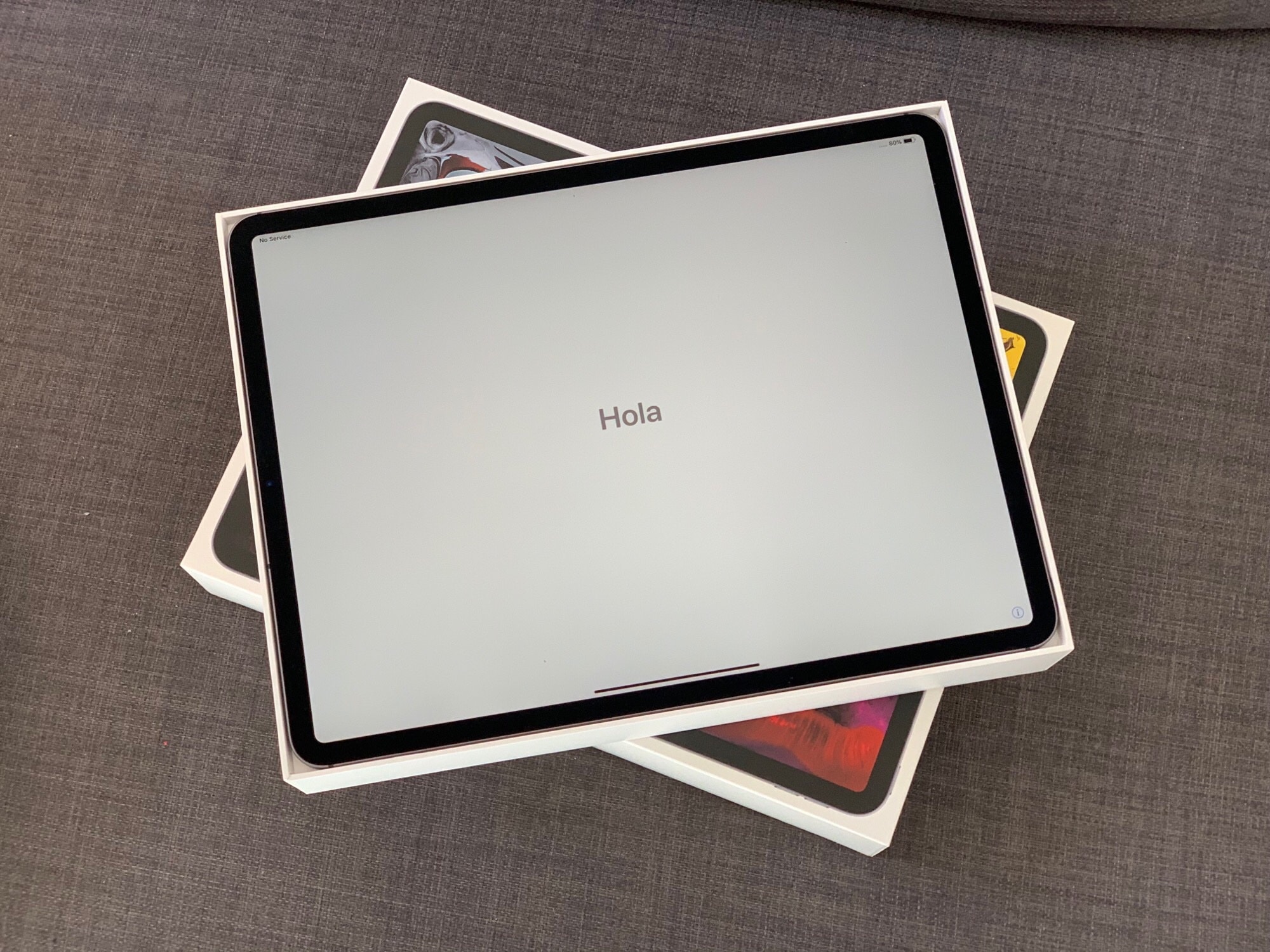
There’s never been a better time to upgrade to the latest iPad Pro, with Amazon currently offering big discounts of up to $249 off all models. And you can make yours even more affordable by selling your old iPad today.
Cult of Macoffers real cash for your old Apple devices, and we typically pay more than anyone else. What’s more, the process is incredibly quick and simple, and we will even buy back battered tech in need of repair.
Yum! I'll take a 'multiple selection' of these. Photo: Charlie Sorrel/Cult of Mac
There are plenty of little annoyances that stop the iPad from being as easy to use as the Mac, especially when it comes to working with multiple items. On the Mac you can Select All with the keyboard, and you can easily add and remove items from a selection. You can click an empty space in a Finder window and start dragging a selection. And more.
The iPad sort of incorporates some of these features in some places. But in iPadOS, multi-select has been somewhat consolidated. And it is now arguably as good as the Mac, at least in the places where you can use it.










 June 30, 2011: A little more than a year after the iPad goes on sale, the number of iPad-exclusive apps in the App Store passes 100,000.