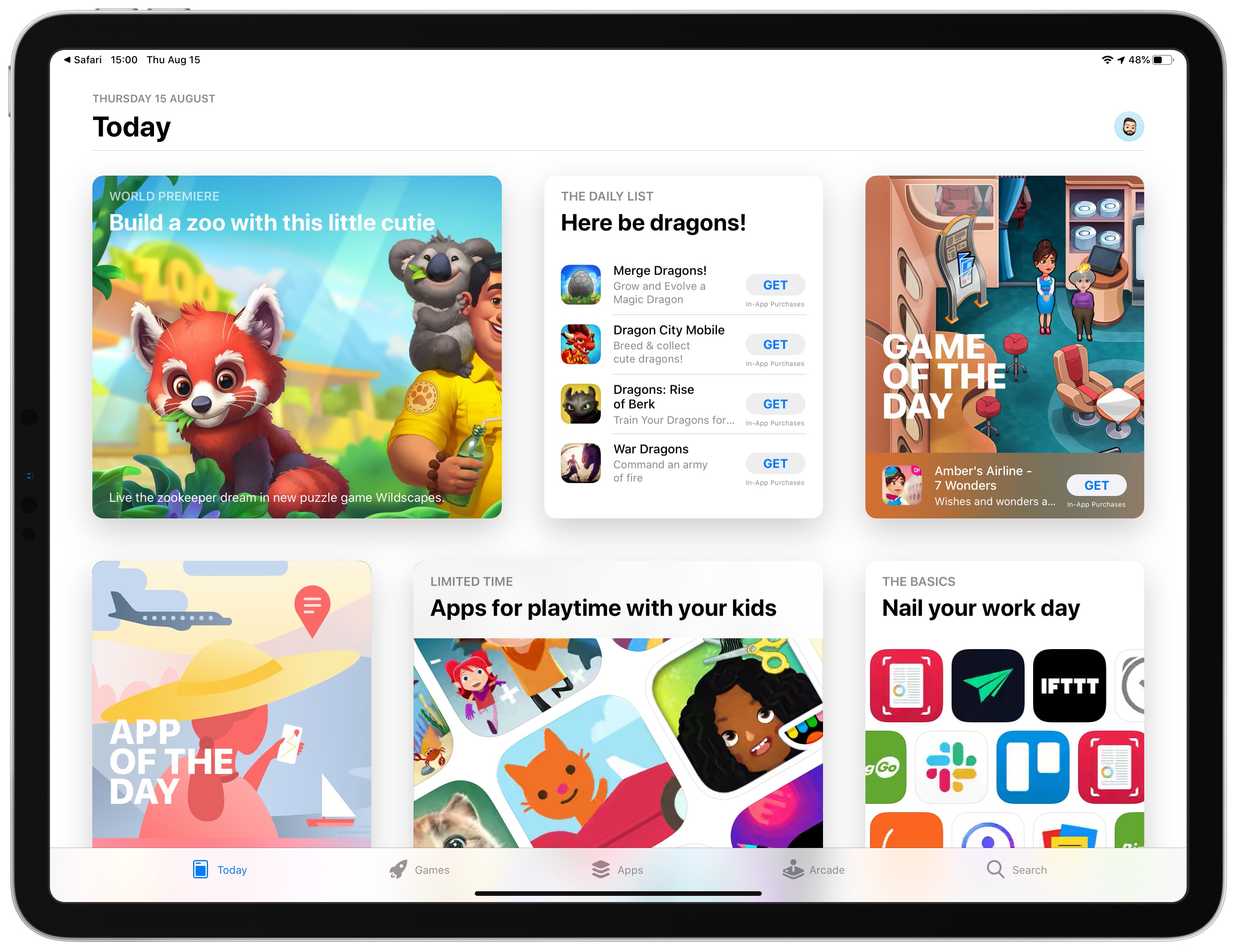
Apple Arcade will allow the same games to be played on iPhone, Mac, iPad or TVs. Photo: Apple
Apple’s upcoming gaming service might be more affordable than many expect — way less than Google’s rival service. Apple Arcade could cost just $4.99 a month, according to an unconfirmed report.
Apple CEO Tim Cook and President Donald Trump appear to have a good working relationship. Photo: White House
During a Friday-night dinner with Donald Trump, Apple CEO Tim Cook very nearly convinced the president that import taxes planned for iPhone and other products would benefit Samsung.
Apple will pay proposed tariffs on products imported from China, while Korea-based Samsung — Cupertino’s chief competitor — will not.
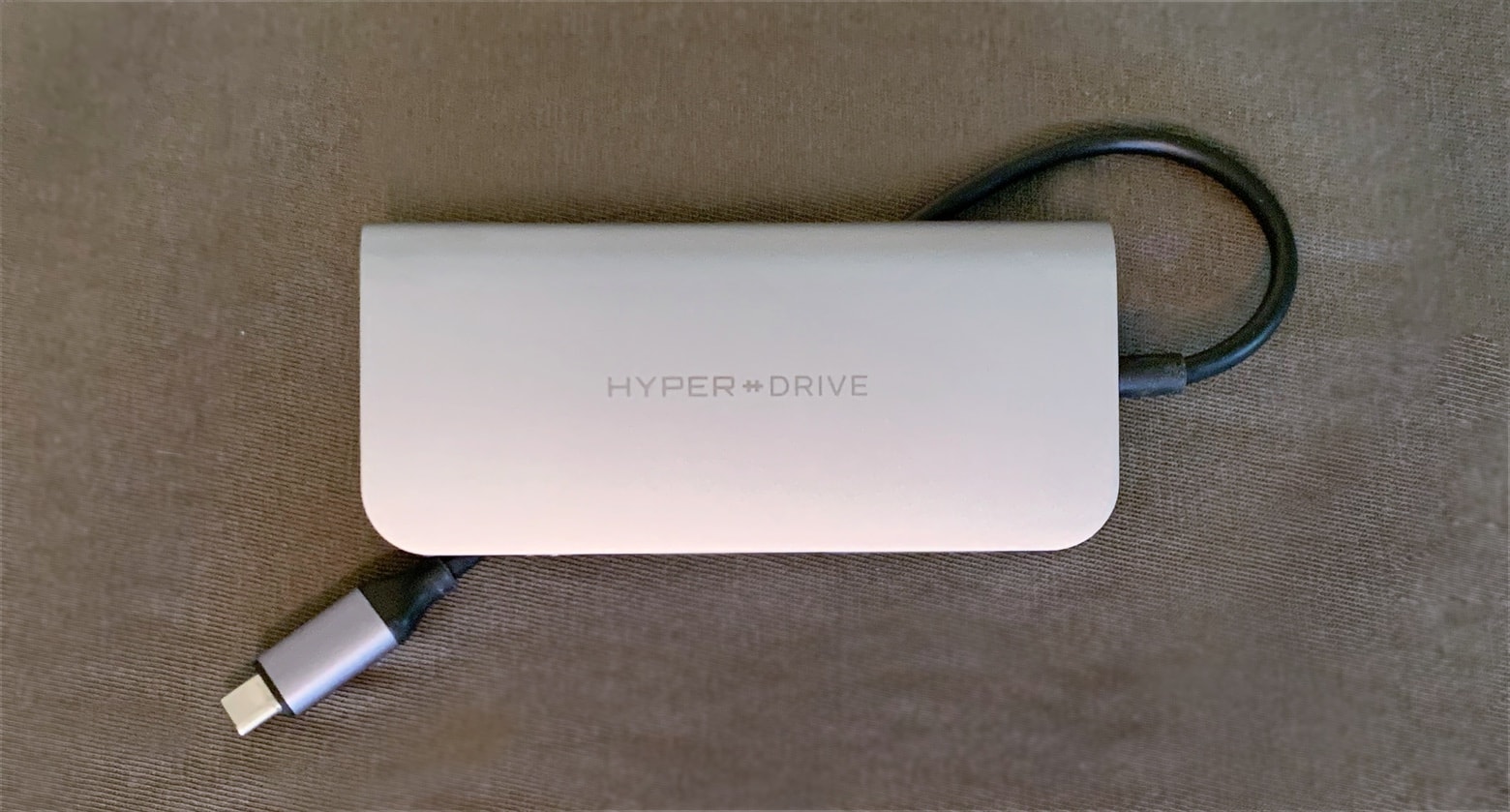
The HyperDrive Power has an extra-long USB-C cable so iPad Pro users can take advantage of its many ports. Photo: Ed Hardy/Cult of Mac
USB-C hubs with a profusion of ports are hot now, but Sanho’s HyperDrive Power is far sleeker than any of its rivals. And it doesn’t sacrifice connectivity options for its svelte profile, offering a trio of USB-A ports, dual memory card readers, HDMI, a headphone jack and even Ethernet.
Our review involved testing all nine ports, which took a while. Read on to see if the HyperDrive Power deserves a place in your gear bag.
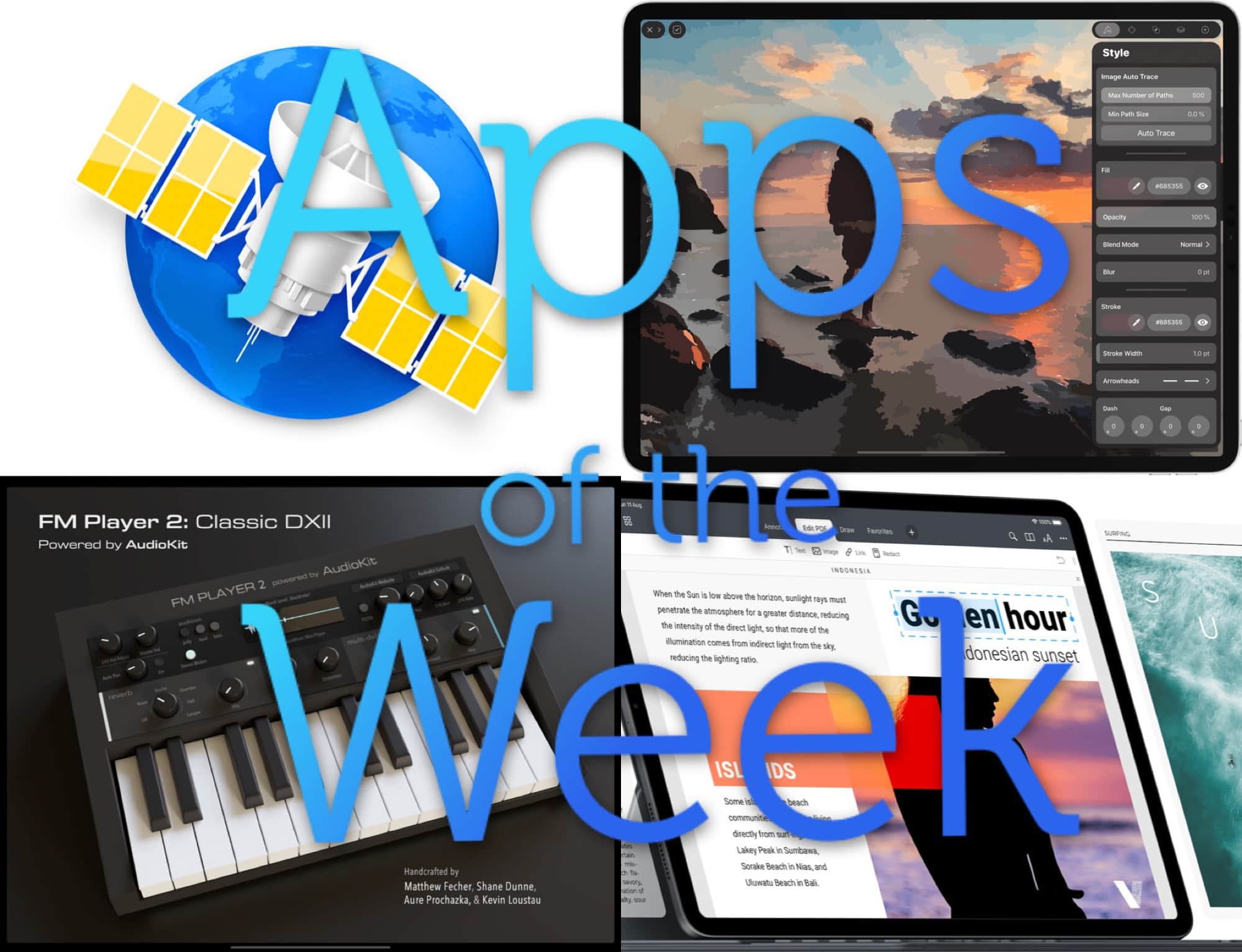
News! Music! Design! Productivity!! Photo: Cult of Mac
This week we turn photos into vector images with Vectornator X, compose amazing ’80s synth pop with FM Player 2, check out a new beta of an old favorite with NetNewsWire 5.0, and way more.
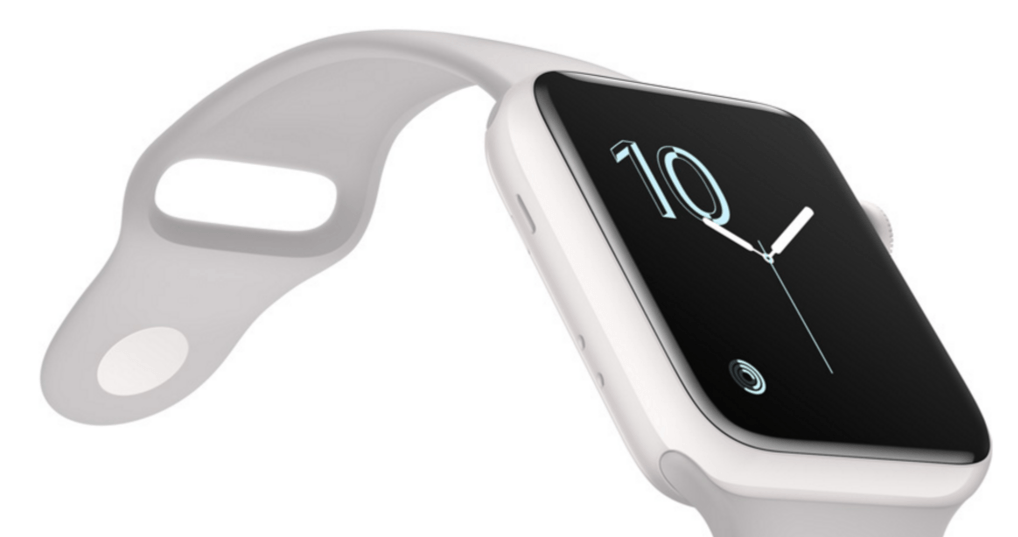
Ceramic Apple Watch casings are much harder than aluminum ones. The same would go for a titanium casing. Photo: Apple
Buried in the watchOS 6 beta are a couple of images showing that this fall’s Apple Watch will be apparently available with titanium and ceramic casings.
It seems early details about Apple’s 2019 wearable are finally starting to trickle out.
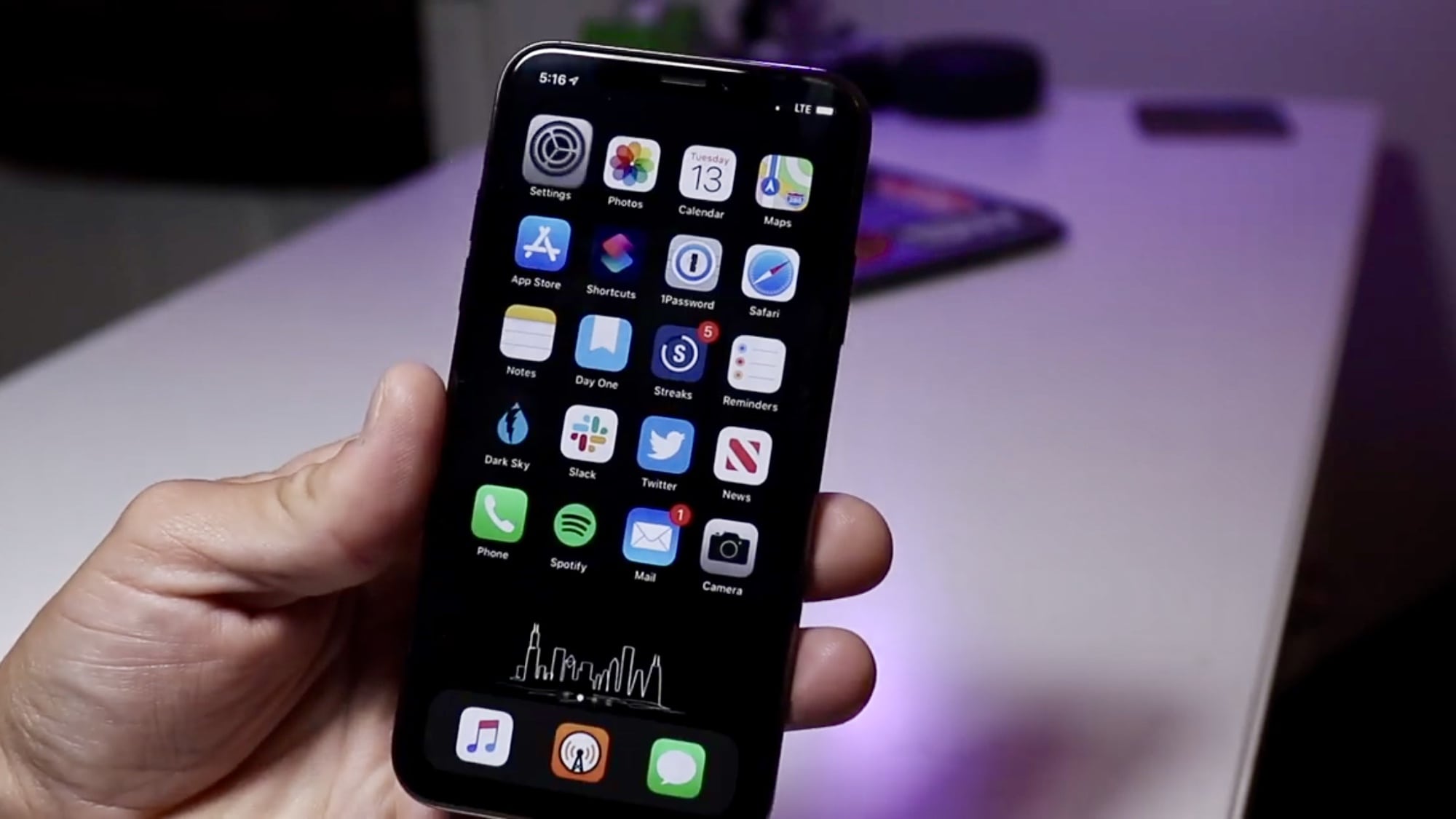
These great iOS 13 features fly under the radar. Cover: Marty Cortinas/Cult of Mac
Little tweaks can be a big deal. When Apple showcased the top-level changes coming soon to iPad and iPhone, these secret iOS 13 features flew below the radar. Find out why we like them — and see them in action in our video walkthrough.
Ready to land one of those high-paying data analyst jobs? Photo: Cult of Mac Deals
If you’re reading this, you’re likely well aware of the fact that data analysts are in high demand. With more companies gathering staggering amounts of information — and scrambling to leverage it in their operations — data-savvy professionals are needed to make sense of it all.
This sturdy stand can turn any desk or tabletop into an adjustable standing desk. Photo: Cult of Mac Deals
Many of us spend tons of time at the computer. That’s bad for your neck, back, wrists — pretty much every part of your body — so it’s no wonder standing desks are catching on. Unfortunately, they often prove super-expensive. However, there’s another way.
Some big changes may be coming to iPhone... Photo: Apple
This week on The CultCast: A Foxconn insider spills big iPhone 11 secrets. Plus: the pros and cons of Apple Card, and Apple’s new maps start rolling out across the country. And finally, a strange twist in the MoviePass story unveils the unbelievable shenanigans the company pulled to stayed in business — and they are far worse than we ever imagined!
Our thanks to Squarespace for supporting this episode. Easily create a beautiful website all by yourself, at Squarespace.com/cultcast. Use offer code CultCast at checkout to get 10% off your first purchase of a website or domain..
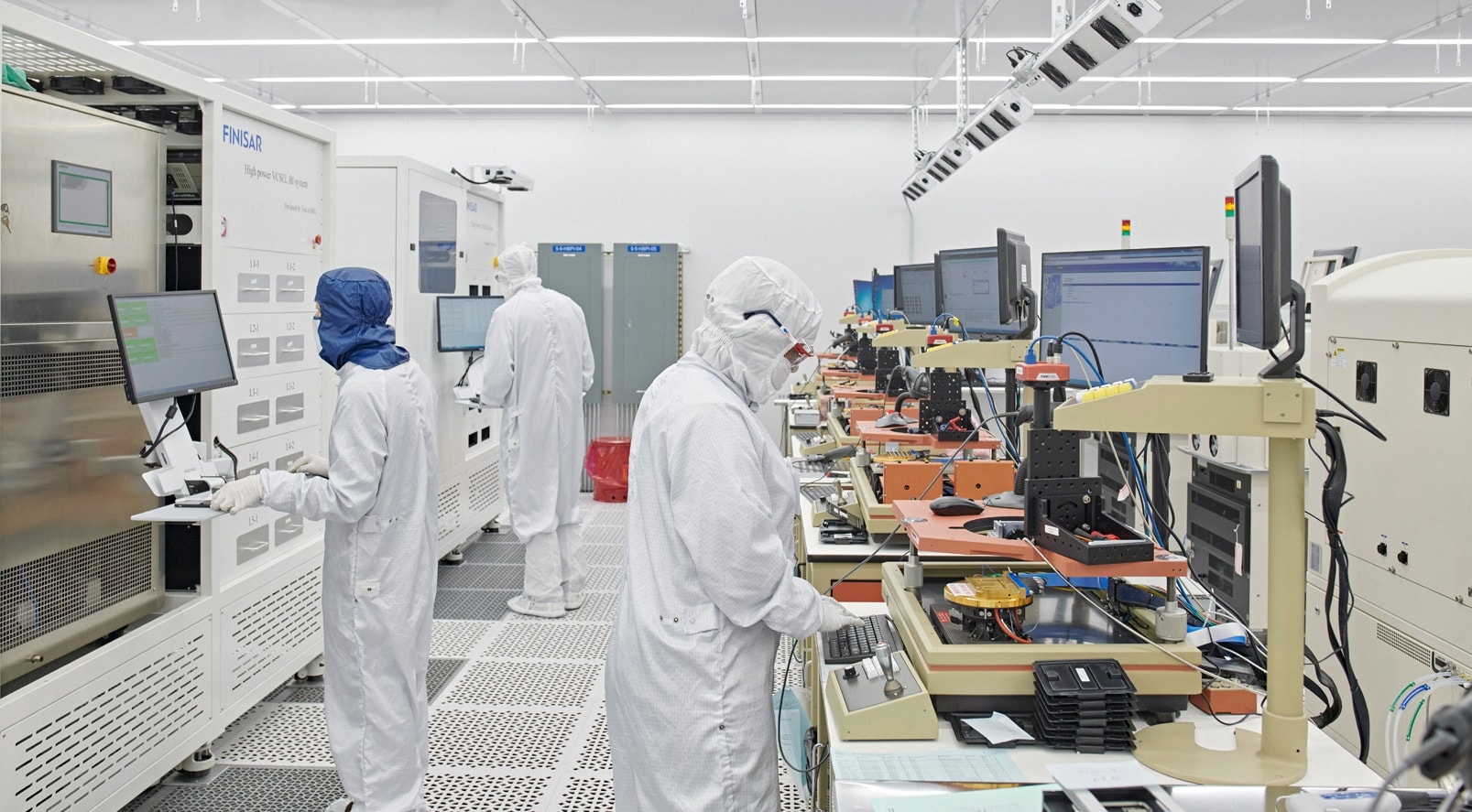
Employees at Finisar in Texas will soon start shipping to Apple lasers used in Face ID. Photo: Apple
Directly or indirectly, Apple is responsible for 2.4 million American jobs. The company says 450,000 of these are at the thousands of US companies that supply components for Apple computers, phones and tablets.
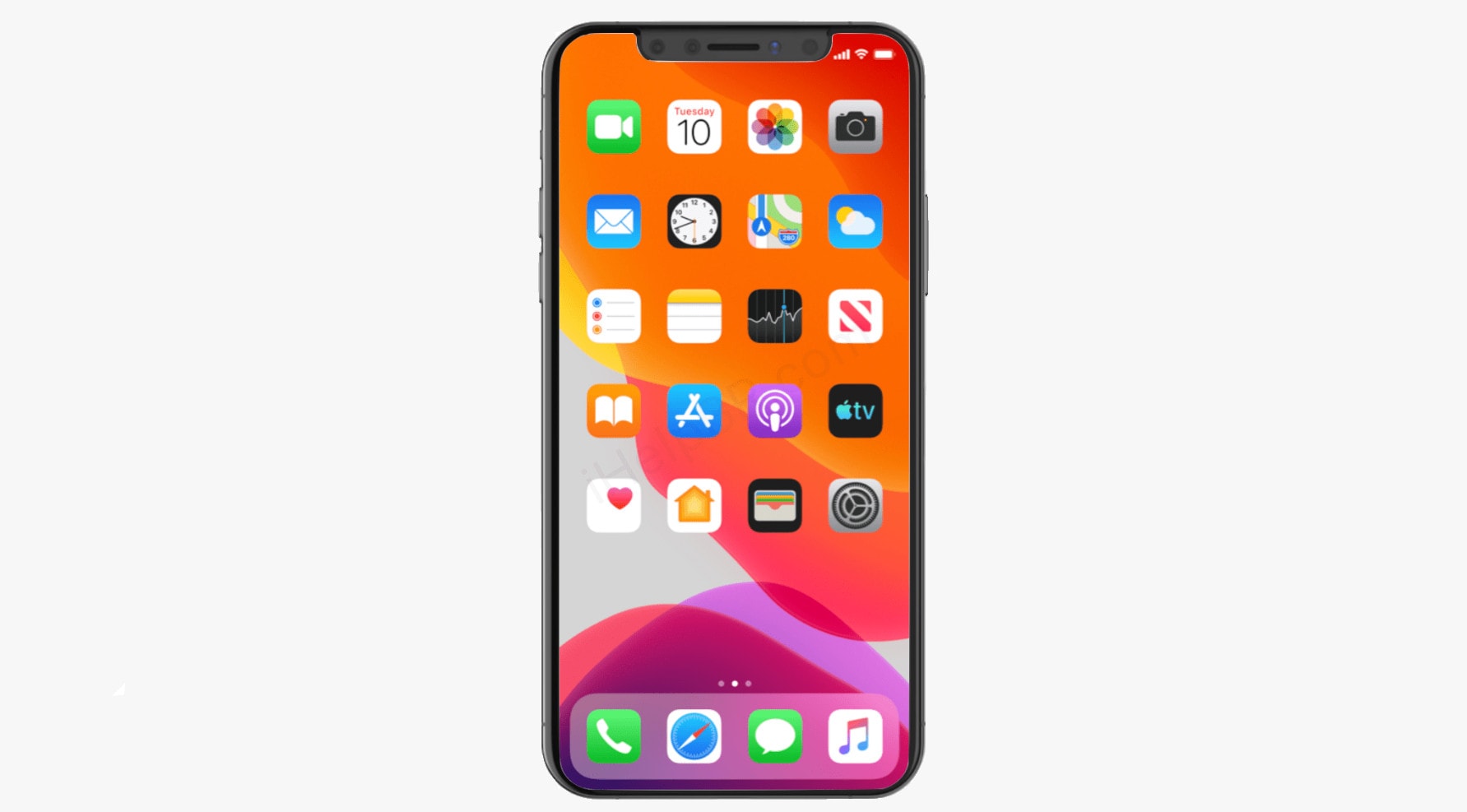
iOS 13 might show when the iPhone 11 Pro will be unveiled. Photo: iHelp BRM/Cult of Mac
Developers hunting through the just-released iOS 13 beta apparently found a reference to the exact date Apple will introduce the next iPhone. A screenshot, labeled “hold for release” and buried in the beta, has a date on it: September 10.
Switch off those pesky Apple Card notifications Photo: Ed Hardy/Cult of Mac
Are you enjoying your new Apple Card? Isn’t running up debt great when it is accompanied by a titanium card and a stylish app? But what you might not be enjoying are the Apple Card notifications that started to pop up on your iPhone.
Here’s how to stop them. But beware: It’s an all-or-nothing proposition that clearly illustrates an annoying problem with iPhone notifications.
Apple has made great strides in debugging iOS 13. Screenshot: Apple
Apple just seeded the seventh Developer beta of the next iOS and iPadOS version. This is the latest stage of a debugging process expected to end in September.
UPDATE: iOS 13 Public beta 6 just launched as well, so anyone who wants to try this new version can. The same goes for iPadOS Public beta 6.
“Distraction-free” apps are ridiculous. They don’t help at all. In fact, if you have trouble focusing on the task on hand, then the problem isn’t the app. The problem is you.
Removing clutter from an app’s interface won’t stop you from flipping to Twitter every five minutes. A carefully chosen font won’t stop you from whipping your iPhone from your pocket every time a question pops into your head.
The problem is not even distraction. The problem is overstimulation, and it’s going to take some effort for you to fix it.
Pick a sky that wasn't there when you took the photo. Photo: Skylum
Imaging software company Skylum markets its photo editing tools as huge time savers. Just click a preset look or move a few slider bars and you have a beautifully styled final image within minutes.
Skylum was on message when it announced an upcoming AI tool for instantly replacing the sky. The company declared, “The days of spending a lot of time manually creating a complicated mask to replace skies in an image are over.”
Yet the debate over artificial intelligence’s role in photography is only beginning. In the week since Skylum announced and demoed AI Sky Replacement, photographers have spent considerable time in online forums drawing lines between ethics and creativity.
This massively discounted tutorial bundle covers all of Adobe's industry standard Creative Cloud apps. Photo: Cult of Mac Deals
Adobe’s creative apps are the industry standard for all kinds of visual creative professionals. But being so powerful, they’re also super-complex. And they can be pretty intimidating to learn. That makes this massively discounted bundle of Adobe Creative Cloud lessons extremely enticing.
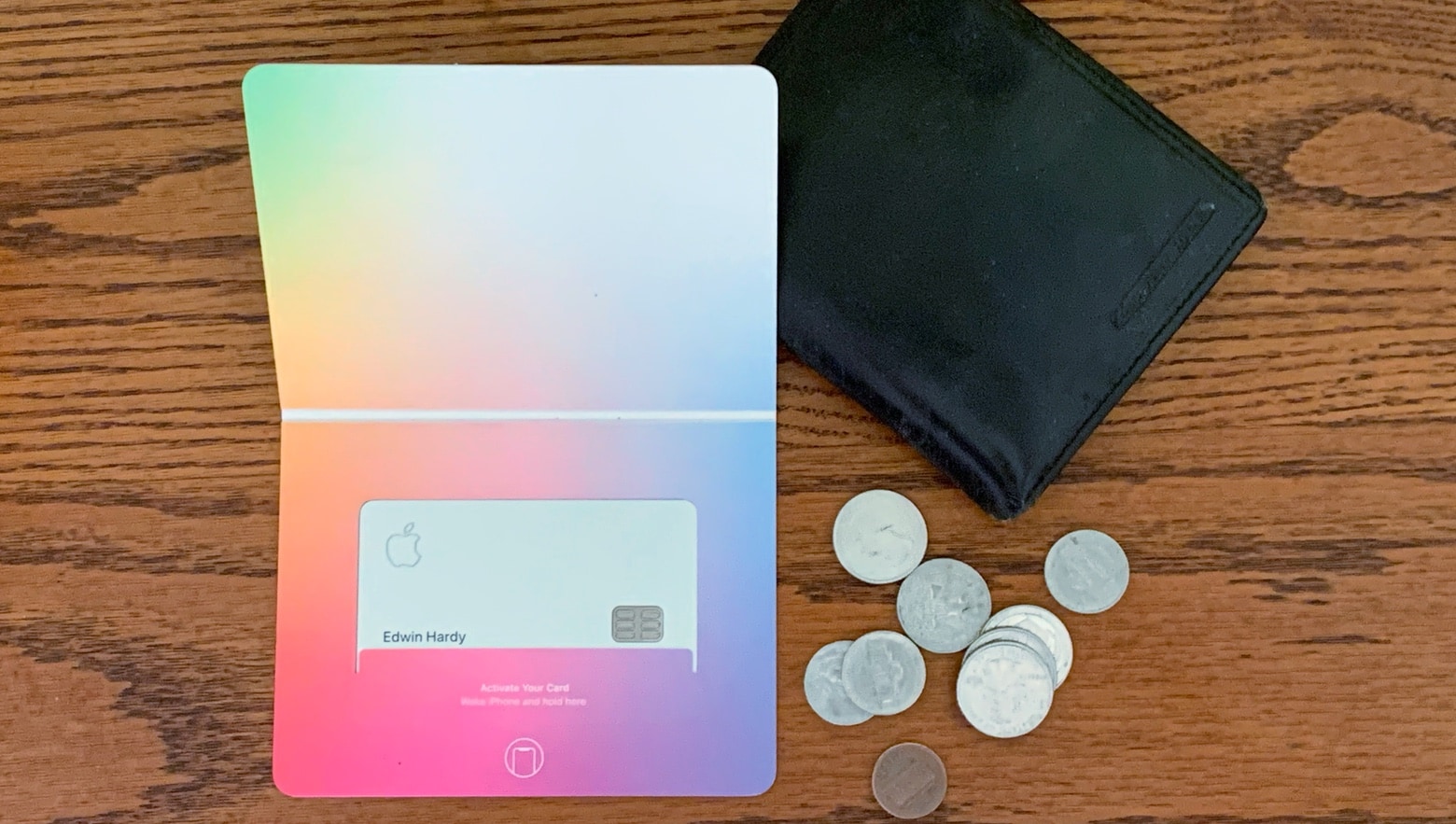
Everything about the Apple Card is well designed, even the package it comes in. Photo: Ed Hardy/Cult of Mac
A credit card is a departure from Apple’s usual computers and accessories, but the Apple Card is just as gorgeous and the associated software every bit as easy to use as an iPhone or Mac.
I’m among the first cardholders, so here’s what it’s like to carry an Apple Card.
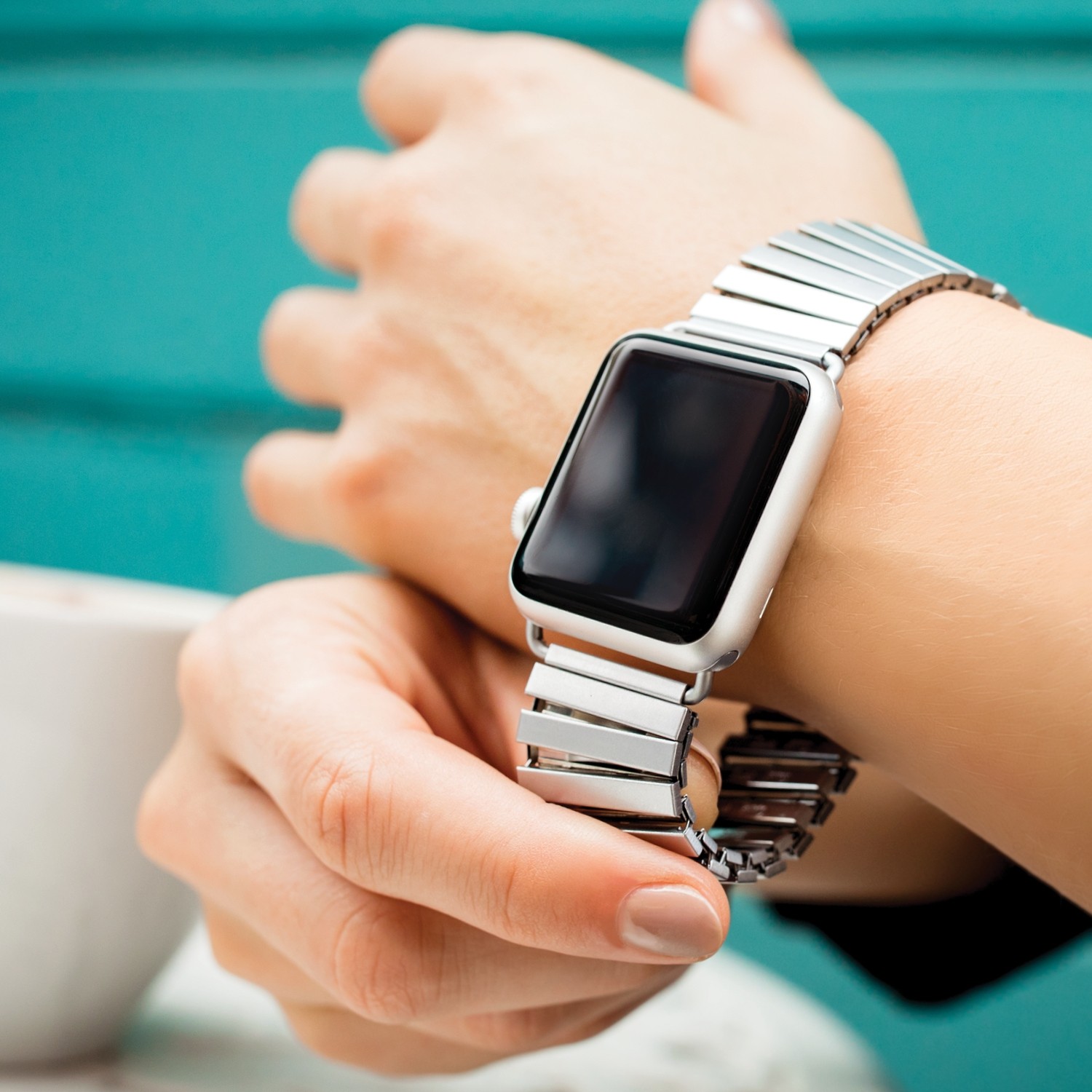
Speidel's Twist-O-Flex stretches up to 5 inches, making it easy to get on and off your wrist. Perfect for him or her! Photo: Speidel
Vintage watch enthusiasts, take heed. The classic Speidel Twist-O-Flex that was all the rage mid-century is now available for Apple Watch.
The twisty, stretchy stainless steel bands you remember dad wearing are now adapted for 21st-century smartwatch wearers — and they’re better than ever.
Check out this modern take on a classic favorite in our Watch Store.
Have you upgraded yet? Photo: Ian Fuchs/Cult of Mac
After spending time playing with the iPadOS 13 developer beta and iOS 13 beta , it’s clear there are tons of nice changes coming to Apple’s mobile platforms this fall.
Cupertino highlighted the biggest ones at this year’s Worldwide Developers Conference. However, there’s a bunch of smaller stuff they didn’t tell us about. While there are hundreds of “under the hood” changes, these are the best iOS 13 features Apple didn’t announce.
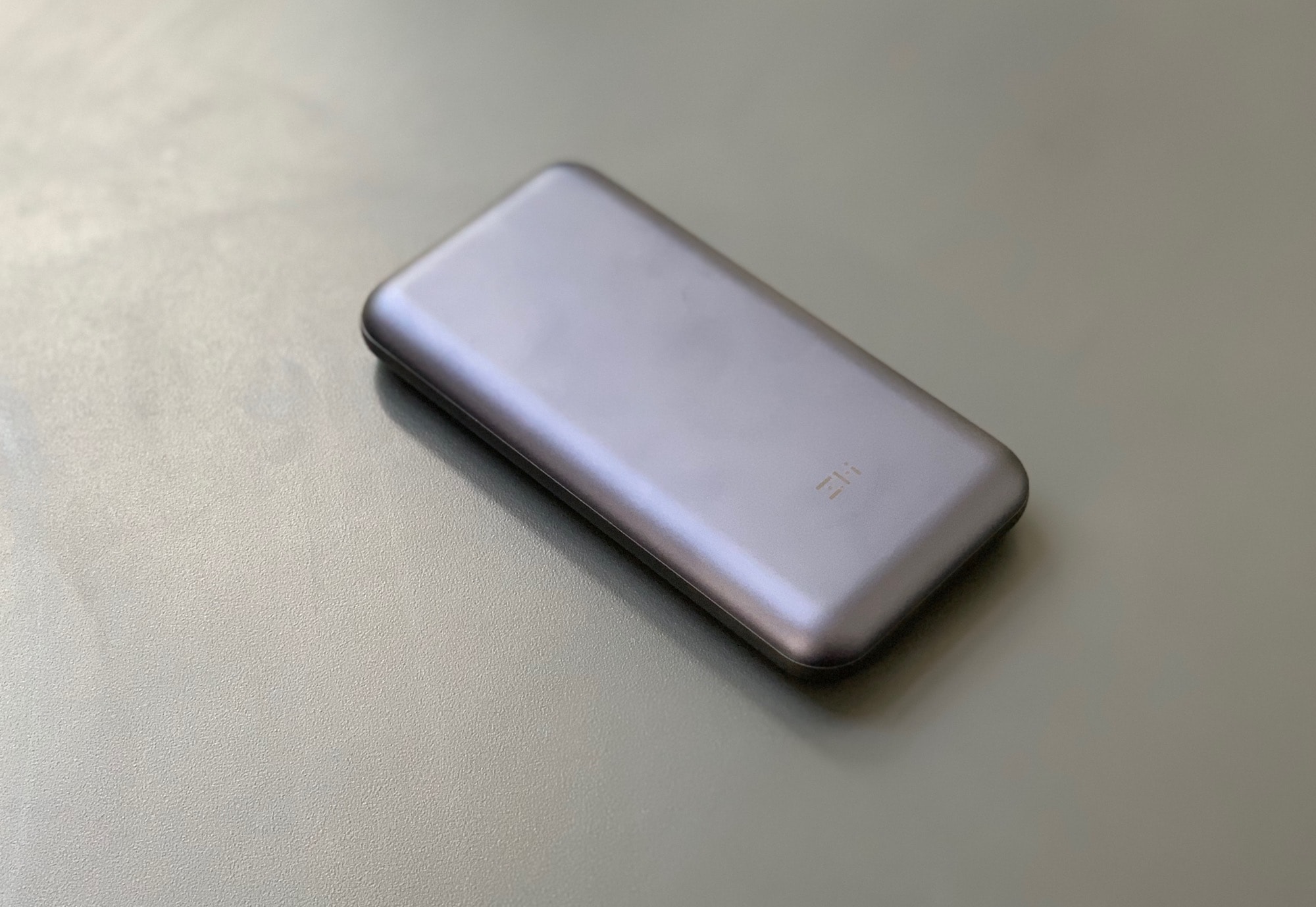
As battery packs go, this one looks pretty good. Photo: Charlie Sorrel/Cult of Mac
The ZMI PowerPack 20000 is the most useful backup battery you can buy. It packs a huge, 20,000mAh battery that can power a MacBook and two other devices at the same time. Plus, you can quick charge it via USB. And it can even work as a USB data hub.
This 14.29-ounce (405 gram) brick might be overkill for daily juicing of your iPhone, but for everything else it’s amazing.
Where the hell are you supposed to begin? Photo: Cult of Mac
The Mac’s Terminal is at once scary and powerful. It’s like a whole other computer living underneath the pretty interface of macOS. Sometimes, it’s convoluted. Other times, it seems laser-focused, offering a much quicker way to get things done. Instead of clicking and dragging your way through multiple screens, you just type a line of text.
However, the Mac Terminal is pretty intimidating if you’re not used to it. Today we will learn five super-useful Terminal tricks that make getting around much easier.
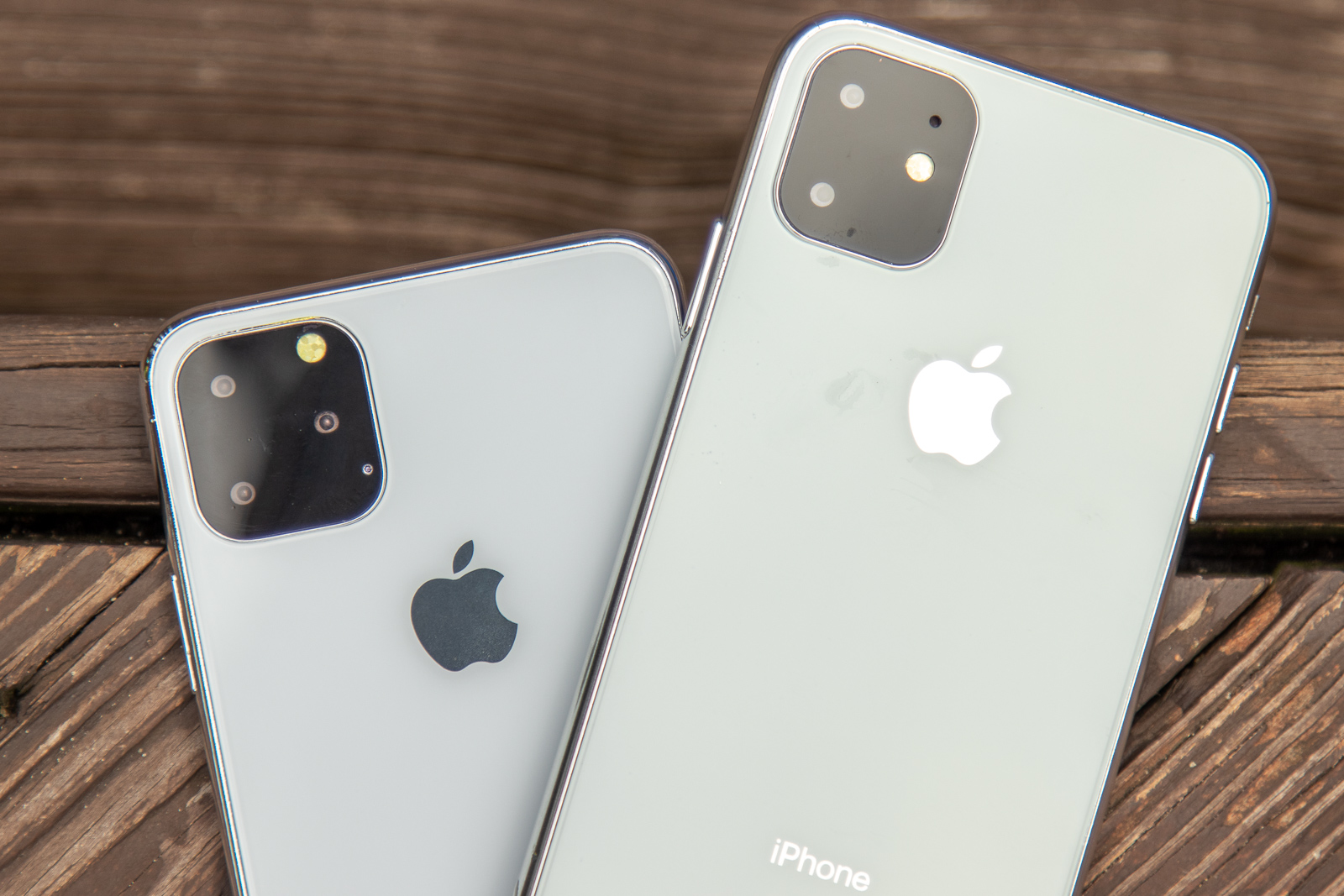
We may about to wake up from Apple's iPhone naming nightmare. Photo: Ian Fuchs/Cult of Mac
Earlier this year, I complained that Apple’s iPhone naming strategy was broken. Now, thanks to a popular case maker, we may know Apple’s naming choice for the 2019 iPhones: the iPhone 11, iPhone 11 Pro, and iPhone 11 Pro Max.
And you know what? If it’s accurate, Apple has remedied one of the most unnecessarily complex aspects of its most popular product line.