Mobile menu toggle

Top stories - page 386

How to clean your Apple Card. Seriously.

By

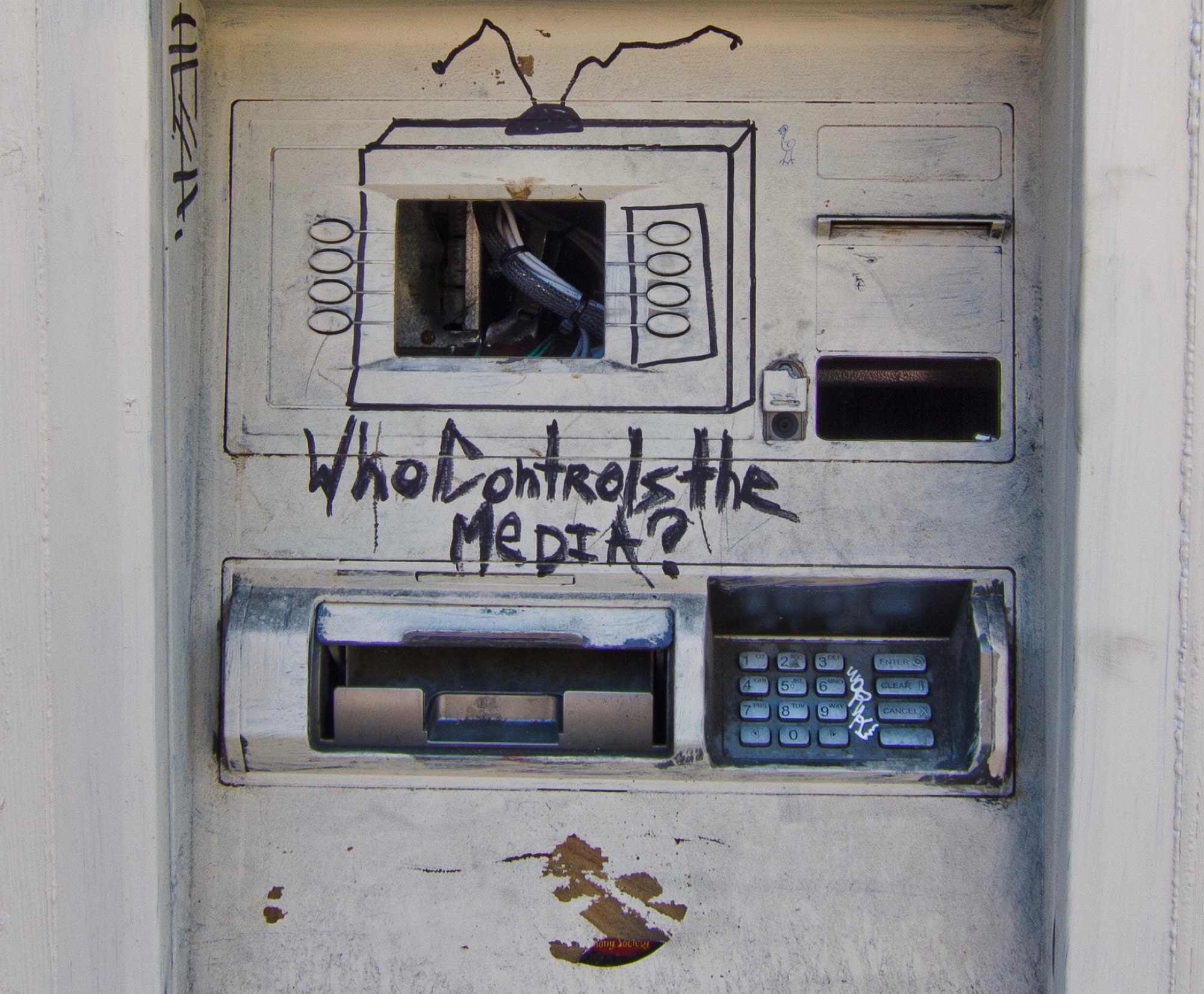
This is the kind of thing your beautiful, clean Apple Card is going to have to deal with.
This is the kind of thing your beautiful, pristine Apple Card is going to have to deal with.
Photo: Matt Biddulph/Flickr CC

The Apple Card isn’t just another credit card. Apple is a hardware company, after all, so its card is special, mkay? If Jony Ive hadn’t disappeared from the Apple lot, then we’d probably even have a Making Of video, with Whispering Joni1 burning with quiet passion about how this is the thinnest, strongest card that Apple has ever made. How Apple’s designers needed to invent an entire new production process to recycle titanium plates reclaimed from broken legs. Etc.

So, if you have an Apple Card, Apple wants you to treat it with respect. And that’s why there is now an official support document telling you how to clean it.

Cheaper HomePod, improved AirPods could arrive in 2020

By

airpods
Apple could finally bring noise cancellation to AirPods.
Photo: Ste Smith/ Cult of Mac

A more affordable version of the struggling HomePod smart speaker will debut next year, according to a generally reliable source. Apple is also reportedly going to introduce AirPods with noise cancellation in 2020.

Both are products that consumers have been asking for.

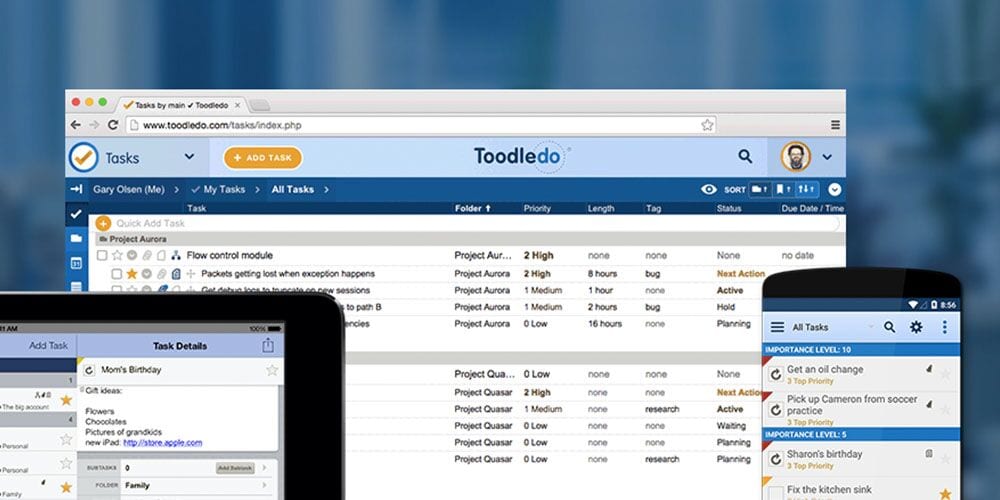
Sync your to-do’s across all your devices [Deals]

By

Toodledo Plus
Make each of your devices a partner instead of an obstruction to your productivity.
Photo: Cult of Mac Deals

Technology is supposed to make us more productive, but it can also be a mighty distraction. That’s especially true when it comes to our cell phones. But with this multi-device productivity tool, you can make each of your devices a window onto your tasks and to-do lists.

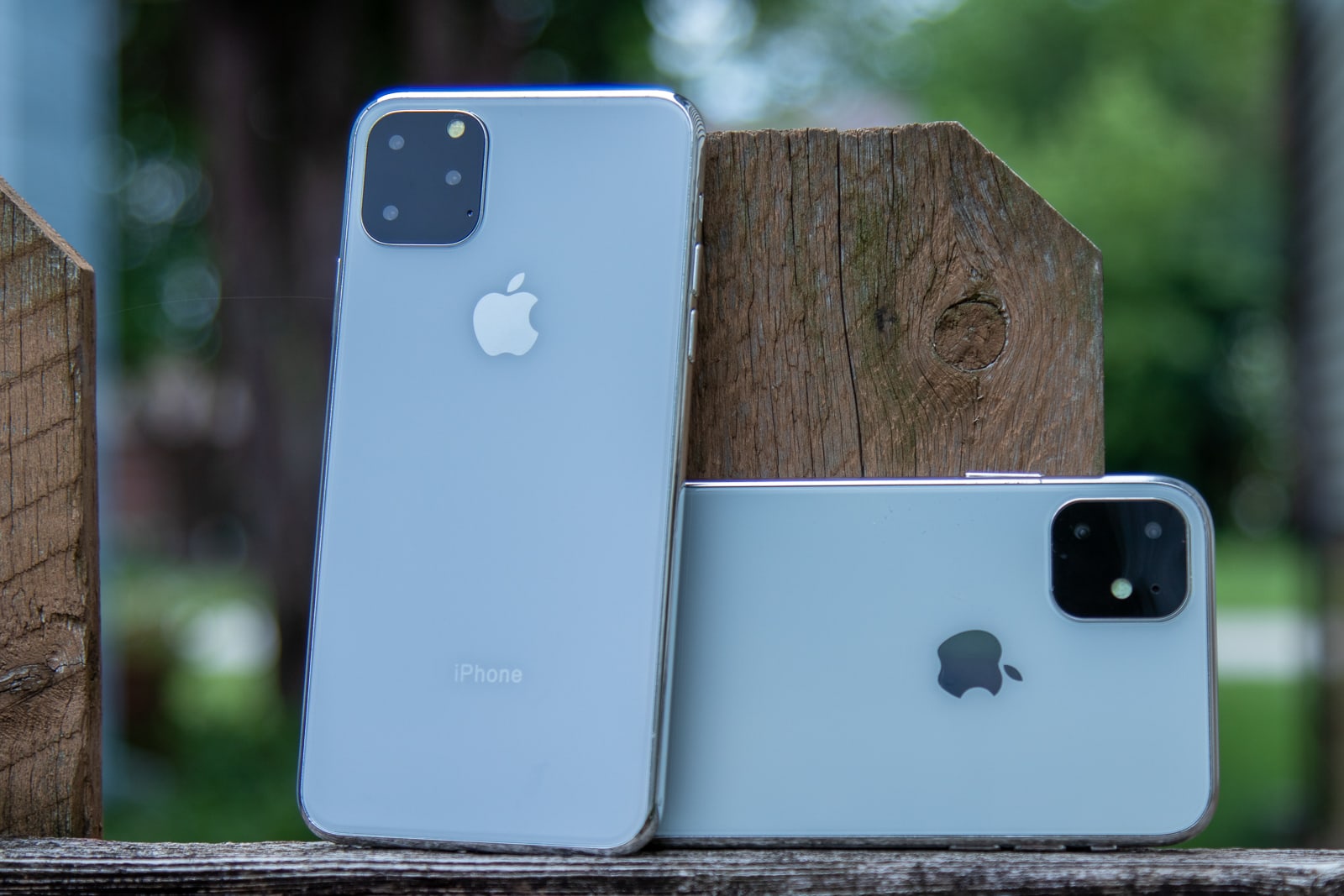
2019 iPhone to bring tougher glass, even better Face ID

By

iPhone 11 R and 11 Max on fence post
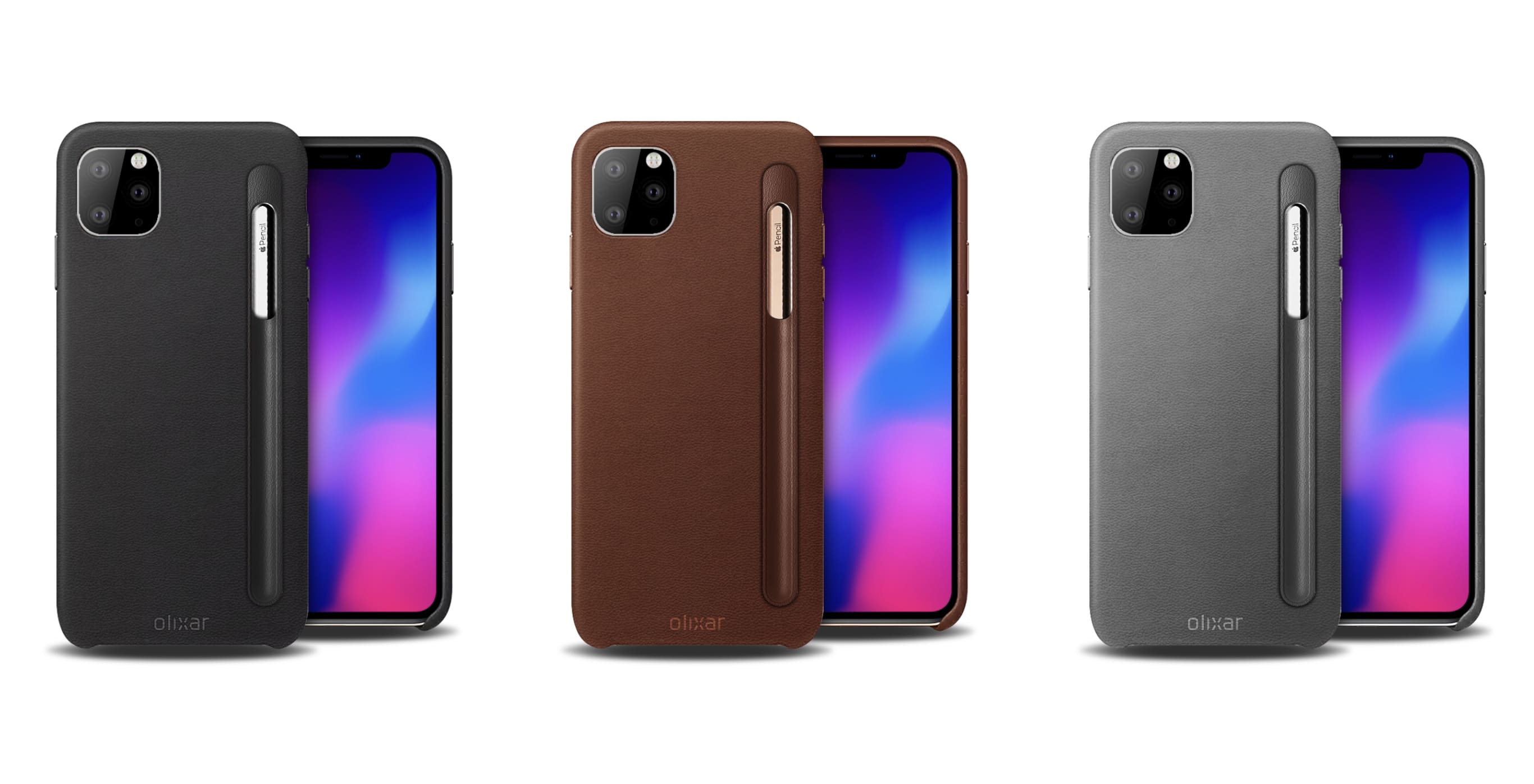
These iPhone 11 dummies should be a lot like the real thing.
Photo: Ian Fuchs/Cult of Mac

This year’s iPhone refresh will introduce new “shatter-resistance technology” and even better Face ID, according to a new report.

It is claimed users will be able to unlock Apple’s next-generation handsets from multiple angles — like when they’re lying flat on a table — thanks to a new Face ID sensor with a wider field of view.

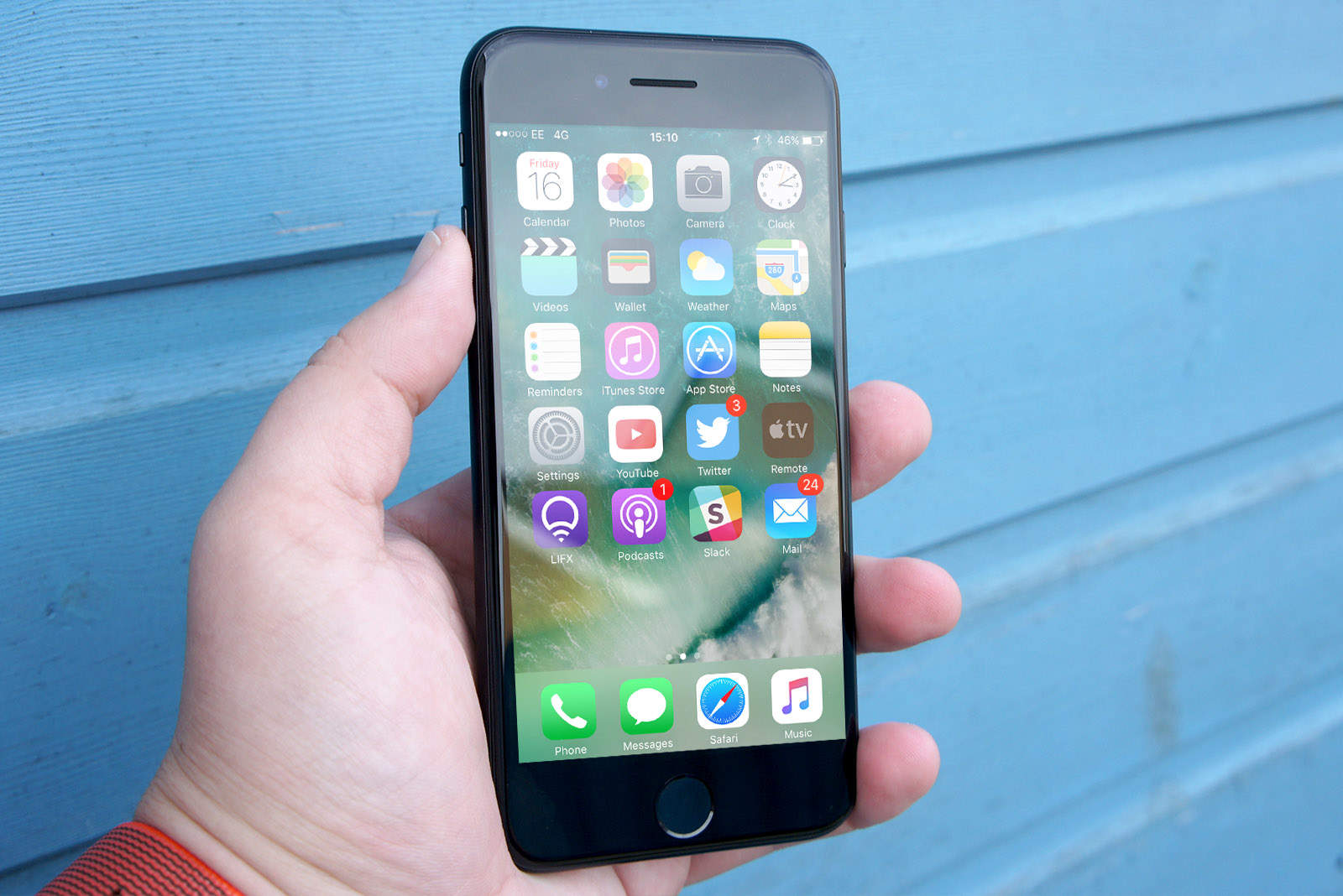
Feds will retest iPhones for excessive radio-frequency radiation

By

iPhone-7
Your trusty old iPhone 7 might be a rule breaker.
Photo: Ste Smith/Cult of Mac

An independent lab claims that the iPhone 7 emits more radio-frequency radiation that is allowed by the FCC. And the iPhone X skirts the line.

The tests, done at the behest of the Chicago Tribune, have reportedly caused the FCC to examine whether these and other cell phones meet its safety guidelines. That doesn’t make them a cancer risk, though.

Apple TV+ might make over $1 billion in its first year

By

Apple TV
Jason Momoa‘s “See” is expected to draw subscribers to Apple TV+.
Photo: Apple

Apple TV+ could lure a whopping 12 million subscribers in its first year, an analyst predicts.

The streaming video service, which Apple plans to launch this fall after spending more than $1 billion on original shows, will be be playing serious catchup with rivals like Netflix. But Cupertino wields some key advantages.

How to remove the background from your Portrait photos

By

Geese with transparent background
Honk honk! Goodbye pesky background.
Photo: Charlie Sorrel/Cult of Mac

The iPhone’s incredible Portrait mode does a great job of blurring the backgrounds of photos, making the subject stand out from busy backdrops. (Apple also uses this depth information for its truly awful Portrait Lighting effects — has anyone ever gotten a good result from the Stage Light filter? — but that’s another story.)

What if you could use the depth information inside Portrait photos to get rid of the background entirely? Wouldn’t that be something? Well, yes it would. And if you have the right app, it’s really easy to remove photo backgrounds.

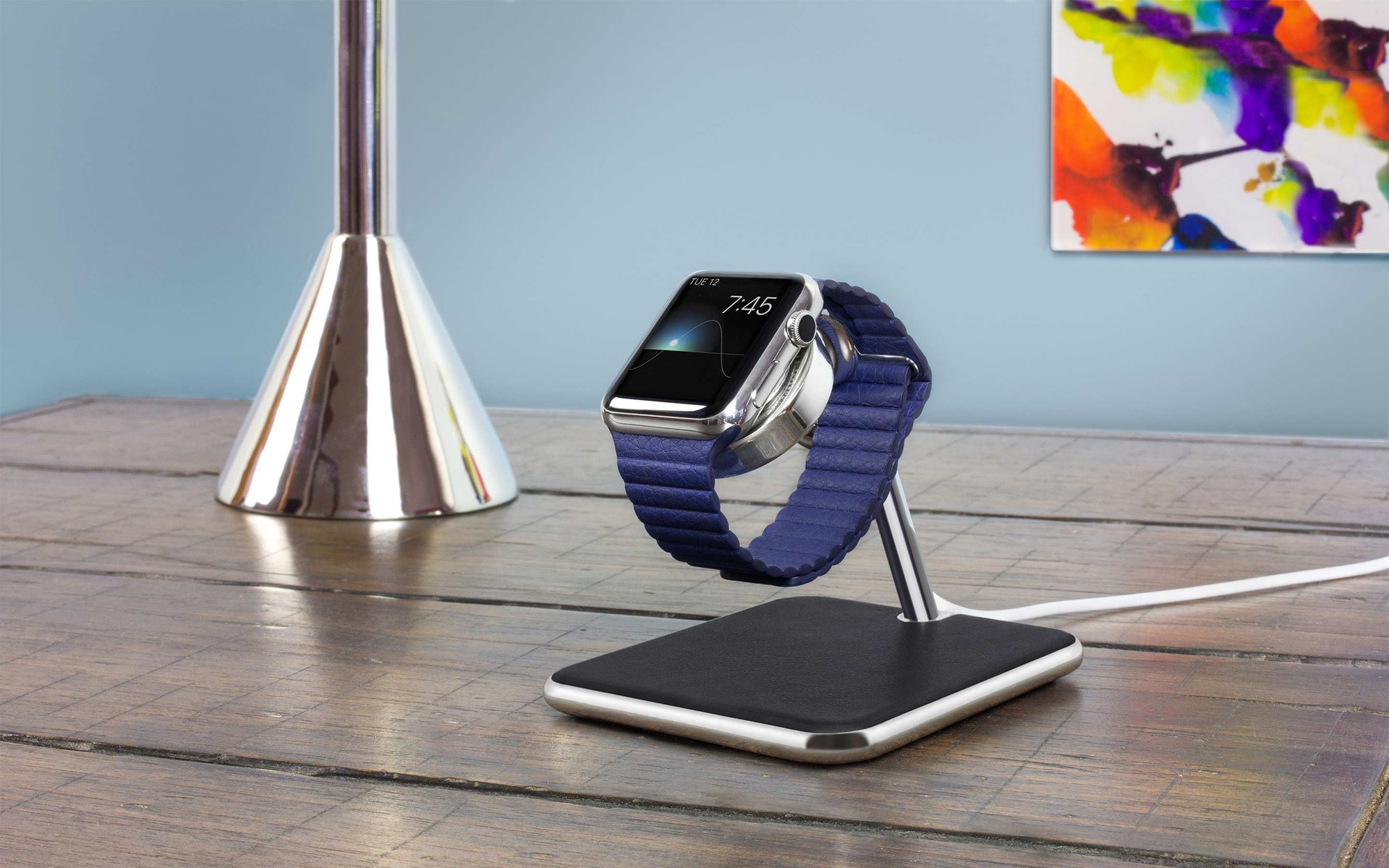
Last chance! Save $10 on this gorgeous Apple Watch stand by Twelve South

By

Twelve-South-Forte
Get your stunning Forté stand at a sweet discount.
Photo: Twelve South

Give your beloved Apple Watch one of the prettiest charging stands money can buy and get $10 off for a limited time.

Inspired by the best Apple products, the Twelve South Forté fuses shiny chrome and luxury leather for a positively premium look. And it works with any Apple Watch and any band.

How to opt out of Apple Card arbitration (and why you should)

By

Opting out of Apple Card Arbitration is easy.
Opting out of Apple Card arbitration is easy.
Photo: Apple

The Apple Card is now potentially available to anyone in the U.S., so you’ll soon be able to use your (tough titanium) credit card to defeat locks, scrape paint, and open beer bottles. But it’s not all good news. Your Apple Card contract includes something called arbitration, and that’s a very bad thing. The silver lining is that you can easily opt out. Here’s how to opt out of Apple Card arbitration, and why you definitely should.

Why massive Apple TV+ budget is a genius strategy

By

CEO Tim Cook before a picture of actors, directors, and producers of Apple TV+ original shows.
Spending big on star power for Apple TV+ is really smart.
Photo: Apple

On the surface, Cupertino’s decision to spend massive piles of money on its upcoming Apple TV+ streaming service seems crazy.

Is this a company with too much money being suckered? Is it a huge display of hubris (as some say of Apple Park)? Or is it, just possibly, a clever strategy that could win Apple the streaming war?

Here’s why I think that third answer is the correct one. Dig a little deeper, and Apple’s spending spree looks nothing short of brilliant.

Database exposes loads of incoming Apple products

By

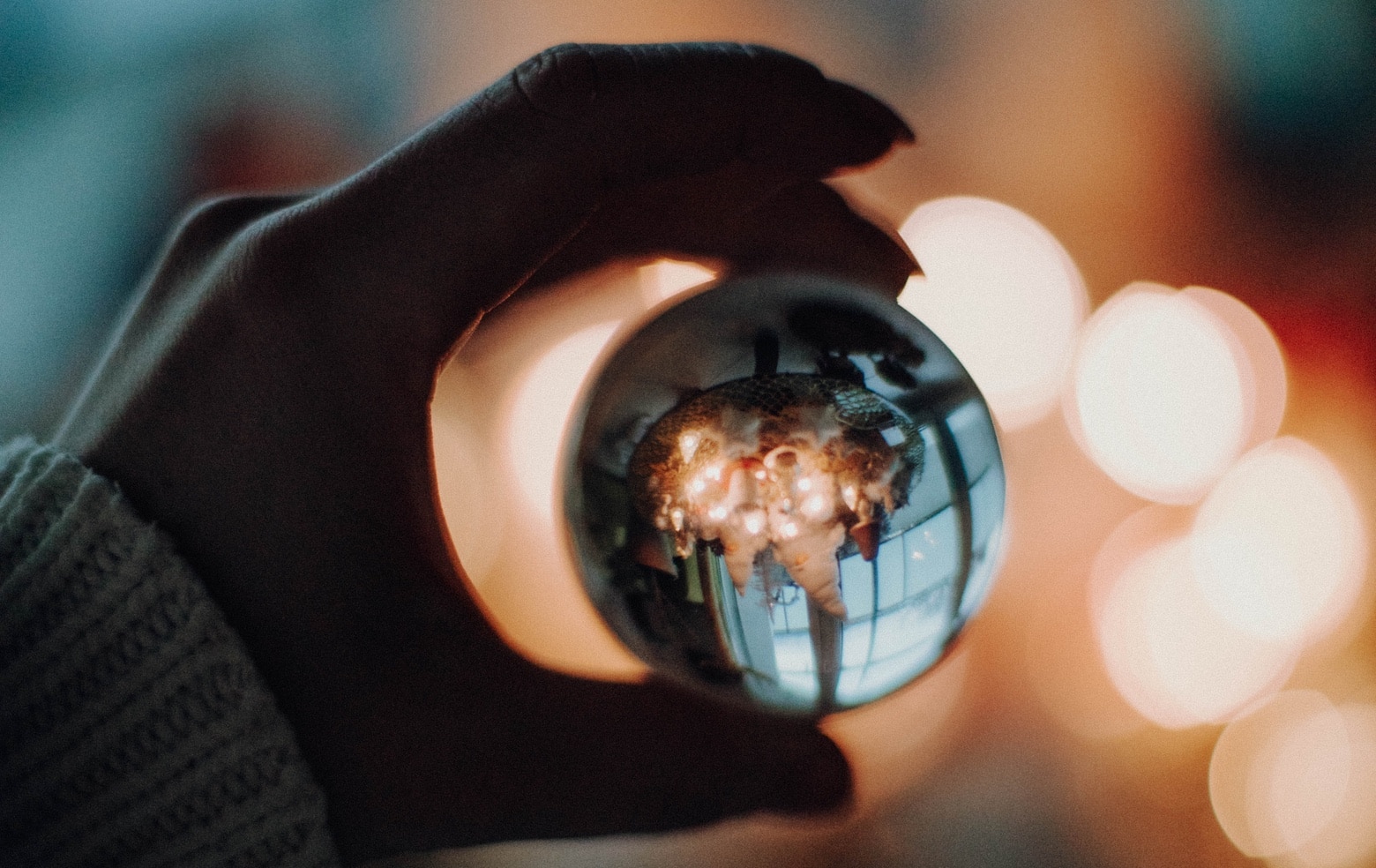
While not a literal crystal ball for seeing the future, the EEC database gets close when it comes to Apple products.
Photo: Jennifer Hubacher/Pexels CC

Multiple new MacBook, Apple Watch, iPod touch and iPhone models are coming this fall, according to a database that’s so far been very accurate about upcoming products. It belongs to the Eurasian Economic Commission, which become a gold mine for information on Apple computers that are right around the corner.

Apple tests out new OLED suppliers for future iPhone refresh

By

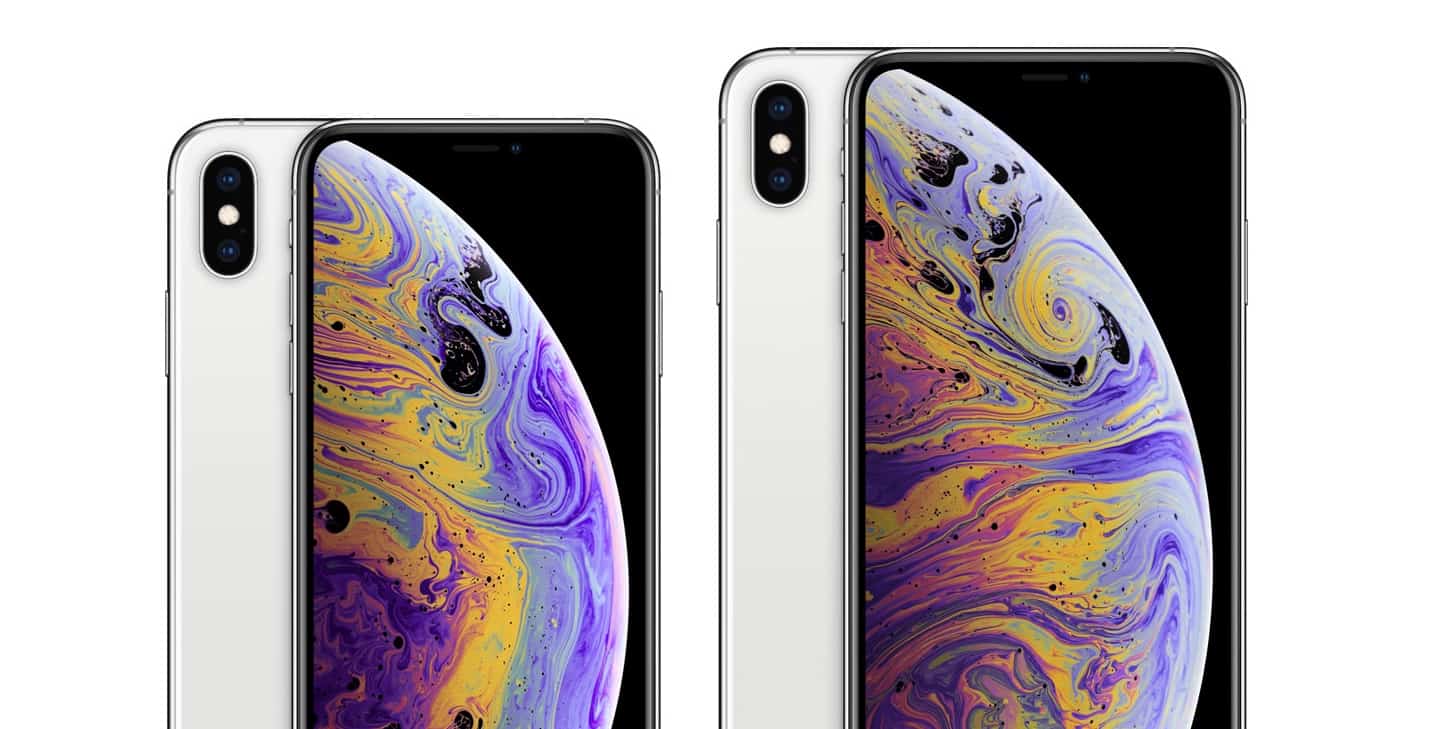
iPhone XS and iPhone XS Max
BOE Technology could join Apple's supply chain next year.
Photo: Apple

Apple is said to be “aggressively testing” OLED screens from other suppliers ahead of a 2020 iPhone refresh.

Cupertino reportedly wants to diversify its supply chain next year. It currently relies heavily on Samsung for OLED panels, with LG Display making only small contributions for the iPhone XS lineup.

Apple TV+ may allow episodes to be downloaded and watched offline

By

Apple TV+ could have 26 million paying subs by 2025; 2.6 million currently
Apple TV+ might allow subscribers to take a few shows with them offline.
Photo: Apple

When it debuts this fall, Apple’s streaming video service will reportedly let viewers download episodes of shows to be watched without taking up their mobile data. Or even viewed when completely offline.

It’s not surprising — many rival services offer this capability. Today’s unconfirmed report is just evidence that Apple TV+ will have this feature too.

Apple Card’s ‘enhanced security’ takes aim at fraud

By

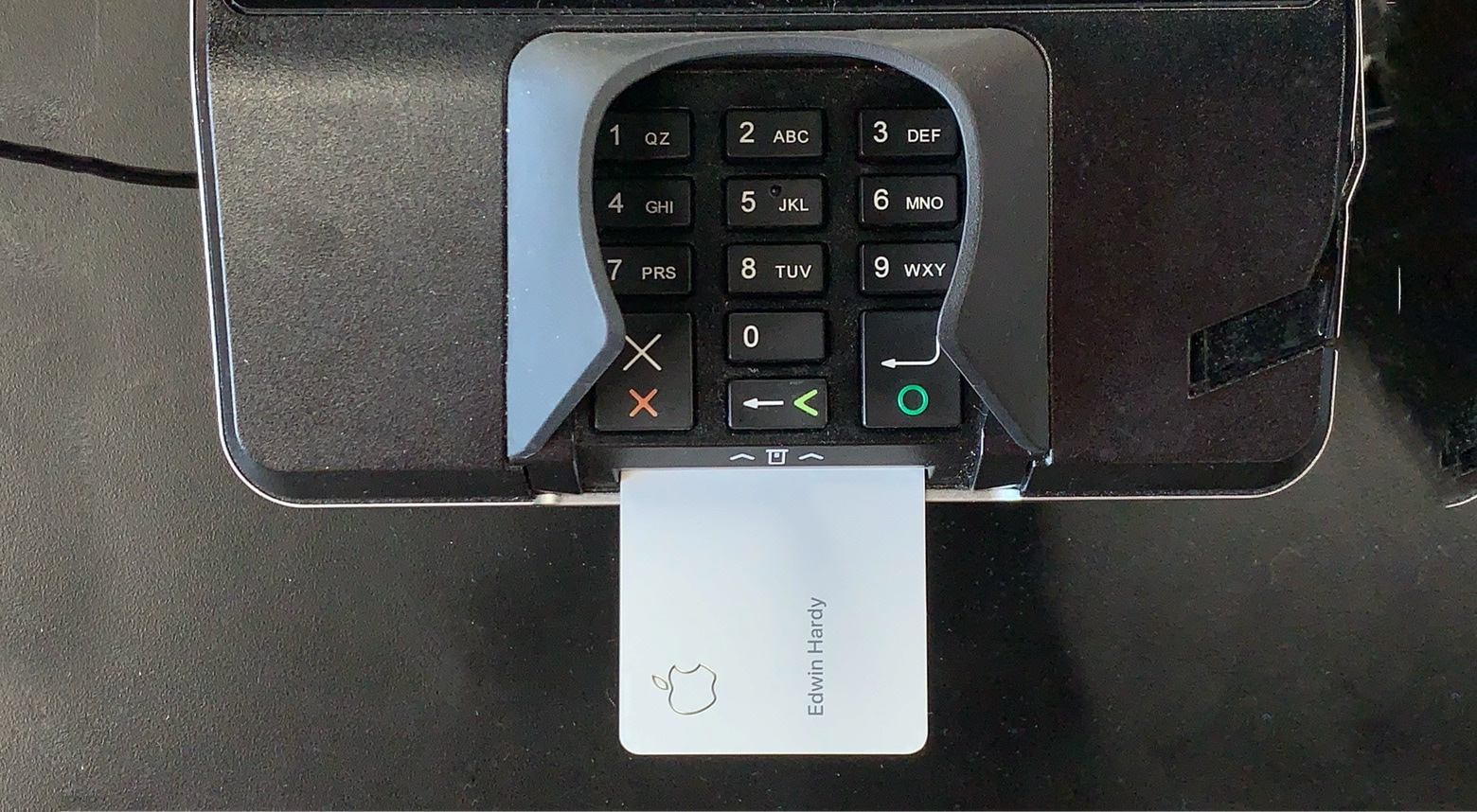
Apple Card in POS
Stealing someone’s Apple Card number is designed to be very hard.
Photo: Ed Hardy/Cult of Mac

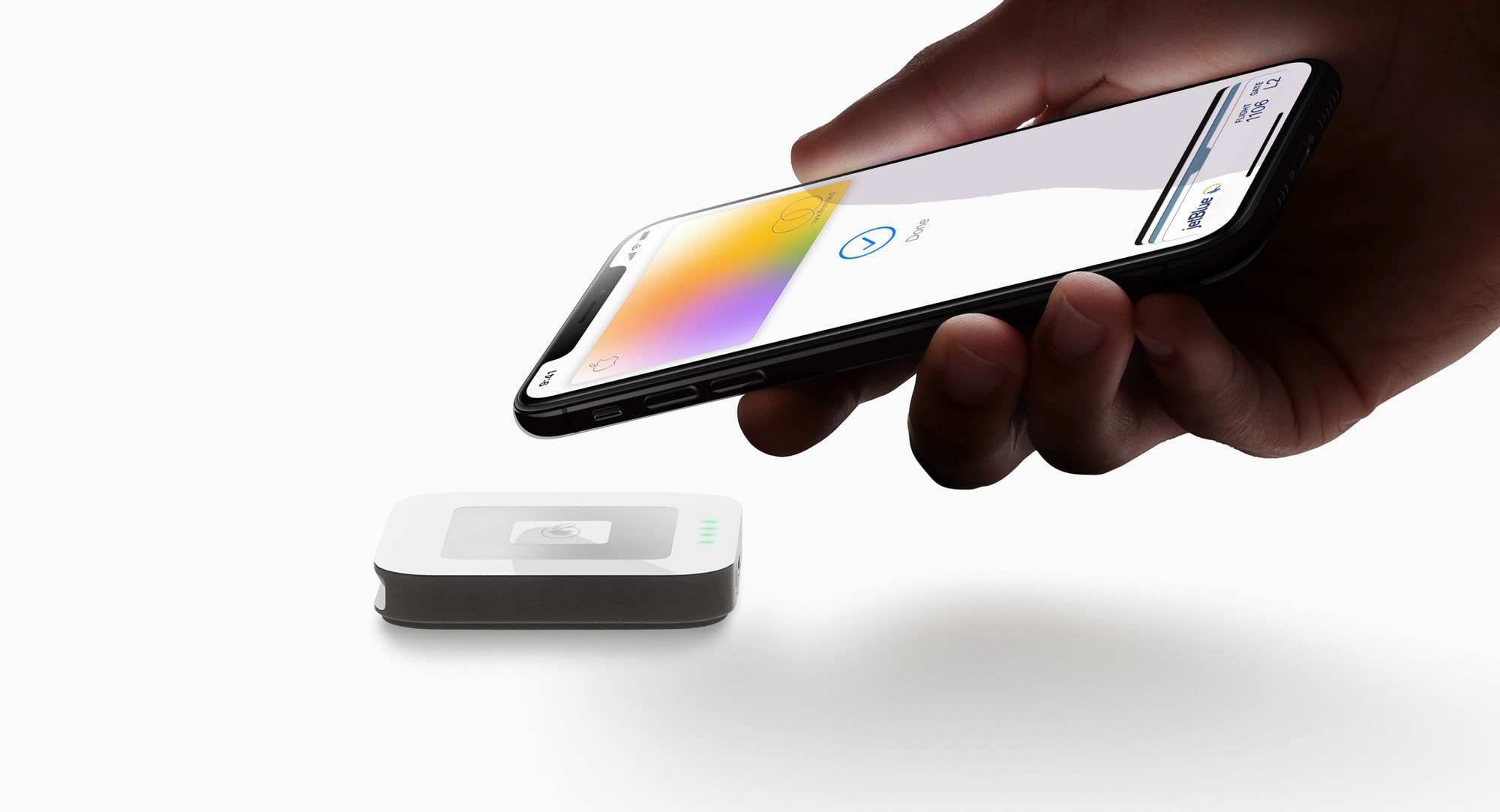
The new Apple Card offers some unusual security features, all designed to prevent this credit card’s number from being used without authorization, either in a store or online.

The fact that the card number isn’t printed on it anywhere is just the start. “The real key to the enhanced security here is happening behind the scenes,” said Craig Vosburg, President of Mastercard North America.

Check out these secret (and super-useful) settings for your Mac

By

JPG screenshot location
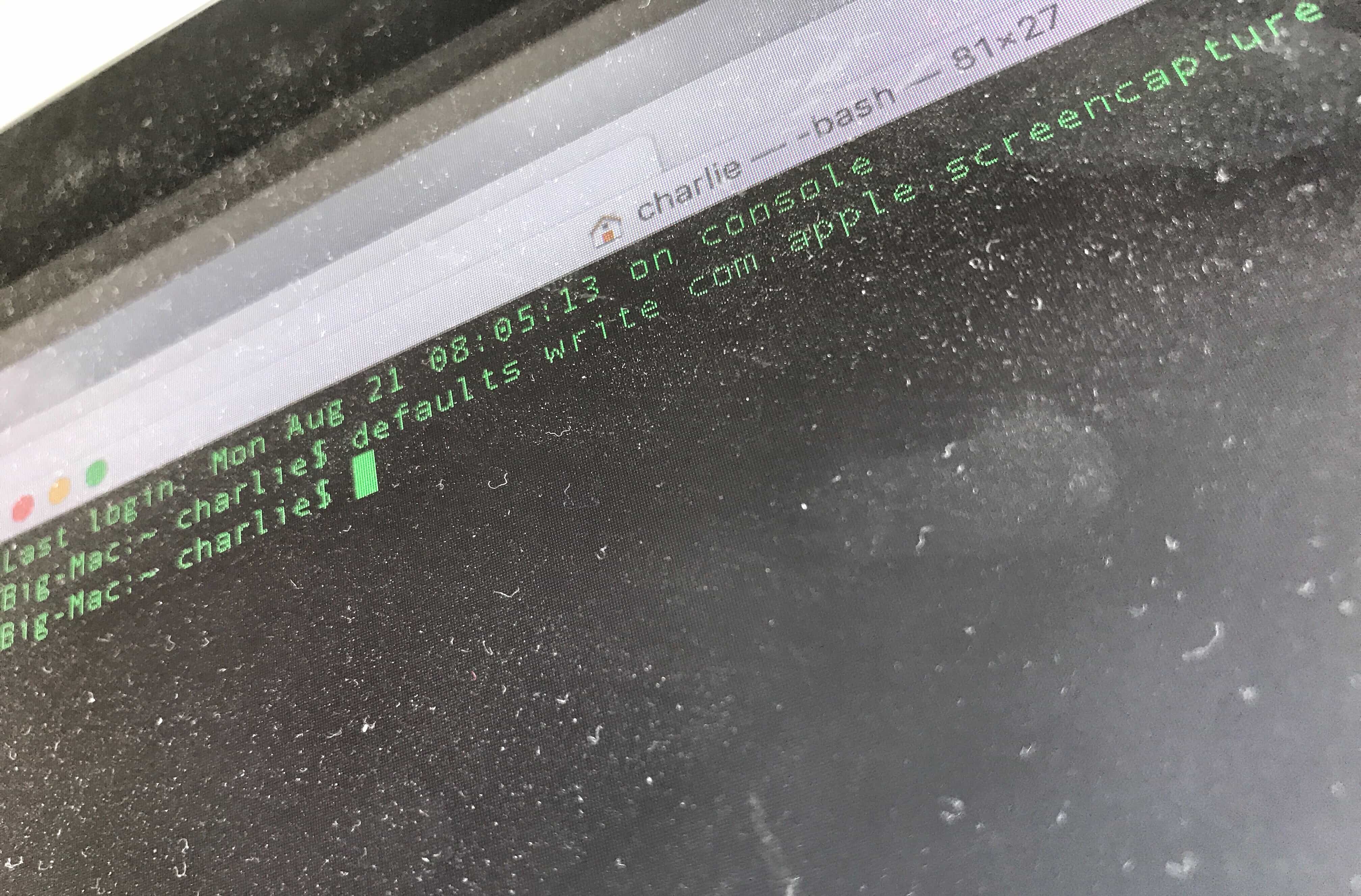
Dust off your Terminal to use these great hacks.
Photo: Charlie Sorrel/Cult of Mac

By using commands in your Mac’s built-in Terminal app, you can quickly change settings you probably didn’t even know existed.

Some of these Mac settings are just shortcuts — you can enable them in the usual way, using the mouse. But Terminal makes things simple. Instead of opening the System Preferences app, then finding (or remembering) a setting you want to change, and then searching further until you actually find the right checkbox, you can just type (or paste) a command, then  hit return.

Most of these are secret settings, though. They are impossible to change without Terminal. Let’s check them out.

Stop Apple’s spam notifications with this hidden setting

By

Nobody likes spam. Here's how to stop Apple spam notifications, i.e. marketing notifications.
Nobody likes spam. Nobody.
Photo: Jesper Sehested/Flickr CC

On a podcast this week, I heard the hosts complaining that they get all kinds of spam notifications from Apple. Their iPhones pop up promotional alerts about Apple Pay, apps, Apple Music, Apple Pay, podcasts and more.

“WTF?” I thought, because I don’t get anything like that. I checked through my notification preferences, sure that I’d find something in there, but no. So why wasn’t I getting all this Apple spam?

Because Apple hid the setting. You can turn off all those junky Apple spam notifications. You just have to know where to look.

Apple takes gambling apps off the table for kids

By

iPhone slots gambling
Kids can now play iPhone gambling apps, but not for much longer.
Photo: Hot Vegas Slot Machine Games!

Apple will soon allow parents to block children’s access to all games that include “Frequent/Intense Simulated Gambling” no matter where they are in the world. As it stands now, not all gambling applications are currently rated as 17+. That’s apparently about to change.

Why sports apparel brands are giving up on fitness apps [Opinion]

By

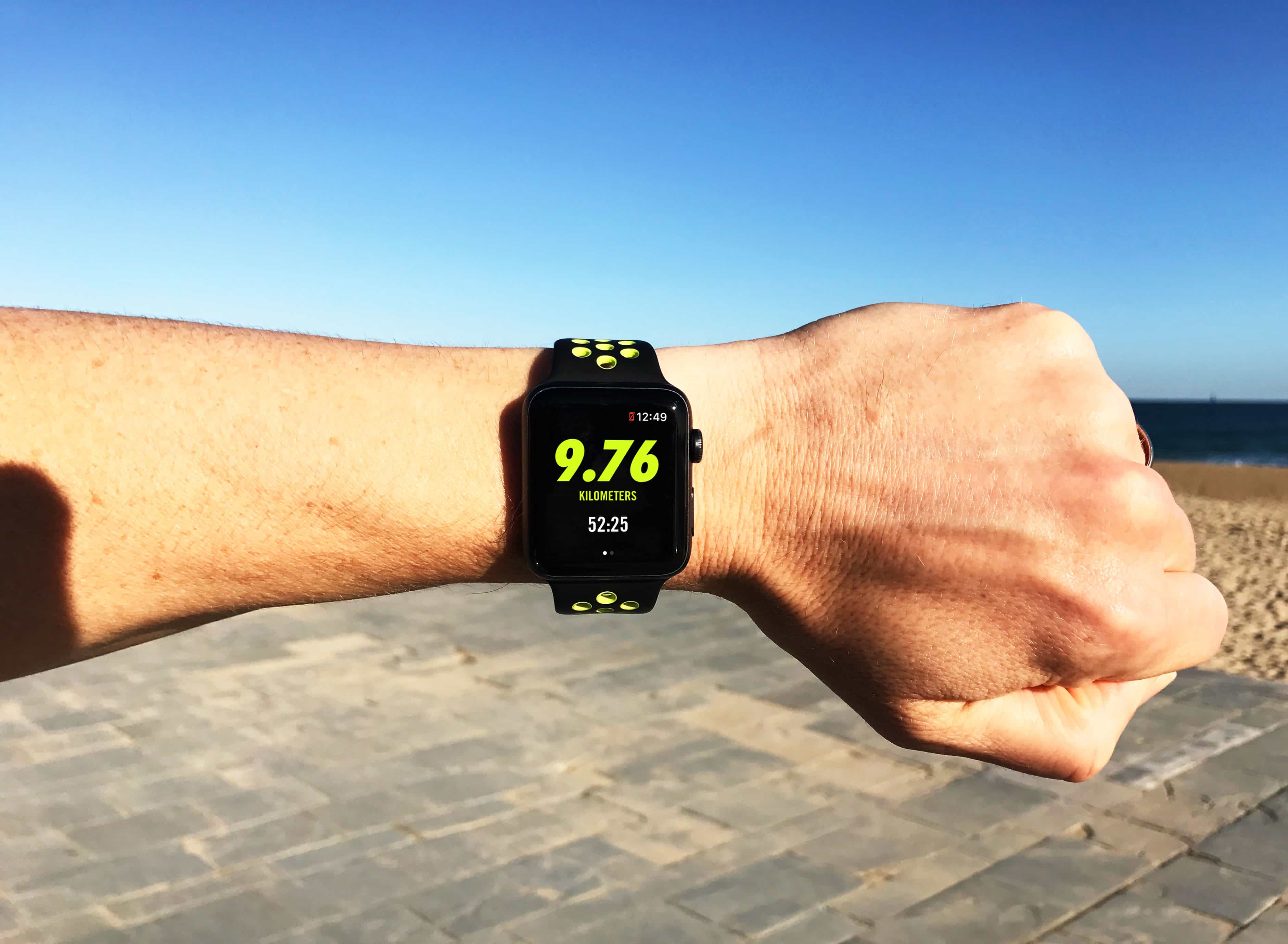
Whatever happened to Nike+?
What ever happened to Nike+?
Photo: Graham Bower/Cult of Mac

Remember when every sports apparel brand needed an app to be cool? Ten years ago, the Nike+Apple partnership was in its ascendency, while Under Armour and Adidas were splurging millions acquiring fitness apps like MyFitnessPal and Runtastic.

Back then, brand owners hoped that by mining our workout data from these apps, they could target us with personalized offers. The big idea was that if you knew how often someone went running, you could tell when they needed new running shoes.

Today, things look very different. Nike removed workout tracking from its website. And Under Armour still can’t figure out how to unlock the potential of its apps. So what went wrong? What happened to the digital fitness revolution?

Apple Card adds new rewards as it becomes available to all (in the US)

By

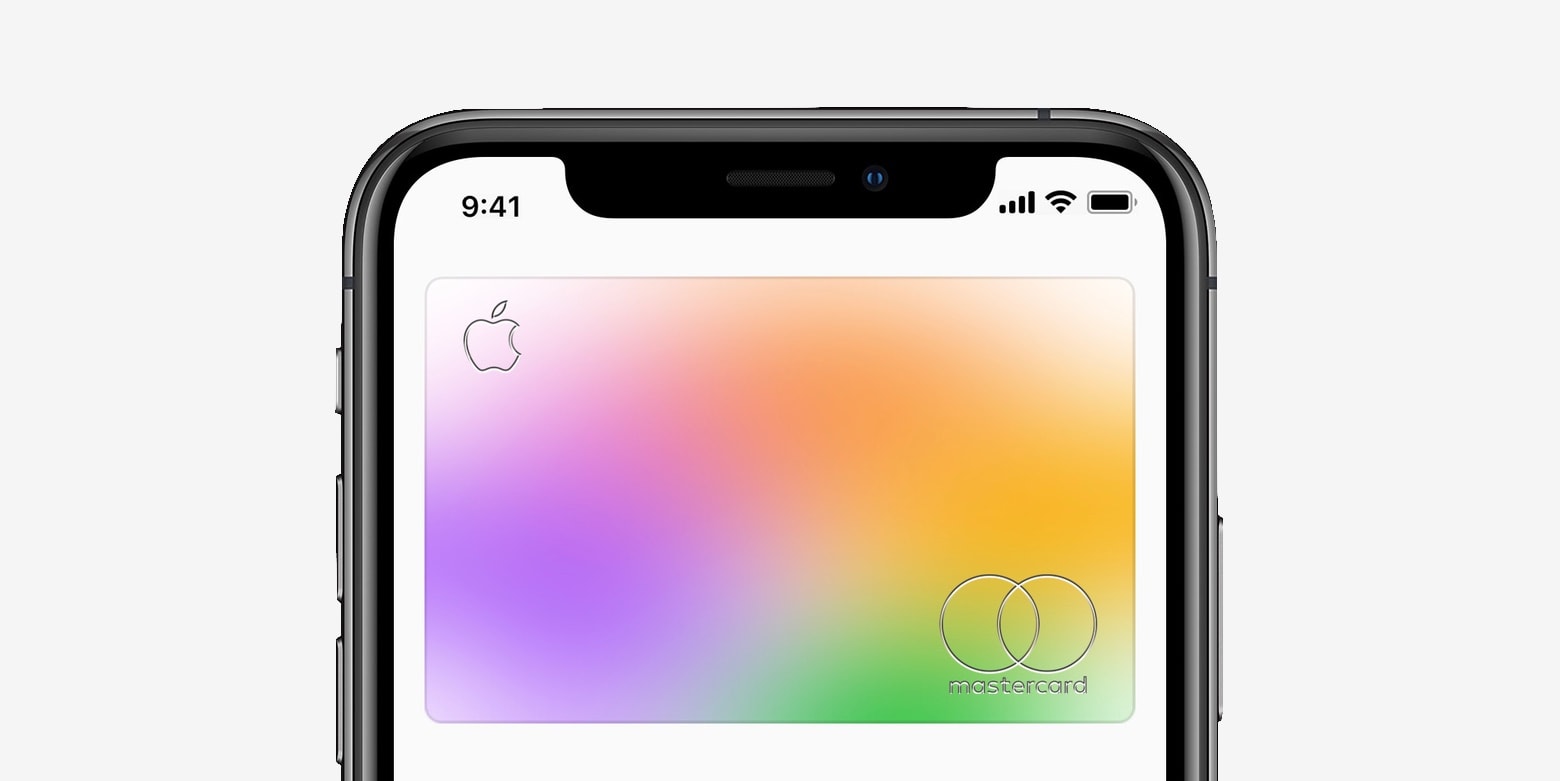
Apple Card
Just spend it.
Photo: Apple

Apple Card is now available to all iPhone users in the United States.

You can sign up for yours through the Wallet app. Users will enjoy 2% daily cash back on Apple Pay transactions, and 3% daily cash back on purchases made directly from Apple.

As the Apple credit card launched Tuesday, Cupertino also expanded its 3% daily cash back offer to include Uber and Uber Eats.

We have gear to toughen up your charging game [Deals]

By

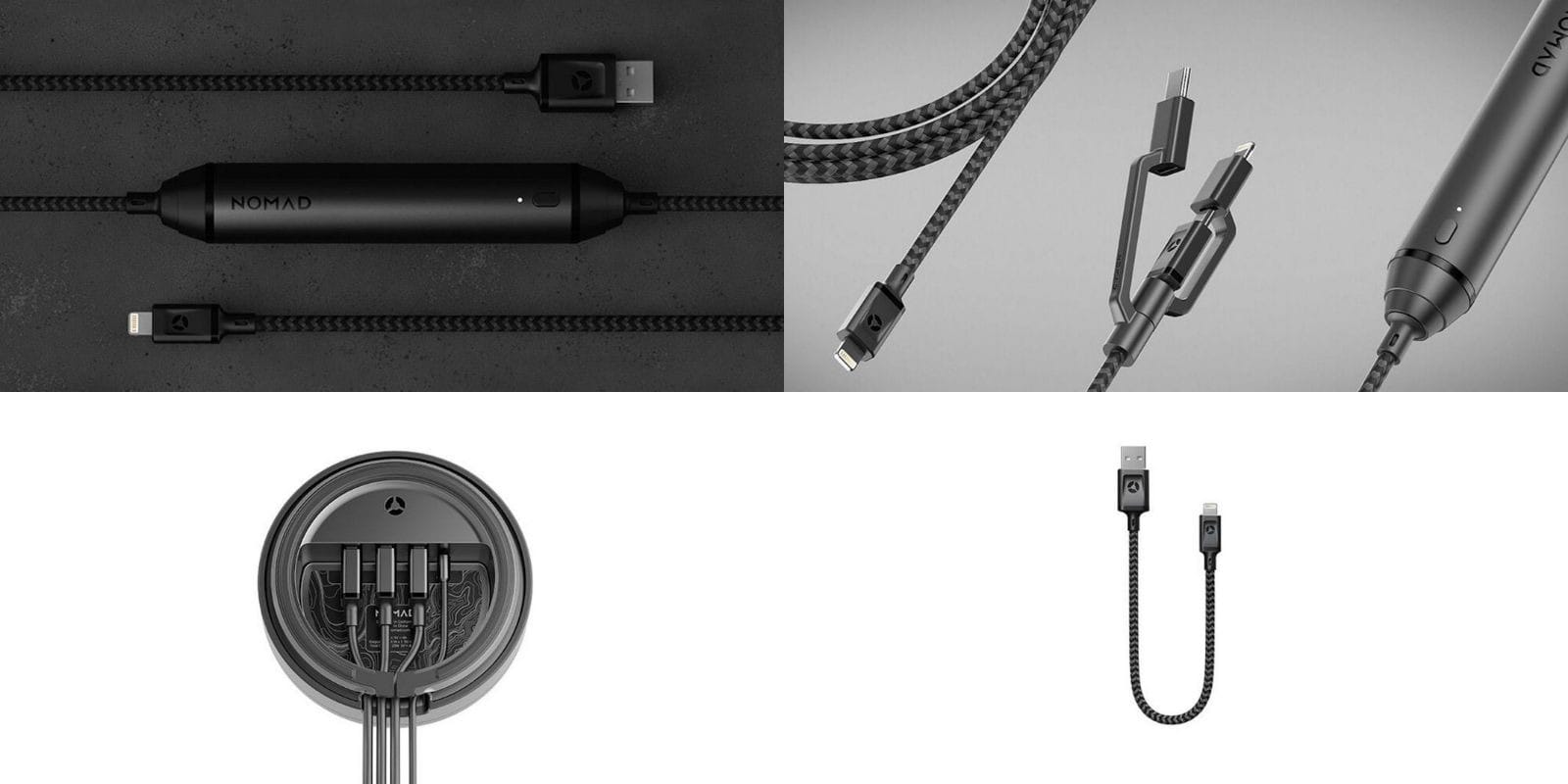
Nomad Roundup
We've rounded up the sleekest, toughest iPhone charging solutions from Nomad.
Photo: Cult of Mac Deals

Our phones and tablets depend on some pretty frail charging equipment. The soft white Lightning cables that come with iPhones fray and break so easily it’s easy to think they’re designed that way. It pays to sync and charge your devices with a cable that’ll last, so we rounded up some tough, innovative charging upgrades from Nomad:

Ulysses adds iPad full-screen view, and keyword manager

By

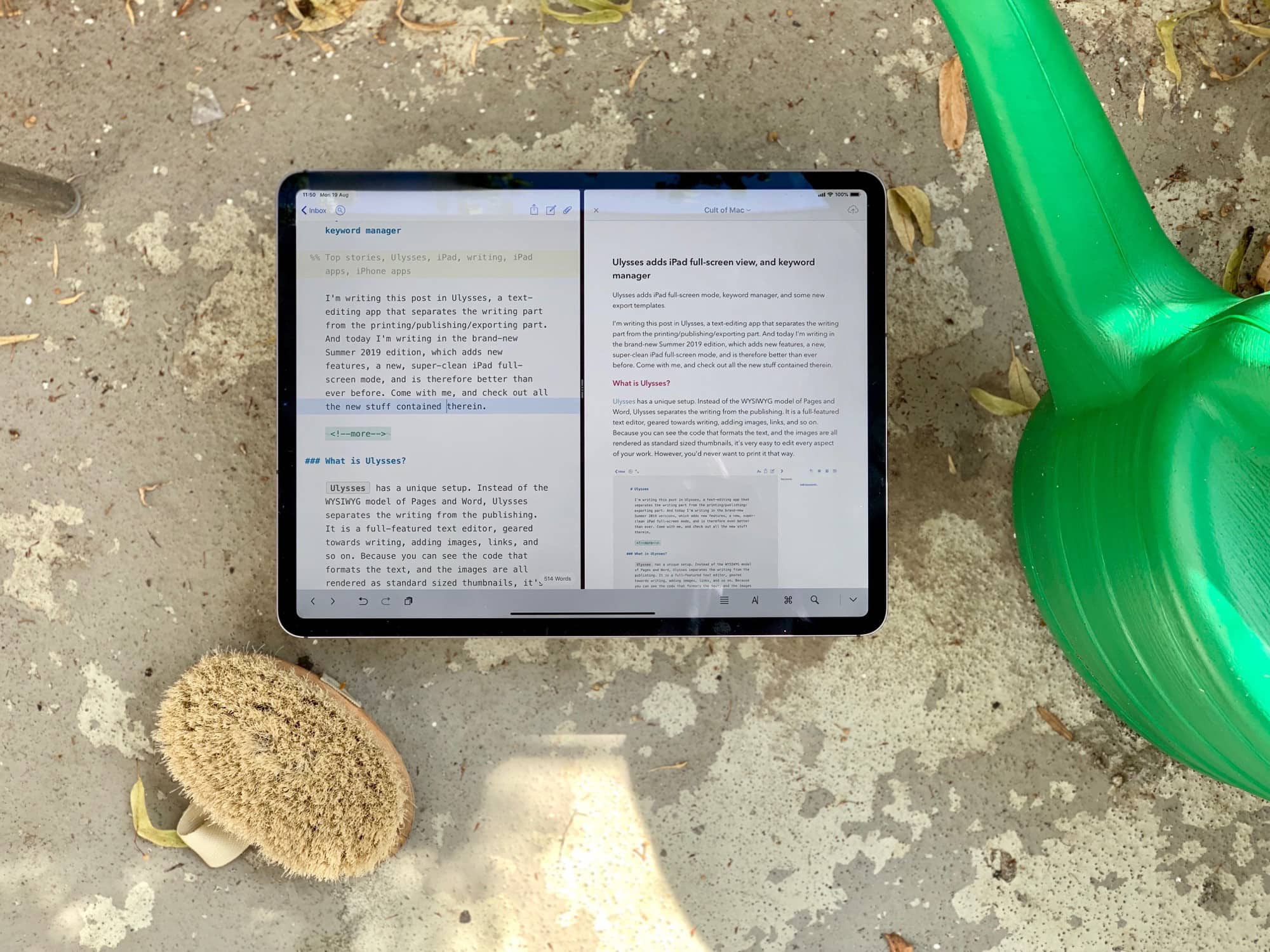
Ulysses Summer 2019 edition.
Photo: Charlie Sorrel/Cult of Mac

I’m writing this post in Ulysses, a text-editing app that separates the writing part from the printing/publishing/exporting part of the process. And today I’m writing in the brand-new Summer 2019 edition of Ulysses, which adds new features and a new, super-clean iPad full-screen mode.

Ulysses is therefore better than ever before. Come with me, and check out all the new stuff contained in Ulysses 17 for iOS.

Apple drops macOS Catalina beta 6 to all [Updated]

By

WWDC 2019
Catalina was unveiled in June and expected to hit Macs everywhere in September.
Photo: Apple

The day iTunes goes away for good moved a bit closer today with the release of a fresh developer beta of macOS Catalina. This is the sixth such, and the first in two weeks.

A version of this beta for the general public is expected shortly.

UPDATE: As expected, all can now access macOS Catalina Public beta 5. Devs got an extra beta early in this process, so this is the same version as Developer beta 6.

How to stop your MacBook from powering up when you open it

By

Walking boots on beach
AutoBoot joke.
Photo: Charlie Sorrel/Cult of Mac

Mac laptops made in the last few years have an annoying/convenient feature. Open one up, and it powers on. MacBooks have woken from sleep when you open the lid for years, but now they boot from cold, too. Want to clean the keyboard without turning the thing on? Tough.

Or is it? If you want to stop this behavior, it’s easy. Here’s how.