Good news: as long as you have a real-world friend who is already part of Inbox’s invite-only beta, you can easily get in, no invite required. Here’s how.
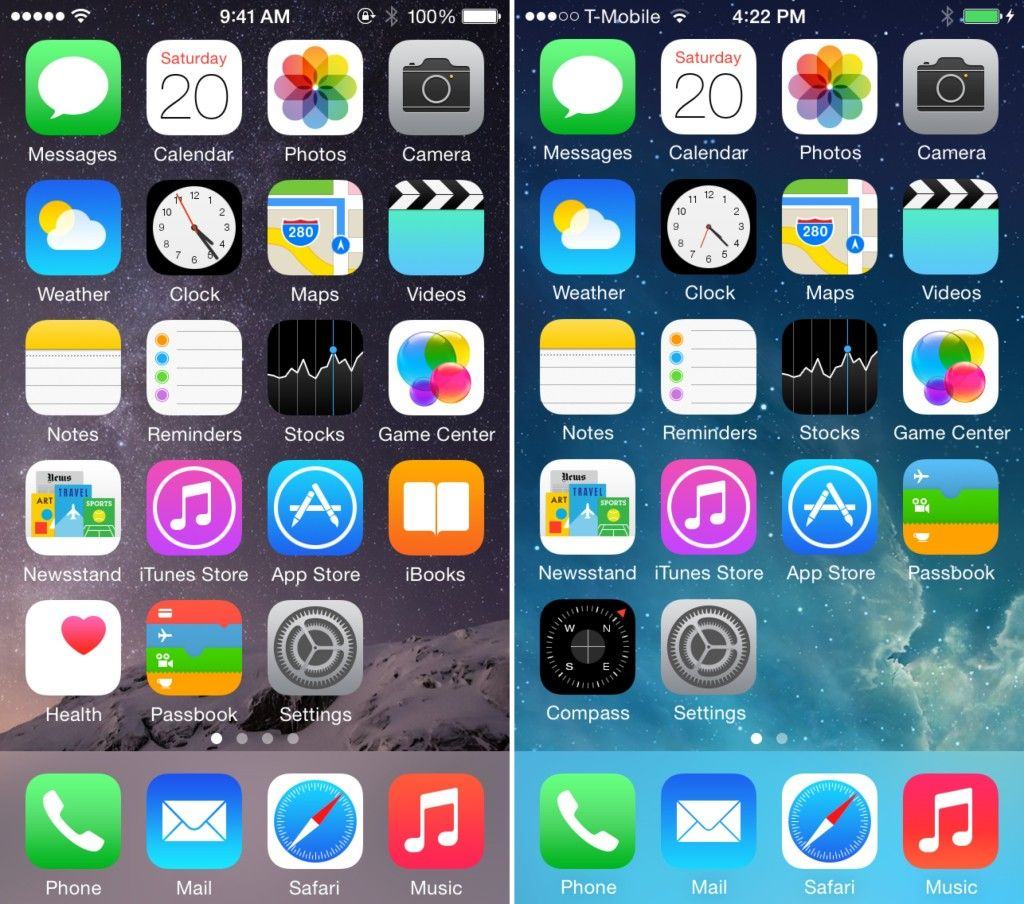
Either way, you’re in luck: If you regret your upgrade, you’ve got a rare opportunity to turn the clock back. You can downgrade your device from iOS 8 to iOS 7.1.2, if you act fast.
[UPDATE: Lots of readers report that the new option to activate iCloud Photo Library isn’t showing up on their devices. I’m looking into it. So far I know that the GM version — the one I used to write this guide — and the final version are identical, build number 12A365. My guess is that Apple turned off the beta already]
iCloud Photo Library is rad. The idea is that all your full-res photos (including RAW photos) reside on Apple’s servers, and you access them from all your devices.
That’s a change from Photo Stream as it is now, which stores only the last 1,000 photos you took, not your whole collection. Apple has also introduced new tiers of iCloud storage pricing to cope with all your photos (and videos). This is now live, and I signed up for the 200GB option ($4 per month) to test it out.
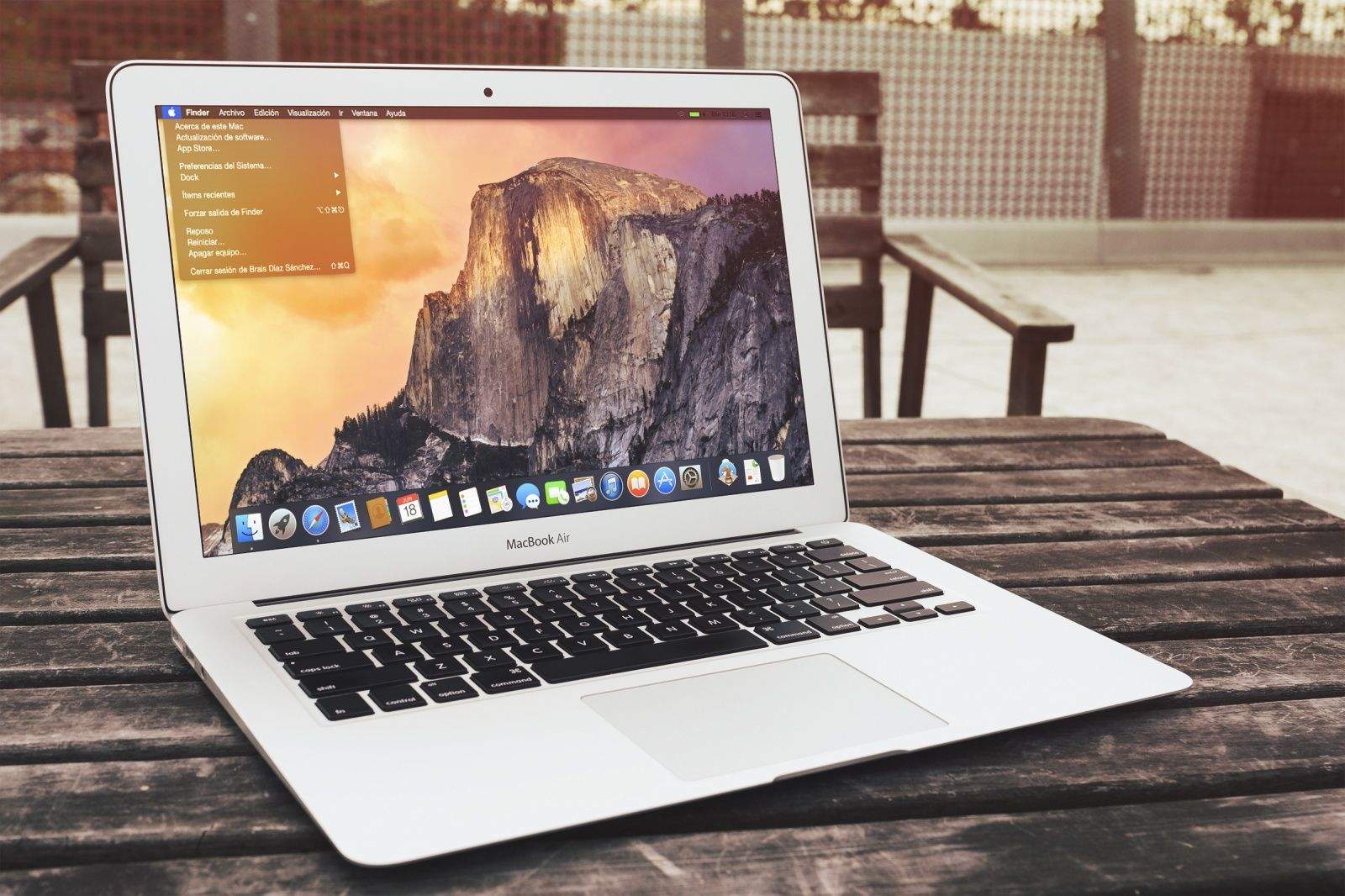
OS X 10.10 Yosemite is gorgeous. It’s the biggest visual overhaul to come to OS X since Aqua, which has caused a rush of Apple fanboys – including our own Leander Kahney – to jump the gun and install the buttery smooth interface on every Mac in sight.
Playing around with Apple’s newest software is a true tech delight, but it can also come with some horrific consequences if you install it as your main OS, as most apps still aren’t optimized for the update. However, unlike iOS 8 there’s a safe way to install it without ruining your Mac until the final version is ready.
Here’s how to install the Yosemite beta in the most responsible way possible:
In famous ’70s sitcom Happy Days, Henry Winkler’s unflappably cool greaser, Arthur “Fonzie” Fonzarelli, has a superpower, described on Wikipedia as “an almost magical ability to manipulate technology with just a nudge, bump or a snap of his fingers for things such as starting a car, turning on lights, coaxing free sodas from a vending machine, or changing the song selection on a jukebox.”
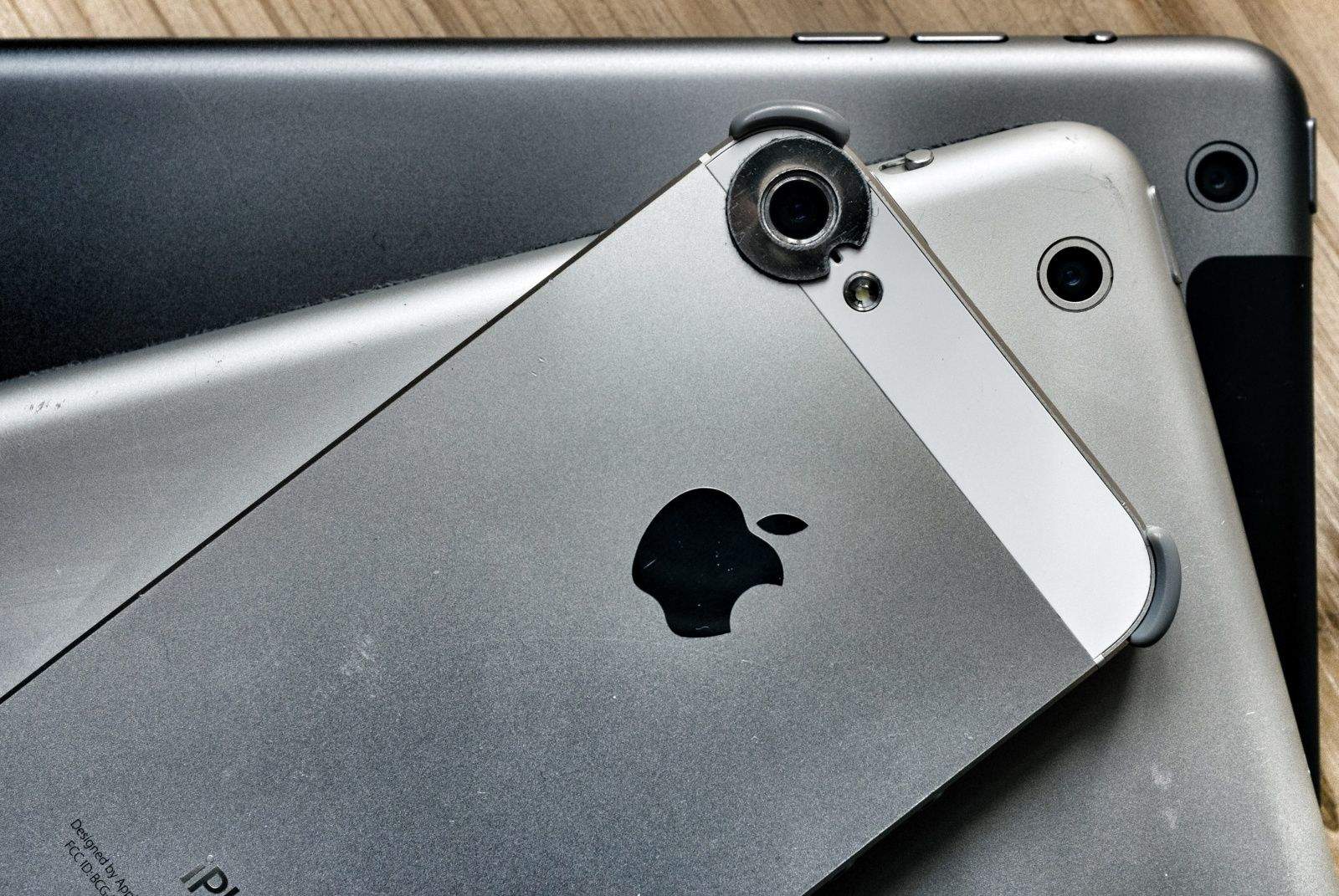
It turns out that if you’re having camera issues with your iPhone 5, fixing it might be as simple as channeling the Fonz: Just try thwacking it.
Our iPhone’s have the ability to do so many things but the core of its purpose is to help us communicate through talk and even text. While it can be easy to simply type a message and send it off, the messaging app in iOS 7 is capable of doing so much more. In today’s how-to find out how you can take full control of the iOS messaging app and take your messaging to the next level.
While Apple’s personal assistant Siri may be irritating to use at times it comes stocked in iOS with thousands of uses. In today’s how-to find out how to usefully use Siri in your life with 5 quick and simple tips.
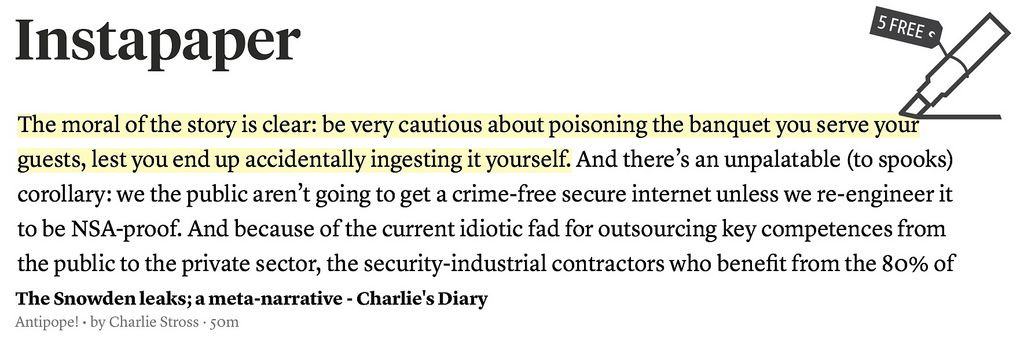
Instapaper v5.2 adds familiar yellow-marker highlights to your saved articles. This doesn’t sound like much, but it will change how you use the read-later service. Instapaper is the O.G read-it-later app, letting you save those longer articles you find on the web, in Twitter, in your RSS reader or anywhere else. You send these articles off to Instapaper via a bookmarklet (or using the third-party integration from many apps), whereupon they are cleaned of clutter and saved for you to read off line.
This seemingly small update changes the game. Before, Instapaper was a transient place for long-form articles — you’d read them and then archive them. Now it’s a place to organize and revisit articles, turning your collection of clippings into a library of annotated notes. And for the makers, it represents a way to make more money for the app, by finally adding a killer reasons for us to buy the $1-per-month subscription.
Here's how to turn your inbox into a problem solver. Photo: Charlie Sorrell/Cult of Mac
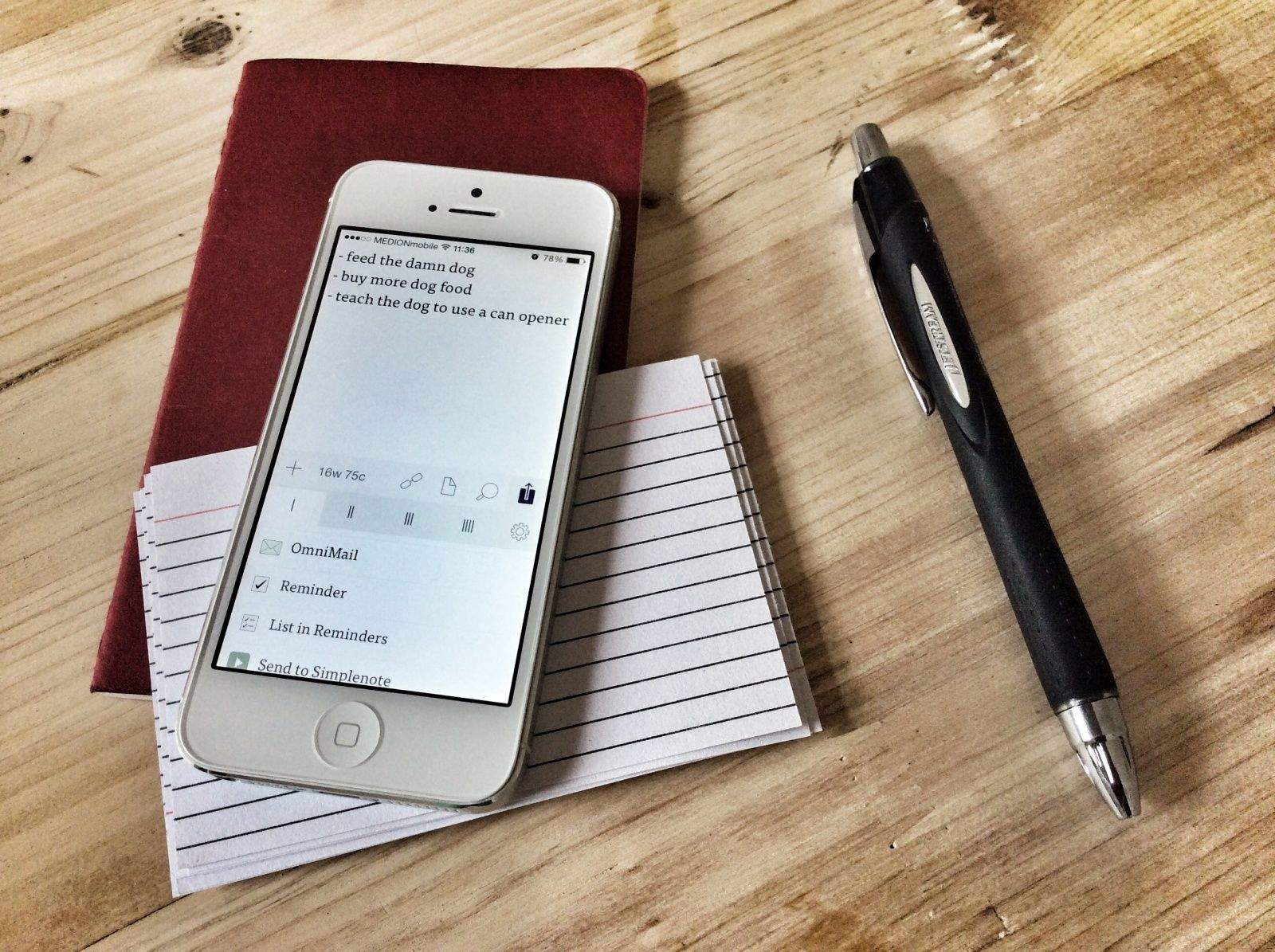
They say your email inbox is a terrible place to manage tasks. I’d disagree. I think it’s the perfect place. After all, most of my tasks come in via email, and any app that can share information can share it via email. Why bother dickering with an extra app, keeping all that important stuff in two places, when it can all be easily managed in one spot?
I’ve been doing exactly this ever since I ditched OmniFocus, which is so long ago I can’t remember how long ago it was. With a little bit of setup in your everyday news and browsing apps, you can turn your inbox into a proper universal task list. Here’s how.
Sometimes it’s difficult to fall asleep, even after a long day. While listening to music can help some, they wake only to find their device’s battery dead from playing all night. In this episode of Cult of Mac’s how-to, find out how to use your iPhone’s hidden sleep timer, thanks to our quick and easy steps.
With such a large music library on YouTube it’s an ideal way of listening to your favorite artists. Playing music videos in the native YouTube app is convenient, but playing and leaving the app to still listen to your video’s audio isn’t possible. Luckily thanks to iOS 7 there’s a simple way around this, allowing you to enjoy your music in no time.
With Apple recently making OSX Beta Seed downloads available to the general public, Cult of Mac’s Ste Smith shows you how to prep your Mac to install the latest software. Get the latest OSX updates before general release by following the simple steps shown.
Take a look at the video to see what you need to do.
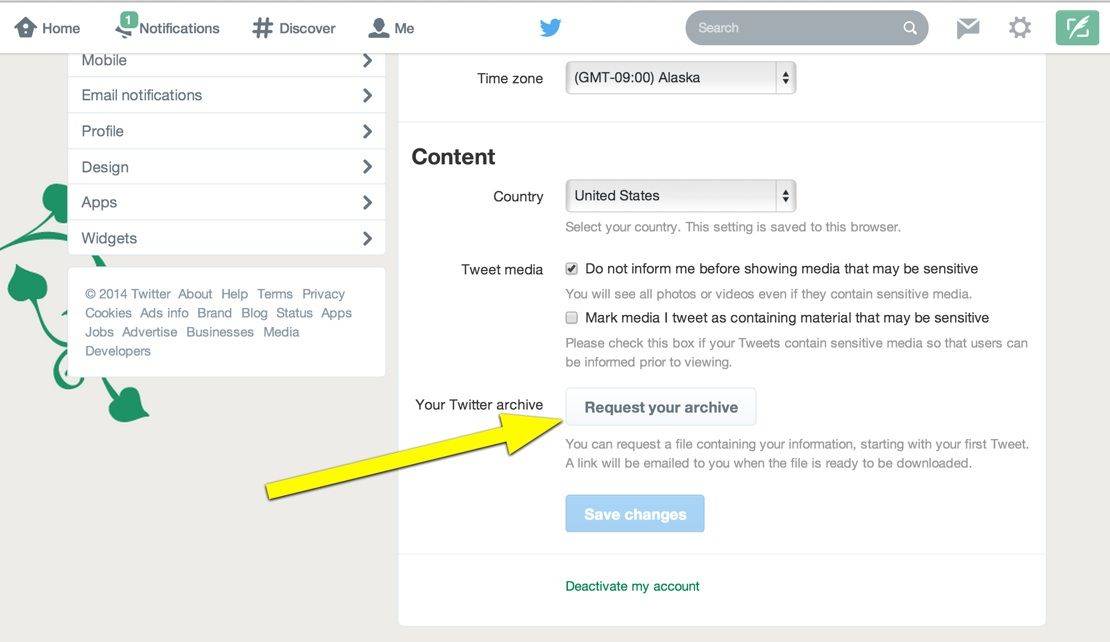
You know, it sure would be nice if you could retain ownership of all that pithy writing you’ve done over the years on Twitter, right?
I mean, chances are you’ve crafted some fairly amazing 140-character diatribes along the way, and it might be fun to go back and see just how awesome you are.
Of course, the truth may be that you need to delete that Twitter account and just archive all of them for some embarrassing reason, but we’re not judging. Whatever the reason, it’s super-simple to download all your Twitter writing to your Mac. Here’s how.
Last week at the Mobile World Congress in Barcelona, Spain, a curious, unexpected thing happened: I used an Eye-Fi Mobi card to shoot and share photos from my camera to my iPhone and it worked – almost flawlessly.
As regular readers will know, I have tried Eye-Fi’s cards over and over, both here and when I wrote for Wired’s Gadget Lab, and I could never get on with them. The problems ran from annoyances to plain bad design and broken functionality.
This time, though, the card came through. In fact, I couldn’t have covered the show so well without it. Read on to see how we covered the show.
Foul-mouthed YouTube Senor Pacman teaches you how to beat the $50,000 a day App Store sensation, Flappy Bird. Or, at the very least, he teaches you how Flappy Bird will ultimately beat you.
I love the press-to-shoot feature of Instagram’s video mode: it stops you from making one long boring take to fill up that eight seconds or however long it is that you get. But maybe you want to make a boring one-shot clip, or you’re planning on making the world’s shortest remake of Hitchcock’s Rope. Whatever, this neat trick from Photojojo is for you.
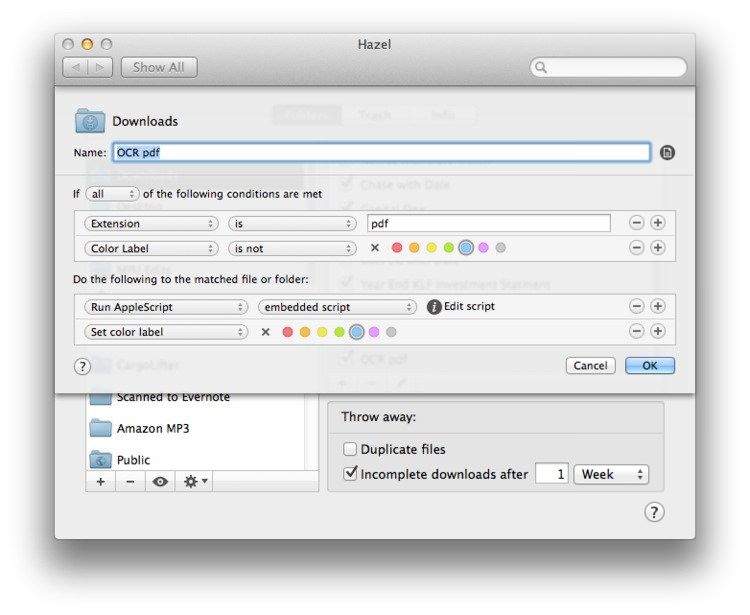
Maybe you scan all your receipts and bills, and toss the paper into the recycling bin. Congratulations! You’re paperless. You’re also out of luck when it comes to actually finding any of those scans when you need them. You’ll be stuck flipping through stacks of PDFs as if they were stacks of paper.
Unless you get your Mac to automatically run OCR on those scans, making their text searchable. And then maybe you could have you Mac file them for you too, just like computers were supposed to do for us all along.
Sound good? Then check out this neat tutorial from Mac Power Users’ Katie Floyd, which uses Applescript, PDFPen and Hazel to do it all for you.
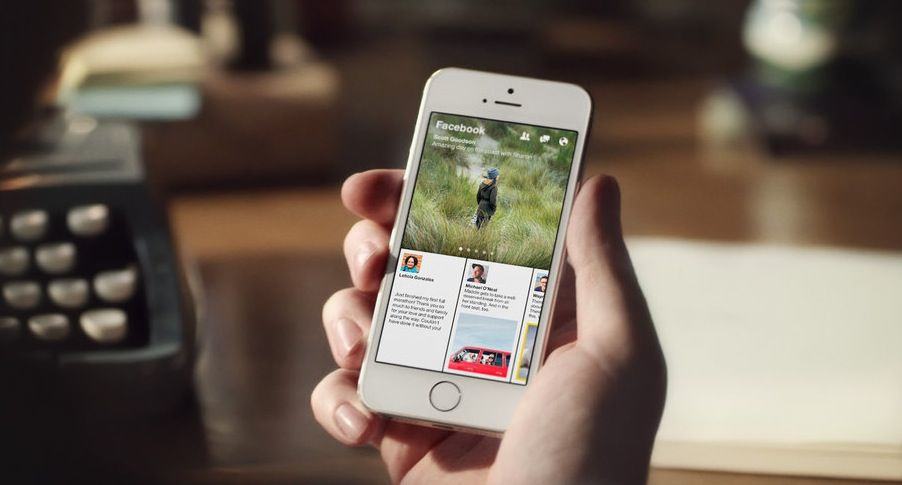
Facebook Paper is a pretty great panacea to the social network’s usually crummy iPhone apps, but unfortunately, it’s only available in the United States, leaving those overseas out-of-luck. But because Paper is a free app, you can download it pretty easily even in other countries. Here’s how.
Google controversially brought Gmail and Google+ closer together this week by introducing a new feature called Email via Google+, which allows anyone with a Google+ account to send messages to your Gmail inbox — even if they don’t have your email address. Unsurprisingly, most Gmail users aren’t so keen on it.
But you’ll be pleased to know there is a quick and easy way to disable Email via Google+ — just follow the steps below.
The new Mac Pro is finally here, and considering the fact that it looks exactly like a trash can, what better way to celebrate its release than to replace your Mac’s current trash icon with Apple’s stealthy, space-age new super computer?
Flickr can become the central home for all your photos.
Intro
After the recent Everpix shutdown, I moved all my photos to Flickr. If you read my roundup of Everpix alternatives, you’ll know that Flickr wasn’t my first choice, but it turns out that neither is it my only choice. But let’s not get ahead of ourselves.
Everpix was great because it just sucked in all your photos, whether you kept them in iPhoto, on your iPhone, in a weird beardo folder structure on your Mac, or even if you took all of your photos using Instagram. It was far from perfect, but it was the best. And then it went away.
Here’s a fantastic tip for iPhoneographers: did you know that you can transfer photos from your Wi-Fi-enabled SD card to your iPad while it is connected to the iPad using the camera connection kit? This amazing nugget was discovered by The iPad For Photographers author Jeff Carlson.
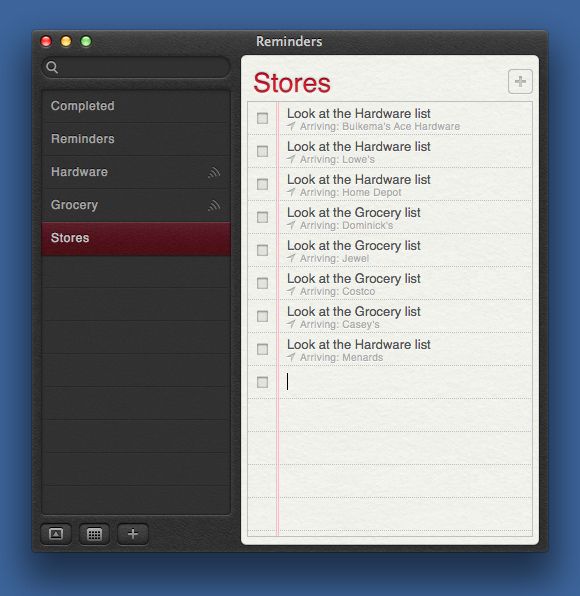
Dr. Drang is on a roll these days. After letting us organize our photos in the Finder with his fantastic shell scripts, he will now change the way you use your iOS reminders app. Are you ready to have your mind blown?
Apple isn’t allowing pre-orders on the iPhone 5s this year, but if all you want is the colorful new iPhone 5c, Sprint and Verizon have already confirmed pre-orders will begin by 12AM exactly… the same time iPhone 5 preorders started last year.
The iPhone 5c is likely to be one of Apple’s most wildly in-demand phones ever, thanks to its cheaper price and variety of colors, and while Apple is attempting to balance the crush on their website by starting pre-orders in the middle of the night, it will, in all likelihood, still be a madhouse when Apple starts selling iPhones later tonight.
Hence this guide. We’re going to walk you through the the most efficient ways to absolutely ensure you get your iPhone 5c pre-ordered at the stroke of midnight so you can get back to sleep and enjoy your device on Friday.