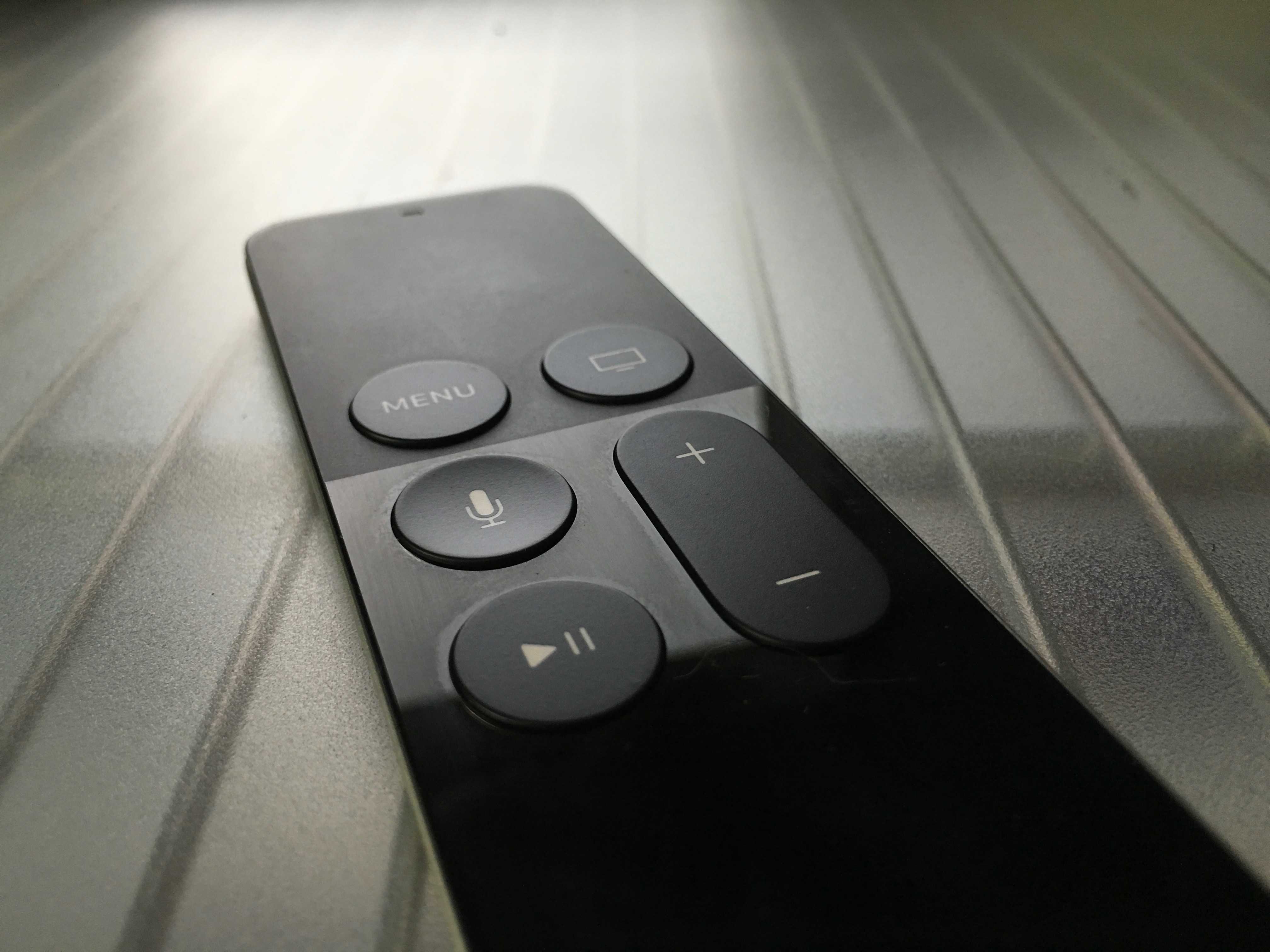
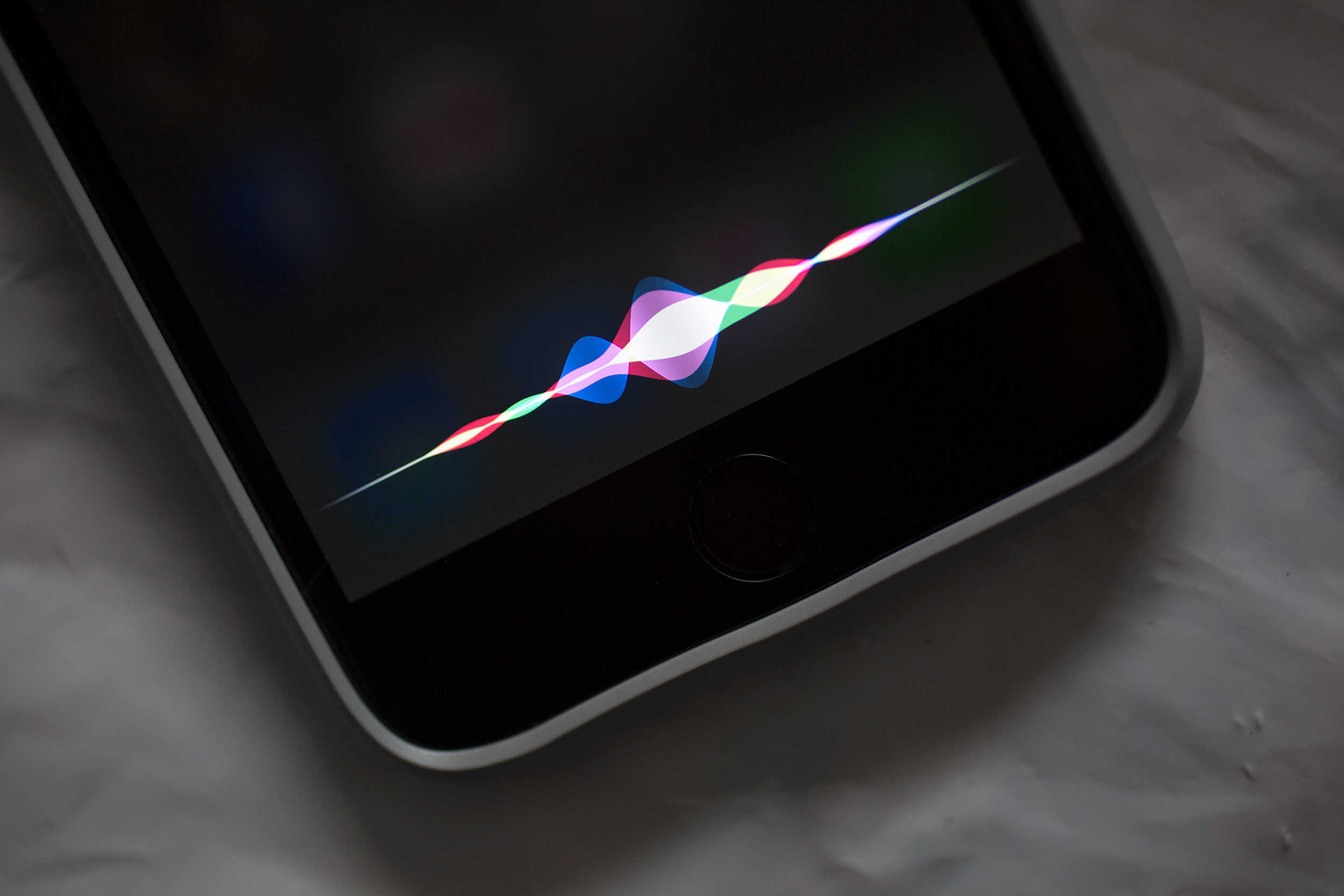
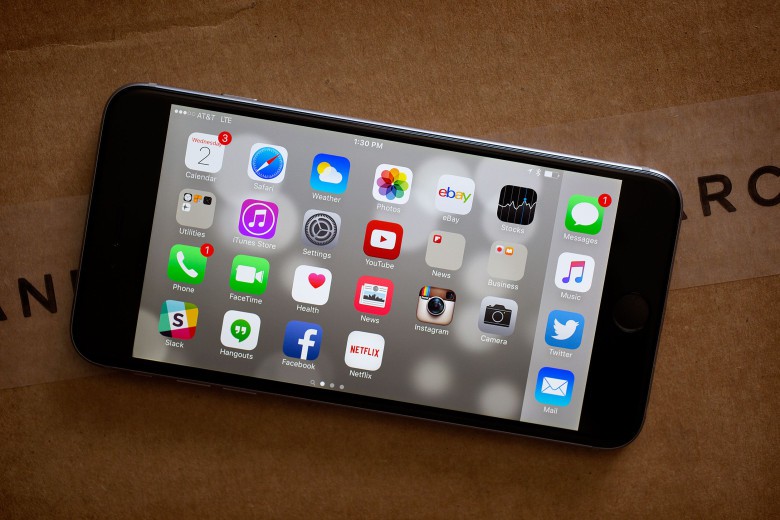
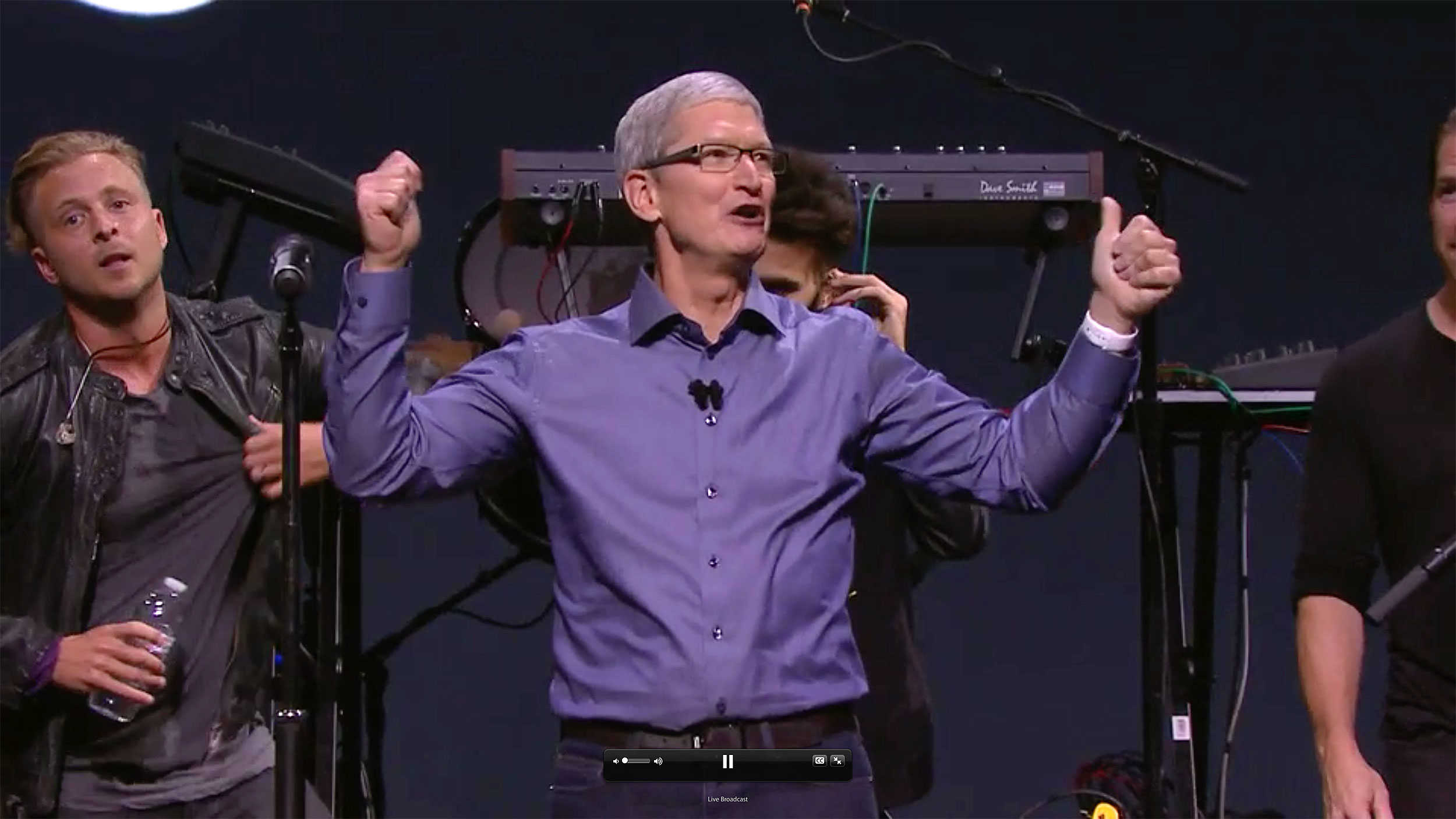
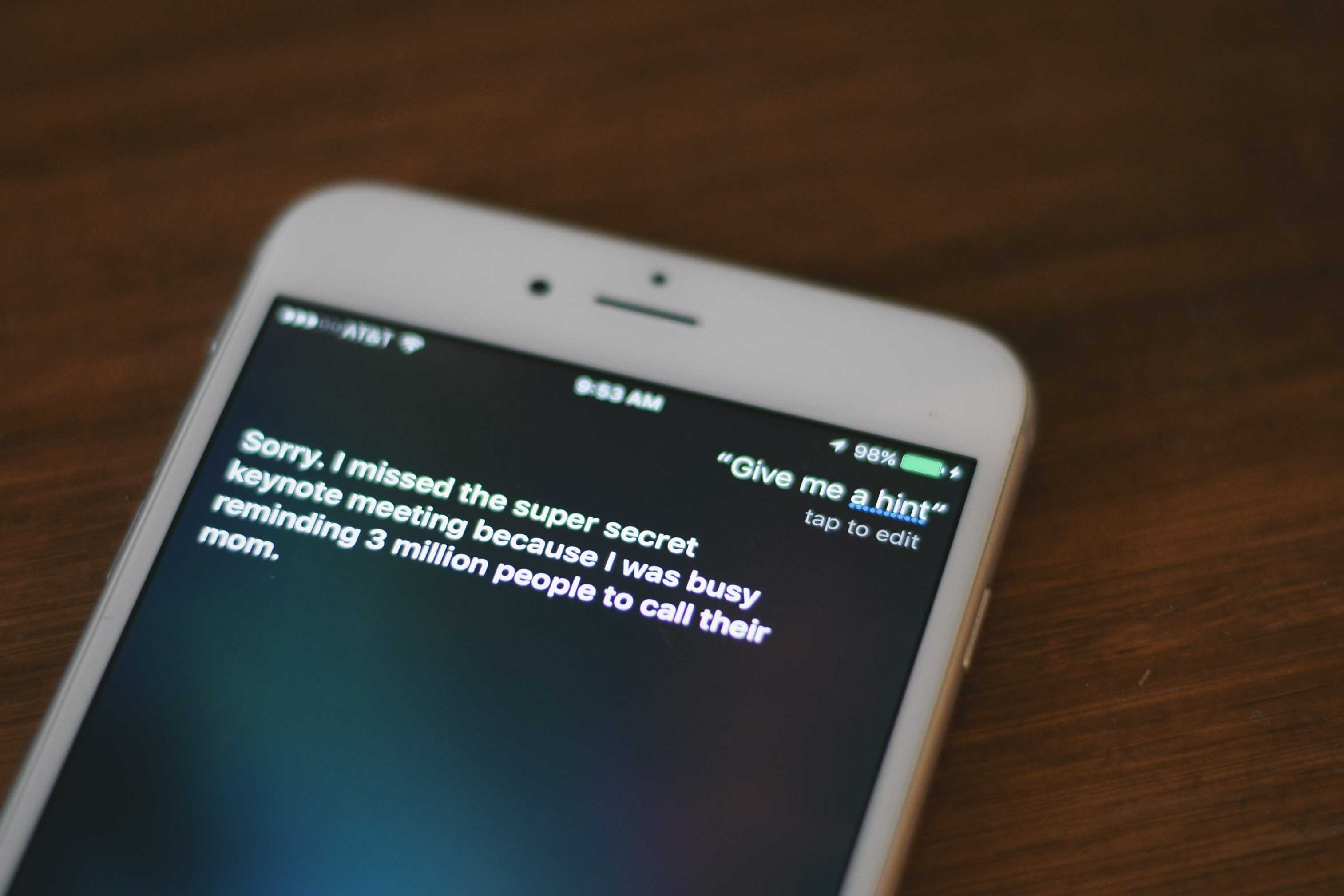
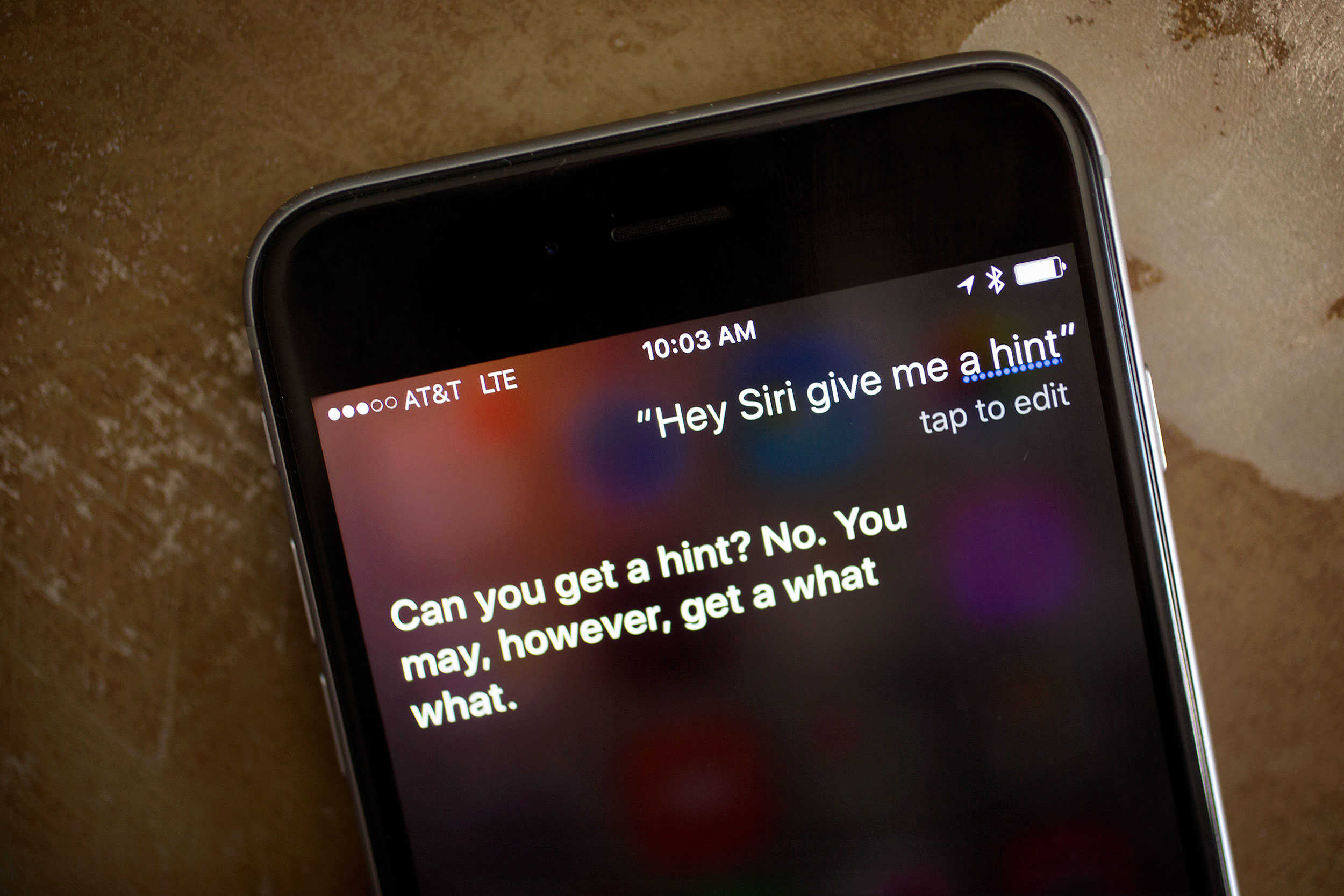
Siri will soon let you search Apple Music. Photo: Leander Kahney/Cult of Mac
Apple TV’s Siri-enabled universal search feature is set to come to Apple Music early next year, Apple has confirmed.
The feature means that Apple TV users will be able to request to find songs, artists or albums in the way that they can currently find movies or TV shows.
"Hey, Siri? Will people hate me if I go to the party as 'Sexy Immortan Joe'?" Photo: Jim Merithew/Cult of Mac
Siri has a few extremely scientific and mathematical costume suggestions for Saturday’s festivities, but good luck figuring out how to implement most of them.
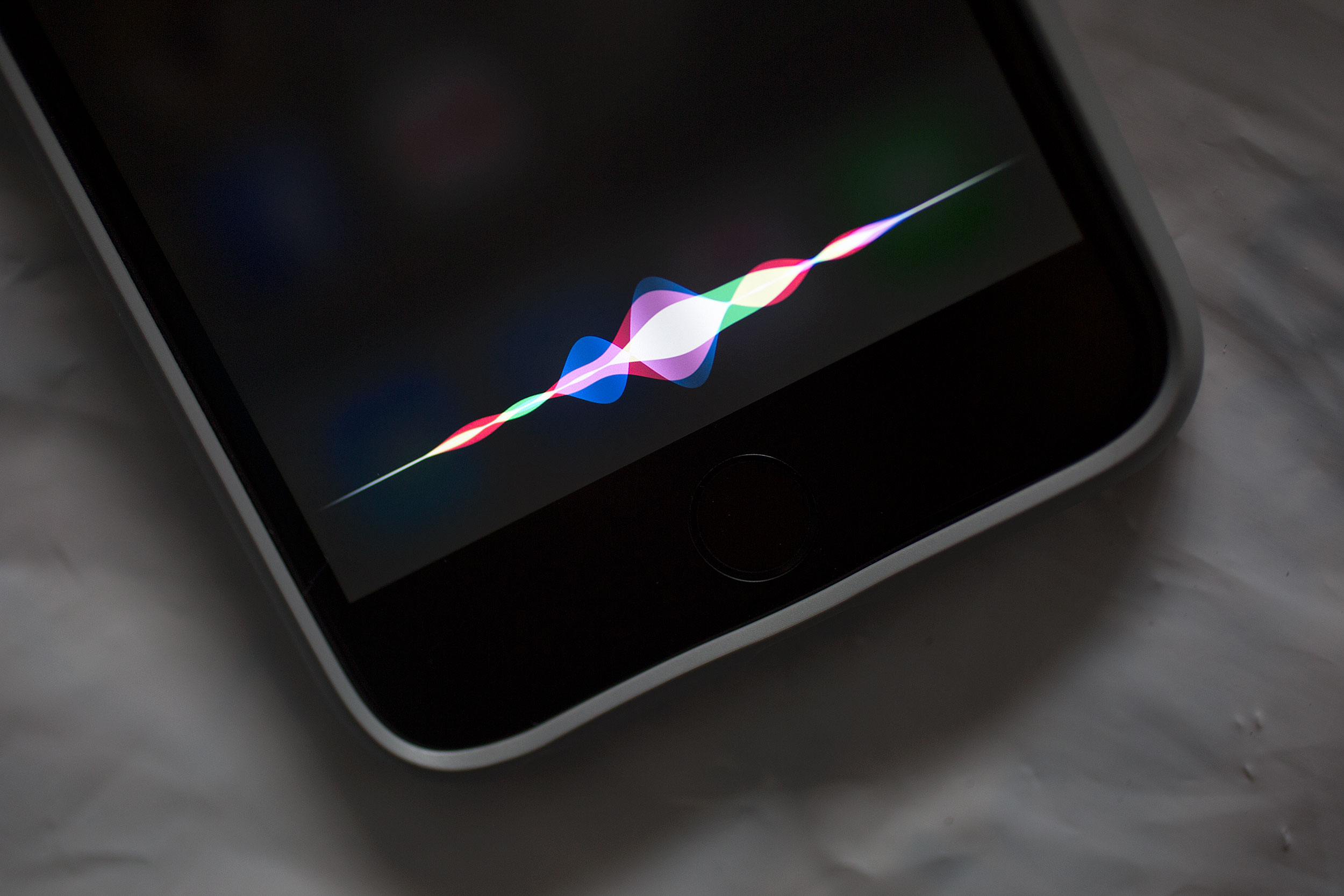
You can get prompts from Apple’s digital assistant by asking, “What should I be for Halloween?” to your favorite iOS device. Siri’s ideas aren’t bad if you can find a way to make them work. Check out a few of them below, which we captured from an Apple Watch.
If you want Siri to tell you everything there is to know about music you might need an Apple Music subscription to get the right answers.
The three-month trial period for Apple Music has finally ended, and it appears that not signing up for the monthly service may cost you a bit of Siri functionality.
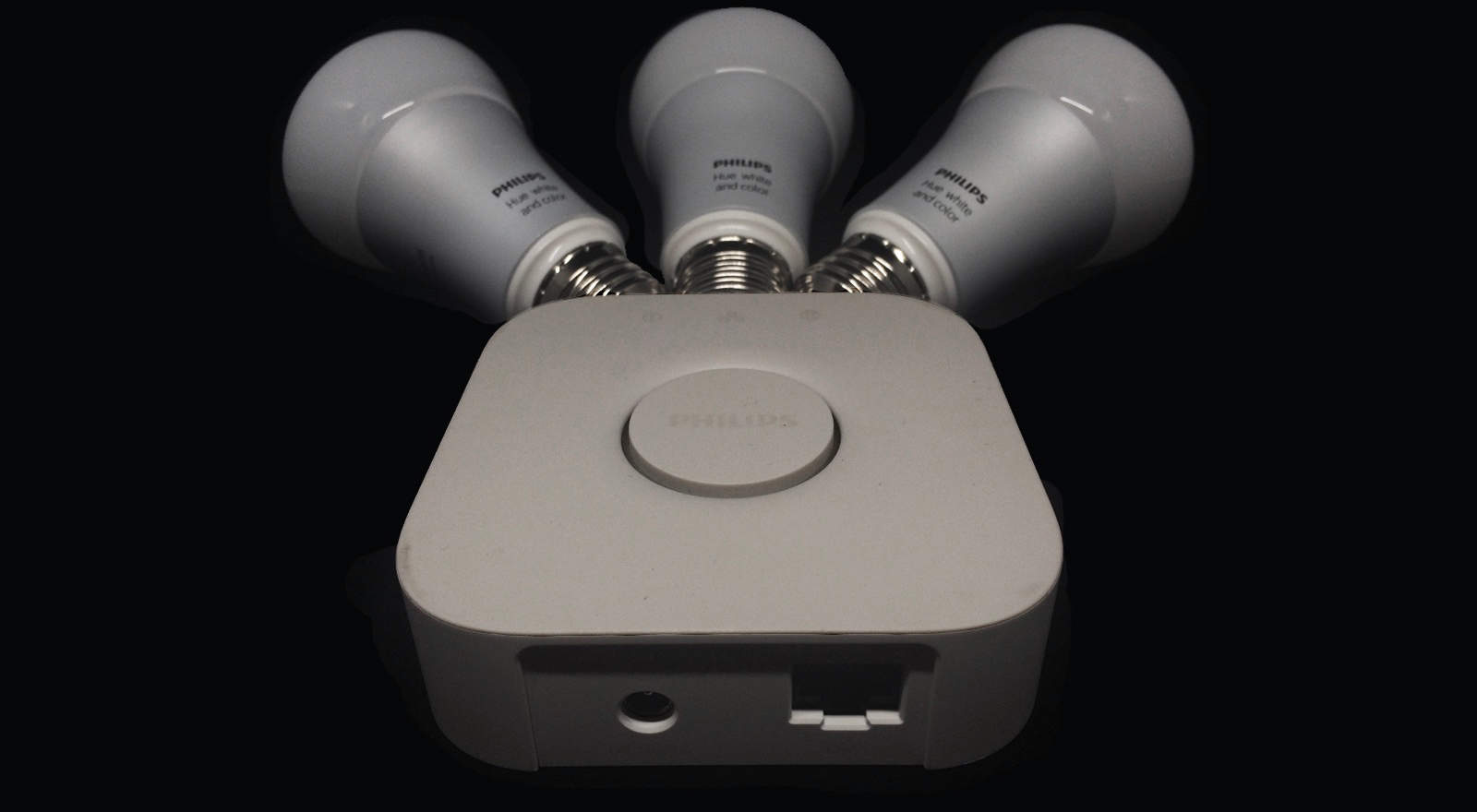
The new Philips Hue starter set might be the first must-have gear for people interested in HomeKit. Photo: Evan Killham
If you’re even slightly interested in having smart lighting for your house, the new Philips Hue bridge, which supports Apple’s HomeKit automated-home framework, should be in your shopping cart right now.
Controlling your lights from your phone is one level of crazy future-stuff, but doing it with your voice drops you into an episode of Star Trek: The Next Generation. And you definitely want your home to feel like an episode of Star Trek: The Next Generation.
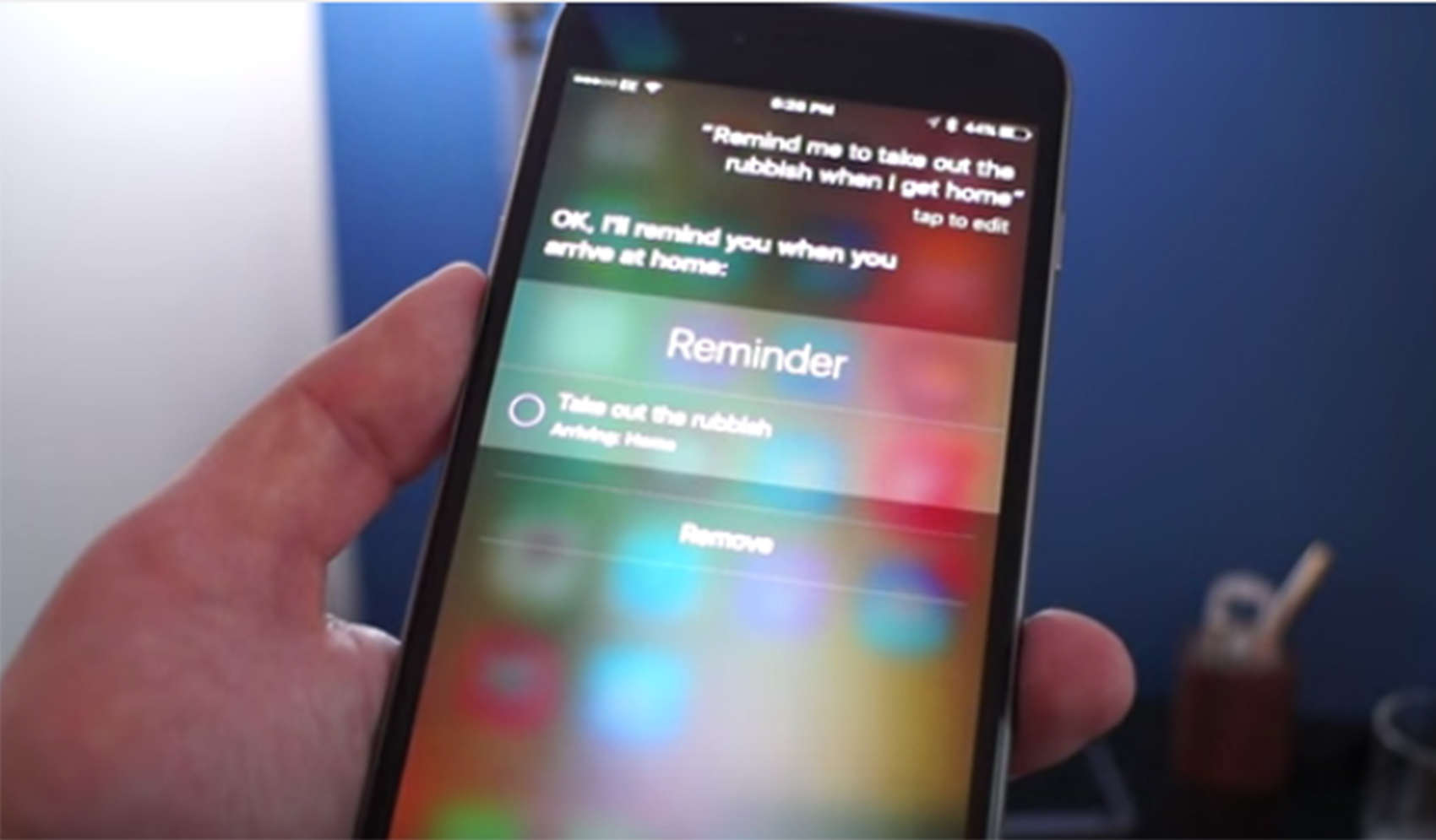
Siri will remind you of tasks you need to complete based on your location. Photo: Stephen Smith/Cult of Mac
Maybe there aren’t a ton of new features in iOS 9, but you may find yourself getting tighter with Siri.
Siri is out to earn the title of “Best Assistant” with a series of new tricks aimed at making your life easier.
You no longer have to set a time for Siri to remind you to do tasks. You will automatically get reminders once you arrive or leave a location. No time to read an email or an interesting article? Ask her to remind you later and she will do so.
Siri can call up any photo you like based on a location or timestamp. She can also give you sports scores without directing you to a website, can convert measurements and, if you have a shiny new iPhone 6s, there is no need to press the home button to summon her. Just say, “Hey Siri.”
To see how Siri worked for me, check out the video below.
Siri Eyes Free is coming to 2011 model Fords and earlier. Photo: Ford
Ford owners with a second-generation Sync infotainment system can now get Apple’s Siri Eyes Free feature for iPhone on the car dashboard, thanks to a new Sync 3.8 update.
The second-gen Sync system is found on Ford vehicles made since 2011 and earlier, but the company is just now making Siri Eyes Free available on its vehicles, even though Apple rolled out the feature with iOS 6 back in 2012.
Siri can be silently put to work against you, thanks to a new hack discovered by French security researchers that allows attackers to transmit orders to the digital assistant via a radio.
The hack also works on Google Now and utilizes the headphone cord as an antenna to convert electromagnetic waves into signals that register in iOS and Android as audio coming from the microphone. José Lopes Esteves and Chaouki Kasmie — the two French researchers that discovered the hack — wrote in their paper that hackers could use the attack to get Siri and Google Now to send the phone’s browser to a malware site, or send spam and phishing messages to friends.
“The sky is the limit here,” says Vincent Strubel, the director of their research group at ANSSI. “Everything you can do through the voice interface you can do remotely and discreetly through electromagnetic waves.”
Sure, the lights are all pretty now. But at what cost, Philips? Photo: Philips
You should be excited to get Siri up and running with your new Philips Hue bridge and control your lights with the power of your voice, but one annoying error might stop you. It definitely had me scouring the Internet for answers when I was setting up my smartbulb system this afternoon, and I’d love to save you that time.
Because if you’ve spent $200 on fancy lightbulbs, you probably want to start using them right away, damn it.
This guy has traded in his smartphone for a RoBoHon. Photo: Sharp/YouTube
Now if Cupertino really wanted to make Siri something special, they would give her a head, arms and legs, and make her dance when she plays music.
Sharp Electronics has either jumped ahead of Apple or jumped the shark tank with an animated robotic smartphone called RoBoHon. It does everything your current smartphone does but with moving appendages, an adorable, futuristic face and a sweet voice to make it a very personable sidekick.
This is why now is the perfect time to get an Apple Watch. Photo: Jim Merithew/Cult of Mac
Thanks to its arrival at major retailers like Target and Best Buy, the Apple Watch is going (more) mainstream — and Apple wants potential customers to know exactly what they’ll be able to do with their new wearable devices.
In six cool new ads, Apple shows off nifty Watch features like Apple Pay, Siri, Maps, voice messaging, fitness tracking, and more.
Siri usage is climbing rapidly. Photo: Jim Merithew/Cult of Mac
Apple is beefing up its Artificial Intelligence tech with the purchase of Perceptio, a small startup that worked on creating advanced AI systems on smartphones.
Perceptio’s specialization was figuring out how to run complex neural network algorithms without needing to share as much user data. That would seem to fall in line with Apple’s goal of providing more robust features for Siri without compromising users’ privacy in the process.
Apple's new "Hey Siri" feature promises to be a game-changer. Photo: Jim Merithew/Cult of Mac
iOS 9’s new always-on “Hey Siri” feature promises to be a game changer for iPhone 6s-owning users of Apple’s AI assistant. For the first time ever, these owners won’t have to plug in their handsets in order to use Siri’s new voice activation tech.
So how exactly will this untethered “Hey Siri” improve your life? Let us count the ways…
New acoustic models make Google's voice search better than ever. Photo: Cult of Android
Google voice searches just got faster and more accurate, thanks to new acoustic models that provide better voice recognition, especially in noisy environments.
How will we express this emotion?! Photo: Evan Killham/Cult of Mac
Some iPhone and iPad users upgrading to iOS 9 today have been looking forward to expressing their love of tacos, burritos, and unicorns — and their disdain for everything else — using the much-touted new emojis, which include the coveted and versatile “middle finger” icon.
But unfortunately for those folks, we’re going to have to wait a little longer to start flipping things the bird.
iOS 9 is going to shift your mobile life into the fast lane. Photo: Jim Merithew/Cult of Mac
iOS 9 won’t shock you with a bunch of whiz-bang new features or a drastic new look, but in many ways, Apple’s latest mobile operating system is more important than its two immediate predecessors. While iOS 7 and iOS 8 laid a foundation that embraced the future of mobile design, iOS 9 is making all those changes worth a damn.
Apple drops iOS 9 today, bringing a more intelligent UI, better built-in apps, a smarter Siri and much more. Our iOS 9 review shows how the new software makes everything you do on your iPhone or iPad easier — and far faster — than ever before.
Tim Cook wants everybody to be happy, and that means deleting some stock apps. Photo: Apple
The days of having a junk drawer full of stock iOS apps might finally be coming to an end.
On the way to a surprise appearance at the Fifth Ave Apple Store, BuzzFeed spent 20 minutes with Tim Cook, who revealed some iOS apps will come with a delete option soon. The Apple CEO also talked about the future of computing, 3D Touch, “Hey Siri” privacy concerns and more. Here are the most interesting tidbits from Cook’s drive-by interview:
Apple senior design producer Jen Folse talks about the changes to Apple TV. Photo: Apple
Jen Folse used the Apple stage Wednesday to tell the world about Apple TV. She used her nails to express her loyalty to the company.
If you got close enough to Apple’s lone female staffer to present at the company’s fall product event Wednesday, you could see the wavy lines of blue, pink, red, yellow and white on her nails painted to look like Siri’s Apple Watch interface. Those same colors were also used in official promotions of the fall showcase.
Siri is doubling down on rumor control. Photo: Buster Hein/Cult of Mac
In less than 24 hours Tim Cook and company will take the stage at the Bill Graham Civic Auditorium to unveil Apple’s latest products. We pretty much already know everything Apple’s going to announce, but if you ask Siri to give you a hint her responses are just as maddening as they were when Apple sent out invites.
Apple updated Siri’s hints this morning in anticipation of the event, and while some of the responses begin to appear to reveal info, the digital assistant gets the last laugh in the end.
Apple is about to take the wraps off the new Apple TV. Photo: Jim Merithew/Cult of Mac
We’ve been waiting years for Apple to wow us with a new Apple TV that embraces gaming, controls the home and is super-easy to use — and that appears to be just what we’re going to get.
Thanks to a steady stream of leaks from the rumor mill, we already have a pretty solid idea what Apple will show us next week when it finally unveils the new Apple TV. It’s been years in the making — here’s what to expect.
Apple's Web TV service is almost ready. Photo: Jim Merithew/Cult of Mac
The price tag for the redesigned Apple TV will start at $149, according to a new report that also outlines how Apple plans to set its new set-top box apart from Roku and Amazon’s offerings by making it ridiculously easy to use.
The Alarm Clock app is in there somewhere ... Photo: Jim Merithew/Cult of Mac
We love how easy it is to set up an alarm from the Apple Watch. All you have to do is say, “Hey Siri, wake me up at 7 a.m.,” and the digital assistant will put that order in for you.
But this comes a slight inconvenience: What happens to alarms after you’re done using them? Well, if you’re like me, you just turn them off to stop the horrendous buzzing on your wrist and then forget about them. But it doesn’t have to be that way.
Here’s how to clear off all of those old, unused alarms with a quickness.
Don't even bother asking Siri for a hint. Photo: Jim Merithew/Cult of Mac
Apple just confirmed its big iPhone 6s event will take place September 9, and while the art on the invite didn’t offer any clues, Apple did give us one tip: Try asking Siri for hint.
Tim Cook’s not about to let his digital assistant leak details of the big event, but we decided to give it a try anyway. After begging Siri to give us a hint, a tip, anything, all we got back was more shade. But at least the replies were pretty funny.
There they are! Hello, contacts! Screen: Rob LeFebvre/Cult of Mac
iOS 8 introduced the idea of showing your most-contacted contacts in the multitasking screen. You’d simply double click on the Home button to see the list of the most recent apps as well as a row of the folks you contacted the most across the top.
If you’re looking for that feature in iOS 9, you might have noticed that the contacts are no longer in the multitasking screen. Never fear, though, they’ve just moved.
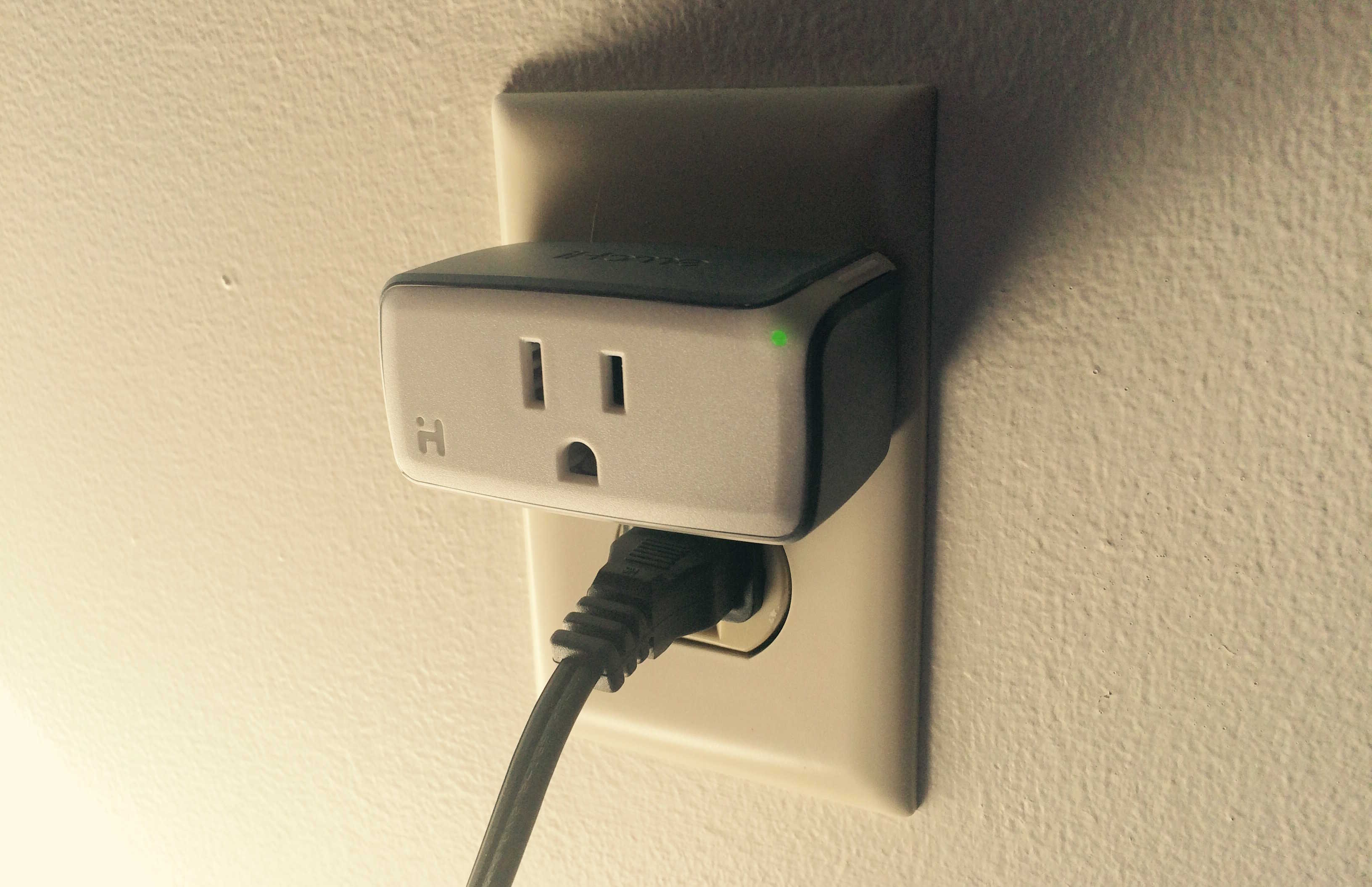
You may not get a whole lot of use out of a single SmartPlug. Photo: Evan Killham/Cult of Mac
Home automation, specifically Apple’s HomeKit framework and its compatible accessories, is the latest Thing We’re Supposed to Get Excited About™. And it has a lot of promise for convenience, time-saving, and just generally feeling like you live in the future.
The first HomeKit-compatible smartplug is upon us, courtesy of iHome. The ISP5 SmartPlug is a $40 device that plugs into your wall outlet and lets you run whatever you plug into it from your iPhone, using either Siri or the companion app.
It does everything it says it will: You can set up rooms and zones, and control individual appliances or whole groups of them with a tap or quick voice command. It also lets you build “rules” to make your stuff turn on and off without your input. All of this is cool, but when you actually have one, you might struggle to think of useful ways to use it.