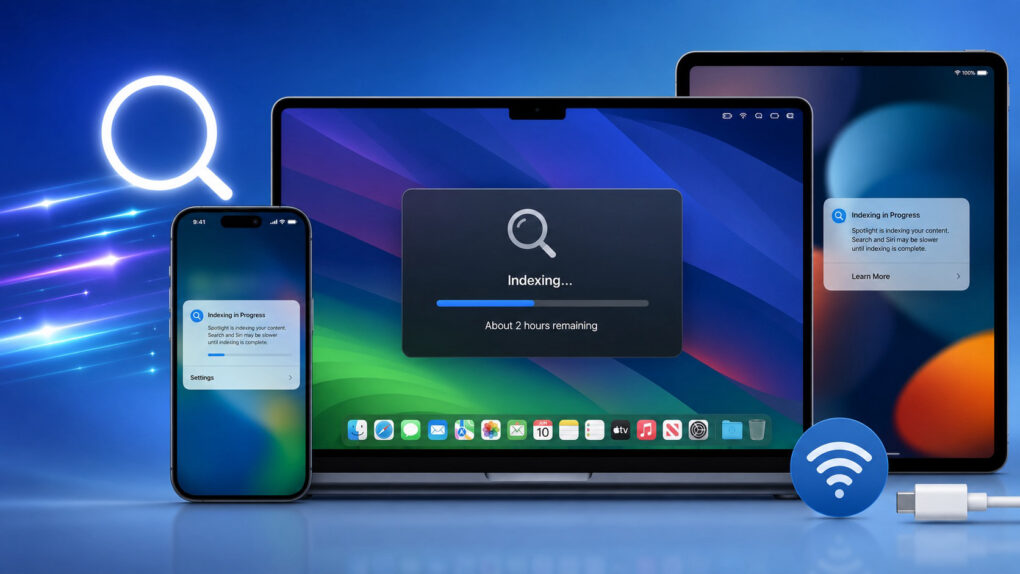
Apple’s new support document explains how you can speed up Spotlight indexing on your device. It also goes into detail about how Spotlight indexing works.
Many iPhone, iPad and Mac users will face this indexing slowdown once Apple releases its next-generation operating systems next month.
iOS 27 will force Spotlight to rebuild its index
iOS 27, iPadOS 27 and macOS 27 will bring a new underlying indexing system for Spotlight and Siri AI features. This will trigger a reindexing process after installing one of Apple’s software updates.
This process can take a few days to complete, as experienced by users who updated to iOS 27 beta. During this period, Spotlight search and some Siri features may feel slower or not work properly.
To better prepare users for this change, Apple included optimizations for Spotlight indexing in iOS 26.6.6, released in late July.
Now, a new Apple support document provides more insight into the Spotlight indexing process and how to speed it up.
“Spotlight indexes your device so that you can search its contents,” the document says. “Indexing happens when you first set up your device, after you install a software update or upgrade, and as data changes on your device. For example, the index updates when you install new apps that allow their content to be indexed, or you receive new email or text messages.”
Here’s how to speed up Spotlight indexing
The time for the reindexing process to complete depends on the amount of data on the device. Apple says initial indexing can take hours or even days, though incremental indexing occurs much more quickly.
Appls says “indexing completes more quickly when:”
• Your device is not in use.
• Your device is connected to power.
• Your device is connected to the internet via Wi-Fi or Ethernet, in case email or other data needs to be downloaded for indexing.
During indexing, you may see an indexing indicator on your Mac. On iPhones and iPads, a notification will appear in the Settings app. Apple also recommends rebuilding the Spotlight index if it produces unexpected results.

Rajesh has been writing about consumer technology for over a decade, with a strong focus on iPhones, Macs and Apple’s ecosystem. He enjoys digging into Apple software updates, hardware changes, and discovering new Mac apps that make work faster and more enjoyable.
You can reach out to him at mail[at]rajeshpandey.me.

