Mobile menu toggle

Search results for: shortcuts

Take hands-free control of your Stream Deck with Elgato’s new pedal

By

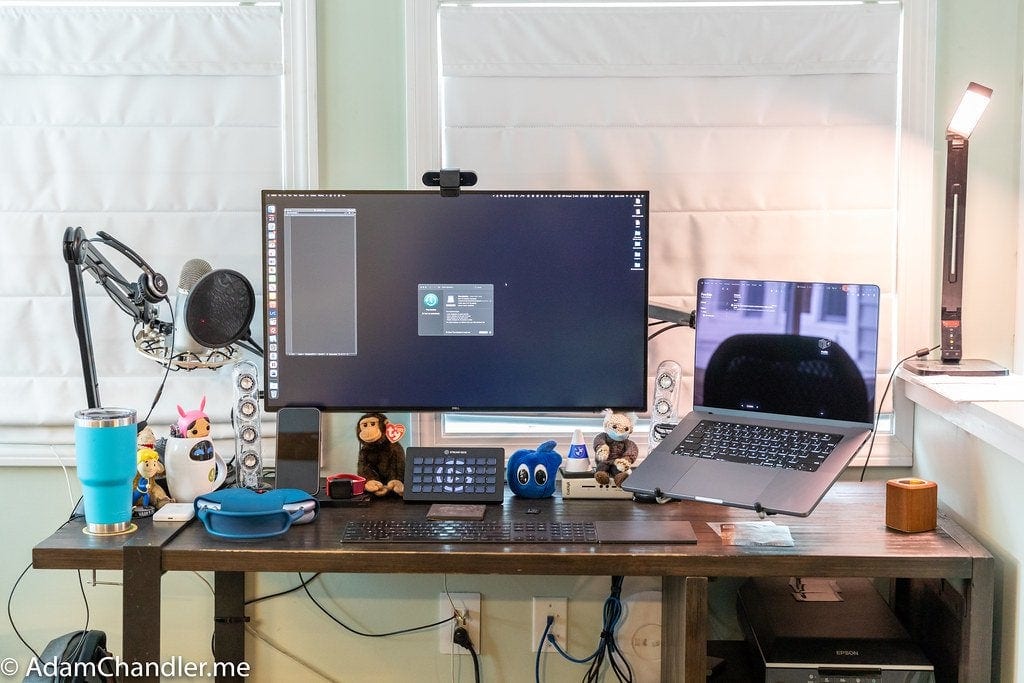
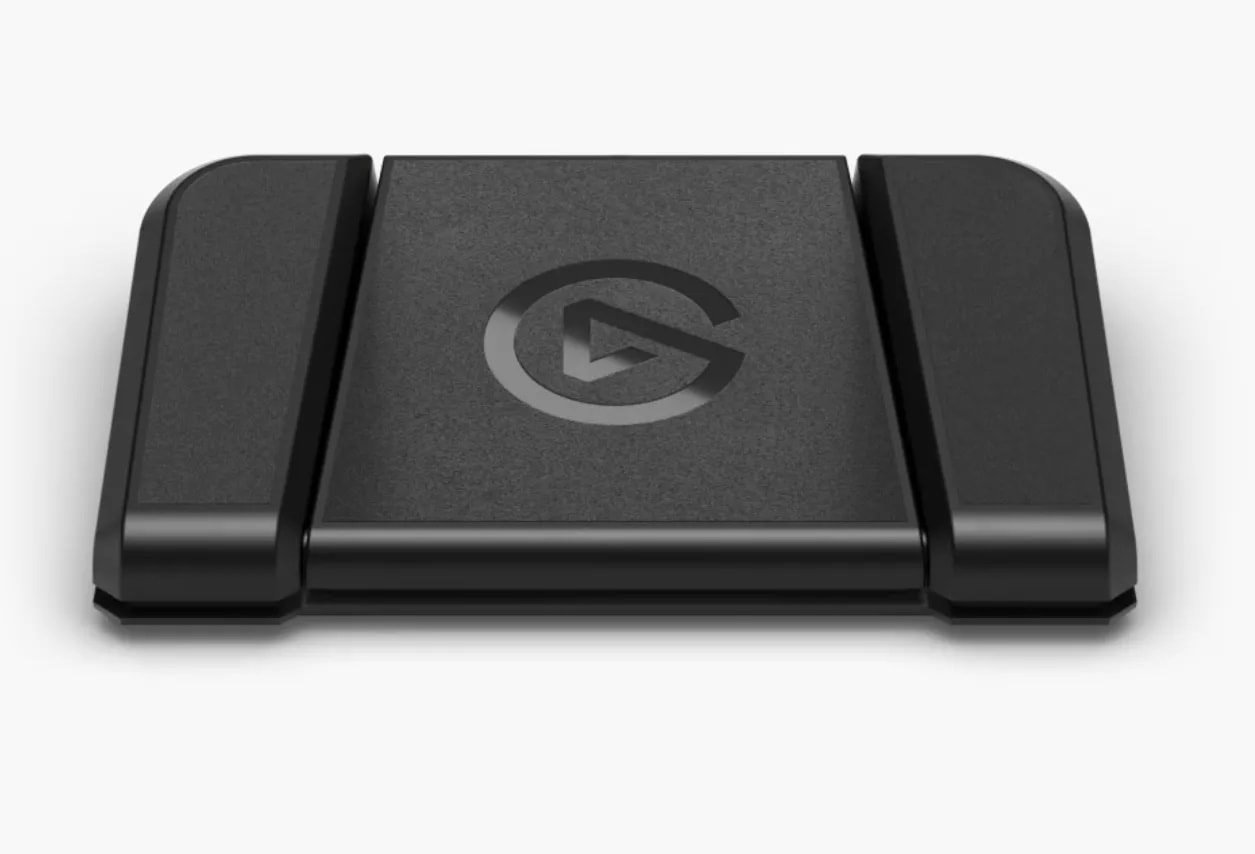
The new Elgato Stream Deck Pedal gives you hands-free control over your shortcuts.
Photo: Elgato

Anyone who uses a stream deck to streamline hardware and software workflows with shortcuts now has the option to go hands-free with the new Elgato Stream Deck Pedal, unveiled Wednesday.

And in addition to launching the pedal, the company said its new Discord communications software plugin for Stream Deck is now available.

How to use tags to keep Notes organized in iOS 15 and macOS Monterey

By

Use Notes in iOS and iPadOS 15 and macOS Monterey
A new way to sort and find all your notes.
Image: Killian Bell/Cult of Mac

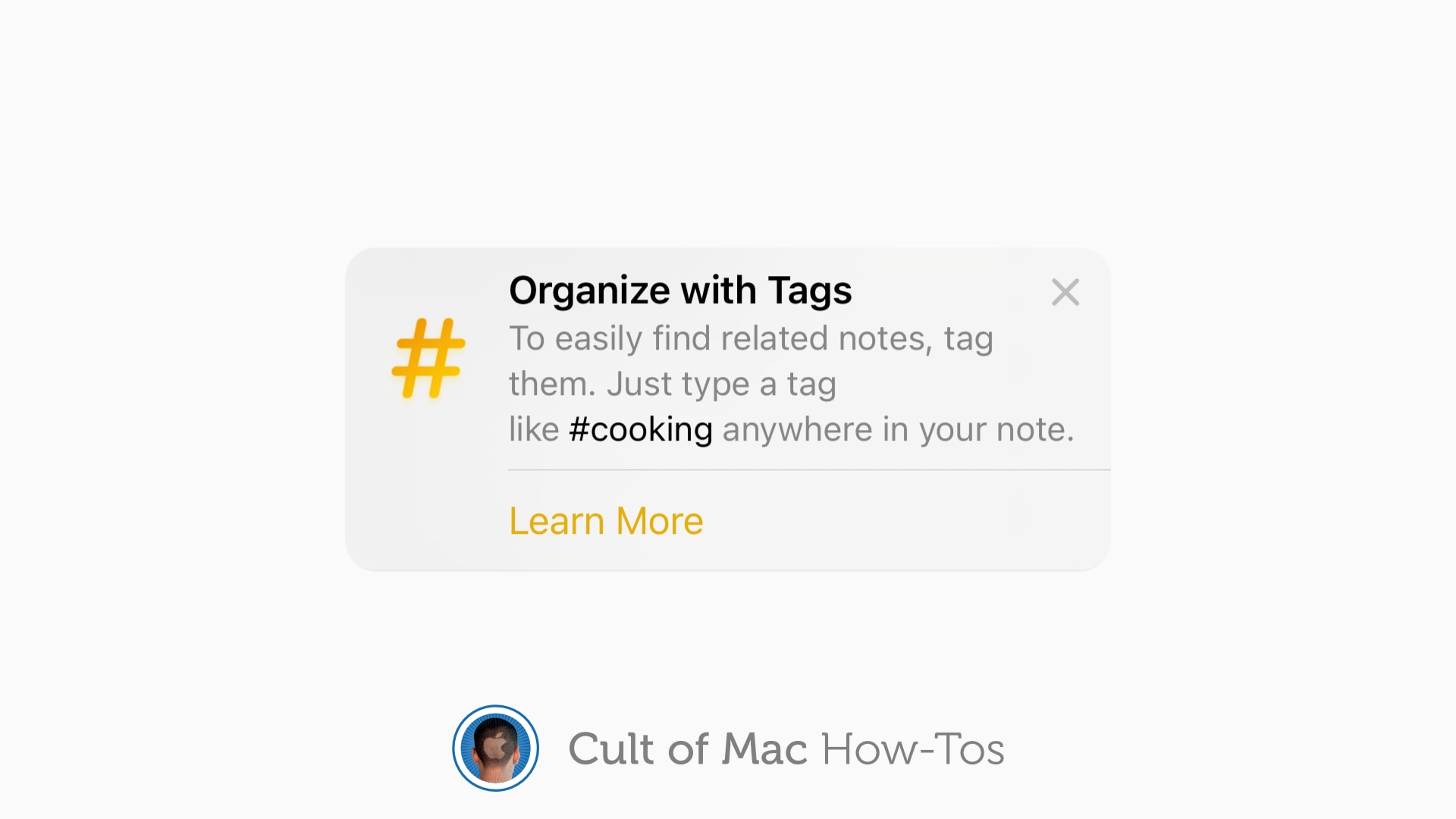
iOS 15, iPadOS 15 and macOS Monterey allow you to use tags inside the Notes app to keep everything organized. They can help you quickly separate notes for different projects, and they make it easier to find things later.

Here’s how to use tags in Notes on iPhone, iPad and Mac.

New M1 MacBook Pro gives 2019 iMac the boot [Setups]

By

A new MacBook Pro replaced a 2019 27-inch iMac in this setup.
Photo: [email protected]

The new M1 Macs are impressive — especially the newest of the new, the M1 Pro and M1 Max MacBooks. They’re so impressive, we see them replacing even late-model desktop Macs that have years of useful and even impressive life left in them. Such is the case with today’s year-end setup.

In a twist on the old phrase uttered at this time of year, “Out with the (not very) old, in with the (insanely great) new.”

Two secrets of super-clean desktops [Setups]

By

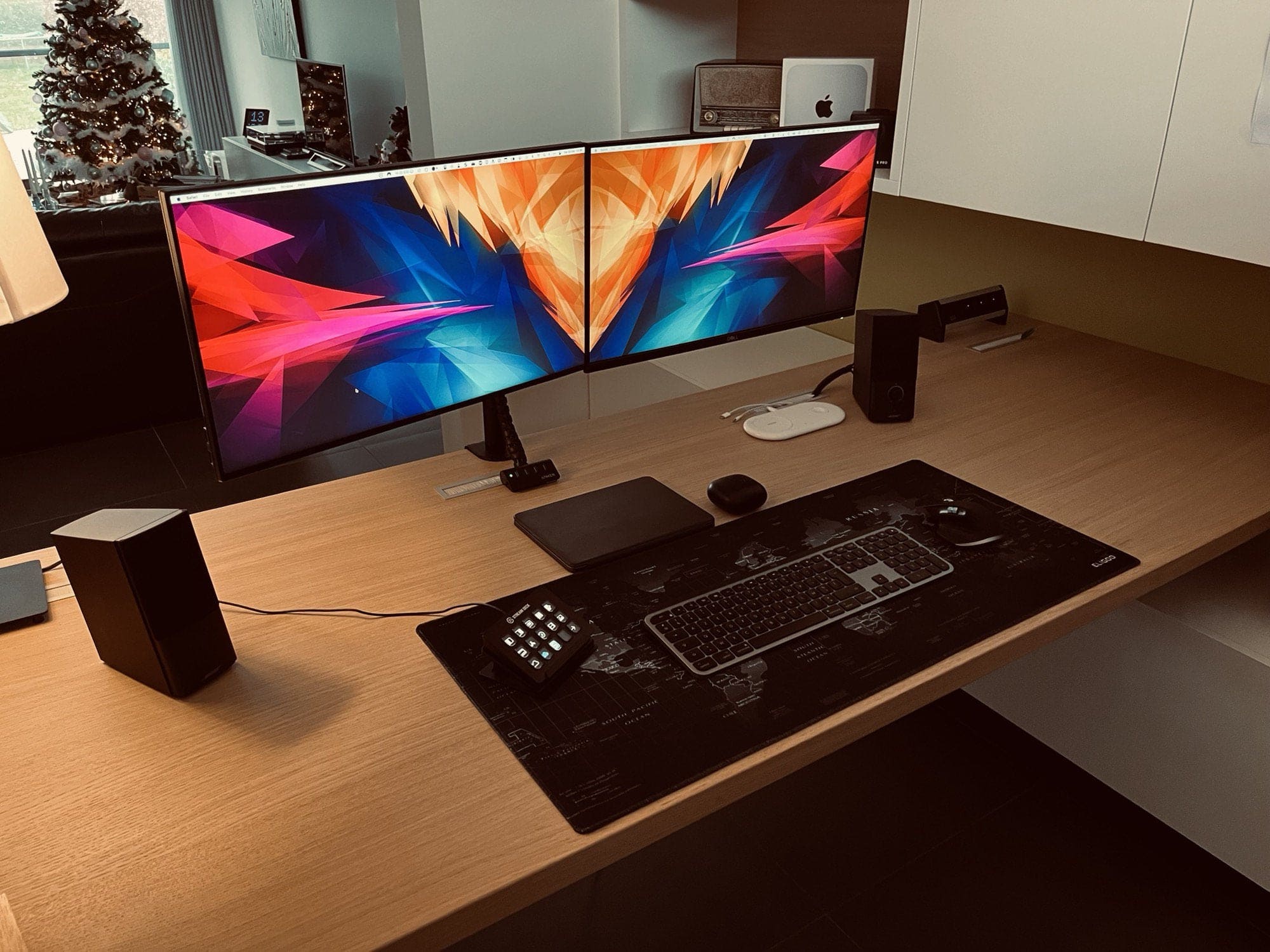
Dual, mounted monitors and an M1 hidden Mac mini make for a clean desktop.
Photo: [email protected]

We keep coming across two great secrets of super-clean desktops when it comes to computer setups. As shown in today’s featured setup, they’re both about creating significant amounts of open desk space in different ways — without losing any access to your gear or forfeiting any computing power.

And we’re not just talking about clearing away basic clutter, or even cable clutter, although that always helps. We’re talking about how you can get some of your main equipment up and off the desk so you have room in front of you. Redditor kurtvdpoel demonstrates the two excellent methods in his post, “Home office with Mac mini Apple M1.”

DuckDuckGo is building its own privacy-protecting web browser for Mac

By

DuckDuckGo coming to Mac
All its privacy features will be enabled by default.
Image: DuckDuckGo

DuckDuckGo, the search engine that prides itself on protecting your privacy, is building its very own web browser for Mac. It promises to be simple and fast, with robust privacy features enabled by default.

The browser will feature DuckDuckGo’s popular “Fire Button,” which quickly wipes all your private data in just one click. It also will be built to use native browser technologies, rather than relying on third-party engines.

Google rolls out big upgrades for Gmail, Meet and Sheets on iOS

By

Gmail, Meet and Sheets gets big updates on iPhone and iPad
Enjoy Home screen widgets and Picture in Picture support.
Photo: Google

Google this week rolled out a bunch of rather significant updates for Gmail, Meet, and Sheets on iPhone and iPad that add a number of neat new features and improvements. You can download them from the App Store now.

Gmail now offers a Home screen widget that lets you see your inbox at a glance, while Meet now features Picture in Picture support so you can carry out remote meetings while you continue to do other things on your device.

Logitech Pop keyboard and mouse make depressing desks more colorful

By

Logitech Pop keyboard and mouse
Available this month.
Photo: Logitech

Logitech’s new Pop collection hopes to make dark, drab desks a thing of the past. Both its Pop Keys keyboard, which features real mechanical keys, and the Pop Mouse sport quirky designs with bright and colorful finishes.

Prices start at $39.99, and they work great with Apple devices, including Mac and iPad. You can order yours this month.

iOS 15.1 adds SharePlay, iPhone 13 Pro camera options and more

By

Don’t install the iOS 15.1 beta if you plan to get an iPhone 13 ASAP
Apple released iOS 15.1 and iPadOS 15.1 on Monday.
Photo: Ed Hardy/Cult of Mac

Apple rolled out iOS 15.1 and iPadOS 15.1 on Monday with the anticipated inclusion of SharePlay, a feature missing from the recent iOS 15 release. Today’s update also brings camera improvements for iPhone 13 Pro models, enables adding COVID-19 vaccination records to Wallet, and includes a bunch of other features.

If you’re in the upgrading mood, you can download iOS 15.1 and iPadOS 15.1 now. (Note for Mac owners: macOS Monterey is now available as well.)

macOS Monterey launches without some of its biggest features

By

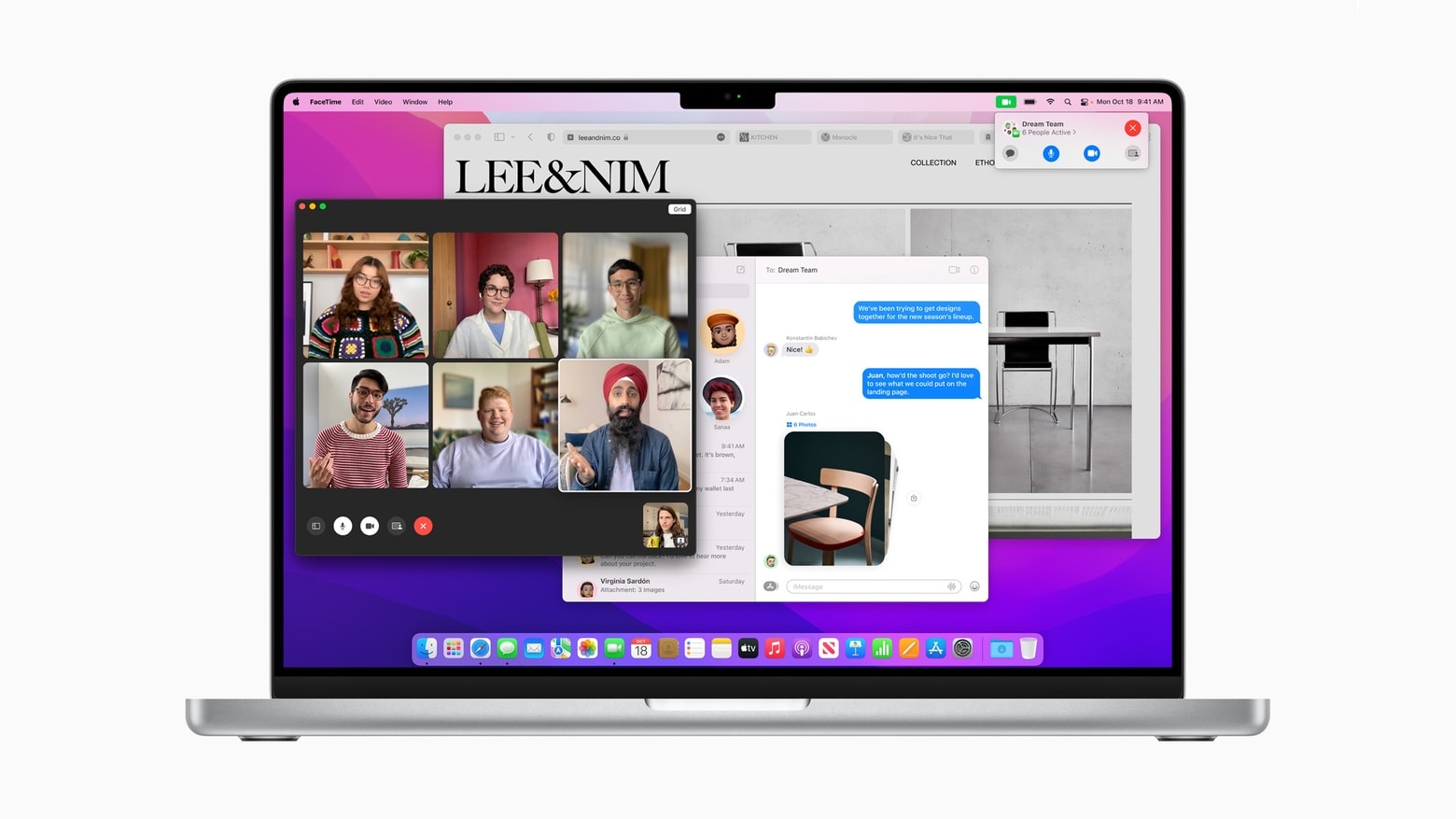
macOS Monterey brings powerful new features to Macs.
Photo: Apple

Mac users can now upgrade to macOS Monterey. This new version offers improvements to Safari and FaceTime, and new Focus mode. But two of its biggest features — Universal Control and SharePlay — won’t debut until later.

It’s free to download and install on all compatible computers.

macOS Monterey will be available to all on October 25

By

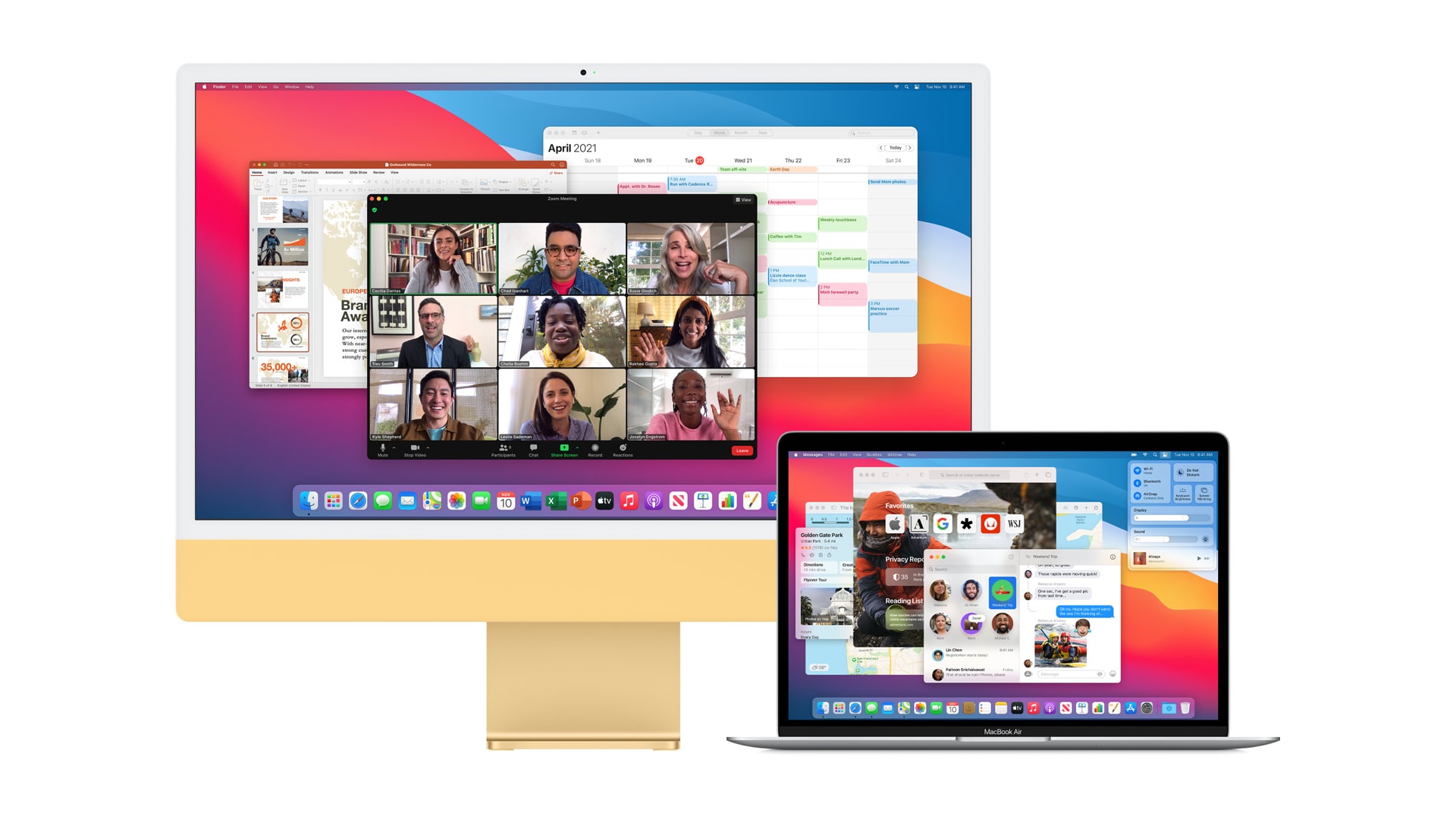
macOS Monterey turns a second Mac into an external display
It will be free for all compatible machines.
Photo: Apple

Apple Unleashed event bug Apple today confirmed after its big “Unleashed” event that macOS Monterey will make its public debut on October 25. It will be free to download and install on all compatible machines.

The next major upgrade to macOS brings a revamped Safari interface, Focus mode, and some big enhancements to the Notes app. It also paves the way for Universal Control, which lets you seamlessly control both a Mac and iPad.

1 34 35 36 37 38 121