Mobile menu toggle

Search results for: shortcuts

Safari 15 frustrates macOS users with a plethora of bugs

By

Safari 15 on macOS
Frequent crashes have become the norm for some users.
Image: Killian Bell/Cult of Mac

If you haven’t yet upgraded to Safari 15 for macOS, you’re one of the lucky ones. The latest version of Apple’s web browser is frustrating users with a plethora of bugs that cause repeated crashes. However, there are fixes you can try.

Safari 15 comes bundled with macOS Monterey, which is still in beta testing ahead of its public debut later this fall. It’s also available as a standalone upgrade for those running macOS Big Sur and Catalina.

iPadOS 15 review: Nice improvements, but where’s the ambition?

By

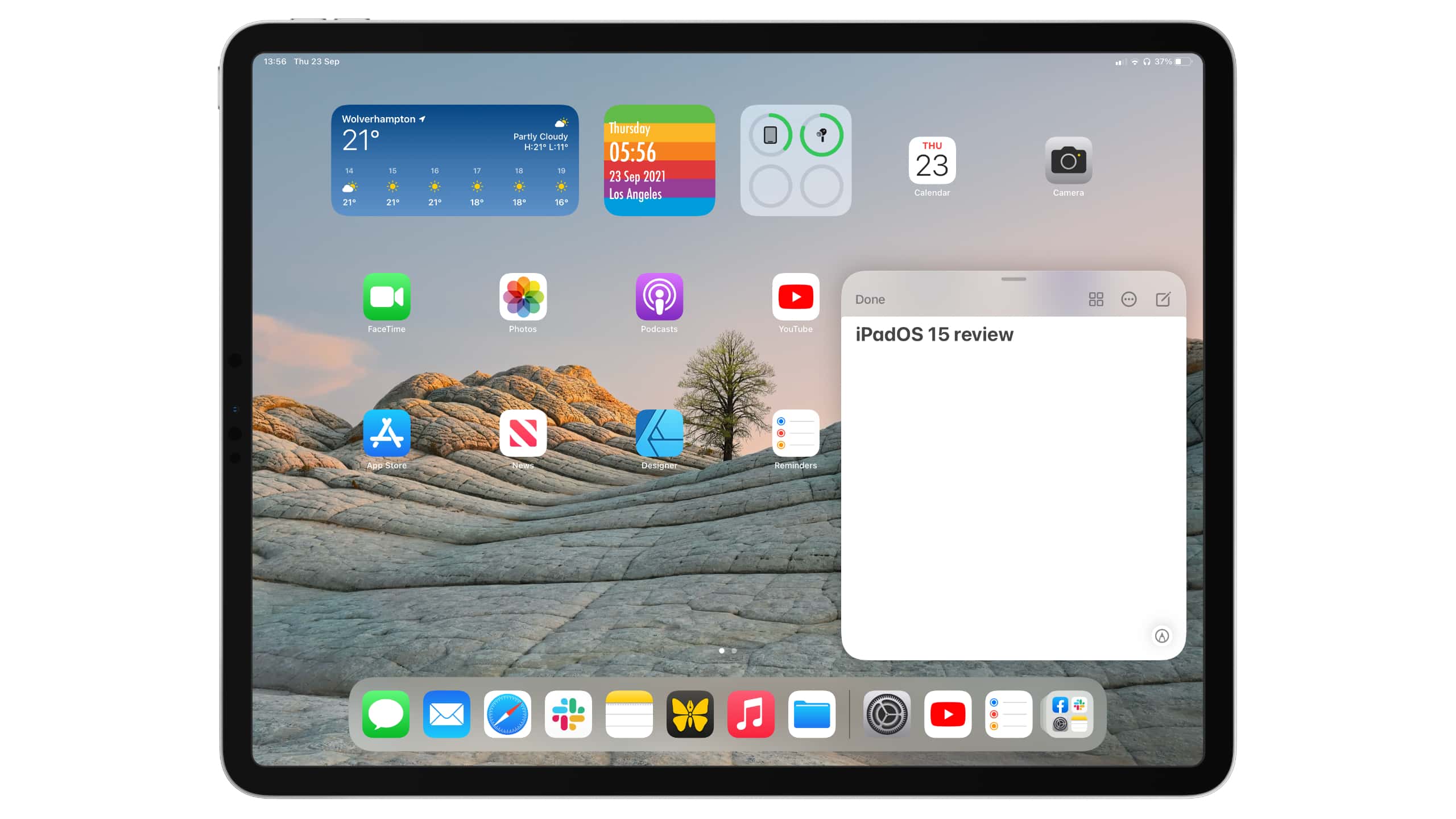
iPadOS 15 review
Improvements are nice, but just not enough.
Image: Killian Bell/Cult of Mac

Apple somehow created the world’s greatest and most disappointing tablet operating system. iPadOS is by far the best you’ll find for larger touchscreens, and yet, it leaves us wanting so much more.

This year’s iPadOS 15 release is an incremental upgrade over its predecessor. It improves upon the split-screen multitasking system, adds some new features like Focus mode, and finally allows us to put widgets anywhere.

But it’s still iPadOS as we know it, and it’s still holding back iPad Pro. We could be doing so much more with the hardware, especially now that the newest models pack even-speedier M1 chips. But Apple won’t let us.

Here’s our full iPadOS 15 review. It lays out what’s good about the new operating system — and explains why we think it’s time for a little more ambition.

New Keychron Q1 brings keyboard customization to the masses

By

Even a beginner can customize the new Keychron Q1 mechanical keyboard.
Photo: Keychron

Those who love the old-school touch and feel of a mechanical keyboard have long-admired Keychron for its range of K-series keebs. The newest member of the family offers a new series name, Q1, an affordable price and more customization than the company has yet put out there.

Picture-in-picture, video editing in your pocket, and another great email app [Awesome Apps of the Week]

By

Awesome Apps of the Week
YouTube finally gets a much requested feature, Clips can make you a short-form video star, and another email app is a contender.
Photo: Ian Fuchs/Cult of Mac

Maybe it’s the impending iOS, iPadOS and macOS updates, but in checking out the App Store this past week, everything seemed to be “bug fixes and stability improvements.” Those are great things to have, but they aren’t as cool or exciting as fresh features or hot new apps!

Fortunately, a long-awaited feature is finally coming to the YouTube masses. Plus, I found another email app worth checking out. And, if you’re hoping to become an influencer, we’ve got an app to help you level up your videos in this week’s Awesome Apps of the Week.

One of Apple Arcade’s best games, a great notes app, and the best Twitter client [Awesome Apps of the Week]

By

Awesome app icons fading into distance
There’s plenty to love in this week’s installment of Awesome Apps!
Photo: Ian Fuchs/Cult of Mac

Whether you’re a gamer, a social media junkie, a productivity geek, or just love adding personality to your device, this week’s Awesome Apps of the Week offer something for just about everyone.

For those of you that don’t feel like any of those describe you, some of this weeks apps may still check a box or two for you.

Toss your sanity out the window and play Detonation Racing

By

Toss your sanity out the window and play ‘Detonation Racing’
Trust Dr. Boom when he says, “Driving a racing car round an exploding race track is a pretty hazardous thing to do.”
Photo: Electric Square

Detonation Racing bills itself as “the most dangerous, least sensible racing series ever devised.” Gameplay involves skillfully maneuvering around a track, but also maybe throwing a nuclear submarine at your opponents.

It zoomed onto Apple Arcade on Friday.

1 35 36 37 38 39 121