Mobile menu toggle

Search results for: shortcuts

WWDC 2021 ‘Universal Control’ workstation lives on [Setups]

By

The resemblance is uncanny.
Photo: [email protected]

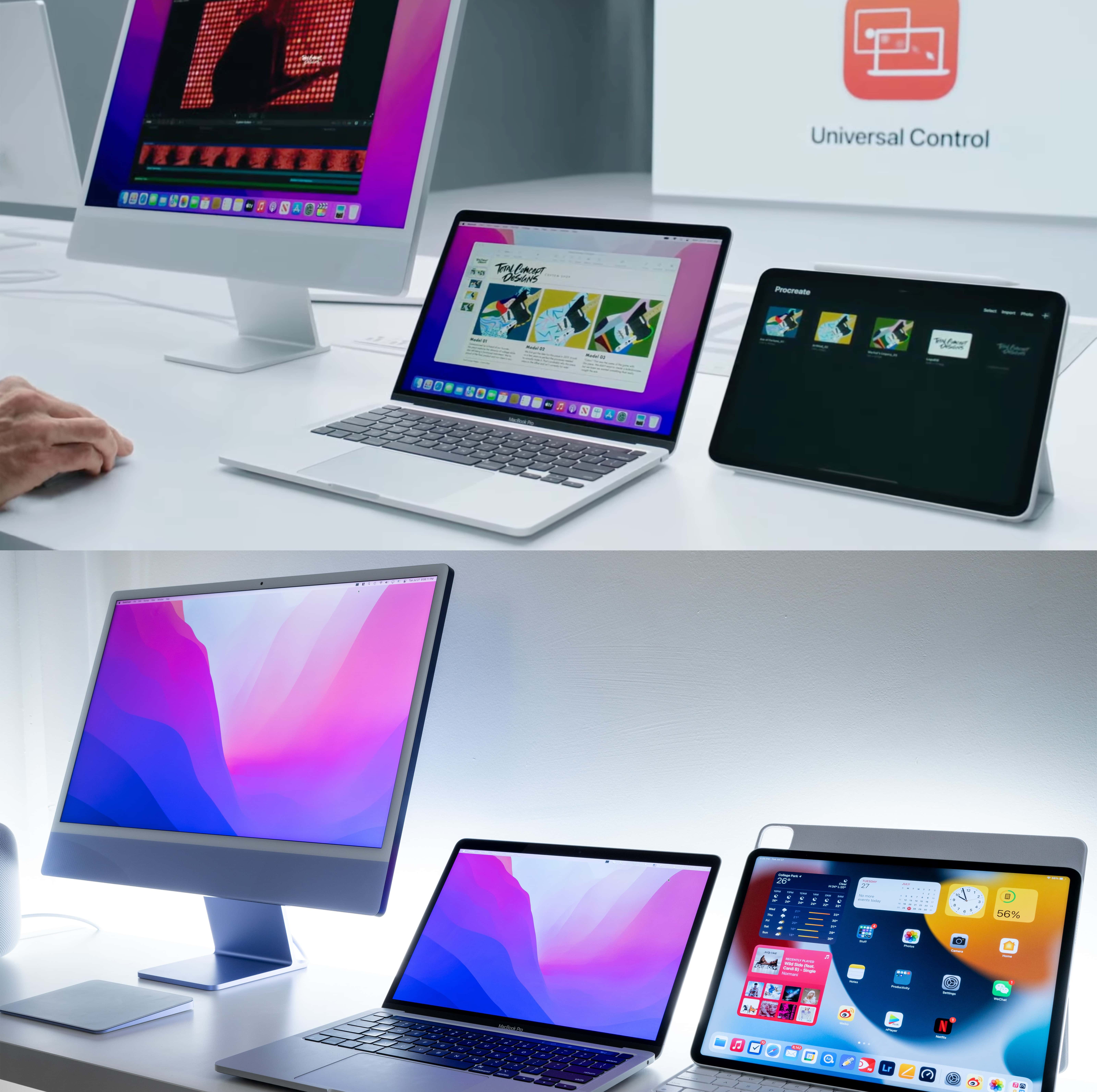
Remember those heady days of WWDC 2021, when Apple Senior Vice President of Software Engineering Craig Federighi performed a magical drag-and-drop demo of Universal Control that made the near-future world of macOS Monterey seem especially cool? Oh, yeah. It was just last month.

Anyway, Redditor kinky_unicorn certainly remembers it. They recreated Federighi’s workstation from the video, took a photo of it and posted it on Reddit, after all.


How to use and customize the new Quick Note feature in macOS Monterey

By

How to use Quick Note in macOS Monterey
Start a new note in an instant.
Image: Killian Bell/Cult of Mac

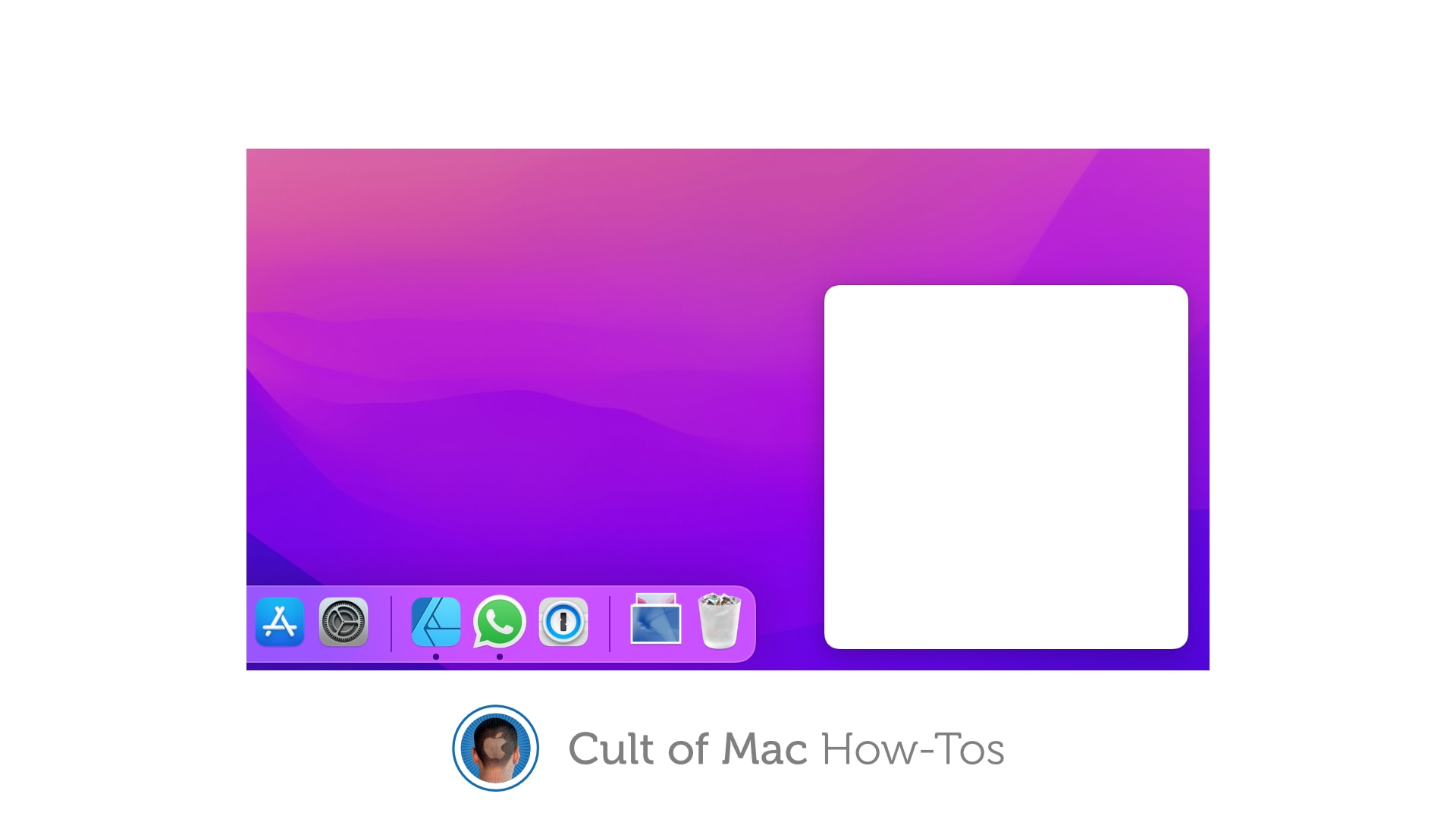
macOS Monterey includes the same Quick Note feature that’s baked into iPadOS 15. Using it is incredibly simple, and it’s a great way to quickly jot down important information — such as phone numbers, email addresses, and appointments — that you don’t want to forgot.

We’ll show you how to use it, and how to customize the Quick Note feature on Mac to suit you.

Wondershare Filmora’s advanced features for Mac make video editing easy

By

On macOS, Wondershare Filmora offers auto reframing, touch bar support and more.
On macOS, Wondershare Filmora offers advanced video editing without a steep learning curve.
Photo: Wondershare

This post is brought to you by Wondershare, maker of Filmora video-editing software for Mac and PC.

If you’re looking for an easy way to take your videos to the next level without skimping on features, you can find it in Wondershare Filmora X.

The popular app enables you to make complex, visually rich videos like a pro — but without the learning curve. It simplifies advanced features to make them accessible to everyone. With Wondershare Filmora, you can quickly start shooting vids and sharing them, even if you’re new to video editing.

How to easily erase all content and settings in macOS Monterey

By

How to erase contents and settings in macOS Monterey
It's easier than ever to wipe your Mac clean.
Image: Killian Bell/Cult of Mac

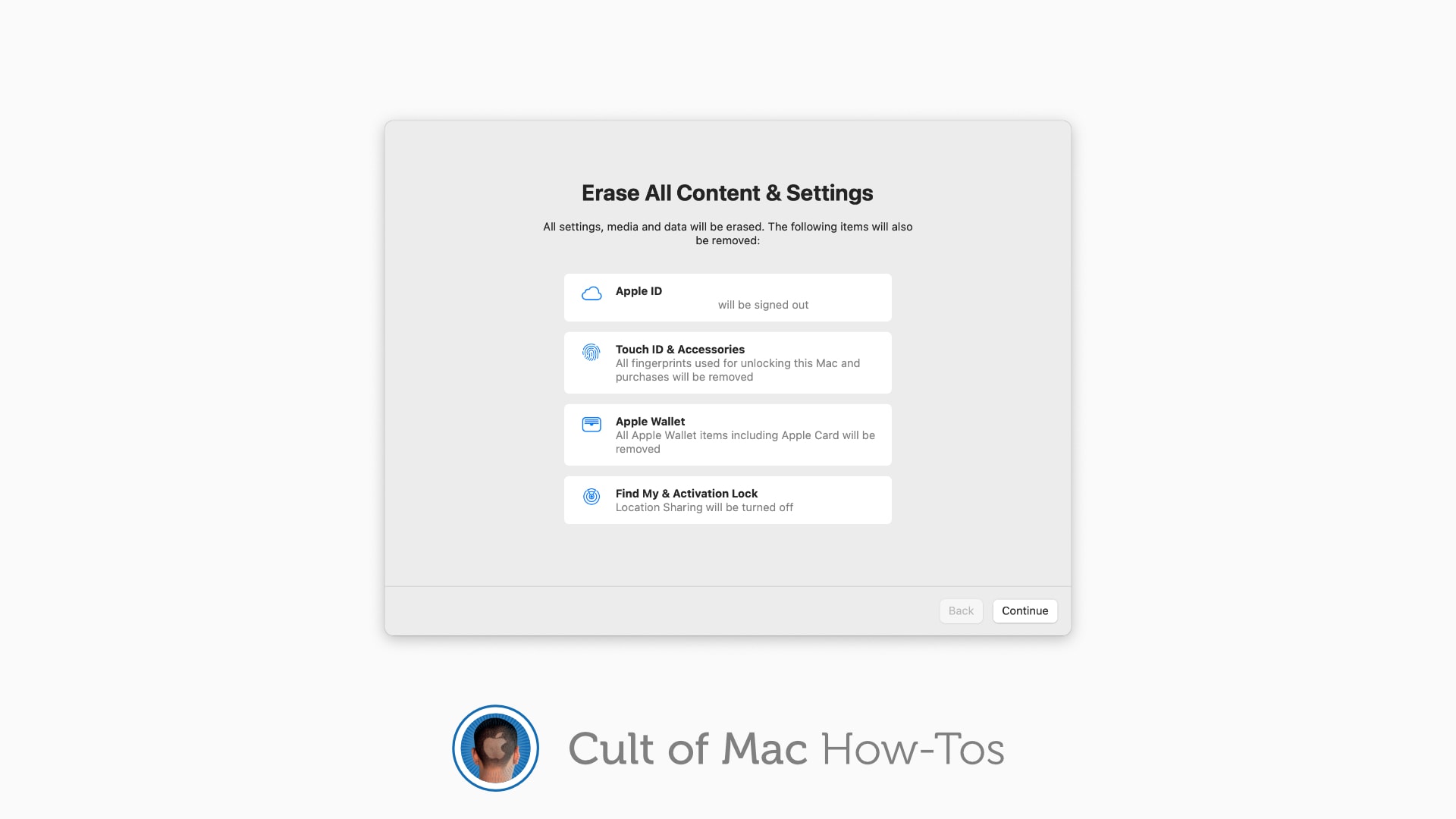
macOS Monterey makes it easier than ever to remove all your precious data from your Mac when it’s time to sell it or make a fresh start. Its new Erase All Content & Settings feature wipes your machine without forcing to you to reinstall its operating system, just like on iPhone and iPad.

Here’s how to use it.

iOS 15, watchOS 8 let you install updates with less than 500MB of available storage

By

iOS 15 brings welcome enhancements to FaceTime, Notifications, more
Great news for Apple Watch Series 3, in particular.
Photo: Apple

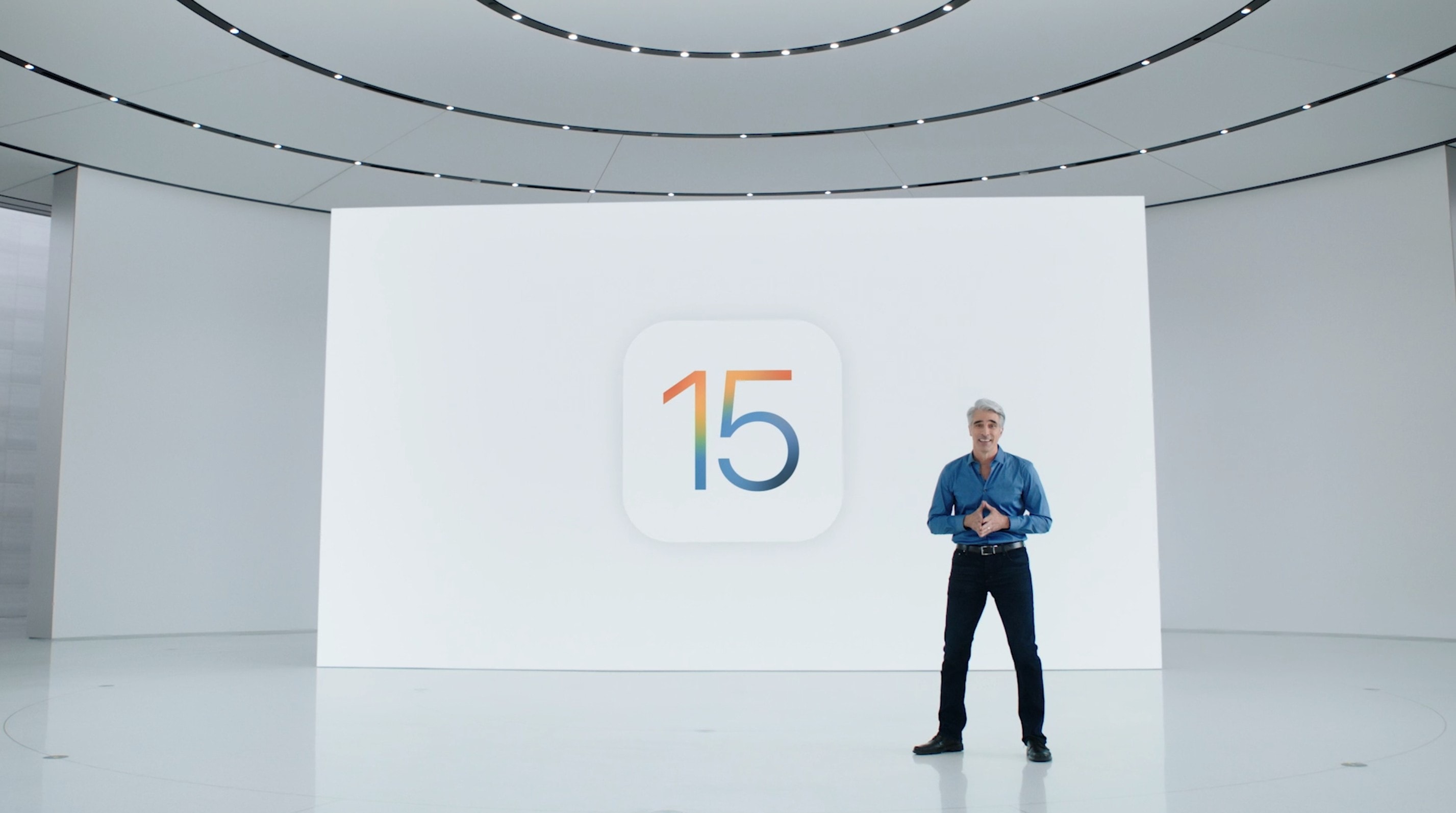
Apple’s newest iOS 15, iPadOS 15 and watchOS 8 betas, rolled out to registered developers on Wednesday, allow you to install software updates with less than 500MB of available storage.

The change means that devices with lower storage capacities — like Apple Watch Series 3, which has only 8GB — will now be a lot easier to update.

iOS 14.7 will bring Apple Card tweaks, Apple battery pack support

By

iOS 14.7 will bring Apple Card tweaks, Apple battery pack support
iOS 14.7 brings some tweaks, but isn’t a major update.
Photo: Ed Hardy/Cult of Mac

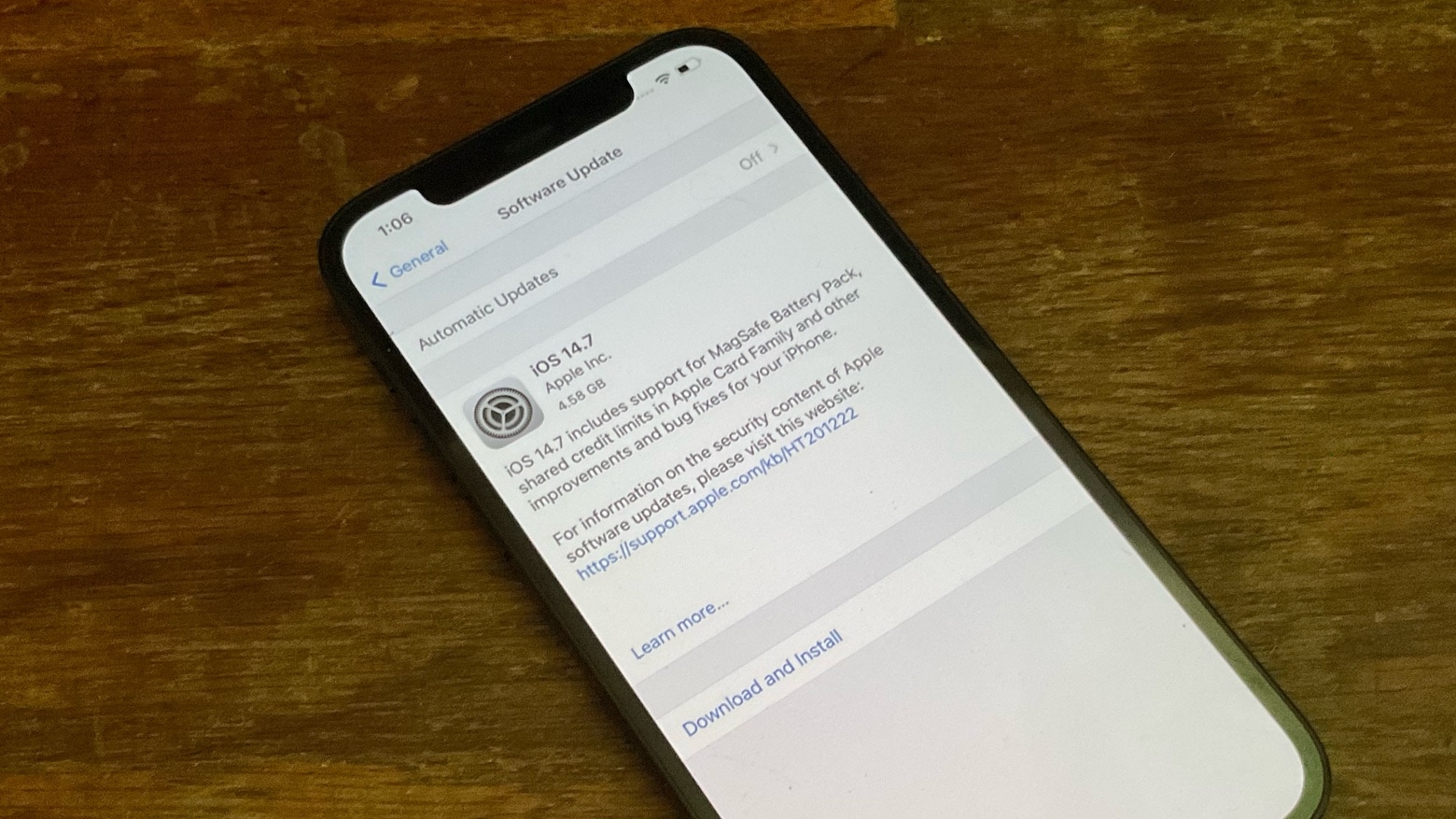
The release candidate for iOS 14.7 was seeded to developers on Tuesday. It includes some promised improvements to the Apple Card, and it enables users to use a just-announced MagSafe Battery Pack. In addition, it allows users to manage timers on a HomePod.

Plus, the macOS Big Sur 11.5 release candidate, iPadOS 14.7 RC, watchOS 7.6 RC and tvOS 14.7 RC were also made available for developers.

Think you’re productive? Go split-screen ultrawide +1 on the side [Setups]

By

If you would like to see your setup featured on Cult of Mac, send some high-res pictures to info+setups@cultofmac.com. Please provide a detailed list of your equipment. Tell us what you like or dislike about your setup, and fill us in on any special touches or challenges.
If you would like to see your setup featured on Cult of Mac, send some high-res pictures to [email protected]. Please provide a detailed list of your equipment. Tell us what you like or dislike about your setup, and fill us in on any special touches or challenges.
Photo: randomo_redditor@Reddit

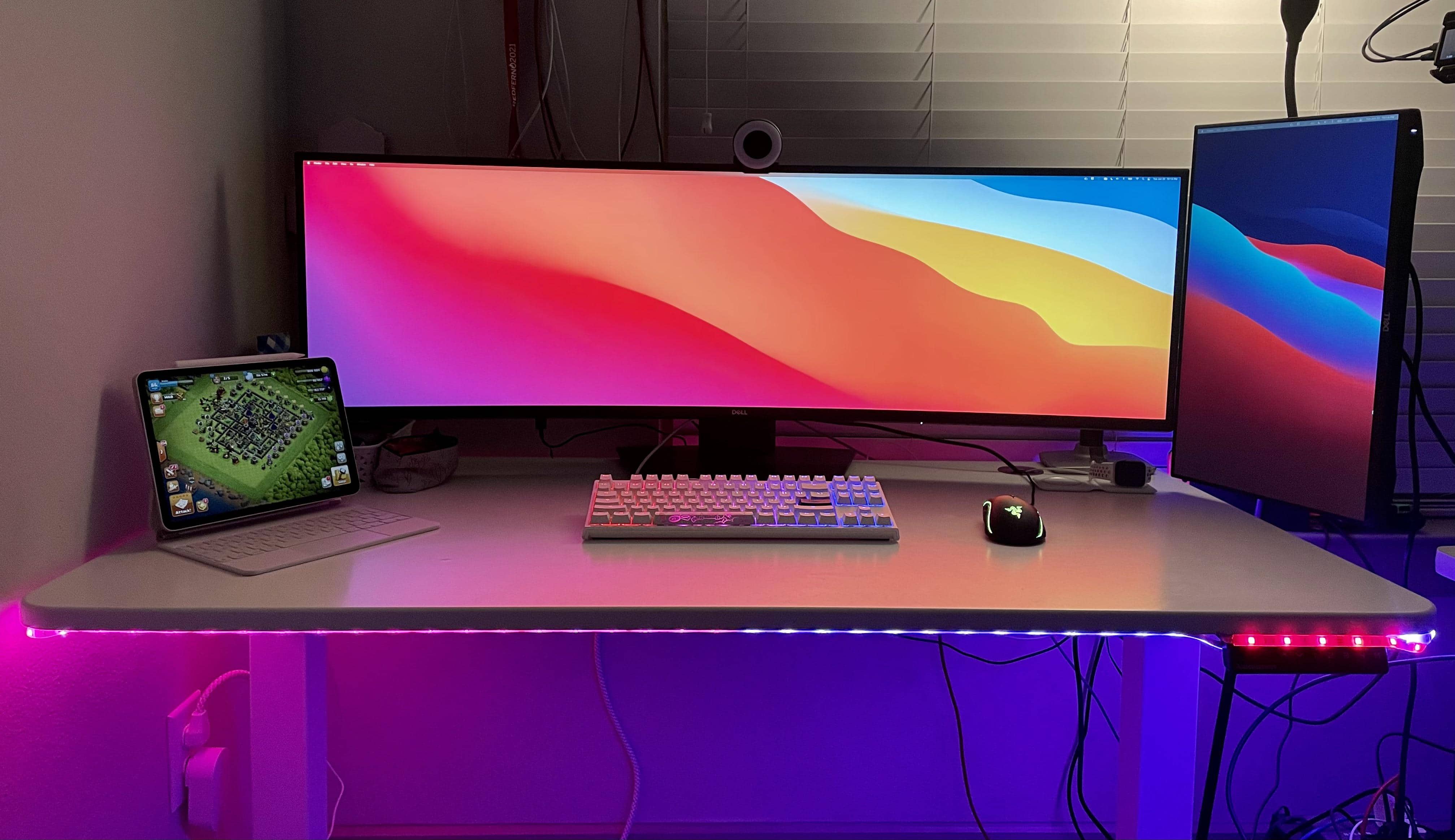
Randomo_redditor runs her MacBook Pro and iPad with a monstrously wide Dell monitor, at 49 inches. But even that curved showstopper fails to provide enough real estate for all she does. So she added a 27-inch Dell display in portrait mode on the side. If you’re searching for the best monitors for Mac Mini, you might find this Samsung ultra-wide monitor setup to be a great option.

Now she can fit everything on the screens. And we do mean everything. Randomo already made the most of her widescreen by using an app to split the screen into thirds, for different uses.

1 36 37 38 39 40 121