These apps (and system features) will help you work faster. Image: D. Griffin Jones/Cult of Mac
I’m going to show you five ways you can instantly boost your productivity on your Mac. You might not have thought your Mac was capable of these advanced features. But in my opinion, the Mac’s reputation for being un-customizable is misunderstood. Four of these tips depend on third-party productivity apps that will add radical new system features to your Mac.
I’ll show you how to get instant window snapping on the Mac, powerful screenshot and recording tools, a clever clipboard manager that should be built into macOS, a simple tip for opening apps faster, and a smart time-tracking tool that’ll keep you productive.
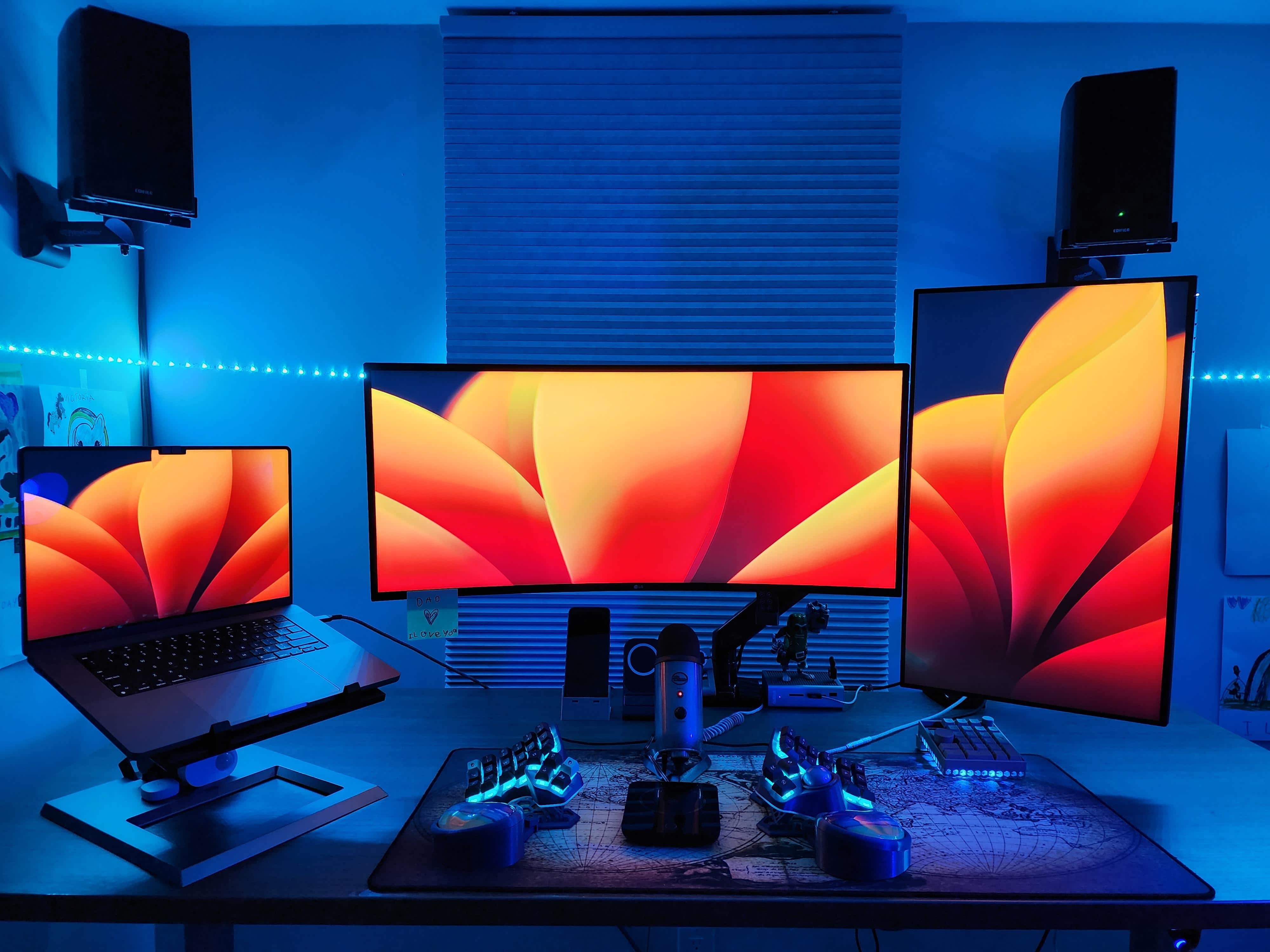
Do you dream of ditching your mouse? Maybe you have the wrong one. Or maybe you’re onto something, like the software developer who works sans rodent with today’s featured M2 MacBook Pro setup featuring dual external displays in different orientations.
Instead of a mouse for input, she relies on a radically split keyboard with a trackball, plus a macropad. See those and all of the other gear in the cool setup below.
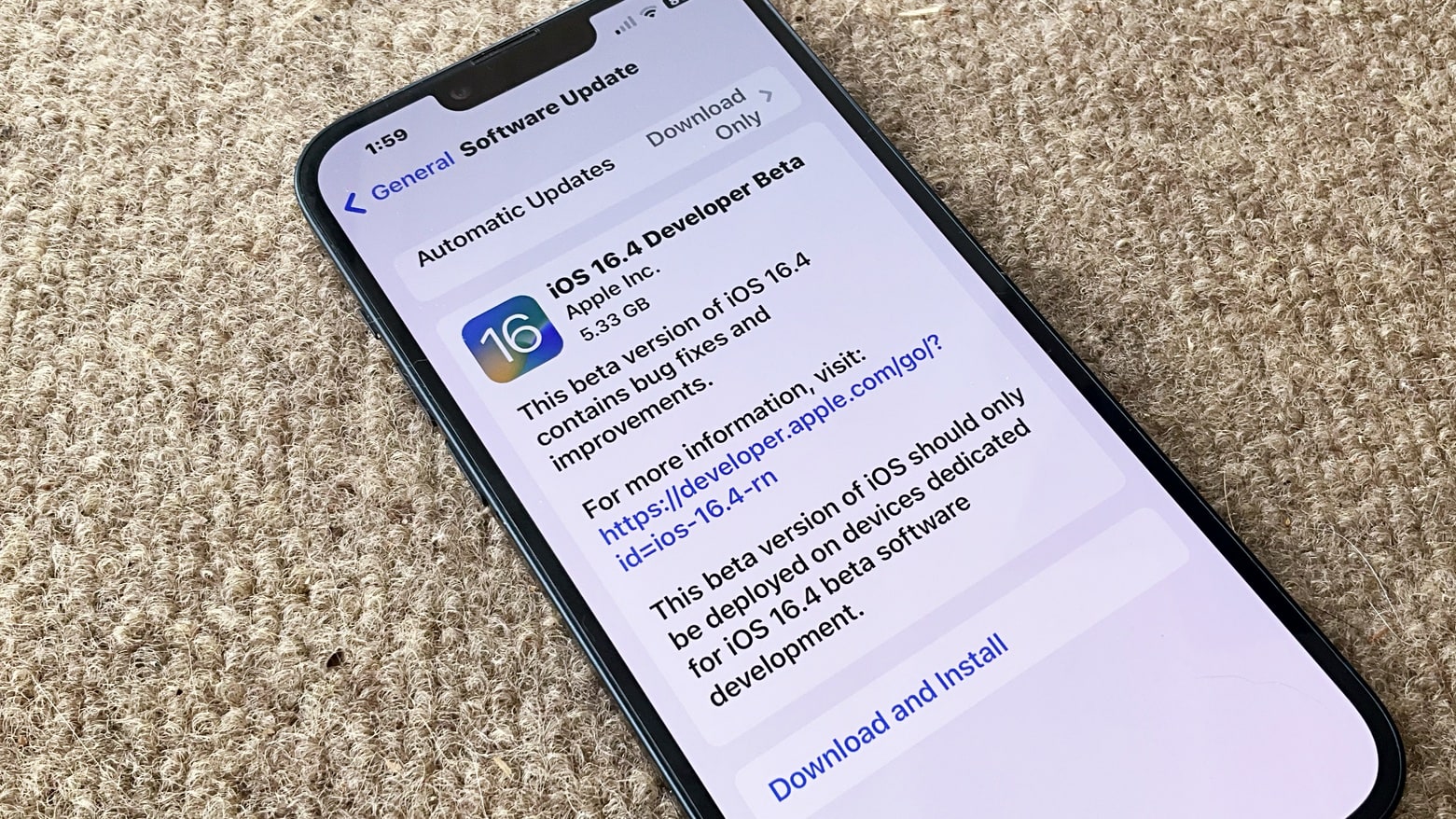
iOS 16.4 beta packs plenty of new features and changes. Photo: Ed Hardy/Cult of Mac
A week after the second iOS 16.4 beta dropped, Apple seeded the third build to developers. Unlike the first and second build, the third beta is light on changes.
You can find everything new in iOS 16.4 and iPadOS 16.4 beta 3 below. There’s also an archive of the new features spotted in beta 1 and 2.
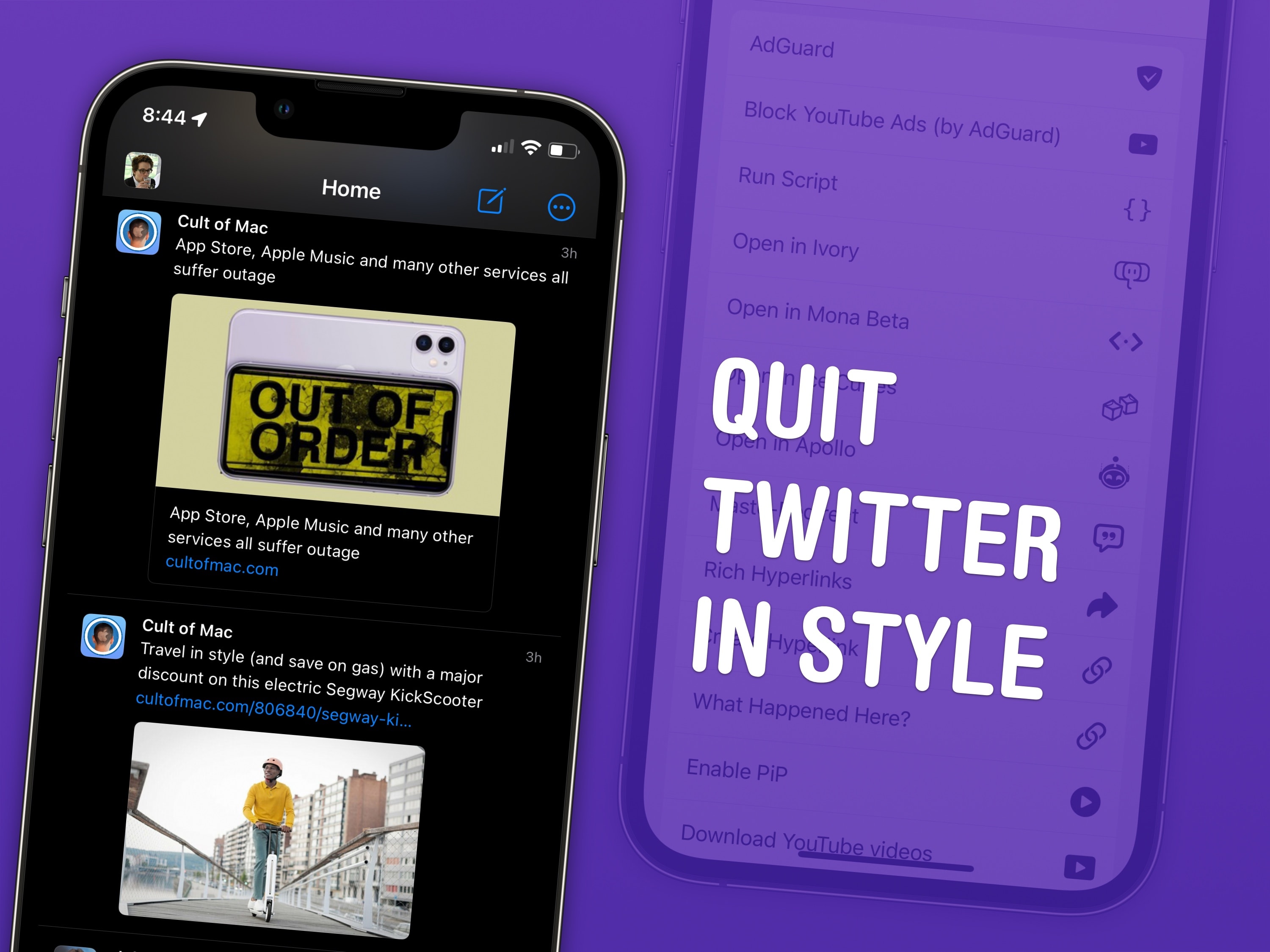
Moving to Mastodon is made easier with these top tips. Image: D. Griffin Jones/Cult of Mac
I have four top tips for Mastodon users after spending a few months on the hot new social media platform. There’s a healthy community of Apple writers, developers, creators and fans — even Phil Schiller — who have all jumped ship from Twitter.
I’ve previously written a detailed guide to getting started. I’ll start with some brief advice on picking an instance and move on to the pro tips I’ve picked up.
Don't go street racing, try hydrojet racing instead. Screenshot: Vector Unit
Nothing gets the heart pumping like a good racing game. Riptide GP: Renegade+ challenges players to try hydrojet racing at breakneck speeds, alone or in groups of up to eight.
The game from Vector Unit first debuted several years ago, and was named an App Store Best of 2016. Starting Friday, it’s included with the Apple Arcade subscriptions service for iPhone and other Apple devices.
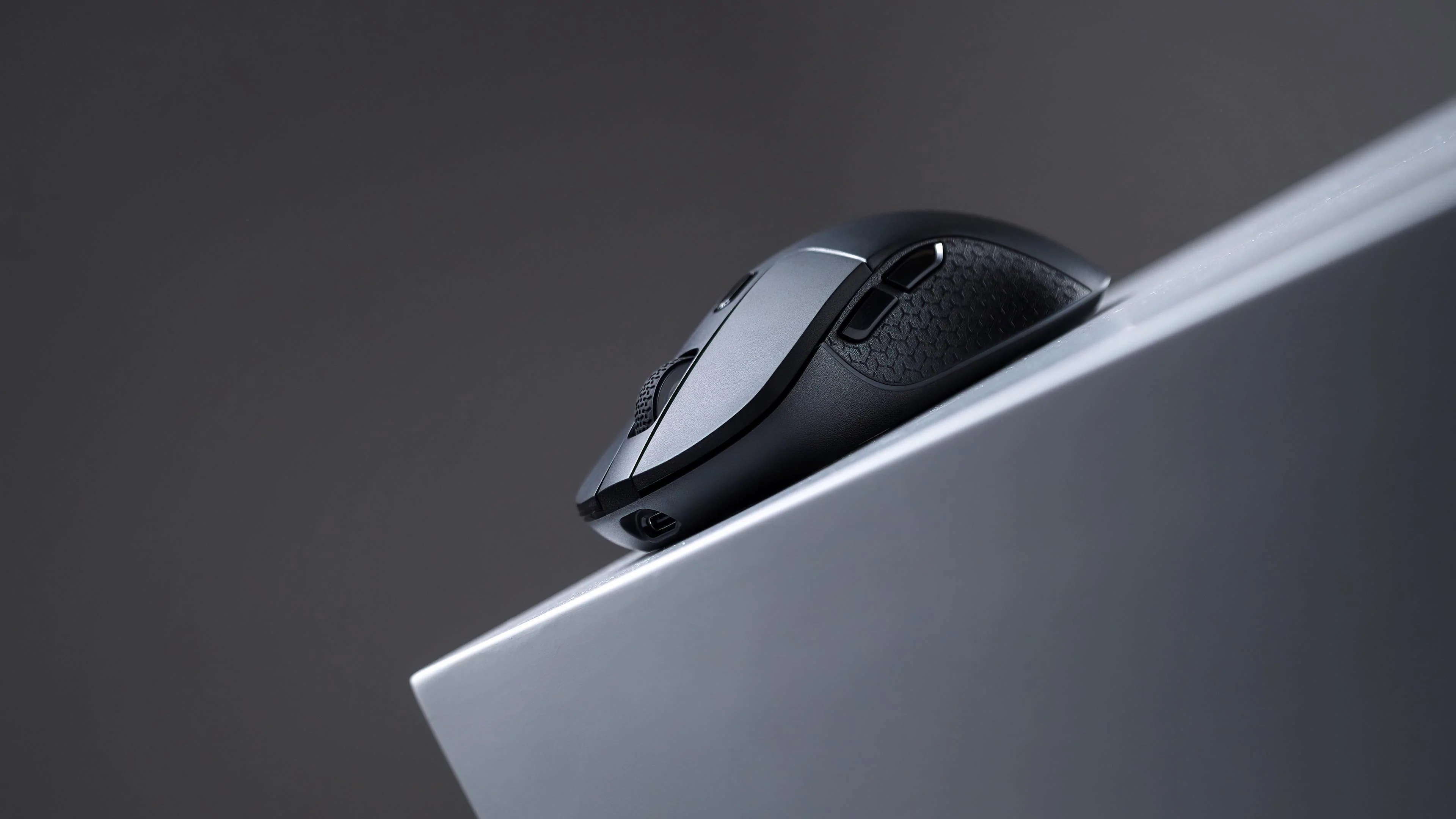
Keychron's new M3 wireless mouse weighs just 79 grams. Photo: Keychron
Best-known for keyboards, Keychron rolled out its new ultra-lightweight M3 wireless mouse Tuesday, touting its strong build and robust features for Mac users and others.
“To accompany it, we have designed the smallest Type-C 2.4 GHz receiver for M3, which is compatible with MacBook and other laptops,” Keychron said.
And at $49, the svelte new optical mouse is affordable, too.
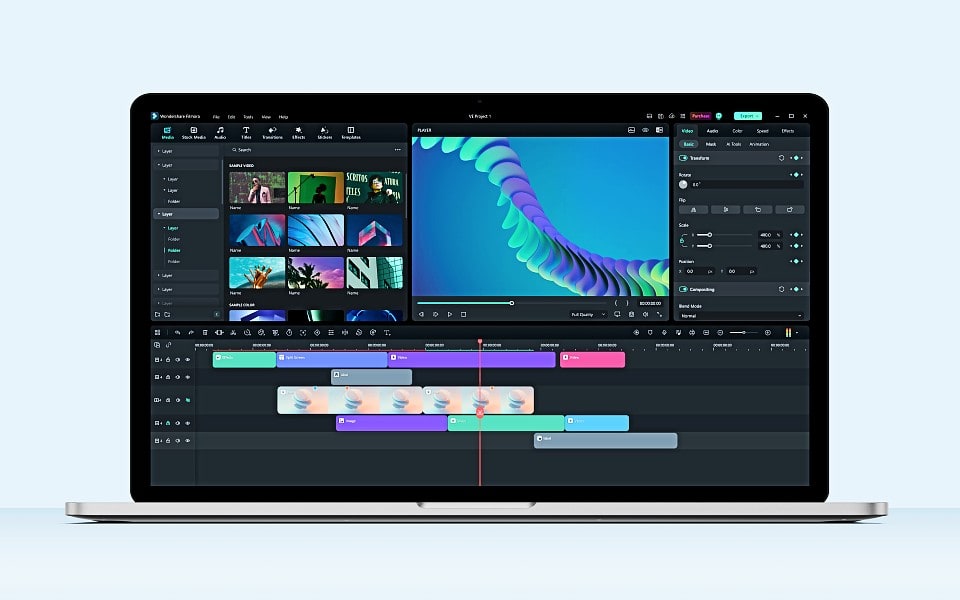
Wondershare Filmora 12 is fun and easy to use for video editing. Image: Wondershare
If you create content for YouTube and TikTok, you know the quality of your video is key to getting your work noticed. But not just anyone can make great videos — unless they have the right tools. One of the best tools you can use to easily put your creativity to work making videos quickly is Wondershare Filmora.
What makes it great? Anyone at any skill level can use Filmora to import and edit video, add special effects and transitions, and share the finished product. And the new version of the software, Filmora 12, adds more than a dozen great new features.
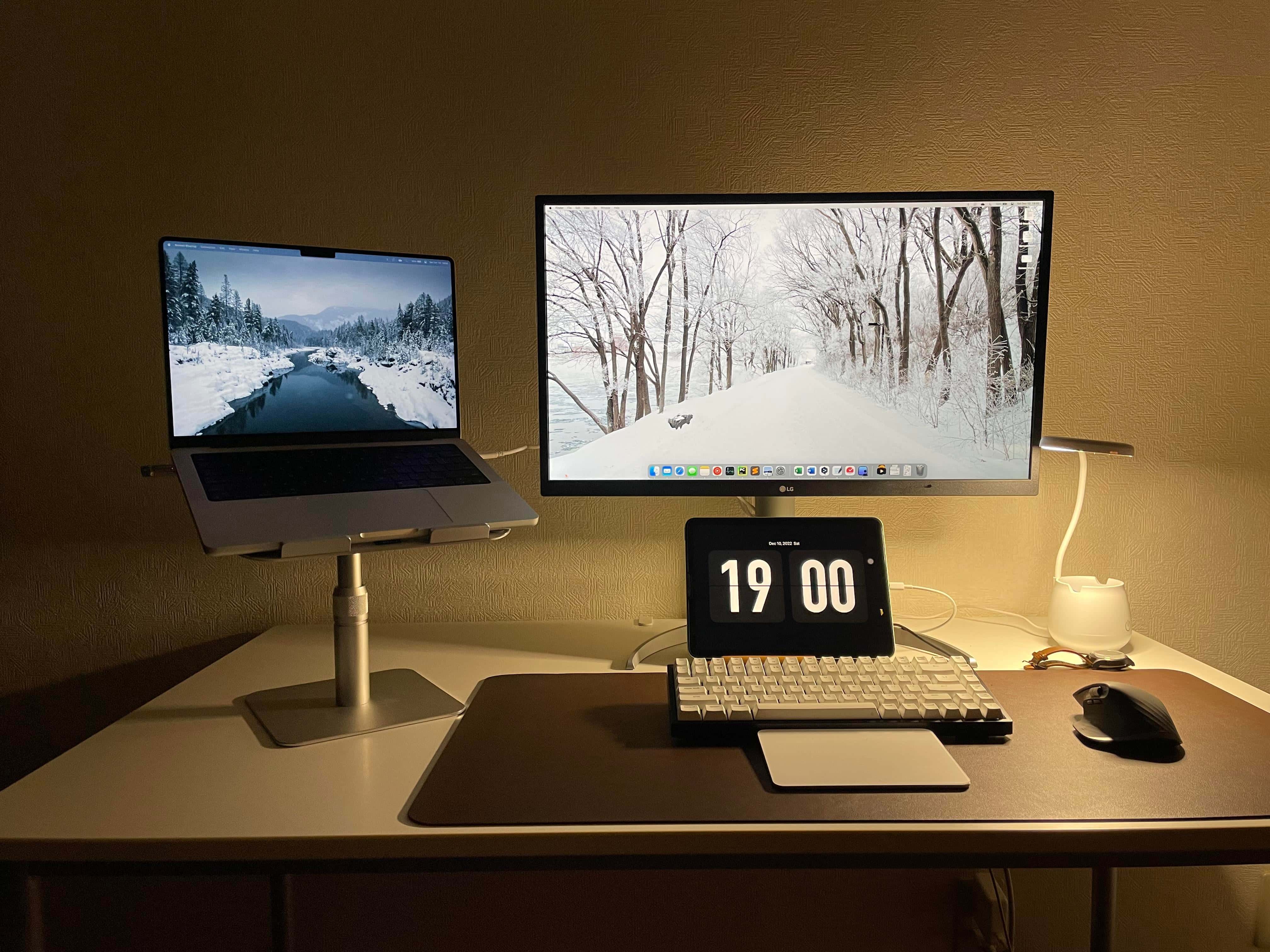
This is what a Ph.D candidate's computer setup looks like. Photo: [email protected]
A computer setup run by a doctoral degree candidate had better be damned smart, and today’s featured setup doesn’t disappoint. It’s got a powerful M1 MacBook Pro, a recent (but not the latest) iPad Air, a very slick 4K display and a trio of whipsmart input devices boasting plenty of customization options.
And it’s got all that and pretty clever cable management, too. But does the future Ph.D.’s rig smoke a pipe and pretentiously hold forth on esoteric topics? No, it’s actually somewhat modest (down to the nice but not top-shelf headphones).
Try out these 10 new iOS 16.2 features on your iPhone ASAP.
Image: Cult of Mac
iOS 16.2, which Apple released Tuesday, brings many new features that make it a must-have update for all iPhone owners. From security advancements and productivity boosters to cosmetic tweaks and other fun stuff, it’s positively loaded with upgrades.
Here are the top new iOS 16.2 features you should try right now. (Note: Many of these features also appear in iPadOS 16.2, which Apple also released today.)