Mobile menu toggle

Search results for: shortcuts

Photographer’s sluggish Intel MacBook Air needs Apple silicon relief [Setups]

By

Gabriel's computer setup packs a large array of gear.
Gabriel's computer setup looks relatively tidy, but it packs a large array of gear.
Photo: Gabriel B.

Gabriel B., a 13-year-old student and photographer in Baton Rouge, La., sent pics and commentary showcasing and describing his well-equipped MacBook Air-and-dual-display setup to Cult of Mac this week.

He noted his Intel MacBook powers an “army of peripherals,” but it’s not quite up to the work he asks of it. And how has he already filled 3TB of digital storage space, anyway? Well, that’s what heavy photo and video editing will do.

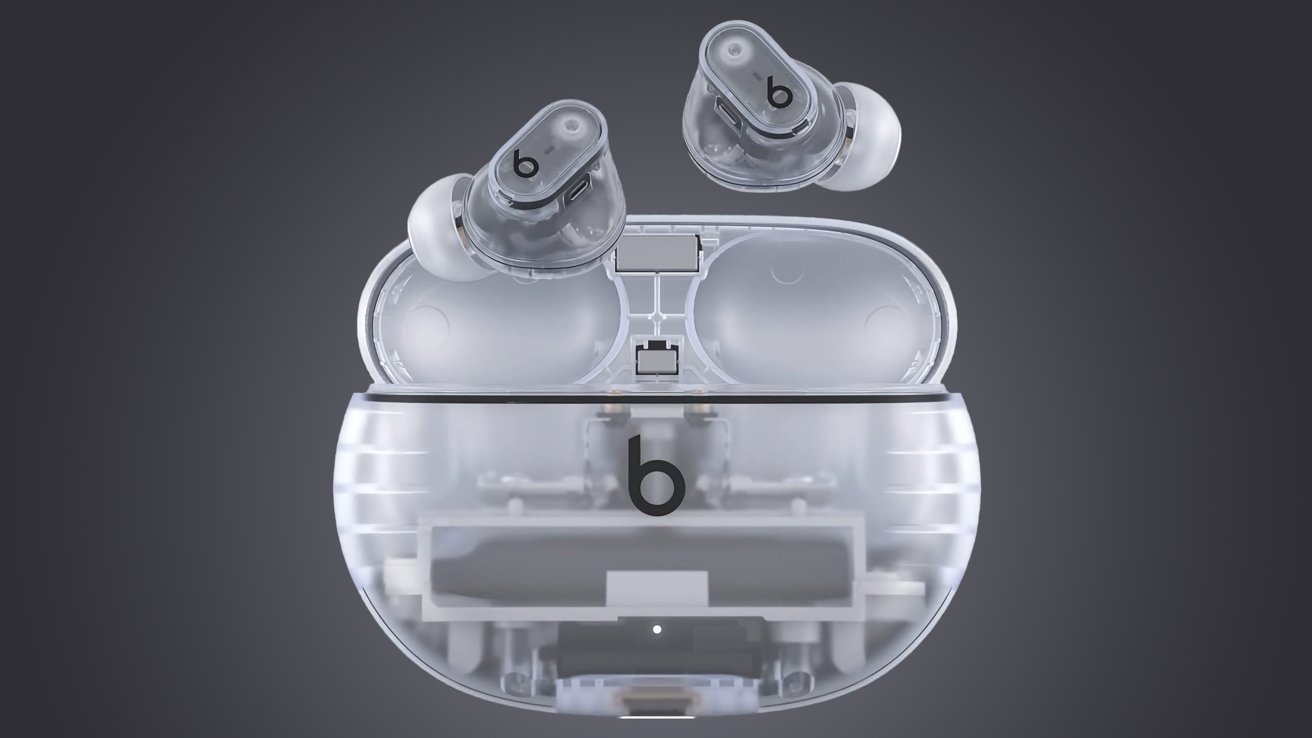
Review roundup: New Beats Studio Buds+ win with cool clear case and audio upgrades

By

Transparent plastic is a new look for Beats.
Photo: Amazon/Beats

The new Beats Studio Buds+ went on sale Wednesday as numerous initial reviews praised their good looks and tech upgrades.

Nearly every reviewer loved the ’90s-nostalgic, iMacs-of-yore transparent case option. And the new custom chipset for audio quality, new microphones for better active noise cancellation (ANC) and voice calls, and longer battery life aren’t bad, either. If you’re looking for the newest Beats, these upgrades make them a solid choice.

But some features are still missing on the $169.99 buds, up $20 from the original Beats Studio Buds when they came out — but $80 less than AirPods Pro (2nd generation) for thrifty shoppers.

Apple Maps Lock Screen directions could get a new look in iOS 17

By

Apple Maps iOS 17 Lock Screen Live Activity renders
Do you like this alleged iOS 17 Apple Maps Lock Screen Live Activity?
Renders: @analyst941
WWDC23

Apple will reportedly bring a new Apple Maps Live Activity to all iPhones with iOS 17. The new Lock Screen layout will show the date and time at the top and the navigation directions on the display’s bottom half.

Your unread notification count, flashlight, and camera app shortcuts will appear below it. A swipe-up on the Lock Screen will expand the Notification Center and show all notifications.

Download the Apple Watch face Tim Cook uses

By

Image of Tim Cook with his Apple Watch highlighted.
There’s just enough detail in this photo to go from.
Photo: Apple

How does Tim Cook customize his Apple Watch face? During his recent tour of India, people zoomed in on this picture of him meeting with developers to dissect his choice of watch face and complications.

I’ll break down Cook’s watch and show you how to download it yourself.

After all, the Apple Watch is celebrating eight years since its release on this very day in 2015. What better way to mark the occasion than with a celebratory new watch face?

Top 20 items to boost your setup for less than $50 [Setups]

By

In my case, the great sub-$50 adds were a wrist rest (wood or memory foam), a laptop stand and a monitor light bar.
Photo: David Snow/Cult of Mac

Computer setups aren’t all about the main machine and displays that cost hundreds or thousands of dollars. Plenty of smaller, less-expensive items turn out to be crucial — like gadget stands, USB-C hubs, the perfect mouse, smart light strips, desk mats and much more.

Today’s featured setup is a tribute to all the little things that make a difference — even double-sided tape.

Add ChatGPT to iPhone or Mac with this new Shortcut

By

Add ChatGPT to iPhone or Mac with this new Shortcut
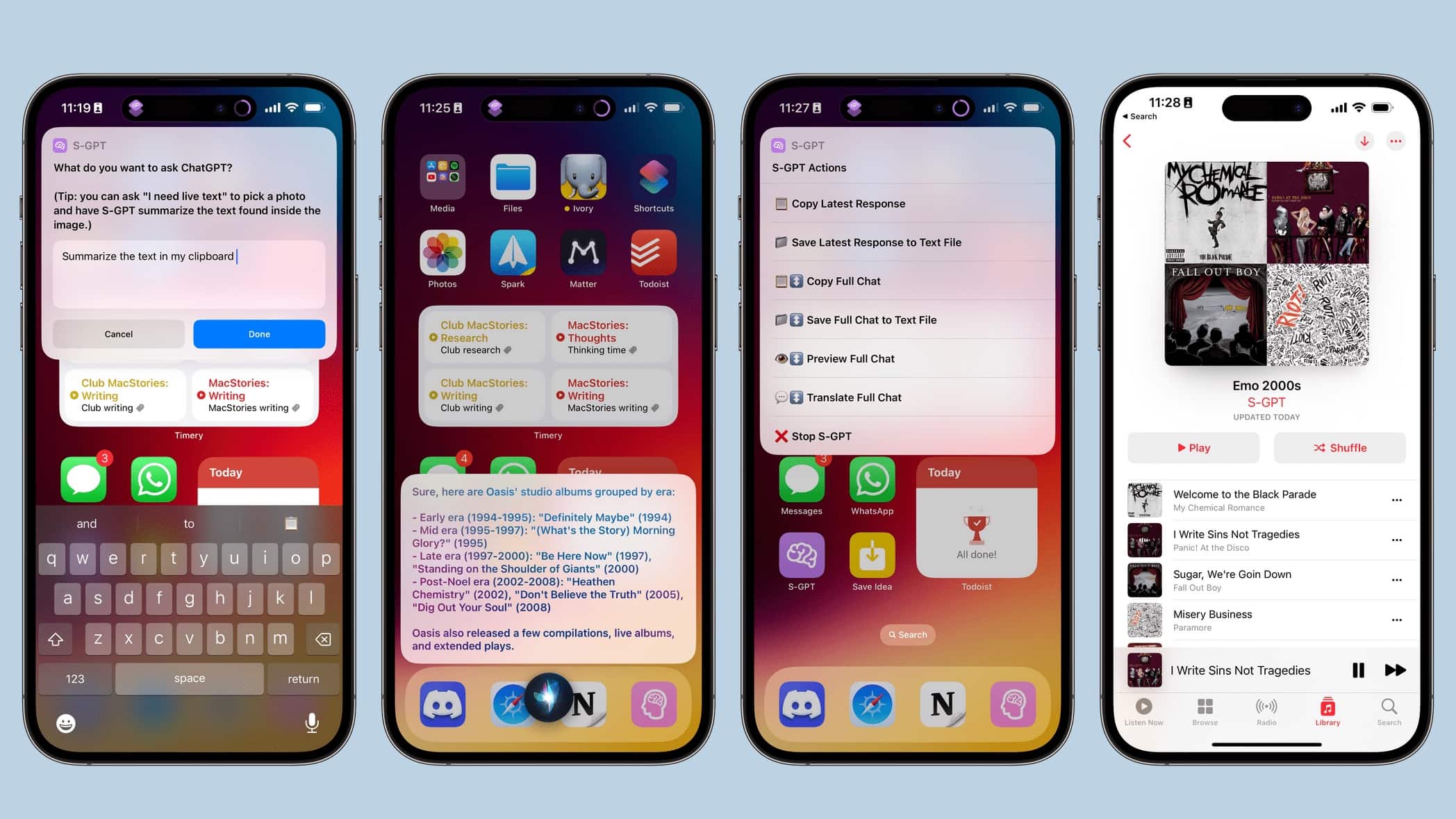
Have ChatGPT always available on your iPhone with S-GPT.
Photo: Federico Viticci/MacStories

Don’t be jealous of Microsoft Bing’s new AI capabilities: A new Shortcut called S-GPT integrates OpenAI’s ChatGPT chatbot into Apple devices. It works as a conversational search engine but can do much more, including summarizing a webpage and creating an Apple Music playlist from a list of suggested songs.

It’s a Shortcut rather than an app, and it’s free to download. There’s a very small fee for using it.

How to make Apple Passwords a standalone app

By

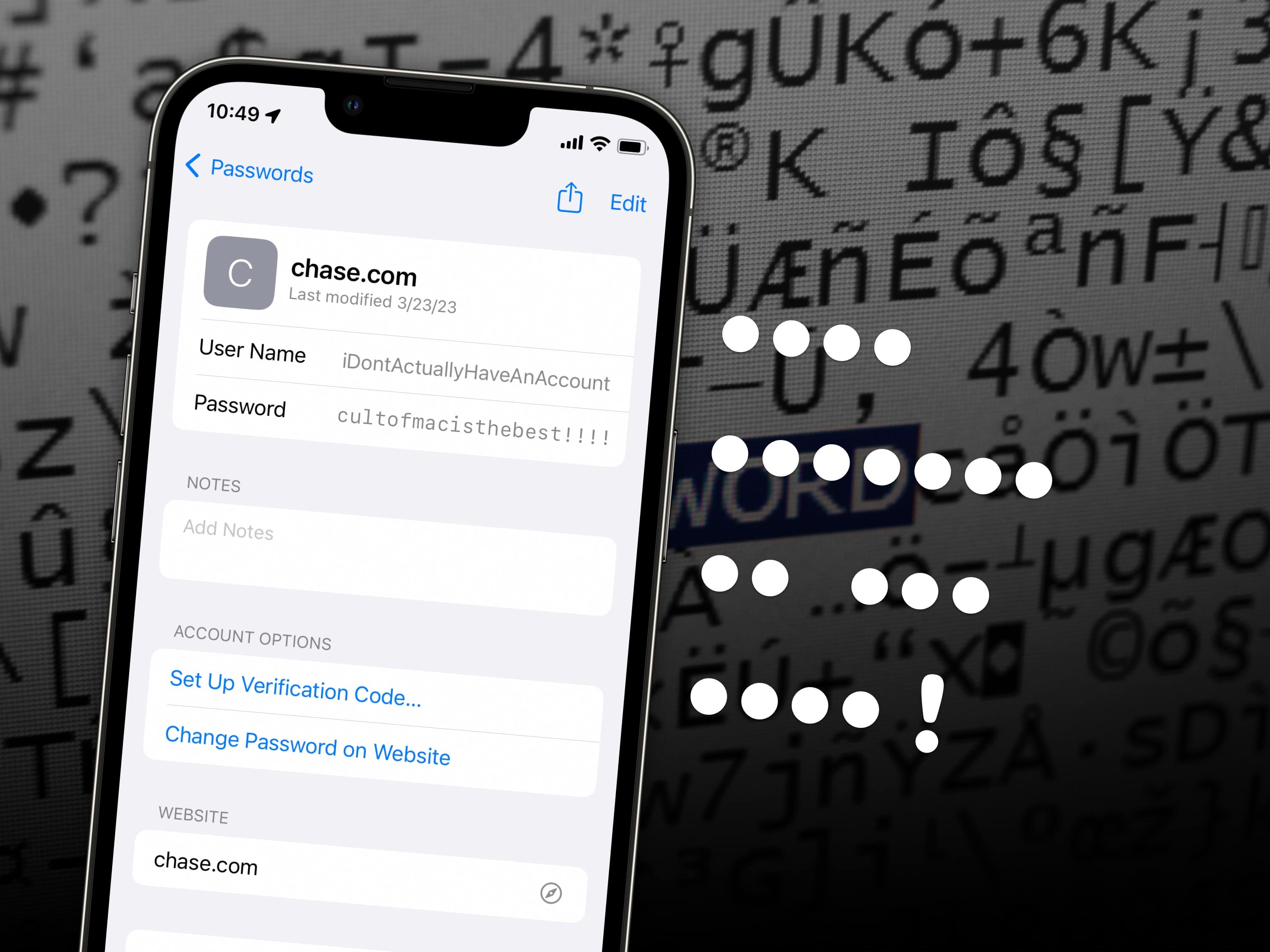
•••• ••••••• •• ••• ••••!
This feature is the best!
Image: Santeri Viinamäki/Wikimedia Commons/D. Griffin Jones/Cult of Mac

There’s much more to iCloud Keychain than meets the eye. Apple’s password-management system suggests strong passwords, autofills them whenever you need to sign in later, and syncs across all your devices. But you also can use iCloud Keychain to keep two-factor authentication codes (instead of relying on Google Authenticator) and access your passwords on Windows.

There’s been a lot of discussion lately about how Apple should make a standalone Passwords app. That’s because a lot of the more advanced features in iCloud Keychain are pretty hard to find. You have to dig into Settings to locate them.

There’s a workaround: I have a Shortcut that will add a convenient Passwords icon to your iPhone’s Home Screen. Using iCloud Keychain becomes a lot easier.

Stormtrooper head haunts Stream Deck-enabled MacBook Pro rig [Setups]

By

The stormtrooper hemet is custom-made and the Stream Deck uses customized shortcuts.
Photo: [email protected]

Attractive or fun decor can really give a computer setup an edge. Real plants. Vintage Apple gear. Epic Lego sets. Today’s featured MacBook Pro setup sports a detailed replica stormtrooper helmet from Star Wars.

It overlooks a Darth Vader-worthy 49-inch Samsung curved gaming display and an Elgato Stream Deck, which is associated with video streaming tasks but can also do a lot for productivity in general through shortcuts.

iOS 15 and iPadOS 15 updates fix serious security problems in older handsets and tablets

By

Updates is here for your iPhone bugs
iOS 15.7.4 takes care of a long list of security bugs.
Photo: Cult of Mac/Egor Kamelev/Pexels

Apple introduced iOS 15.7.4 and iPadOS 15.7.4 for older devices on Monday, closing significant security holes in a range of frequently used applications. Anyone still running iOS 15.x should install the new version.

Cupertino also released iOS 16.4 and the iPad equivalent on Monday. The updates for its older operating systems are further proof that Apple doesn’t abandon them.

15 new features in iOS 16.4 you should try right away

By

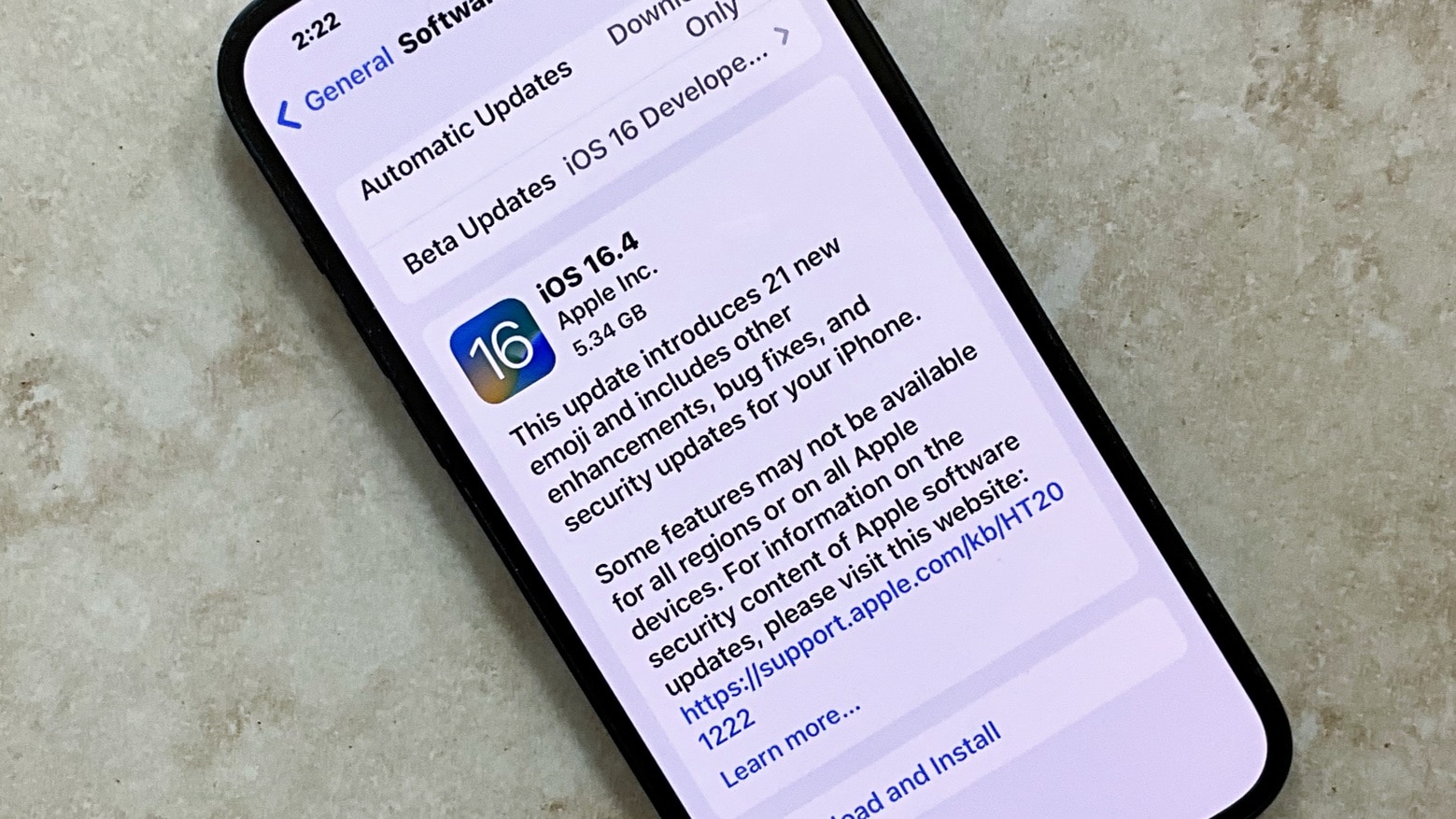
iOS 16.4 release candidate
After you upgrade your iPhone, try these new features in iOS 16.4.
Photo: Ed Hardy/Cult of Mac

Apple released iOS 16.4 on Monday, bringing significant changes and new features to its iPhone operating system.

Once you install iOS 16.4, the biggest point release of iOS 16 so far, check out these 15 features to try right away — including the new “high five emoji” combo.

1 28 29 30 31 32 121