Mobile menu toggle

Search results for: shortcuts

iOS 17 beta 7: All the new features and changes

By

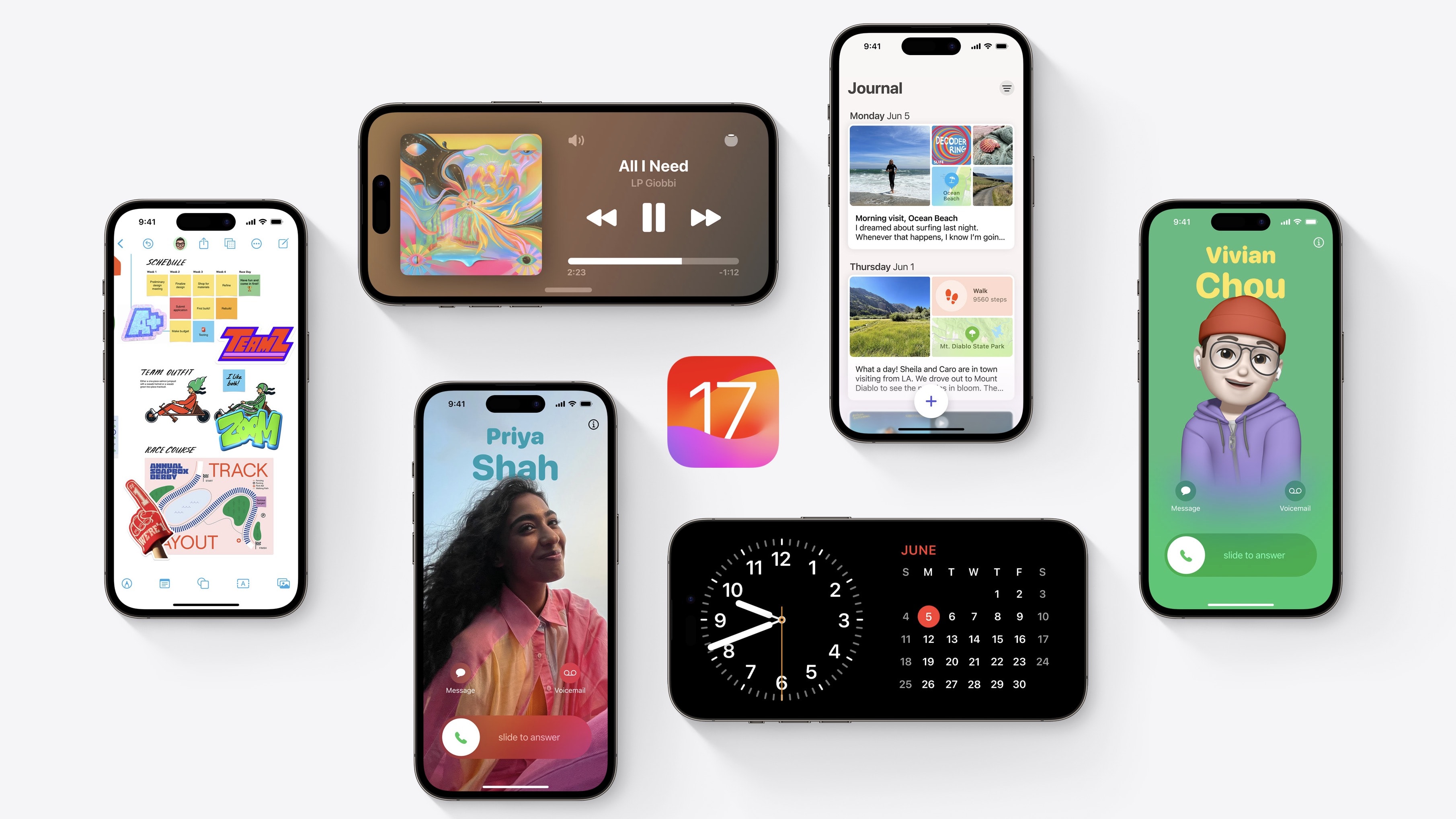
iOS 17 preview
The fourth iOS 17 developer beta is here with some minor changes.
Photo: Apple

Apple continues beta testing iOS 17, with the seventh beta dropping on August 22nd. As the beta program has progressed, the company has made fewer and fewer user-facing changes to new builds.

It’s the same story with iOS 17 beta 7, which hardly packs any meaningful changes or improvements. Below is everything new in the latest iOS 17 and iPadOS 17 beta.

This mechanical keyboard comes with a personalized display

By

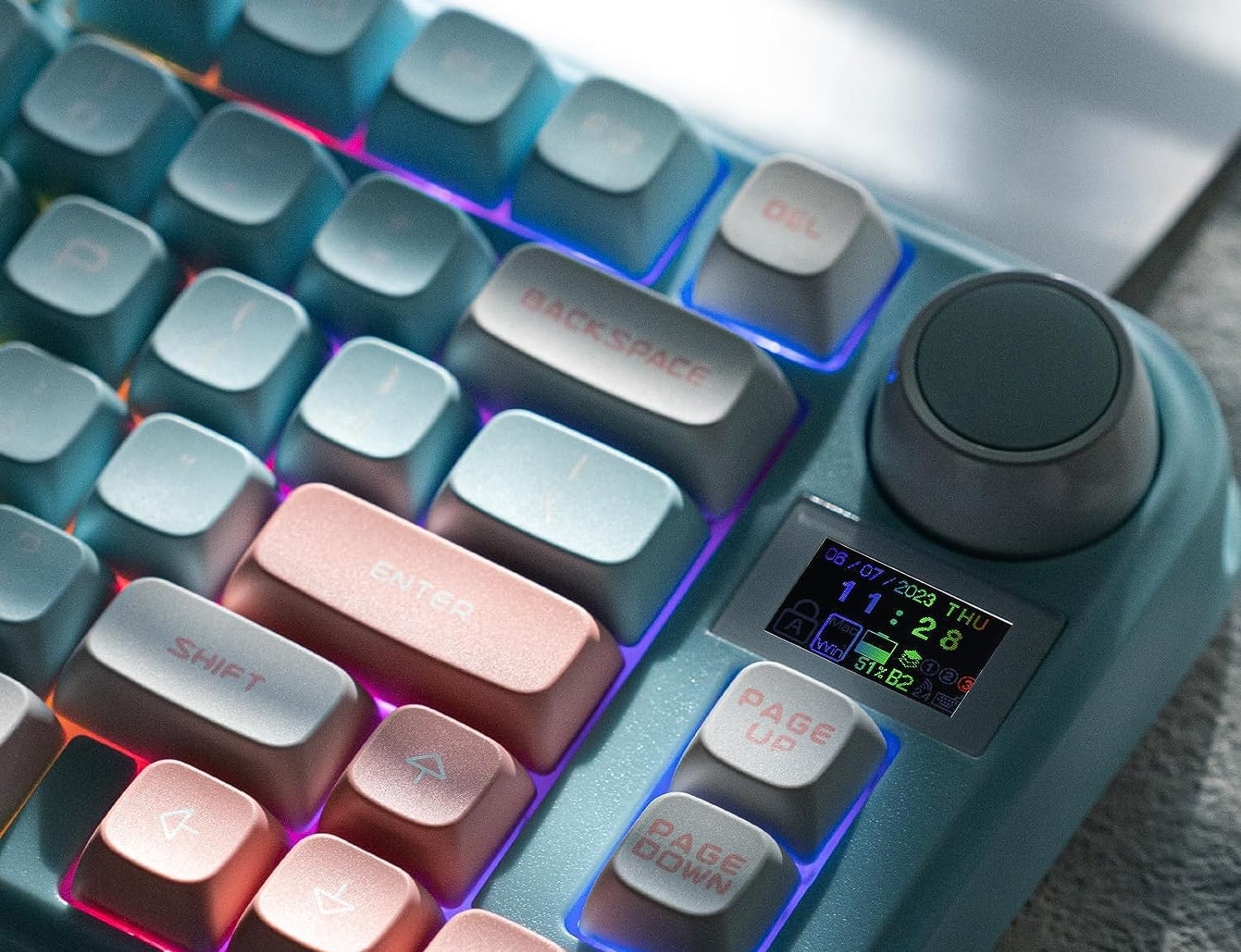
You can personalize the LCD screen just below the large multi-use control knob.
Photo: Epomaker

The new Epomaker TH80-X compact keyboard comes with a large, multi-use control knob and a built-in LCD screen for customization.

Available today, the latest member of Epomaker’s TH80 family of mechanical keyboards features a space-efficient 75% layout rather than a full-size one.

Change the X icon back to Twitter

By

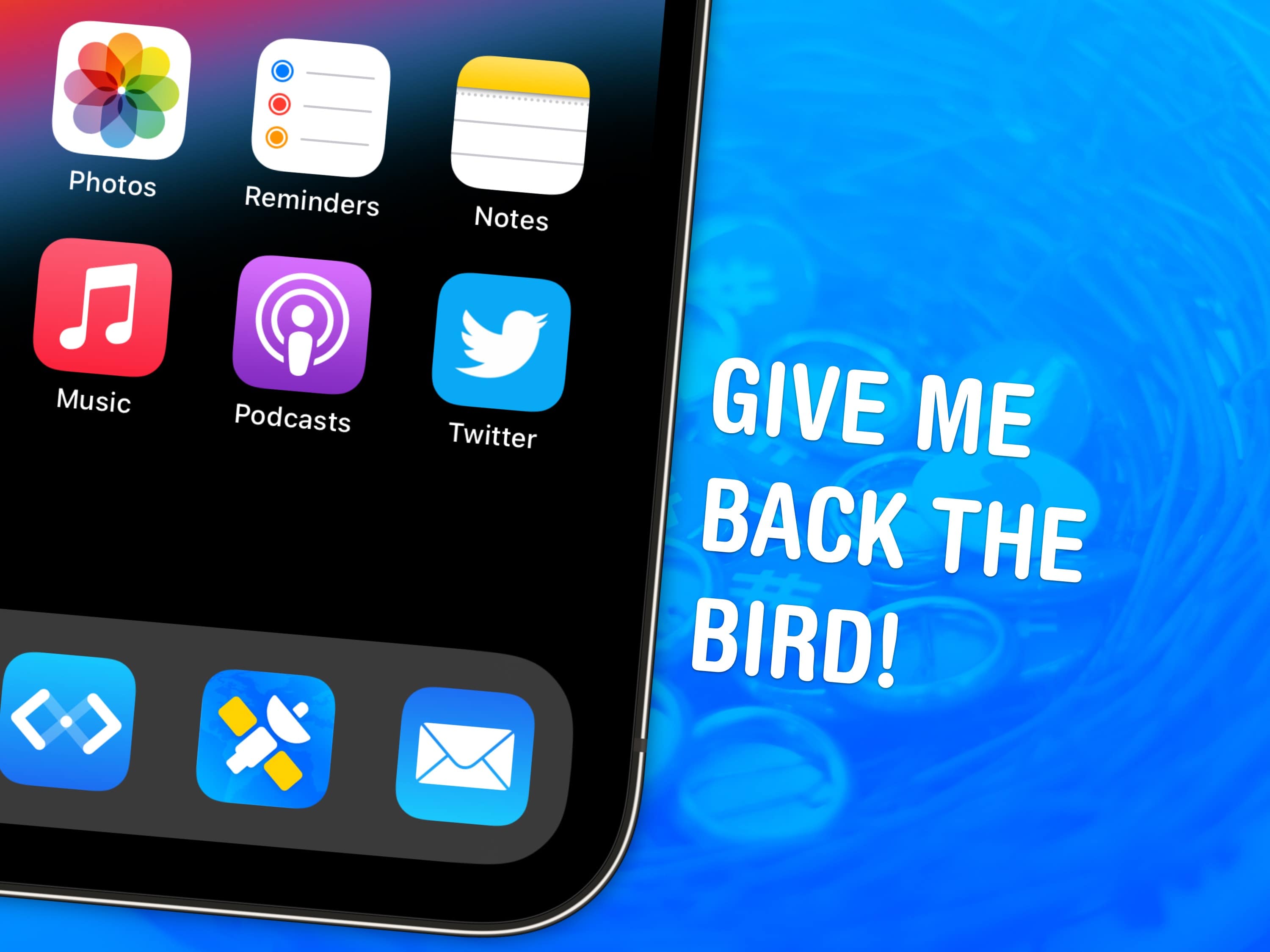
Give me back the bird!
Everyone’s favorite bird icon is back… kind of.
Image: Garrett Heath/Wikimedia Commons/D. Griffin Jones/Cult of Mac

If you miss the Twitter icon, you’re not alone. But there’s good news: You can easily change the app’s new X icon back to Twitter’s blue bird on your Home Screen by using a shortcut.

While it’s too late for Elon Musk to backtrack on many of the questionable business decisions he made since buying Twitter, you can at least patch over this latest one using my free downloadable Shortcut.

If you’re still using X, née Twitter, you might want the bright blue bird back on your Home Screen. I’ll show you how to get it.

More big iPhone leaks, including one we really don’t like [The CultCast]

By

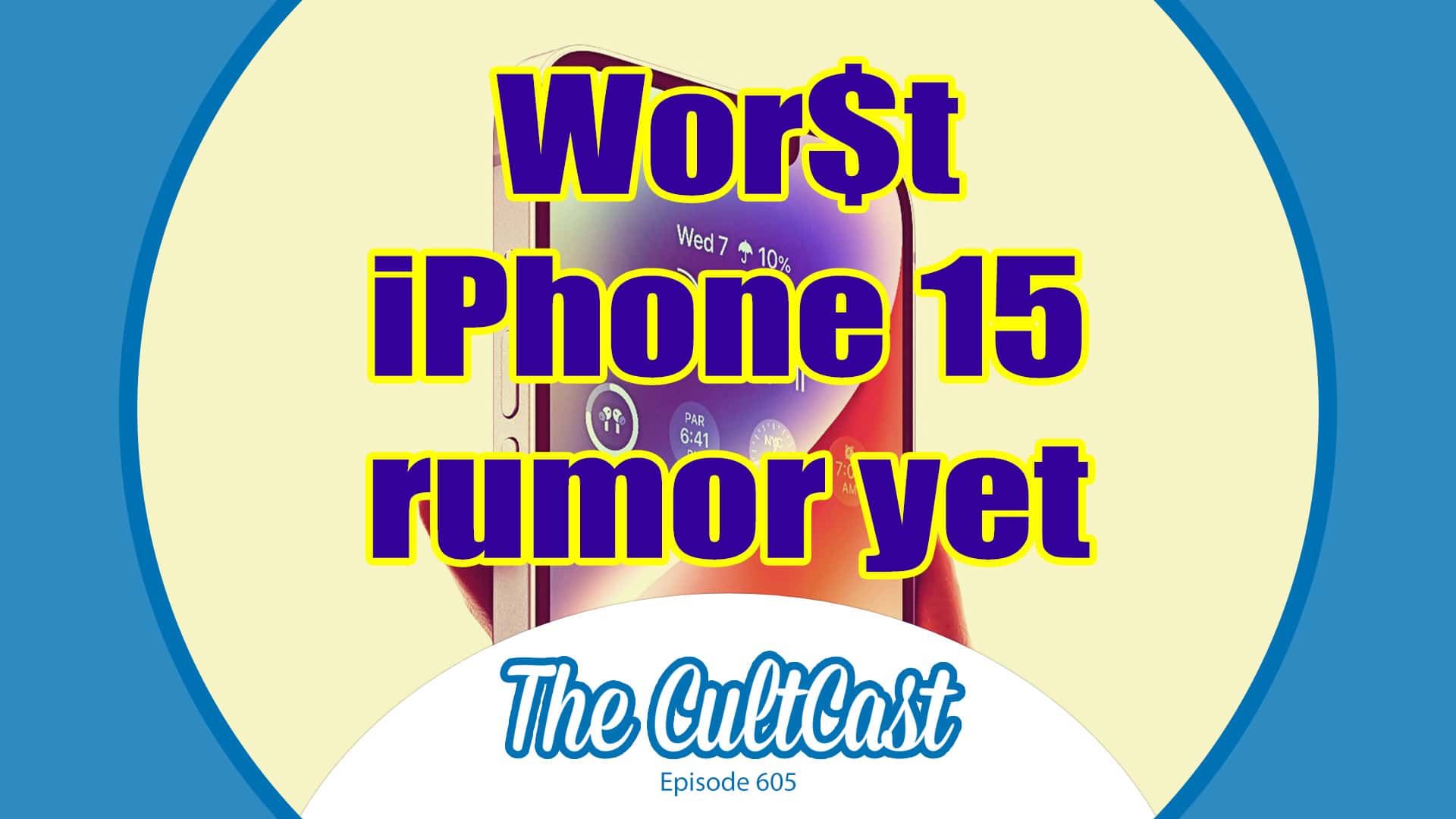
Wor$t iPhone 15 rumor yet! With The CultCast logo, episode 605.
Not all iPhone rumors are created equal.
Image: Cult of Mac

This week on Cult of Mac’s podcast: Not all iPhone rumors prove exciting. In fact, a big one this week — possible iPhone 15 price hikes — sounds downright depressing. But it’s not all bad news. The “normie” iPhone 15 might get some trickle-down camera tech that could make it easier not to go Pro this year.

Also on The CultCast:

  • Think of all the interesting ways you could use an Action button like on Apple Watch Ultra’s on an iPhone. Well, the iPhone 15 Pro might get in on that action.
  • Apple’s Vision Pro loaners for developers come with some absolutely ridiculous restrictions.
  • We’ve got an Apple Watch tip that we bet you don’t know — how to get the time with a tap on your wrist. Perfect for those long, boring meetings when you don’t want to peek at your watch.
  • Hang around for the great Apple Music versus Spotify debate of 2023.

Listen to this week’s episode of The CultCast in the Podcasts app or your favorite podcast app. (Be sure to subscribe and leave us a review if you like it!) Or watch the video live stream, embedded below.

Powerful Mac Studio rig brings the symmetry [Setups]

By

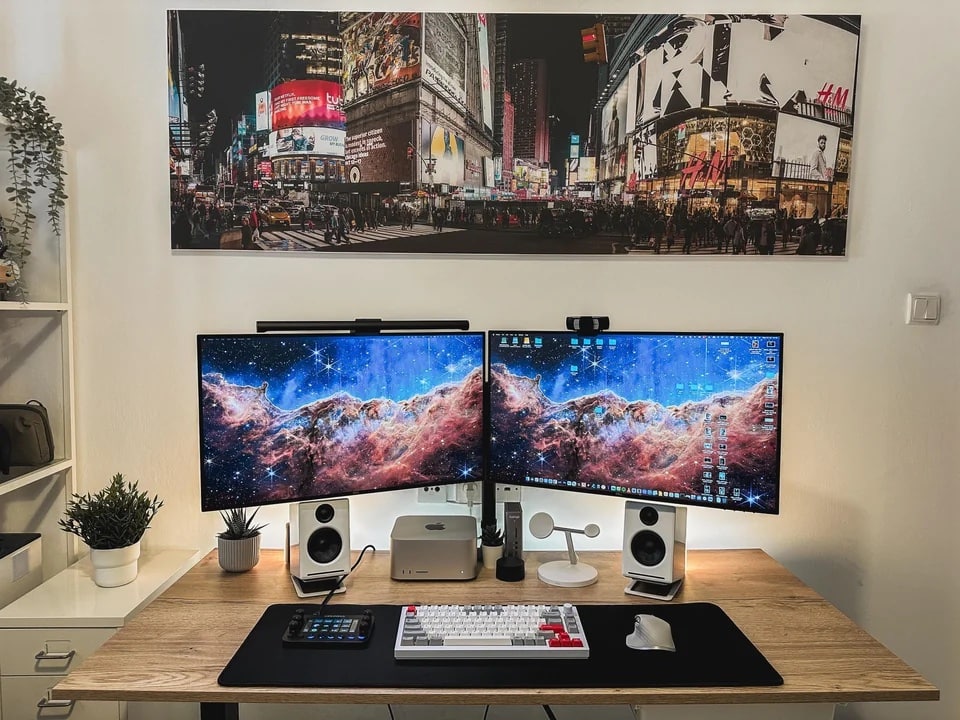
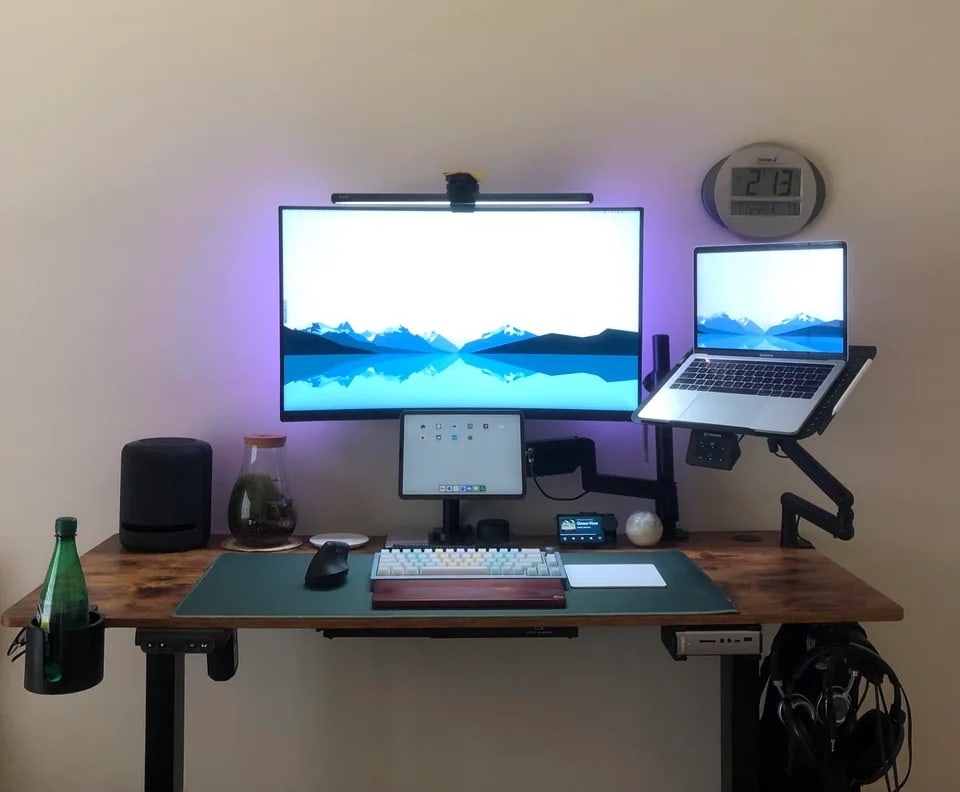
An M1 Ultra Mac Studio drives this setup.
Photo: [email protected]

Computer-setup gawkers on social media love their symmetry. It’s really just human nature to prefer those clean lines and even spacing — you know, stopping short of full-blown obsessive compulsive disorder and blowing a gasket if one little cable appears out of place.

Today’s M1 Ultra Mac Studio workstation brings not only powerhouse computing, but a few tricks of the trade when it comes to creating that pleasing symmetry. And it packs an interesting device we don’t see very often.

Before and after photos show MacBook Pro rig’s subtle evolution [Setups]

By

See if you can spot the differences between the setup in the photo above and the setup in the photo below.
Photo: [email protected]

We love it when computer setup users show their work as they trudge toward home-office nirvana. Today’s featured MacBook Pro and iPad Pro setup does it in a subtle way, providing “before” and “after” photos showing incremental changes that improved the workstation.

You can see the before photograph below and the after shot above.

Best Prime Day deals on Apple gear and accessories [Updated]

By

Best Prime Day deals 2023 on Apple gear, day two.
Amazon's Prime Day event is a great time to find Apple deals. Here are the best we've tracked down so far.
Photo: Brooke Cagle/Unsplash License/Modified by Cult of Mac

Looking for the absolute best Amazon Prime Day deals on Apple gear and accessories? Us too. In fact, the only thing we like more than Apple gear is a great deal on Apple gear.

So far we’ve found cheap MacBooks, AirTag competitors that cost less than $15 a pop, rock-bottom pricing on must-have software like Microsoft Office for Mac, and sweet deals that will save you hundreds on power banks and solar generators to keep your gear powered up. We even put together an inexpensive bundle that can add Apple CarPlay to your ride.

We’ll update this post as we continue to search for the best Prime Day deals — on Amazon and beyond.

New QuietType mechanical keyboard cuts down on the clackity-clack

By

"Silent" may be a stretch, but Kensington's new full-sized mechanical keyboard cuts down on the keystroke noise.
Photo: Kensington

Kensington unveiled a new “silent” mechanical keyboard for business and home use Tuesday. It’s the new MK7500F QuietType Pro Silent Wireless Mechanical Keyboard with Meeting Controls.

“Ideal for use in noise-sensitive home or office work environments, the MK7500F delivers a combination of beauty, durability and functionality, to provide professionals with a premium, quiet typing experience,” the company said.

Apple gives the nitty-gritty details on new software features and Vision Pro

By

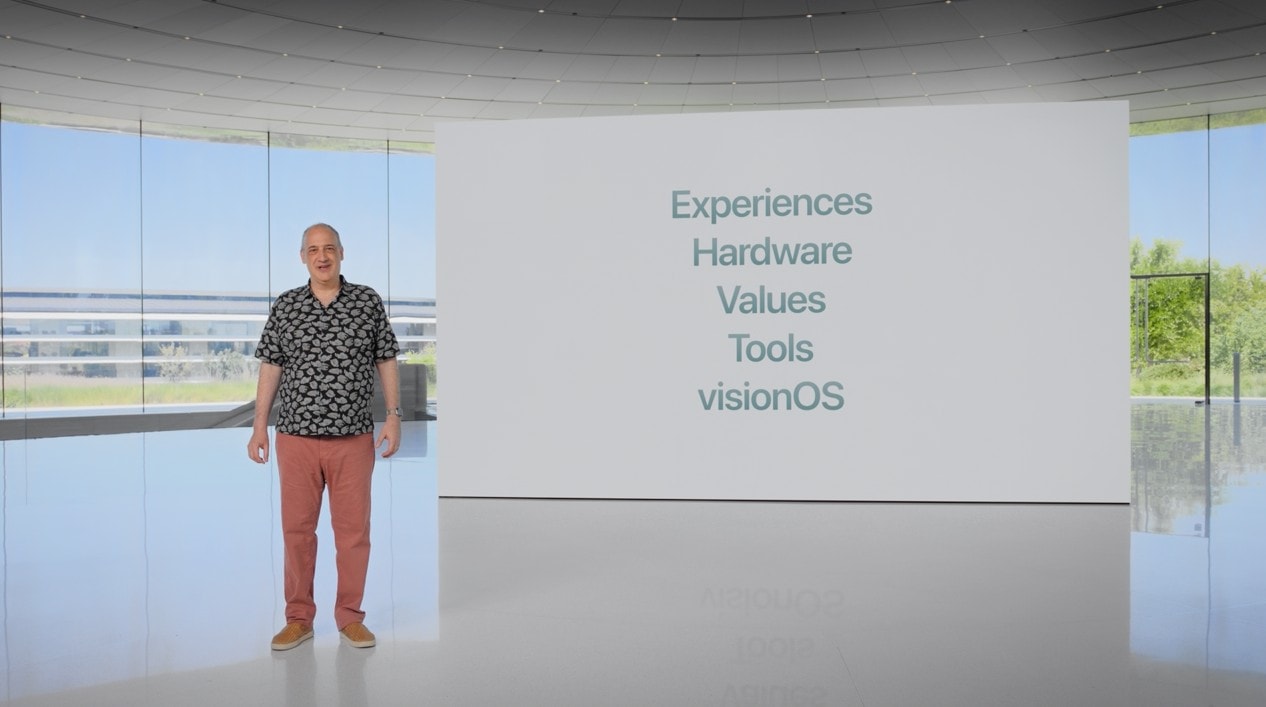
A focus on Experiences, Hardware, Values, Tools and visionOS.
The Platforms State of the Union focused on experiences, hardware, values, tools and the new visionOS that powers the Vision Pro headset.
Photo: Apple
WWDC23

At today’s Platforms State of the Union, Apple went into more depth on the updates coming to their software: interactive widgets for iOS, iPadOS and now on the macOS desktop; big updates to watchOS; and the introduction of visionOS, the operating system that runs on Apple’s new Vision Pro.

There are loads of new features that developers will be able to take advantage of that Apple didn’t highlight in the main Keynote. Thus far, they’ve covered improvements to the in-app camera, a standard tips balloon, and an easier way to make animations in SwiftUI.

How Final Cut Pro for iPad differs from Mac version

By

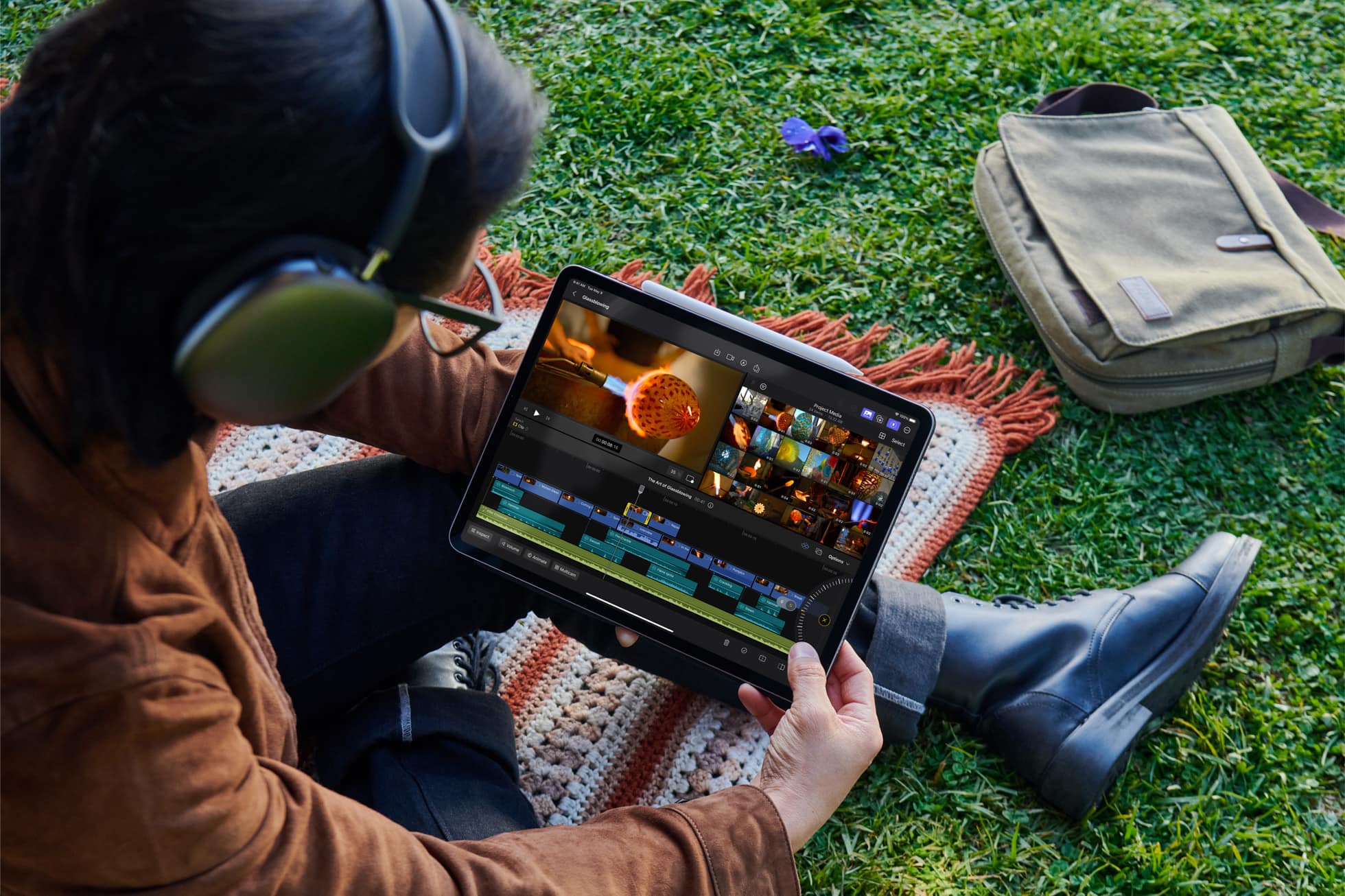
Final Cut Pro for iPad gives users the ultimate mobile studio for all their video and editing needs — no matter where they are.
Final Cut Pro for the iPad is a lot different from its Mac counterpart.
Photo: Apple

After a long wait, Final Cut Pro, Apple’s professional video editing software, is now available for M1 or newer iPads. Editors accustomed to Final Cut Pro on their Mac can easily switch to their iPad as a portable editing machine.

However, before starting with Final Cut Pro on your iPad, you need to know how it differs from the Mac build. Both versions enable pro-level video editing, but they are understandably different in key ways.

1 27 28 29 30 31 121