Mobile menu toggle

Search results for: shortcuts

M1 MacBook Air knows how to have fun [Setups]

By

Lots of toys live in this MacBook Air and gaming PC rig.
Photo: [email protected]

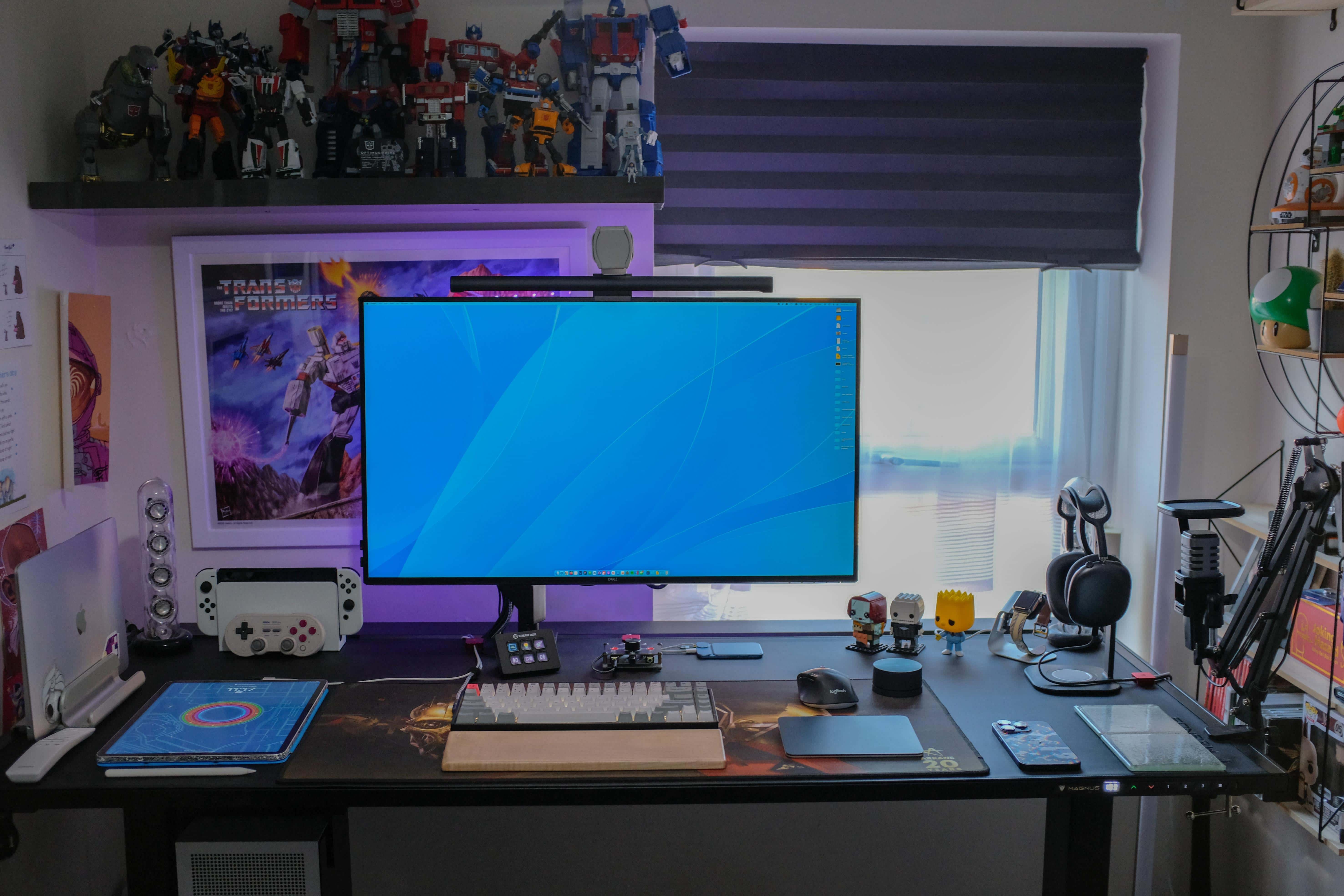
Some setups are no-nonsense, just the facts, ma’am — strictly utilitarian. Others are fanciful and full of toys. Today’s featured setup leans toward the latter, with its burgeoning population of Transformer figures crowding the shelf above the display and even related wall art.

And there’s plenty of gaming going on there, too, via a custom gaming PC and Nintendo Switch OLED in addition to an M1 MacBook Air and 12.9-inch iPad Pro.

Oh, and it has one of the coolest speaker systems ever made, too.

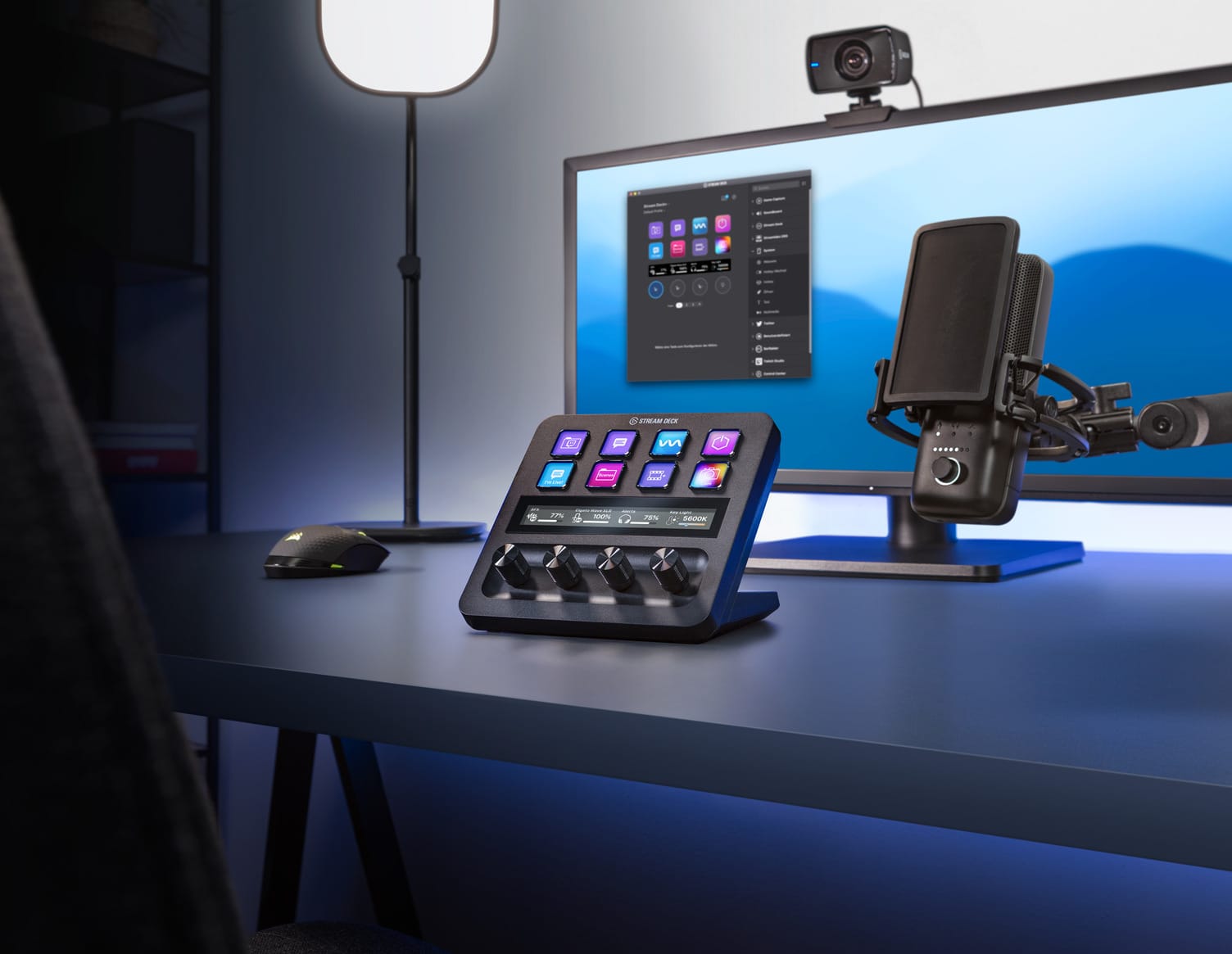
New Elgato Stream Deck+ jacks up control with LCD touch strip and 4 dials

By

Elgato just further opened up your workflow-tweaking opportunities.
Photo: Elgato

Corsair Gaming subsidiary Elgato unveiled the latest version of its popular Stream Deck streaming and workflow controller Wednesday, dubbing it Stream Deck+.

It retains eight of the familiar customizable LCD keys that other versions have. But it adds a touch strip, which is a screen, and four “infinite dials” to help you tweak and adjust tasks in your workflow. A common use of this type of tool is controlling video streaming production.

Apple is building a rival to the metaverse

By

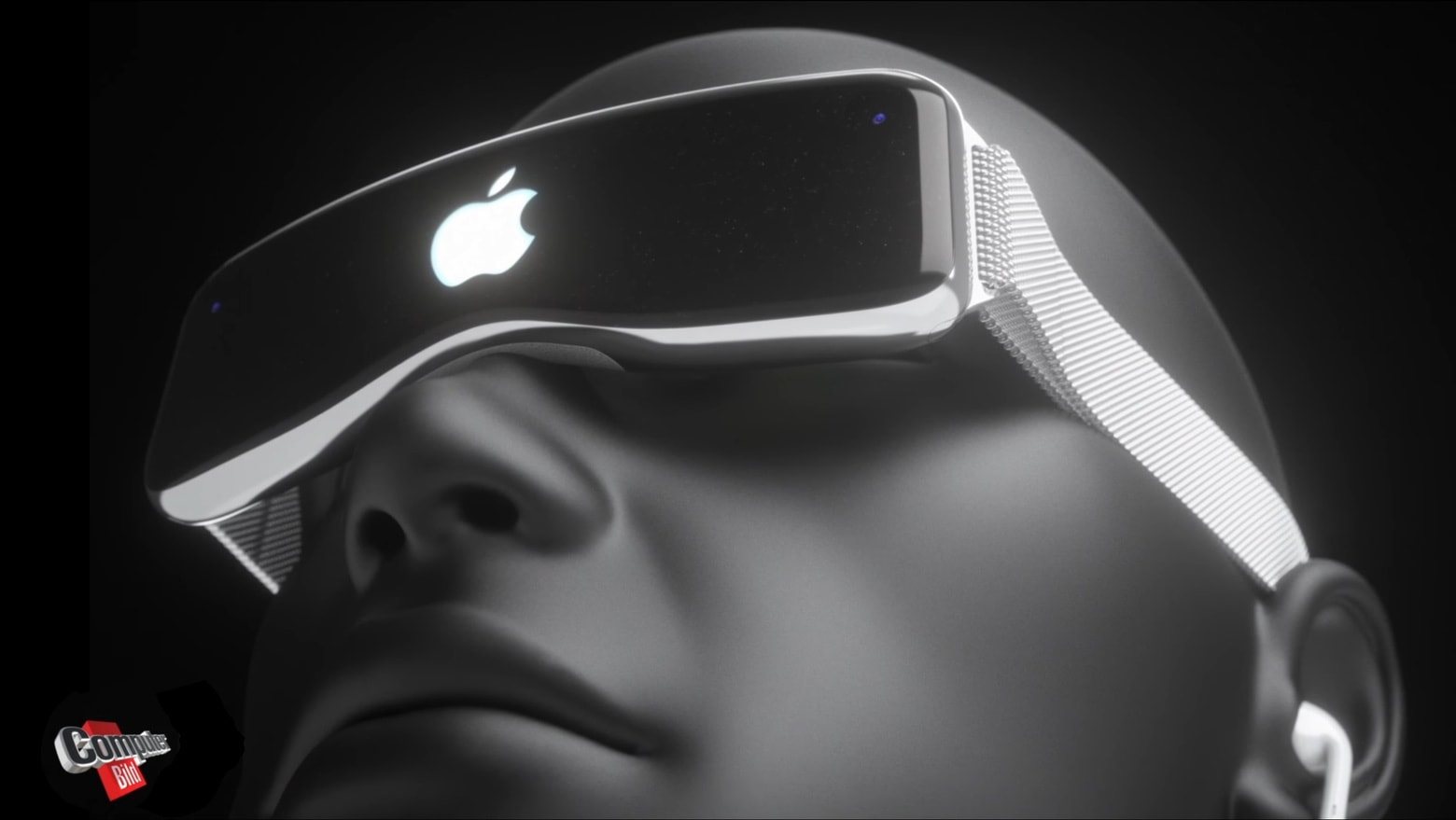
Apple VR/AR headset takes big step toward production
Apple's answer to the "metaverse" could look a lot different. (Let's hope so.)
Concept: Martin Hajek/Computer Bild

Apple job listings offer a peek into the development of the company’s long-rumored AR headset. Cupertino seemingly wants to create augmented reality and 3D content for its mixed-reality device, which could arrive in early 2023.

More importantly, one posting indicates Apple could be working on a metaverse competitor.

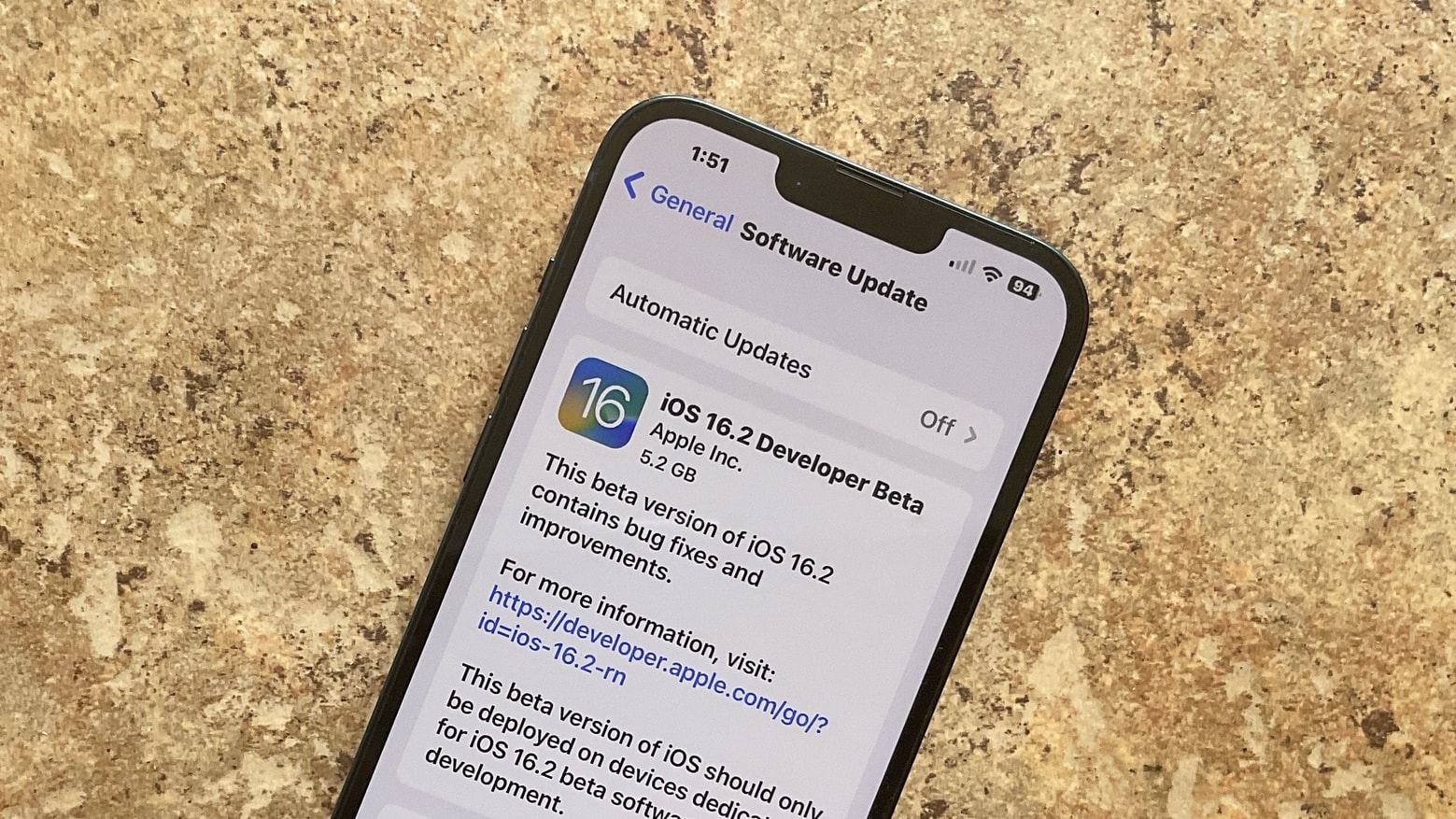
iOS 16.2 and iPadOS 16.2 beta 2: All the new features and changes

By

iOS 16.2 beta 1 receded developers on Tuesday.
iOS 16.2 and iPadOS 16.2 beta 2 are here with some new features.
Photo: Ed Hardy/Cult of Mac

Apple seeded the second iOS 16.2 and iPadOS 16.2 beta two weeks after the first beta dropped. The first beta packed plenty of new features and enhancements, and the second beta is no different.

Below is a look at all the changes and everything new in iOS 16.2 and iPadOS 16.2 beta 2, followed by an archive of the new features of beta 1.

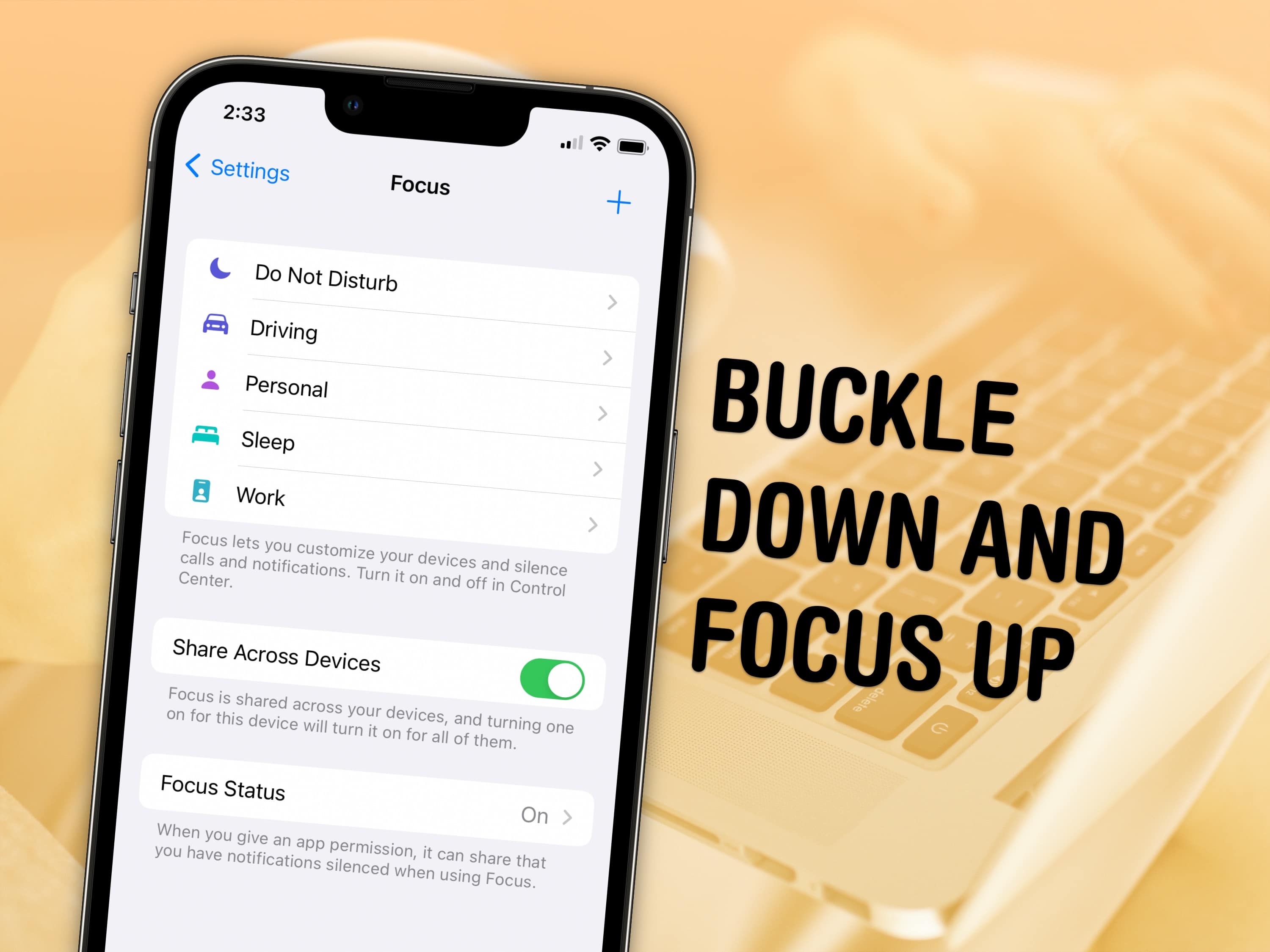
How to use Focus modes in iOS 16

By

Buckle down and focus up
Keep your distractions at bay with Focus modes — easier to set up than ever in iOS 16.
Image: D. Griffin Jones/Cult of Mac and Nenad Stojkovic, CC BY 2.0/Wikimedia Commons

Sometimes, you need your iPhone and your Mac to be very different tools throughout the day — Focus modes are all about customizing them for everything you do.

Apple’s Focus modes are a powerful way to change how your iPhone, iPad and Mac look and feel whether you’re driving, sleeping, relaxing or working. It’s all about fully immersing yourself in whatever you’re doing. You can change all kinds of things: from who can reach you and which apps send notifications to custom lock screens, home screens and more.

Killer streaming gear used for anything but streaming [Setups]

By

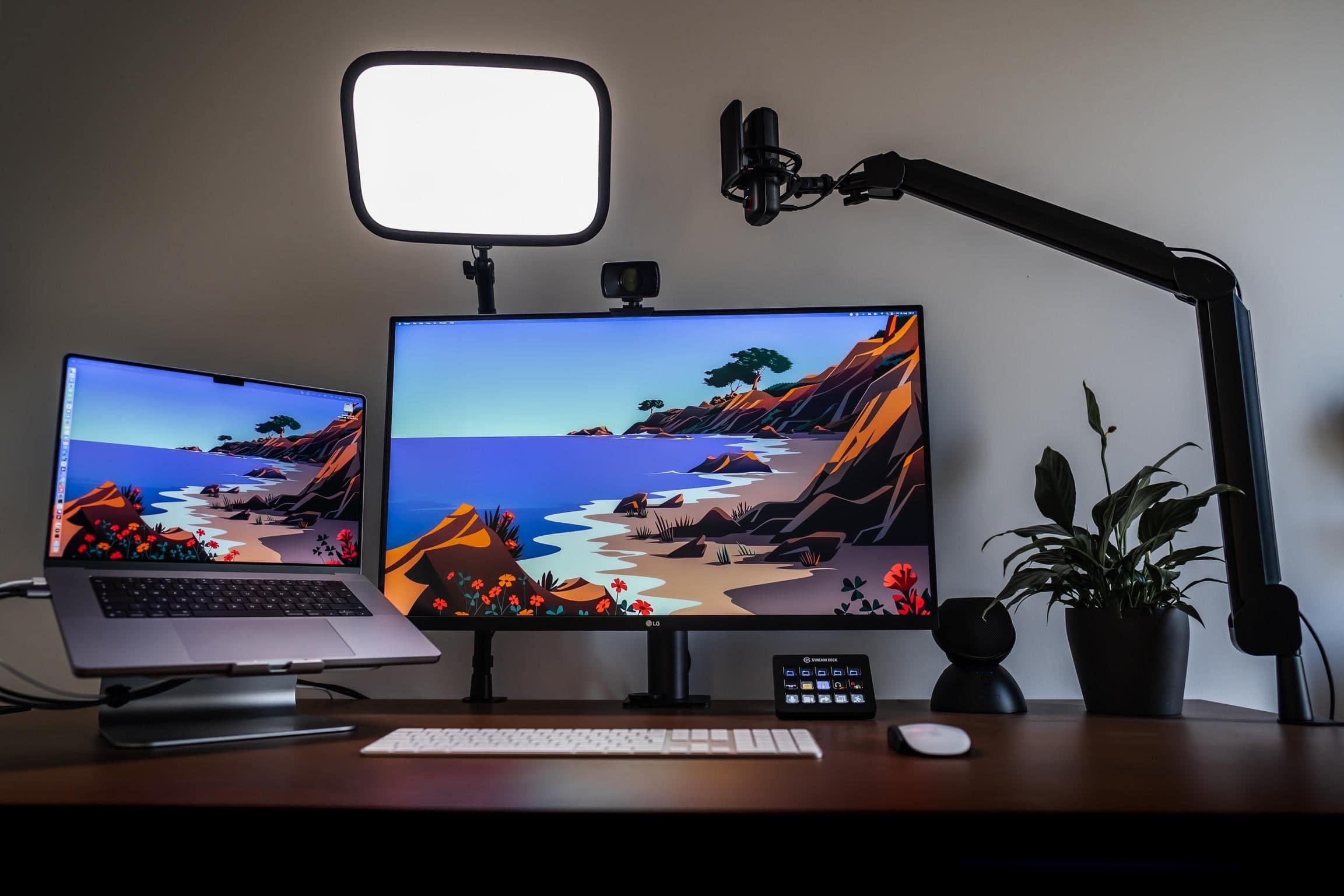
This is a well-lit setup for video calls.
Photo: [email protected]

When you look at the gear in today’s setup you might say, what is this, an ad for Elgato? The workstation is rife with Elgato devices widely used by streamers for video-production workflows, like its popular Facecam, Wave:3 microphone and Stream Deck.

But the MacBook Pro setup isn’t used for streaming at all.

The software engineer who occupies the well-appointed workstation finds perfectly productive things to do with all that Elgato gear, other than streaming.

Keychron’s slim new mechanical keyboard is super-customizable

By

The
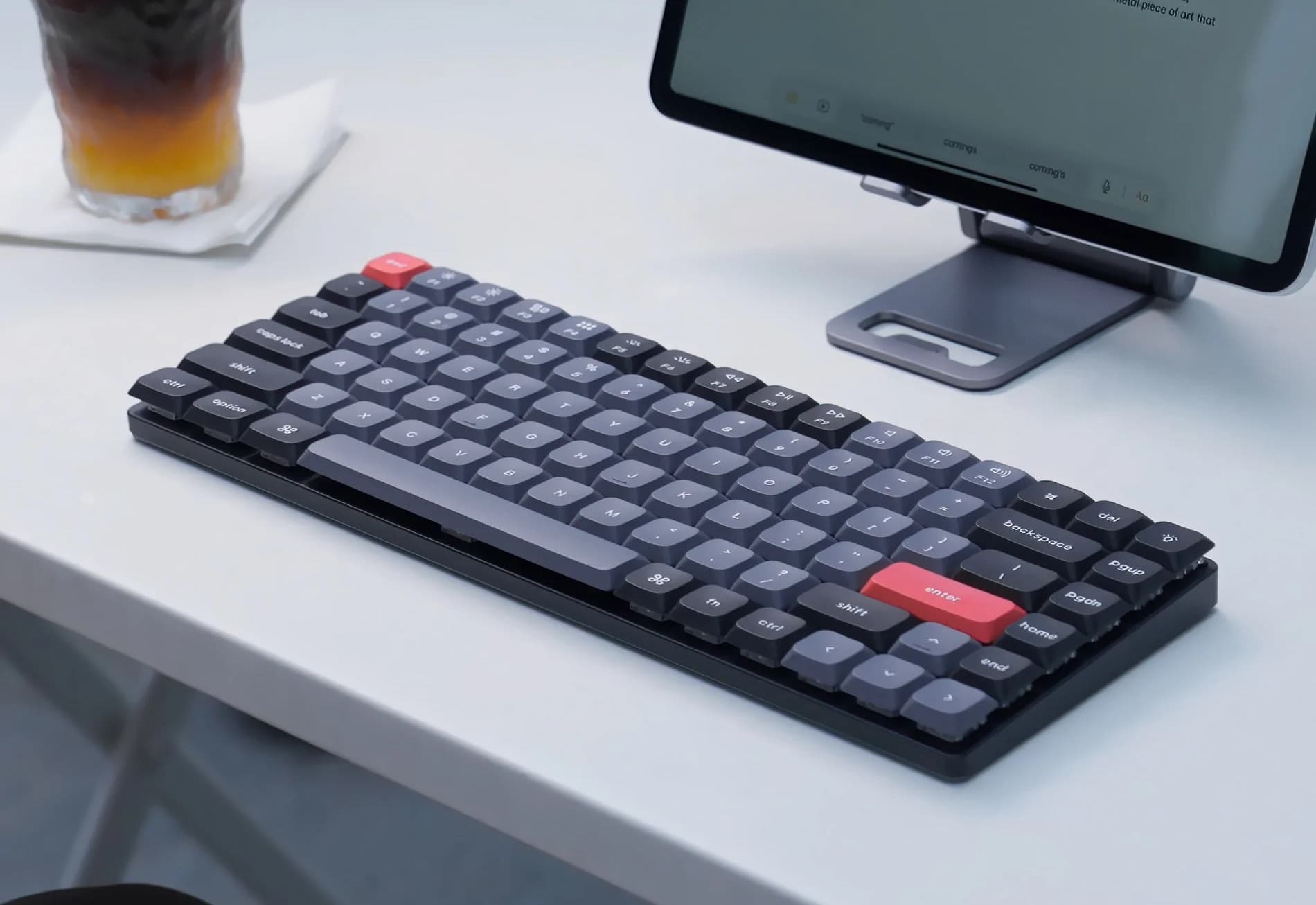
The "low-profile" keyboard is shorter than your average mechanical keeb.
Photo: Keychron

Keychron launched a Kickstarter crowdfunding campaign Wednesday for its slim, highly customizable new K3 Pro mechanical keyboard. The company called it “the first-ever low profile mechanical keyboard to come with wireless connectivity and support QMK/VIA.”

And it’s “the first keyboard to ever be equipped with double-shot PBT low profile keycaps,” the company added.

The funding campaign has already eclipsed its initial campaign goal, so the product is likely to ship, just as the original K3 did.

New $249 Magic Keyboard Folio goes with iPad 10

By

It looks like a nice iPad 10 accessory, but it's not cheap.
Photo: Apple

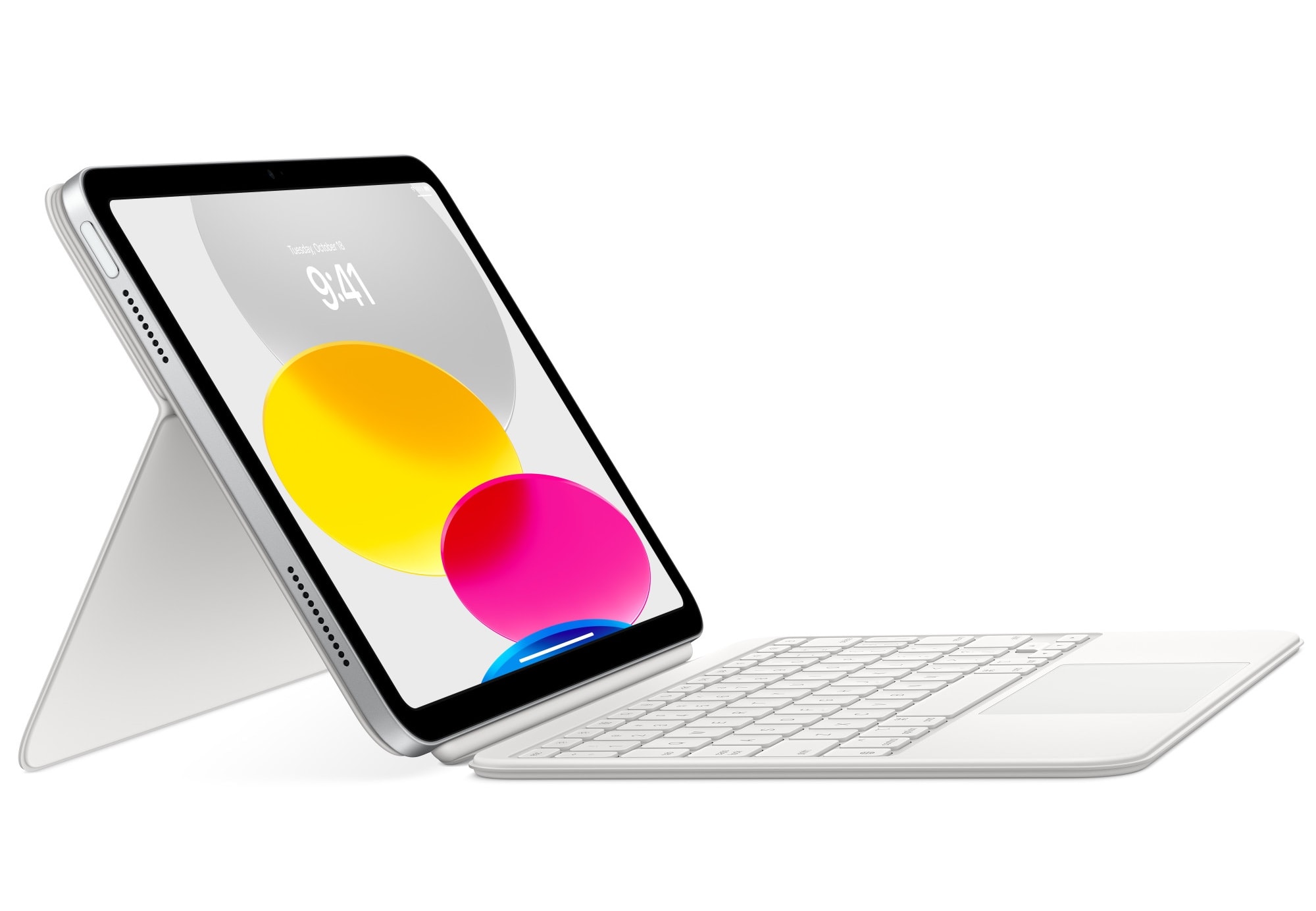
Along with the redesigned 10th-gen iPad that Apple released Tuesday, the company rolled out the first Magic Keyboard Folio to go with the entry-level tablet. The new iPad accessory adds function keys — a first for Apple’s iPad keyboards.

While the iPad 10 costs much more than previous versions, starting at $449 instead of $329, if you want the detachable keyboard and stand Apple now makes for it, you have to add another $249.

That completes your basic iPad experience for a pretty penny. And the new Magic Keyboard Folio only comes in white, by the way.

Get up to $290 off Roborock smart vacuums this week

By

The Roborock S7+ can automatically switch from mopping floors to vacuuming carpets.
Photo: Roborock

This post on smart vacuums is brought to you by Roborock.

Hate the drudgery of vacuuming and mopping the floors in your house or apartment? You might be surprised how brilliant robot smart vacuums have become lately. They can do much of the work for you, with remarkable efficiency.

And this week you can take advantage of Roborock’s deep discounts on 10 advanced models of robot vacuum cleaners, saving you hundreds of dollars in some cases.

Use classic Mac keyboards and mice with these adapters [Review]

By

Extended Keyboard II and ADB Mouse II connected to my MacBook Pro and Cinema Display
You can use classic Mac keyboards and mice with a modern machine thanks to clever adapters and apps.
Photo: D. Griffin Jones/Cult of Mac

Apple’s modern keyboards are perfectly adequate but pretty unremarkable. They are anything but fun. But thanks to the wide selection of modern USB adapters from TinkerBOY, you can liven up your setup with long-lost keyboards and mice of yore.

You can use the legendary Apple Extended Keyboard II, with its unique key switches that make typing an almost ecstatic experience. You can get an adapter for the original Macintosh Mouse, for clicking and dragging like it’s 1984.

I get a fair share of products for review at Cult of Mac but none had me excitedly checking the mailbox every day like these. Read on for my experience using TinkerBOY’s keyboard and mouse adapters with a modern Mac.

1 30 31 32 33 34 121