Mobile menu toggle

Search results for: shortcuts

Everyone should use this simple clipboard manager for Mac [Awesome Apps]

By

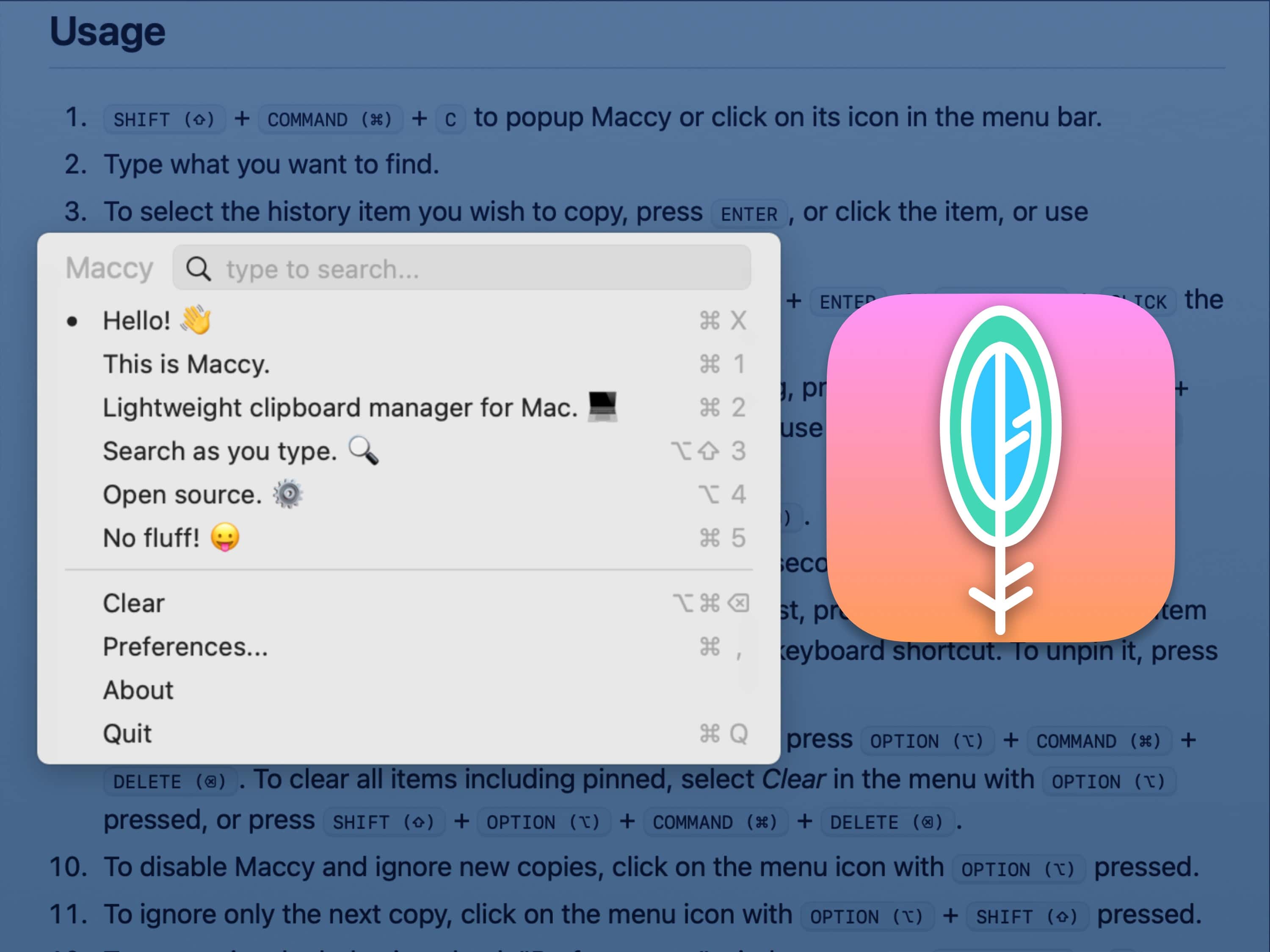
Maccy Clipboard Manager
If you don't have a clipboard manager already, your life is about to change.
Image: D. Griffin Jones/Cult of Mac
Awesome Apps

Maccy is a fantastic macOS copy-paste manager that supercharges your clipboard history. It allows you to copy … and copy … and copy again, and still paste the first thing you copied. Of course, it works with cut-and-paste too. It’s super well-designed and very easy to use. With a simple keyboard shortcut, you can bring up a small menu to instantly paste something you cut or copied hours ago.

It’s a fantastic utility that will quickly become a must-have on every Mac you use. You can buy Maccy for just $9.99 on the Mac App Store, or build it from its open-source code yourself.


Studio Display stars in designer’s Lego-rich home office [Setups]

By

Setups Jose Munoz desk with MacBook Pro and Studio Display
Munoz loves his Studio Display the most, but he also praises his 14-inch M1 MacBook Pro and other gear.
Photo: Jose Munoz

If Apple’s popular but pricey Studio Display is well-suited to anyone, it’s any type of designer because of the monitor’s formidable graphics chops.

In today’s loaded MacBook Pro setup, a designer sets apart his Studio Display for the highest praise among many items in a remarkably well-equipped workstation. And his Lego collection is epic, too.

Score an Apple Magic Keyboard Folio for just $85

By

Gift this Apple Magic Keyboard Folio to an iPad 10th Gen user for the holidays, now only $85.
This might be the ultimate keyboard case for the 10th-gen iPad. And you can't beat the price!
Photo: Cult of Mac Deals

The Apple Magic Keyboard Folio is a great combo keyboard case for the iPad, but its high retail price puts it out of reach for some consumers. Not so with this hot deal on an open-box model that slashes the price by 67%.

For a limited time, you can grab a Magic Keyboard Folio for just $84.97 (regularly $249) with free shipping. However, you need to order today if you want to ensure it arrives on time for Christmas!

iPhone iTunes Store app no longer includes films or TV shows

By

iTunes Store redirect to Apple TV app
If you want to watch video, don't bother going to the iTunes Store app any more.
Photo: Apple/Cult of Mac

The iTunes Store application in the just-released iOS 17.2 simply redirects users to the Apple TV app for accessing previously purchased films and TV series.

The iTunes app for iPhone and iPad is now exclusively for music. For video, go directly to the Apple TV app.

Entire iPhone 16 lineup could feature force-sensitive Action button

By

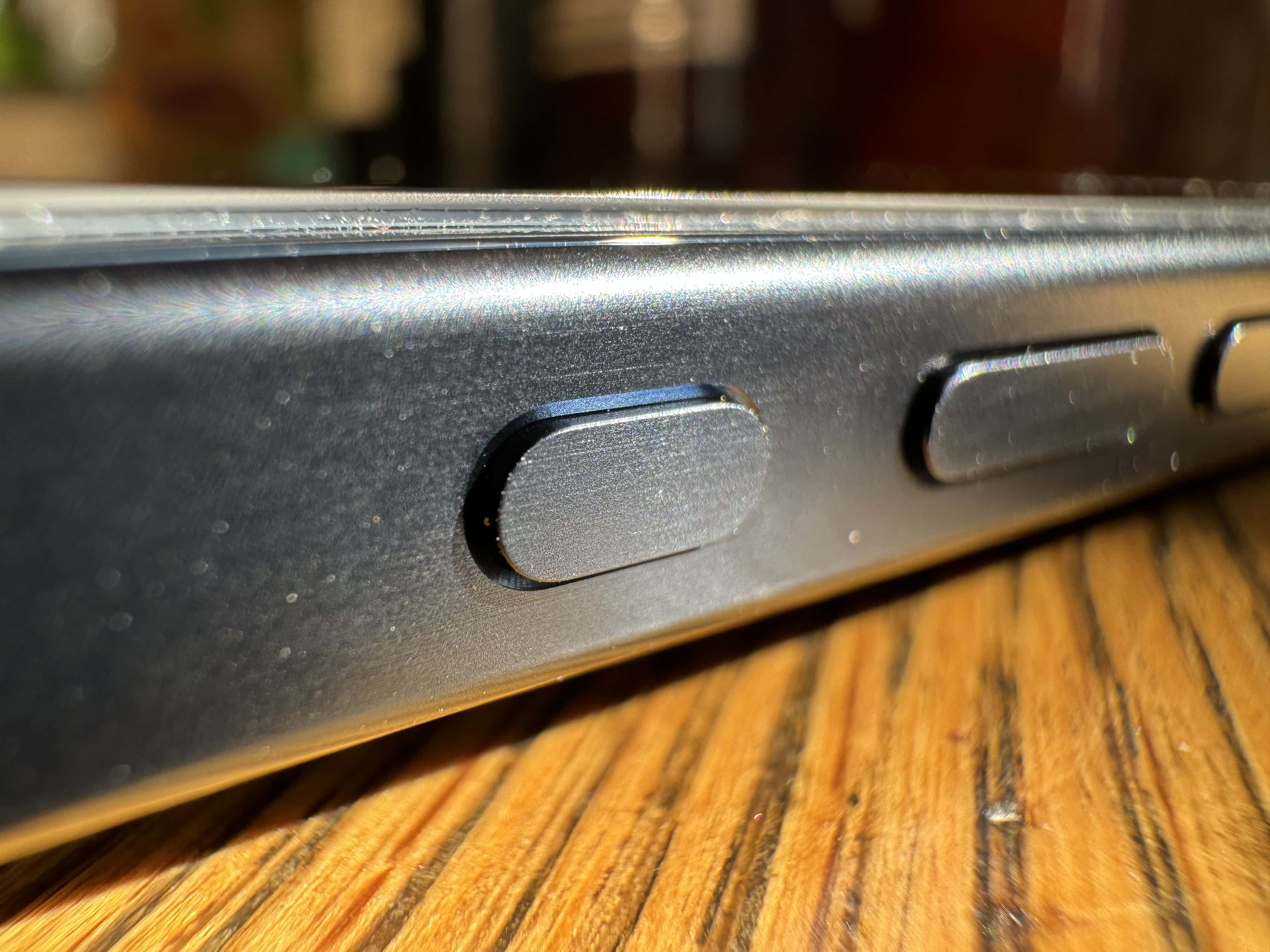
Closeup of iPhone 15’s new Action button.
iPhone 16's Action button could benefit from force-detection capabilities.
Photo: Leander Kahney/Cult of Mac

Apple reportedly will bring the iPhone 15 Pro’s Action button to the entire iPhone 16 lineup next year. It will seemingly be a capacitive button and pack a lot of additional functionality.

The new rumor indicates the iPhone 16’s Action button will use a force sensor, allowing it to detect changes in pressure.

iOS 17.2 beta 3: All the features and changes

By

iOS 17.2 release notes
Time to try out iOS 17.2 beta on your iPhone!
Photo: Ed Hardy/Cult of Mac

A week after seeding the second iOS 17.2 beta, Apple has released the third beta of the OS. The first two beta builds were loaded with new features, and iOS 17.2 beta 3 is no different.

Below are all the changes and enhancements we have found in iOS 17.2 beta 3 so far.

Get better Bluetooth controls with AirBuddy [Awesome Apps]

By

AirBuddy for macOS
Wrangling Bluetooth should work this way out of the box, but luckily, there’s AirBuddy to help.
Image: Apple/D. Griffin Jones/Cult of Mac
Awesome Apps

AirBuddy is a handy Mac app that lets you monitor all your nearby Bluetooth devices and AirPods. You can check battery life, switch them back and forth between multiple Macs on your desk, and best of all — get the same beautiful AirPods animations that you see on your iPhone.

It offers granular Bluetooth controls that Apple should build right into macOS.

Apple admin runs clinic with formidable M2 MacBook Pro rig [Setups]

By

Start with a new 16-inch M2 MacBook Pro, a CalDigit Thunderbolt 4 dock and a huge Samsung display, and go from there.
Photo: [email protected]

Perhaps you’ve heard an expression often used in sports commentary — “so-and-so is running a clinic on this,” meaning showing anyone and everyone how it’s done.

Today’s featured computer setup comes from an Apple administrator who clearly knows how it’s done, if “it” is setting up a rock-solid and highly functional workstation.

iPhone 15 Pro vs. iPhone 13 Pro: Should you upgrade?

By

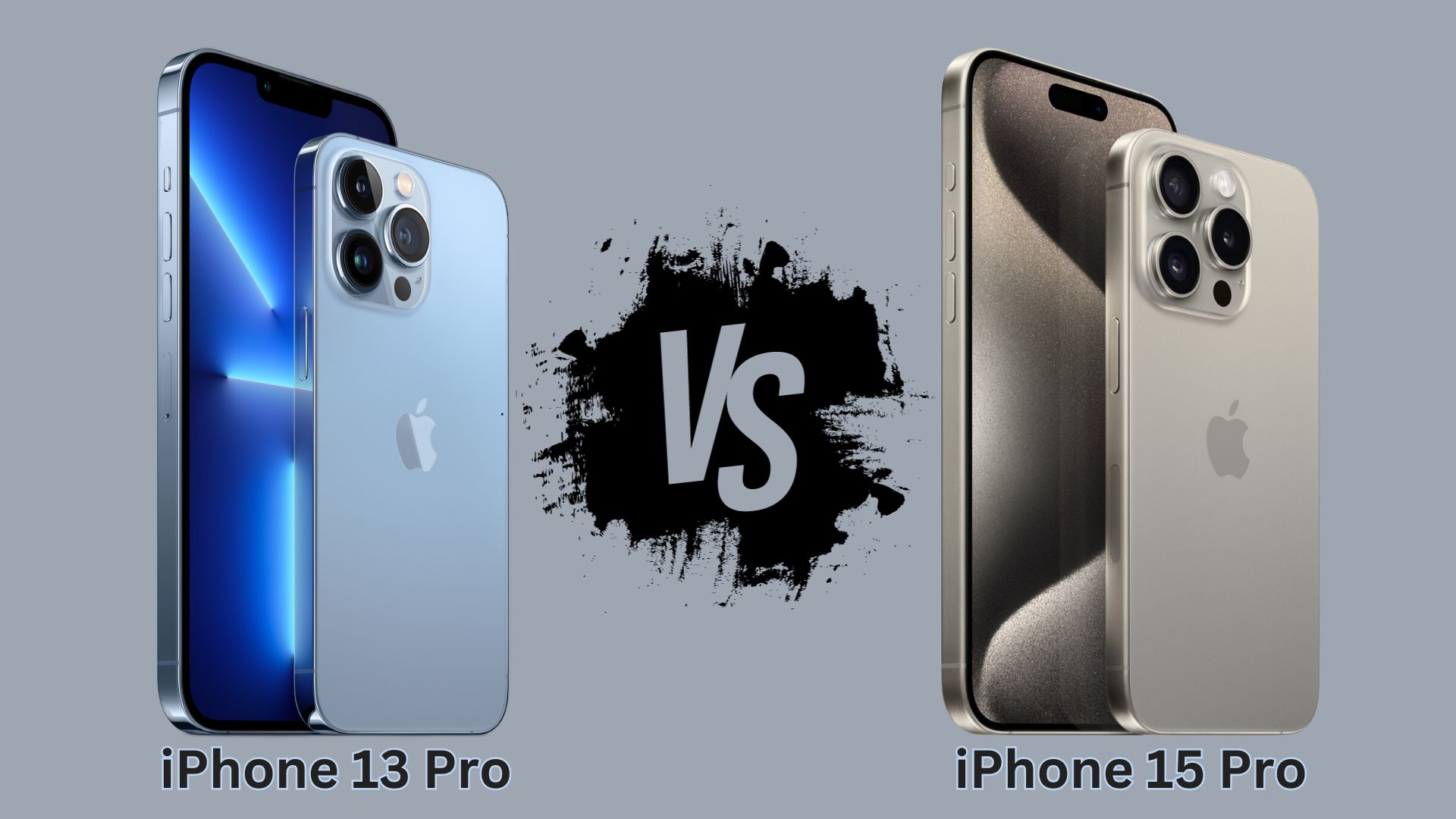
iPhone 15 Pro vs. iPhone 13 Pro Comparison
Apple has made some big upgrades in the two years since iPhone 13 Pro's release.
Photo: Apple

The iPhone 15 Pro packs significant upgrades over its immediate predecessor, like a titanium body, a brighter display, a faster processor and better cameras. But are these changes enough to warrant an upgrade from your 2-year-old iPhone 13 Pro? Find out in this comparison.

10 tweaks to make iOS 17 awesome

By

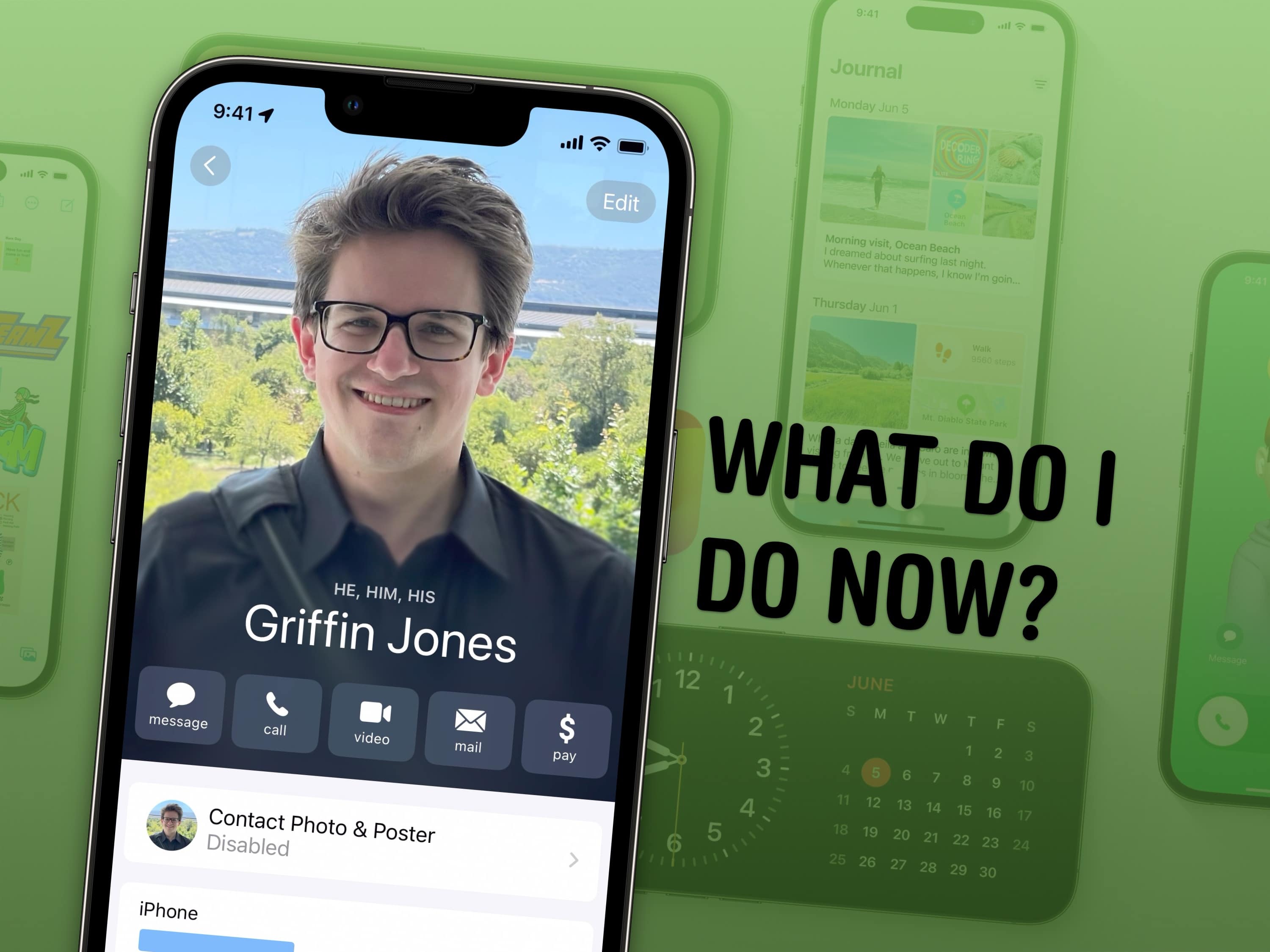
What Do I Do Now?
Finally, you’re on iOS 17. What’s next?
Image: Apple/D. Griffin Jones/Cult of Mac

There are a lot of awesome features in iOS 17 — Contact Posters, StandBy, Safari profiles, shared passwords and much, much more. Here’s a simple to-do list on how to make the most of Cupertino’s latest and greatest iPhone operating system.

1 25 26 27 28 29 121