Mobile menu toggle

Search results for: shortcuts

Logitech’s new Wave Keys keyboards bring all-day typing comfort

By

Logitech's Wave Keys keyboards are all about comfort and come in three color choices.
Photo: Business Wire

Logitech unveiled its new Wave Keys ergonomic keyboards for personal and business uses Wednesday. They offer “instantly familiar typing, providing comfort at the desk in the home and office,” the company said.

“We believe that everybody deserves to feel good at the end of a day of work, so we set about designing workspace essentials that are as attractive and approachable as they are ergonomic,” said Art O’Gnimh, general manager, Logitech Core Personal Workspace. “Wave Keys has workspace wellbeing at its heart, thanks to its science-driven design with a stamp of approval from leading ergonomists.”

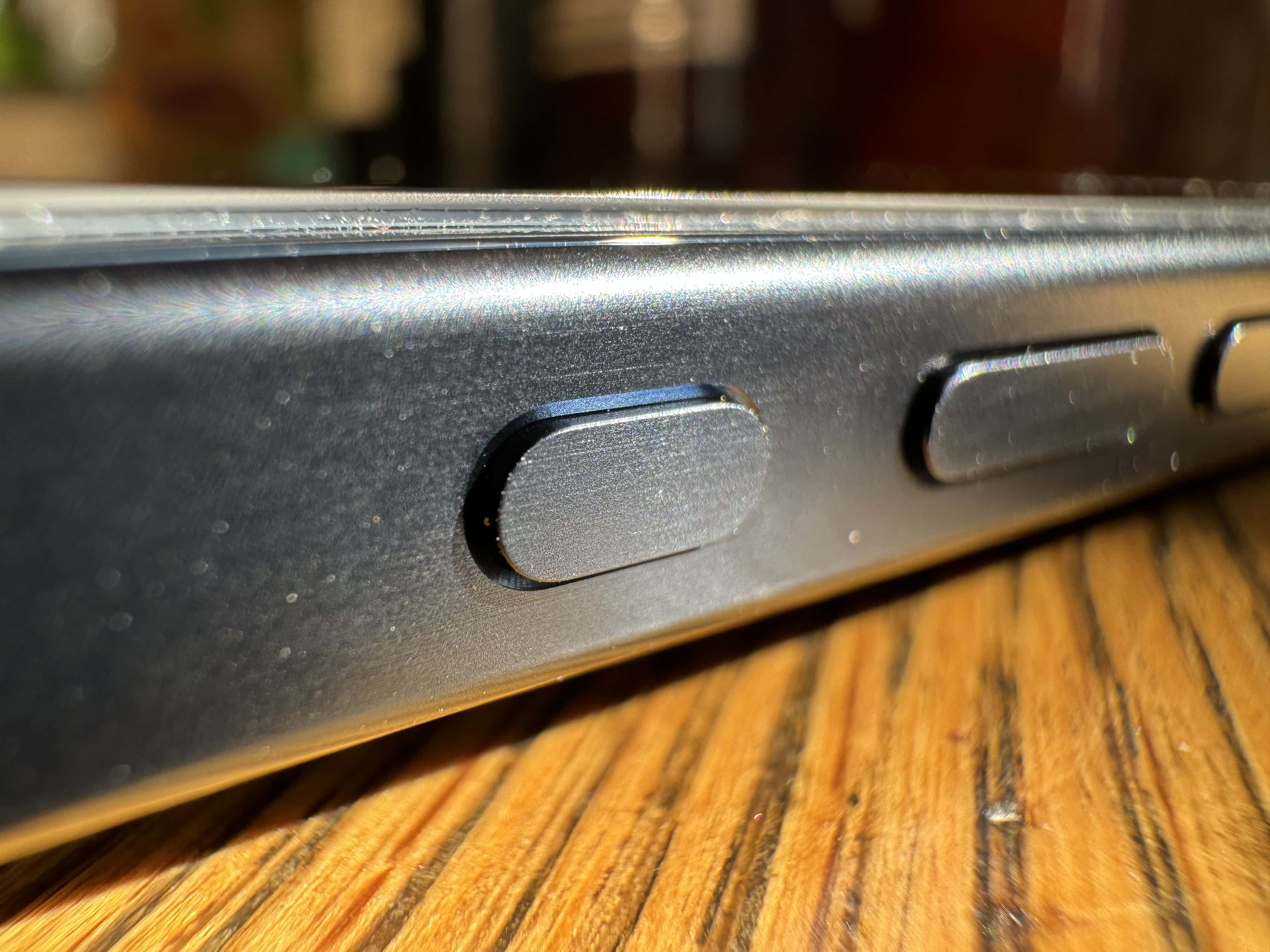
iOS 17.1 will add pocket-detection mode for iPhone 15 Pro’s Action button

By

Closeup of iPhone 15’s new Action button.
iOS 17.1 will make a slight change to iPhone 15 Pro's Action Button behavior.
Photo: Leander Kahney/Cult of Mac

Apple will tweak the Action button’s behavior on the iPhone 15 Pro with the upcoming iOS 17.1. The change should prevent accidental keypresses from triggering the camera or flashlight.

The customizable Action button is easily one of the key highlights of the iPhone 15 Pro series.

Hands-on with 5 powerful accessibility features in iOS 17

By

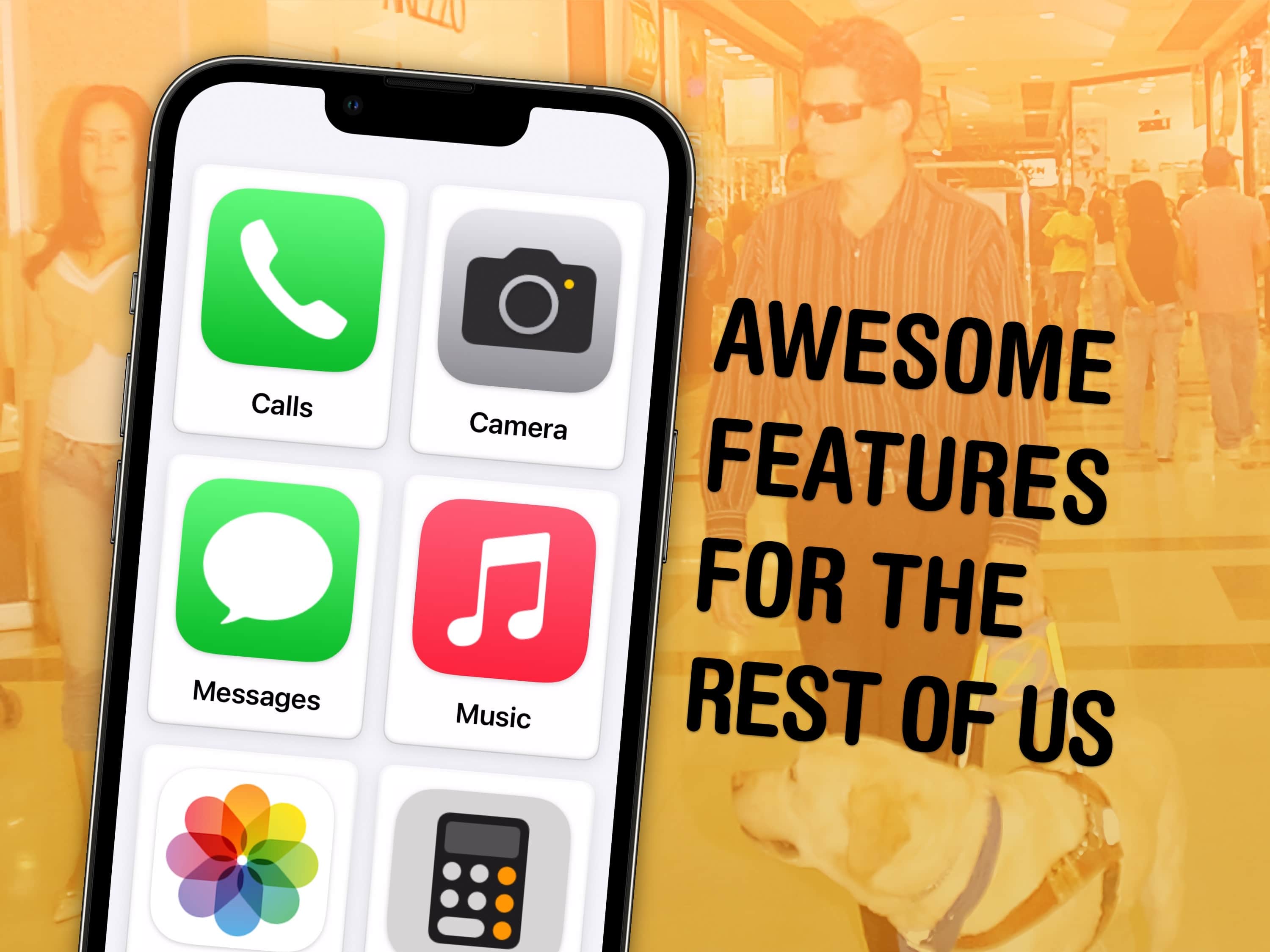
Awesome Features for the Rest of Us
What’s new in iOS accessibility? You might be surprised.
Image: Antonio Cruz/Wikimedia Commons/D. Griffin Jones/Cult of Mac

If you haven’t looked at any of Apple’s accessibility features because you’re not blind or deaf, and don’t think they would make your life easier, you might be surprised.

Apple built a handful of accessibility features into iOS 17 that let people with various disabilities use the iPhone in new and unexpected ways. However, absolutely anyone can take advantage of these tools, which prove surprisingly helpful in certain situations.

You can already get live captions to watch videos silently, lock your phone into one app to keep people from snooping around, play soothing ocean or forest sounds and more.

In iOS 17, five accessibility features take things even further. Assistive Access simplifies your phone to its bare features to make it easier to use; Live Speech and Personal Voice let you type on the keyboard to speak using your own voice; Detection Mode and Point and Speak help you get around using your iPhone camera.

Our hands-on demo will show you what these features can do for you.

How to stop macOS Sonoma from flashing your desktop

By

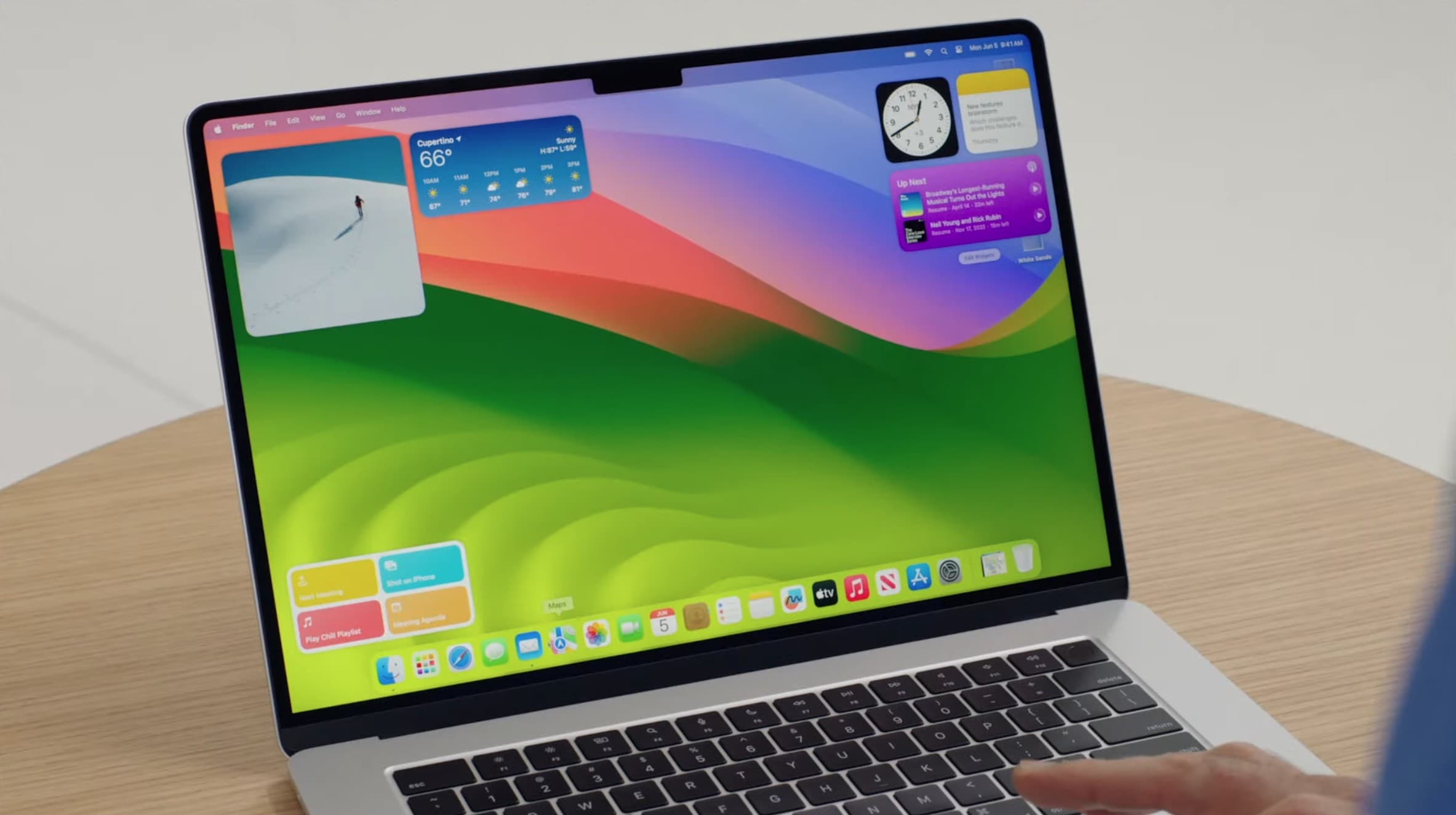
macOS Sonoma brings widgets to the Mac desktop.
macOS Sonoma brings widgets to the Mac desktop, but maybe you don't want to see them every time you click.
Photo: Apple

Upgraded to macOS Sonoma? You probably noticed by now that clicking on your Mac’s desktop automatically hides all open windows, with the focus moving to your widgets and desktop shortcuts.

This is the new “Click wallpaper to reveal desktop” feature in the new Mac operating system. If you find this functionality annoying, here’s how to turn it off. That way, you can safely click your Mac’s desktop again.

How Apple muffed the iPhone 15 Pro’s new Action button

By

Promo shot of iPhone 15 Pro with the Action button reversed to the opposite side
The Action button would be easier to reach for right-handed phone holders.
Photo: Apple/D. Griffin Jones/Cult of Mac

I’ve been using my new iPhone 15 Pro for a couple of weeks now, but I still haven’t gotten used to the new Action button.

The Action button can be configured to give easy, one-button access to a range of functions, from launching the flashlight to opening a Tesla car door.

I have mine set up to open the Camera app and then act as the shutter button. But it’s kinda useless for two reasons.

iPhone 15 Pro overheating may arise from Apple ‘compromises’

By

Apple might fix iPhone 15 Pro overheating with a software update.
Photo: Apple

Widespread reports of iPhone 15 Pro handsets overheating probably don’t stem from the new 3nm manufacturing process for the A17 Pro chip but from shortcuts Apple may have taken with the thermal system, analyst Ming-Chi Kuo said Tuesday.

He also noted software updates may address overheating.

The 50 best iOS 17 features you should try after you update

By

iOS 17 preview
iOS 17 is packed with features.
Photo: Apple

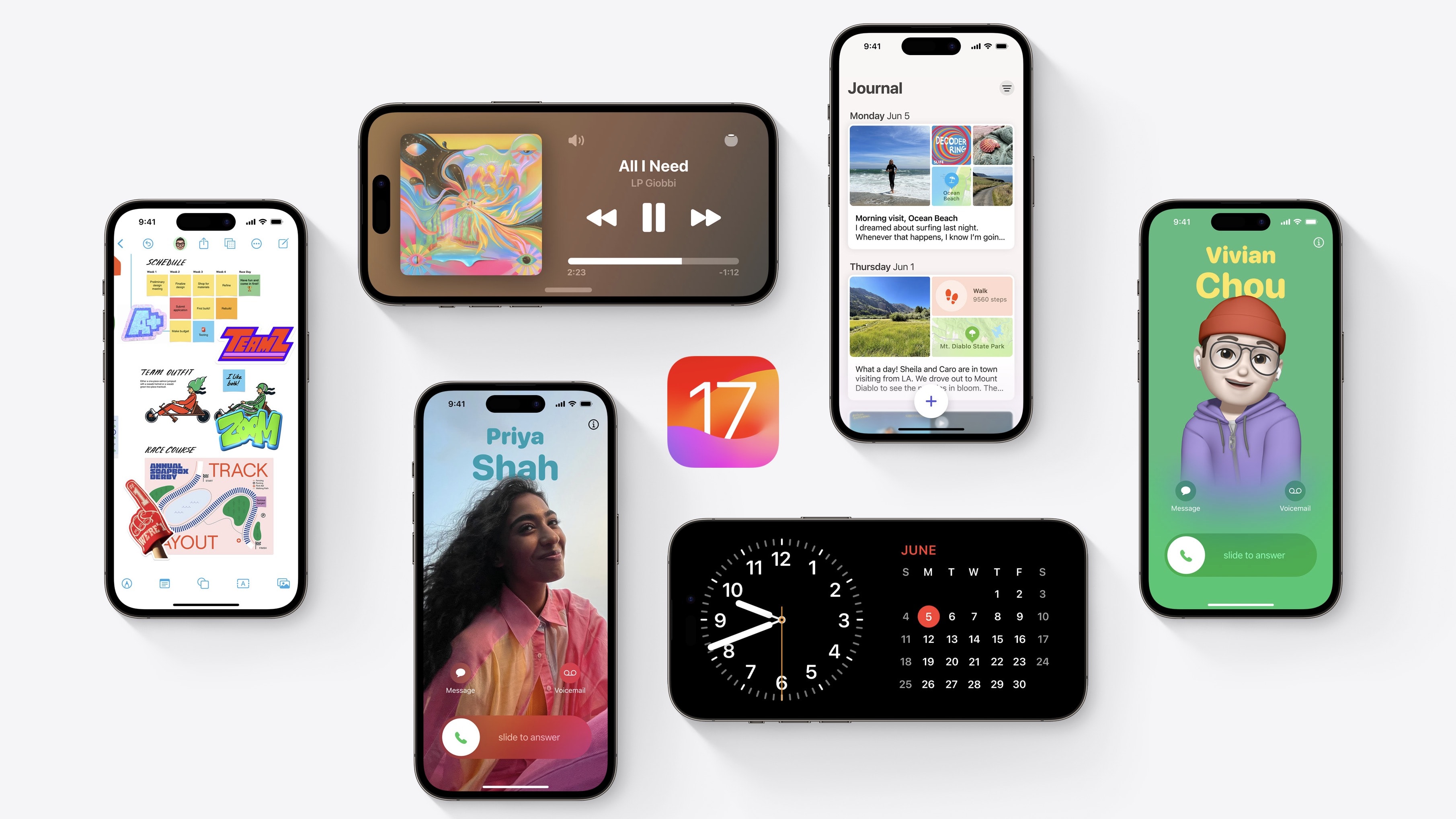
What’s new in iOS 17? This is a big year for iPhone and iPad. You should definitely check out the biggest new features — Contact Posters and Standby — first. But there are dozens of other great features for you to learn, explore and take advantage of, too.

iOS 17 is out now. I have all the 50 best tweaks and changes organized in this overview.

iPhone 15 Pro and Pro Max pack new features, but only 1 higher price tag

By

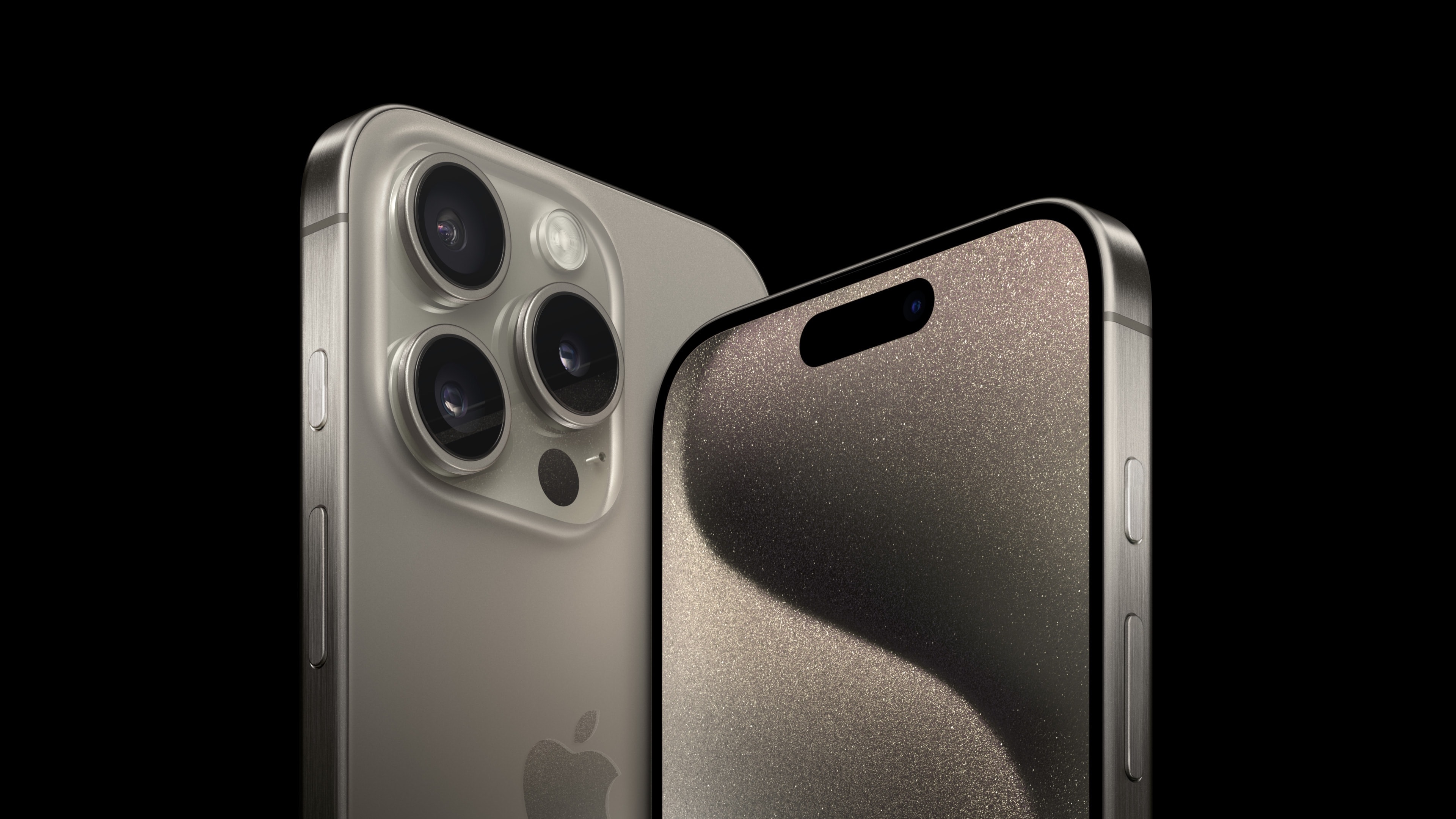
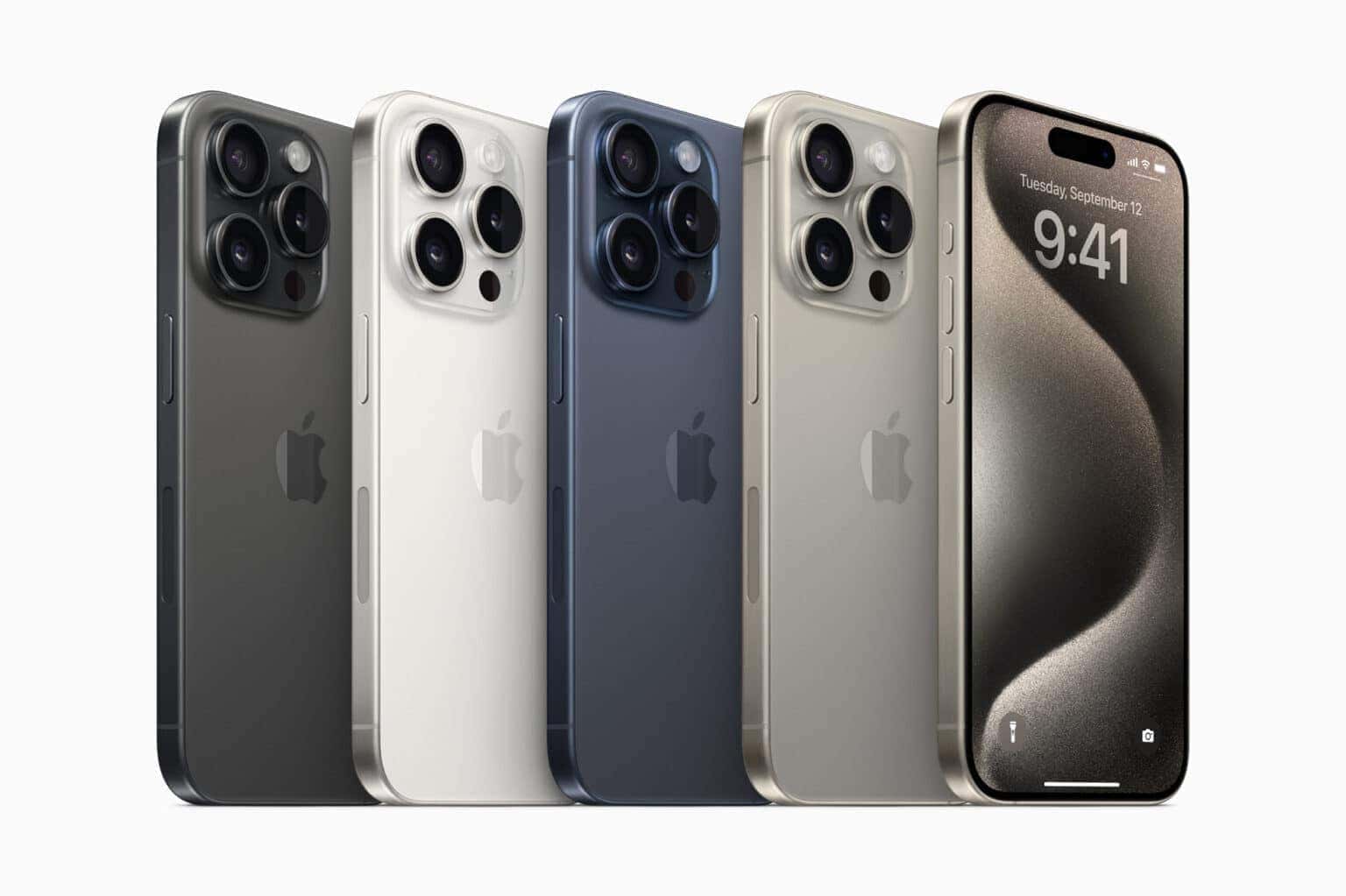
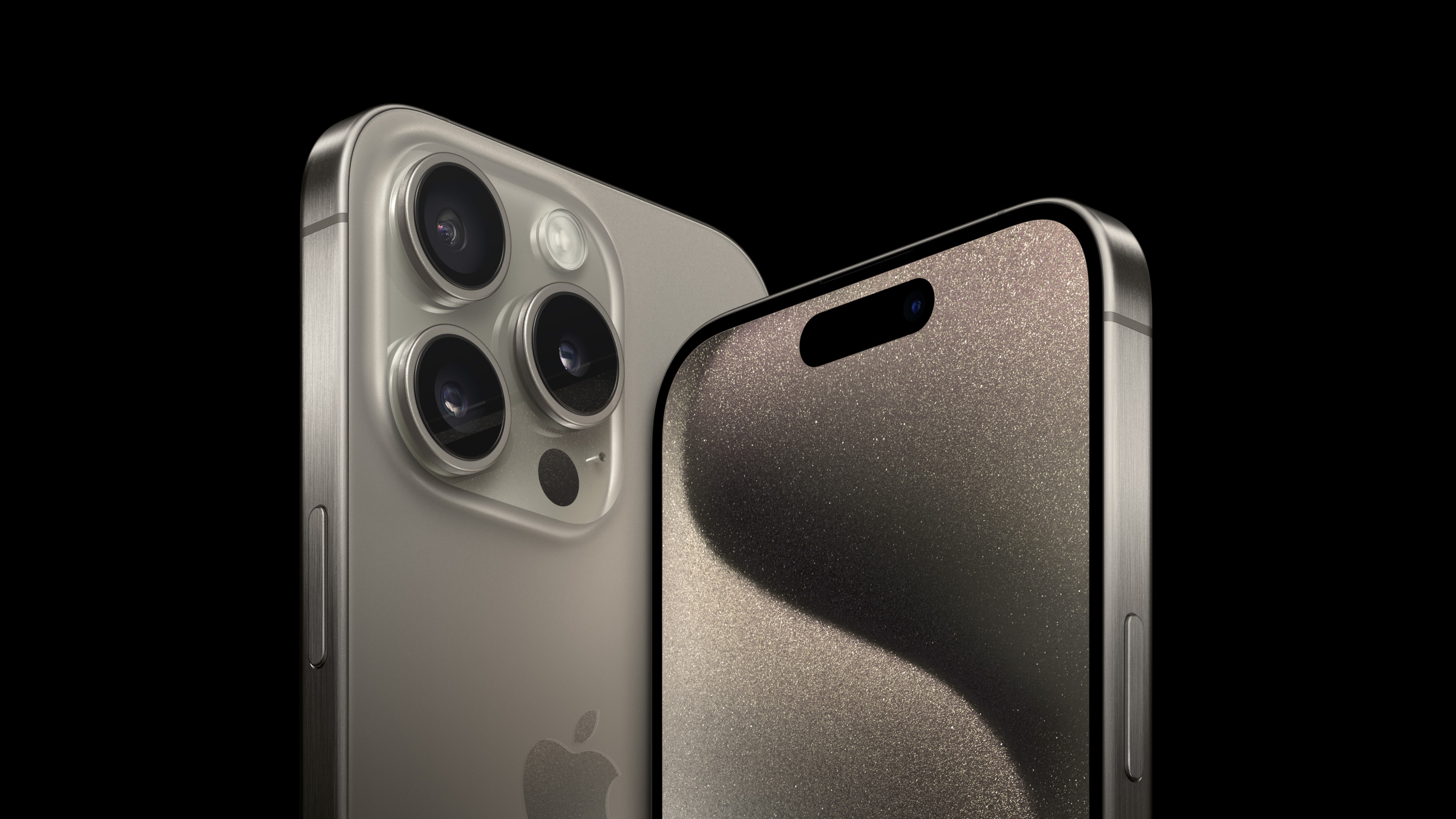
The iPhone 15 Pro models feature a strong and lightweight new titanium design.
Photo: Apple

Wonderlust bug

The new iPhone 15 Pro and iPhone 15 Pro Max handsets feature a lightweight titanium design with contoured edges, a new Action button, powerful camera upgrades and the A17 Pro chip to jack up mobile gaming, Apple said at its Wonderlust event Tuesday. And surprisingly, only the Pro Max’s price went up.

 “This is the most pro lineup we have ever created, with a state-of-the-art titanium design, the best iPhone camera system yet that enables game-changing new workflows, and the A17 Pro chip, which ushers in a new chapter of performance and games never before seen on iPhone,” said Greg Joswiak, Apple’s senior vice president of worldwide marketing, in a press release about the new models. To know more, read why the iPhone 15 might be Apple’s cheapest since 2007.

Report to the future with wild new Voyager split keyboard

By

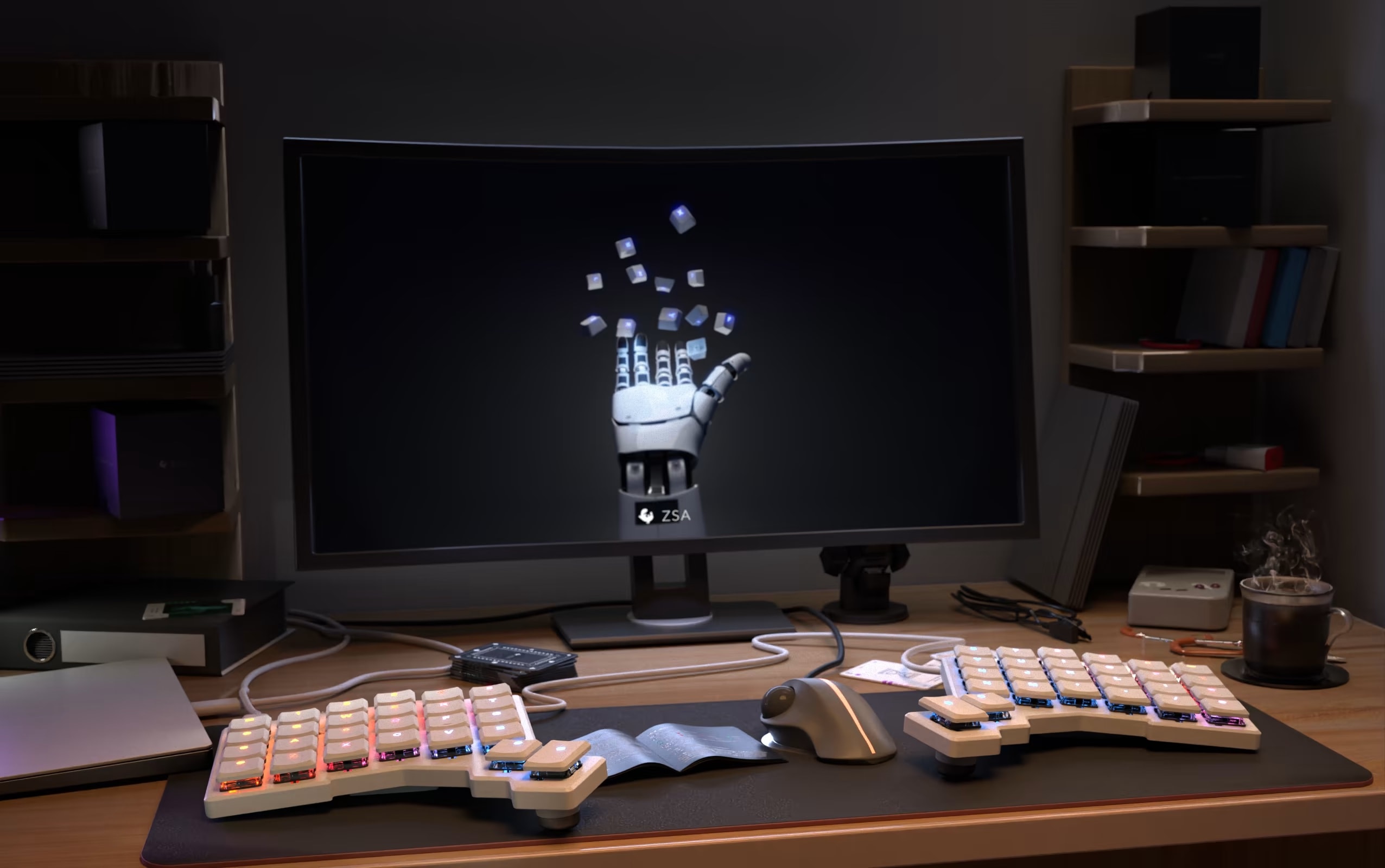
Emphasizing ergonomic typing and loads of customization options, it's especially useful for laptop users, the company said.
Photo: ZSA

The slim new Voyager mechanical keyboard that ZSA launched Wednesday, radically split into two low-profile pieces, looks mighty futuristic.

Emphasizing ergonomic typing and loads of customization options, it’s especially useful for laptop users, the company said.

1 26 27 28 29 30 121