Control Center is getting a big upgrade in iOS 18.
Photo: Apple
iOS 18 and iPadOS 18 will introduce “new levels of customization and capability to Control Center, helping you access many of the things you do every day even faster,” said Apple software chief Craig Federighi during Monday’s WWDC24 keynote.
The revamped Control Center features multiple groups and offers easy access to media playback controls, smart home devices and more.
And the next Mac operating system is ... macOS Sequoia! Photo: Apple
macOS Sequoia brings the “incredible features” of iOS 18 and iPadOS 18 to your Mac. This includes improvements to the Messages app, Math Notes and more.
Craig Federighi, the Apple software VP who unveiled macOS Sequoia during Monday’s WWDC24 keynote, said the new Mac operating system “introduces even more features to help you effortlessly get things done.”
Here’s what I want to see from WWDC. Image: Arne Müseler/Wikimedia Commons/Apple
Apple reportedly will focus heavily on AI when it announces the next major versions of all its operating systems Monday at WWDC24. Everyone expects an upgraded Siri, summaries that’ll catch you up on a flurry of notifications, image editing that can cut out parts of a picture and the like. But none of that is on my WWDC wish list.
Personally, I’m not convinced that Apple needs to go all-in on AI (or “Apple Intelligence,” as it reportedly will be called). I’d rather see fundamental fixes and long-missing features finally added. Plus, I find Apple’s rumored partnership with OpenAI, of all companies, pretty troubling.
Here’s my WWDC24 wish list of everything I hope Cupertino has been cooking up. Read the full list below or sit back and watch the video.
★★★★☆
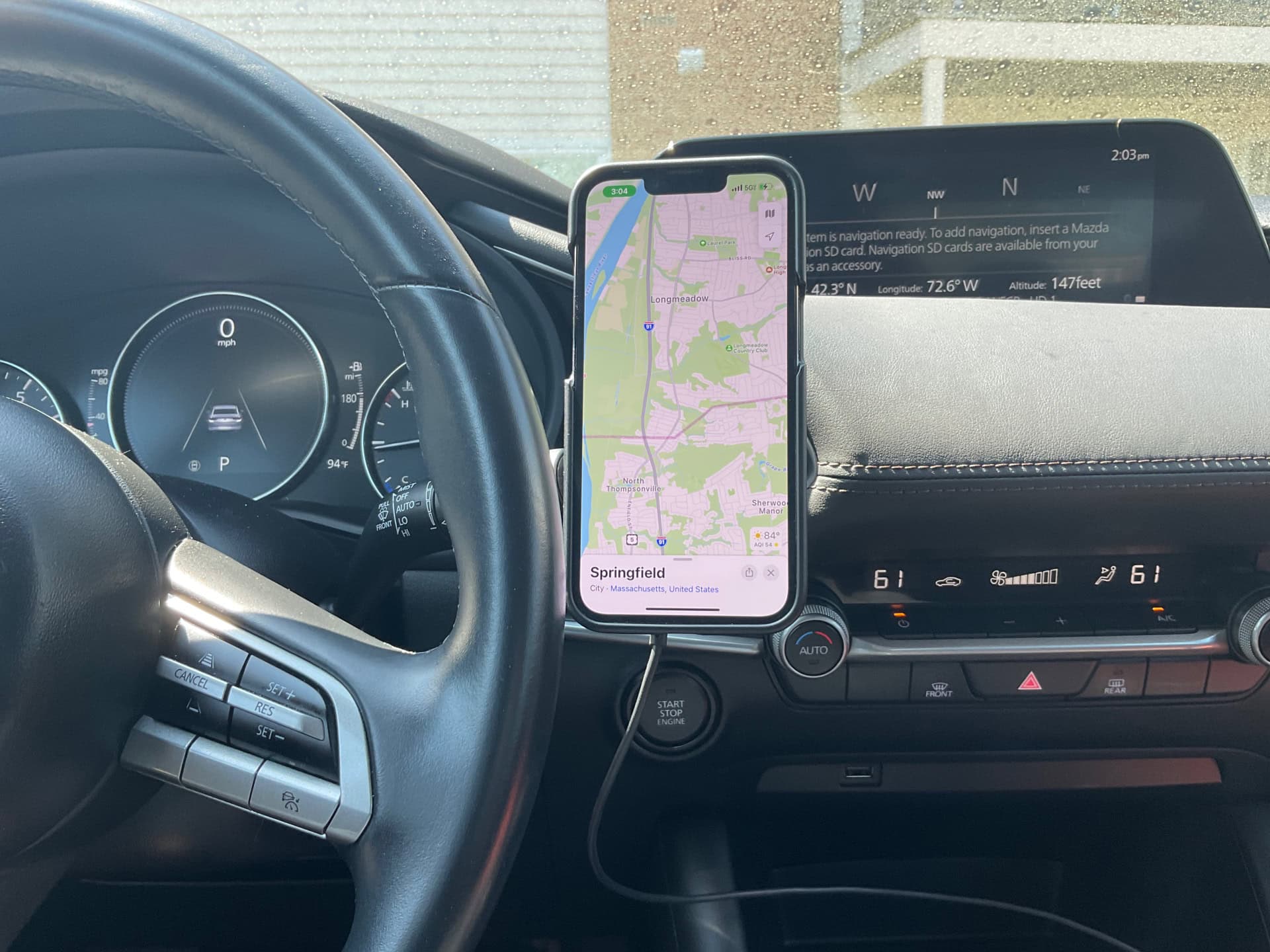
Pitaka's mount has a strong magnetic grip for your iPhone or other handset. Photo: David Snow/Cult of Mac
Sometimes people take car chargers for granted as merely functional necessities. But Pitaka challenges that with its new MagEZ Car Mount Pro 2 Qi2, a sleek and innovative device that fast-charges your iPhone or other smartphone and streamlines your in-car experience. It takes up little space as it brings your handset’s screen in sight.
As as a Qi2 device, it gives everyone MagSafe-level charging. And the company also makes a MagSafe edition, of course. It’s a great accessory to keep in the car, especially if the car lacks CarPlay on its infotainment screen.
A modern solution to an age-old problem. Photo: D. Griffin Jones/Cult of Mac
Whether it’s wedged between the cushions or kicked far under the couch, a handy-dandy feature in iOS 17 and tvOS 17 lets you find your lost Apple TV remote using your iPhone.
The mind races when one imagines how many hours of human life might have been saved if everyone had this feature 30 years ago. Let me show you how to find your AWOL Apple TV remote with your iPhone.
Save 20% on this 3D printer that lets kids design their own toys. Photo: Cult of Mac Deals
Kids (and adults) love to collect toys, but what if they could create their own? That’s precisely the point with the Toybox 3D printer deluxe bundle. This 3D printer for kids’ toys packs innovative technology into a simplified product that’s perfect for young minds.
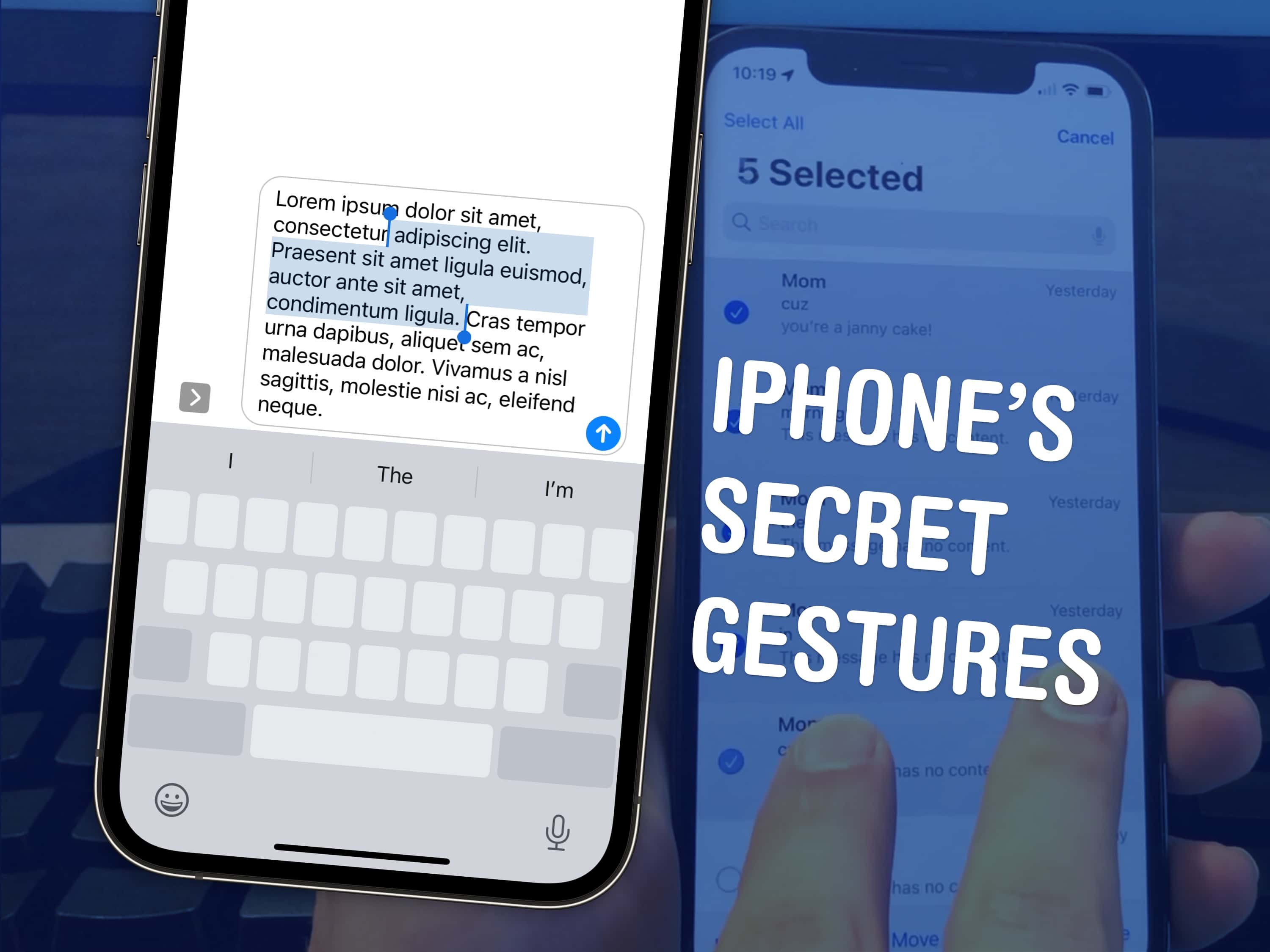
Top 3 tips to speed up a few things on your iPhone. Image: D. Griffin Jones/Cult of Mac
There are a few hidden gestures on your iPhone that you absolutely need to know. You’re typing out a long text on your iPhone and you need to go back to fix a typo. Tapping on the screen to move the cursor feels like a shot in the dark — but there’s a secret gesture to move around and select text.
Here are three top iPhone tips. Also in this article: how to select and delete a bunch of emails, text messages, anything in a list at once; and the secret gestures that undo and redo. Like, for example, if you accidentally delete a bunch of emails.
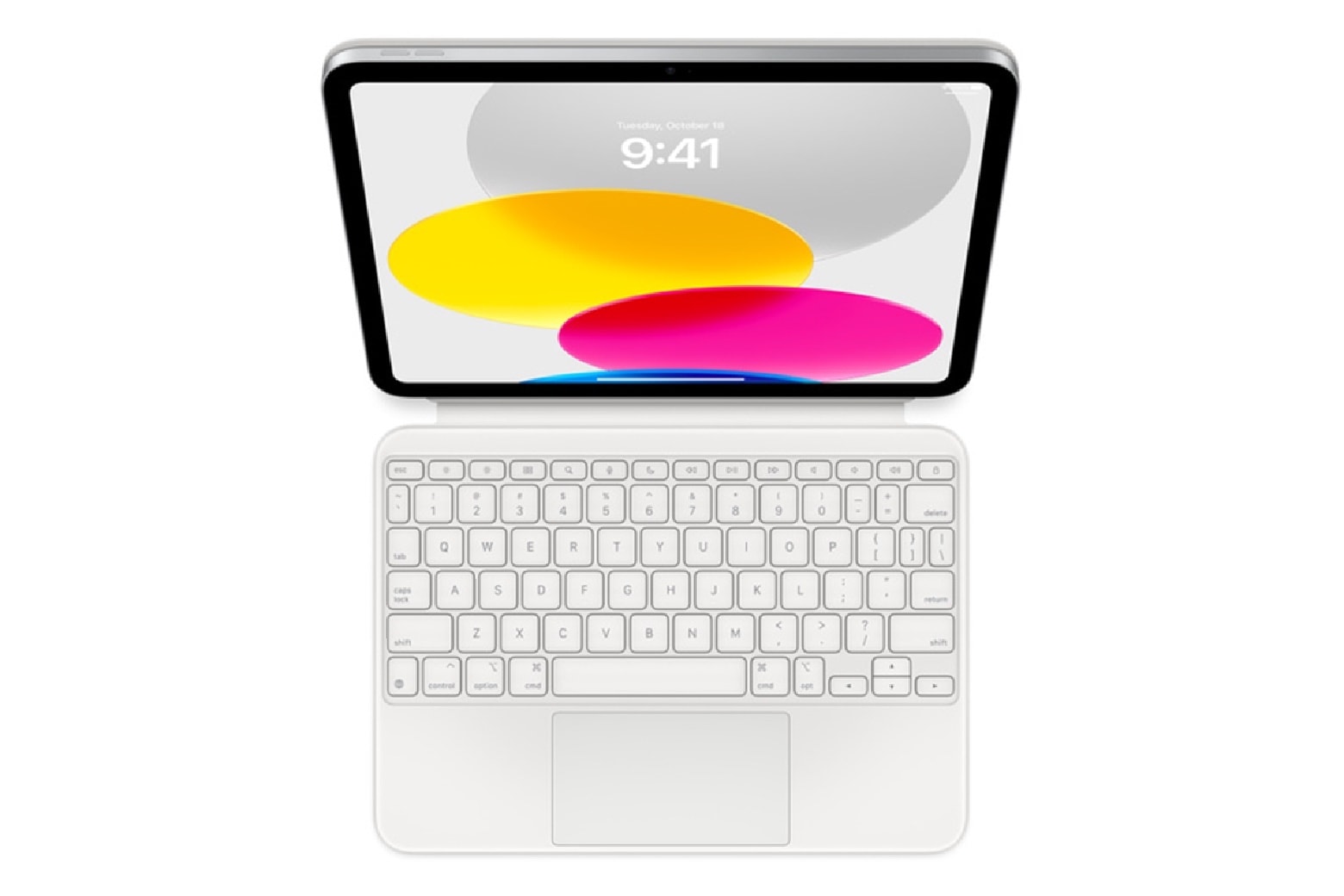
Accessorize your iPad 10 with this hot open-box deal on Apple's Magic Keyboard Folio. Photo: Apple
iPads are great for many things, but there’s one obvious drawback to using a tablet — the lack of a keyboard for typing out notes and performing similar tasks. Fortunately, if you need an iPad 10 accessory to maximize productivity, we’ve get one in this Apple Magic Keyboard Folio sale.
Apple’s outstanding iPad keyboard is perfect as a treat for yourself, but it’s not cheap. It retails for $249. But Cult of Mac Deals customers don’t need to pay full price to get the ultimate iPad 10 accessory. This open-box Magic Keyboard Folio for the 10th-gen iPad is on sale for only $94.97 with free shipping.
BenQ says these displays are easy on the tired eyes and challenged postures of coders. Photo: BenQ
If you’re a software developer or frequently find yourself hip-deep in code for some other reason, BenQ just released five new computer displays just for you. It called its new RD Series “the world’s first line of monitors custom crafted to meet the unique and extensive needs of programmers.”
The displays use versions of BenQ’s Fine-Coated Panel plus anti-glare and anti-reflective properties to enable long coding sessions.
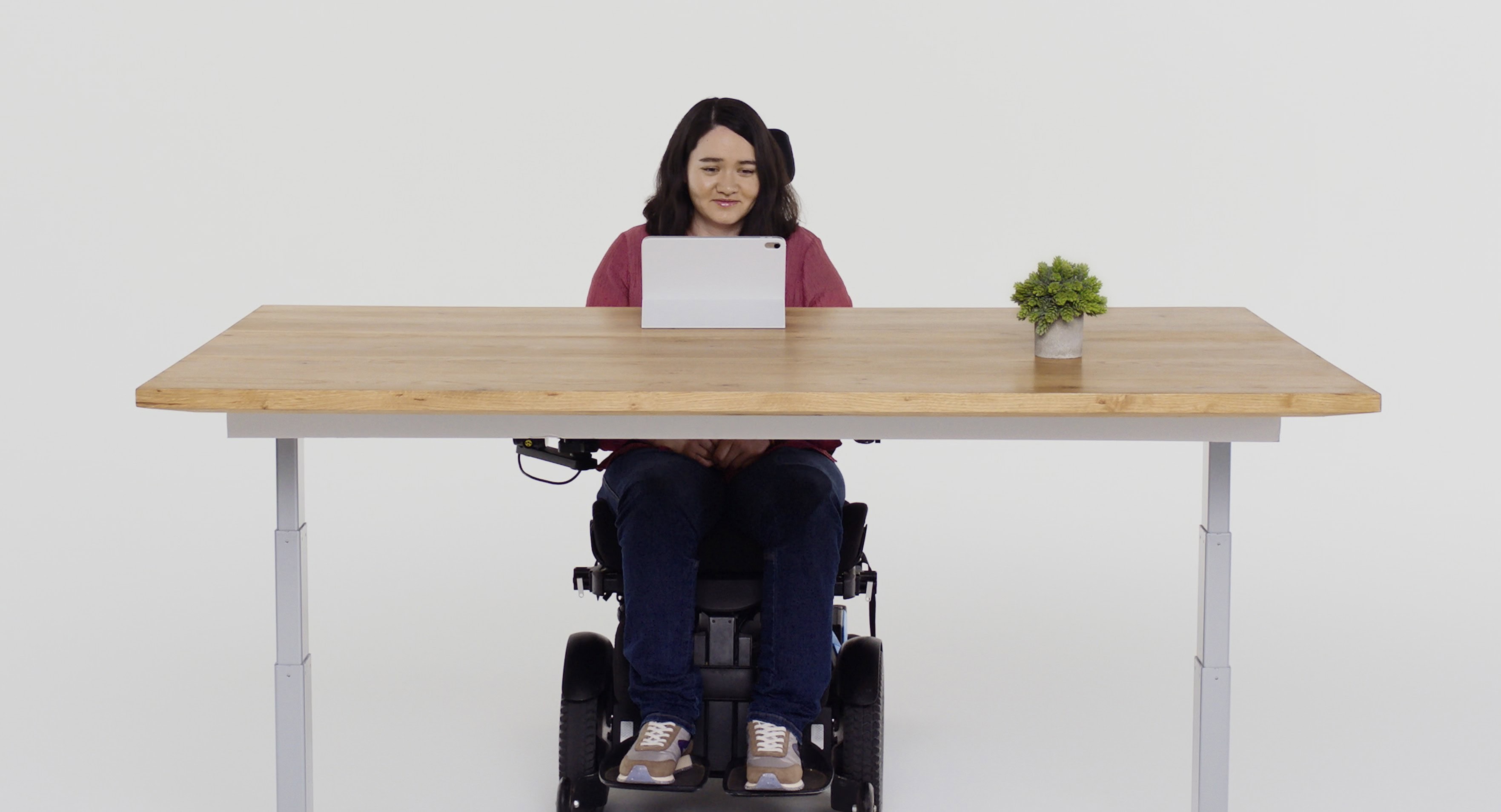
With Eye Tracking, a user can navigate iPhone or iPad using just their eyes. Photo: Apple
Apple showcased some remarkable new accessibility features for people with disabilities Wednesday, including Eye Tracking, Music Haptics and Vocal Shortcuts.
The new features, coming later this year to Apple devices, harness Apple silicon, artificial intelligence and machine learning. They will come mainly to iPhone and iPad, though some new ones will appear in Vision Pro’s visionOS, too.
“We believe deeply in the transformative power of innovation to enrich lives,” said Apple CEO Tim Cook in a press release. “That’s why for nearly 40 years, Apple has championed inclusive design by embedding accessibility at the core of our hardware and software. We’re continuously pushing the boundaries of technology, and these new features reflect our long-standing commitment to delivering the best possible experience to all of our users.”
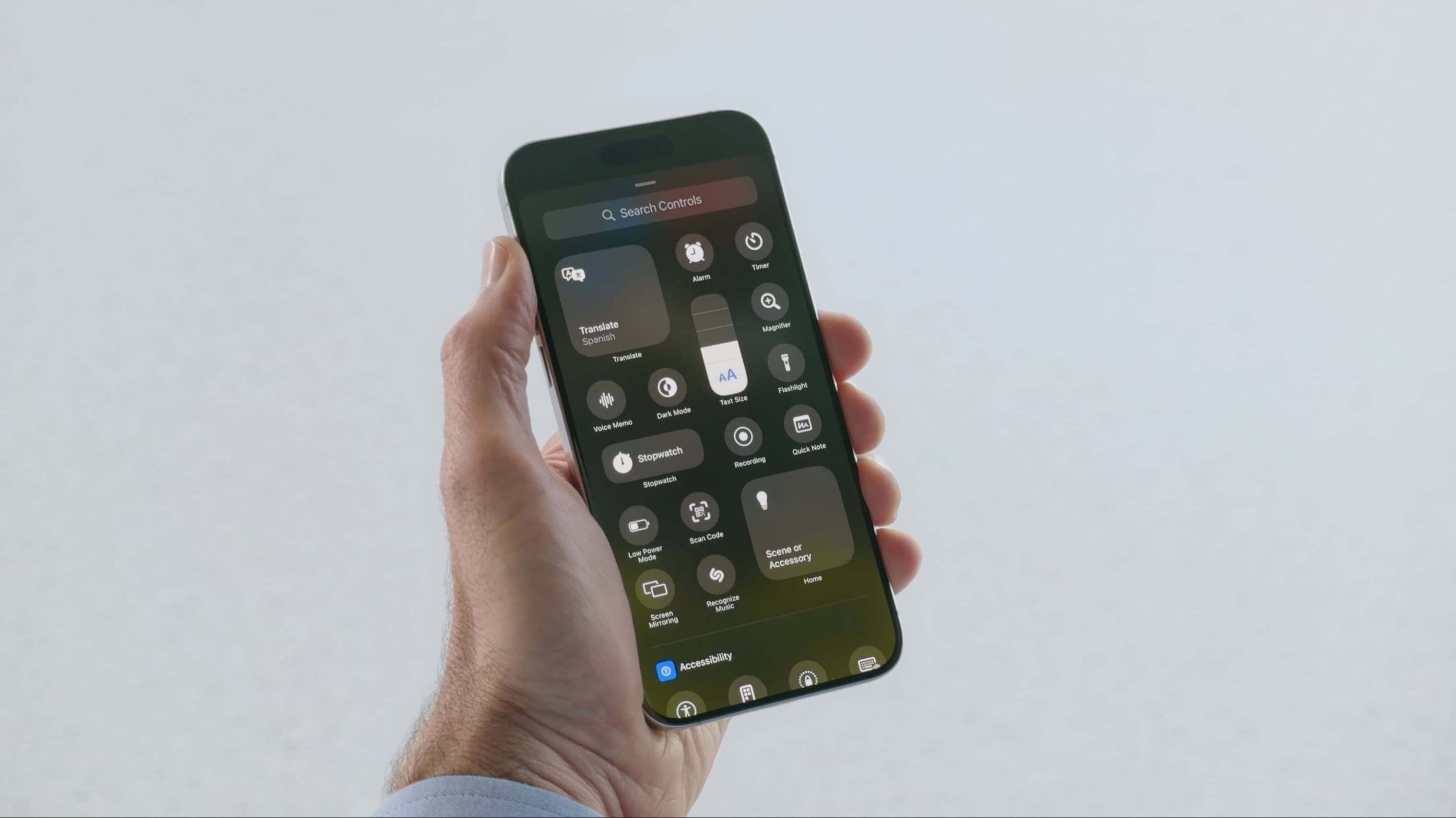
 iOS 18 and iPadOS 18 will introduce “new levels of customization and capability to Control Center, helping you access many of the things you do every day even faster,” said Apple software chief Craig Federighi during Monday’s WWDC24 keynote.