Mobile menu toggle

Search results for: shortcuts

Apple Pencil Pro adds ‘squeeze’ gesture, haptic feedback, Find My and more

By

John Ternus shows off Apple Pencil Pro.
Apple gives the world its first look at the Apple Pencil Pro.
Photo: Apple

Apple Let Loose Event:Apple introduced a new third-generation “pro” Apple Pencil at its “Let Loose” iPad event Tuesday alongside new iPad Pro and iPad Air models. The first Apple Pencil Pro brings a new “squeeze” gesture, an internal gyroscope, haptic feedback and Find My support, making it the most capable iPad stylus yet.

Available to order today for $129 — the same price as the second-generation Apple Pencil — the Apple Pencil Pro gains features normally found on styluses for dedicated drawing tablets, like a new “squeeze” gesture and a “Barrel Roll” gyroscope for precise tool controls.

“The new features in Apple Pencil Pro are simply revolutionary,” said John Ternus, Apple’s senior vice president of hardware engineering, in the introductory “Let Loose” video. “And we’re also excited that Apple Pencil Pro works with the new iPad Air as well, giving air users yet another pro feature to push their creativity.”


The 16 best Mac apps for all kinds of work and play

By

All The Best Mac Apps
You’re bound to find some of these handy.
Image: D. Griffin Jones/Cult of Mac

These are the best Mac apps that’ll help you through all kinds of work — writing, graphic design, video editing — with a few simple (must-have) utilities that everyone can make use of.

Finding good apps can be hard, especially if you’re new to the Mac. Luckily, we’ve put together a list of the very best.

Keep reading or watch our video guide instead.

Fast-charge iPhone on the go with Pitaka’s new Qi2 car mount

By

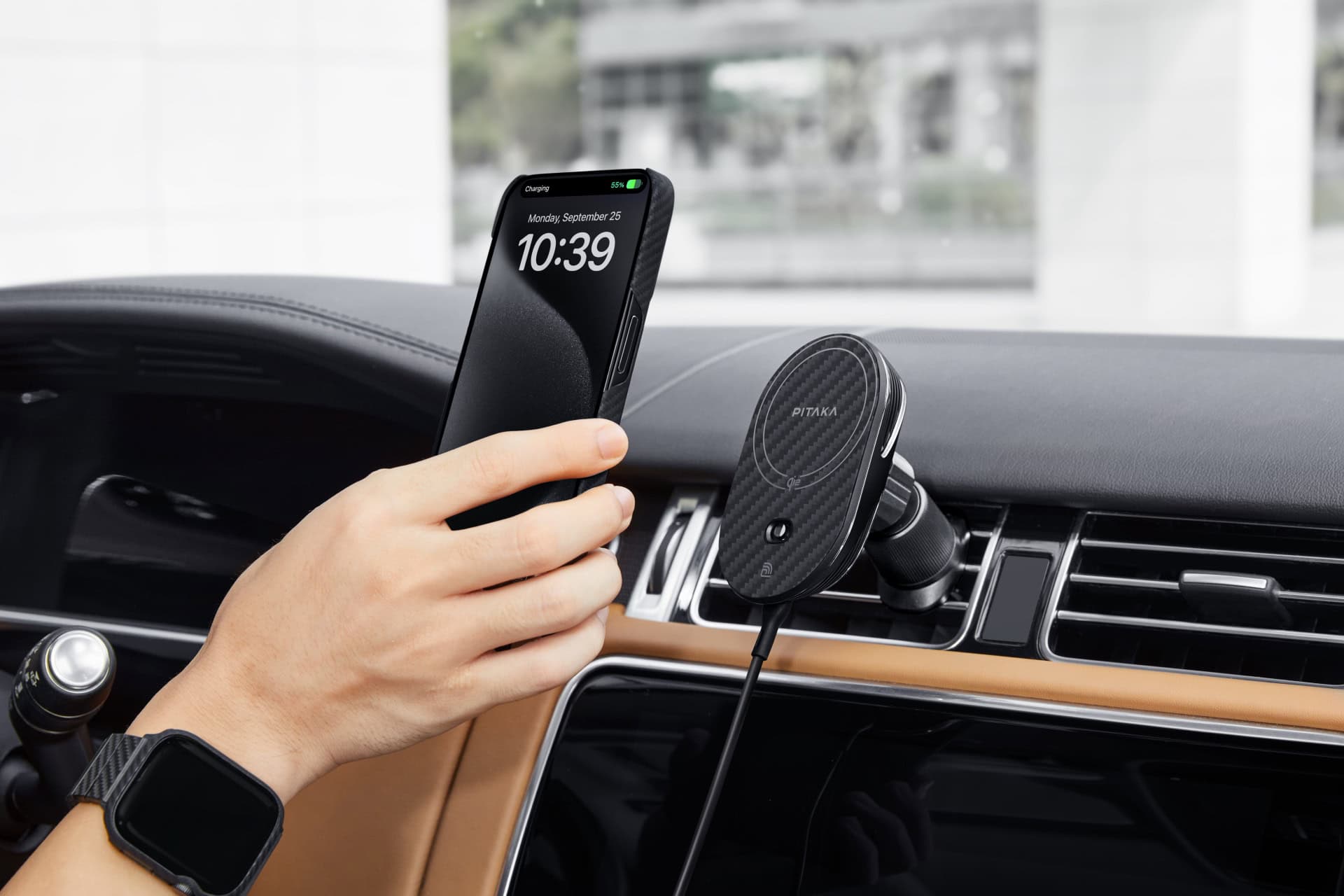
Pitaka MagEZ Car Mount Pro 2 Qi2
With 15W of power, Pitaka's new car mount will make quick work of charging MagSafe iPhones on the road.
Photo: Pitaka

On your next road trip, you can get fast charging for your MagSafe iPhone in a sleek design with the new Pitaka MagEZ Car Mount Pro 2 Qi2, the company said Tuesday.

The upgraded charging mount is certified to deliver 15W fast charging and NFC functionality for iPhone and Android handsets. And at 10%, it costs an affordable $54.

This compact new mechanical keyboard sports customizable screen

By

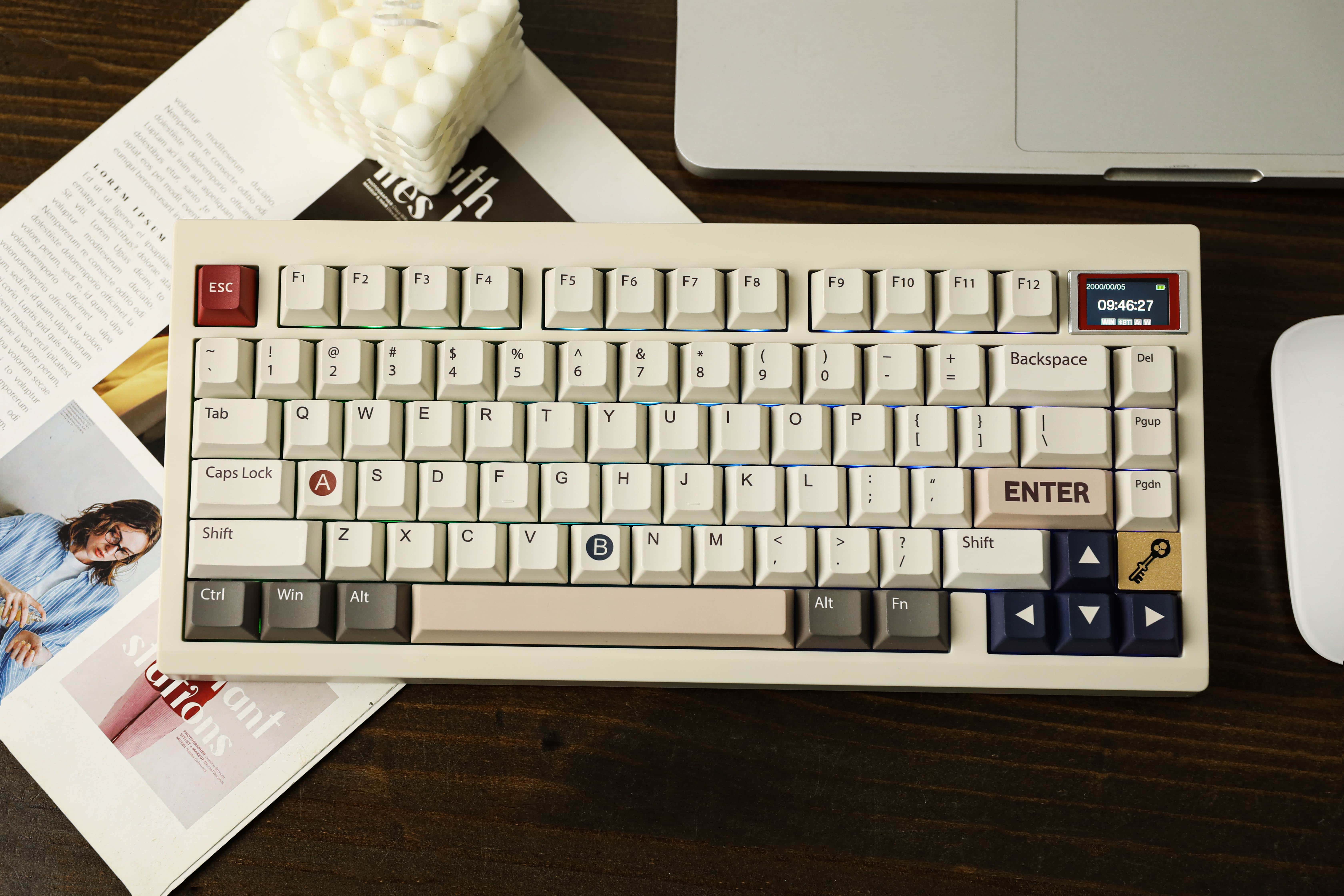
Epomaker TH80 Pro V2 VIA mechanical keyboard
You don't see a screen on a keyboard every day.
Photo: Epomaker

A new 75% compact mechanical gaming keyboard with a retro look includes a decidedly modern and unusual feature — a customizable LCD screen. The Epomaker TH80 Pro V2 VIA is “designed for an extreme gaming and typing experience,” the company said Thursday.

The cool new keeb is an update on Epomaker’s popular TH80 Pro keyboard.

5 essential Mac settings you should change

By

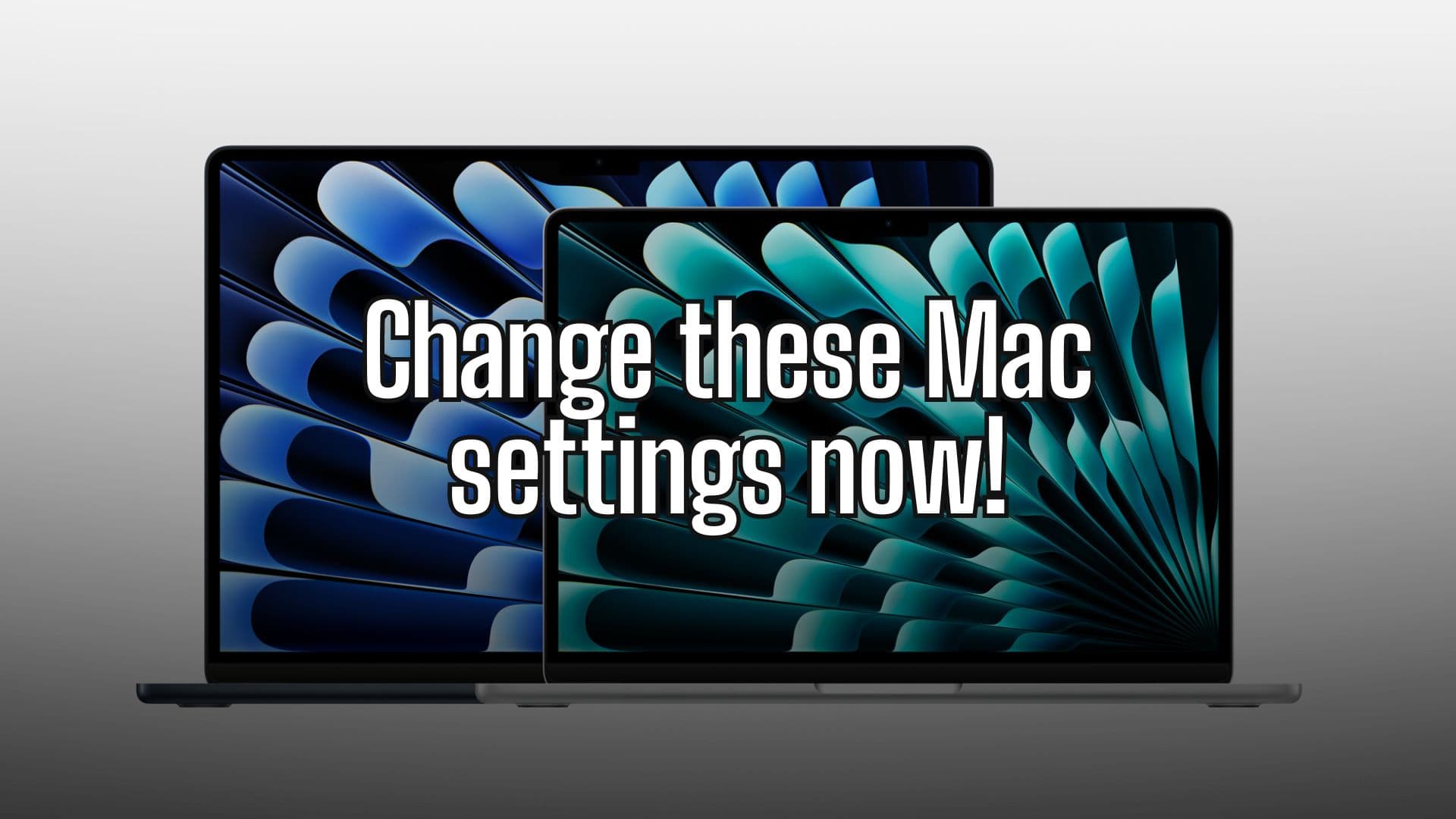
Change these settings on your Mac now
Photo/Graphics: Apple/Rajesh

Setting up a new Mac is an experience in itself. But once you finish your initial setup, you should change these Mac system settings for a better experience. These five easy tweaks to default Mac system preferences will speed up your workflow and save you time.

Irrespective of whether you are a new or long-time Mac user, below are five settings to change on your Mac. Keep reading or watch our latest video.

How to tweak your iPhone’s Home Screen

By

Edit Your Home Screen
It's easy to customize your iPhone's look by adding widgets and removing app icons you don’t want to see.
Image: Kristin Hardwick/Wikimedia Commons/D. Griffin Jones/Cult of Mac

Your iPhone doesn’t need to look like it came from 2012. You can easily swap out wallpapers and/or customize iPhone Home Screen layouts by adding widgets and folders (and by hiding unwanted apps from your view).

This guide will help set up your iPhone screen so it looks exactly how you want it to.

iOS 18 could introduce more customizable iPhone Home Screen

By

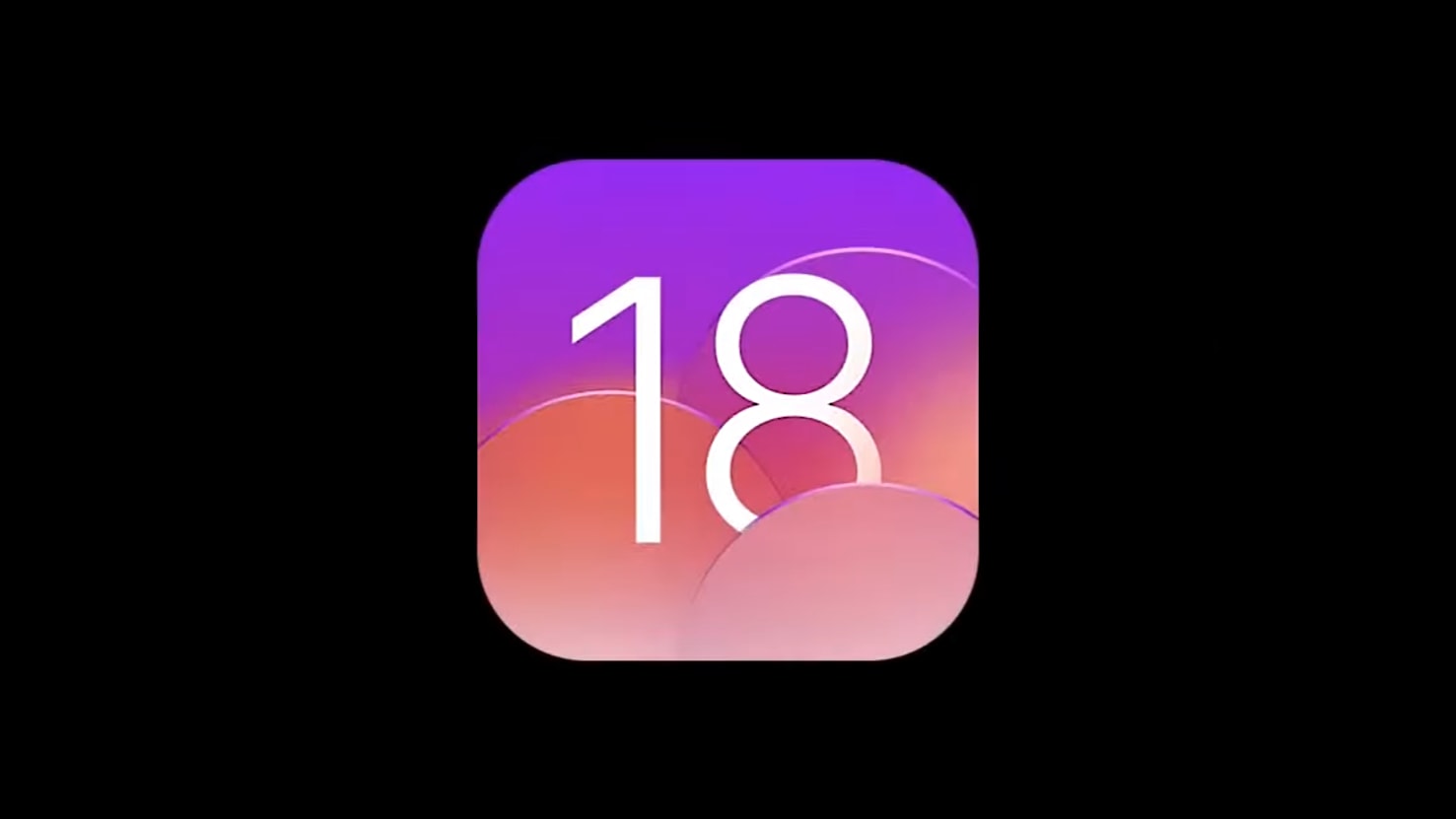
iOS 18 concept video
iOS 18 could finally let you create a blank Home Screen row.
Concept: Kevin Kall

Apple will allow for greater iPhone Home Screen customization in iOS 18, including the ability to place app icons anywhere on the screen, according to a new report.

iPhone owners also supposedly will gain the flexibility to create blank rows and columns, though the icons will still snap to a grid.

Smackdown: Magic Mouse vs. Logitech MX Master 3 [Setups]

By

Magic Mouse vs. Logitech MX Master 3
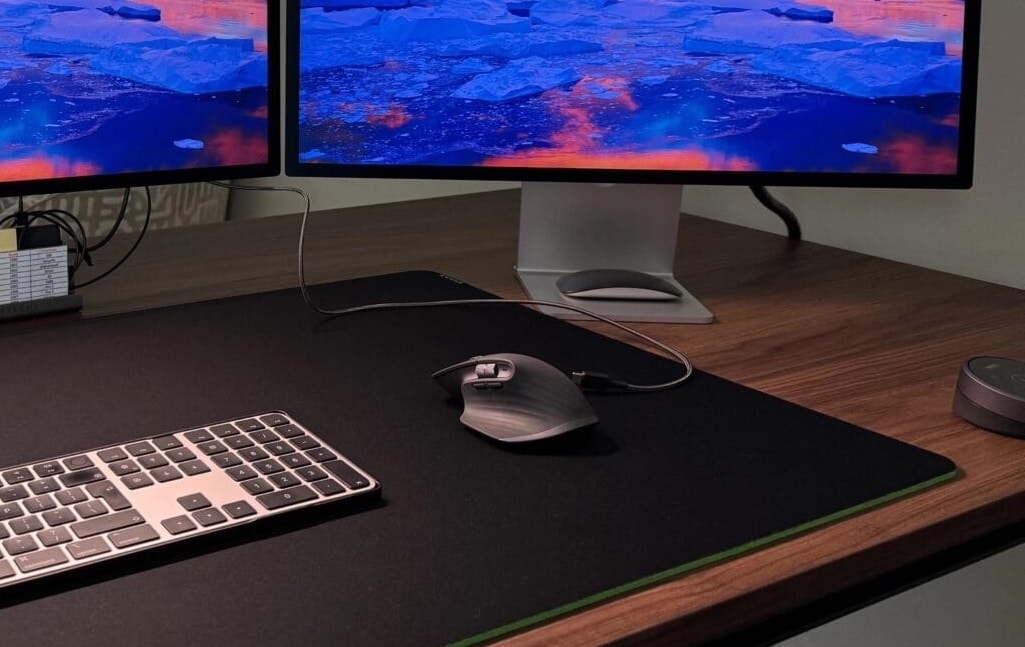
This Mac Studio setup with dual Studio Displays sparked a mouse fight.
Photo: [email protected]

Sometimes a setup post on social media can express a common problem or disagreement quite well. Today’s Mac Studio and dual-Studio Display rig is pretty good example, showing the divide between users of Magic Mouse and one of its top competitors — Logitech MX Master 3 (and 3S) wireless mouse. So Magic Mouse vs. Logitech MX Master 3 is on.

Commenters split themselves into pro Magic Mouse and pro Logitech MX camps. And a bunch of them sought middle ground, finding things to like — or hate — about both mice.

How to use iPhone’s awesome new text-to-speech feature

By

Text-to-Speech From Your Phone
Your iPhone has a text-to-speech feature built-in. You don’t need to download an app.
Image: D. Griffin Jones/Cult of Mac

In iOS 17, the iPhone got a built-in text-to-speech feature called Live Speech. You can even use Live Speech with a digital version of your own voice called Personal Voice.

Apple devised Personal Voice for users “at risk of losing their ability to speak — such as those with a recent diagnosis of ALS (amyotrophic lateral sclerosis) or other conditions that can progressively impact speaking ability.” It was the subject of a touching and heartfelt video Apple made called “The Lost Voice.”

Here’s how to set up and use Live Speech.

Customize Control Center on Vision Pro to be more useful and less irritating

By

Vision Pro Control Center settings floating in a forest
Adjust Control Center settings from the comfort of a peaceful forest environment.
Photo: D. Griffin Jones/Cult of Mac

Control Center in Vision Pro works very differently than on iPhone, iPad, Apple Watch and Mac. But as with Apple’s other platforms, you can customize the Vision Pro Control Center to make it far more useful.

The first few days after I got my Vision Pro, I found Control Center to be intensely irritating. It constantly appeared in my field of view, bugging me like a hair in my mouth or a piece of popcorn in my teeth.

Luckily, with just a few changes, you can make Control Center way less annoying.

1 23 24 25 26 27 121