Mobile menu toggle

Search results for: mechanical keyboard

From the didn’t-know-we-needed-it department: Lego Apple Store

By

Lego Apple Store
The roof and parts of the wall come off this thing so you can access the detailed interior.
Photo: Legotruman

Just when it seemed like Lego had finally represented all cool things with its complex sets, along comes a fascinating new Apple Store design. But it’s not officially Lego yet. It’s a fan submission to the Lego Ideas website that could go into production if enough people support it.

The details in this thing are incredible. Seems like it’d be a lot of fun to build. But first Lego and Apple will have to sign off on it.

Logitech gear for as low as $5? Hell yes.

By

Woot deals on Logitech peripherals and accessories
Logitech's Combo Touch could be your iPad's new best friend.
Photo: Logitech

Amazon bargain site Woot! did it again this week with another killer sale. This time it’s deals on Logitech peripherals and accessories going for anywhere from $5 to $255. The list of 60 items includes keyboards, mice, iPad folios, webcams, headsets and other gaming gear, and more.

And if it’s Woot!, there must be a cheeky phrase at the top of the sale page: “This isn’t logitech, captain.” – Science Officer Sprock.

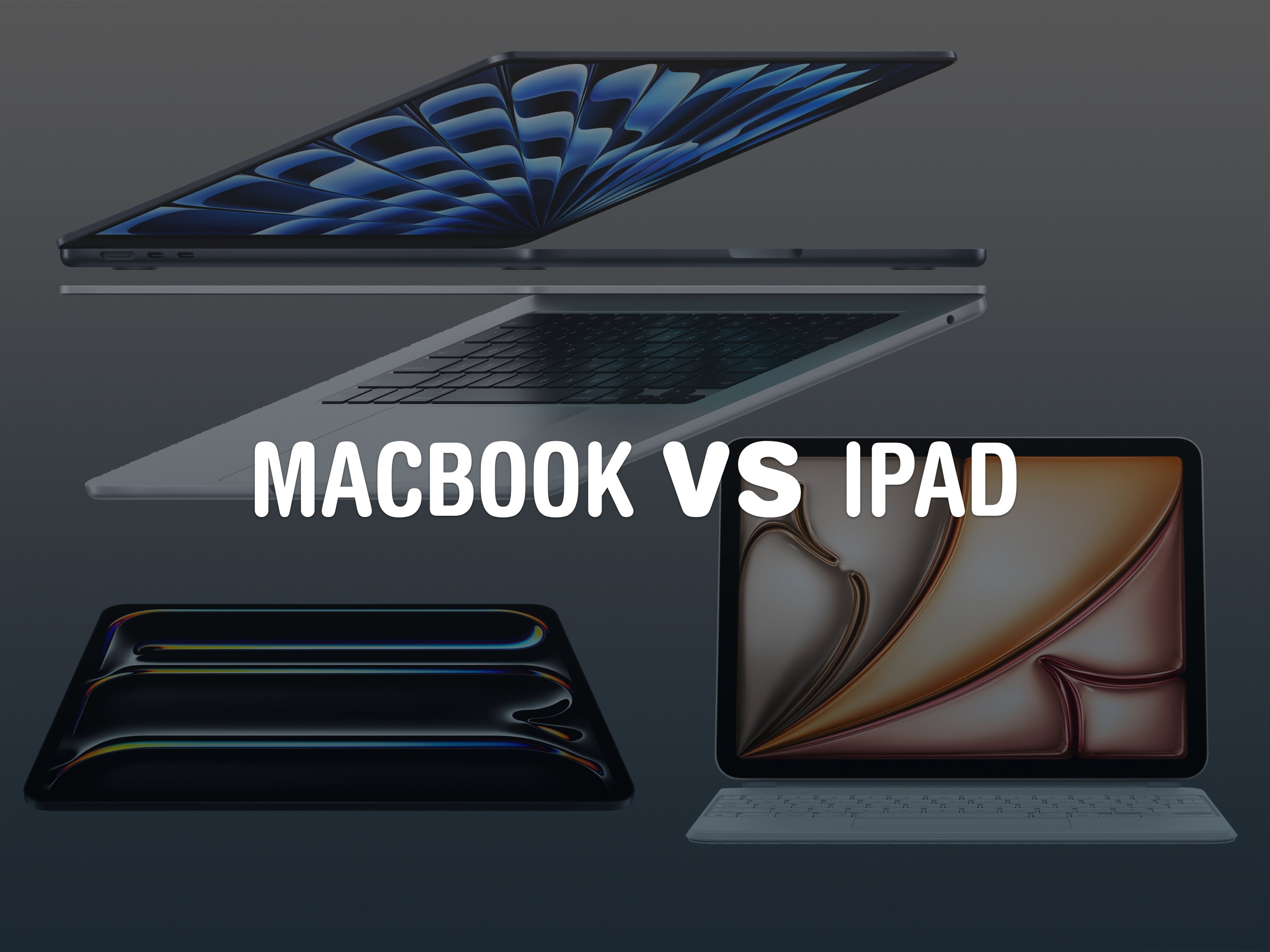
Should you buy a MacBook or iPad?

By

MacBook VS iPad
Which is the better choice these days?
Image: Apple/D. Griffin Jones/Cult of Mac

Should your next computer be a MacBook or an iPad? Apple is making the iPad more powerful and capable every year — it might be good enough that you don’t need a traditional computer in your life.

While macOS is still more powerful and versatile, the iPad’s hardware offers unique capabilities that no Mac can match. The iPad is easier to pick up and use, more portable and more reliable. It’s worth considering over a laptop if you don’t do a lot of specialized work.

Here are the pros and cons, MacBook vs. iPad: Price, easy of use, portability and more. Keep reading below or watch our video.

Stylish desk mat comes with integrated wireless charging [Review] ★★★★☆

By

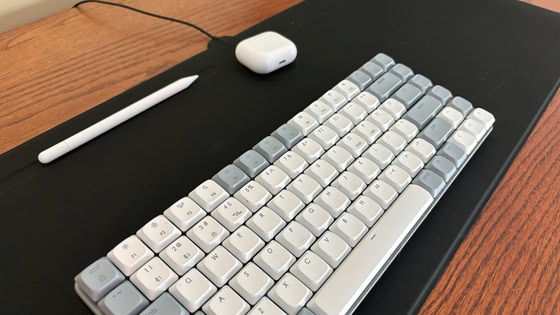
Zagg Desk Mat with Wireless Charging review★★★★☆
Zagg's new desk mat is also a wireless charger and a mousepad.
Photo: Ed Hardy/Cult of Mac

The Zagg Desk Mat with Wireless Charging keeps your iPhone and other gear juiced up while also acting as a nonslip workspace, mousepad and stylus holder.

I put one in my home office and tested it with my iPhone and other accessories. Here’s how it went.

Don’t sleep on perfect ambient lighting [Setups]

By

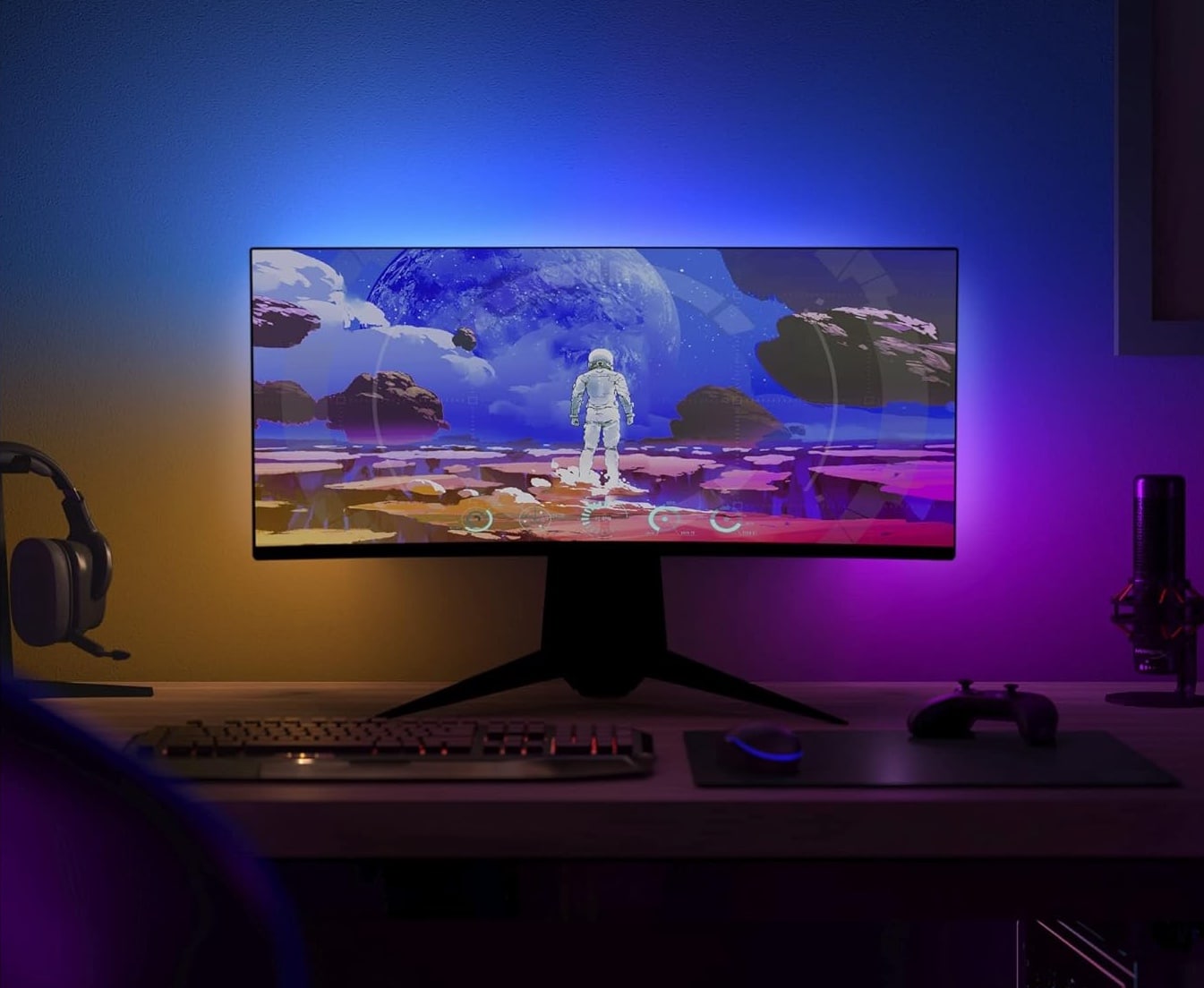
Philips Hue ambient lighting with Play Gradient Light Strip in setup
It's amazing what an atmospheric effect a light strip can have on a setup.
Photo: Philips Hue

As we’ve seen so often in our endless tour of computer setups on social media, ambient lighting matters. Sure, you want proper lighting so you can see what you’re doing, but extra-mile work like setting Philips Hue ambient lighting — as in today’s Mac Studio setup — can make a big difference cosmetically and in more practical ways.

Syncing audio and brightness with dual Studio Displays [Setups]

By

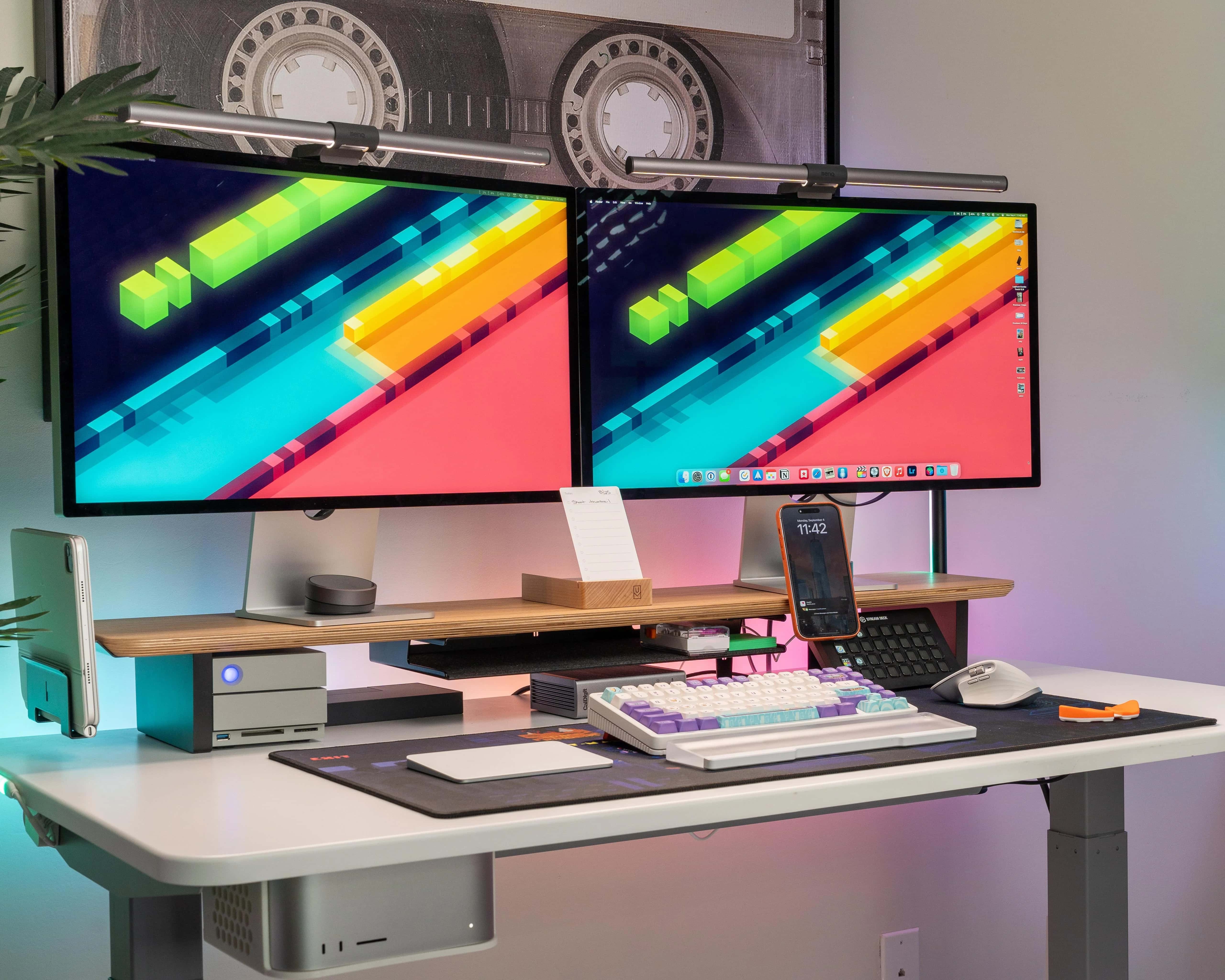
dual Studio Displays setup
The bezels joining in the middle where these side-by-side Studio Displays meet doesn't much bother the user.
Photo: [email protected]

Dual Studio Displays are a popular-if-pricey choice among Mac users. In addition to making a case for going with the configuration in the first place, today’s Mac Studio setup offers some helpful tips for creating synced dual Studio Displays.

It suggests third-party tools to help sync audio and brightness levels across the two monitors.

Typing on Vision Pro: A scientific test with surprising results

By

Hand touching a floating keyboard typing on Vision Pro
Using Vision Pro's virtual keyboard, you just reach out and touch parts of the screen when you need to.
Photo: Apple

The Vision Pro’s virtual, floating-in-the-air keyboard has been nearly universally condemned. There’s no way around it: Typing on Vision Pro sucks.

But people said the same thing about the original iPhone, which ditched a physical keyboard compared to the BlackBerry. And these days, physical keyboards for your iPhone are more of a novelty than a standard accessory that everybody buys.

So to get to the bottom of exactly how bad the Vision Pro keyboard is, I took a bunch of different typing tests across a bunch of different keyboards. And the results I found were incredibly surprising. I accidentally discovered the best way to input text in Vision Pro.

Check out our latest YouTube video or keep reading to see what happened.

This MacBook Pro workstation enjoyed a very merry Christmas [Setups]

By

MacBook Pro setup with dual monitors
Sometimes the holiday season turns a half-empty desk into a powerful computer setup.
Photo: TemporaryAd_4202@Reddit

Ah, the magic of Christmas. Even a grownup can get deliriously excited about unwrapping a rich haul of computer gear that turns a Charlie Brown Christmas tree of a setup into a powerful workstation that would intimidate Ebeneezer Scrooge. You can also relive the magic and watch Charlie Brown’s Christmas Tales free this season.

Today’s user had a decent MacBook Pro and iPad Pro to begin with, but ended up with a proper, highly functional setup. And commenters had further suggestions for additions, too. Hey, the more the merrier!

Thunderbolt 4 dock helps M3 MacBook Pro share massive display and more [Setups]

By

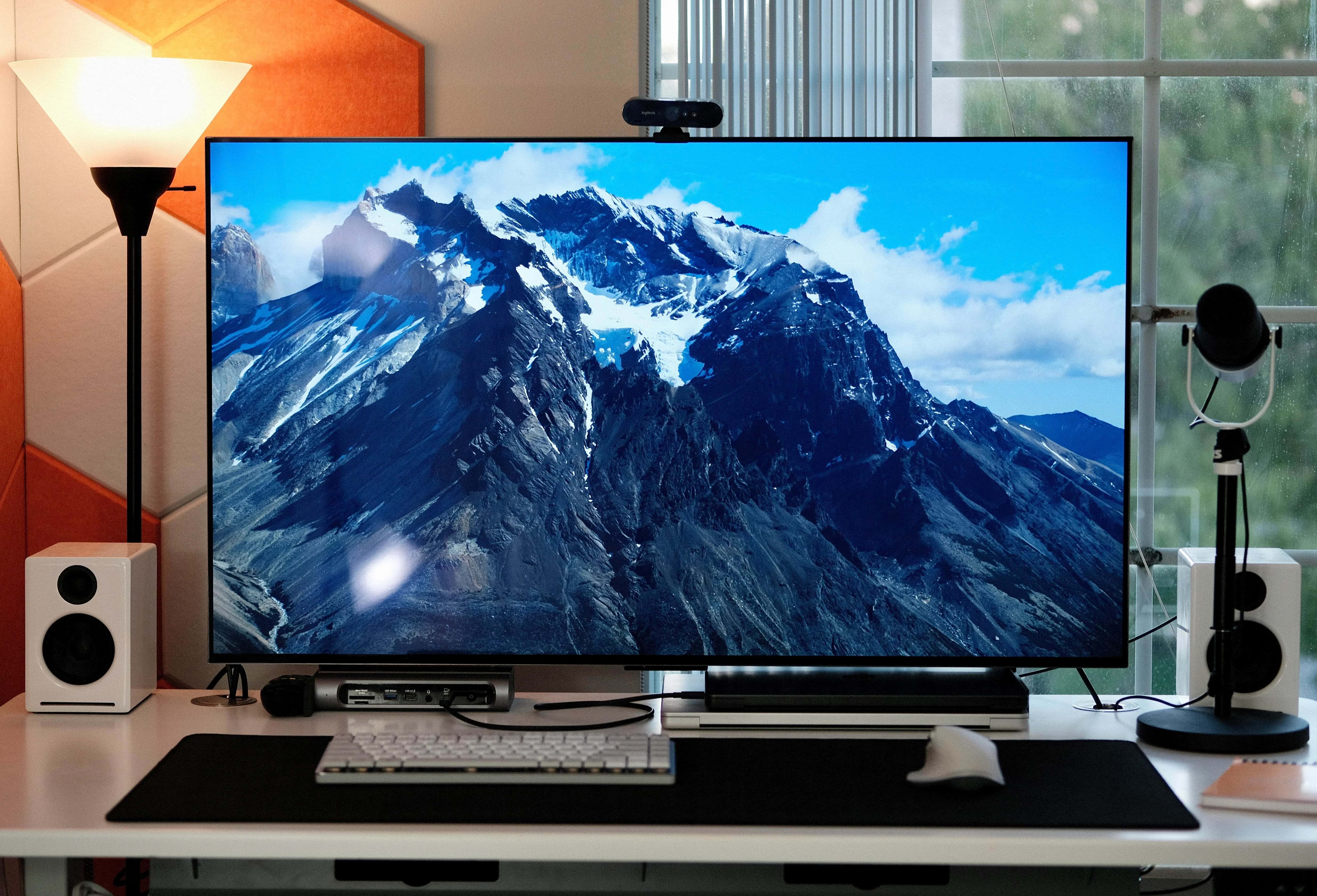
Setups with two MacBook pros and an LG smart TV
A powerful M3 MacBook and its older sibling -- an M1 Max -- play nice with a big LG smart TV via a Thunderbolt 4 dock.
Photo: [email protected]

Today’s featured setup packs two powerful MacBooks Pro — an M1 Max for work and an M3 Pro for play. To give them hassle-free equal time with peripherals, including a big, beautiful OLED smart TV serving as a display, the user employs a Thunderbolt 4 dock bristling with ports for maximum connectivity options.

Stunning Mac mini streaming rig took 2 years to perfect [Setups]

By

Setups RetroGameCollector-Reddit
Check the links list below to explore all the gear here.
Photo: [email protected]

It might seem unlikely that a computer setup could take 2 years to build and idealize — until you see just how loaded and beautiful it is. Today’s M2 Pro Mac mini went through many iterations in the past couple of years, its user said, and now they’re finally happy with it.

And they should be. The setup rips through gaming and streaming tasks using an awesome lineup of gear. Read more below and check out that gear list.

1 41 42 43 44 45 48