This MacBook Pro user would rather leave the laptop in clamshell mode and use something else for his video calls. Photo: [email protected]
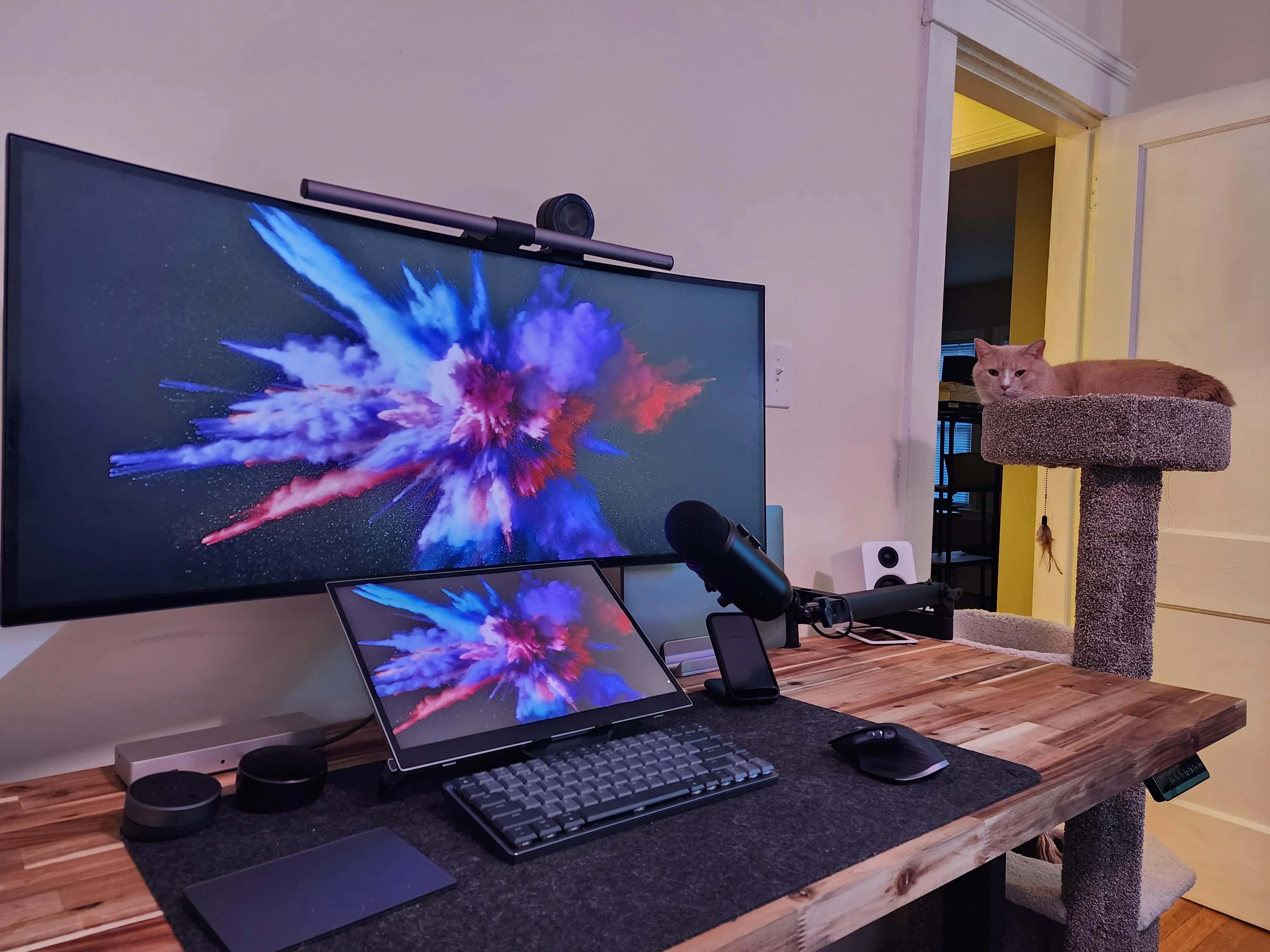
Today’s M2 MacBook Pro user sports a great-looking setup and poses a question. They prefer to use their laptop in clamshell mode, or closed, so what do they do to ensure decent sound and video for work calls?
This setup lost one of the three display in a recent move. Photo: [email protected]
Today’s featured computer setup isn’t turning heads for its Apple gear — just a 2019 MacBook Pro — but its displays deserve a good look. The Mac goes through a Razer Thunderbolt 3 dock as it drives an “odd couple” of displays — a huge, curved LG 5K2K monitor and a tiny LG portable display.
And don’t miss the audio gear in the gear list below, either. It’s good stuff.
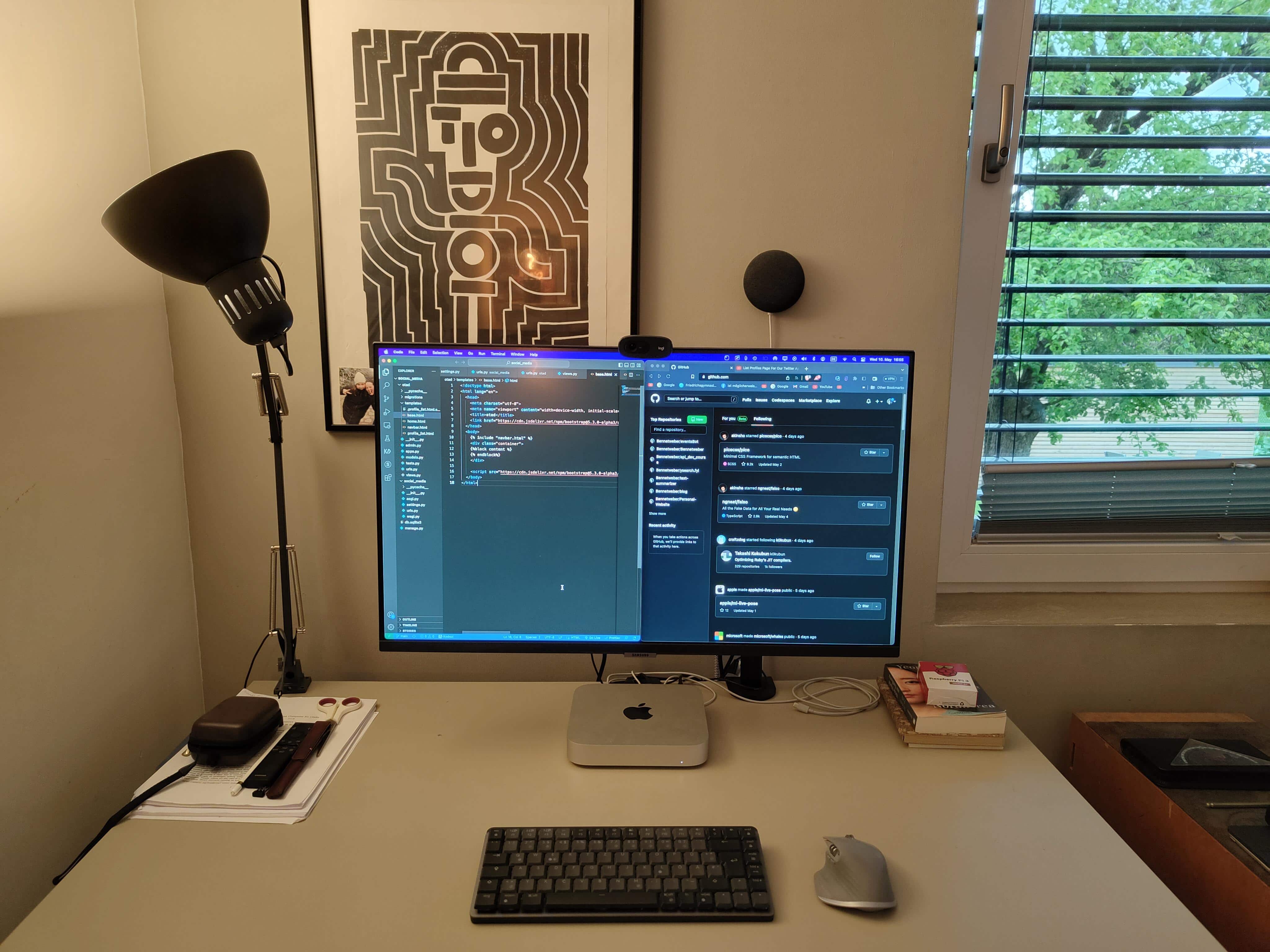
The programmer likes his Logitech Mini mechanical keyboard. Photo: [email protected]
Before reading past the jump, take a look at today’s featured M1 Mac mini computer setup in the photograph above and see if you can quickly identify the two items that aren’t from peripherals giant Logitech — other than the main computer, display and furniture.
Both items are on the small side, so it might take a hard look to spot them. Answers below in the post and at the bottom just above the gear list.
★★★★★
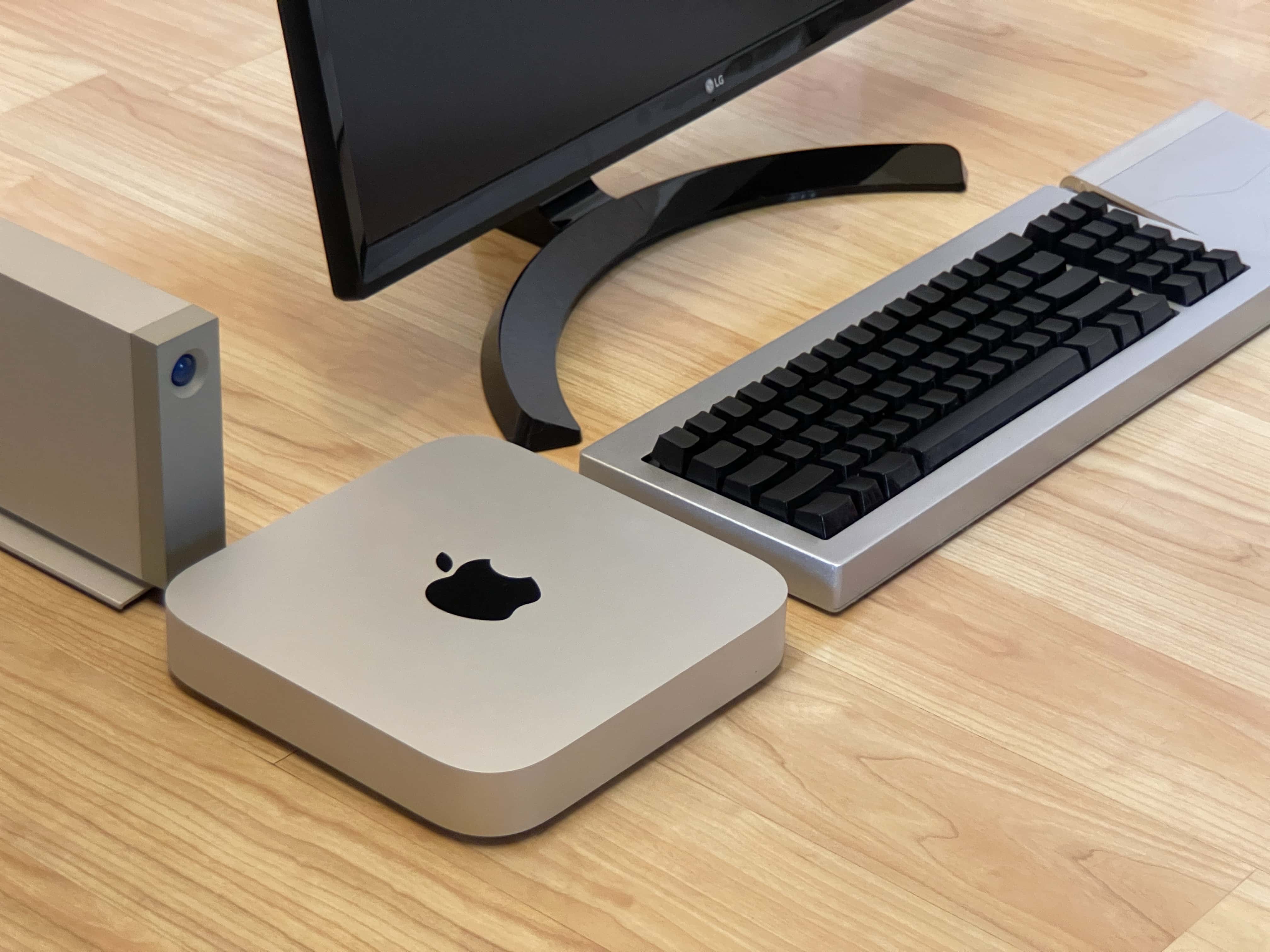
Here’s your classic product shot with everything sitting directly on a floor without anything plugged in. Photo: D. Griffin Jones/Cult of Mac
The new Mac mini is the best value in the entire computer industry, point blank. It’s a $700 computer that won’t break a sweat editing high-resolution video, exhaustively long podcasts or giant graphic design projects — all at the same time. The M2 Pro model takes it even further.
Because of my job here at Cult of Mac, I wear a lot of hats. In a typical week, I edit videos, record a podcast, dabble in graphic design, compile open-source projects in Xcode and research topics for my writing. I’m basically all the creative professional stereotypes Apple loves to put in their promotional videos rolled into one.
After living with the new Mac mini for over a month, I can confidently say this is a fantastically powerful machine within the reach of independent creators, small businesses and schools.
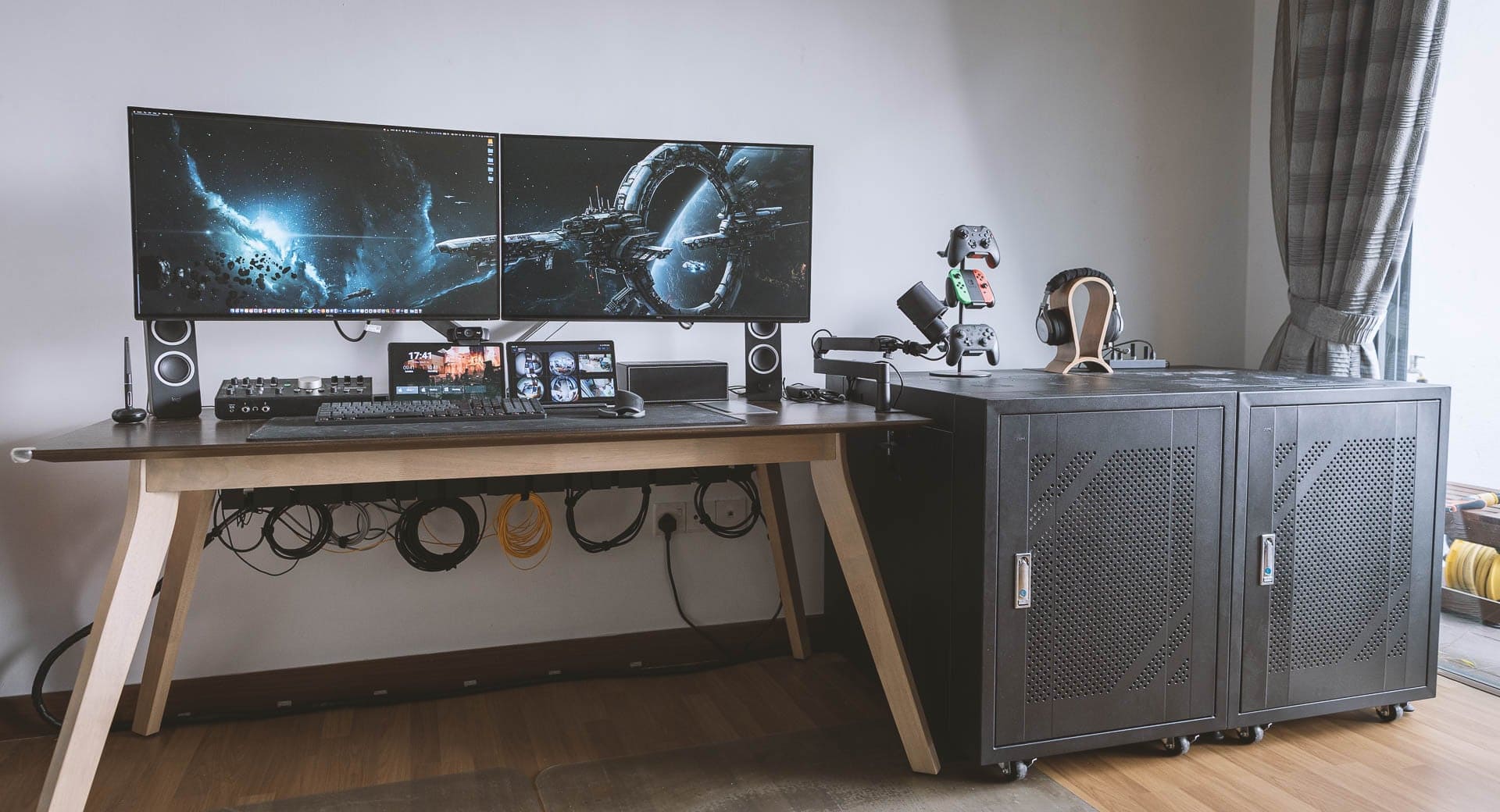
The cabinet on the right holds the computers and more. Photo: [email protected]
We enjoy a lot of variety in our computer setups coverage, from the ultra-minimalist to the mega-maximalist. Today’s featured rig sports two pumped-up Mac Studios, two old Mac Pro “trash cans,” a gaming PC, dual displays and a tremendous array of audio gear.
It falls in the latter category, obviously (“mega”). The lengthy gear list below doesn’t even cover everything in the powerhouse workstation, but it covers all the key elements.
★★★★☆
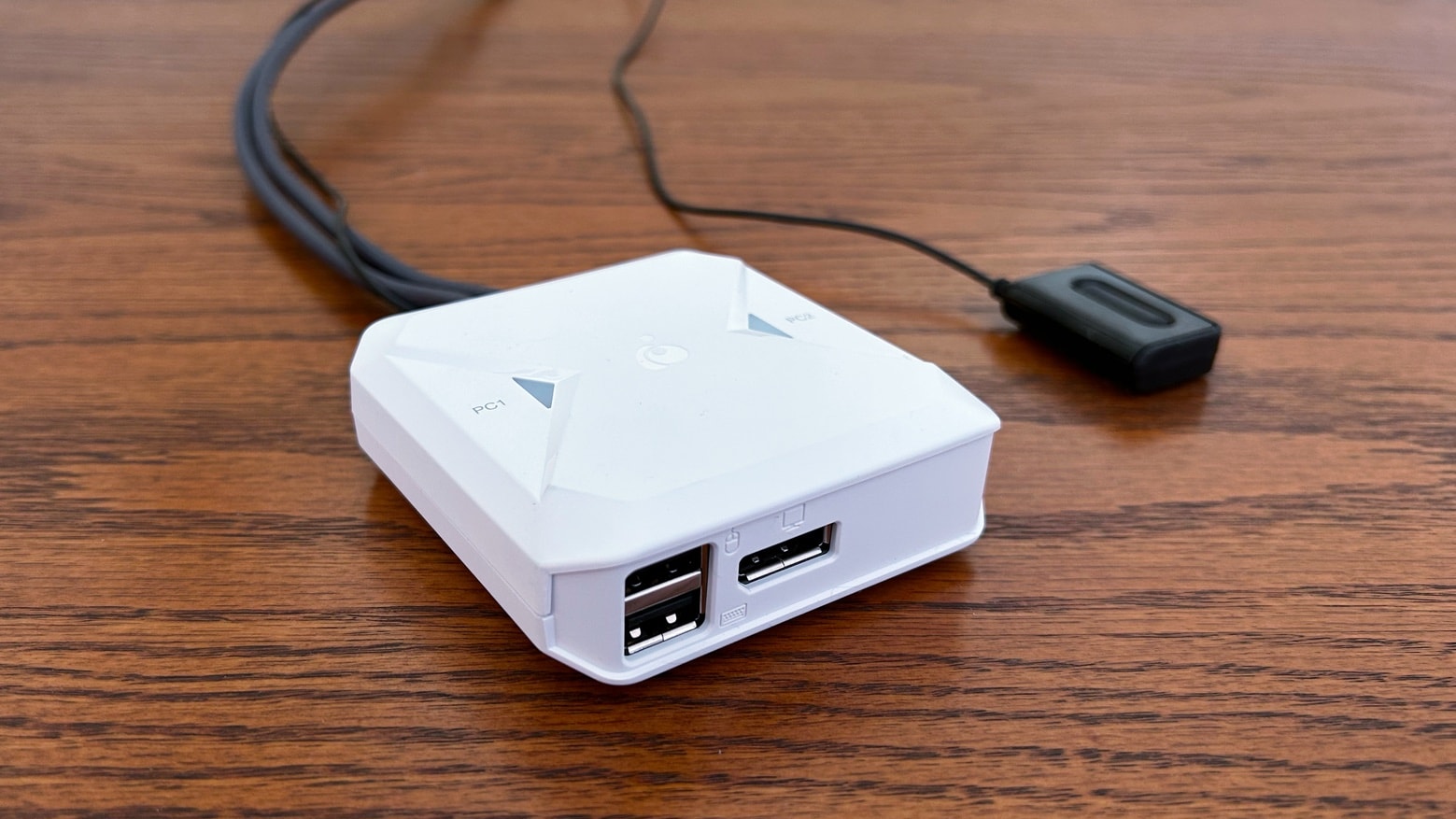
Multiple Macs can share a 4K screen with IOGear's new USB-C/DisplayPort switch. Photo: Ed Hardy/Cult of Mac
Your Mac and MacBook can easily share a monitor, and quickly flip between them, with the IOGear 2-Port 4K USB-C KVM Switch with DisplayPort Output.
I tested it in my home office, and it really reduces the hassle of switching between two computers. And it lets the computers easily share a wired mouse and keyboard.
Under-desk lighting helps make it a pleasant workspace even with no windows. Photo: [email protected]
There’s nothing like starting over in a brand new year. One of the best ways to do it is to freshen things up in the place where you spend so much of your waking life — your workspace. But rather than just rewarding yourself with a thrilling new mouse pad, why not roll out a whole new computer setup?
That’s the case with today’s featured M2 MacBook Pro setup. The brawny laptop drives a spacious “4K+” display with the help of some choice input devices. And it all basks in the glow of simple but highly effective lighting.
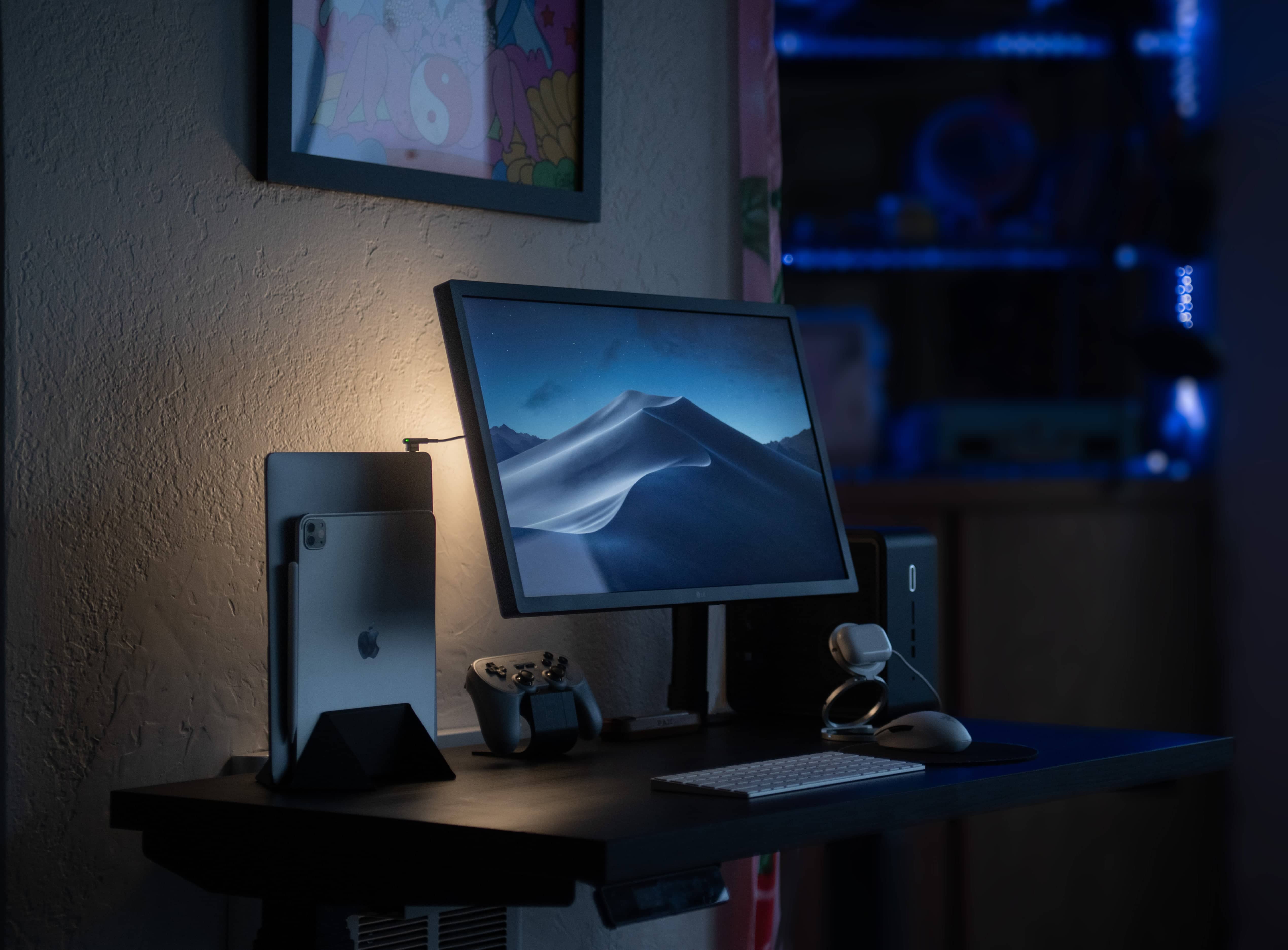
This moody shot doesn't show the folding MagSafe stand well, but you can see it in the images below. Photo: [email protected]
Once in a while a computer setup comes along that shows off its owner’s invention. Sometimes it’s something perfectly utilitarian and sometimes it’s something weird and wonderful (examples below).
In today’s featured MacBook Pro and Intel NUC PC setup, we find a nifty folding MagSafe charging stand just about to go on the market.
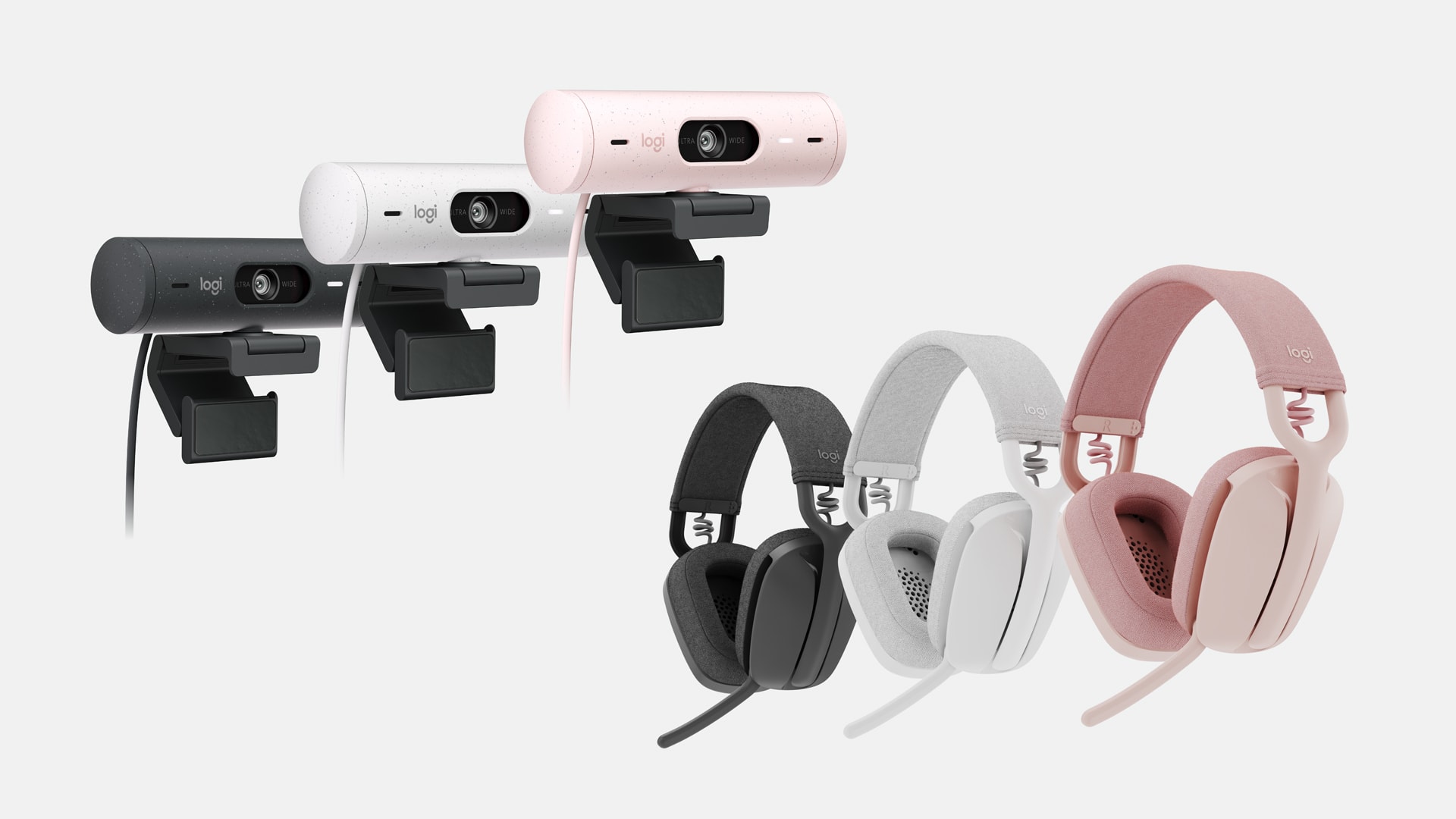
Logitech Brio 500 webcam series and Zone Vibe headphones series are designed for hybrid workers. Photo: Logitech
Logitech unveiled its new Brio 500 webcam series and Zone Vibe headphones series for hybrid workers Thursday. The company said “they bring quality, style, affordability, and sustainability to today’s workers for ultramodern collaboration experiences.”
“Many remote and hybrid workers are still underequipped and grappling with pre-pandemic era solutions,” said Scott Wharton, Logitech Video Collaboration general manager. “Our innovative new genre of Brio webcams and Zone Vibe headphones answer the call of modern workers who need business-grade quality, style, and affordability for work and play.”
Get ready to grab great savings on genuine Microsoft software. Photo: CDKeylord.com
This discount software activation keys post is presented by CDKeylord.com.
In CDKeylord.com’s Big Sale heading into June, you can get great savings on software, games and gaming accessories. The software activation key provider offers big discounts on genuine products from Microsoft and other developers, whether you’re buying them for someone else or for yourself.
For example, Cult of Mac readers can get 30% off the regular price of a Windows 10 Pro key. Also, when you buy a Windows 10 key, you can get a free upgrade to Windows 11! Just enter the special discount code CULT when you check out to secure the great savings below.