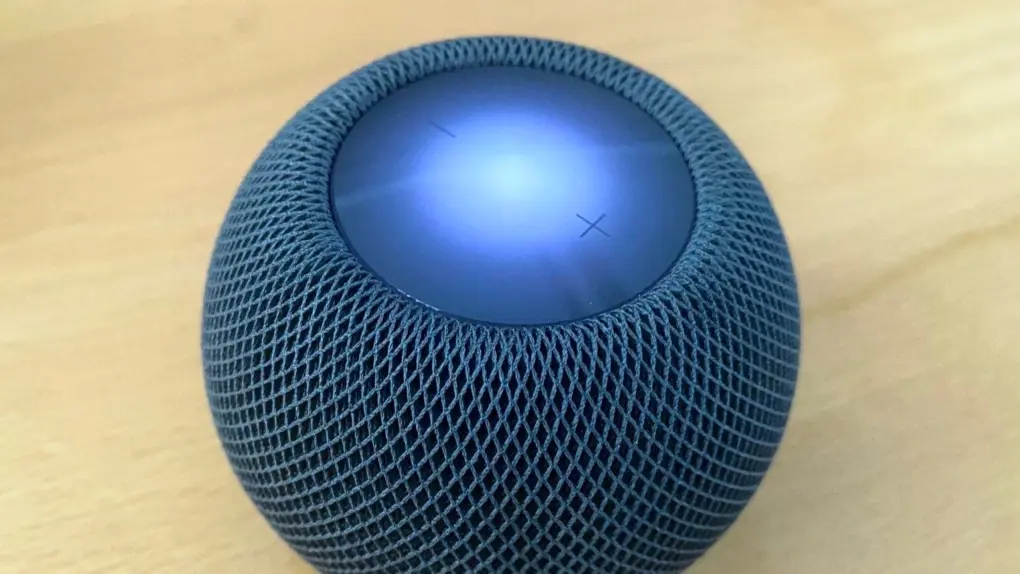
HomePod Sound Glow with colors pulled from album artwork. Photo: Leander Kahney/Cult of Mac
HomePod Sound Glow won’t be exclusive to the new HomePod mini 2. Apple’s upcoming HomePod Software 27.2 is bringing the pulse light show to the older speakers.
That’s a nice perk for owners of the second-generation HomePod and the original HomePod mini. Apple announced the feature as a hardware addition to the HomePod mini 2 on October 13.
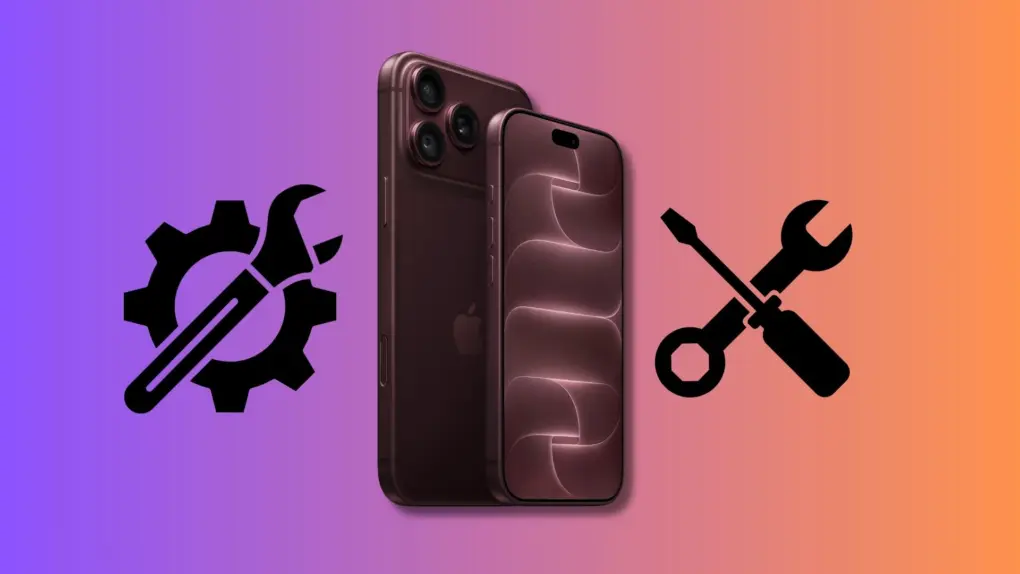
iPhone 18 Pro repair parts hit Apple's self-service repair store. Photo: Apple/Rajesh Pandey/Cult of Mac
iPhone 18 Pro and iPhone 18 Pro Max repair parts can now be purchased directly from Apple. Additionally, the company offers repair parts for the M5 Max/Ultra-equipped Mac Studio and the new Mac mini under its Self Service Repair Program.
With the use of Apple’s official repair manuals, you can buy the replacement parts to carry out Do-It-Yourself (DIY) repairs.
Get Apple's latest lightweight laptop at major savings. Photo: Apple
The M5 MacBook Air is the best mobile computer for most people, and a deal drops the 13-inch model by $150. The sale is on the base model with 16GB of RAM and 512GB SSD … if you pick one of the right colors.
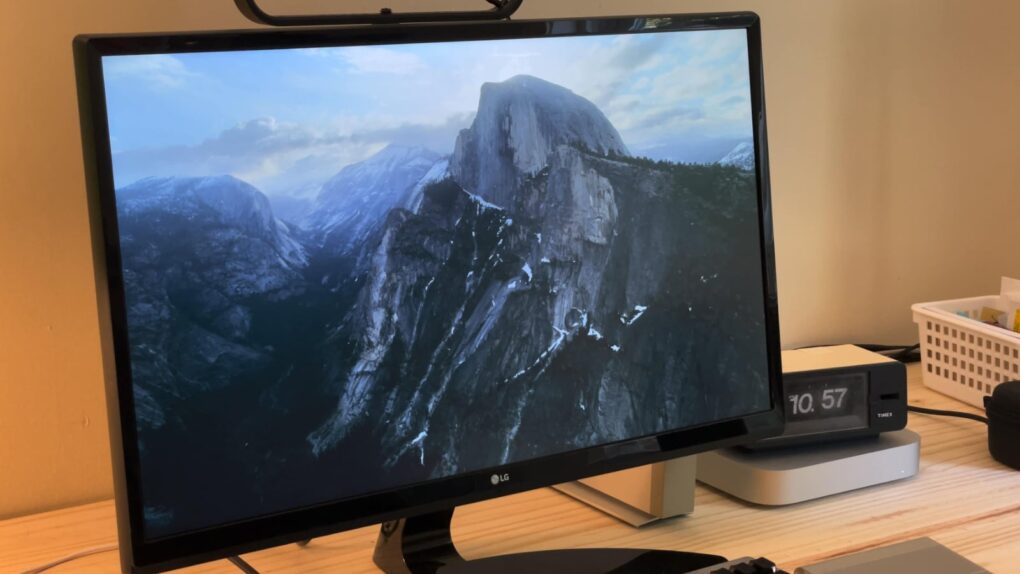
Screen savers fell out of fashion a long time ago, but Apple’s Aerials screen savers look so beautiful, they just might make you reconsider. In fact, with all the stunning visuals, these might just be the best Mac screen savers around.
The Aerials screen savers started on the Apple TV, showing gorgeous helicopter photography of the world’s greatest natural landscapes, underwater sights and cityscapes — even shots from space. Now, if you have a desktop display set up somewhere prominently in your house, you can get the same beautiful vistas on your computer with the Aerials screen savers for Mac.
Here’s where to find these beautiful Mac screen savers, plus some setup tips that will really help them shine.
Apple partnered with Pennsylvania's Perryman Company to supply titanium. Photo: Apple
Apple is growing its American manufacturing efforts with new and expanded partnerships to produce components for the iPhone Duo and iPhone 18 Pro in the United States.
The company committed up to $100 million over three years to a Pennsylvania titanium producer, while expanding work with a Delaware company that makes technology for the latest iPhone Pro camera system.
It’s Apple’s latest move to once again remind critics that dozens of iPhone components are sourced from the United States.
The iOS 27.2 release date is just a week away! Image: Apple/ChatGPT/Cult of Mac
Apple seeded the iOS 27.2 Release Candidate to beta testers on Monday, signaling that eager iPhone users should circle October 26 on their calendars. The update improves Group FaceTime calls, adds more languages to Siri AI and more.
The macOS Golden Gate 27.2 Release Candidate was also released, as have equivalents for iPad, Apple Watch, Apple TV and more.
October 20, 2009: Apple goes big with its iMac redesign, introducing the first 27-inch all-in-one Mac. The sleek, sophisticated aluminum unibody design looks so good that the iMac will remain virtually unchanged for years.
As with the first Macintosh with a built-in CD-ROM drive, the iMac’s 27-inch display represents a sea change for tech. The big, beautiful screen signals that larger displays no longer need to remain the domain of pampered professionals.
Ever wonder if your favorite chatbot is making stuff up? Of course you do. Photo: Cult of Mac Deals
Caveat isn’t another chatbot competing for your attention: It’s a browser extension designed to examine responses from the AI platforms you already use. Think of it as a fact-checker for AI chatbots, which are notorious for their ability to authoritatively fluff the facts.
When is your iPhone Duo arriving? Image: Apple/Cult of Mac
Apple is moving up estimated delivery dates for some iPhone Duo preorders. Some buyers report that their orders will now arrive in November instead of December or even January.
Another "special Apple Experience" will happen next week. This time, we expect a touchscreen MacBook Pro to steal the show. Image: Apple
Apple sent invitations on Monday for a special event set for October 28, making official a product showcase that has been rumored for weeks.
While the company’s invitation didn’t reveal what’s on the agenda, it’s not difficult to guess. We can look forward to a redesigned MacBook Pro with a touchscreen, new Macs powered by the latest Apple M6 processor, and an upgraded iPad mini.
Type in one prompt, get multiple answers from leading AI models using AskAnyModel. Photo: Cult of Mac Deals
AskAnyModel is a new multi-AI platform that gives you lifetime access to more than 50 models like GPT, Claude and Mistral. It makes it easy to compare results from various AI models with just one prompt, so you can choose the best output for any given task.
And right now, you can secure lifetime access to AskAnyModel for just $29.97 with code SAVE10 (regularly $499), with no recurring fees. For one low price, you get unlimited use of supported AI models, plus 500 monthly credits to access 20 advanced AI models.
Why did the Mac IIvx fail to take the world by storm? Photo: Apple
October 19, 1992: Apple launches the Mac IIvx, the first Macintosh computer to ship with a metal case and, more importantly, an internal CD-ROM drive.
The last of the Macintosh II series, the Mac IIvx experiences one of the more notorious price adjustments in Apple history. Within five months of shipping, Apple slashes the computer’s launch price of $2,949 to $1,899. That’s one way to reward early adopters!
Apple HomeView could be followed by a HomeView Max. Screenshot: Apple
Apple is reportedly hard at work on a bigger, better version of the HomeView smart display. The follow-up version will apparently boast a larger screen that turns on its own, and could be dubbed something like HomeView Max, Ultra or 360, according to a new report.
That would help fix a clear limitation of the current version, whose screen stays put.
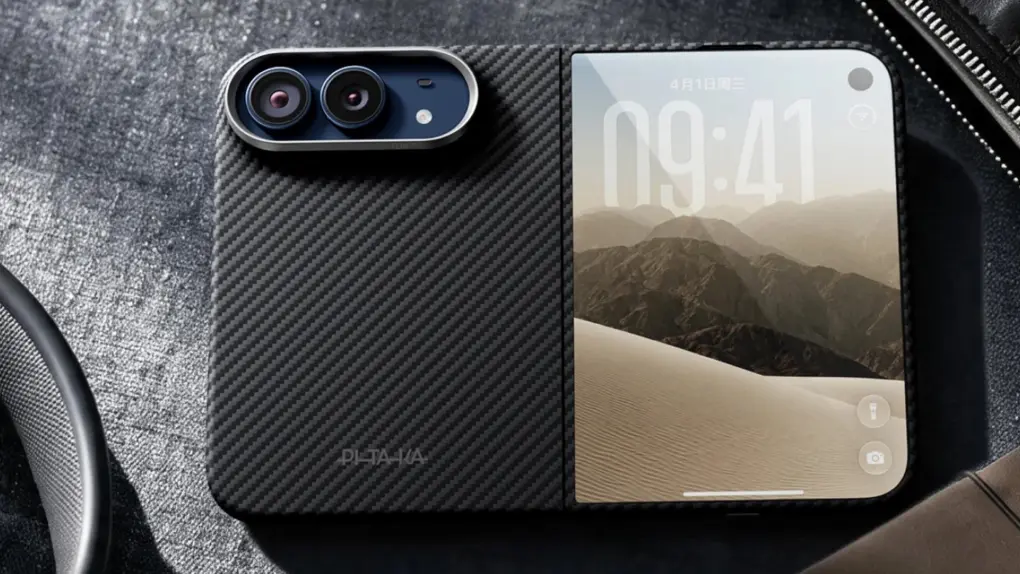
Pitaka's iPhone Duo case offers the best of both worlds. Photo: Pitaka
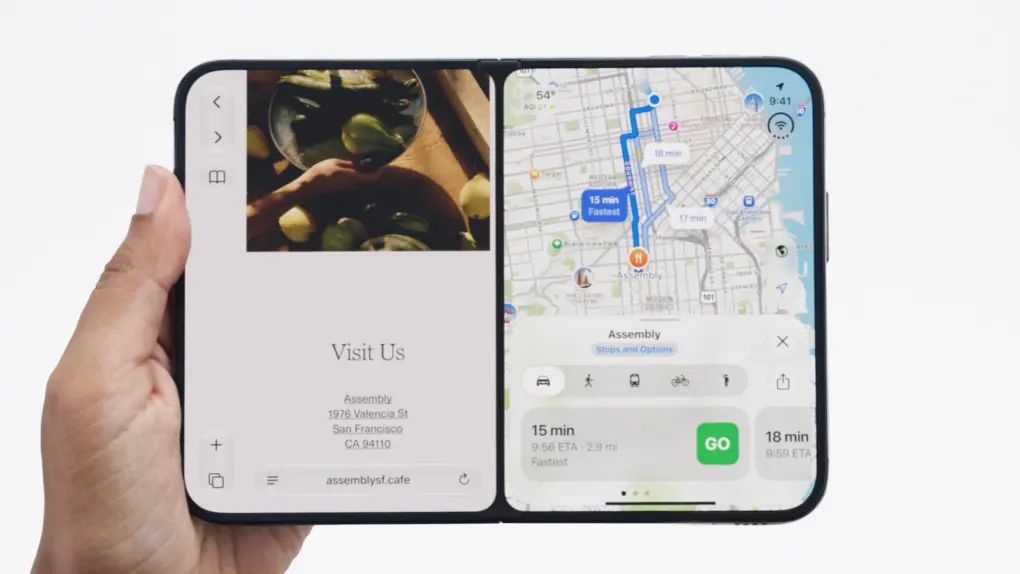
Picking up an iPhone Duo? Apple’s first foldable is also its most expensive iPhone, and probably its most delicate yet. The iPhone Duo has more to protect than any iPhone before it. It comes in two halves: an outer display and an inner display and a hinge that has to move freely without obstruction.
Unlike regular iPhones, the cases for the iPhone Duo are also special. To help you choose, we rounded up the best iPhone Duo cases from popular case makers, along with the standout options from each.
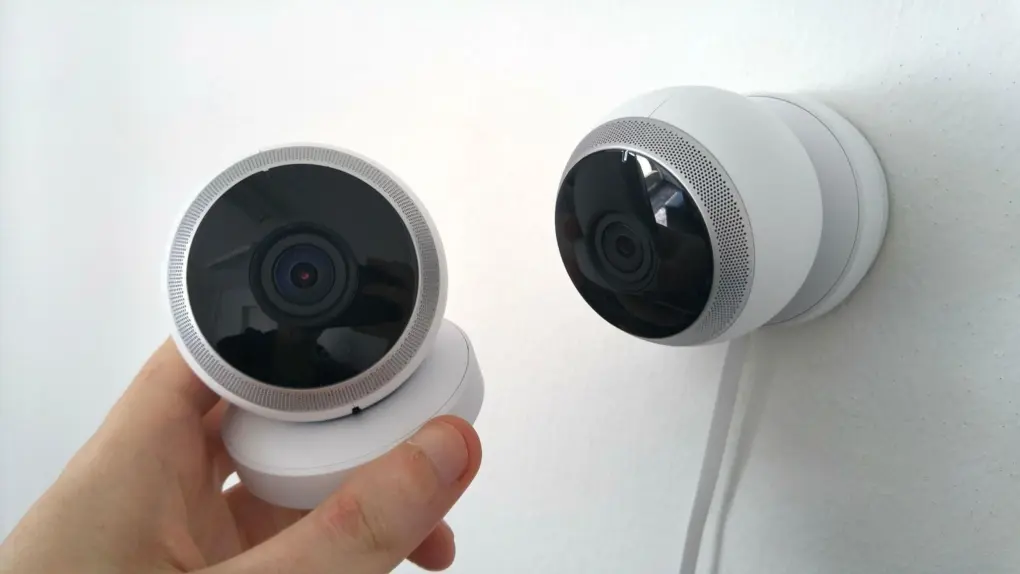
The reported Apple smart home camera would analyze rooms with AI rather than record video. Photo: Pixabay
Apple reportedly still plans to release a smart home camera that doesn’t record video sometime in the next year. Instead, it will use AI to analyze what’s happening in your home.
The privacy-focused device is separate from the LG Electronics cameras in the new Apple Home Collection. Together, they show how Apple plans to tackle home security from two very different angles.
iPhone Duo uses two separate cells to pack a massive battery. Photo: Apple
An EU regulatory document uploaded by Apple confirms that the iPhone Duo packs a 4,883mAh battery. That’s larger than the battery in the iPhone 18 Pro, but smaller than the one in its Pro Max sibling.
Unlike other iPhones, the iPhone Duo features two separate cells: one 2962mAh and another 1921mAh.
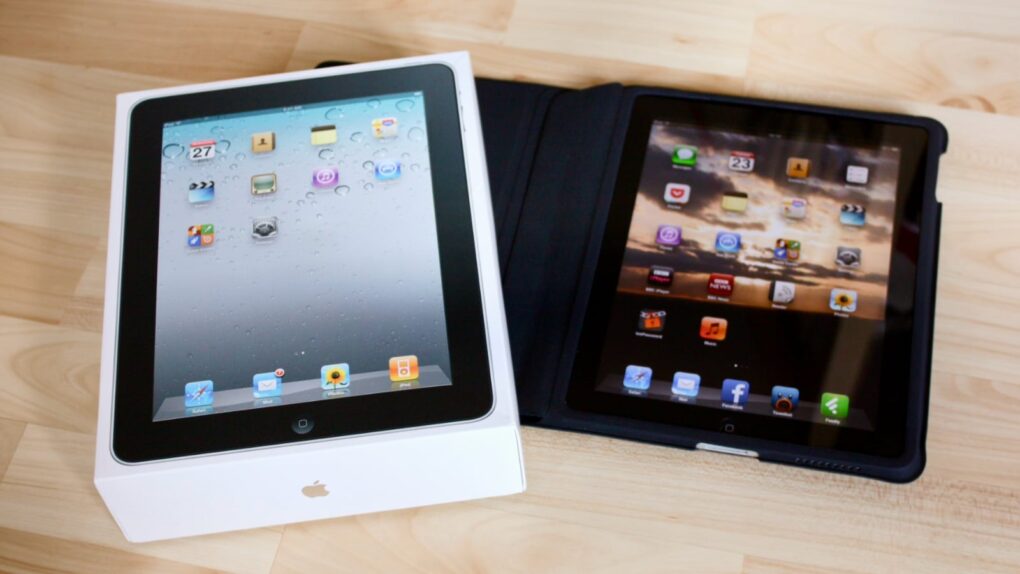
The iPad quickly became the world's fastest-selling device. Photo: Neil Turner/Flickr CC/Modified by Cult of Mac
October 18, 2010: Just six months after the original iPad debuts, Apple CEO Steve Jobs reveals that the tablet already outsells the mighty Macintosh computer.
During the company’s fourth-quarter earnings call, Jobs says Apple sold 4.19 million iPads during the previous three months, compared with 3.89 million Macs.
Unlike almost all of Apple's devices, HomeView doesn't have its own App Store. Apple's moving to a new model. Photo: Apple
Apple’s new HomeView smart home hub doesn’t come with an App Store, a decision that’s puzzling users accustomed to installing apps to customize their devices.
There seem to be several good reasons for Apple’s decision, related to the device’s memory, storage, ease of use, privacy and maybe even regulation. But perhaps the most important factor is all about elevating Siri AI as a next-generation user interface.
Apple may already have a third of the global foldable market. Photo: Apple/Cult of Mac
As Apple already immediately sold out of iPhone Duo units through January 2027, the company likely just sold at least 6 million of its foldable in a couple of hours. And the number might approach 10 million.
That means Apple may have just claimed between a quarter and a third of the global foldable market.
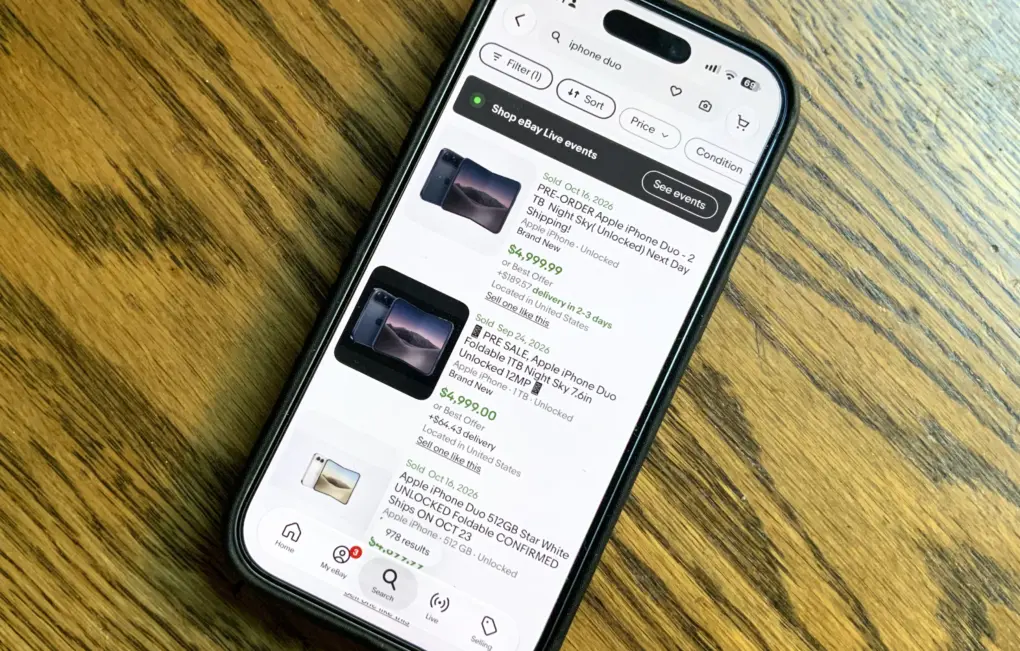
iPhone Duo units are already fetching $5,000 on eBay after selling out on Apple’s website Friday morning. Listings on the auction website show dozens of sales of the in-demand foldable for as high as $4,999, which represents about $1,800 in profit for the seller.
The iPhone Duo went on sale at 5 a.m. this morning. But within minutes, ship dates slipped to late January — three months after the new handset is supposed to become available.
See what Windows 11 can do for you with this limited-time price drop. Photo: Cult of Mac Deals
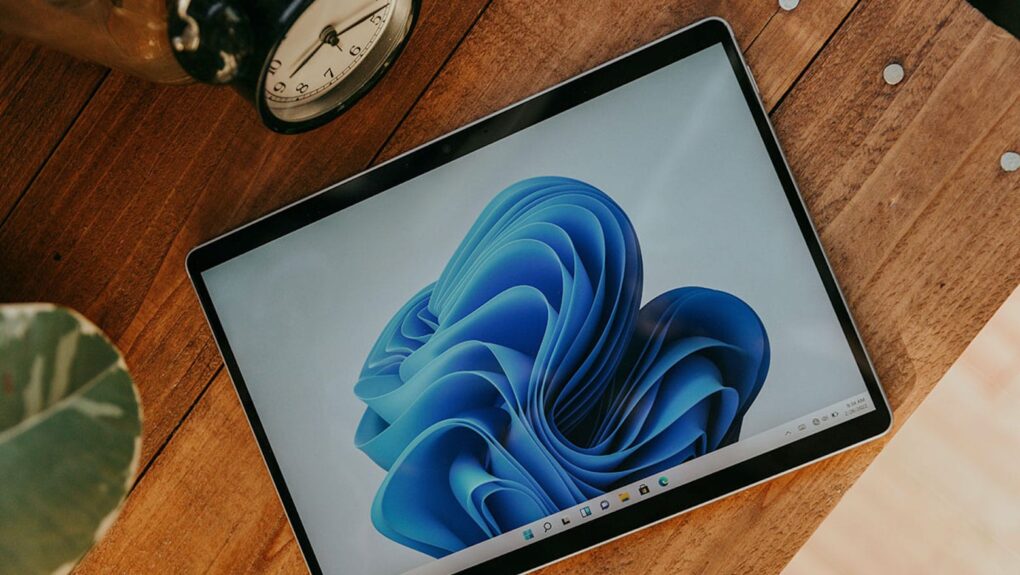
Not every Cult of Mac reader is all Mac, all the time. We know many of you use PCs for various reasons — and here’s the big Windows 11 sale you’ve been waiting for.
It's the Great Pumpkin, Charlie Brown is always streaming on the Apple TV service. Photo: Apple
Families with a tradition of watching It’s the Great Pumpkin, Charlie Brown can enjoy the classic Peanuts Halloween special on Apple TV for free this weekend. And you can watch it online, not only with an Apple TV set-top box, Mac, iPad or iPhone.
Plus, Apple TV also announced when the Peanuts Thanksgiving and Christmas specials will stream for free in 2026.
The Performa 6320CD Mac delivered great performance for the price, luring new users. Photo: Shrine of Apple
October 17, 1996: Apple launches its Performa 6360 Mac in North America, sold elsewhere as the Power Macintosh 6300/160.
An impressive multimedia Mac, the Performa 6360 comes bundled with a TV/video card. It also lets users make phone calls, listen to CDs, and watch television — all of which seemed amazingly futuristic at the time. As Macs went, it was pretty affordable, too.
Why HomeView is going to be great. Photo: Cult of Mac
This week on the Cult of Mac podcast: Apple’s new HomeView hub is a getting a lot of criticism, especially for its lack of a built-in app store. But the absence of an app store is a feature, not a bug.
The situation is reminiscent of the charging port on the bottom of the Apple Magic Mouse, which is famously misunderstood. The placement of the port was designed to force users to use it wirelessly, just like ditching the headphone jack on iPhone forced users to adopt wireless Bluetooth headphones.
Apple is pulling the same trick with HomeView: The absence of apps forces users to use Siri AI as the primary interface, instead of tapping away on the screen as though it were a mini iPad. It’s genius!
Also on the Cult of Mac podcast:
HomePod mini gets a big update.
Apple TV 4K gets a remote you can actually find down the back of the couch.
Who exactly is the Apple Home Collection for?
And Apple’s next event looks set for October 28 in LA.
Listen to this week’s episode of the Cult of Mac podcast in Apple’s Podcasts app or your favorite podcast app. Or watch the video version, embedded below. (Be sure to subscribe and leave us a review if you like it!)


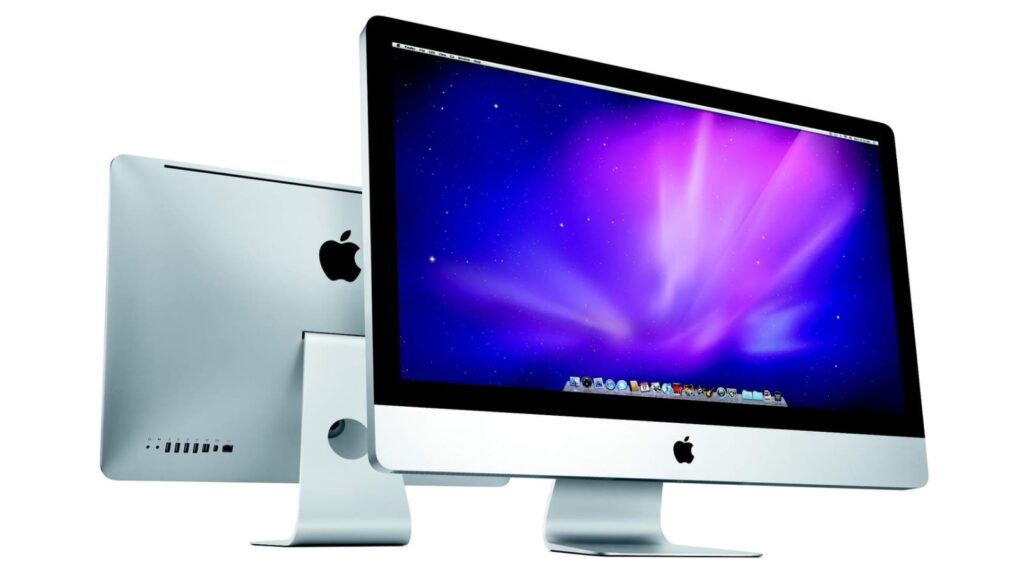
 October 20, 2009: Apple goes big with its iMac redesign, introducing the first 27-inch all-in-one Mac. The sleek, sophisticated aluminum unibody design looks so good that the iMac will remain virtually unchanged for years.


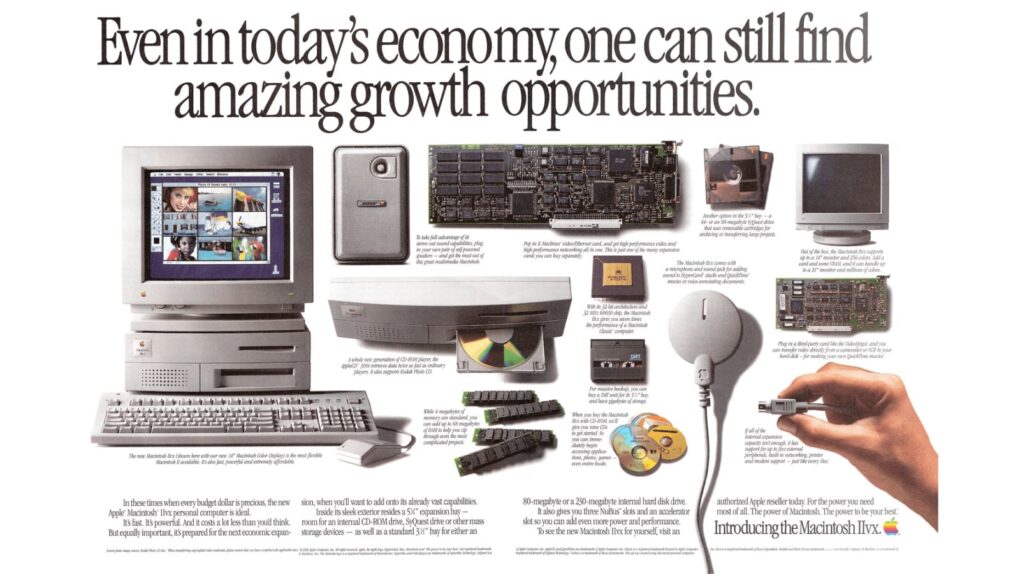
 October 19, 1992: Apple launches the Mac IIvx, the first Macintosh computer to ship with a metal case and, more importantly, an internal CD-ROM drive.

 October 18, 2010: Just six months after the original iPad debuts, Apple CEO Steve Jobs reveals that the tablet already outsells the mighty Macintosh computer.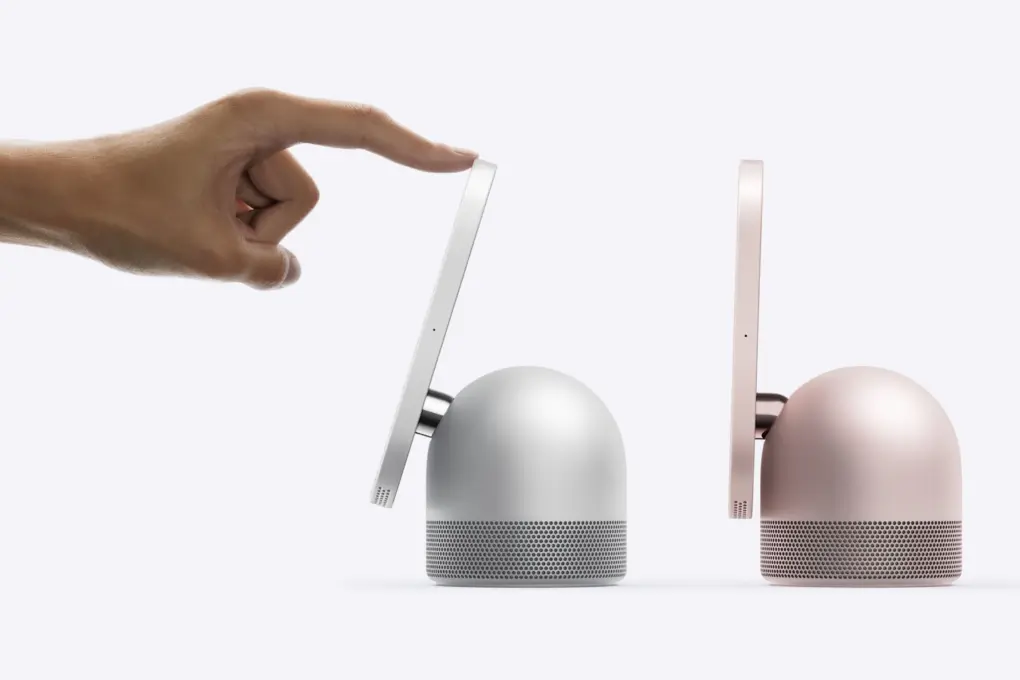

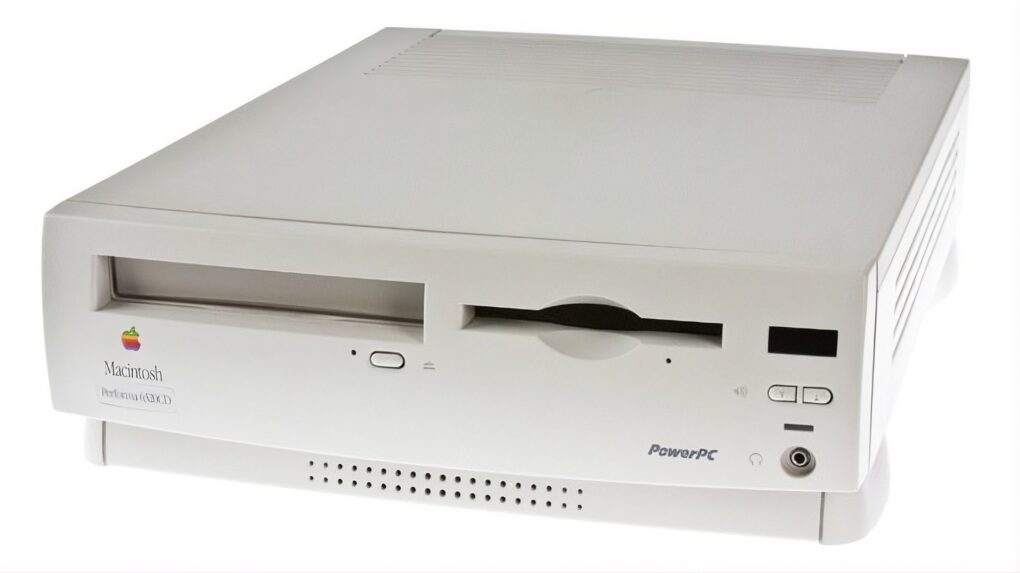
 October 17, 1996: Apple launches its Performa 6360 Mac in North America, sold elsewhere as the Power Macintosh 6300/160.