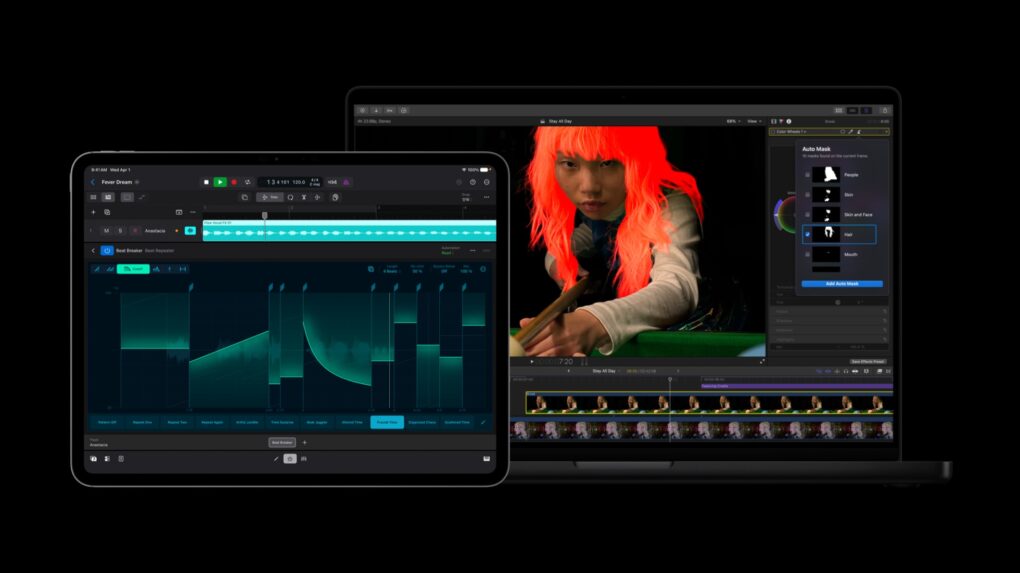
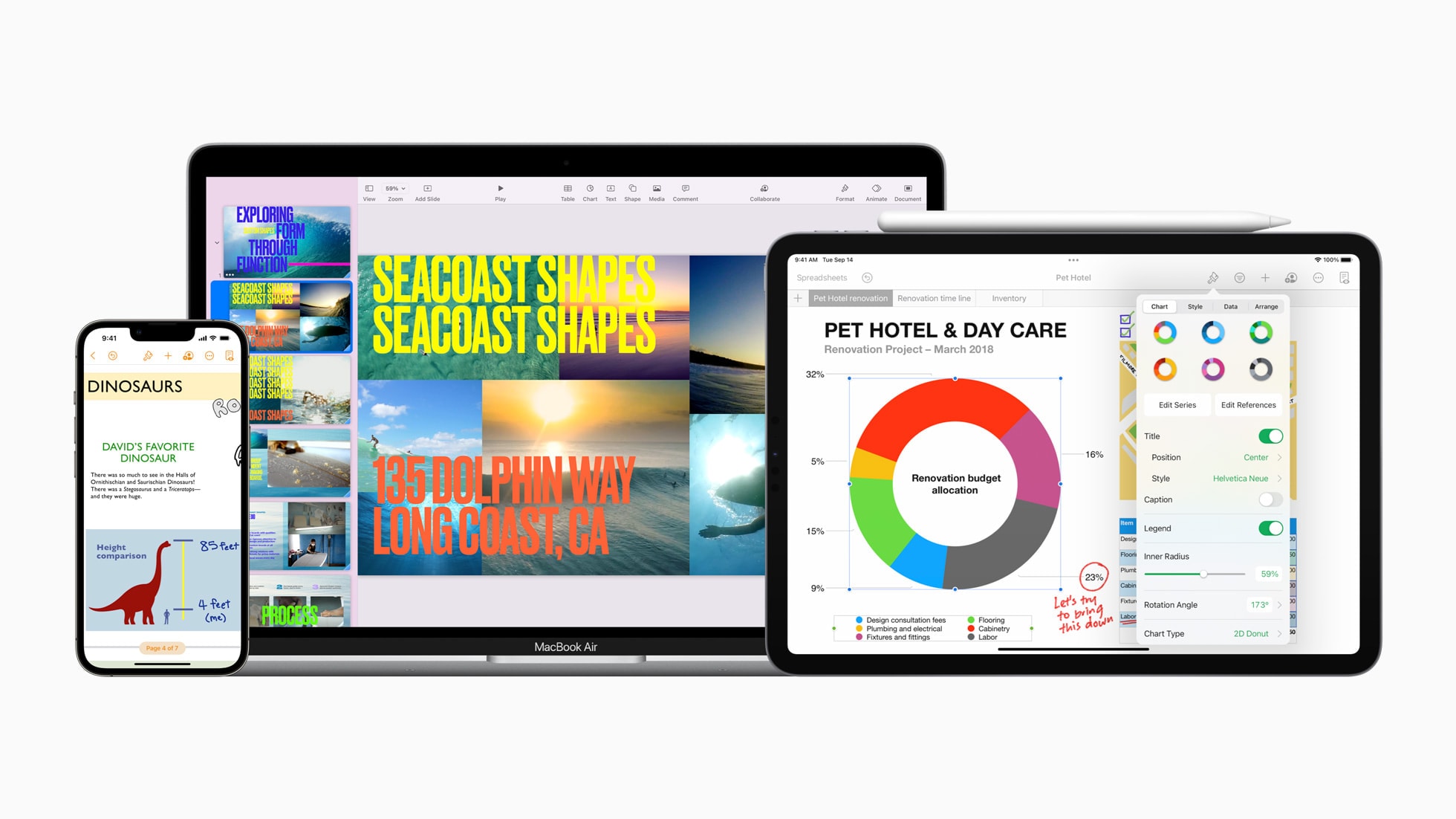
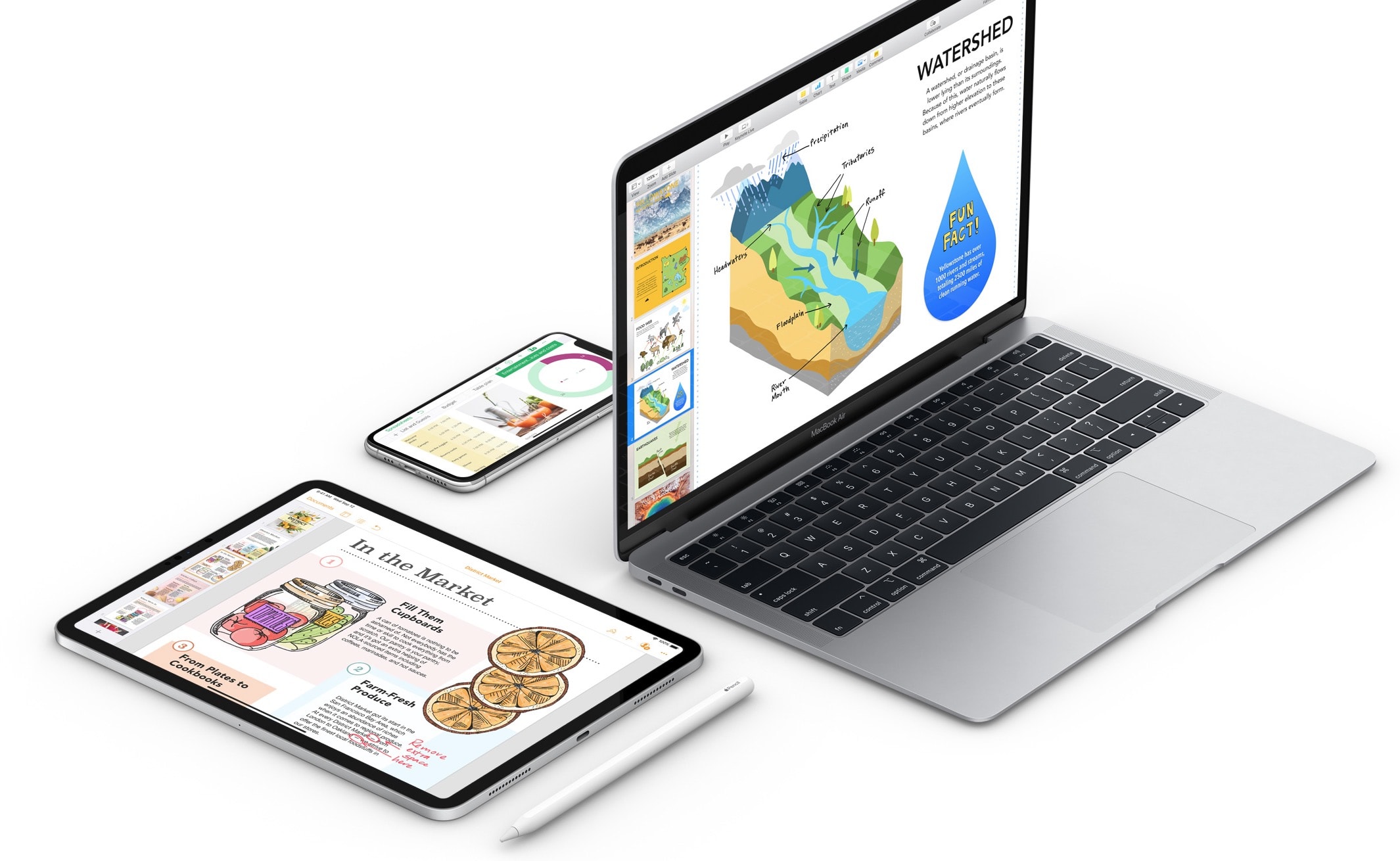
The Apple Creator Studio app bundle got a series of updates. Photo: Apple
Apple rolled out a fresh batch of updates to Apple Creator Studio Tuesday, sharpening AI features inside its flagship video and music apps while weaving Pixelmator Pro’s editing tools directly into Final Cut Pro, Keynote, Pages and Numbers.
The updates expand on the role Mac, iPad and iPhone already play for creative work. They layer in new AI capabilities across editing, photo and music workflows.
If you want the latest updates to the iWork apps, you may need a fresh download and install. Image: Apple/Cult of Mac
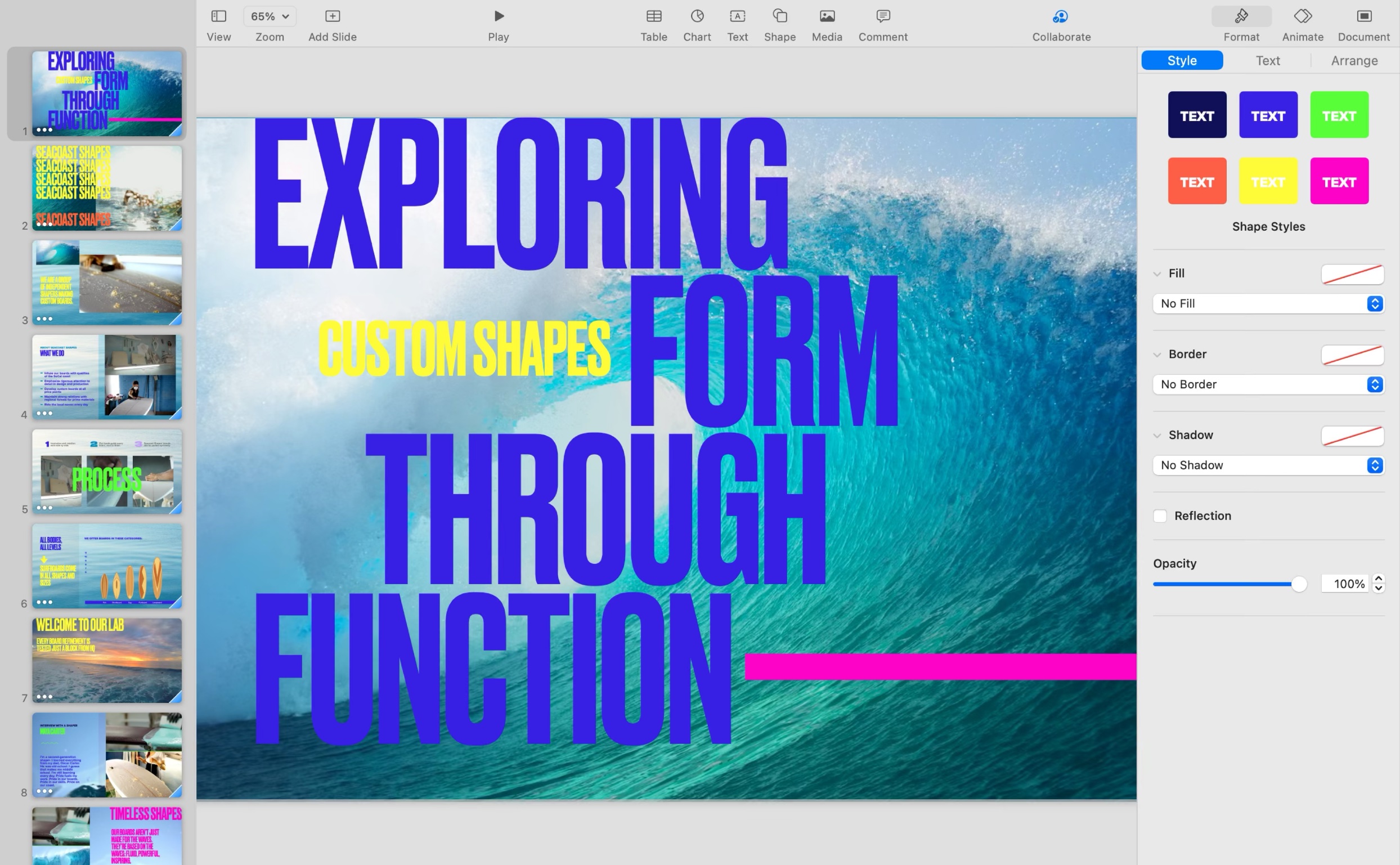
With the launch of Apple Creator Studio Wednesday, Apple also updated its suite of productivity apps otherwise known as iWork. That’s Keynote, Pages and Numbers, which were always free and are now “freemium.” Some features will only work for Creator Studio subscribers, but others work for anyone using free versions of the productivity apps.
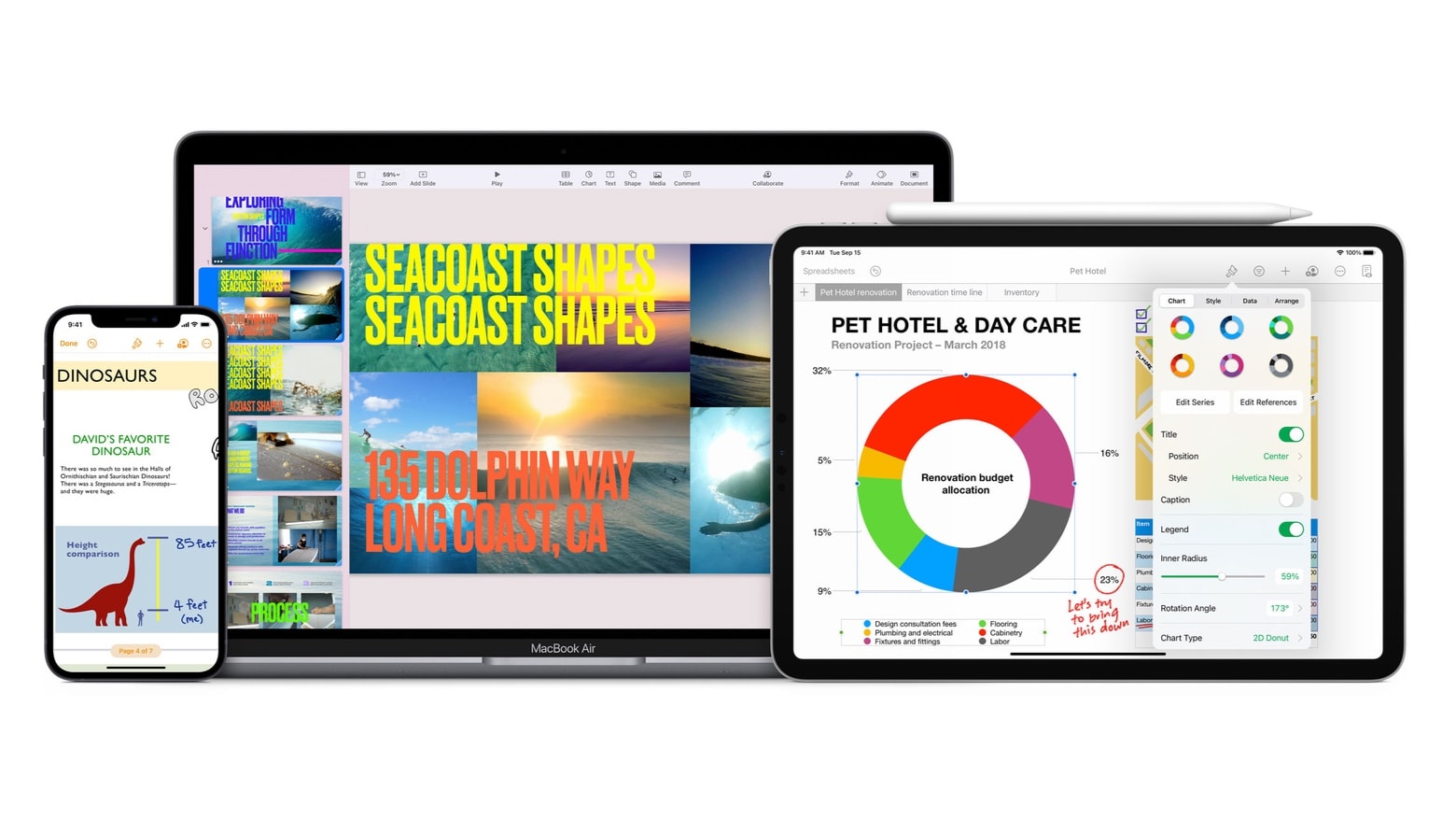
The Apple Creator Studio suite of apps gives professionals, emerging creatives, entrepreneurs, students and educators the features they need to realize their artistic vision, Apple said. Photo: Apple
A new Apple Creator Studio subscription bundles six major professional creative apps into a single monthly or yearly plan. The new bundle, announced Tuesday by Apple, includes Final Cut Pro, Logic Pro, Pixelmator Pro, Motion, Compressor and MainStage, plus premium artificial intelligence features in other Apple apps.
“There’s never been a more flexible and accessible way to get started with such a powerful collection of creative apps for professionals, emerging artists, entrepreneurs, students and educators to do their best work and explore their creative interests from start to finish,” said Eddy Cue, Apple’s senior vice president of internet software and services, in a press release.
There are some new improvements out for Apple's iWork suite. Photo: Apple/Cult of Mac
Apple updated its iWork suite of productivity applications Tuesday with improvements related to shared documents, HEIC photos and iPad keyboards. The updated apps in iWork 14.0 — Pages, Numbers and Keynote — are all available free on Mac, iPad and iPhone.
Moving backgrounds are new feature of Keynote 12.1. Screenshot: Apple
Apple’s Keynote version 12.1 adds moving backgrounds intended to add visual interest to presentations. And Pages 12.1 adds support for mail merge.
Add in a performance-oriented tweak in Numbers 12.1, and you’ve got iWork 12.1, the latest version of Apple’s free productivity suite for Mac, iPad and iPhone.
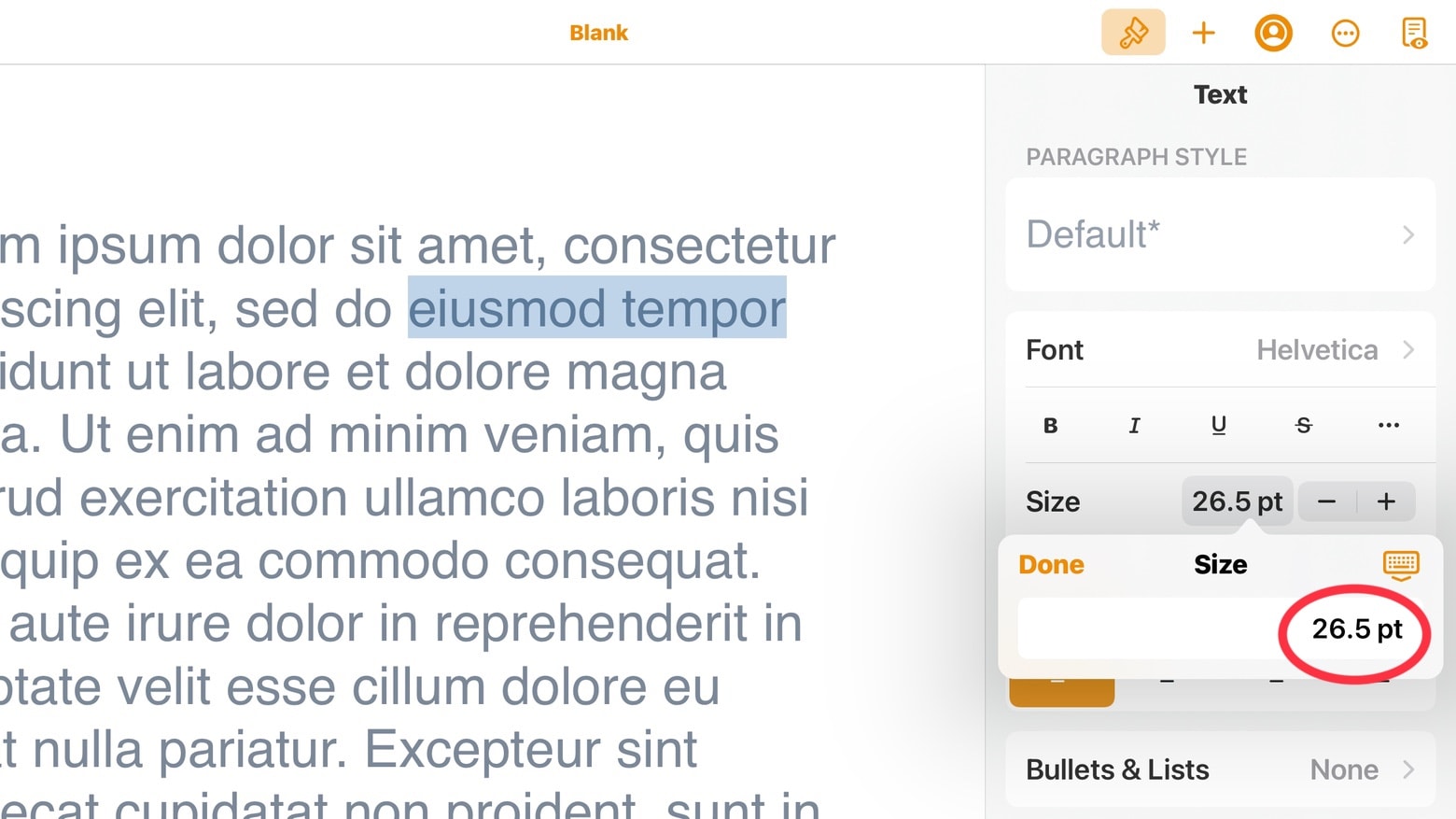
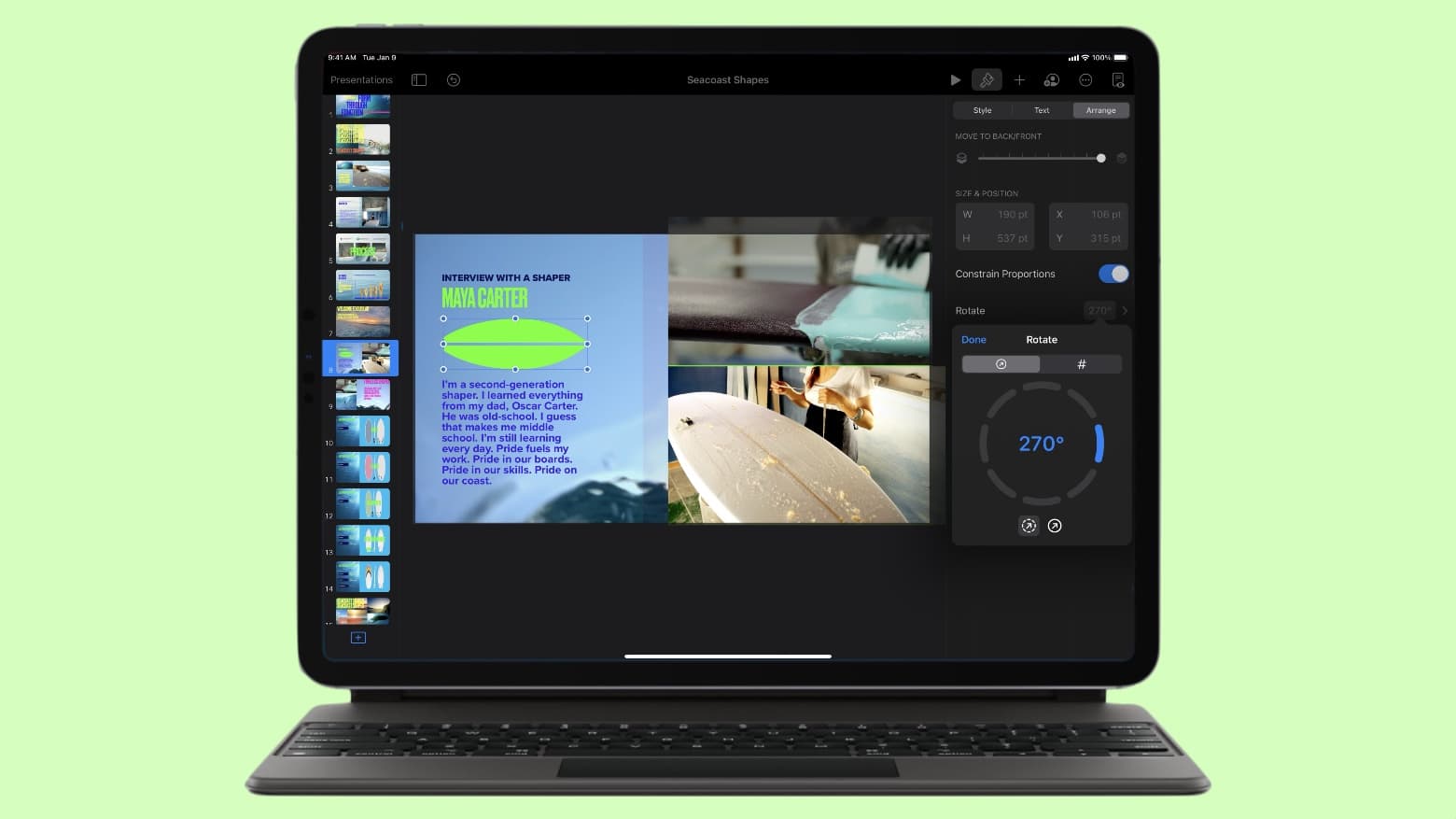
All the iWork 12.0 applications for iPad and iPad let users edit font sizes more precisely. Screenshot: Ed Hardy/Cult of Mac
The just-released Pages 12.0, Numbers 12.0 and Keynote 12.0 offer a variety of new features, including much finer control over font sizes in the iPad and iPhone versions.
And there are additional new features available in all versions of the iWork suite, including the one for Mac.
Turn your Pages document into a stunning ebook. Image: Graham Bower/Cult of Mac
Creating a killer app isn’t the only way to make an honest buck in the Apple ecosystem. You can publish an ebook quickly and easily on Apple Books.
It’s a straightforward way to sell your ideas, and doesn’t require any coding. In fact, the only software you need is probably installed on your Mac already: Pages. You still need to do the heavy lifting when it comes to the writing. But publishing an ebook using Pages takes very little effort. And the ebooks you create support a surprising amount of functionality.
This guide will show you how to publish an ebook to Apple Books using Pages.
Updates to Keynote, Pages and Numbers help you out with remote presentations and work on the go. Photo: Apple
Apple updated its iWork suite of productivity apps — Keynote, Pages and Numbers — with new features Tuesday that enable users to make presentations in new ways and help them work better with documents on the go.
Pages, Numbers and Keynote just scored additional linking and/or Schoolwork capabilities. Photo: Apple
Newly released versions of the Pages and Numbers productivity apps let users make embedded objects like shapes and images into links. This is true for both the Mac and mobile versions of the iWork apps.
Plus, the iPad and iPhone versions — as well as Keynote — also get additional capabilities for teachers who use the Schoolwork app.
iWork 11 adds new tools that make precisely arranging objects a breeze. Photo: Cult of Mac
Apple took Pages, Numbers and Keynote to 11 on Tuesday. Version 11 of all three iWork productivity applications debuted for macOS, iPad and iPhone.
The highlight of the iOS/iPadOS versions are precise controls for sizing and arranging objects. The macOS version got an updated media browser. Both received a range of other enhancements as well.
Apple rolled out new updates Tuesday for its entire iWork suite on iOS, adding Scribble support, a new image picker and more. You can download the newest versions of Pages, Numbers and Keynote now.
Don't miss any important edits. Image: Killian Bell/Cult of Mac
If you’re collaborating with a number of people on a shared Pages document, you might find it difficult to keep on top of what’s been edited. But not if you enabled Pages’ built-in change tracker. Find out how in this pro tip.
The tool you need is built right into Pages. Image: Killian Bell/Cult of Mac
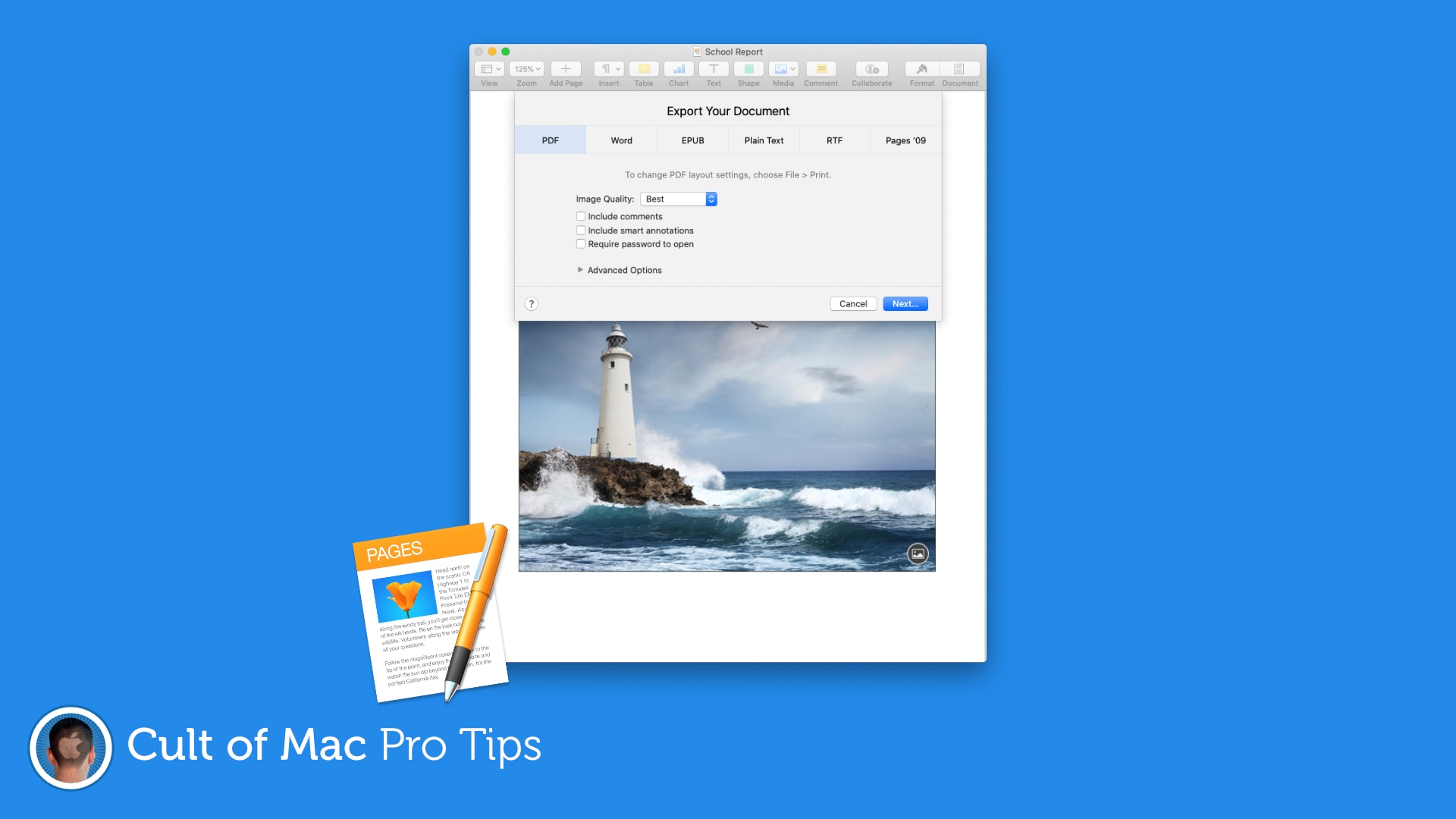
Need to share a Pages document that you don’t want others to edit? Turn it into a PDF before sending it. It takes just a minute and doesn’t require any additional software. Simply follow the steps in this pro tip.
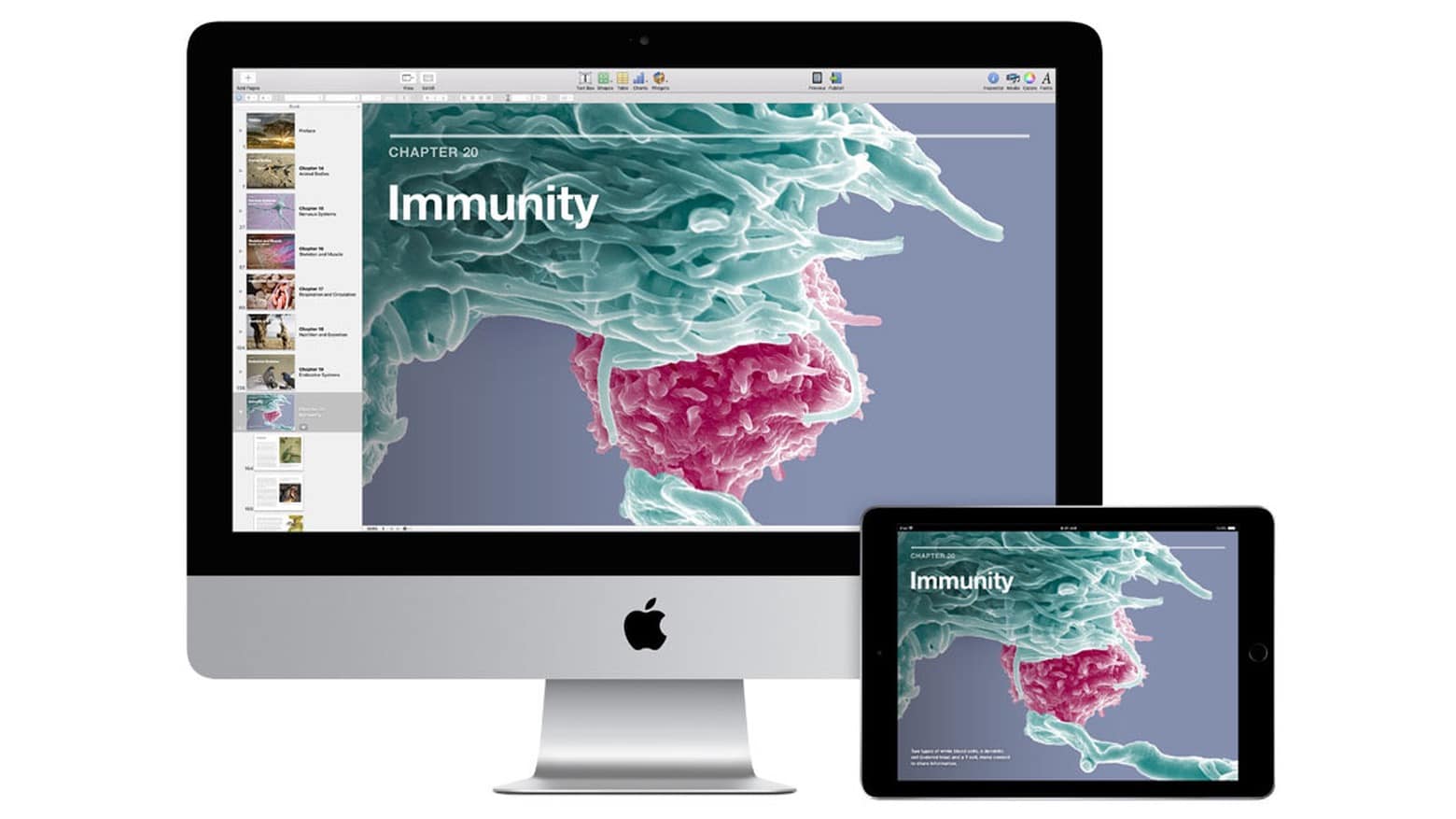
iBooks Author uses a Mac to create ebooks that can be read on an iPad. Photo: Apple
Apple revealed Wednesday that iBooks Author, macOS software for creating content for the Apple Books service, is being put on the shelf. It’ll be replaced with Apple Pages.
The big advantage is that this free word-processing application is available for not just Mac, but also iPad and even iPhone.
Worried your hefty Pages document is too big to send? There’s a helpful tool baked right into Pages that can help you make it smaller. Here’s how to use it to make sharing documents quicker and easier.
It'll take you just a second. Image: Killian Bell/Cult of Mac
If you really have to associate with Windows users, there might come a time when you need to send them a Pages document they’ll want to open in Microsoft Word. Here’s how to ensure your file is Word-friendly.
For designs that can't be missed. Image: Killian Bell/Cult of Mac
Make posters and invitations with more eye-catching designs by setting color, gradients, or images as your document background in Pages. It’s a super-simple trick that can make a big difference. Find out how in this pro tip.
No more sending documents back and forth. Image: Killian Bell/Cult of Mac
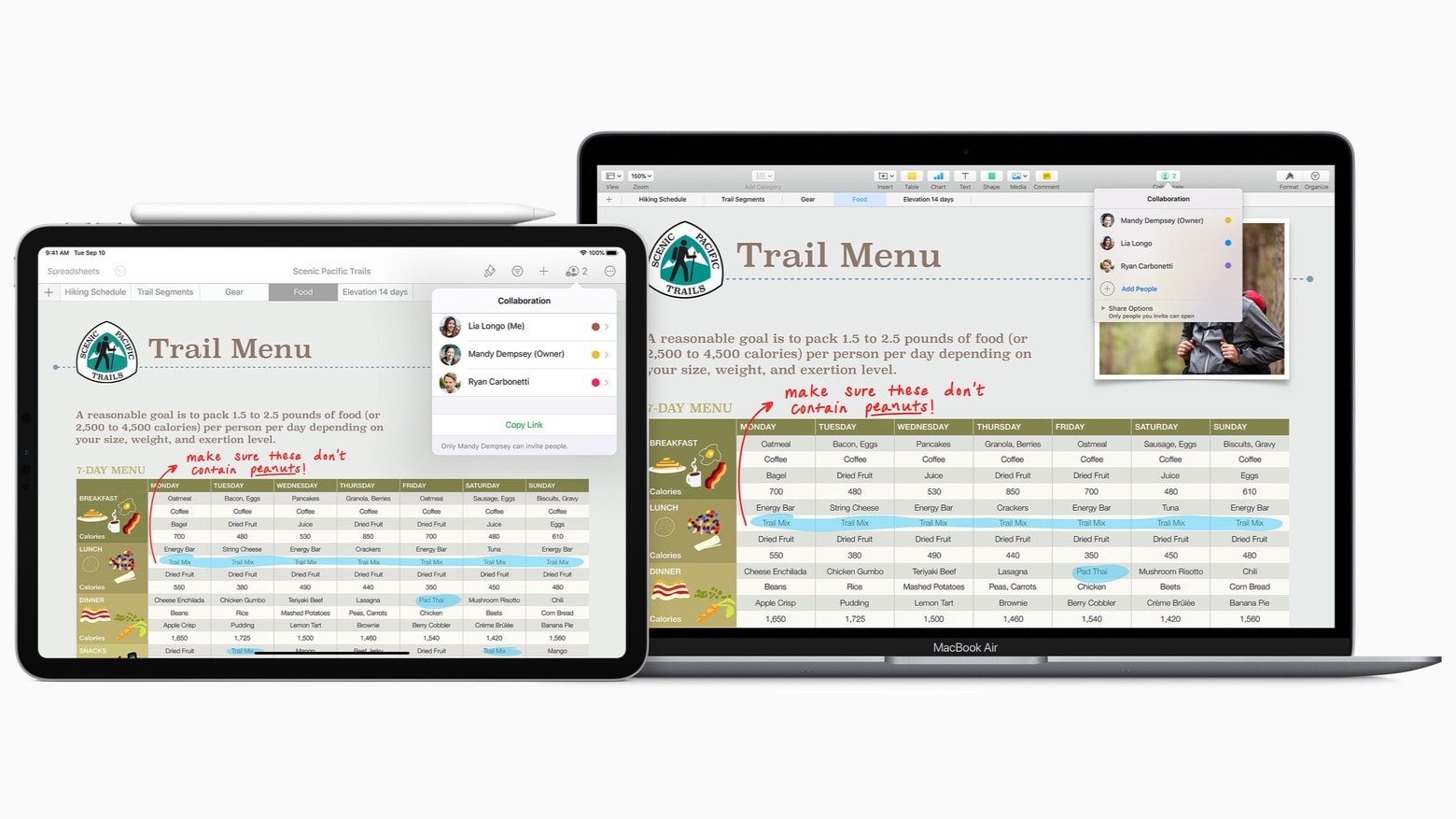
Working from home can make collaboration a little more difficult, but not if you’re using Pages on a Mac or iOS device. The ability to collaborate with others online is now built-in, and it’s surprisingly easy to take advantage of.
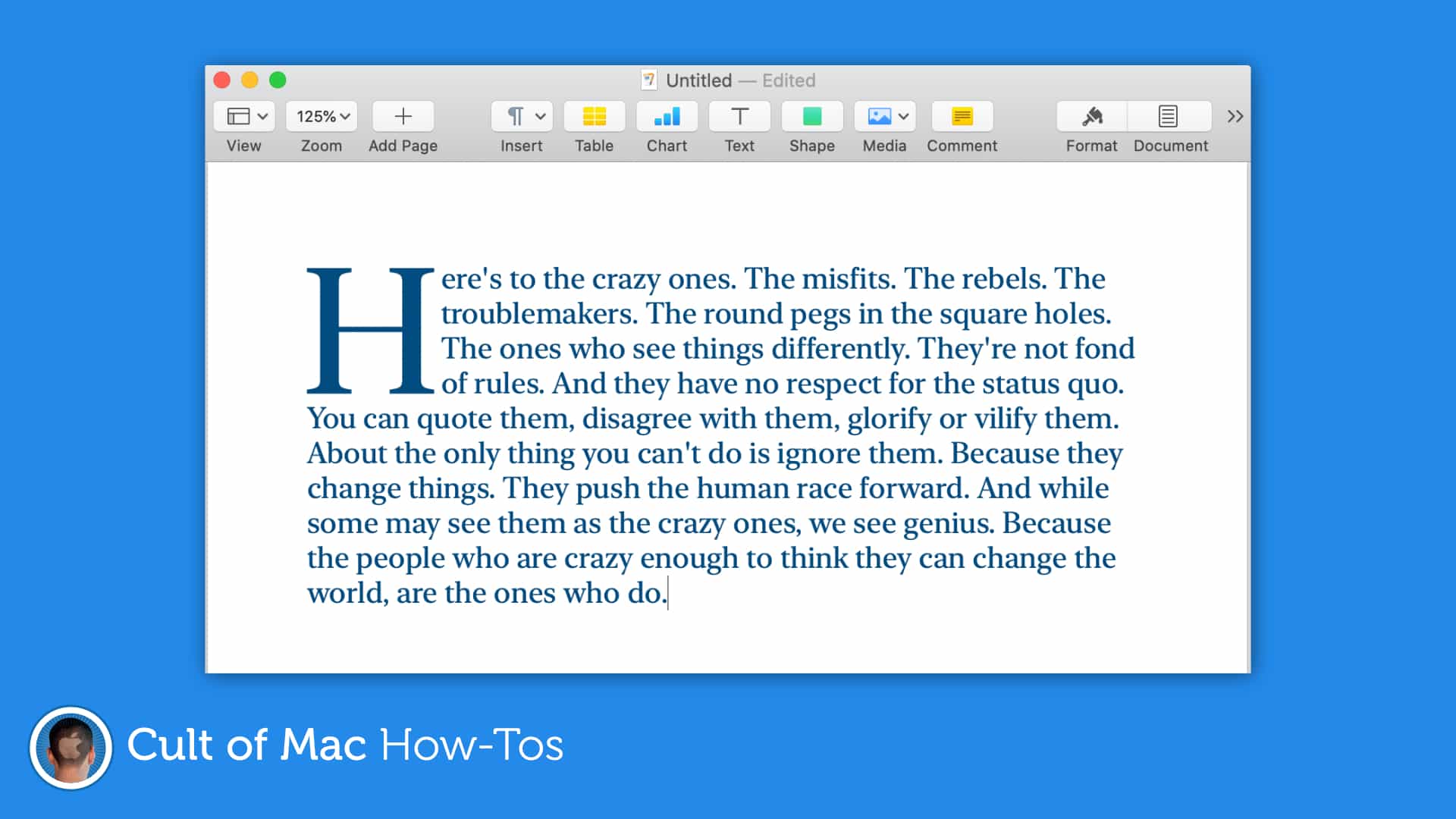
Drop caps can make almost any document look better. Image: Killian Bell/Cult of Mac
Create documents that grab a reader’s attention by taking advantage of the newly-added drop cap tool in Pages for Mac and iOS. It’s easy to use and offers a whole bunch of customizations options.
Apple late on Tuesday rolled out the latest updates to its iWork and iMovie apps for iPhone and iPad. All now offer full mouse and trackpad support, iCloud file sharing, and a number of other new features and improvements.
iWork for Mac has a new collaboration tool. And there’s an array of other improvements, too. Photo: Apple
All the apps in Apple’s free iWork productivity suite for Mac now support iCloud Drive folder sharing, a collaboration feature that debuted last Tuesday in macOS 10.15.4.
This new feature is a highlight of each iWork application — Pages, Numbers and Keynote — reaching version 10.0. And there are numerous other enhancements, too.
Apple gave all of its iWork apps some love today. Photo: Apple
Apple put out a big update for its iWork suite of iOS apps this morning, bringing a bunch of new features to the iPhone and iPad apps, including Dark Mode.
The update for Numbers 5.2, Pages 5.2 and Keynote 5.2 are available for free from the App Store, inside you’ll find some new font features, support for multiple windows, the ability to add HVEC-movies, and the option to access files from a USB drive or external hard drive.
iWork could expose user data to U.S. authorities. Photo: Apple
Apple’s suite of iWork productivity apps received a big batch of updates today for both the Mac and iOS versions.
Keynote, Numbers and Pages for the two platforms added a bunch of new features. The biggest addition is some new outline styles. There are also a couple of new customization options for Apple Pencil and a face detection feature that intelligently positions people in placeholders and objects.
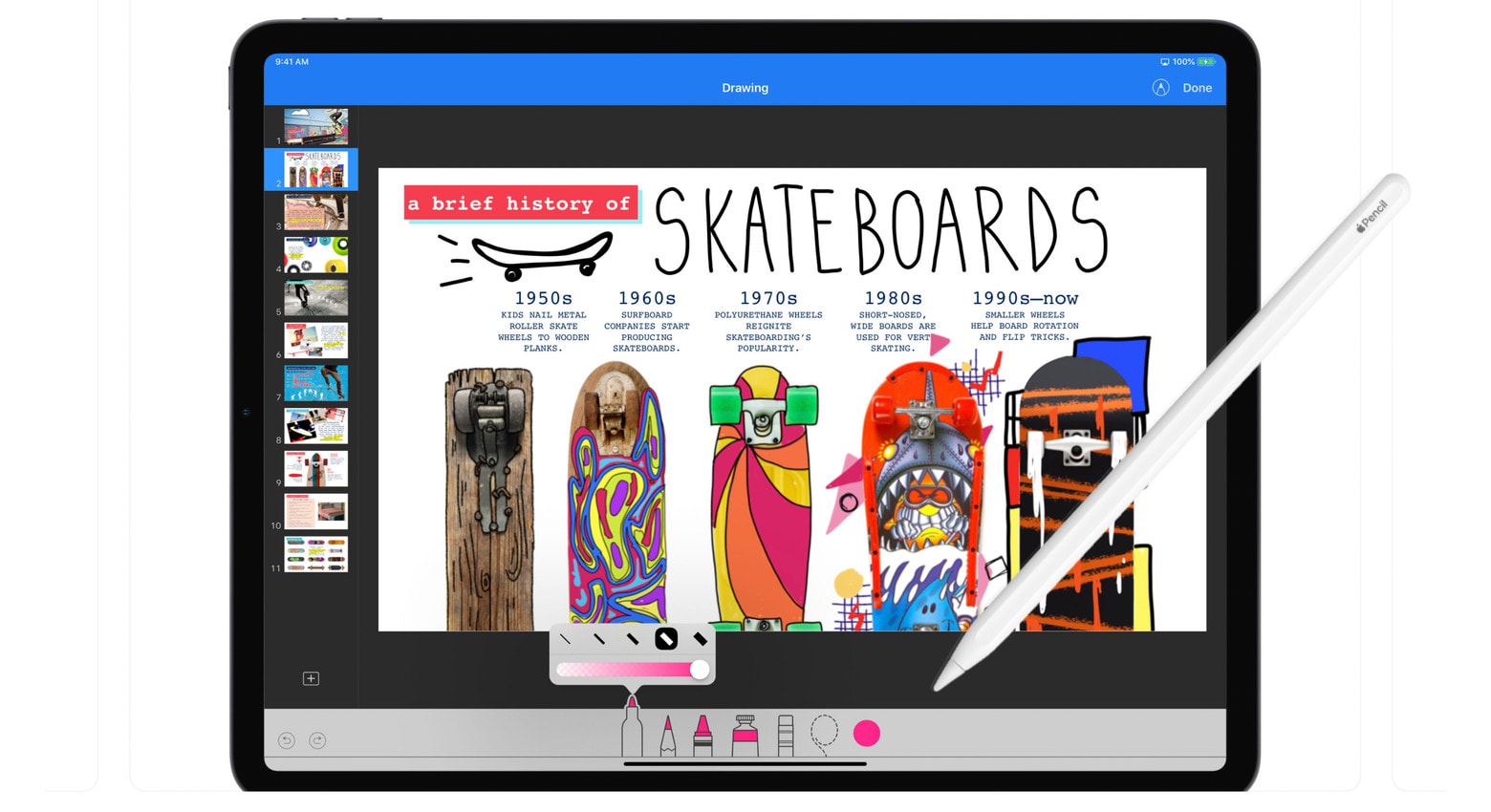
The Apple Pencil just got more useful for iWork users. Photo: Apple
An update to Apple’s free iOS alternative to Powerpoint allows iPad users with an Apple Pencil to easily draw an animation path for any object in Keynote.
At the same time, quite a few features were added to this software and the other iWork applications, Pages and Numbers.
The Cult of Mac team always seems very happy with my motivational speeches. Photo: Charlie Sorrel/Cult of Mac
A recent update to Apple’s Pages word processor added something called Presenter Mode, a neat, simplified full-screen view of your document that sits somewhere between Safari’s Reader View, and a full-on Keynote presentation. The text is enlarged, and can be set to scroll automatically.
In other words, Presenter Mode is a kind of teleprompter. The idea is not that you present the document to other people, like with a Keynote presentation, but that you yourself are the presenter. Let’s see how it works.