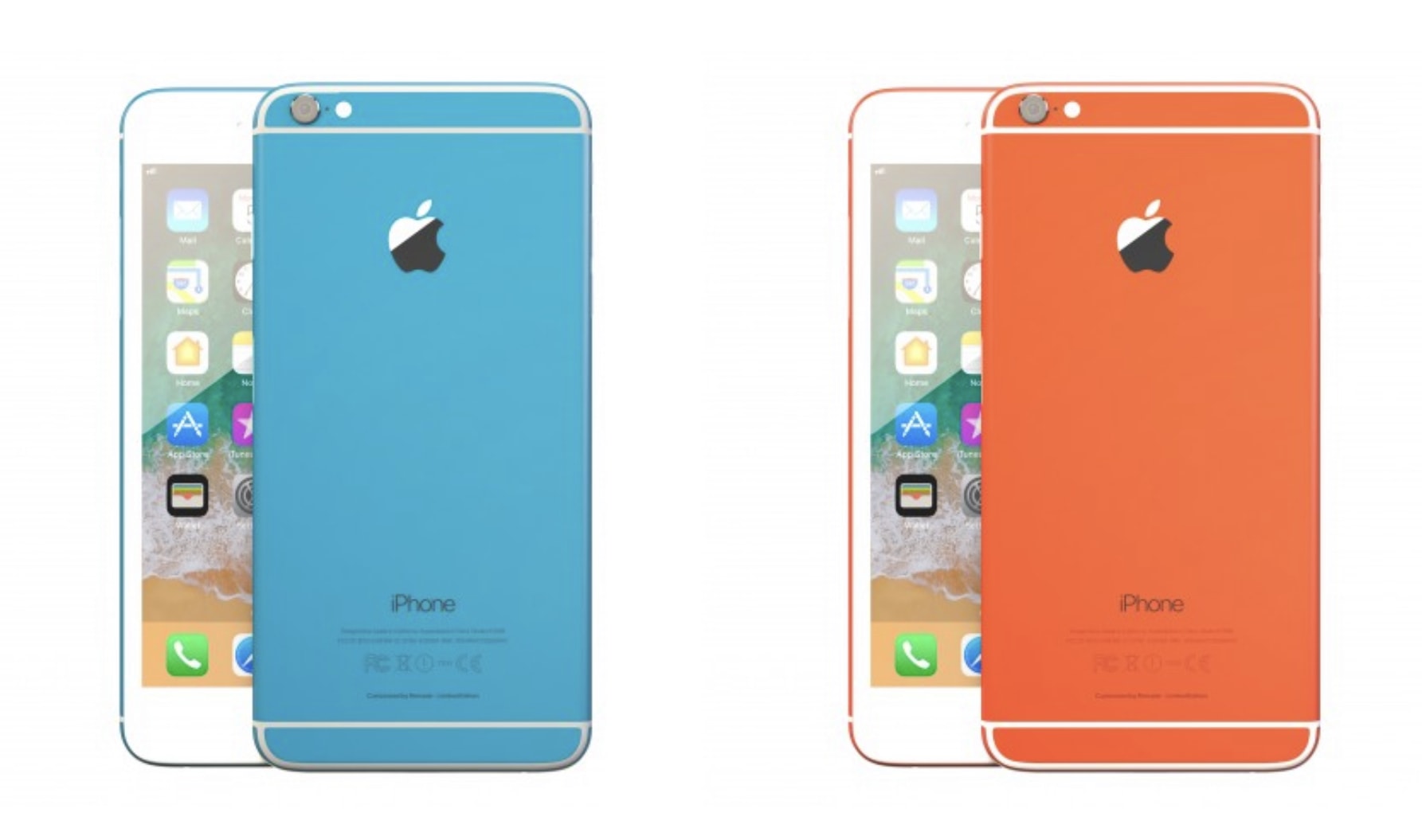
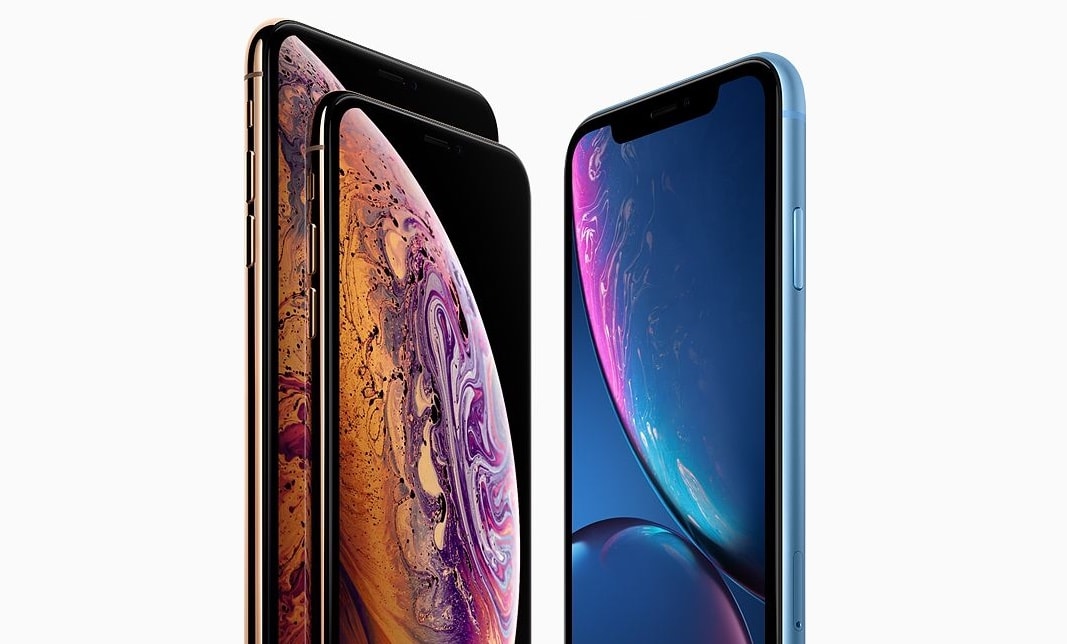
Buying a refurbished iPhone is a great way to save a pretty penny, and now there’s another reason why you should consider avoiding the Apple Store.
One French company is selling rebuilt models that have been painted in pretty colors as part of its “Better Then Refurbished” program. They’re gorgeous, and they cost a lot less.
Riffr has some good audio tools built in. Photo: Cult of Mac
Riffr is yet another social network, this one based around audio snippets. And maybe it’ll actually take off, despite its awful design. It’s as if the makers took the confusion that is late-stage Instagram as a starting point, and then made things worse from there.
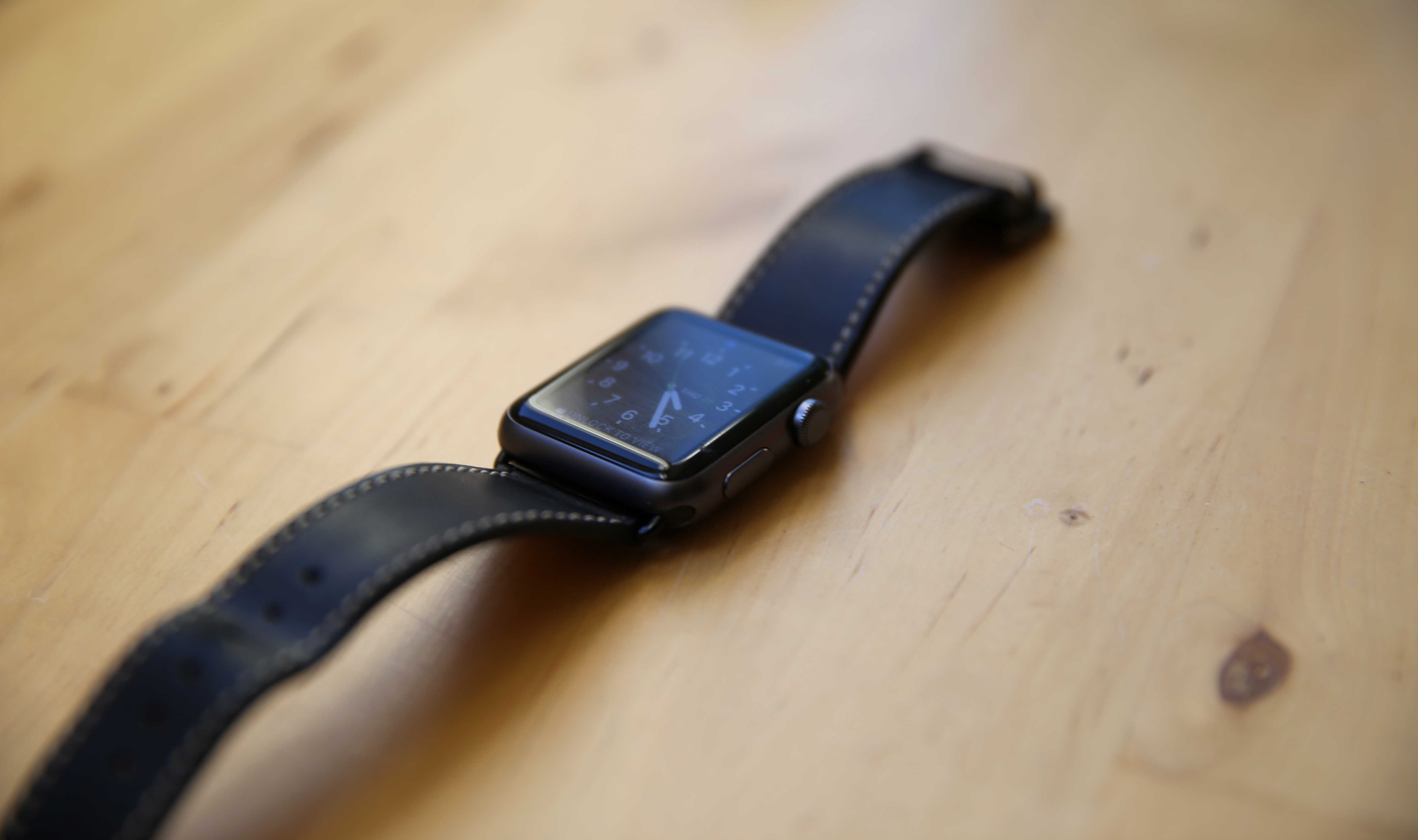
Barenia leather, traditionally used for Hermès saddles, makes this Clessant band soft yet strong. Photo: Lyle Kahney/Cult of Mac
If you make high-quality products that everyone wants, there is the risk that the demand for your goods exceeds supply. On one hand that’s good (hey, we’re selling a lot!). On the other hand, that’s bad (why can’t I buy this?).
Such is the case with France-based Clessant, one of our favorite Apple Watch band makers. Fortunately, several Clessant bands that have been unavailable are now back in stock, ready to make your Apple Watch even more special. Check out the models below, featuring buffalo, ostrich and goat leather. All are available at the Cult of Mac Watch Store while supplies last.
Apple gives supply chain workers access to coding classes. Photo: Apple
Apple came out with its 13th annual Supplier Responsibility Progress Report, giving an inside glimpse at some of the biggest issues it’s been battling.
The 66-page report is stuffed with interesting little facts, like how many gallons of water suppliers have saved and the amount of reduced greenhouse gas emissions. Apple admits it still has a lot of work to do, but the progress the company has made is pretty impressive. One of the biggest areas Apple emphasizes in its report is the people that work in the supply chain and the educational opportunities Apple is giving them.
Do you have what it takes to join Pixar's posse? Photo: Pixar
Pixar is looking for a good Mac nerd to join its support team.
If you’ve ever dreamed of working for one of the most iconic animation companies in the world, but don’t have any actual animation skills, this might be your best chance.
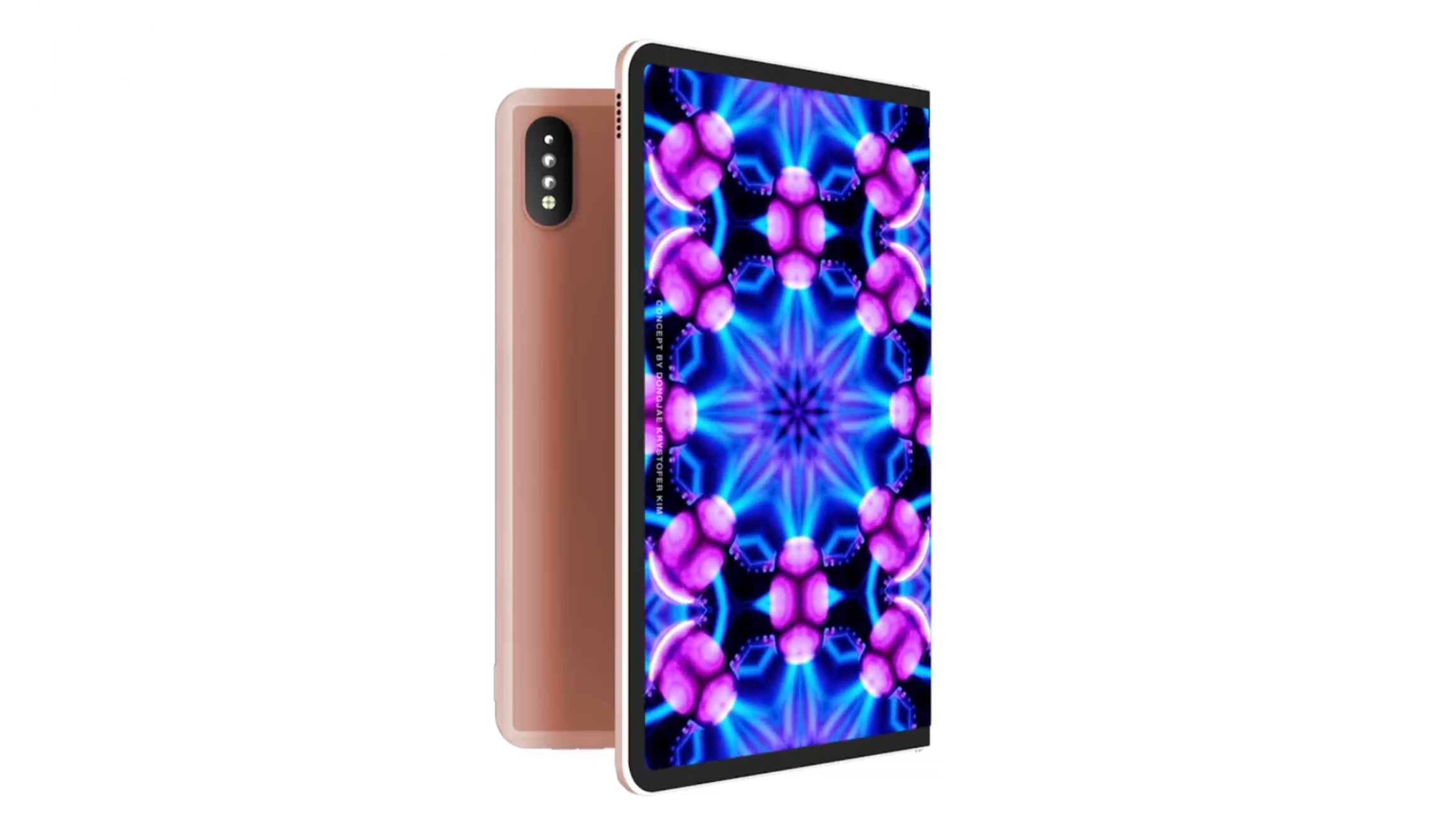
Forget a folding iPhone. The iPad U is a proposed folding iPad. Photo: Dongjae "Krystofer" Kim
Folding phones are getting lots of attention, but flexible screens can benefit tablets as well. A new concept video proposes a full-size iPad that can expand into a display larger than all but the biggest laptops.
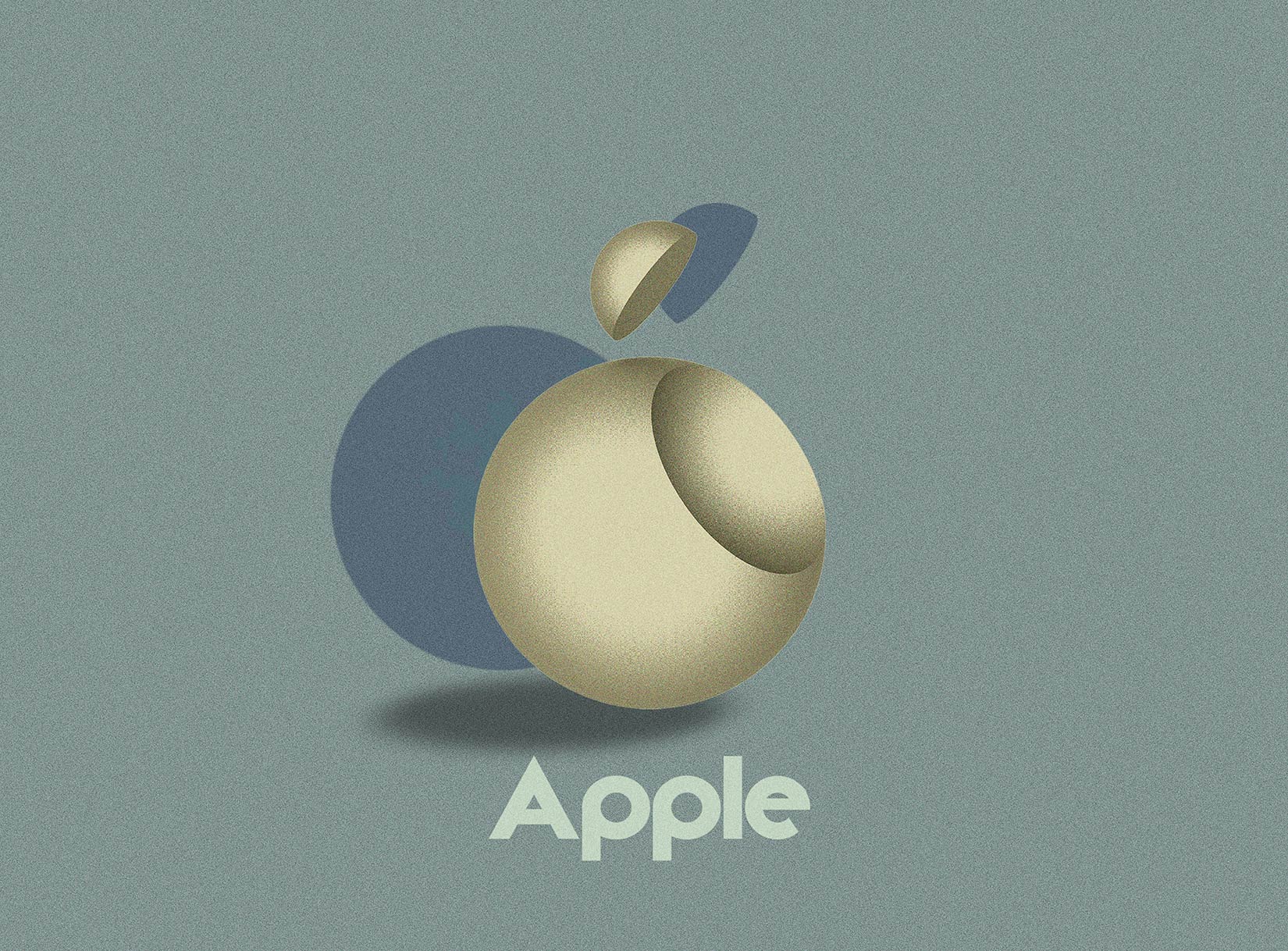
The Apple logo with a Bauhaus bite. Illustration: Vladimir Nickolic
A company has to be nimble enough to change with the times. It can turnover leadership, recreate its work culture and overhaul its line of products. Just don’t mess with a brand’s logo.
But what if an icon like the Apple logo was reimagined with another iconic style?
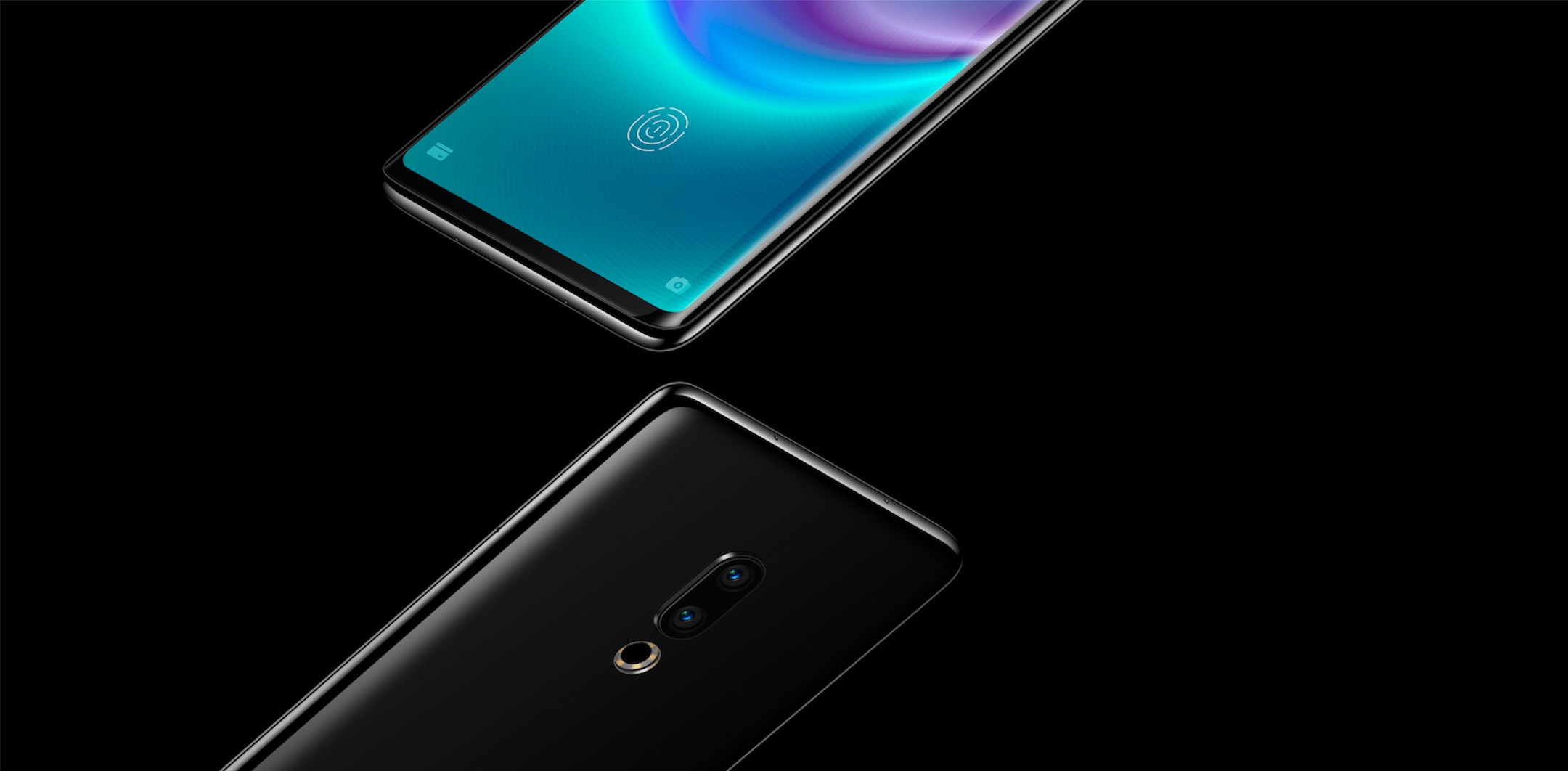
The so-called “Zero” handset was announced just over a month ago before being made available to preorder through a failed crowdfunding campaign. But Meizu founder and CEO Jack Wong says the project “was just the marketing team messing about.”
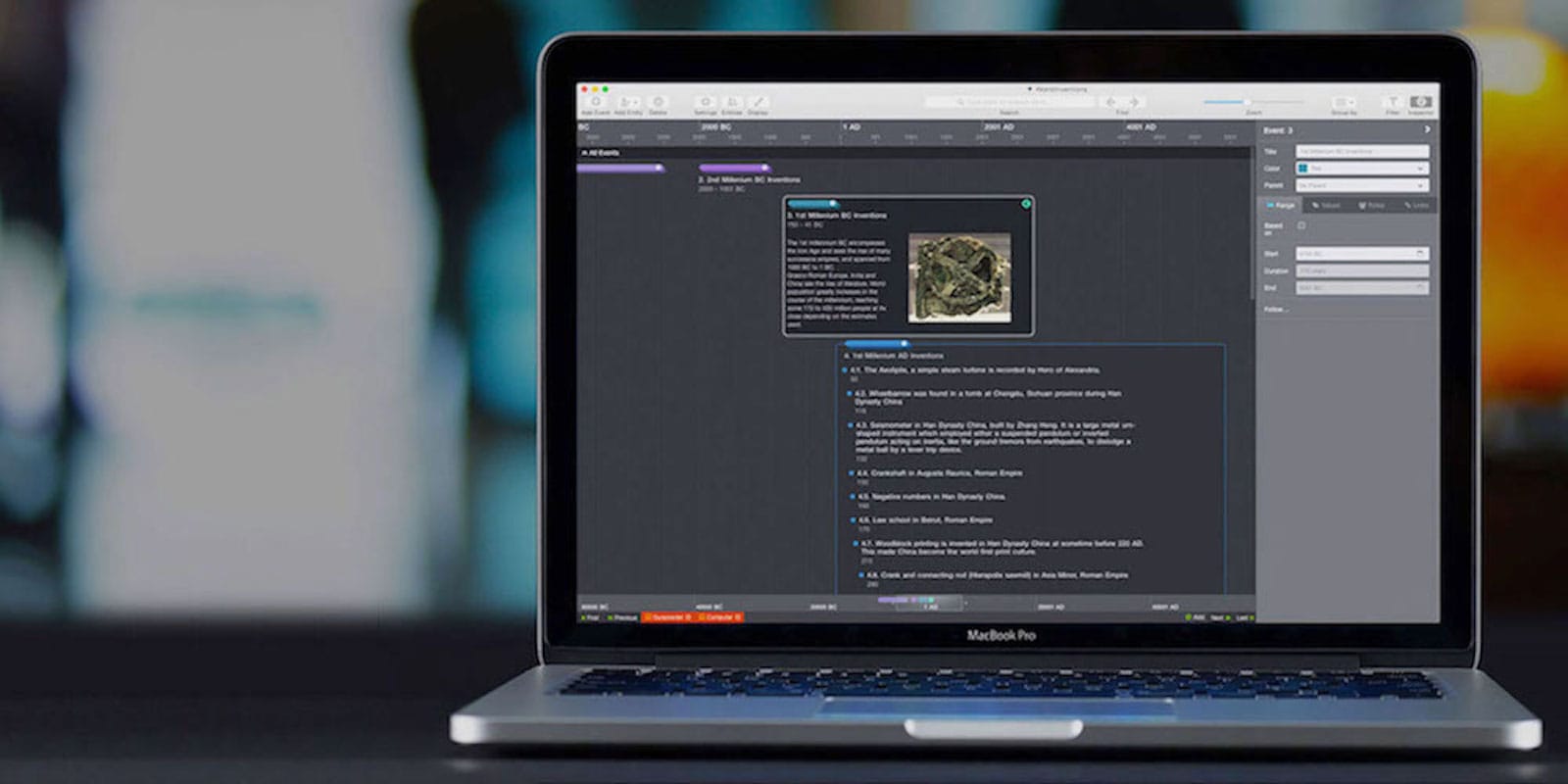
With a highly visual and intuitive interface, Aeon Timeline 2 makes it easy to stay organized and on-task. Photo: Cult of Mac Deals
Big-time projects can mean big-time stress. So we welcome any and all help to stay on task and organized. That makes this massively discounted timeline tool a must-see.
Fortnite’s first update since the launch of season eight has landed, bringing buried treasure to Battle Royale for the first time.
Players can pick up a map to track down a hidden chest, which contains “a trove of legendary loot.” This update also contains a number of bug fixes and improvements.
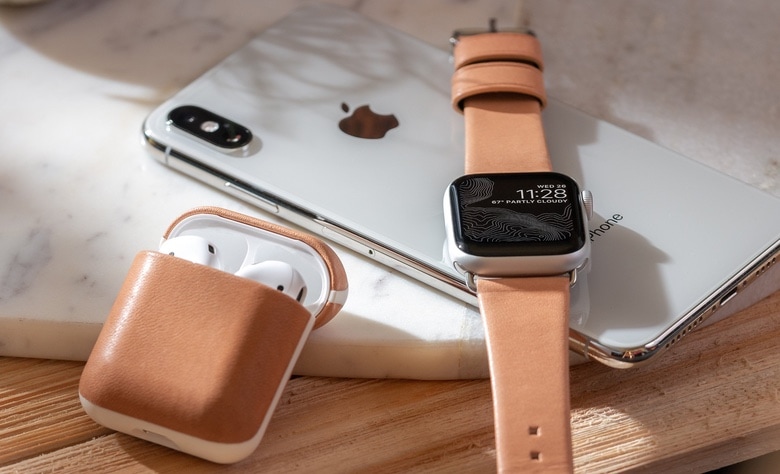
Apple Watch and AirPods dominated the world market for smartwatches and ear-worn smart devices in 2018. Photo: Nomad
Last year, Apple Watch and AirPods combined to give Apple almost a quarter of the world’s wearable shipments. The total was nearly double the next closest rival.
Shipments of these Apple products grew tremendously in 2018, outpacing the wearables market as a whole.
Disney Chairman and CEO, Robert A. Iger. Photo: (Disney/ABC/ Heidi Gutman)
Disney CEO Bob Iger’s seat on Apple’s board of directors might be at risk as both companies pursue video streaming services.
Apple hasn’t asked Iger to step down yet, but a new report shines light on what could soon become a very conflicted relationship. Disney and Apple have enjoyed close ties ever since Disney bought Pixar from Steve Jobs. Now it looks like the two companies are about to become close rivals.
Now's your chance to score a free iPhone XS Max and a set of wireless AirPods. Photo: Cult of Mac Deals
The latest Apple devices are impressive, but so are their price tags. So you’d be crazy not to jump at the chance to score the latest and greatest tech from Cupertino — for free!
Our iPhone XS Max and AirPods giveaway is just that chance.
Swift Playgrounds uses iPads to teach kids programming. Photo: Apple
The first beta of Swift Playgrounds 3.0 was just introduced. This is good news for those who teach programming fundamentals through this kid-friendly tool.
The biggest improvement we know about so far is the move to teaching version 5 of the Swift programming language.
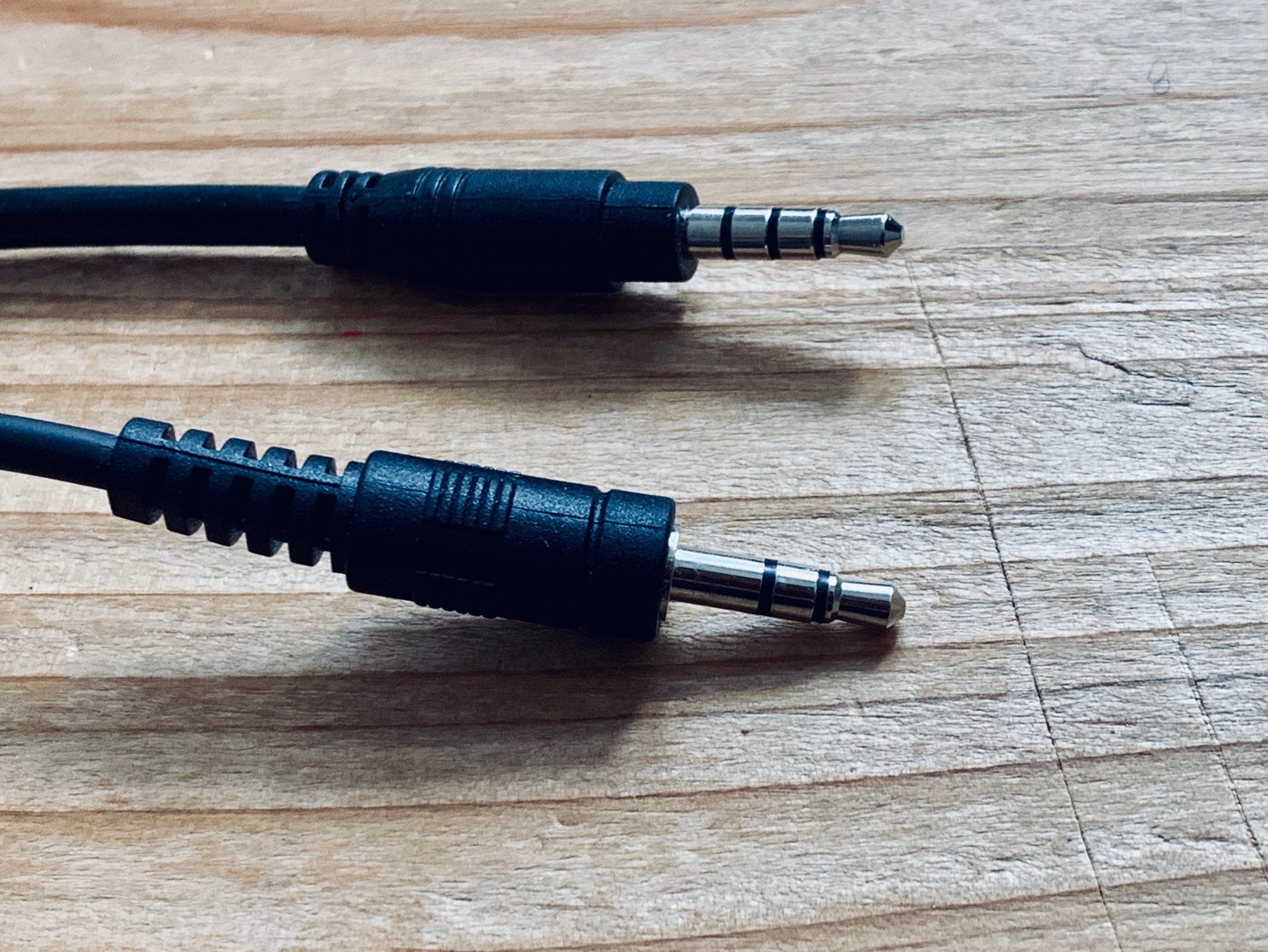
Make sure you use the right cable. Photo: Charlie Sorrel/Cult of Mac
However old your iPhone is, it records great audio. You can use it as a dictaphone, to make field recordings of ambient sounds, to “tape” music, and even sample everyday noises and make music from them. But how do you do it? How do you hook up, say, a portable keyboard or an MP3 player to your iPhone, and actually save a recording? Let’s see.
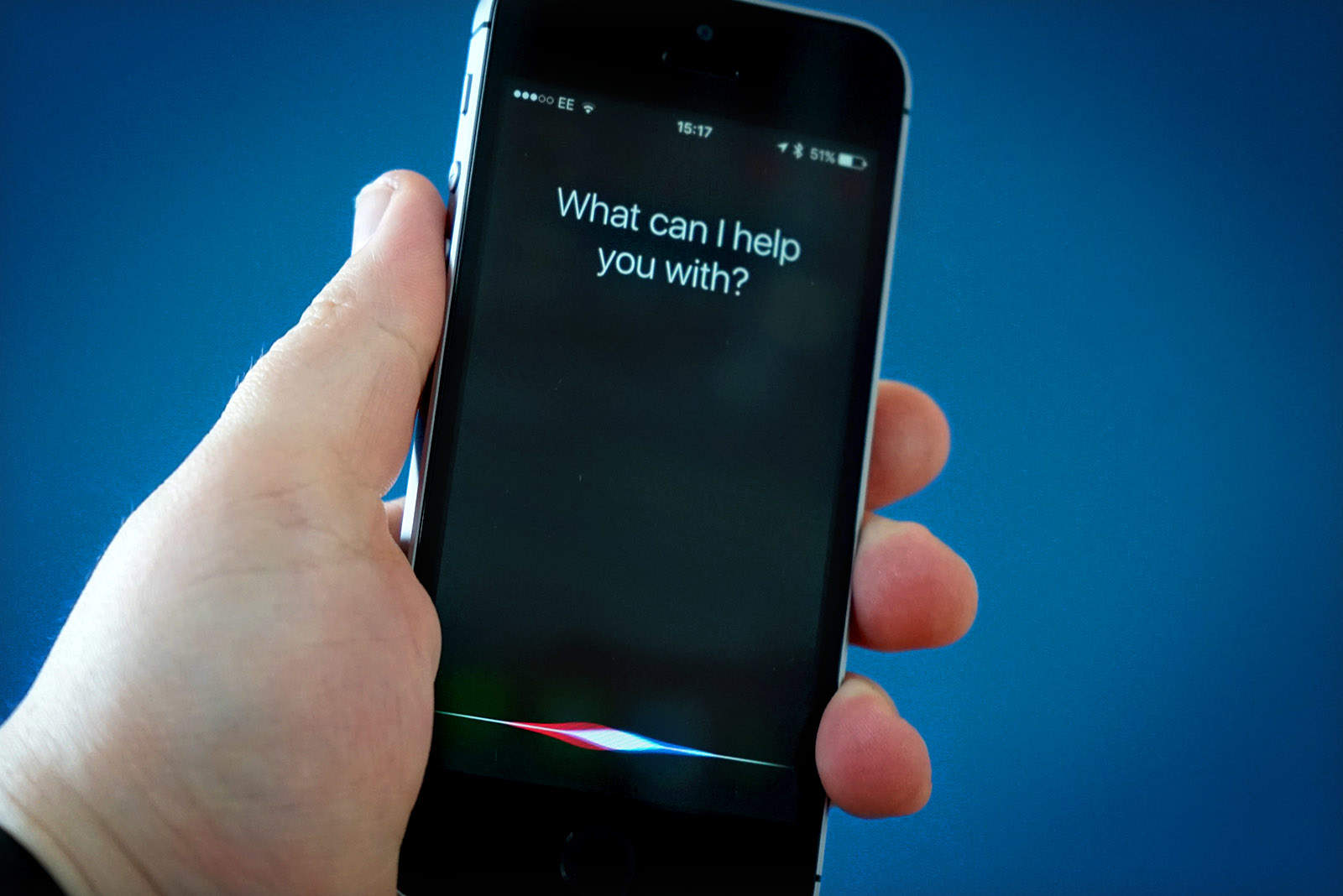
Sorry, Alexa: Siri still the most widespread AI assistant Photo: Ste Smith/Cult of Mac
Apple has quietly updated the female British voice for Siri. The improvements can be heard today on HomePod and iOS devices.
The update comes just a few weeks after Apple updated the male British voice. It is believed the company could be working on improvements for many of Siri’s international voices.
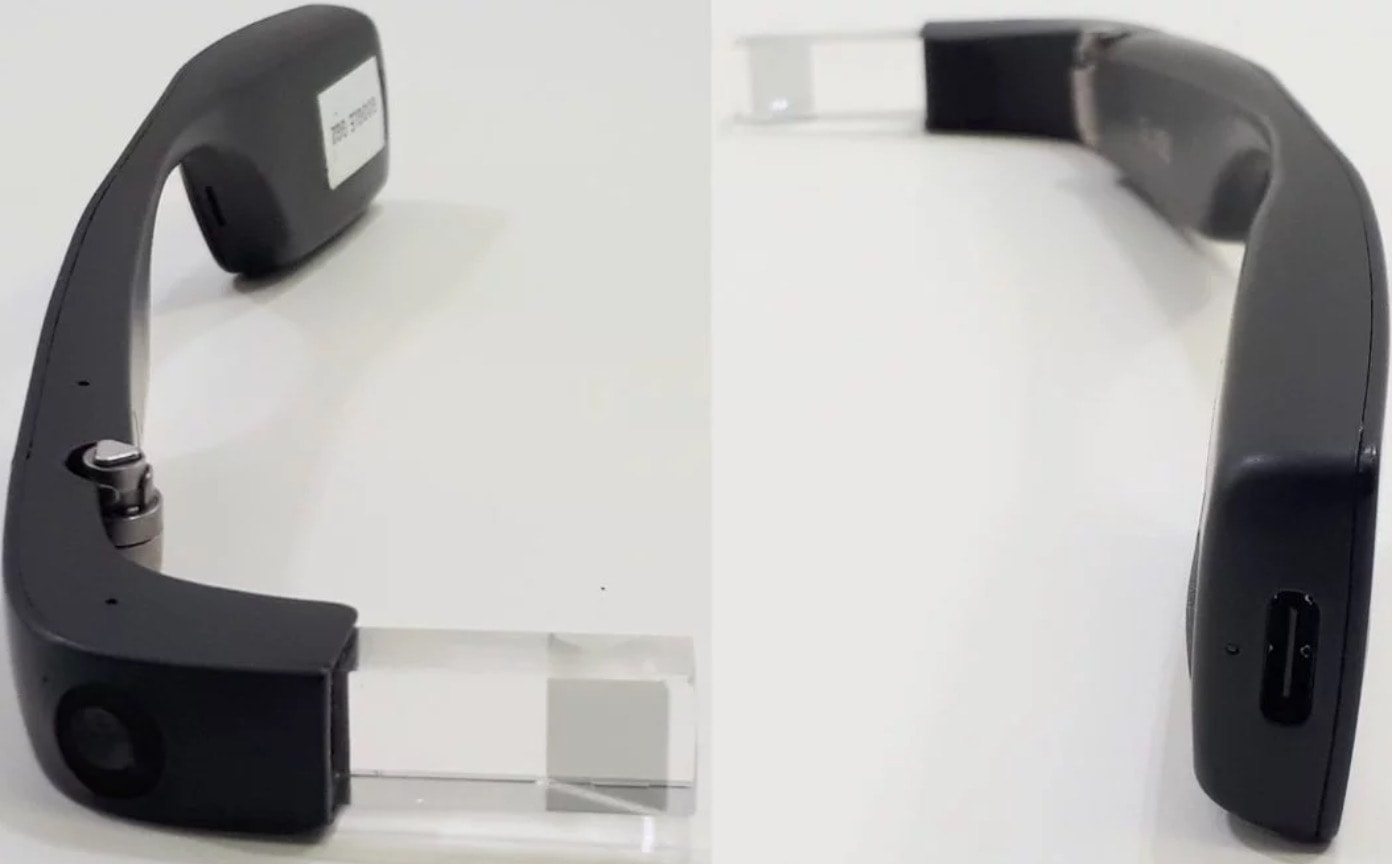
Say hello to the new Google Glass. Photo: Tecnoblog
Google Glass is set to get an upgrade later this year for enterprise users and it looks like USB-C charging will be one of the big new features.
Leaked images of the second-generation Google Glass for enterprise surfaced on the web today. The images show that Google is ditching its magnetic cable charging system in favor of a single quick-charging port.
Remember the games you used to enjoy on your iPhone and iPad in the early days of the App Store? The chances are few of them are still supported and available for download today, but the best could soon be making a comeback.
GameClub is a developer that plans to resurrect forgotten iOS games. The first title on its roster is Hook Champ, a game from Rocketcat that first hit the App Store in 2009, and you can play it today by signing up for early access.
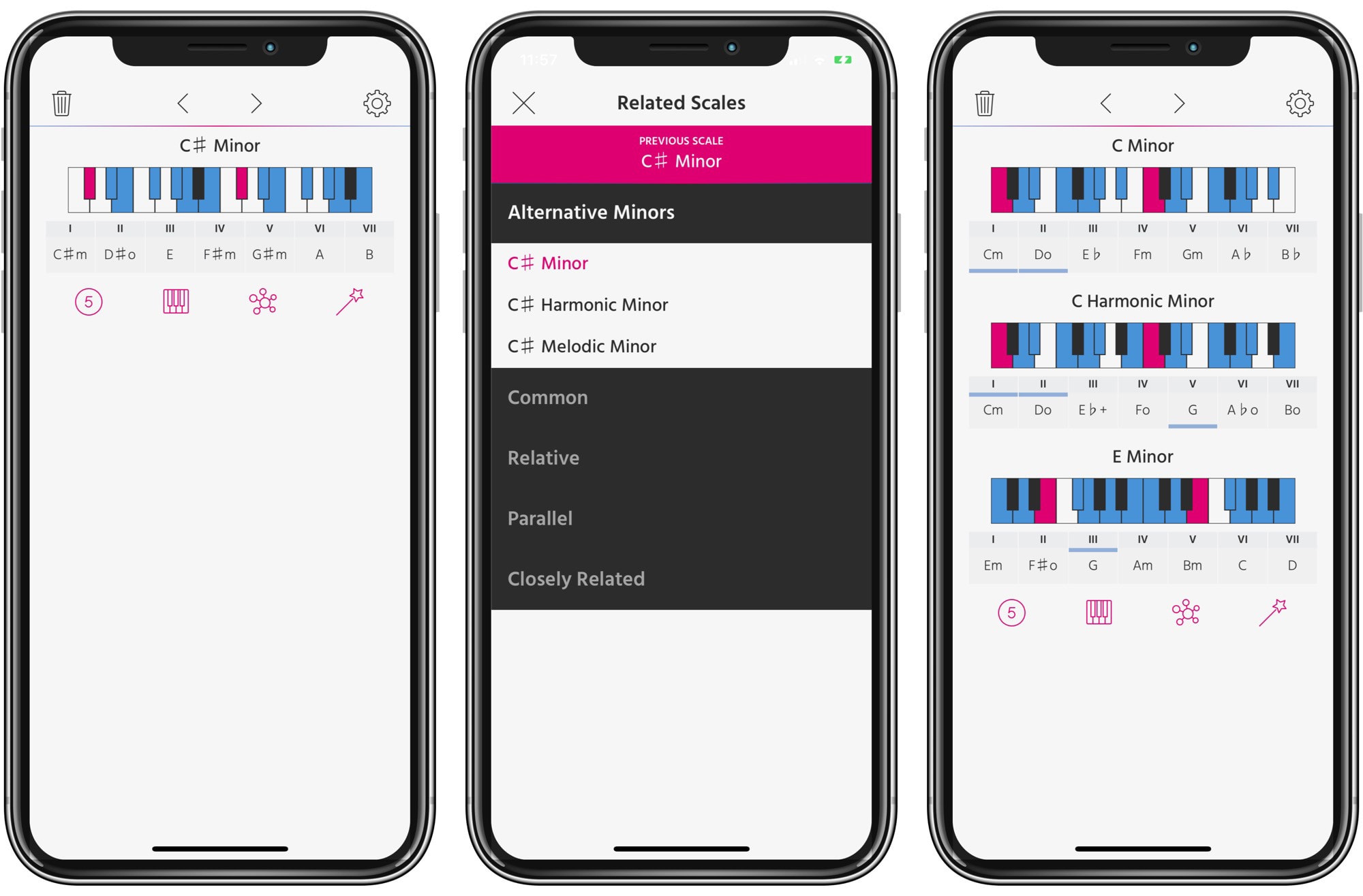
Pensato goes deep with scales and modes. Photo: Cult of Mac
Pensato is a universal app for exploring chords and scales in music. And it has a unique purpose. Instead of just helping you with creating chord progressions, it helps you come up with interesting scale progressions. What?
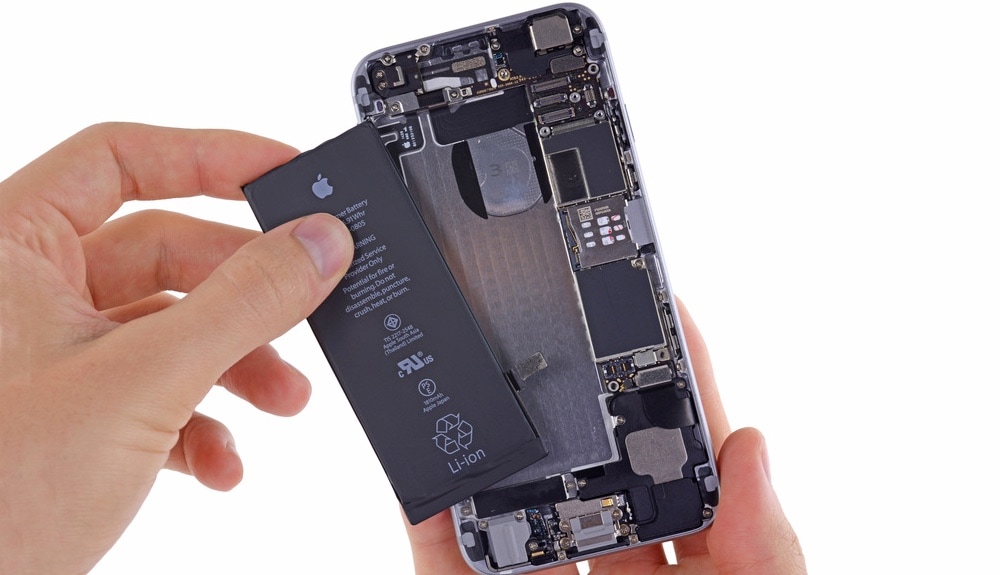
Battery brand no longer complicates an iPhone repair job. Photo: iFixIt
An iPhone powered with a third-party battery can get repaired at all Apple Store Genius Bars, according to a directive issued by Apple.
This is a surprising reverse course for Apple, which strictly forbade Genius Bars and authorized service providers from fixing iPhones with off-brand batteries.
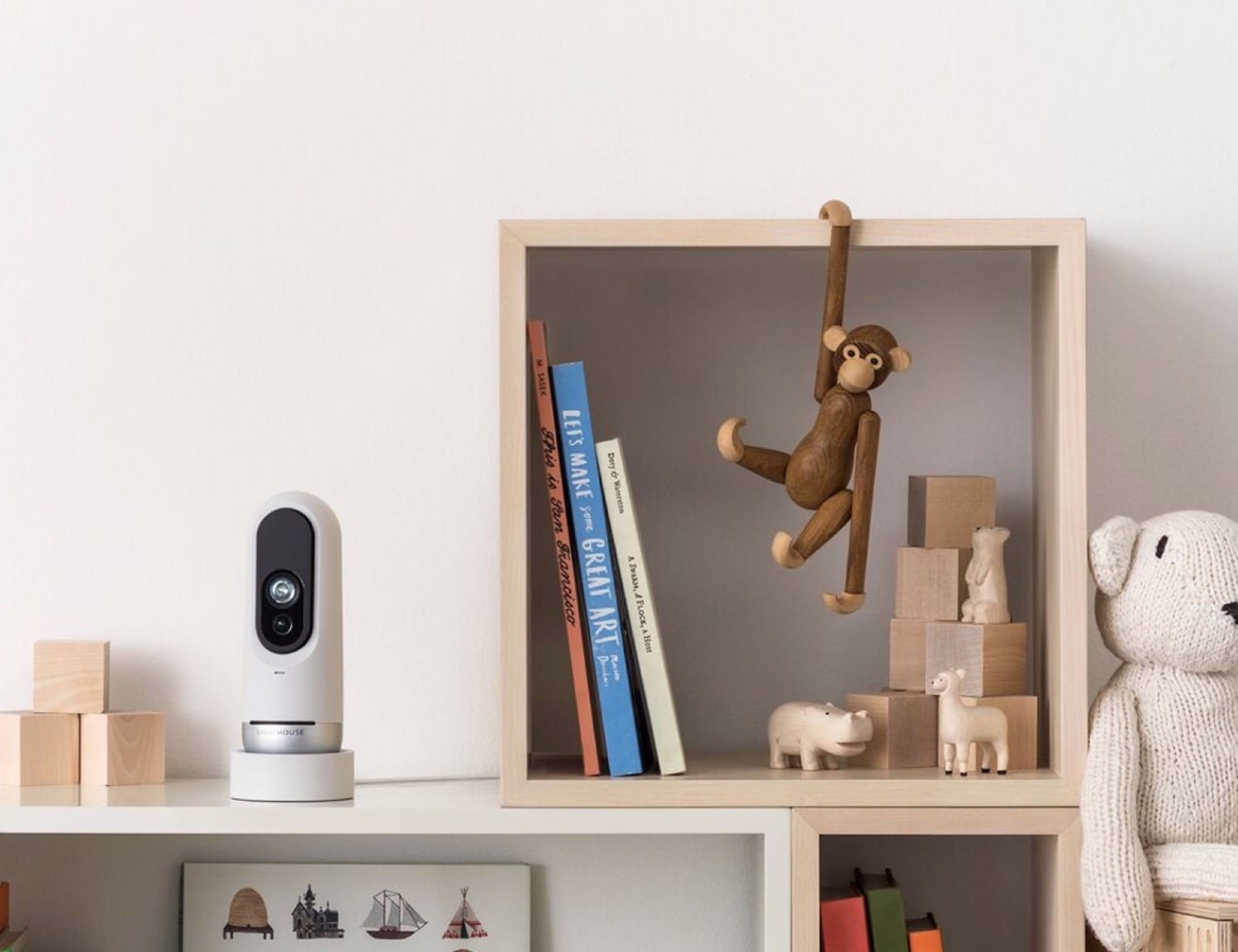
Is Apple planning to make cameras of its own? Photo: Lighthouse
Lighthouse, a smart security camera maker that specialized in AI recognition, officially died at the end of 2018 but its tech is about to get a second chance thanks to Apple.
Apple recently acquired a big batch of patents from the failed startup. Lighthouse launched its security camera a year ago making it easier for users to sort through footage thanks to 3D depth sensing and AI features connected to an iOS app. Now it looks like Apple might incorporate some of those patents into Face ID.
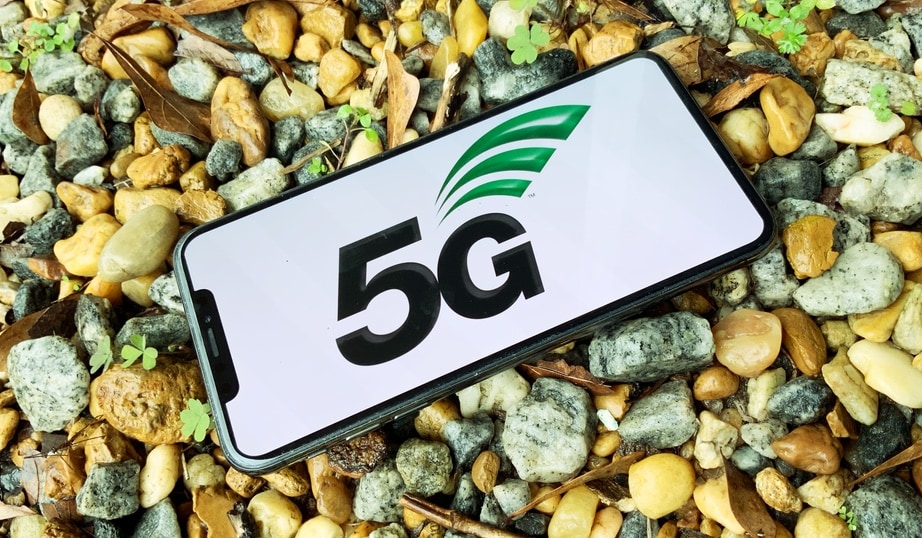
Making a 5G iPhone is going to be tough. Photo: Ed Hardy/Cult of Mac
With Apple and chip-maker Qualcomm back in court this week, the iPhone maker needs to find another source for 5G modems. There are additional possibilities — Intel, Samsung, Huawei and MediaTek — but “none of which is ideal” according to analysts with market-research firm Cowen.
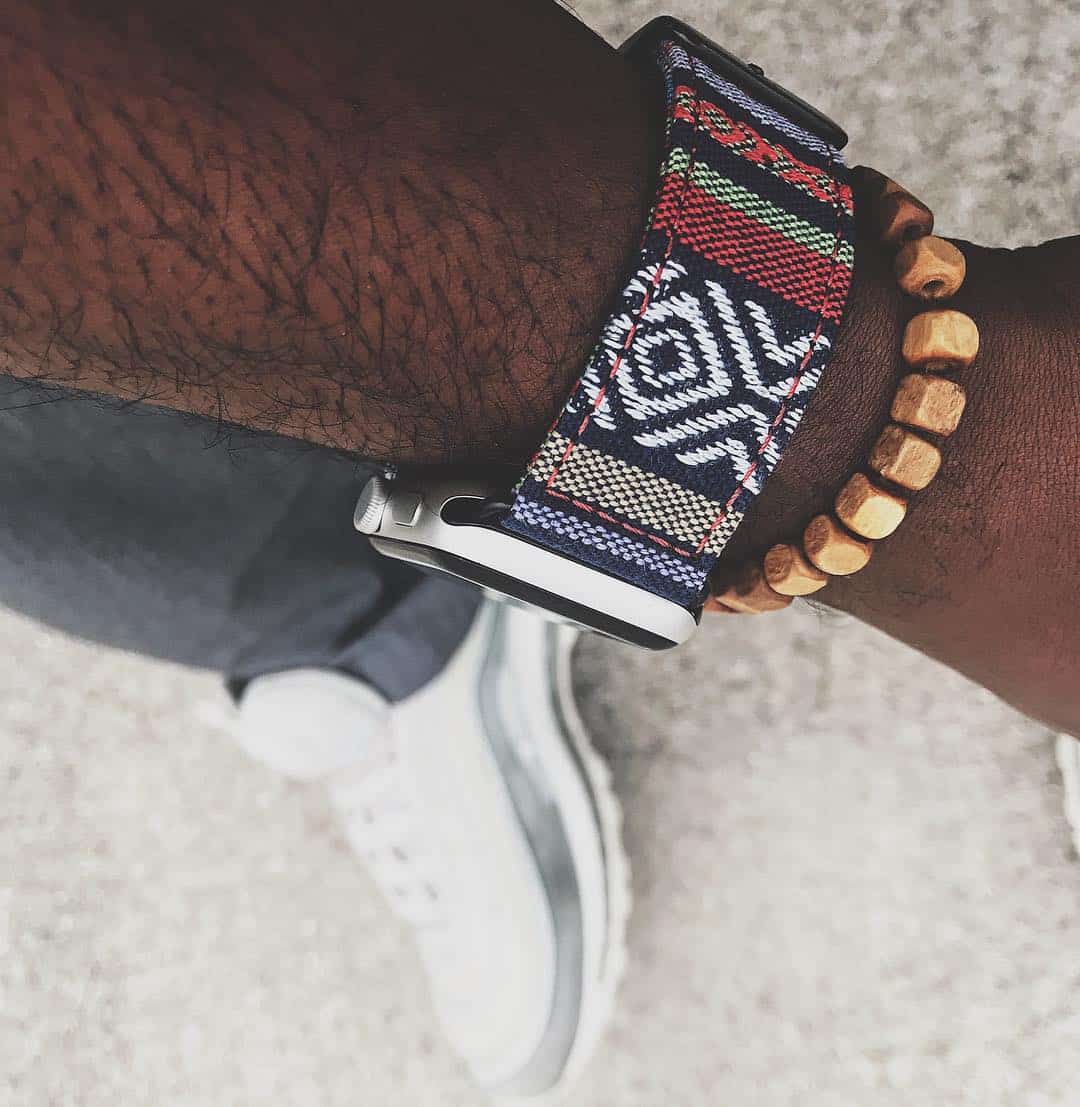
The Tanok — Nyloon's tribal-patterned bands are best-sellers. Photo: Nyloon
If you’ve got an Apple Watch and want to change things up, it’s quite easy to change the face. But if you want more, you’ve got to change the band.
The mechanical part is easy; it’s the acquisition that can be a bit taxing. Looking good doesn’t have to be expensive, though. Check out our selection of bands that go for less than $40, including items from CarterJett, Rilee & Lo, and Nyloon.