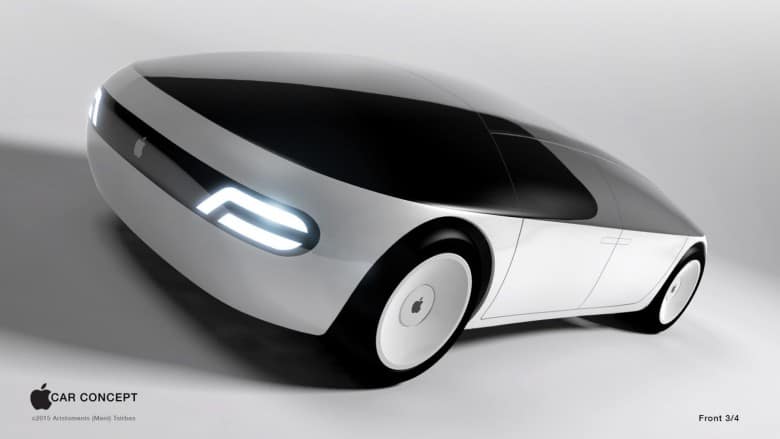
Apple’s autonomous car project is certainly exciting for Apple fans. It’s likely to be a while longer before the company is ready to officially launch what it’s been working on, however.
That’s according to a new “Disengagement Report” which covers the period December 2017 through November 2018. It refers to instances in which self-driving vehicles being tested on California roads had to pass control back to the human driver behind the wheel.