Apple Clips, a free video-creation tool created for the Instagram era, just came to an abrupt end. Not only did Apple cease development of the software, the app can’t even be downloaded anymore.
But odds are you aren‘t too upset, given that Apple likely cancelled the app because it never found a big audience.
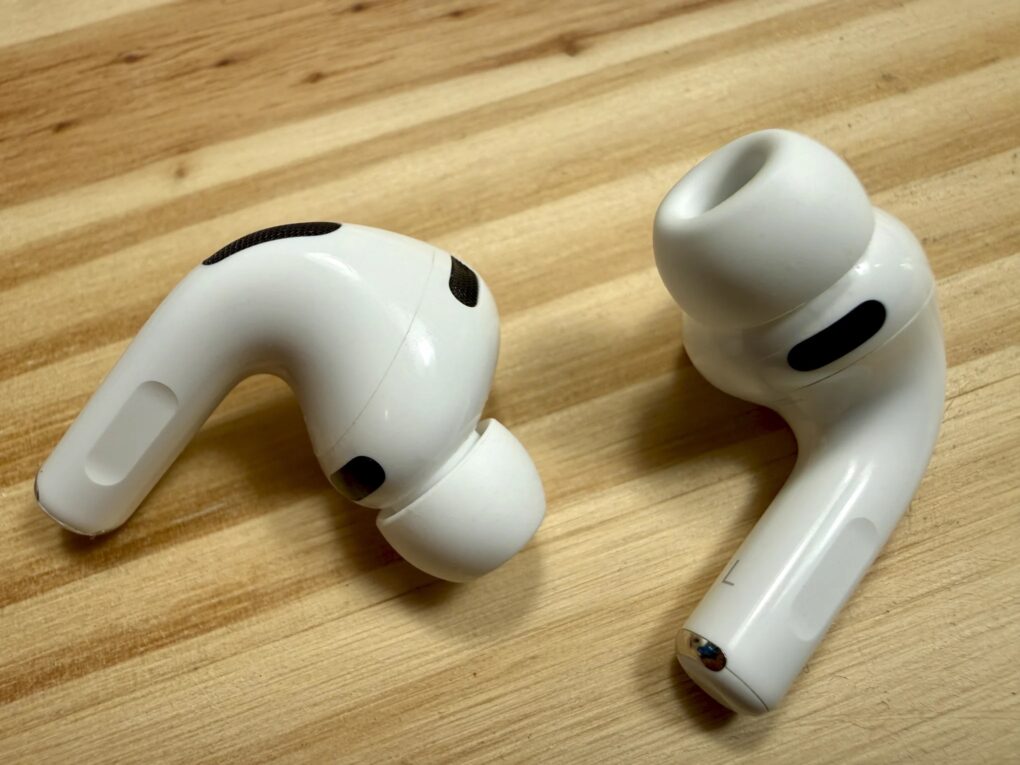
Rumors swirl about AirPods Pro 4 and AirPods 5. Photo: D. Griffin Jones/Cult of Mac
Apple is already working on future generations of its AirPods lineup despite only recently releasing the AirPods Pro 3, according to a new report. The company focuses development efforts on transforming its popular earbuds into AI-powered devices with enhanced health tracking capabilities.
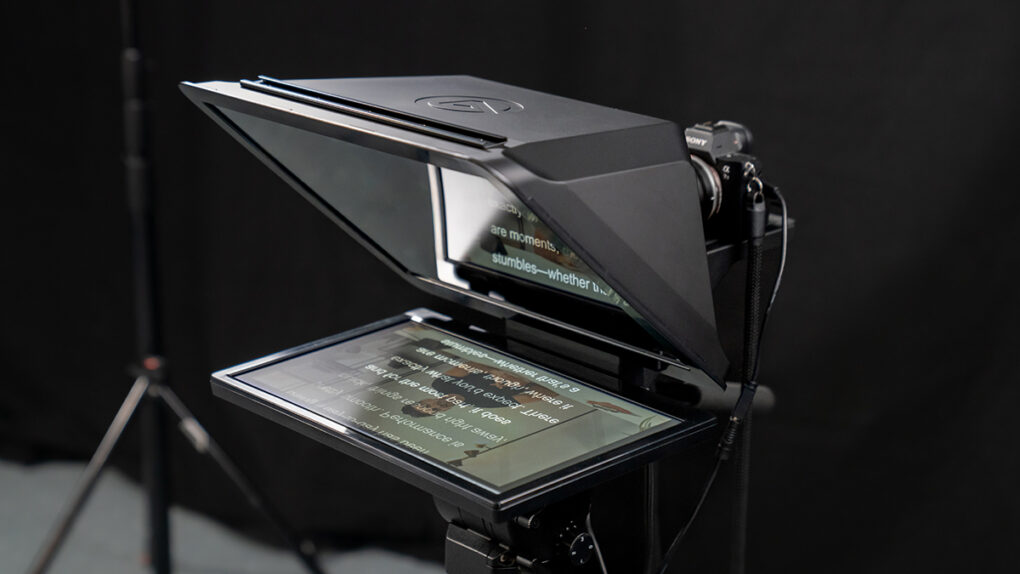
The new version addresses the most common complaint about the original: size. Photo: Elgato
The new Elgato Prompter XL teleprompter, a significantly larger version of the company’s popular Prompter teleprompter, is designed specifically for professional studio environments. The Corsair-owned Elgato said the new model addresses the most common complaint about the original: size.
“We heard it constantly: ‘Love Prompter, but we need something bigger for our studio,'” said Julian Fest, general manager at Elgato. “Prompter XL takes what creators loved about the original — the versatility, the simple setup, the reliability — and scales it up for studio environments.”
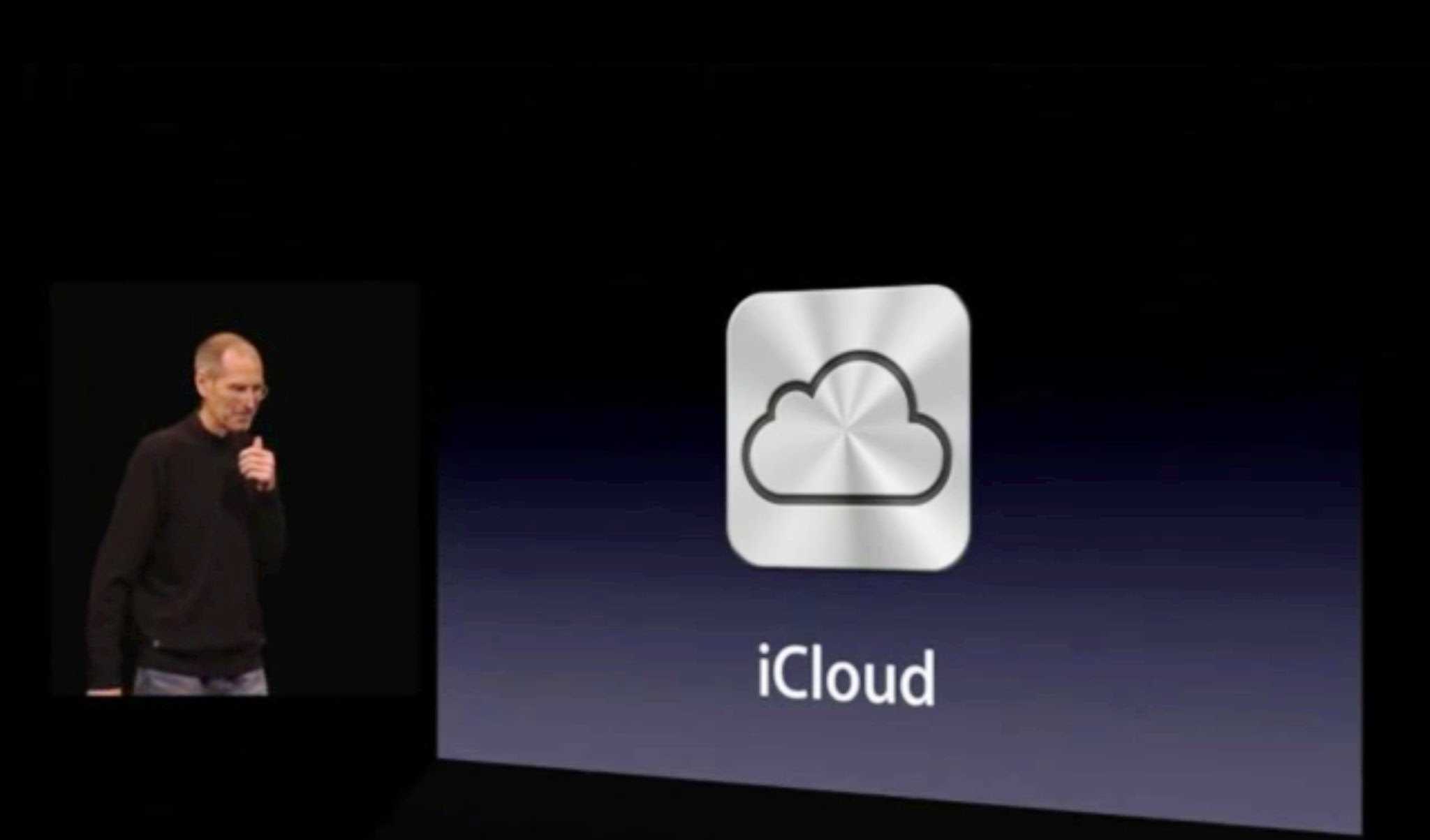
Steve Jobs called iCloud Apple's hard disk in the sky. Photo: Apple
October 12, 2011: Apple launches iCloud, a service that lets users automatically and wirelessly store content in the cloud and push it to their various devices.
iCloud’s arrival marks the end of Apple’s Mac-centric “digital hub” strategy — and ushers in an age of inter-device communication and non-localized files.
Don’t be a victim of juice jacking. Change this iPhone setting today. AI image: ChatGPT
Your iPhone is too trusting of new USB accessories. Plug your handset into the wrong public charger at an airport or coffee shop and it might get hacked. Fortunately, there’s a setting you can (and should) change that prevents your iPhone from falling victim to data theft via juice jacking.
Here’s what to do. And don’t worry … it’s easy. I’ll walk you through it.
Things are getting weird in AI land. Image: Cult of Mac
This week on Cult of Mac’s podcast: After OpenAI’s Sora app races to the top of the App Store charts, it’s time to consider how fantastic and terrifying it really is.
The iPhone-only app produces startlingly photorealistic videos of wacky things like Pikachu as a World War II soldier and iJustine wrestling an elephant. Will we ever be able to believe our eyes again?
Also on The CultCast:
Former Apple design chief Jony Ive and his new BFFs at OpenAI reportedly run into some serious problems as they work to create an AI device to take on the iPhone.
iOS 26 lets you screen iPhone calls even more efficiently than before. Griffin shows us how it the upgraded features work.
A switcher lands a great deal on a MacBook Air, then goes all in on the Apple ecosystem. Talk about the halo effect!
And finally, the latest iOS 26.1 beta brings some interesting new features — Griffin tells us all about them.
Listen to this week’s episode of The CultCast in the Podcasts app or your favorite podcast app. (Be sure to subscribe and leave us a review if you like it!) Or watch the video version, embedded below.
See which of these highly productive keeb suits you best. Photo: chatGPT/Cult of Mac
It’s the ultimate battle of the small Mac keyboards: Logitech MX Keys Mini vs. Apple Magic Keyboard. Choosing between these two premium compact keyboards is tough, and the decisions you make can significantly impact your daily typing experience and productivity.
They’ve both become top contenders for professionals and tech enthusiasts alike. And while they’re similar, they’re not the same.
Find out which is better for you in our head-to-head comparison.
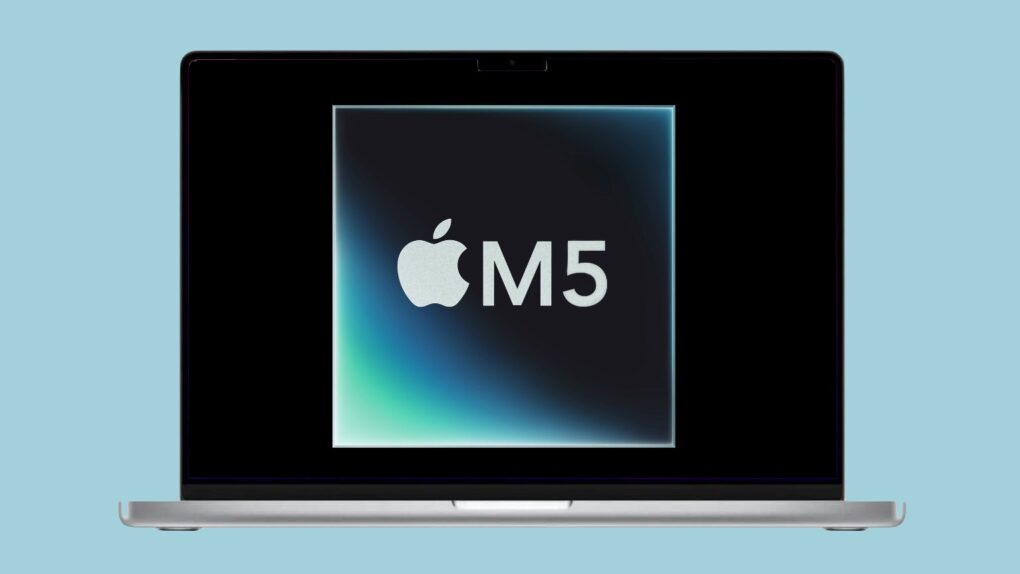
M5 MacBook Pro release date could come both sooner and later. Photo: Apple/Cult of Mac
Some previous rumors point to an upgraded MacBook Pro with Apple’s M5 processor launching very soon, but other reports say it won’t be out until 2026. Turns out both might be correct.
A leak on Friday indicates the MacBook Pro running the base version M5 chip will debut quite soon. However, the variants with the M5 Pro and M5 Max supposedly won‘t launch before 2026.
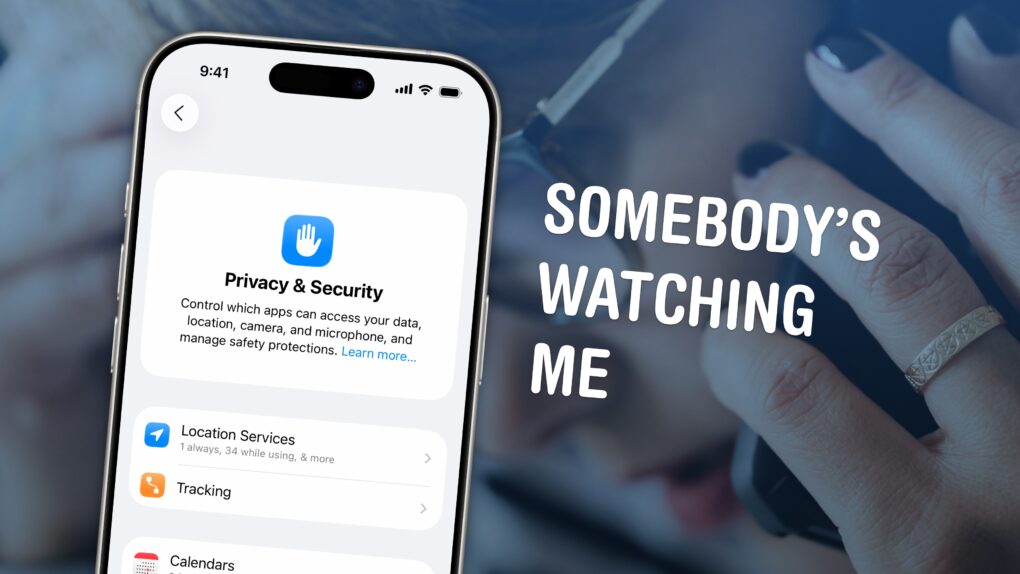
You can see all of the locations your iPhone thinks are significant and turn off the location features in Settings. Image: D. Griffin Jones/Cult of Mac
If you’re uncomfortable with social media apps tracking your movements, or worried about data falling into the wrong hands, here’s how to stop them using your iPhone’s built-in location settings.
If you find yourself traveling to a country with an authoritarian government, clearing your phone’s location history is a safe bet. Or if you’re moving to a different city or to a new job, it can be annoying seeing travel suggestions to the wrong place. Resetting your location history will start from a clean slate.
These moves may also protect you from shady data brokers, who spy on and sell your movements. Here’s how.
Your iPhone with Health+ could dispense advice to make you healthier. AI image: ChatGPT
An Apple each day becomes your doctor someday. That’s the rumor anyway: Apple is reportedly prepping a Health+ service for launch in 2026 that will use AI to dispense advice on nutrition, exercise and more.
Whether the service will someday give out medical diagnoses remains a much murkier question.
The Dragon G3X gaming headset is built for comfort and communications. Photo: Cult of Mac Deals
The Dragon G3X gaming headset is built for long sessions, clear comms and serious style — all without costing a fortune. It comes with a retractable microphone, a comfortable handband and wild lights for your RGB gaming setup.
Whether you’re grinding ranked matches, streaming or just hopping on a late-night raid, this headset brings immersive sound and comfort that lasts. Plus, it’s currently on sale for just $49.99, a 37% discount off the regular price of $79.99.
The Color Classic II never shipped in the U.S., which makes it hard to find today. Photo: Ste Smith/Cult of Mac
October 10, 1993: Apple ships its Macintosh Color Classic II, the last of the 9-inch compact Macs.
Also known as the Performa 275, the Color Classic II will eventually become something of a collector’s item, since Apple released it only in Canada, Asia and Europe.
The Last Frontier debuted on Apple TV+ October 10. Photo: Apple TV+
How would you like to be the lone U.S. marshal covering a vast Alaska region when a jet loaded with dangerous convicts crashes, setting dozens of killers free? That’s the premise for Apple TV+’s new The Last Frontier series. And before long it becomes clear it may not have been an accident at all, but just the first step in a terrifying plan.
The good news is you don’t have to be the marshal. You can just watch his struggle in the tense, 10-episode series starting Friday.
Reviews so far are mixed. Collider said: “The Last Frontier is an engaging, often surprising manhunt thriller that elevates itself through a great central performance from Jason Clarke and smart, unexpected plotting that constantly evolves as the story unfolds.” But The Hollywood Reporter noted the show “goes from fun to tedious in a hurry.” AV Club called it “far more silly than chilly,” teeming with “exposition dumps” and “inane twists.”
Legendary Michelin stars can make or break a restaurant. Photo: Apple TV+
Streaming Friday, the new Apple TV+ documentary series Knife Edge: Chasing Michelin Stars gives an unprecedented look behind the scenes of the world’s most prestigious restaurants in their quest for coveted Michelin stars.
Celebrity chef Gordon Ramsay and his Studio Ramsay Global production company produce the eight-part series. It promises to deliver high-stakes culinary drama and unprecedented access to the secretive Michelin ratings process. Watch the trailer below.
Reviews so far lean positive, calling the show “riveting” and praising its realistic, fly-on-the-wall look at chef’s lives and what drives them.
Jeff Williams retires from Apple later this year. Screenshot: Apple
Apple is preparing for a major internal reorganization ahead of COO Jeff Williams’ retirement later this year. As part of the rejig, Eddy Cue, Apple’s senior vice president of services, will oversee the health and fitness team.
Meanwhile, leadership of the watchOS division will move to Craig Federighi, Apple’s head of software engineering.
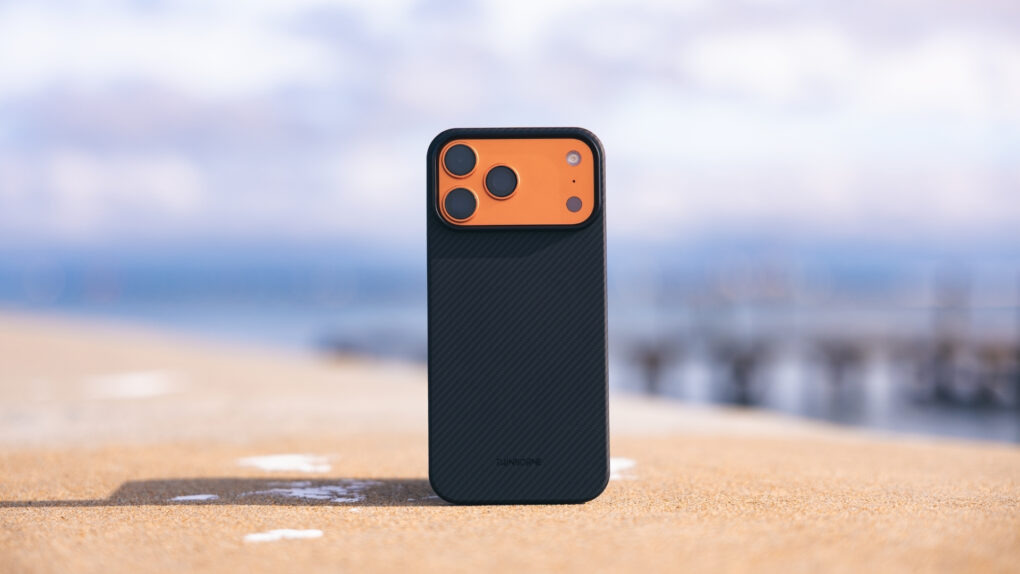
If you want a super-thin iPhone case that still offers protection, aramid fiber is your friend. Photo: Thinborne
Thinborne, a small business based in Texas, designs super-thin iPhone cases using aramid fiber — a material commonly used in the aerospace and military industries. The latest example is Thinborne’s new iPhone 17 Pro case, which lets you enjoy the functionality of Apple’s most impressive phone yet in style.
But don’t let the sleek aramid case’s minimalist style fool you. This slim iPhone case delivers on its promises. You can count on it to be long-lasting and durable — scratch-resistant and able to handle moderate impacts.
You haven’t missed your chance at great deals on Mac, iPad and more! Photo: ChatGPT/Cult of Mac
Shockingly, many of the amazing discounts on Apple gear that we saw during Amazon’s Prime Big Deal Days remain available for anyone who blinked and missed them. Some disappeared, but some actually got better!
We double-checked the deals early Thursday. Below, you can see all the best Prime Big Deal Days sales still going on Apple gear, from AirPods to iPads to MacBooks to the Studio Display. And that includes Apple audio subsidiary Beats, too.
Be aware that Amazon’s pricing often changes, and we have no idea how long any of these amazing Apple deals will last.
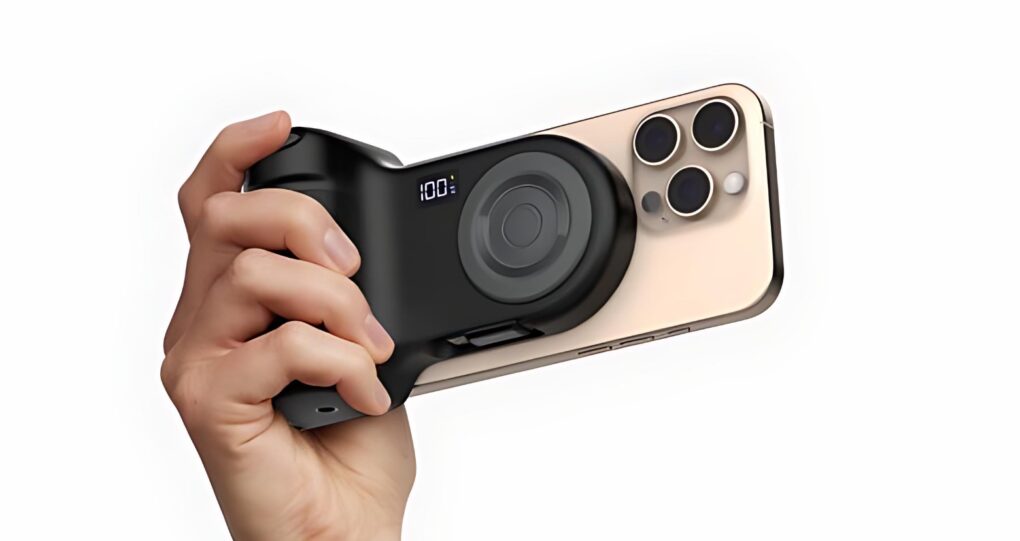
Belkin Stage PowerGrip charges your iPhone while also adding a grip. Photo: Belkin
The Belkin Stage PowerGrip adds to an iPhone the grip that DSLR camera users are familiar with. Built into the grip is a battery that sends power to the handset via the MagSafe magnetic charging mat integrated into the device.
After being unveiled early this year, the product finally launched on Thursday.
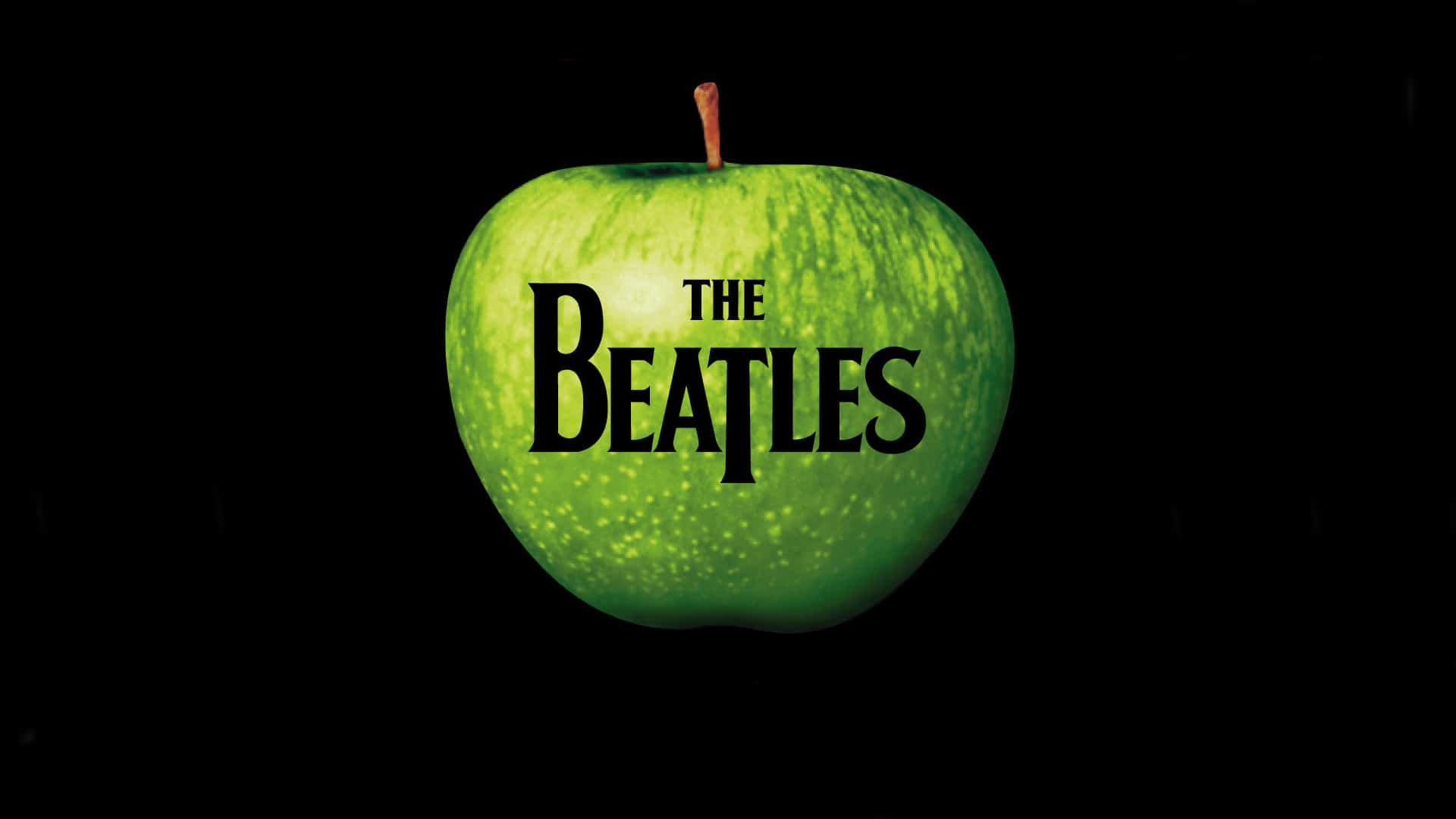
Apple versus The Beatles is one of the less-likely feuds in Apple history. Image: Apple Corps.
October 9, 1991: A court orders Apple to pay $26.5 million to Apple Corps, The Beatles’ record label and holding company, for trademark infringement. The end of this Beatles versus Apple lawsuit marks the second time Cupertino is forced to pay the English rock band.
The ruling comes a decade after Apple swore it would never get into the music business.
The newly minted "Apple fanboy" jokingly referred to the Apple ecosystem as a huge trap. Photo: [email protected]
Ready to convert to Mac? I came across one user who scored a nice student deal on a MacBook Air, and soon found themself upgrading their whole outdated PC setup as a complete, highly functional and reasonably affordable Apple-ecosystem rig.
“I’m so so cooked … the Apple ecosystem is a huge trap!” they joked. “Don’t let one device get into your house.”
★★★★☆
PNY Duo Link V3 is a portable SSD for your new computers and your old ones, too. Photo: Ed Hardy/Cult of Mac
The PNY Duo Link V3 external SSD includes both a USB-C and a USB-A connector. That means the flash drive can plug into a recent Mac, iPad or iPhone, but can also go into a smart TV or other accessory that lacks a USB-C port — no adapter needed.
And it’s quick, with data transfers at up to 800MB/s. Capacities go up to 2 terabytes.
I put the affordable SSD through a series of real-world tests. Here’s what I found.
Get lifetime access to this easy-to-use résumé builder (with a huge discount). Image: Cult of Mac Deals
If your résumé still looks like you last updated it on your old MacBook from 2012, you need a résumé template to make sure your job application stands out. Luckily, you don’t need to hire a designer or spend hours fiddling with line spacing.
With ResumeInventor’s All-Access Lifetime Plan, you gain instant access to more than 950 premium résumé templates crafted by professionals who know what actually catches a hiring manager’s eye. And right now, you can secure this lifetime subscription for less than $60.
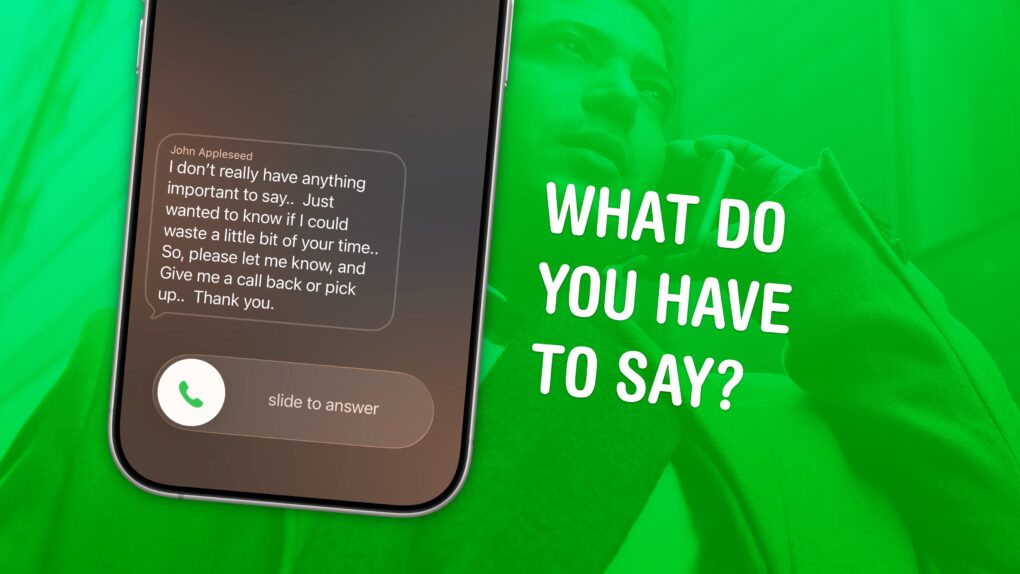
Decide before you waste your time. Image: D. Griffin Jones/Cult of Mac
Screening calls on iPhone has finally gotten good. It’s now possible to block and screen all calls from unknown numbers and lead a life of peaceful zen. Apple has added a trio of features to iPhone to screen calls: one aptly named Call Screening, as well as Live Voicemail and Silence Unknown Callers.
Using these features together gives you a great way to stop unknown callers on iPhone. The Call Screening feature pairs very well with Live Voicemail. With both of these turned on, unwanted calls will be far less intrusive, but you will still be able to pick up important calls as they come in.
Here’s how to screen calls and other annoyances without missing any crucial conversations.

 October 12, 2011: Apple launches


 October 11, 1995: Steve Jobs files the paperwork to float Pixar Animation Studios on the stock market.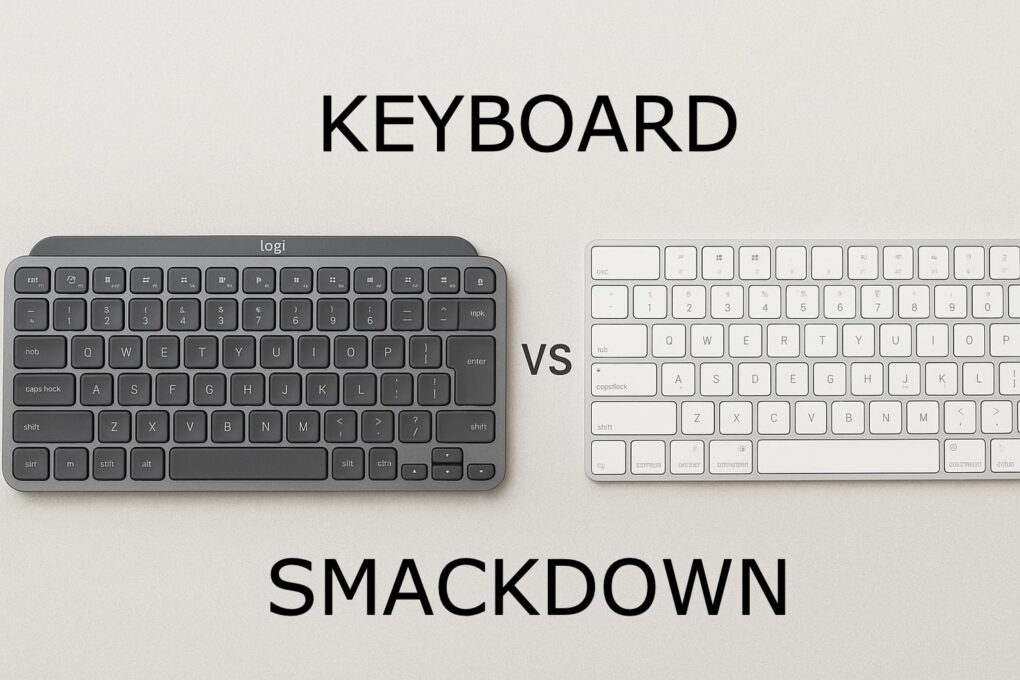



 October 10, 1993: Apple ships its Macintosh Color Classic II, the last of the 9-inch compact Macs.


 October 9, 1991: A court orders Apple to pay $26.5 million to Apple Corps, The Beatles’ record label and holding company, for trademark infringement. The end of this Beatles versus Apple lawsuit marks the second time Cupertino is forced to pay the English rock band.