
The new iPhone setup process gets easier every year. These days, you only need to do a few things to transfer all your old iPhone data to a new one. Still, certain tips and tricks can smooth the way.
The hot new tip this year is that you can directly transfer data from your old iPhone to your new one using a cable. Plus, other time-honored iPhone setup tricks will help things run smoothly. Here’s how to set up your new iPhone the right way.

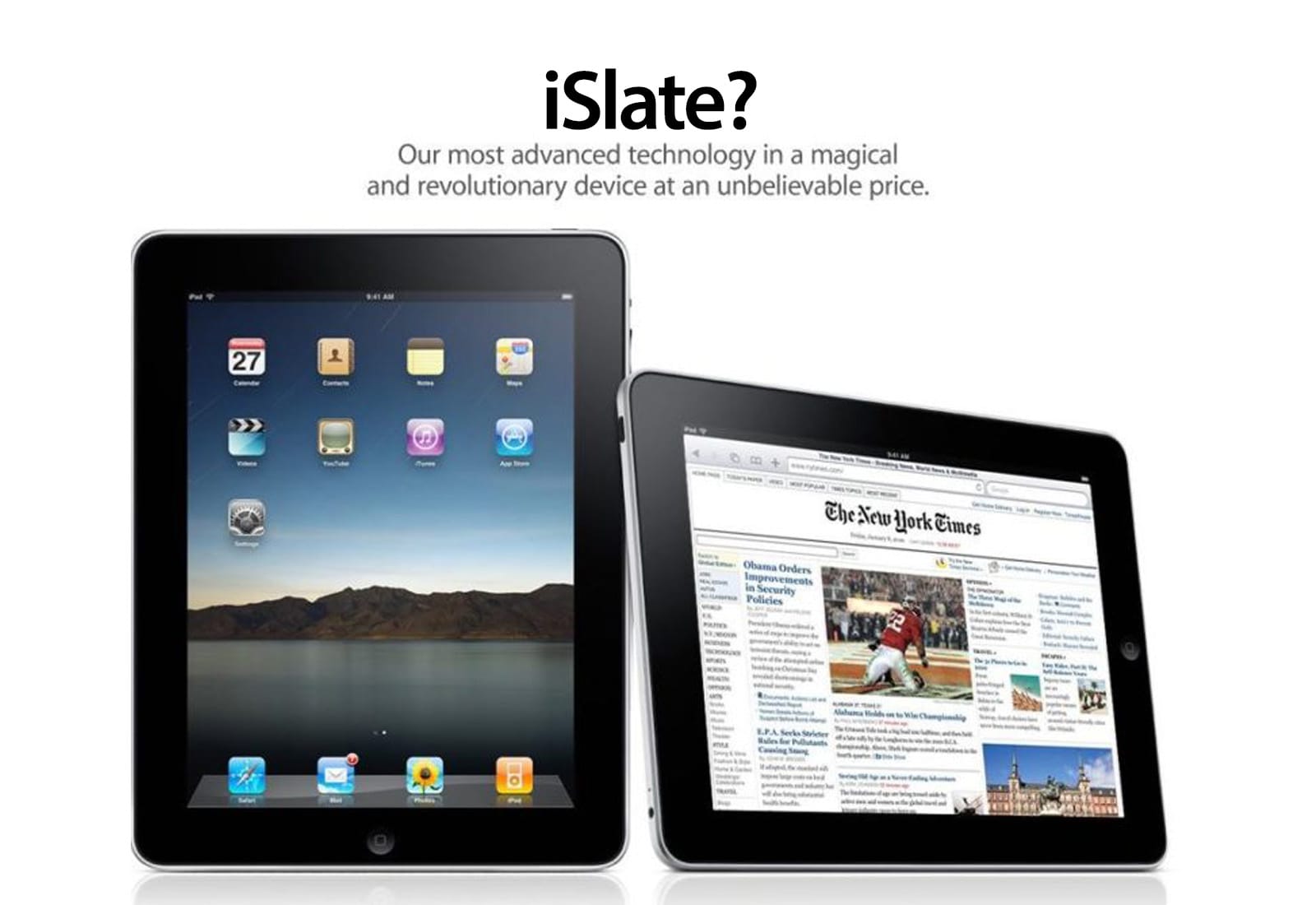
 December 24, 2009: As rumors of a possible Apple tablet reach the boiling point, word spreads online that the new device will be called the “iSlate.”
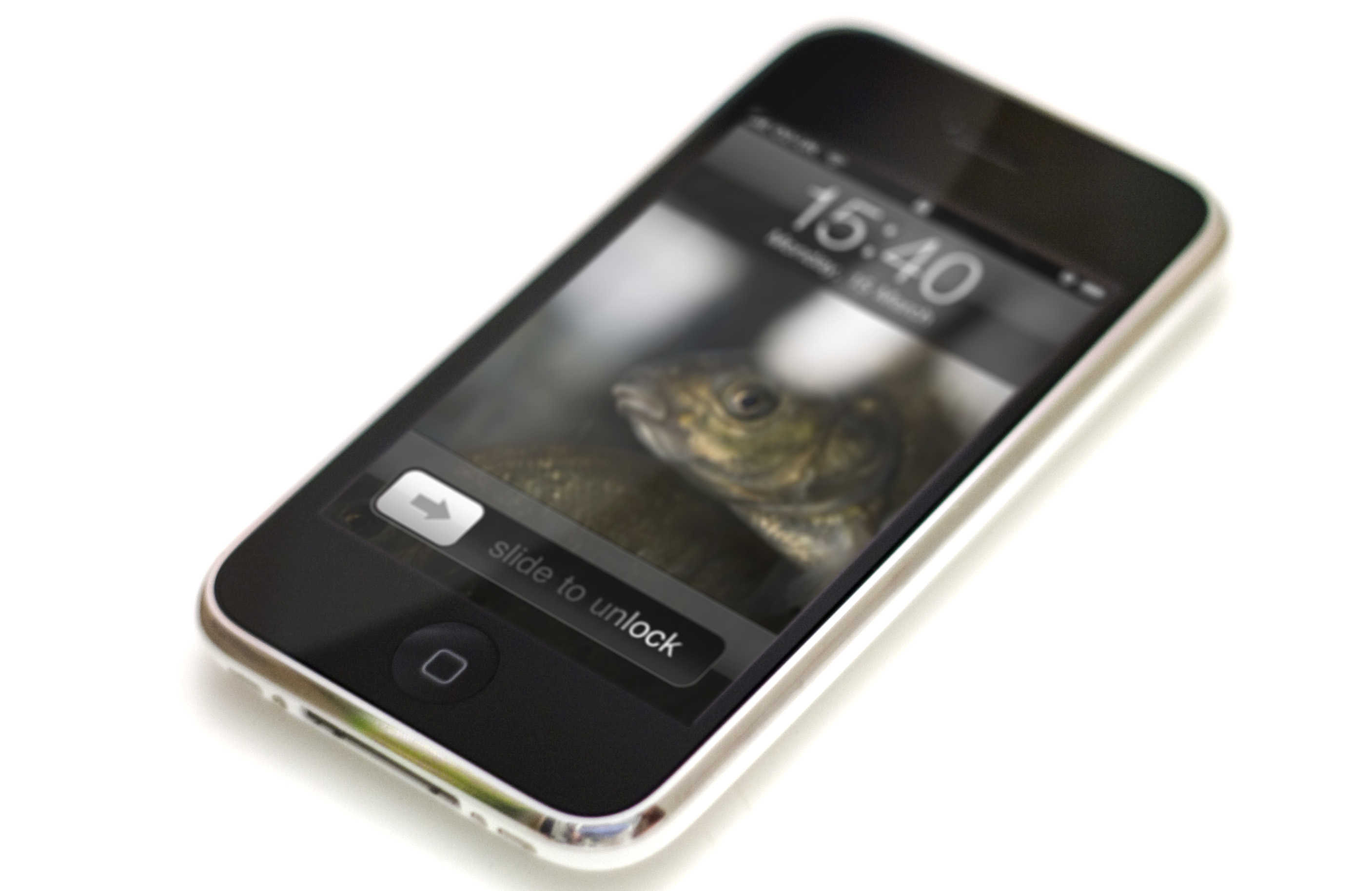
 December 23, 2005: Apple files a patent application for its iconic “slide to unlock” gesture for the iPhone.


 December 22, 2013: After months of false starts, Apple finally secures a deal with China Mobile to bring the iPhone to the world’s largest telecom company.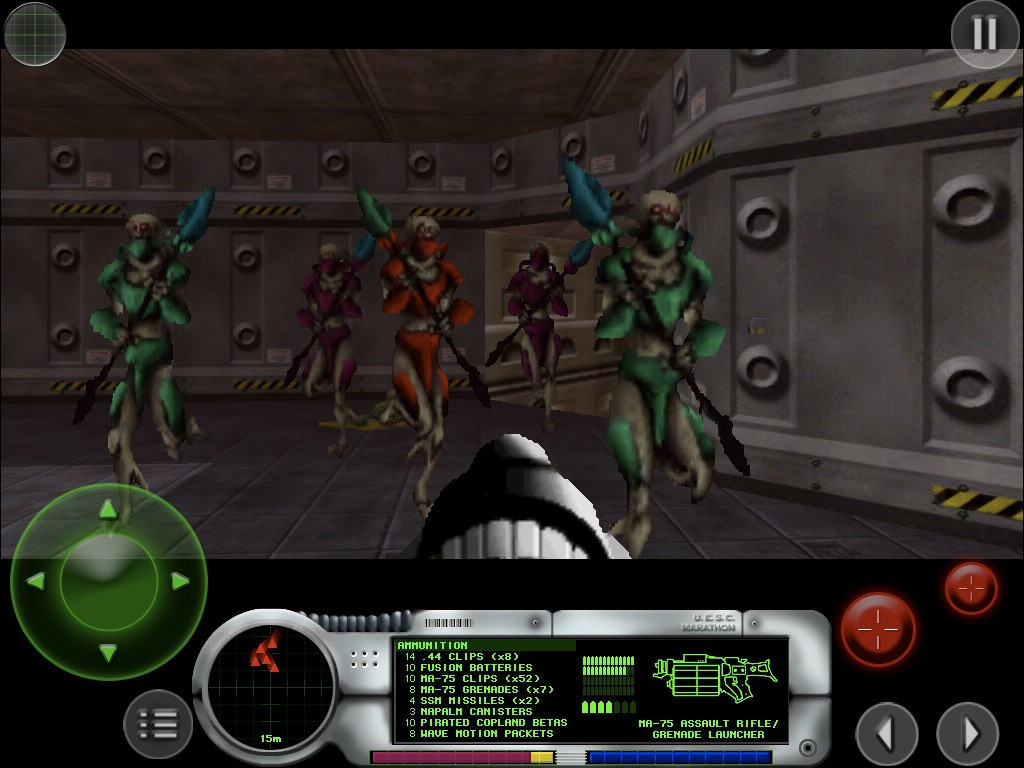
 December 21, 1994: Mac gamers get their hands on Marathon, a sci-fi first-person shooter designed as an answer to the massive success of PC title Doom. Created by Bungie, the team that would later create the


 December 20, 1996: Apple Computer buys




 December 19, 2007: Apple settles a lawsuit with reporter Nick Ciarelli, resulting in the shuttering of Think Secret, his masssively popular Apple rumors website. Writing under the screen name Nick de Plume, the Harvard University student broke a number of Apple stories on the site, raising Cupertino’s ire.
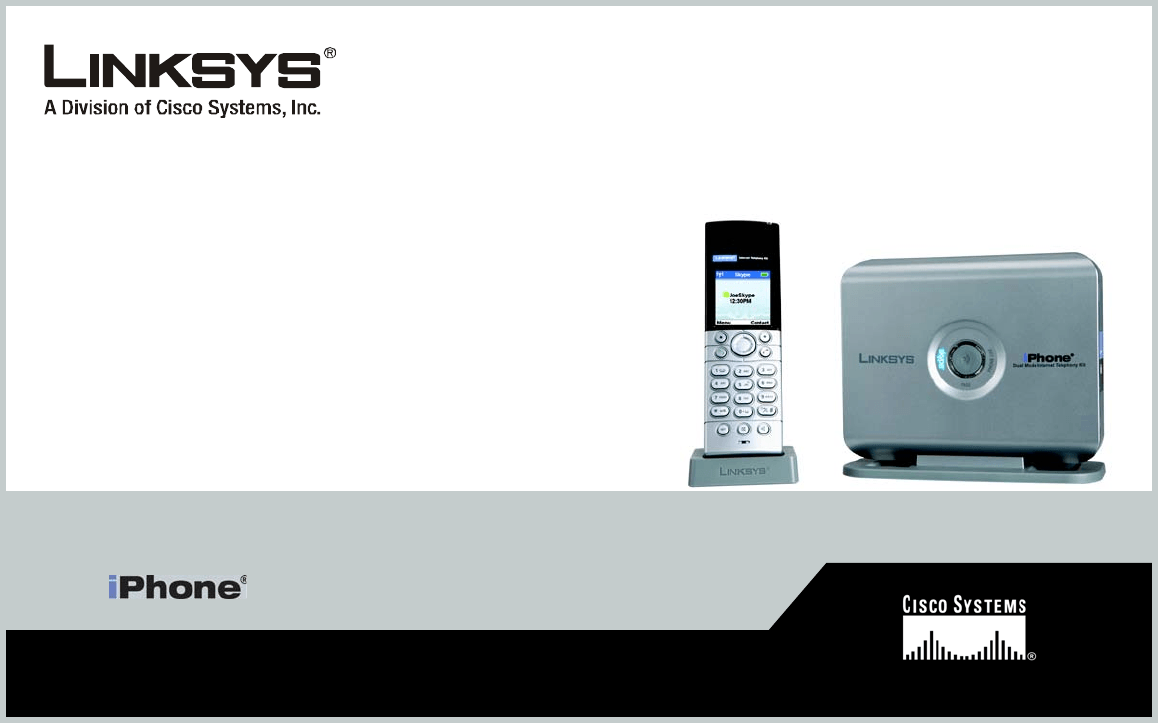
 December 18, 2006: Apple fans mourn the death of the iPhone before it even launches. Linksys begins selling a new handset called the “iPhone,” and Cupertino watchers must come to grips with the fact that Apple’s rumored smartphone probably won’t bear that name after all.