If you want to know the fastest and easiest way to send someone photos, videos, files and so, so much more, you should know how to AirDrop. There’s no need to send an iMessage — Apple’s slick AirDrop feature will immediately send and open the content on someone else’s iPhone (or other Apple device). There’s no middle step.
AirDrop works iPhone-to-iPhone, iPhone-to-Mac, iPhone-to-iPad, Vision Pro-to-Mac — any combination and permutation of two Apple devices. And, if your friend has a Google Pixel 10, you can AirDrop with them, too!
Keep reading to find out everything you need to know about how to take advantage of AirDrop.


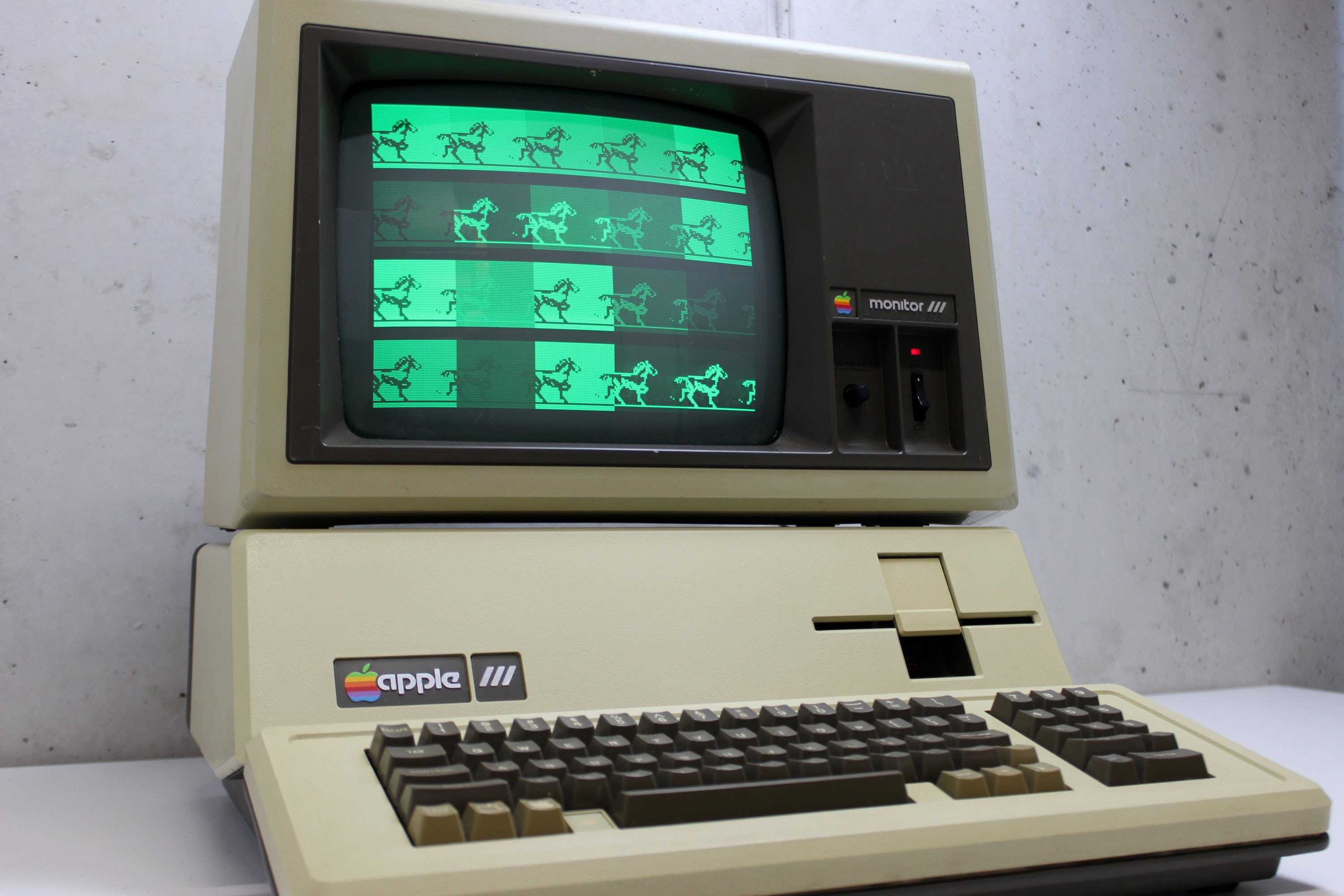
 December 1, 1981: After the disastrous rollout of the “next-gen” Apple III in 1980, Apple releases a revised edition of the computer that corrects most of its glaring hardware faults.



 November 30, 2003: Apple expands its retail chain outside the United States for the first time, opening Apple Store Ginza in Tokyo’s trendy shopping district.


 November 29, 1995: Capitalizing on the success of Toy Story, Pixar floats 6.9 million shares on the stock market. The Pixar IPO makes Apple co-founder


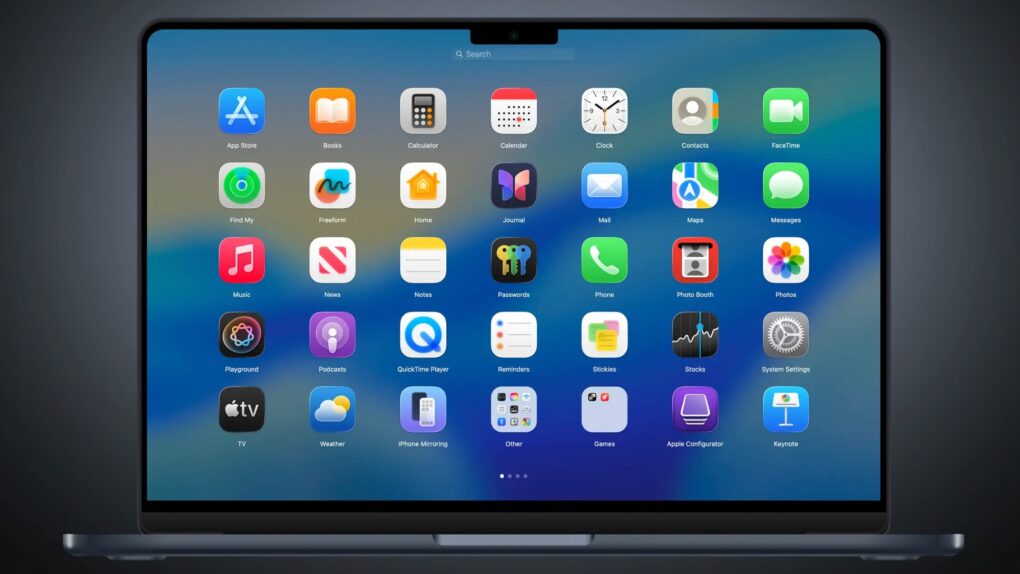
 November 28, 2001: People download QuickTime 5 for Mac and PC a million times every three days, Apple says, putting the multimedia software on track to exceed 100 million downloads in its first year of distribution. The announcement comes as websites adopt the MPEG-4 format, and online video begins to take off in a big way.




 November 27, 2012: Apple fires the manager responsible for the disastrous Apple Maps launch in iOS 6 after the glitchy software delivers embarrassingly bad data to users around the world.