Can’t find that file you just downloaded?
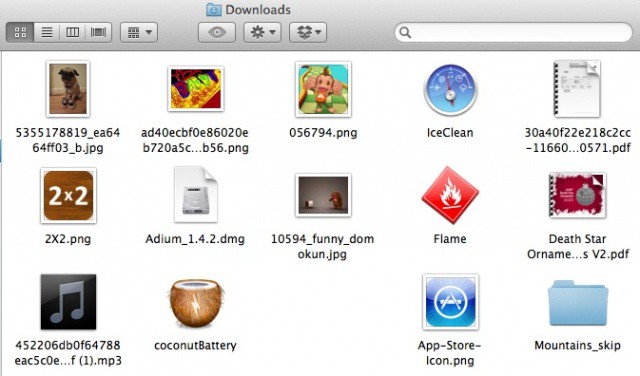
Keyboard shortcuts are for power users, right? Well, not ONLY them. Even relative newcomers to OS X tend to know about Command-C (Copy), Command-X (Cut), and Command-V (Paste). They might even know how to open the Applications Folder (Command-Shift-A) or the Utilities Folder (Command-Shift-U). But This one was new, even to me, a relatively seasoned user of Mac OS X. Popping open the Downloads folder from the Finder is simple, with a Command-Option-L. Be sure to thank us later. (Update: Or thank the ever vigilant folks in the comments for their good catch – we’re nothing if not responsive.)
Use Two Obscure Keyboard Shortcuts for Big Results [OS X Tips]