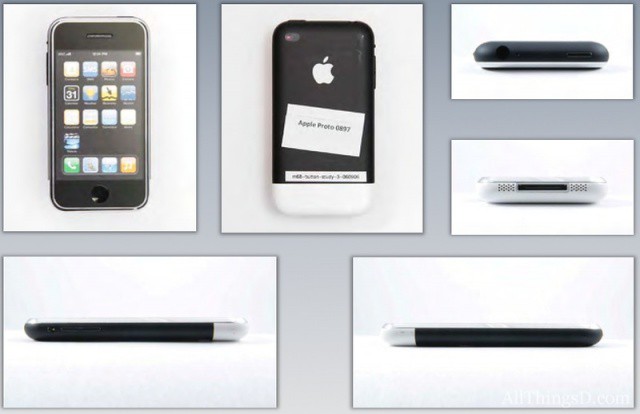
The Samsung vs. Apple legal brouhaha has been a pretty tedious story to cover up until now, but over the last week, those of who with a professional interest in paying attention to the bickering were finally rewarded when Apple started coughing up images of their early iPhone prototypes in the court filings.
On Saturday, though, in preparation for the start of today’s trial, Apple released a new filing with dozens of sketches, prototypes and 3D models of early iPhone prototypes. We’ve seen some of them before, but a lot of them are new, and one thing that is abundantly clear is that back in 2006, Apple has already thought out every possible shape an iPhone could be.
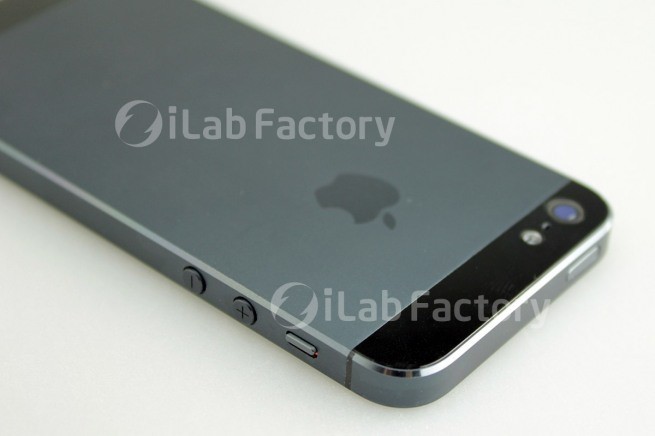
We’ve put together a gallery below of all of Apple’s iPhone prototypes, culling the images from a longer slideshow from All Things D. Check it out: not only will you see iPhones that never made it in there, you’ll see the iPhone 3G, the iPhone 4 and even a longer iPhone that could be the iPhone 5!